How we make this list: we compare pricing pages, product documentation and public user reviews. Rankite is independent; if a vendor ever pays for a featured spot, that listing is clearly labeled Partner.
Key takeaways
- Value in accounting software means the right features for your size: Wave and Manager.io are free, Zoho Books and Kashoo are cheap and capable, Xero and QuickBooks cost more but do more.
- Free is real here: Wave's accounting is genuinely free, and Manager.io's desktop edition costs nothing.
- The cheapest option that your accountant hates is not a value; check what your accountant works with before choosing.
- Bench is the done-for-you alternative: human bookkeepers plus software, for owners who want the books handled.
Quick comparison
| Tool | Best for | Starting price | Free plan |
|---|
 Wave Wave | free small business accounting | Free | Yes |
 Zoho Books Zoho Books | affordable full accounting | See website | Yes |
 Xero Xero | growing business accounting | See website | No |
 QuickBooks QuickBooks | the accountant-approved standard | See website | No |
 FreshBooks FreshBooks | freelancer invoicing and accounting | See website | Free trial |
 Sage 50 Sage 50 | desktop accounting depth | See website | No |
 Kashoo Kashoo | simple affordable accounting | See website | Free trial |
 AccountEdge AccountEdge | Mac and Windows desktop accounting | See website | No |
 Manager.io Manager.io | free desktop accounting | Free | Yes |
 Bench Bench | bookkeeping done for you | See website | No |
Is your product missing or out of date?
We review this list regularly. Vendors can request a listing, send updated pricing or ask about featured placement.
The best value accounting software
Starting priceFree
Free planYes
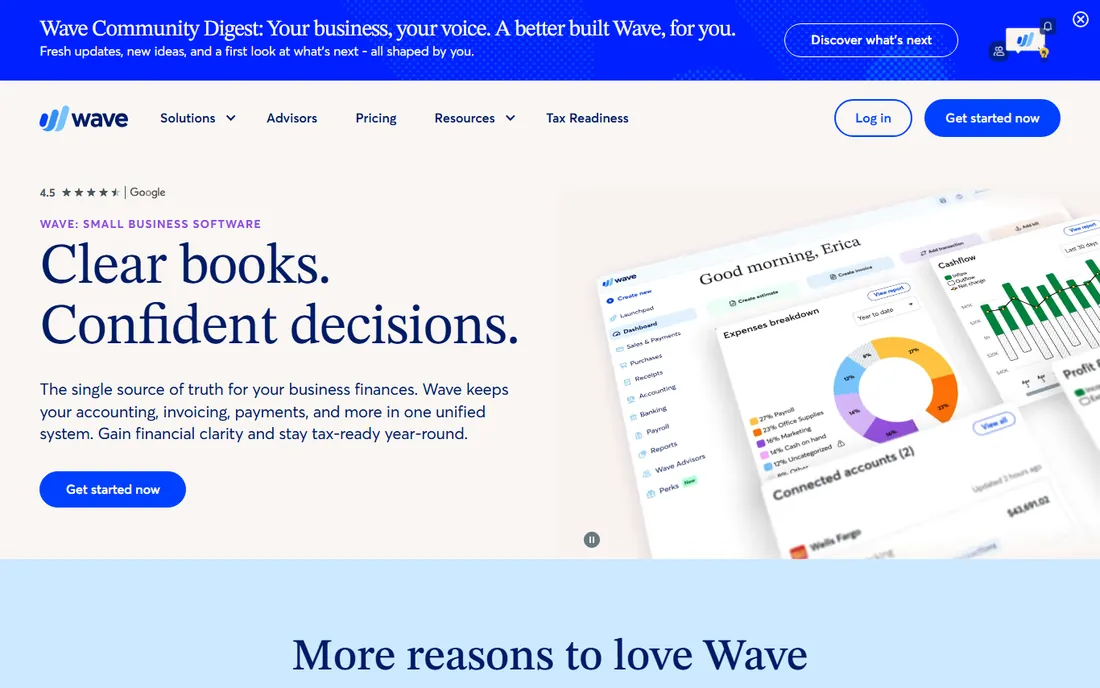
Wave's proposition is the simplest in accounting software: the accounting, invoicing and receipt scanning are free, with no trial period and no feature-gated tiers. The company earns from optional payment processing and payroll, which you only pay for if you use them. For freelancers and tiny businesses, the value is unbeatable.
The product covers the essentials well: invoicing, expense tracking, bank connections, basic reports and multi-currency. The interface is friendly and the mobile app handles invoicing on the go. Millions of small businesses run on it, which keeps the product maintained and improving.
The honest limits are depth and the business model. Advanced inventory, project accounting and multi-entity features are absent. If you never use Wave's payments or payroll, you are not the customer they monetize, which is fine for you but worth understanding. For straightforward small business accounting, free and good beats cheap and complicated.
What we like- Accounting and invoicing genuinely free
- Easy to use
- Good mobile app
Watch out for- Wave makes money on payments and payroll
- Fewer advanced features
Starting priceSee website
Free planYes
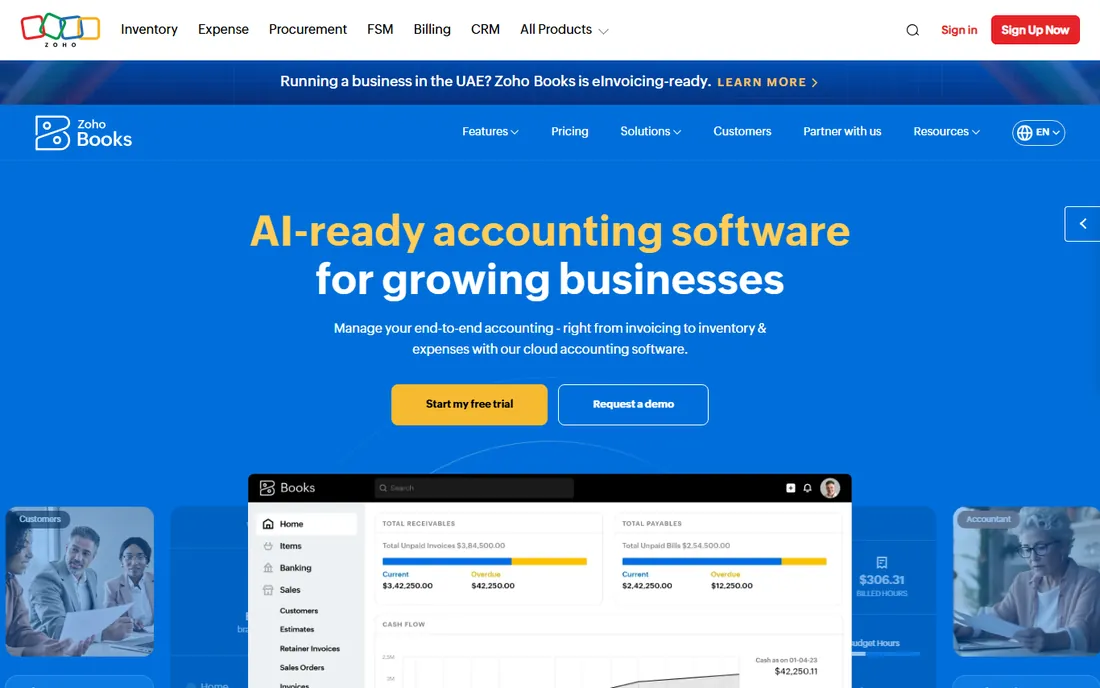
Zoho Books is the value pick for businesses that need real accounting, not just invoicing: double-entry accounting, inventory, project billing, multi-currency and tax handling, at prices that undercut Xero and QuickBooks significantly. The free plan covers businesses under a revenue threshold, which makes it free for the smallest.
The feature depth surprises people at the price. Bank reconciliation, purchase orders, vendor management, timesheets and client portal are all included. Inside the Zoho ecosystem, it integrates with CRM, inventory and the rest of the suite, which multiplies the value for Zoho users.
The trade-off is polish and support. The interface is functional rather than delightful, and support responsiveness gets mixed reviews. Accountants are less likely to know it than QuickBooks or Xero, so check with yours. For the price-conscious business that needs real accounting, it is the best value on this list.
What we like- Full accounting at low prices
- Free plan for small businesses
- Zoho ecosystem
Watch out for- Interface less polished than Xero
- Support can be slow
Starting priceSee website
Free planNo
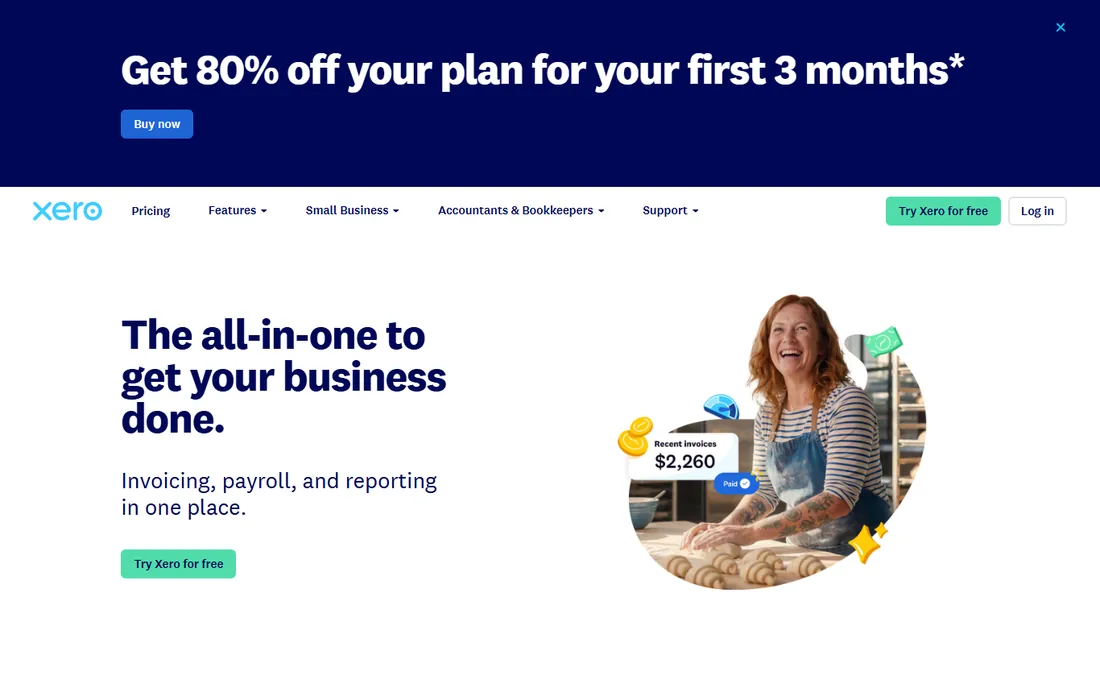
Xero is the cloud accounting platform that growing businesses graduate to: clean double-entry accounting, invoicing, expense claims, inventory, multi-currency and project tracking, with an app marketplace of over a thousand integrations. It is the standard for modern small businesses in many markets.
The ecosystem is the value story. Whatever the business needs, payroll, point of sale, inventory, reporting, there is a Xero integration for it. The bank feeds are excellent, the interface is the best in the category and accountants worldwide know it. For businesses with an eye on growth, it scales further than the budget options.
The honest catch is price. Xero costs more than Zoho Books, Wave or Kashoo, and the pricing tiers gate features like multi-currency and project tracking. Very small businesses may not need it. But as a value proposition for a growing business, one system that scales beats two migrations.
What we like- Beautiful interface
- Huge app ecosystem
- Strong bank feeds
Watch out for- Costs more than budget options
- Payroll is separate in some regions
Starting priceSee website
Free planNo
QuickBooks Online is the accounting software most American small businesses use, and the value is in the ubiquity: your accountant knows it, your bookkeeper knows it, hundreds of apps integrate with it and help is everywhere. Plans scale from solo freelancers to mid-size businesses with inventory and advanced reporting.
The practical advantage is never being stuck. Whatever the business needs, payroll, payments, time tracking, lending, there is a QuickBooks version or integration. The accountant relationship alone justifies it for many owners; handing over QuickBooks books is frictionless.
The honest complaints are price creep and clutter. The subscription costs add up, especially with payroll and payments attached, and the interface pushes Intuit's other products. It is not the cheapest option here. But value includes the ecosystem and the accountant compatibility, where QuickBooks still leads.
What we like- Every accountant knows it
- Huge ecosystem
- Proven at scale
Watch out for- Pricing adds up
- Interface can feel cluttered
- Upsells
Starting priceSee website
Free planFree trial
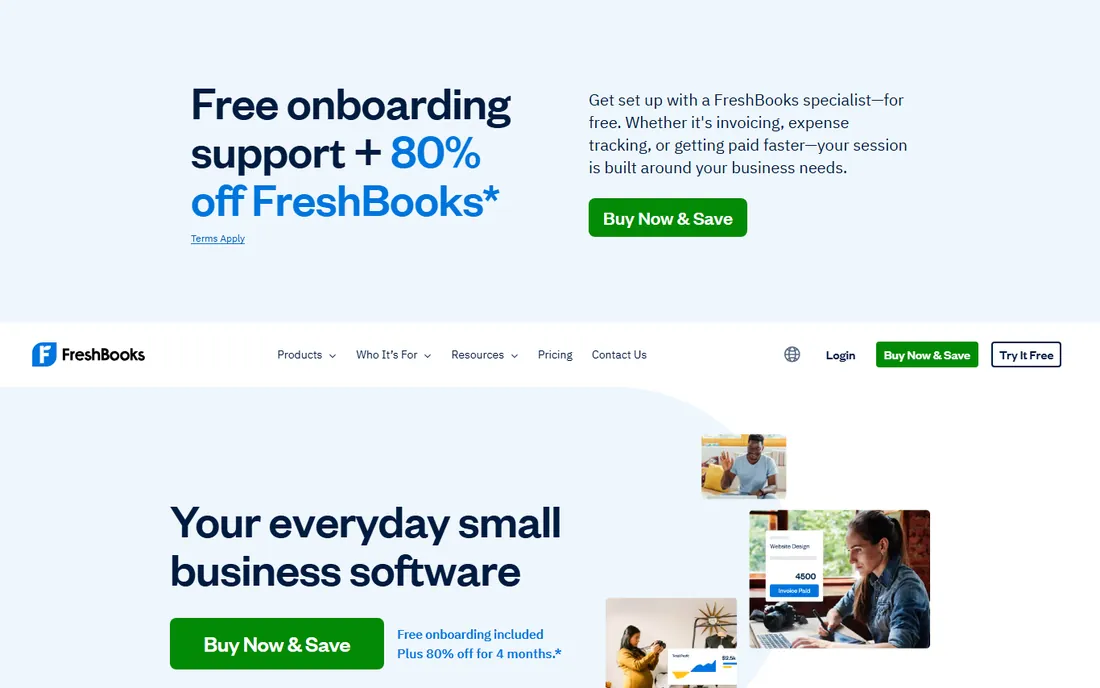
FreshBooks built its name on invoicing that freelancers love: professional invoices in minutes, automatic payment reminders, late fee handling and online payments. The accounting side covers expenses, time tracking, project profitability and basic reports, aimed squarely at service businesses.
The freelancer fit is the value. Time tracking flows into invoices, clients approve estimates online and the whole billable workflow is smooth. For consultants, agencies, designers and other service sellers, it is the most pleasant way to get paid and stay organized.
The honest limit is accounting depth. Product businesses, inventory and complex accounting outgrow it; Xero or QuickBooks fit better there. The pricing tiers count billable clients, which penalizes growth. For the service freelancer, though, the invoicing excellence justifies the price.
What we like- Best-in-class invoicing
- Great for service freelancers
- Easy time tracking
Watch out for- Accounting depth trails Xero and QuickBooks
- Priced per client tier
Starting priceSee website
Free planNo
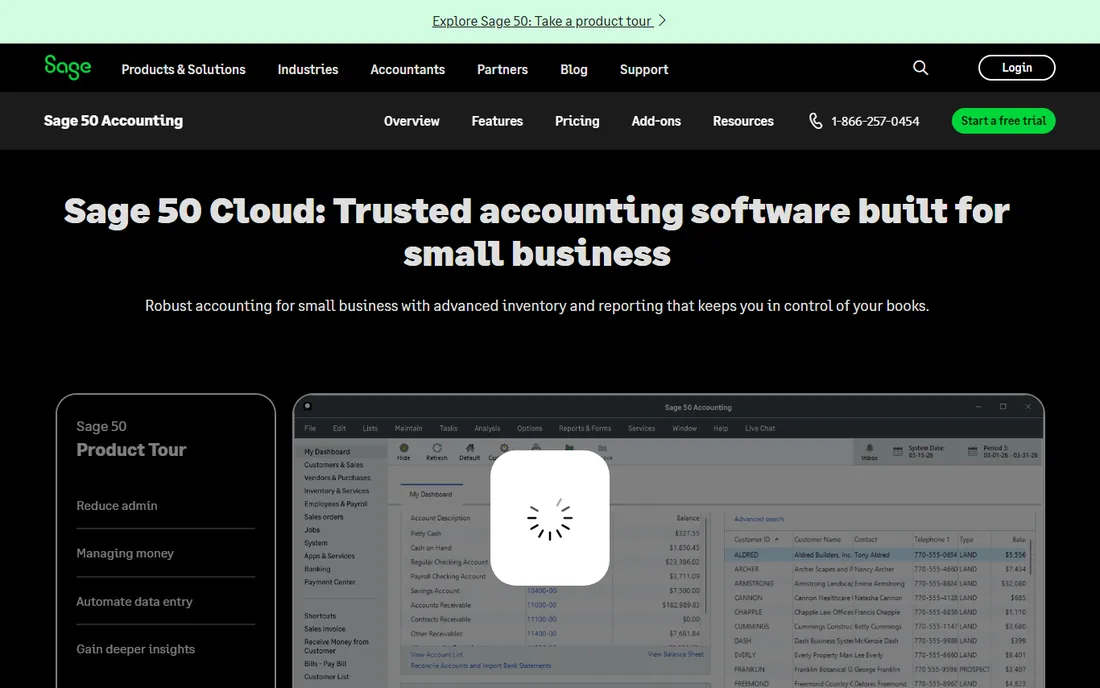
Sage 50, the former Peachtree, is the desktop accounting system for established small businesses that want depth: serious inventory management, job costing, advanced reporting and multi-user access. It suits businesses with real accounting needs and staff who know desktop software.
The depth is the value for the right buyer. Businesses with inventory, manufacturing or job costing needs get more accounting power than the cloud budget options offer. The data stays on your machines, which some owners prefer, and the product has decades of refinement.
The trade-off is the era. It is desktop software in a cloud world: remote access, automatic updates and modern integrations trail the cloud leaders. Younger staff expect browser software. For the established business with an office server and an experienced bookkeeper, it remains a solid value. For everyone else, the cloud options fit better.
What we like- Deep accounting for established businesses
- Strong inventory and job costing
- Trusted brand
Watch out for- Desktop heritage
- Costs more than cloud budget options
Starting priceSee website
Free planFree trial
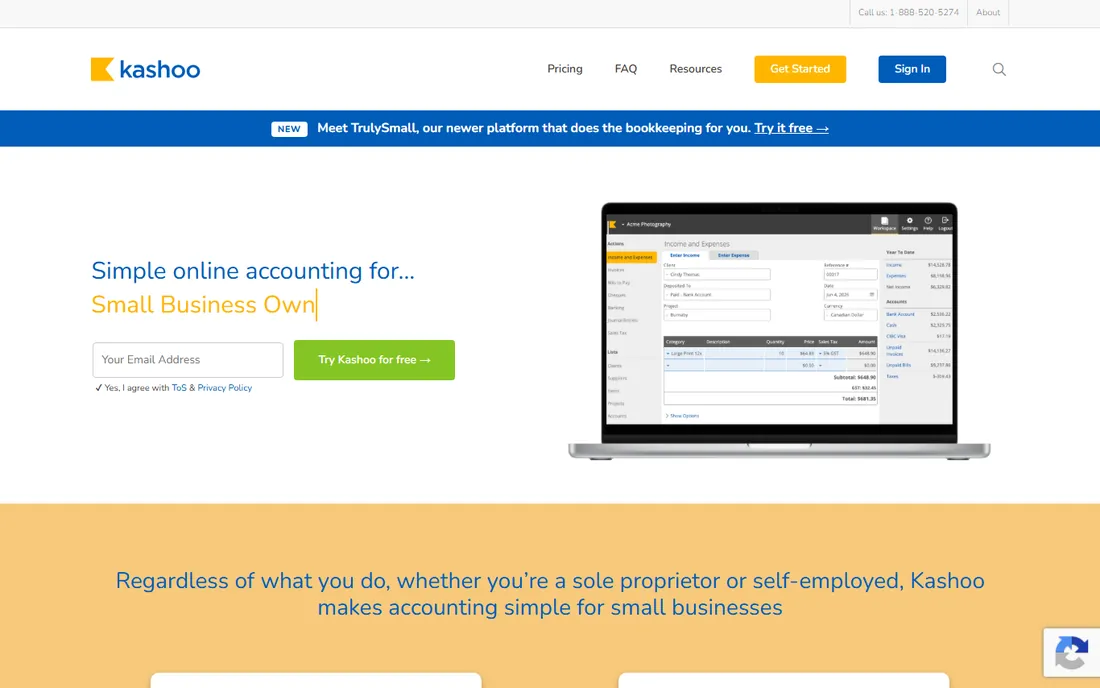
Kashoo is the straightforward cloud accounting for very small businesses: invoicing, expenses, bank reconciliation, basic reports and multi-currency in an interface that takes hours, not weeks, to learn. The pricing is simple and affordable, aimed at owners doing their own books.
The simplicity is the value proposition. Where Xero and QuickBooks can overwhelm a non-accountant, Kashoo keeps the essentials visible and hides the complexity. The iPad app is genuinely good for owners who work from the tablet. Support gets positive reviews for responsiveness.
The honest limit is growth. Businesses that add inventory, projects or staff outgrow it, and the integration ecosystem is small. It is a starter system, not a forever system. For the freelancer or micro-business that wants proper double-entry accounting without the learning curve, it is a fair price.
What we like- Simple and affordable
- Good for very small businesses
- Easy to learn
Watch out for- Limited advanced features
- Smaller ecosystem
Starting priceSee website
Free planNo
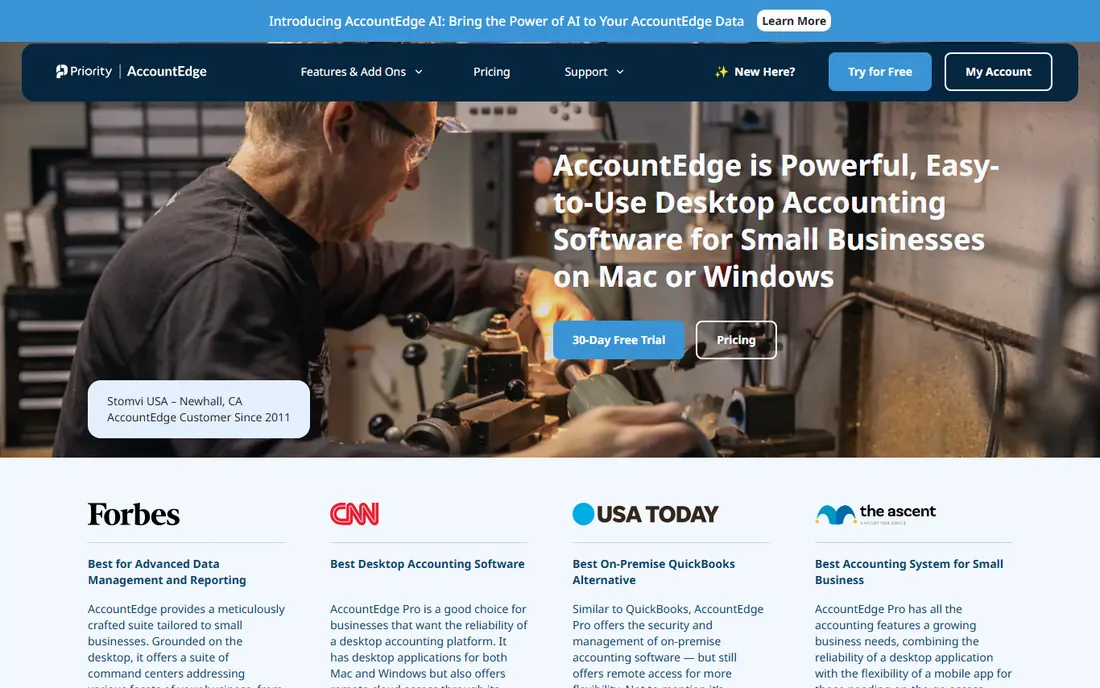
AccountEdge is the desktop accounting system for Mac and Windows users who want to own their software: invoicing, purchasing, inventory, payroll, time billing and job tracking in a traditional desktop application. Purchase options include one-time licenses rather than subscriptions, which appeals to subscription-fatigued owners.
The ownership model is the value story. Pay once, run it for years, keep your data local. The feature set is deep for the price, covering the small business accounting basics plus inventory and payroll. Mac users in particular have few desktop accounting choices, and AccountEdge serves them well.
The trade-off is the desktop model's limits. Remote access, automatic bank feeds and modern integrations trail cloud software. Solo owners and office-based teams do fine; distributed teams do not. For the owner who wants to buy accounting software once and be done, it is the option here.
What we like- Real desktop software for Mac and PC
- One-time purchase options
- Deep features
Watch out for- Desktop model limits remote work
- Smaller user community
Starting priceFree
Free planYes
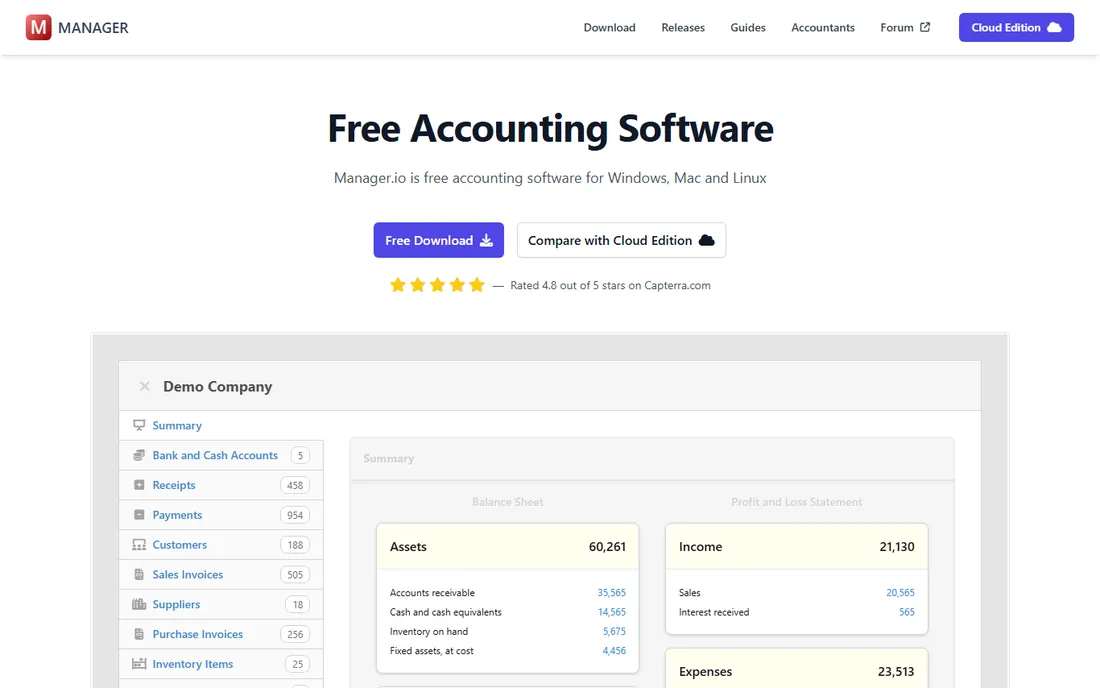
Manager.io's desktop edition is free accounting software with no catch: full double-entry accounting, invoicing, inventory, payroll basics and multi-currency, downloadable and usable without creating an account. The cloud and server editions cost money; the desktop is free forever.
The depth surprises people. This is real accounting, not a toy: chart of accounts, journal entries, bank reconciliation, custom reports and tax codes. Small businesses with an owner willing to learn basic accounting get a capable system for nothing.
The honest limits are polish and support. The interface is functional and dated, documentation assumes accounting knowledge and support comes from the community forum. Non-accountants may struggle. But for the price, free, the capability is remarkable. It is the best value in absolute terms on this list.
What we like- Desktop edition is completely free
- Surprisingly deep
- No account needed
Watch out for- Interface is utilitarian
- Support is community-based
Starting priceSee website
Free planNo
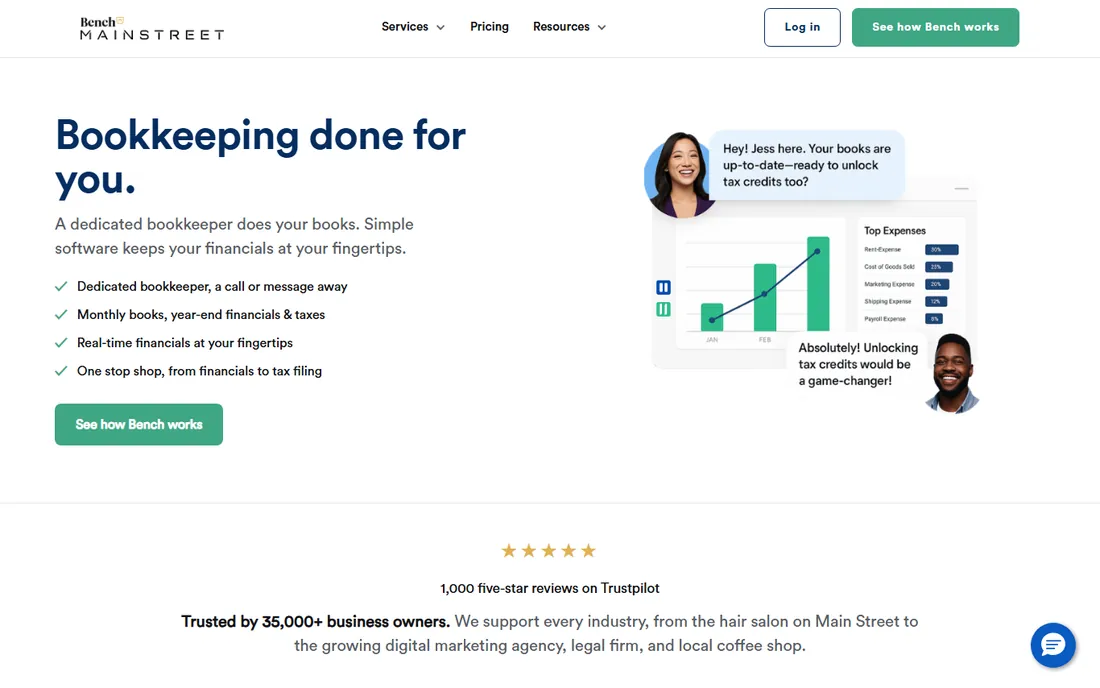
Bench is the different answer to the value question: instead of software you operate, you get human bookkeepers who do the books for you, with software for visibility. Each month the books are reconciled, categorized and reported, and at year end they are tax-ready.
The value is time and accuracy. Owners who hate bookkeeping, or who do it badly, get professional books without hiring. The monthly reports show profit, cash flow and burn clearly. For businesses where the owner's time is better spent selling, outsourcing the books is the rational value play.
The catch is cost and scope. Bench costs more than DIY software, and it is bookkeeping, not full accounting: invoicing and payments still need handling. Businesses with complex needs may need a CPA anyway. For the owner who wants the books handled correctly without thinking about them, it is worth the price.
What we like- Human bookkeepers do the work
- Clean monthly reports
- Tax-time ready
Watch out for- Costs more than DIY software
- You still need accounting software for invoicing
Free vs. cheap: the real math
Free accounting software is genuinely good now. Wave and Manager.io cover the accounting needs of most micro-businesses at zero cost. The catch is never the software; it is your time and your accountant. An hour a month wrestling with books you do not understand costs more than a cheap subscription, and an accountant who charges extra to untangle unfamiliar software erases the savings.
The value ranking for most small businesses: if you do your own books and they are simple, Wave or Manager.io. If you want low cost with more hand-holding, Zoho Books or Kashoo. If your accountant matters, ask them first and buy what they recommend, usually QuickBooks or Xero. The most expensive accounting software is the one that produces books nobody trusts.
What to check before you buy
Start with your accountant. Ask what they work with and what it costs you if you choose something else. Second, list your must-have features: inventory, multi-currency, project tracking and payroll eliminate half this list immediately. Third, count the real cost including payroll, payments and any add-ons, not just the base subscription.
Fourth, trial the bank reconciliation workflow, because that is the weekly job. Fifth, check the invoicing and payment experience from the customer's side; getting paid faster is real value. Finally, consider the exit: how easily can you export your data if you outgrow the system? The cheap system that traps your data is not cheap.
How we chose
We compared vendor product pages, pricing pages and public review sources, then confirmed every homepage was live in October 2026. Sage's product page now redirects to the current Sage 50 URL, which we list. Where we could not verify a vendor-published price we say so. Nothing here reflects hands-on testing; assessments come from documentation, feature lists and public user feedback.
Frequently asked questions
What is the best free accounting software?
Wave offers the most complete free accounting with invoicing and receipt scanning. Manager.io's desktop edition is free and deeper for those comfortable with accounting concepts. Both are legitimate; Wave is easier, Manager.io is more powerful.
Is cheap accounting software safe?
The established vendors here use bank-level encryption and standard security practices. The bigger risk is not the software but neglected books: unreconciled accounts and missing records cause more damage than any software choice. Pick something you will actually use.
Should I just use spreadsheets?
For the first few months, maybe. Beyond that, no: accounting software prevents errors, reconciles bank feeds, generates reports and produces the records your accountant and tax authority expect. The time savings alone justify the switch, even to a free product.
Do I need an accountant if I have accounting software?
For most businesses, yes, at least at year end. Software records transactions; accountants handle tax strategy, compliance and the judgment calls. The software makes the accountant cheaper and more effective, not unnecessary.
When should I switch from free to paid accounting?
When you need inventory management, multi-currency, project costing, payroll integration or multi-user access with permissions. Also when your accountant asks: their efficiency with professional software often pays for the subscription.
Sources we checked (10)
- https://www.waveapps.com
- https://www.zoho.com/us/books/
- https://www.xero.com/us/
- https://quickbooks.intuit.com
- https://www.freshbooks.com
- https://www.sage.com/en-us/products/sage-50/
- https://kashoo.com
- https://www.accountedge.com
- https://www.manager.io
- https://www.bench.co
Is your product missing or out of date?
We review this list regularly. Vendors can request a listing, send updated pricing or ask about featured placement.

Shihab Mia · Founder, Rankite
Shihab has spent more than a decade helping SaaS and e-commerce brands grow through search. He writes Rankite's software buying guides from pricing pages, documentation and public user reviews. More about Shihab.