How we make this list: we compare pricing pages, product documentation and public user reviews. Ratings come from G2, Capterra or Trustpilot, with the date we checked them.
Key takeaways
- Maze is the best starting point for new apps, with fast unmoderated tests, prototypes, and surveys in one place.
- UserTesting suits teams that need a large participant panel and moderated interviews at scale.
- Lookback is the strongest pick for live moderated sessions, with screen sharing and observer notes.
- Lyssna and Optimal Workshop help early teams test navigation, first clicks, and content before building a full app.
- For a new app, test with five to eight users per round, fix the biggest issues, and test again, rather than running one large study.
Quick comparison
| Tool | Best for | Starting price | Free plan |
|---|
 Maze Maze | Fast unmoderated tests for new apps | See website | Yes |
 UserTesting UserTesting | Large panel and moderated research | See website | Free trial |
 Lookback Lookback | Live moderated sessions | See website | Free trial |
 Lyssna Lyssna | Quick first-click and navigation tests | See website | Yes |
 Optimal Workshop Optimal Workshop | Card sorting and tree testing | See website | Yes |
 Userlytics Userlytics | Remote unmoderated video tests | See website | Free trial |
 PlaybookUX PlaybookUX | Moderated and unmoderated panel tests | See website | Free trial |
 Userbrain Userbrain | Quick usability video tests | See website | Free trial |
 Trymata Trymata | Unmoderated tests and surveys | See website | Free trial |
Is your product missing or out of date?
We review this list regularly. Vendors can request a listing, send updated pricing or ask about featured placement.
#1Maze
Best for: Fast unmoderated tests for new apps4.4/5 on
G2 (27 reviews, checked Oct 2026)
Visit maze.co
Starting priceSee website
Free planYes
Maze is built for product teams that need answers quickly. You can test a Figma prototype, a live app link, or a website, add tasks, questions, and surveys, and share the test with your own users or a panel. Results arrive as task success, misclicks, time on task, and video clips, which makes it easy to show a team what went wrong without a long report.
The platform is strongest for unmoderated, task-based testing. Live moderated interviews are possible, but teams that need deep interview analysis may pair Maze with Lookback or UserTesting. For a new app team testing a prototype every week, Maze is the most practical starting point.
What we like- Prototype testing for Figma and other tools
- Surveys and card sorting
- Fast reports
Watch out for- Moderated interview depth is lighter than dedicated interview tools
- Panel costs add up
#2UserTesting
Best for: Large panel and moderated research4.4/5 on
G2 (794 reviews, checked Oct 2026)
Visit usertesting.com
Starting priceSee website
Free planFree trial
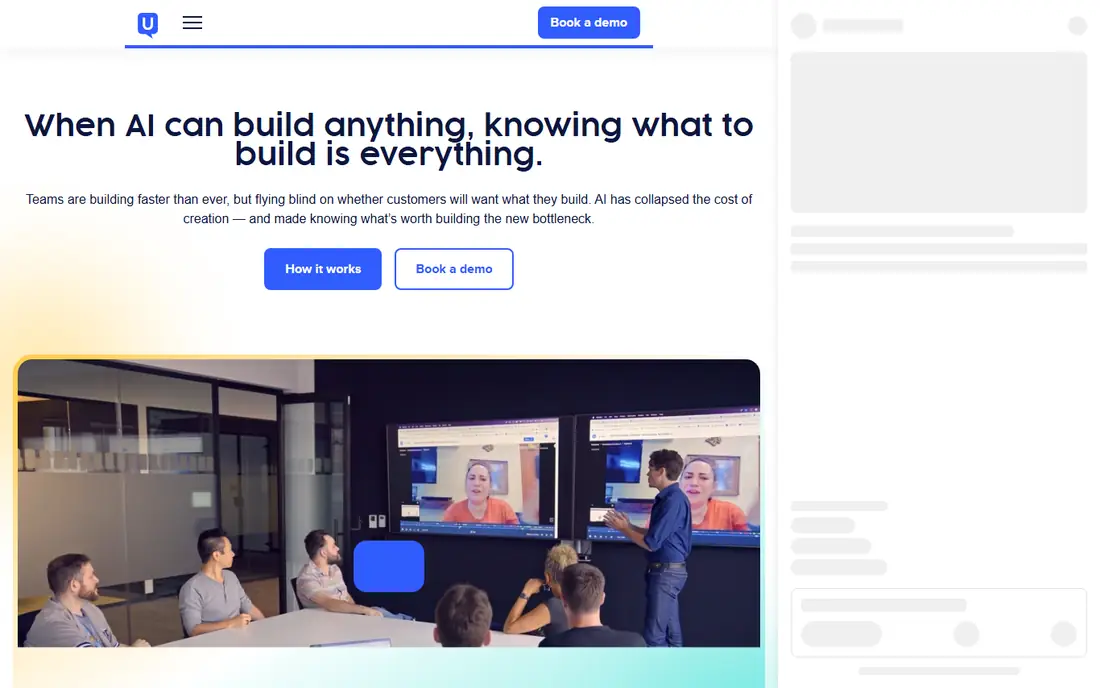
UserTesting is the enterprise standard for remote user research. It offers a large panel across many countries and demographics, moderated interviews, unmoderated task tests, and tools to highlight clips, tag insights, and share findings with stakeholders. For a new app that needs to test with specific user types at scale, the panel depth is a real advantage.
Pricing is by quote and reflects the scale of the platform, so early-stage teams should test the trial and confirm panel costs before committing. If you need five users for a prototype, Maze or Lyssna may be cheaper. If you need fifty users across segments, UserTesting is built for that job.
What we like- Large participant panel
- Moderated and unmoderated options
- Strong highlight and insight tools
Watch out for- Pricing is quote based and can be high
- Smaller teams may not need the full platform
#3Lookback
Best for: Live moderated sessions4.3/5 on
G2 (21 reviews, checked Oct 2026)
Visit lookback.com
Starting priceSee website
Free planFree trial
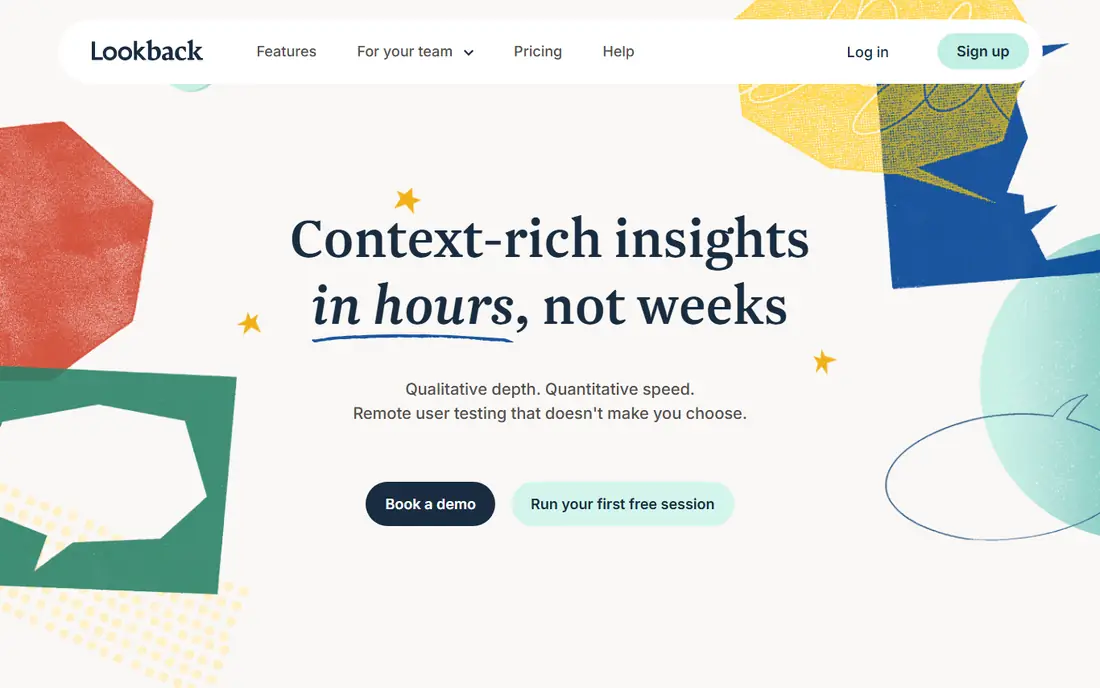
Lookback focuses on live, moderated research. A researcher can watch a participant use an app in real time, ask follow-up questions, and let observers add time-stamped notes and chat without interrupting the session. Recordings, transcripts, and clips make it easy to share findings after the session ends.
The platform is less of a self-serve panel marketplace than UserTesting, so teams that need large-scale recruitment may need a separate panel. For a new app team that wants to watch real users struggle, ask why, and learn in an hour, Lookback is an excellent choice.
What we like- Live session streaming
- Observer notes and chat
- Session recording and clips
Watch out for- Panel recruitment is more limited than UserTesting
- Pricing is per seat in some plans
#4Lyssna
Best for: Quick first-click and navigation tests4.4/5 on
G2 (189 reviews, checked Oct 2026)
Visit lyssna.com
Starting priceSee website
Free planYes
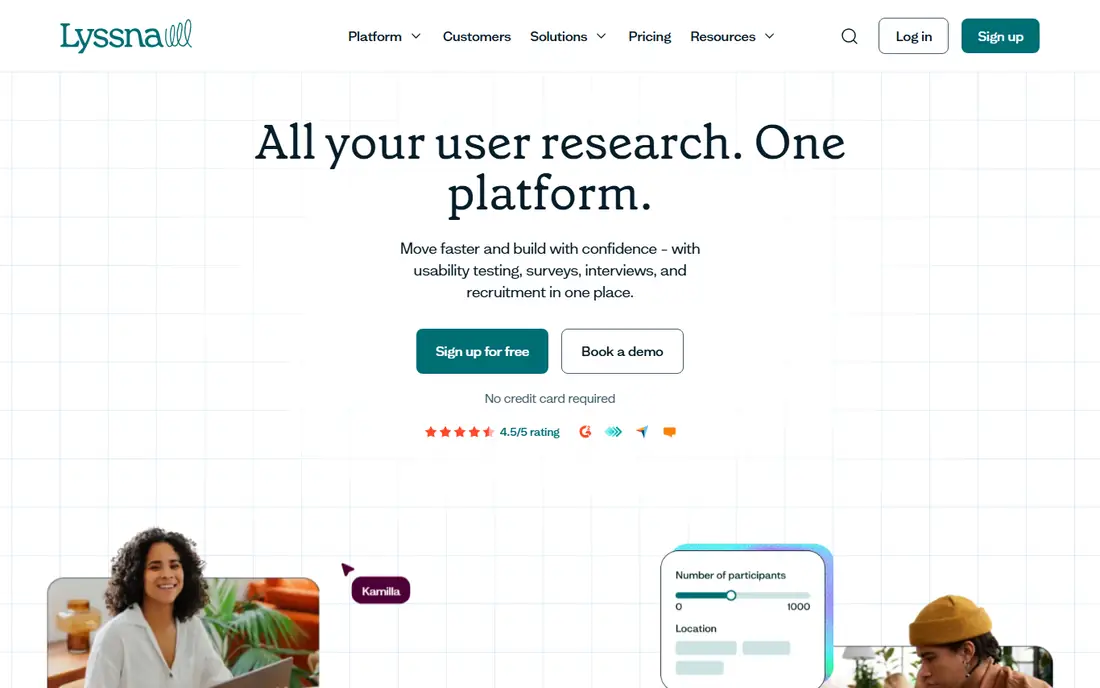
Lyssna, formerly UsabilityHub, is built for quick, focused tests. First-click tests show where users would click first, five-second tests show what they remember from a screen, and preference tests compare two designs. Setup takes minutes, and results are easy to read, which makes Lyssna ideal for early design decisions.
It is not a full moderated interview platform, and long task flows are better in Maze or UserTesting. For a new app team deciding between two onboarding screens, a navigation label, or a home screen layout, Lyssna gives a fast, affordable answer.
What we like- First-click, five-second, and preference tests
- Fast setup
- Affordable plans
Watch out for- Less depth for long moderated interviews
- Prototype support is narrower than Maze
Starting priceSee website
Free planYes
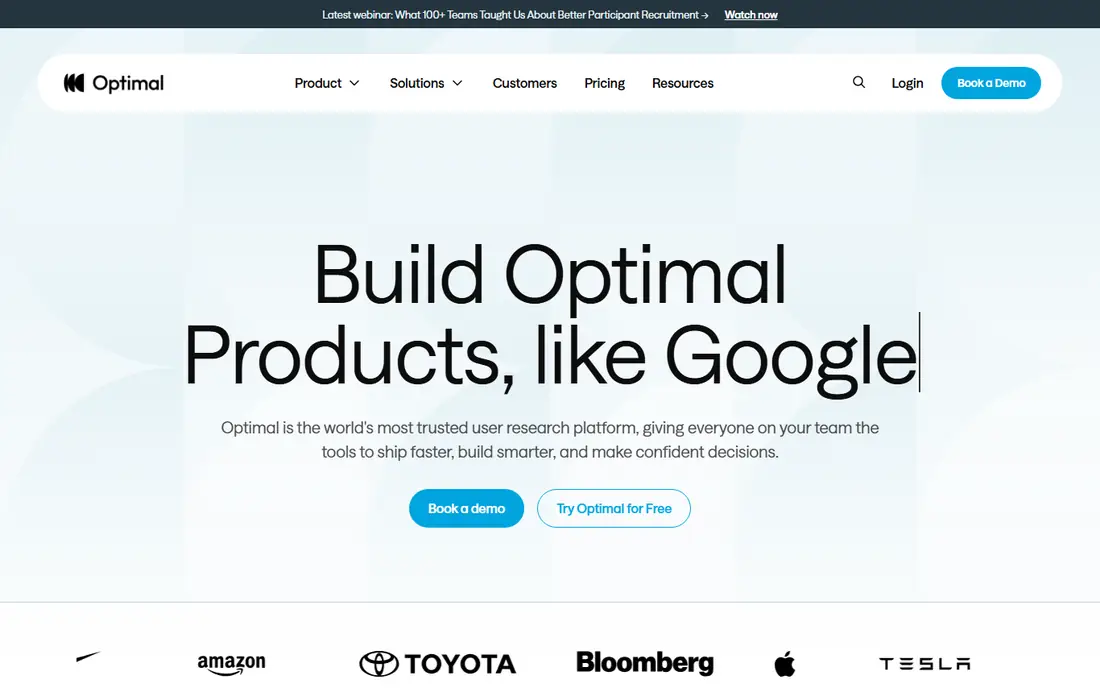
Optimal Workshop helps teams get information architecture right before they build. Card sorting shows how users group content, tree testing shows whether users can find items in a navigation structure, and first-click testing shows where they would start a task. Those methods prevent a common new app problem, which is a navigation structure that makes sense to the team but not to users.
The platform is not a general app prototype tester, so pair it with Maze for task flows. For a new app with many sections, categories, or settings, Optimal Workshop is the best way to test the structure early, when changes are still cheap.
What we like- Card sorting, tree testing, and first-click tools
- Strong information architecture focus
- Free plan
Watch out for- Not a general prototype testing tool
- Analysis needs some UX knowledge
#6Userlytics
Best for: Remote unmoderated video tests4.4/5 on
G2 (189 reviews, checked Oct 2026)
Visit userlytics.com
Starting priceSee website
Free planFree trial
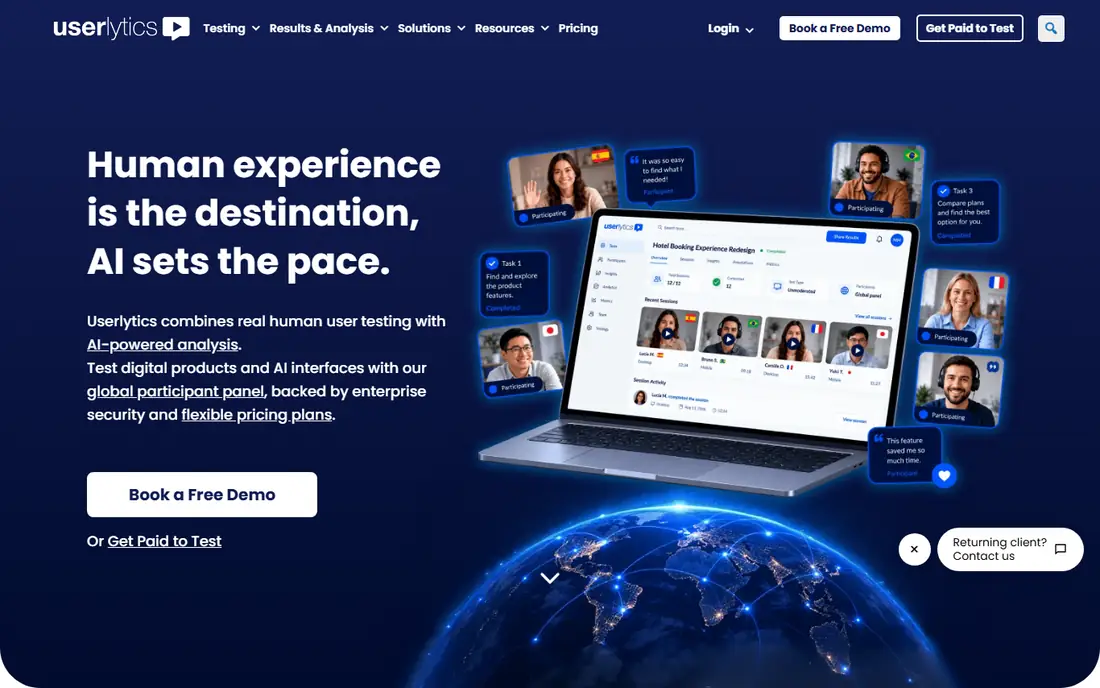
Userlytics offers remote, unmoderated usability tests with video, audio, and screen recordings, plus task questions and surveys. Participants complete tasks on a website, app prototype, or live app, while the researcher watches recordings later and notes friction points. Panel recruitment across many countries helps teams testing for international users.
The interface and reporting are functional rather than flashy, and panel costs depend on the audience and test length. For a team that wants video evidence of usability problems without the price of a large enterprise platform, Userlytics is a solid middle option.
What we like- Video and audio recordings
- Panel across countries
- Task and survey options
Watch out for- Interface is less polished than Maze
- Pricing varies by panel use
Starting priceSee website
Free planFree trial
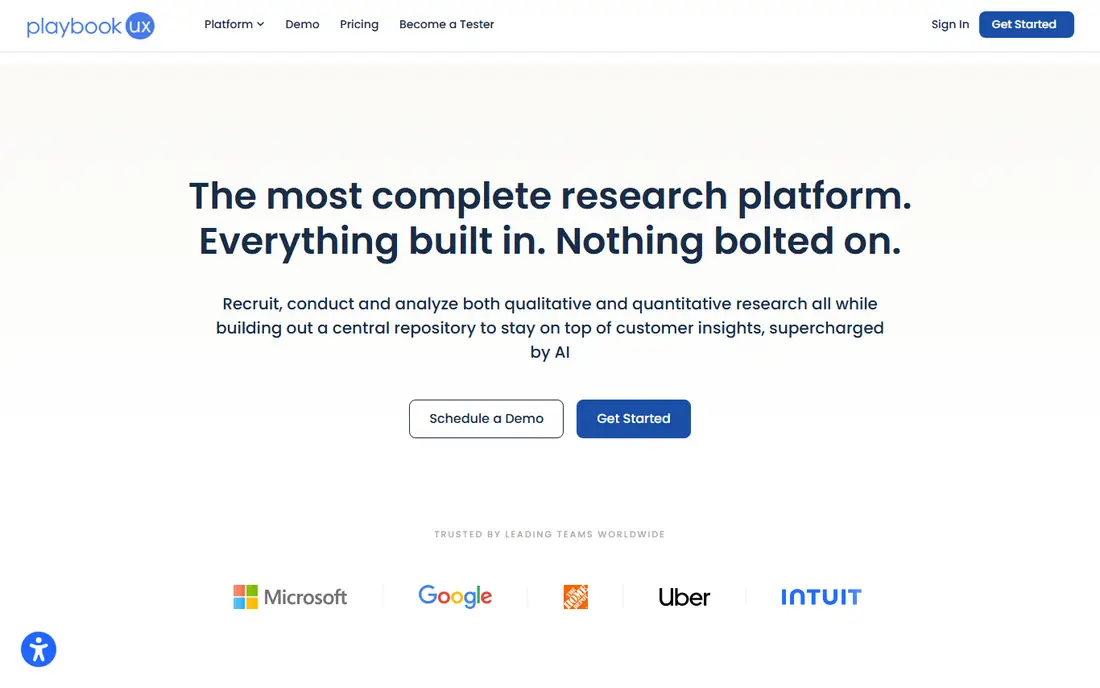
PlaybookUX combines moderated interviews, unmoderated tests, surveys, and panel recruitment in one platform. Researchers can run a live interview, then follow it with an unmoderated task test on the same prototype, and share highlight reels with stakeholders. That mix suits new app teams that want both depth and scale without two separate tools.
As a smaller platform than UserTesting, its panel and integrations are less extensive, so check coverage for your target users. For startups and small product teams that need a flexible research tool at a lower price point, PlaybookUX is worth a trial.
What we like- Moderated interviews and unmoderated tests
- Panel recruitment
- Highlight reels
Watch out for- Smaller brand recognition than UserTesting
- Feature set varies by plan
#8Userbrain
Best for: Quick usability video tests4.5/5 on
G2 (35 reviews, checked Oct 2026)
Visit userbrain.com
Starting priceSee website
Free planFree trial
Userbrain is built for regular, quick usability testing. You set a task, choose a target user type, and receive video recordings of users trying to complete it on your app or prototype. Weekly testing plans encourage teams to test often, which fits the rhythm of a new app that changes every sprint.
Tests are short by design, so Userbrain is not the tool for long, exploratory interviews. For a team that wants a steady stream of usability videos to catch friction early, and that will act on findings each week, Userbrain is a simple and effective choice.
What we like- Fast video tests with real users
- Simple task setup
- Weekly testing plans
Watch out for- Tests are short and task focused
- Less suited to deep interviews
Starting priceSee website
Free planFree trial
Trymata, formerly TryMyUI, offers unmoderated usability tests with video, plus surveys, card sorting, and first impression tests. It suits small teams that want a straightforward way to get user videos and survey feedback on a new app, without learning a complex research suite. Panel recruitment helps teams that do not have their own users yet.
Reporting in lower plans is more basic than Maze or UserTesting, and the panel is smaller. For early-stage teams that need affordable video tests and simple surveys, Trymata covers the core job well.
What we like- Unmoderated video tests
- Surveys and card sorting
- Panel options
Watch out for- Brand and panel are smaller than the largest rivals
- Reporting is basic in lower plans
How we chose
We compared user testing tools on test types, prototype support, panel recruitment, recording and analysis, pricing, and ease of use for small teams. We used vendor product and pricing pages, public reviews, and UX practitioner discussion about test quality and turnaround time. We favoured tools that are actively maintained now and that support testing for mobile and web apps, rather than only websites.
How to test a new app well
Start with a clear task, not a tour. Ask users to complete a real job, such as signing up, finding a feature, or completing a purchase, and watch where they hesitate, misclick, or give up. Do not explain the app first, since that hides the problems a real first-time user will face.
Run small rounds often. Five to eight users usually reveal the biggest usability issues in a prototype, and a second round after fixes will reveal the next layer. Record sessions, note exact quotes and timestamps, and share short clips with the team, since a 30-second clip often convinces stakeholders faster than a long report.
Choosing moderated or unmoderated tests
Use unmoderated tests for quick task checks, first impressions, and prototype flows, since they are fast and cheap. Use moderated tests when you need to understand why users struggle, when the task is complex, or when you want to explore needs and expectations. Many new app teams use both, with unmoderated tests weekly and moderated interviews at key milestones.
Frequently asked questions
How many users do I need to test a new app?
Five to eight users per round usually reveal the major usability problems. Run another round after fixes, rather than testing with 30 users in one go, since later users tend to find the same issues.
Should I test a prototype or a finished app?
Test the prototype first, when changes are cheap. Test the finished app again before launch, since real performance, content, and edge cases can create new problems that a prototype hides.
Do I need to pay participants?
If you use a panel, participant incentives are usually included in the panel cost. If you recruit your own users, a small gift card or discount is a fair thank you for their time, and it improves completion rates.
What is the difference between moderated and unmoderated testing?
Moderated testing involves a live researcher who can ask follow-up questions. Unmoderated testing lets users complete tasks alone, with recordings and task data collected automatically. Moderated gives depth, unmoderated gives speed and scale.
Can I test with my own users instead of a panel?
Yes, and for a new app, your early users and beta testers are often the most valuable participants. Panels help when you need users who match a specific demographic or who have never seen your app before.
Sources we checked (9)
- https://maze.co
- https://www.usertesting.com
- https://www.lookback.com
- https://www.lyssna.com
- https://www.optimalworkshop.com
- https://www.userlytics.com
- https://www.playbookux.com
- https://www.userbrain.com
- https://trymata.com
Is your product missing or out of date?
We review this list regularly. Vendors can request a listing, send updated pricing or ask about featured placement.

Shihab Mia · Founder, Rankite
Shihab has 5+ years in B2B and SaaS SEO. He writes Rankite's software buying guides from pricing pages, documentation and public user reviews. More about Shihab.