How we make this list: we compare pricing pages, product documentation and public user reviews. Rankite is independent; if a vendor ever pays for a featured spot, that listing is clearly labeled Partner.
Key takeaways
- Most US small businesses will land on one of two models: a standalone platform like RingCentral, Dialpad or Ooma that handles everything, or phone inside Microsoft Teams or Zoom if the team already lives there.
- Entry prices cluster between $10 and $25 per user per month on annual billing. The headline price rarely includes taxes, regulatory fees, international calling or the add-ons teams end up buying.
- Microsoft Teams Phone looks cheap at $8 per user per month, but it is an add-on on top of a Microsoft 365 or Teams license, plus a separate calling plan or carrier connection.
- AI features are now table stakes. Transcription, call summaries and AI receptionists appear across the list, but which tier includes them varies wildly.
Quick comparison
| Tool | Best for | Starting price | Free plan |
|---|
 RingCentral RingCentral | Standalone all-in-one UC for growing companies | $20 per user/month (billed annually) | Free trial (14 days) |
 Microsoft Teams Microsoft Teams | Companies already deep in Microsoft 365 | $8 per user/month (Teams Phone Standard add-on, billed annually) | No |
 Zoom Phone Zoom Phone | Teams that already use Zoom Meetings | $10.50 per user/month (US & Canada Metered, billed annually) | Free trial |
 8x8 8x8 | International calling and contact center add-ons | $24 per user/month (X2) | Free trial |
 Nextiva Nextiva | All-in-one calling with customer experience tools | $17.95 per user/month (Essential) | Free trial |
 Dialpad Dialpad | AI-native calling for sales and support teams | $15 per user/month (Connect Standard, billed annually) | Free trial (14 days) |
 GoTo Connect GoTo Connect | Simple UC bundled with GoToMeeting video | See website | Free trial |
 Ooma Office Ooma Office | Budget-friendly phone for very small teams | $19.95 per user/month (Essentials) | Free trial |
Is your product missing or out of date?
We review this list regularly. Vendors can request a listing, send updated pricing or ask about featured placement.
Starting price$20 per user/month (billed annually)
Free planFree trial (14 days)
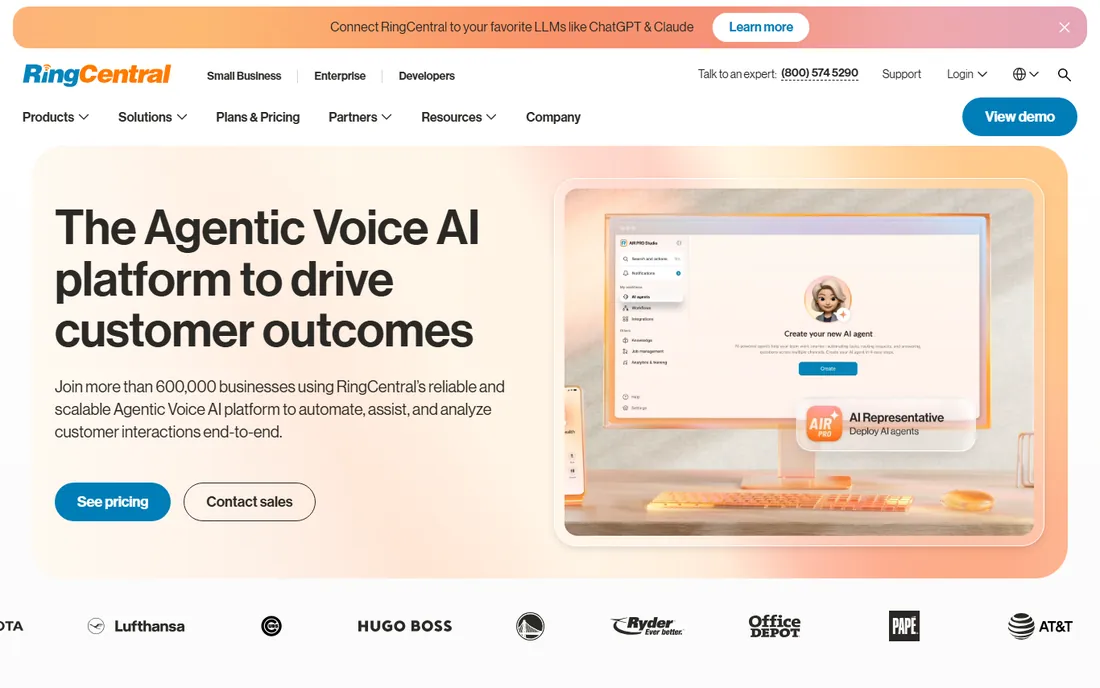
If your company needs a phone system that does not depend on anything else you already own, RingCentral is the default answer. Its RingEX plans bundle a cloud phone system, team messaging and video meetings in one app, with unlimited domestic calling in the US and Canada on every tier. Core starts at $20 per user per month on annual billing, and pricing is published openly, which is not true of everyone on this list.
The platform's real edge is breadth. Advanced ($25) adds CRM integrations, multi-site management and automatic call recording; Ultra ($35) adds webinars, unlimited storage and bigger toll-free bundles. An AI virtual assistant handles captions, transcripts and summaries even on Core, and the app marketplace covers more than 300 integrations.
The catch is how quickly the base price grows. The AI Receptionist, extra SMS, call queue boosters and conversation intelligence are all paid add-ons. Core includes just 25 SMS per user per month, so any team doing appointment reminders will need the booster. Budget for the tier plus add-ons, not the headline number.
What we like- Genuinely standalone with unlimited domestic calling on every tier
- Deep AI features
- Huge integration catalog
Watch out for- Add-on costs pile up fast (AI Receptionist, SMS boosters, call queues)
- SMS caps on lower tiers are tight
Starting price$8 per user/month (Teams Phone Standard add-on, billed annually)
Free planNo
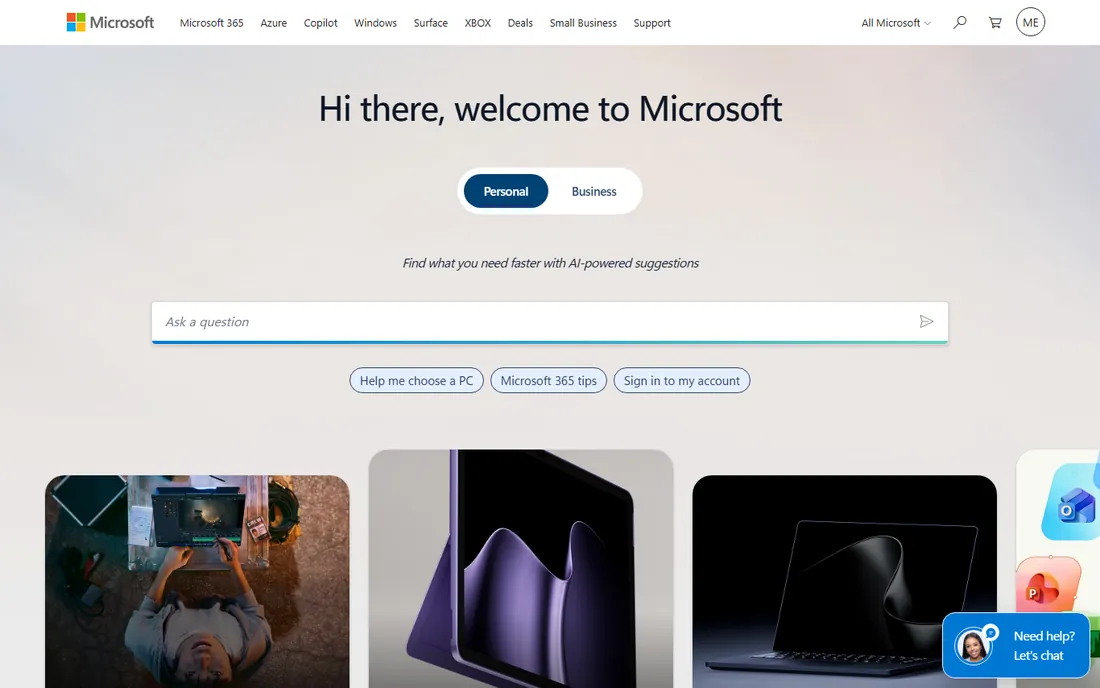
Choosing Teams for unified communications makes sense when the decision is mostly made for you: the company already pays for Microsoft 365 and employees live in Teams all day. Teams Phone Standard is an $8 per user per month add-on that turns Teams into a full cloud PBX with auto attendants, call queues, voicemail and call transfer. It is already included in Microsoft 365 E5.
The economics are good if you are already a Microsoft customer, because the incremental phone cost is small and PSTN connectivity can come from a Microsoft Calling Plan, Operator Connect or Direct Routing through your own carrier. Administration sits in the same tenant as everything else, which IT teams like.
The honest math is less rosy for everyone else. That $8 is an add-on, not a total: you need an eligible Microsoft 365 or standalone Teams license underneath, plus calling connectivity on top. Teams Phone also had gaps in SMS and fax compared with purpose-built phone systems, and if Microsoft's cloud has an outage, your phones go with it. Teams-first companies should absolutely consider it; non-Microsoft shops should compare it against standalone platforms honestly.
What we like- Phone lives inside the app everyone already uses
- Huge enterprise trust
- Operator Connect gives carrier choice
Watch out for- $8 is only the add-on, you still need a Microsoft 365/Teams license and a calling plan or carrier
- Weaker for teams that are not Microsoft shops
#3
Zoom Phone
Best for: Teams that already use Zoom Meetings
Visit zoom.com
Starting price$10.50 per user/month (US & Canada Metered, billed annually)
Free planFree trial
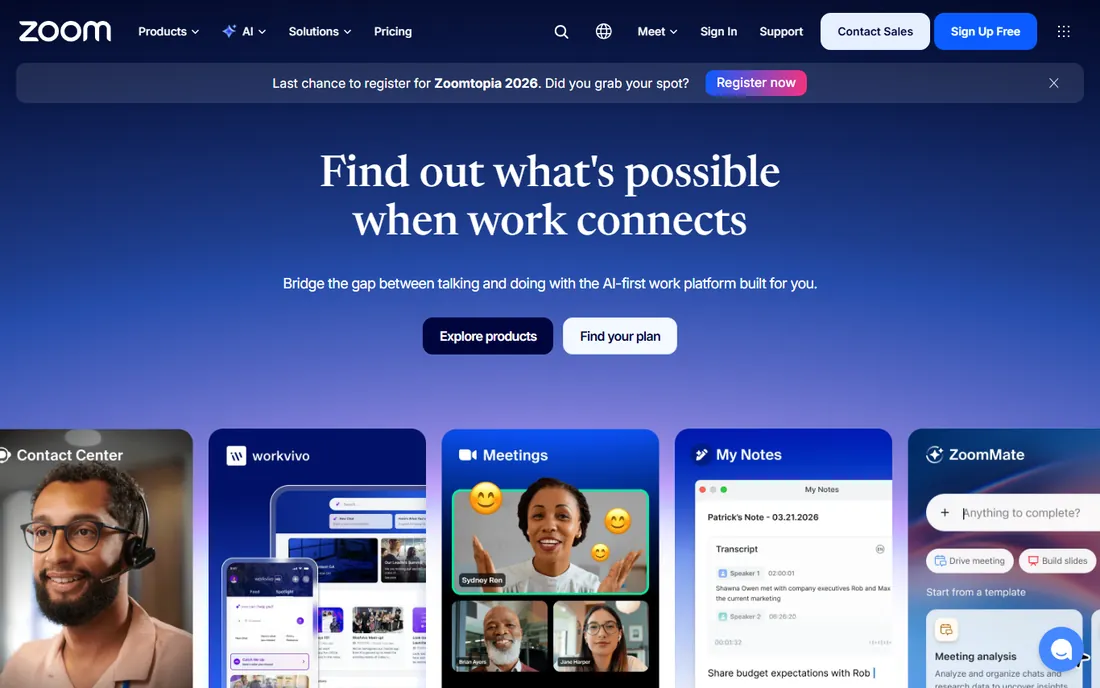
Zoom Phone takes the Zoom interface your team already knows and turns it into a business phone system: VoIP calling, SMS/MMS, auto attendants, call queues and voicemail with transcription, all managed from the same admin console as Zoom Meetings. It starts at $10.50 per user per month for the US and Canada Metered plan, with an unlimited domestic plan at $16.
The value surprise is how much is included at the bottom. Call recording and voicemail transcription come standard on every plan, including the cheapest one, and Zoom's AI Companion adds call summaries at no extra cost on paid plans. That is more generous than several competitors that gate recording behind higher tiers.
Two things to watch. The metered plan bills outbound minutes on top of the base price, so talkative teams should price the unlimited plan instead. And supervisors who want real-time call queue analytics need the Power Pack add-on (around $25 per user per month), which materially changes the math for support teams. For companies already standardized on Zoom, though, the upgrade path is smooth and cheap.
What we like- Low entry price with call recording and transcription on every plan
- AI Companion included free on paid plans
- Available in 40+ countries
Watch out for- Metered plan charges per outbound minute
- Supervisors need a paid Power Pack add-on
- Power Pack aside, onboarding support is thin
#4
8x8
Best for: International calling and contact center add-ons
Visit 8x8.com
Starting price$24 per user/month (X2)
Free planFree trial
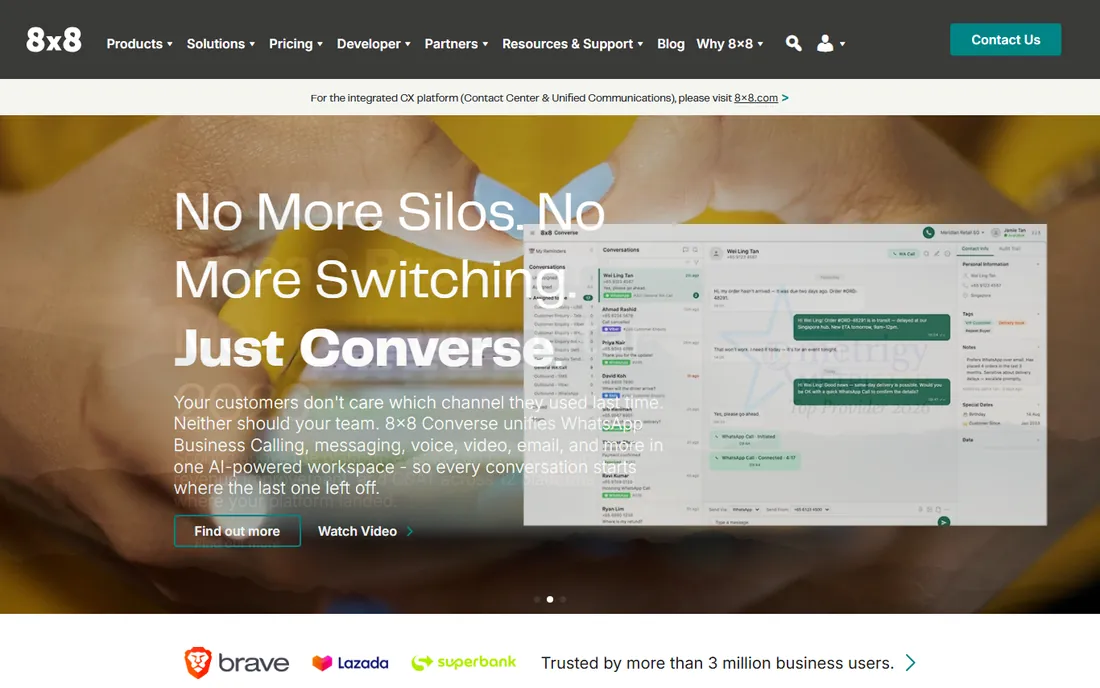
8x8 has been in this market since 1987 and it shows in the depth of the platform. The X Series bundles voice, video, chat and contact center options in one system, with particularly strong international calling: unlimited calling to more countries than most competitors include, and a global network that suits companies with offices or customers abroad. X2 starts around $24 per user per month, with X4 near $44.
The standout operational detail is transparency on reliability: 8x8 publishes regional uptime figures publicly, which is more than most vendors in this category offer. It also scales cleanly from a basic phone system into a full contact center without switching platforms, which matters if your support team might grow into one.
The frustration is pricing opacity. 8x8 does not publish plan prices on its own site; the numbers above come from comparison sources, and real quotes go through sales or resellers. Implementation also has a reputation for being more involved than RingCentral or Ooma, so very small teams without IT help may find the onboarding heavier than they expected.
What we like- Strong international calling footprint
- One platform from basic UC up to full contact center
- Published regional uptime stats
Watch out for- No published pricing on its own site, you quote through sales or resellers
- Setup and admin feel heavier than simpler rivals
#5
Nextiva
Best for: All-in-one calling with customer experience tools
Visit nextiva.com
Starting price$17.95 per user/month (Essential)
Free planFree trial
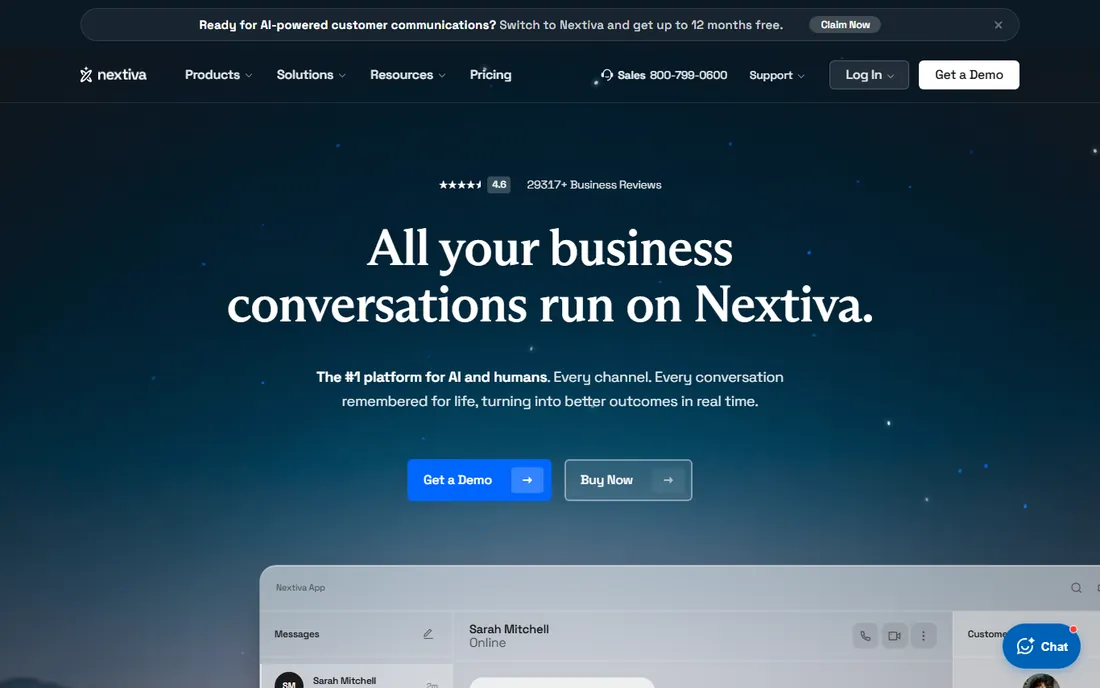
Nextiva positions itself as the all-in-one business communications platform with a customer-experience bent, pairing the phone system with messaging, video and tools like voice AI agents. It starts at $17.95 per user per month for the Essential plan, with Professional at $21.95 and Enterprise at $31.95, and it markets a 99.999% uptime record plus well-regarded US-based support.
For mid-size companies that want one vendor for calling, messaging and some customer engagement, Nextiva is a coherent package. Unlimited calling comes on every plan, and the higher tiers add the recording, SMS and analytics that growing teams need.
Read the pricing fine print before budgeting. That $17.95 figure applies to larger teams; smaller teams (four or fewer seats) pay notably more per user on the same plan, and the Essential plan skips call recording, mobile SMS and voicemail transcription, which push you toward pricier tiers. Annual billing is required for the advertised rates. Nextiva is competitive, but only if you price the team size and tier you will actually use.
What we like- Strong uptime reputation and US-based support
- Good customer experience features
- Unlimited calling on all plans
Watch out for- Starting price depends on team size (cheapest at 100+ seats)
- Entry plan lacks call recording and SMS
- Annual commitment for best pricing
Starting price$15 per user/month (Connect Standard, billed annually)
Free planFree trial (14 days)
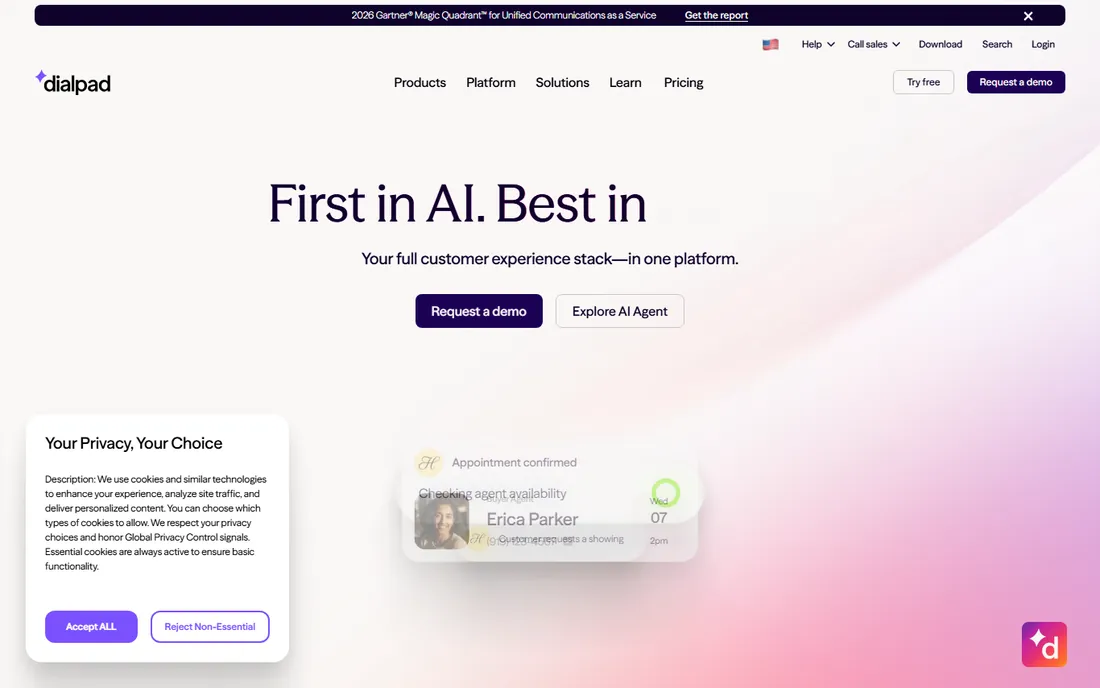
Dialpad was built AI-first, and it feels like it. Every call gets real-time transcription, automated summaries and sentiment analysis, and sales teams get live coaching prompts during calls. Connect Standard starts at $15 per user per month on annual billing ($27 monthly), which undercuts several rivals while including AI features they sell as add-ons.
The product is genuinely pleasant to use: one clean app for voice, messaging and meetings, with tight Google Workspace and Microsoft integrations. Support and sales teams are the natural fit, since conversation intelligence is Dialpad's whole pitch and it delivers.
The weaknesses are around the edges of UC. Video meetings exist but are not as deep as Zoom or Teams, so video-heavy companies may still keep a second tool. Toll-free allowances are smaller than RingCentral's, and the most advanced AI capabilities (like AI agents) are separate products with their own pricing. As a phone system with intelligence built in, it is one of the best values here.
What we like- AI baked in everywhere (transcripts, summaries, real-time coaching)
- Clean modern interface
- Strong Google Workspace integration
Watch out for- Video conferencing is shallower than Zoom or Teams
- Toll-free minute allowances are modest
- Some AI features need higher tiers
#7
GoTo Connect
Best for: Simple UC bundled with GoToMeeting video
Visit goto.com
Starting priceSee website
Free planFree trial
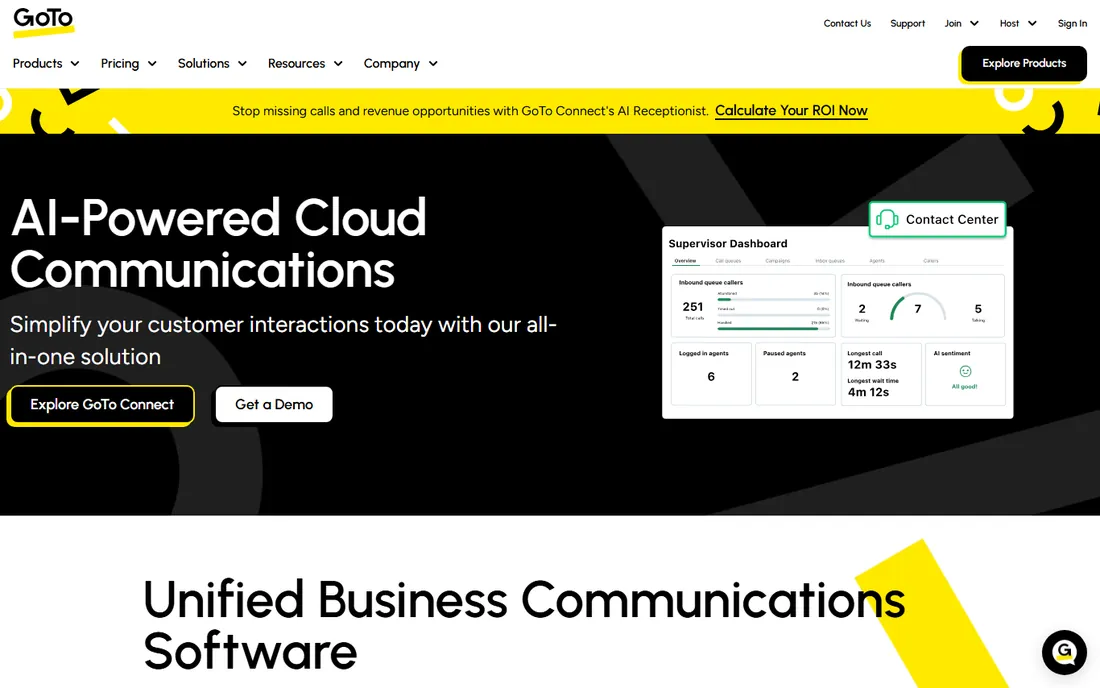
GoTo Connect (the evolution of Jive) is a straightforward cloud phone system with video conferencing built in: calling, messaging, fax, auto attendants and GoToMeeting video for up to 250 participants in one platform. Pricing is tiered by user count rather than features, and all plans include the same feature set with unlimited use.
The visual dial plan editor is a genuine plus for non-technical admins: you drag and drop call flows instead of configuring arcane routing rules. Support is available around the clock, and the onboarding team helps with setup, which small businesses without IT staff appreciate.
The two honest complaints are price opacity and age. GoTo does not publish pricing; third-party figures range from the low $20s to nearly $30 per user per month depending on team size, so you will negotiate. And while the platform is reliable, its interface and mobile apps feel a generation behind Dialpad or RingCentral. Companies that want simple, supported and bundled with GoToMeeting will be happy; design-sensitive teams may look elsewhere.
What we like- GoToMeeting video meetings included
- Visual dial plan editor for call flows
- One flat feature set rather than gated tiers
Watch out for- Pricing is not published and varies by user count
- Interface feels dated next to newer rivals
- Mobile app is weaker than desktop
#8
Ooma Office
Best for: Budget-friendly phone for very small teams
Visit ooma.com
Starting price$19.95 per user/month (Essentials)
Free planFree trial
Ooma Office is the friendly pick for very small businesses that want a professional phone system without a professional phone budget. Essentials is $19.95 per user per month, Pro is $24.95 and Pro Plus is $29.95, every plan includes 50 standard features and unlimited calling across the US, Canada, Mexico and Puerto Rico. The virtual receptionist is famously easy to set up and makes a five-person company sound like fifty.
Setup is genuinely plug-and-play, which is why Ooma shows up so often for retail shops, clinics and small offices. Pricing is published and simple, with no per-feature scavenger hunt.
The trade-offs are clear in the feature matrix. The base Essentials plan lacks texting, the desktop app and call recording; you need Pro or Pro Plus for those. Team chat only appears on Pro Plus. And Ooma's sweet spot is small offices; companies scaling past 50 users with heavy reporting or global needs will outgrow it. For its intended audience, it is one of the easiest buys in UC.
What we like- Simple transparent pricing with 50+ standard features
- Excellent virtual receptionist
- Unlimited calling in US, Canada, Mexico and Puerto Rico
Watch out for- Texting, desktop app calling and call recording need higher tiers
- Best suited to small offices, less ideal past 50 users
What to compare before you buy
Start with the architecture question, because it decides everything else. If your company already lives in Microsoft 365 or Zoom, adding phone there is usually the cheapest and smoothest path. If not, a standalone platform (RingCentral, Dialpad, 8x8, Nextiva, GoTo Connect, Ooma) gives you a phone system that works independently of any productivity suite, with its own admin console and support.
Then price the real bill, not the headline. Every vendor here charges taxes and regulatory fees on top of the per-user price, and international calling, extra numbers, toll-free minutes and hardware almost always cost extra. Ask for an all-in monthly estimate at your exact headcount before comparing, and check whether monthly billing requires an annual contract anyway.
AI features and what tier includes them
AI is now the main differentiator. Dialpad and Zoom include transcription and summaries on base plans; RingCentral puts its AI assistant on every tier but charges extra for the AI receptionist; Nextiva reserves its AI agents for higher plans. Decide which AI capabilities your team will actually use daily, then confirm they are in the tier you are buying, not the tier above.
Trials, contracts and support
Almost every platform offers a free trial (RingCentral and Dialpad run 14 days), so test the mobile app and the admin console before committing. Annual contracts get you the advertised prices but lock you in; month-to-month costs more but keeps flexibility. And weigh support quality as heavily as features: check recent reviews for response times, because a phone system is only as good as the help you get when it goes down.
How we chose
We started from the vendors' own product and pricing pages, then cross-checked plan prices against recent third-party pricing guides that document reading the vendor pages directly (September to October 2026). A platform had to offer real unified communications (voice plus messaging or video in one system), be available to US businesses today, and publish enough pricing detail to compare honestly. Where vendor pricing was not published or conflicted across sources, we wrote "See website" rather than printing a guess. We did not run hands-on trials; this guide reflects documented plans, published prices and the real buying process as each vendor describes it.
Frequently asked questions
What is a unified communications platform?
It is a single system that combines business calling with team messaging, video meetings and often fax and SMS, managed from one app and one admin console. Instead of separate tools for the phone system, chat and video, everything runs on one platform with one bill and one support contract.
How much does a unified communications platform cost?
Most small-business platforms run $10 to $25 per user per month on annual billing. RingCentral starts at $20, Dialpad at $15, Ooma at $19.95, Zoom Phone at $10.50 and Nextiva at $17.95, while Microsoft Teams Phone is an $8 add-on on top of a Microsoft 365 license. Taxes, fees, hardware and add-ons come on top of all of these.
Is Microsoft Teams Phone cheaper than RingCentral?
Only if you already pay for Microsoft 365. Teams Phone Standard is $8 per user per month, but it requires an eligible Microsoft 365 or Teams license underneath plus a calling plan or carrier connection. For companies not already in the Microsoft ecosystem, RingCentral or a similar standalone platform is usually simpler and often cheaper in total.
Do these platforms offer free trials?
Most do. RingCentral and Dialpad offer 14-day free trials, Zoom Phone and 8x8 offer trial periods, and GoTo Connect and Ooma both let you test before buying. Microsoft Teams Phone is the exception: there is no free plan, and evaluation happens through paid licensing.
What is the difference between UCaaS and a business phone system?
A business phone system handles calls. UCaaS (unified communications as a service) bundles calls with team messaging, video meetings, SMS and collaboration in one cloud platform. All eight tools here are UCaaS platforms; a pure phone system would lack the messaging and video components.
Which platform is best for international calling?
8x8 has the strongest international calling story on this list, with broad country coverage and unlimited options many competitors lack. RingCentral and Ooma include the US, Canada and Mexico on base plans. If your team calls outside North America regularly, compare international rate cards before deciding, since per-minute international charges vary widely.
Sources we checked (12)
- https://www.ringcentral.com/office/plansandpricing.html
- https://www.ringcentral.com/buy-phone-number.html
- https://www.microsoft.com/en-us/microsoft-teams/microsoft-teams-phone
- https://www.zoom.com/en/products/voip-phone/plans/
- https://www.8x8.com/products/unified-communications
- https://www.nextiva.com/products/business-phone-service.html
- https://www.dialpad.com/pricing/
- https://www.goto.com/connect
- https://www.ooma.com/office/
- https://www.nextiva.com/blog/zoom-phone-pricing.html
- https://www.cloudtalk.io/blog/zoom-phone-pricing/
- https://www.ooma.com/uploads/pdf/brochure/brochure-ooma-office-2025-letter-fs.pdf
Is your product missing or out of date?
We review this list regularly. Vendors can request a listing, send updated pricing or ask about featured placement.

Shihab Mia · Founder, Rankite
Shihab has spent more than a decade helping SaaS and e-commerce brands grow through search. He writes Rankite's software buying guides from pricing pages, documentation and public user reviews. More about Shihab.