How we make this list: we compare pricing pages, product documentation and public user reviews. Ratings come from G2, Capterra or Trustpilot, with the date we checked them.
Key takeaways
- This guide covers image to video tools for legitimate creative use only: marketing, art, film, and product visuals.
- Runway, Pika, Kling, and Luma lead for quality and control, with different strengths in realism, motion, and style.
- No reputable tool in this list generates explicit sexual content, and none should be used for non-consensual or real-person imagery.
- Tools built specifically for explicit porn generation are deliberately excluded from this guide, even though the search term is broad.
- Safety limits are a feature of legitimate tools, not a flaw: they protect creators from legal risk and platform bans.
Quick comparison
| Tool | Best for | Starting price | Free plan |
|---|
 Runway Runway | Professional video generation | See website | Yes |
 Pika Pika | Creative short-form video | See website | Yes |
 Luma Dream Machine Luma Dream Machine | Realistic motion and physics | See website | Yes |
 Kling Kling | High-quality cinematic clips | See website | Yes |
 Hailuo Hailuo | Stylized and animated video | See website | Yes |
 Vidu Vidu | Fast image to video generation | See website | Yes |
 Kaiber Kaiber | Music and artistic video | See website | Yes |
 Wan Wan | Open video generation models | Free (open source) | Yes |
Is your product missing or out of date?
We review this list regularly. Vendors can request a listing, send updated pricing or ask about featured placement.
#1Runway
Best for: Professional video generation4.1/5 on
G2 (105 reviews, checked Oct 2026)
Visit runwayml.com
Starting priceSee website
Free planYes

Runway's Gen-4 models turn still images into video with camera controls, consistent characters, and professional editing workflows, making it a favorite for filmmakers, advertisers, and studios. Its image-to-video tools preserve the source image's look while adding motion, and its editor lets creators refine clips without leaving the platform. Runway enforces content policies that block explicit sexual content and non-consensual imagery, which keeps its output usable for commercial work.
Free credits are limited, and serious use needs paid plans. Runway fits professionals who want the strongest image-to-video quality with controls that suit commercial production, accepting that safety policies apply to all users.
What we like- Strong Gen-4 models
- Camera controls
- Professional workflows
Watch out for- Paid tiers needed for serious use
- Content filters apply
Starting priceSee website
Free planYes
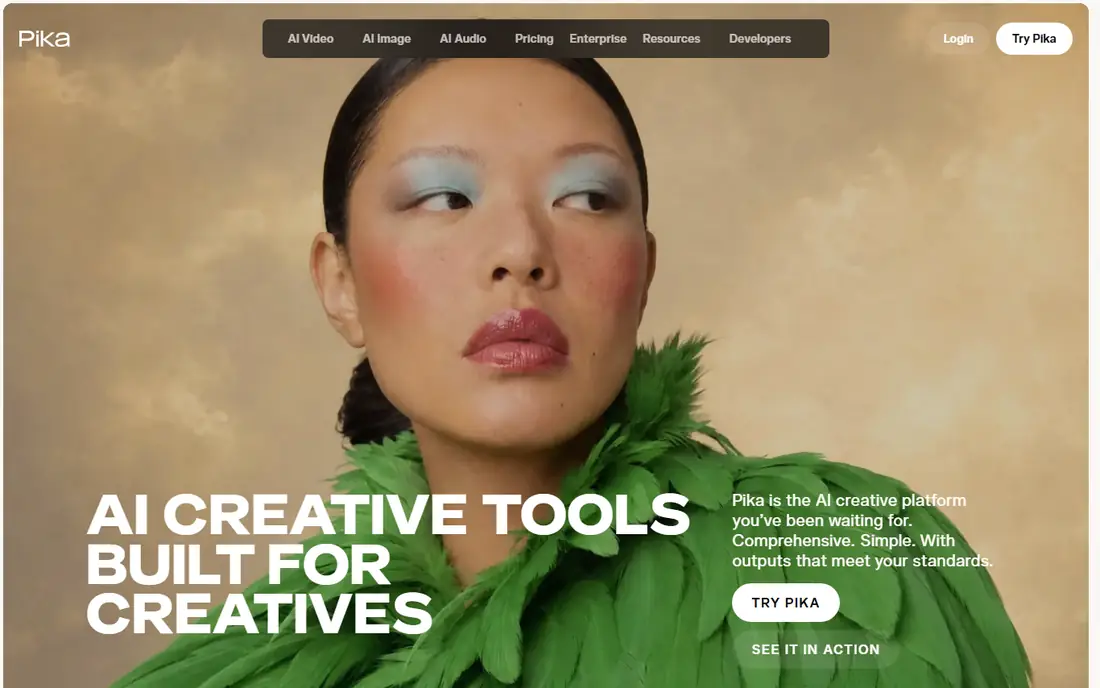
Pika turns images into short video clips with effects, styles, and motion controls that suit social content, music visuals, and creative experiments. Its workflow is simple: upload an image, describe the motion, and generate, with community examples that help newcomers learn prompting. Pika's policies block explicit sexual content and imagery of real people without consent, like other reputable tools.
Clip lengths and quality are limited on lower tiers, and paid plans open up longer, higher-resolution output. Pika also offers lip-sync and sound features that help creators match motion to audio for social clips. Pika fits creators who want fast, creative image-to-video generation for social and artistic projects, within clear safety policies.
What we like- Easy image to video workflow
- Effects and styles
- Active community
Watch out for- Short clip lengths on lower tiers
- Filters apply to sensitive content
Starting priceSee website
Free planYes

Luma's Dream Machine generates video from images with realistic motion and physics, handling camera moves, object motion, and scene coherence better than many rivals. Its image-to-video mode preserves the source image while animating it naturally, which suits product visuals, architectural flythroughs, and cinematic shots. Luma enforces content policies that block explicit sexual material and non-consensual depictions of real people.
Free tier users face queues and limits, while paid plans offer faster, higher-quality generation. Luma fits creators who prioritize realistic motion and physics in image-to-video output, for legitimate commercial and artistic work.
What we like- Realistic motion
- Good physics
- Image to video plus text to video
Watch out for- Queue times on free tier
- Policies block explicit and non-consensual content
Starting priceSee website
Free planYes
Kling, from Kuaishou, produces cinematic image-to-video clips with strong motion quality and multiple model versions for different styles and lengths. Its output suits film-style shots, advertising, and artistic projects, and its image-to-video mode handles complex scenes with reasonable coherence. Kling's content policies, like those of other major tools, block explicit sexual content and non-consensual imagery.
Its interface and documentation are partly Chinese-first, which can slow English-speaking users, though English support has improved. Kling fits creators who want cinematic quality and are comfortable navigating a tool built for a global audience.
What we like- Cinematic quality
- Strong motion
- Multiple model versions
Watch out for- Interface partly Chinese-first
- Policies block explicit content
Starting priceSee website
Free planYes
Hailuo, from MiniMax, turns images into video with strengths in stylized and animated output, suiting anime, illustration, and artistic projects more than photorealism. Its free tier lets creators test extensively, and its image-to-video workflow is straightforward. Hailuo enforces content policies that block explicit and non-consensual material, consistent with reputable platforms.
Photorealistic output lags Runway and Kling, so it suits stylized work better than live-action realism. Hailuo fits artists and animators who want flexible image-to-video generation for stylized and animated projects.
What we like- Strong stylized output
- Animation-friendly
- Free tier
Watch out for- Realism lags behind Runway and Kling
- Filters apply
Starting priceSee website
Free planYes
Vidu, from Shengshu Technology, generates video from images quickly, with reference image support that helps keep characters and objects consistent across clips. Its speed suits creators iterating on many variations, and its motion quality competes with larger rivals for short clips. Vidu's policies block explicit sexual content and non-consensual imagery, like other legitimate tools.
As a newer vendor, its community and tutorial resources are smaller than Runway's or Pika's. Vidu fits creators who value speed and consistency for short image-to-video clips, for legitimate creative projects.
What we like- Fast generation
- Reference image support
- Good motion
Watch out for- Newer vendor
- Policies block explicit content
Starting priceSee website
Free planYes
Kaiber turns images into video with music-reactive visuals and artistic styles, suiting musicians, music videos, and visual art projects. Its workflow links motion to audio rhythm, producing videos that feel composed rather than randomly animated. Kaiber's policies block explicit and non-consensual content, keeping its output suitable for public release.
Realism lags rivals focused on cinematic output, and music features need care with licensing rights for commercial use. Kaiber fits musicians and visual artists who want image-to-video generation tuned to music and artistic style.
What we like- Music-reactive visuals
- Artistic styles
- Easy workflow
Watch out for- Less realism than rivals
- Audio features need care with rights
Starting priceFree (open source)
Free planYes
Wan, Alibaba's open video generation model family, offers open weights that developers can run locally or host themselves, giving maximum flexibility for research and custom pipelines. Its image-to-video models handle a range of styles, and local deployment avoids vendor queues and subscription costs. Because users run the model themselves, they bear full responsibility for content policies: open weights do not remove legal obligations around explicit, non-consensual, or infringing content.
Running Wan needs powerful GPU hardware and technical setup, which limits it to developers and well-equipped teams. Wan fits developers who want open, self-hosted image-to-video generation and accept responsibility for enforcing their own content policies.
What we like- Open weights
- Runs locally
- Flexible for developers
Watch out for- Needs powerful hardware
- Setup is technical
- User must enforce policies
How we chose
We compared product documentation, vendor pricing pages, and public user reviews for image to video tools that are actively available in 2026. We favored tools with real image-to-video capability, current availability, and legitimate creative use. We deliberately excluded tools whose purpose is explicit porn generation, and we excluded tools marketed for non-consensual or real-person imagery. We checked policy claims carefully, since marketing that promises no limits often hides legal and safety risks.
What uncensored means here, and what it does not
Searchers use uncensored to mean many things, from fewer creative restrictions to no safety policies at all. This guide interprets it narrowly and honestly: tools with flexible creative controls for legitimate work, such as style, motion, and camera freedom, while still blocking explicit sexual content and non-consensual imagery. No reputable, commercially usable tool offers truly unlimited generation, and tools that promise it usually carry legal risk, malware, or stolen models. Creators who need adult content for lawful, consensual purposes should use platforms built for that market with proper age verification and consent systems, not general video tools.
Never generate imagery of real people without consent
Generating video of a real person without their consent, especially sexual or misleading imagery, can break laws in many jurisdictions and causes serious harm. Reputable tools block such requests, and bypassing those blocks does not make the output lawful. Use only your own images, licensed images, or fictional characters, and keep consent records for any person depicted.
Check rights before commercial use
AI video output raises rights questions: source image rights, model training data, music licensing, and platform terms all affect commercial use. Confirm that you own or license the source image, read each tool's commercial terms, and license music separately where needed. When in doubt, get legal advice before using AI video in advertising or client work.
Disclose AI-generated video where it matters
Audiences, clients, and platforms increasingly expect disclosure of AI-generated video, especially for realistic content that could mislead. Label AI video in advertising, journalism, and social posts where viewers might mistake it for real footage, and follow platform disclosure rules. Transparency protects creators from accusations of deception and from platform penalties.
Keep prompts and outputs safe by design
Write prompts that describe legitimate creative intent clearly, avoid ambiguous phrasing that triggers filters, and review outputs before publishing. If a tool blocks a prompt, treat the block as information, not an obstacle to bypass: reframe the creative idea in a way that stays within policy, or choose a different concept. Repeated attempts to bypass safety systems can lead to account bans.
Frequently asked questions
Are there truly uncensored image to video tools?
No reputable commercial tool offers truly unlimited generation. Tools in this guide offer flexible creative controls but block explicit sexual content and non-consensual imagery. Tools promising no limits at all usually carry legal, security, or quality risks, and are excluded here.
Can I use these tools for adult content?
No, not for explicit sexual content, which these tools block by policy. Lawful, consensual adult content belongs on platforms built for that market with age verification and consent systems, not on general video tools.
Is it legal to animate a photo of a real person?
Only with that person's consent, and only for lawful purposes. Non-consensual imagery, especially sexual or misleading imagery, can break laws in many jurisdictions and is blocked by reputable tools. Use your own or licensed images, and keep consent records.
Which tool gives the most creative freedom for legitimate work?
Runway offers the strongest professional controls, Kling and Luma offer strong cinematic and realistic motion, and Wan offers the most technical flexibility for developers running models locally. Freedom here means creative control, not freedom from safety policies.
Do free tiers work for testing these tools?
Yes, most tools in this guide offer free credits or tiers that let creators test image-to-video quality before paying. Free tiers limit length, resolution, and speed, so paid plans are needed for serious production work.
Sources we checked (8)
- https://runwayml.com
- https://pika.art
- https://lumalabs.ai
- https://klingai.com
- https://hailuoai.video
- https://www.vidu.studio
- https://kaiber.ai
- https://www.alibabacloud.com
Is your product missing or out of date?
We review this list regularly. Vendors can request a listing, send updated pricing or ask about featured placement.

Shihab Mia · Founder, Rankite
Shihab has 5+ years in B2B and SaaS SEO. He writes Rankite's software buying guides from pricing pages, documentation and public user reviews. More about Shihab.