How we make this list: we compare pricing pages, product documentation and public user reviews. Ratings come from G2, Capterra or Trustpilot, with the date we checked them.
Key takeaways
- Wanderlog is the strongest planner before you book, with a map based day by day itinerary and live editing for groups, free for most features.
- TripIt is the best organiser after you book, turning forwarded confirmation emails into one master itinerary, with Pro at 49 dollars a year.
- Google Maps and Rome2Rio are free and handle the two jobs planners do badly: navigating when you arrive and working out how to get between places.
- Prices, opening hours, and availability change fast in travel, so always confirm bookings, tickets, and entry rules with the actual provider before you rely on them.
Quick comparison
| Tool | Best for | Starting price | Free plan |
|---|
 Wanderlog Wanderlog | Day by day planning on a map | Free | Yes |
 TripIt TripIt | Turning bookings into one itinerary | Free | Yes |
 Tripsy Tripsy | Polished itineraries on Apple devices | Free | Yes |
 Google Maps Google Maps | Saved places and offline navigation | Free | Yes |
 Rome2Rio Rome2Rio | Routes between two places | Free | Yes |
 Roadtrippers Roadtrippers | Road trips in the US and Canada | Free | Yes |
 Tripomatic Tripomatic | City itineraries with travel times | Free | Yes |
 TripAdvisor TripAdvisor | Reviews and ideas while planning | Free | Yes |
Is your product missing or out of date?
We review this list regularly. Vendors can request a listing, send updated pricing or ask about featured placement.
The best trip planner apps
Starting priceFree
Free planYes
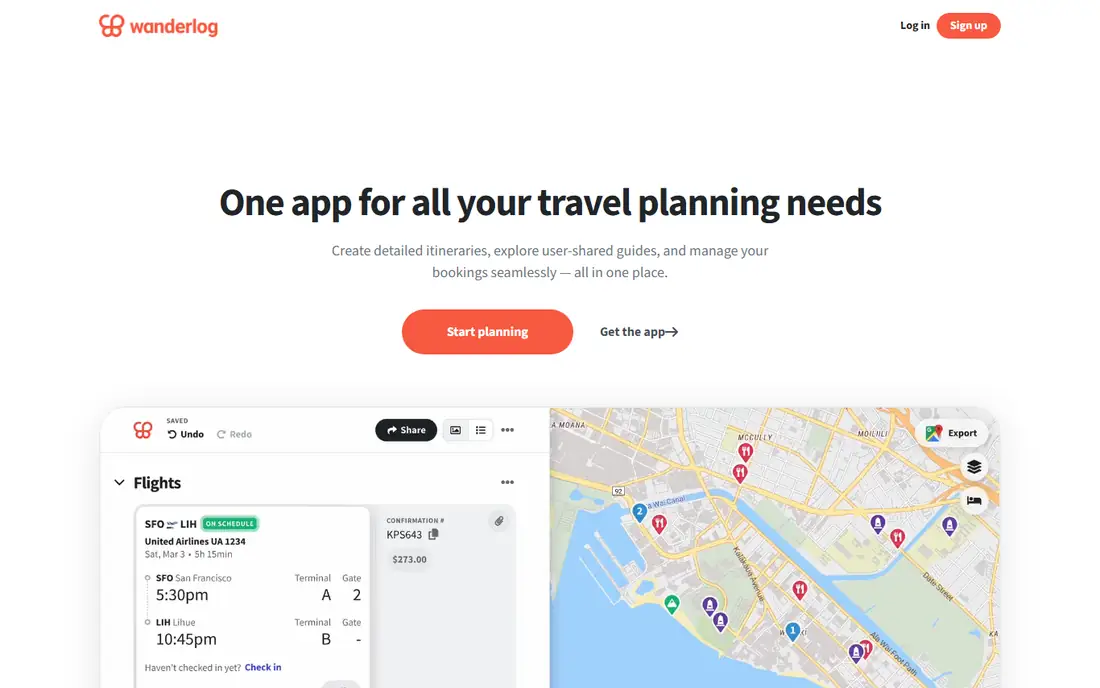
What we like- Wanderlog is built around a map: add places, sights, and restaurants, drag them into days, and see the route make sense, with friends able to edit the same plan live. Most core features are free, including the itinerary builder and shared editing, and it handles budgets by logging expenses against the trip. Pro, from 39.99 dollars a year, adds offline access, route optimisation, and automatic import from Gmail.
Watch out for- Wanderlog organises the plan you build
- It does not manage live flight disruption the way TripIt Pro does. Offline access sits behind Pro, which matters for travel without data. Expense tracking is manual entry, not bank syncing, so totals depend on your discipline.
Starting priceFree
Free planYes
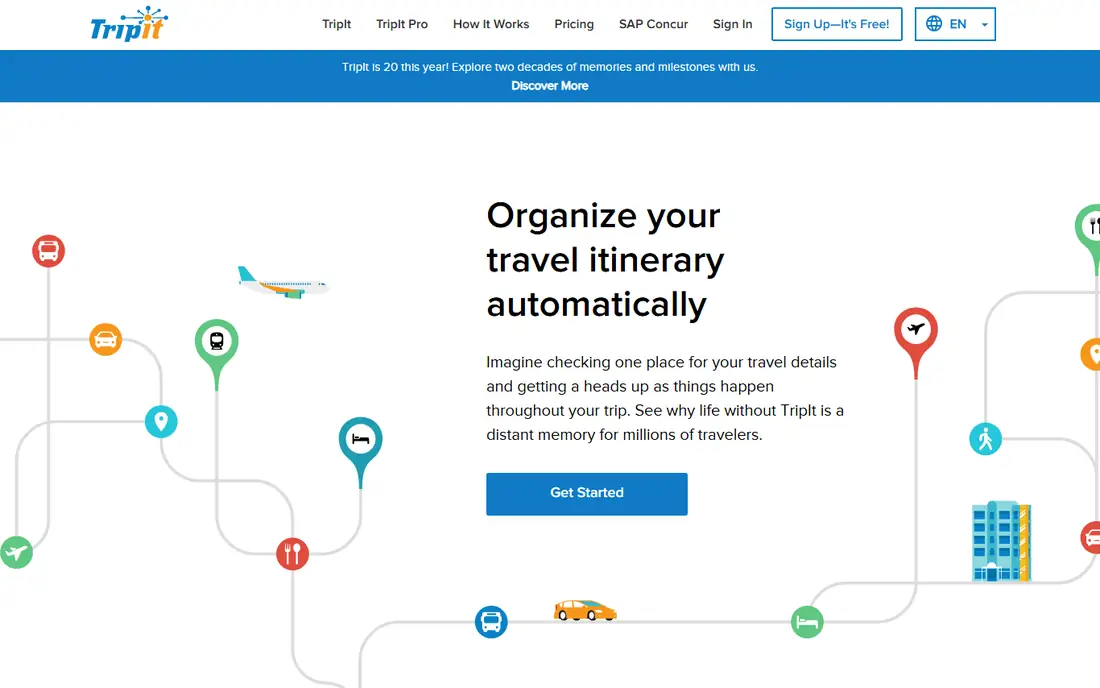
What we like- TripIt takes the other job: forward flight, hotel, car, and activity confirmations to its email address, or connect Gmail, and it assembles one chronological master itinerary with no typing. The free plan covers that core import, calendar sync, sharing, and document uploads. Pro, at 49 dollars a year, adds real time flight alerts, fare drop alerts, seat tracking, and airport maps.
Watch out for- TripIt helps you organise a trip you have booked more than discover what to do, so pair it with a planner or a guide for ideas. Flight alerts and refund monitoring are Pro features. It is owned by SAP Concur and aimed partly at business travellers, which consumer users may feel in the design.
Starting priceFree
Free planYes
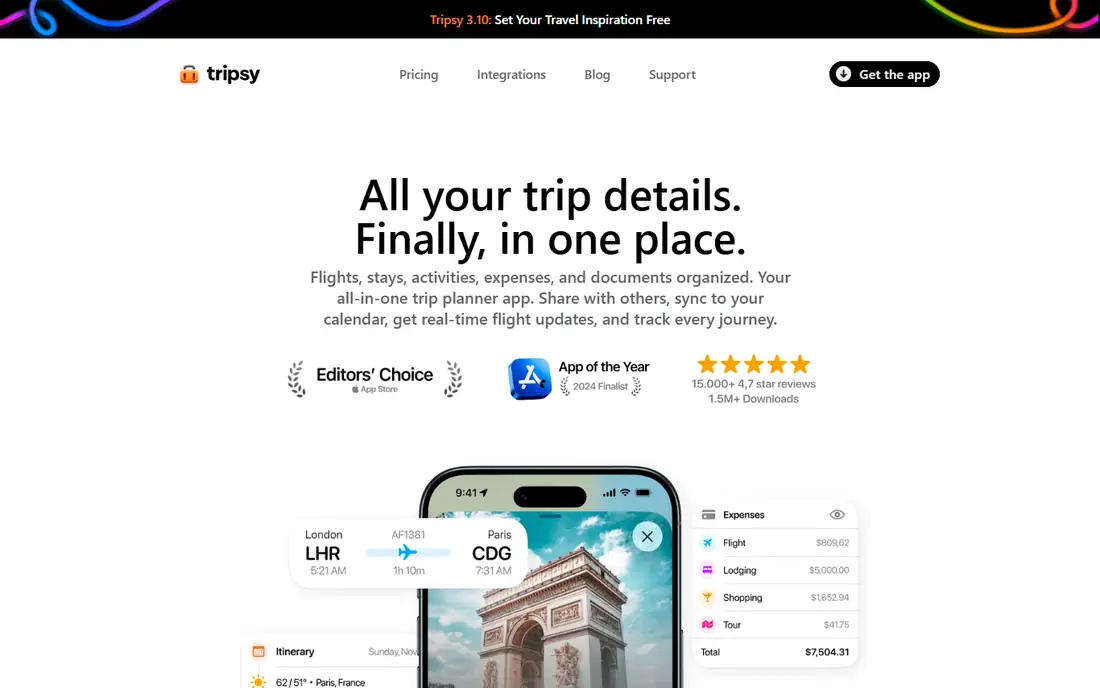
What we like- Tripsy offers a clean, fast itinerary experience for iPhone and Mac users, gathering bookings, documents, and expenses into one timeline, with email import on paid tiers and sharing for travel companions. Its 2026 updates added AI assisted itinerary building by chat for people who prefer describing a trip to tapping through menus. The design quality is the best in this list.
Watch out for- Tripsy is Apple only, with Android users limited to a browser view, which rules out mixed device groups. Its Pro price appears between about 40 and 59 dollars a year across current sources, so confirm the live price in the App Store before subscribing. The free plan has limits on trips and features.
Starting priceFree
Free planYes
What we like- Google Maps is the free backbone most travellers already use: save places into lists, share them with companions, download offline maps before you go, and navigate with live traffic when you arrive. Listings show opening hours, busy times, and reviews for hundreds of millions of places. Bookings made with a Google account often appear in your timeline automatically.
Watch out for- Maps is a navigation and discovery tool, not an itinerary builder: it will not assemble your confirmations or lay out a day plan with travel times. Lists are basic compared with Wanderlog's day planner. Downloading offline maps takes storage and a little planning before departure.
Starting priceFree
Free planYes
What we like- Rome2Rio answers the question every planner eventually asks: how do I actually get from this town to that one? It combines trains, buses, ferries, flights, and driving into door to door routes with rough times and prices across most of the world. It is free, needs no account for basic use, and often surfaces the train or bus option a flight first traveller would miss.
Watch out for- Prices and timetables are indicative rather than bookable truth, so follow through to the operator to confirm and buy. It plans legs, not days: there is no itinerary builder inside. Coverage quality varies by country, with rural routes thinner than major corridors.
Starting priceFree
Free planYes
What we like- Roadtrippers is built for driving trips: plot a route and it surfaces places worth stopping for along the way, from diners and viewpoints to campgrounds, with ready made trip guides for famous drives. It includes camping and RV oriented features such as campground reviews and map overlays. For a US or Canada road trip, it plans the journey itself rather than just the destinations.
Watch out for- It is designed for the US and Canada only, so it does not help with other continents. The free plan limits you to a small number of stops, with paid tiers raising the cap for long routes. It does not import booking confirmations like TripIt.
Starting priceFree
Free planYes
What we like- Tripomatic, formerly Sygic Travel, builds day by day city itineraries with realistic travel times and walking distances between sights, drawing on a database of tens of millions of places. That timing realism is its edge: days it builds are days a person can actually walk. Premium adds offline maps, walking navigation, and AI trip planning help.
Watch out for- Offline maps and navigation need the premium tier, and premium pricing in the store listings varies, so check the current offer in the app. It plans cities better than multi week multi country trips. Booking management is not its job.
Starting priceFree
Free planYes
What we like- TripAdvisor is the largest pool of traveller reviews and photos for hotels, restaurants, and attractions, and its trip planning tools let you save ideas into trips and get AI assisted suggestions. For judging whether a famous sight is worth your morning, the review depth here beats every other app on this list. It is free to use, earning money from booking partners rather than from planners.
Watch out for- TripAdvisor is an ideas and judgement tool, not an itinerary manager: bookings happen with partners, and prices shown can differ at checkout, so confirm with the provider. Review quality varies, and sponsored placements sit inside results. Its app does not import your confirmations or track flights.
How we chose
We picked apps that 2026 travel planning comparisons consistently recommend, split across the before you book and after you book jobs, and checked each product's own pages and store listings for free plan scope and paid prices. We favoured planners with real itinerary building over pure booking sites, and we included the free utilities, Google Maps and Rome2Rio, because most good trip stacks use them daily. Where paid prices conflicted across sources, we said so in the entry rather than printing a single confident figure. Availability and prices in travel change by date and market, so every figure here needs a live check before you pay.
How to choose the right trip planner app
Build a small stack rather than hunting for one perfect app. A common working combination is Wanderlog to plan, TripIt to hold the bookings, Google Maps to navigate, and Rome2Rio whenever the route between stops is unclear. All four are free at the level most travellers need, which is why paid tiers in this category have to earn their money with offline access, flight alerts, or automation rather than basic planning.
Then protect the trip itself. Keep passport, visa, insurance, and vaccination requirements checked against official sources for your nationality and destination, since apps summarise and sometimes lag behind rule changes. Book the pieces that sell out, such as popular attractions and long distance trains, through the provider early, and keep confirmation emails somewhere you can reach offline. Add a day plan with slack in it: travel days slip, sights close on unexpected days, and the best trips leave room for the place you only heard about from someone at breakfast. If an app shows a price that looks too good, verify it on the provider's own site before paying, since stale prices are the most common planning app failure.
Frequently asked questions
What is the best free trip planner app?
Wanderlog, for planning before you book: its map based day planner and group editing are free for most features. TripIt is the best free organiser after you book, and Google Maps is the free tool every traveller ends up using on the ground.
What is the difference between Wanderlog and TripIt?
Wanderlog helps you decide what to do: places on a map, arranged into days, edited with companions. TripIt helps you manage what you have booked: it imports confirmation emails and builds one master itinerary with flight and hotel details. Many travellers use both.
Do trip planner apps book flights and hotels?
Most planners organise rather than book. TripAdvisor sends you to booking partners, and some apps show prices from providers, but the booking itself, and the contract, sit with the airline, hotel, or booking service. Always confirm the final price and terms with the provider.
Which app works best offline?
Wanderlog Pro and Tripomatic Premium offer offline access to your plan and maps, TripIt keeps your itinerary available offline, and Google Maps lets you download areas in advance. Download everything before you lose signal, and test it in airplane mode at home.
Are AI trip planners reliable?
Treat AI generated itineraries as drafts. They can suggest sensible routes and fill a day quickly, but they can also invent opening hours, closed attractions, and impossible timings. Check every stop against the venue's own page before you build a day around it.
Sources we checked (0)
Is your product missing or out of date?
We review this list regularly. Vendors can request a listing, send updated pricing or ask about featured placement.

Shihab Mia · Founder, Rankite
Shihab has 5+ years in B2B and SaaS SEO. He writes Rankite's software buying guides from pricing pages, documentation and public user reviews. More about Shihab.