How we make this list: we compare pricing pages, product documentation and public user reviews. Rankite is independent; if a vendor ever pays for a featured spot, that listing is clearly labeled Partner.
Key takeaways
- thinkorswim, TradeStation, and Fidelity Trader+ are free with a brokerage account and cover stocks, options, and more.
- NinjaTrader is the specialist choice for futures traders, with free charting and simulated trading.
- Interactive Brokers' Trader Workstation trades 170+ markets worldwide from one platform.
- TradingView is the best charting-first option, with a desktop app and a genuinely useful free plan.
- MetaTrader 5 dominates forex and CFD trading through brokers worldwide.
Quick comparison
Is your product missing or out of date?
We review this list regularly. Vendors can request a listing, send updated pricing or ask about featured placement.
The best trading software for PC
Starting price$0
Free planYes
thinkorswim is the trading platform Charles Schwab inherited from TD Ameritrade, and it remains the benchmark desktop trading software. Available free to all Schwab clients with installers for Windows, Mac, and Linux, it covers stocks, ETFs, options, futures, and forex with $0 stock and ETF commissions and $0.65 per options contract.
The depth is what sets it apart. Advanced charting with hundreds of studies, options chains with probability analysis, thinkScript for custom indicators, and screeners across asset classes. PaperMoney lets you practice with virtual funds before risking capital. Schwab ranked #1 overall broker for 2026 by StockBrokers.com, with thinkorswim central to that standing.
The honest catch is complexity. New traders find the interface overwhelming, and the platform takes its time starting up. But for active traders who want one professional-grade platform at no cost, thinkorswim is the default recommendation.
What we like- Professional-grade charting with 400+ technical studies
- Excellent options analysis tools with Greeks and probability
- PaperMoney simulated trading included
Watch out for- Can overwhelm beginners
- Startup is slow with update downloads
- No mutual fund or bond trading on the platform
Starting price$0
Free planYes
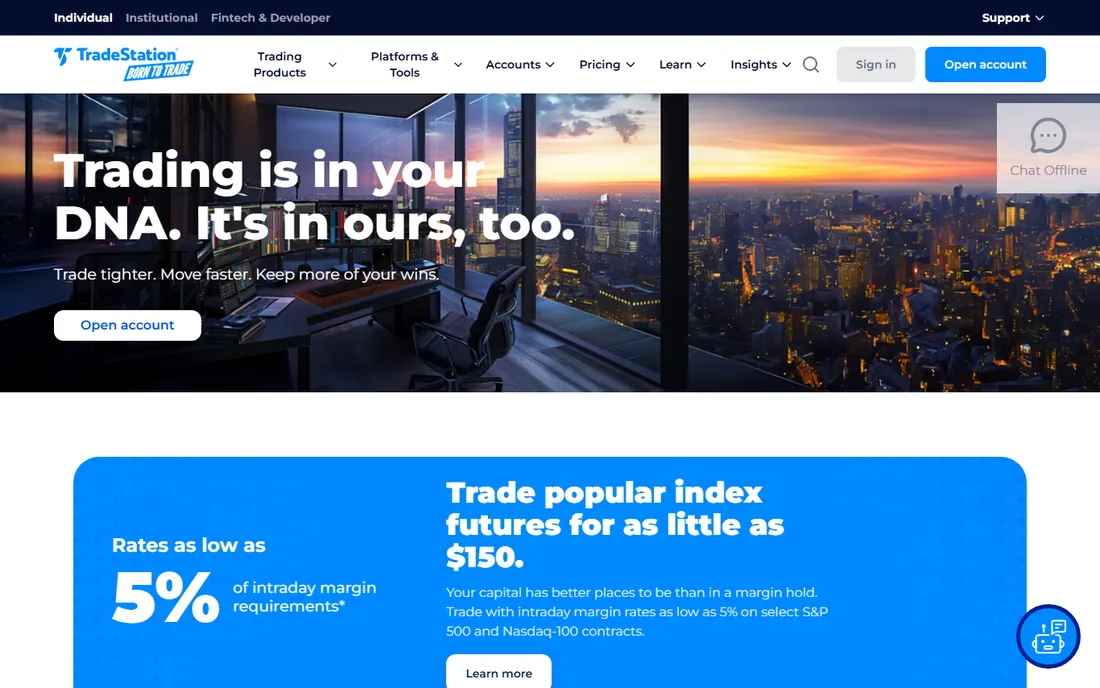
TradeStation has served active traders since 1982, and its desktop platform remains a favorite for systematic traders. The TS GO and TS Select plans both offer $0 stock and ETF commissions, with options at $0.50 to $0.60 per contract and futures from $0.85 per side. Simulated trading lets you test strategies without risk.
The differentiator is strategy automation. EasyLanguage lets traders code, backtest, and optimize strategies against historical data without a computer science degree. RadarScreen applies indicators across hundreds of symbols simultaneously, flagging setups as they form. The TradingApp Store extends the platform with third-party tools.
Watch the fee details. TS GO users pay a $10 surcharge per equity and options trade placed on the desktop platform, and inactivity fees apply below balance and activity thresholds. For traders who will use the automation depth, the platform earns its keep.
What we like- EasyLanguage strategy development and backtesting
- RadarScreen monitors hundreds of symbols in real time
- $0 stock and ETF commissions
Watch out for- Desktop surcharges on the TS GO plan
- Learning curve for the full platform
- Limited mutual fund and bond trading
Starting price$0
Free planYes
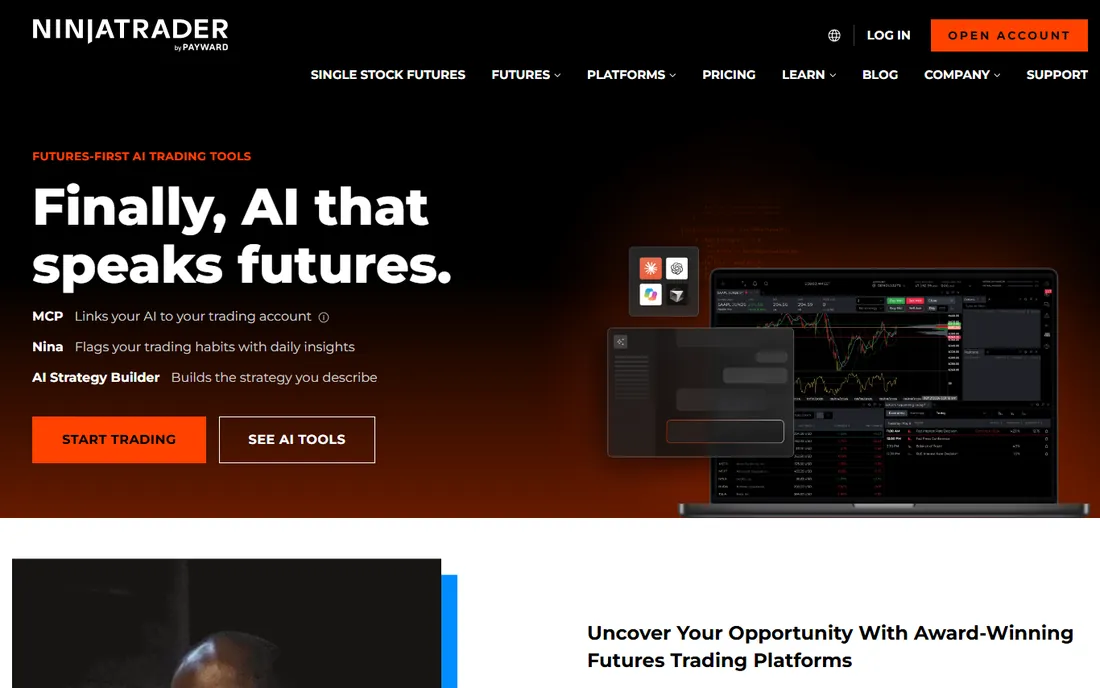
NinjaTrader is the futures trader's platform: free to download and use for advanced charting, strategy backtesting, and unlimited simulated trading, with live futures trading through its own brokerage at commissions from $0.09 per contract. Over 2 million traders use it, and it was named best futures broker for 2025 and 2026 by BrokerChooser.
The futures-specific tools are the draw. Depth-of-market ladder trading, order flow analysis, advanced trade management with stop-loss and take-profit automation, and micro contracts with $50 day-trading margins. The platform runs on Windows, in the browser, and on mobile, with settings synced across devices.
The limits are scope. NinjaTrader's own brokerage handles futures only; stocks and options require third-party broker connections on the desktop. Real-time market data and premium tools open up with funding. For dedicated futures traders, though, nothing else is this focused.
What we like- Free to download for charting, backtesting, and simulated trading
- Commissions from $0.09 per contract
- Depth-of-market order entry and order flow tools
Watch out for- The brokerage is futures-only
- Windows-first desktop experience
- Real-time market data requires a funded account
Starting price$0
Free planYes
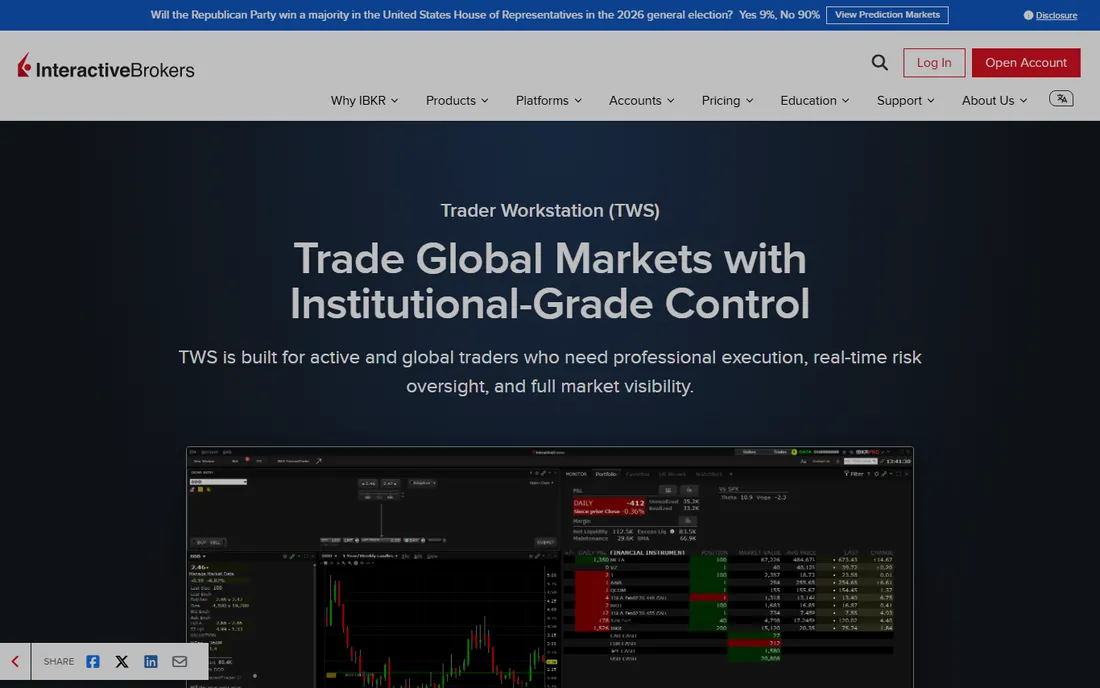
Trader Workstation (TWS) is Interactive Brokers' flagship desktop platform, designed by market makers for professionals. It is free with an IBKR account and provides access to more markets and asset classes than any competitor: stocks, options, futures, currencies, bonds, and funds across 170 markets worldwide from a single unified platform.
The professional credentials are unmatched. A full API supports Python, Java, C++, and C# for algorithmic trading. Advanced order types, portfolio margin, and low commissions make it the choice of serious active traders and institutions. The Mosaic workspace consolidates trading, charting, and portfolio management in one customizable window.
The honest catch is approachability. TWS assumes you know what you are doing, and the learning curve is steep. Market data subscriptions for exchanges you trade add monthly costs. But for traders who need global reach and professional tools, it is in a class of one.
What we like- Trade stocks, options, futures, forex, bonds, and funds on 170+ markets
- Professional API for algorithmic trading
- Among the lowest margin rates
Watch out for- The interface intimidates new users
- Market data subscriptions add up
- Customer service is functional rather than warm
Starting price$12.95/mo (reported)
Free planYes
TradingView is the charting platform 100 million traders use, and its desktop app for Windows and Mac brings the full experience to the PC. The free plan offers genuine charting with indicators and community access. Paid plans from $12.95 a month (Essential, billed annually) add more charts per tab, more indicators, more alerts, and ad removal.
The charting quality is the reason to be here. Clean, fast, beautiful charts with 100+ built-in indicators, advanced drawing tools, and Pine Script for building custom studies. The social layer, public trade ideas and published scripts, has no equivalent elsewhere. Broker integrations, including NinjaTrader for futures, let you trade from the charts.
The limits are structural. TradingView is not a broker, so you pay a subscription plus your broker's commissions, and real-time data for many exchanges requires add-on fees. For analysis-first traders, it is the best screen in the business; for execution-first traders, pair it with a real brokerage platform.
What we like- The best charting interface in the industry
- Pine Script for custom indicators
- Huge community sharing ideas and scripts
Watch out for- It is not a broker, so execution goes through integrations
- Real-time exchange data costs extra
- The desktop app wraps the web experience
Starting price$0
Free planYes
Fidelity Trader+ Desktop, previously known as Active Trader Pro, is Fidelity's advanced desktop platform, free for all Fidelity customers. It offers real-time streaming quotes, advanced charting, Level II data, options analysis, and customizable layouts, with installers for PC and Mac. Paper trading with simulated money is included.
The value is the Fidelity ecosystem. $0 stock and ETF commissions, excellent research, and retirement account integration make it a strong choice for investors who also trade actively. The platform is fast to start and easier to learn than thinkorswim, with Bloomberg TV streaming built in.
The trade-offs are depth. Complex order types and direct-access routing trail the specialist platforms, and futures traders need to look elsewhere. The rename from Active Trader Pro to Fidelity Trader+ has confused users searching for the old name. For Fidelity customers, though, it is a capable free desktop that covers most active trading needs.
What we like- Free for Fidelity customers with no subscription
- Solid charting, Level II quotes, and options tools
- Paper trading for practice
Watch out for- Renamed from Active Trader Pro, which confuses long-time users
- Fewer advanced order types than thinkorswim
- No futures trading
Starting price$0
Free planYes
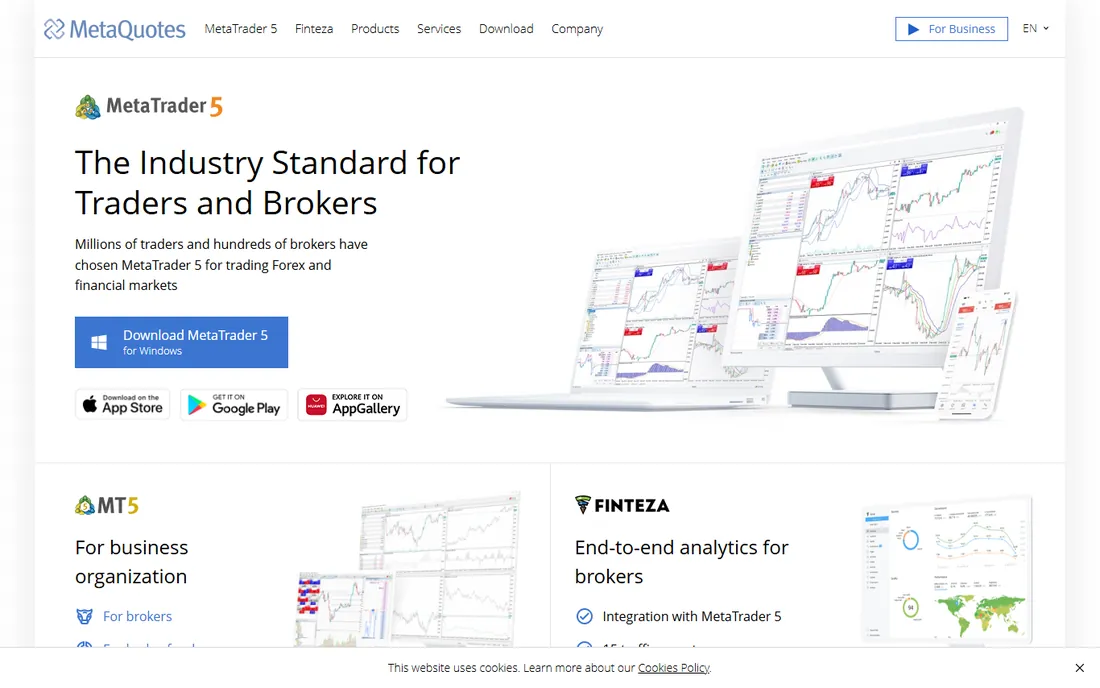
MetaTrader 5, from MetaQuotes, is the world's most widely used forex and CFD trading platform, provided free by brokers globally. The desktop terminal offers 21 timeframes, 6 pending order types, 80+ built-in indicators, and the MQL5 language for Expert Advisors that automate trading strategies, plus a strategy tester for backtesting.
The ecosystem is the product. Thousands of brokers offer MT5, a vast marketplace sells indicators and Expert Advisors, and the MQL5 community shares code freely. Demo accounts let beginners practice with virtual funds. For forex, gold, and CFD trading outside the US, it is the default platform.
Two honest caveats. The interface looks dated next to TradingView. And US regulations restrict the forex brokers offering MT5 to Americans, so US traders have fewer choices. The platform itself is legitimate and capable; results depend entirely on the broker and the trader.
What we like- The global standard for forex and CFD trading
- Expert Advisors automate strategies in MQL5
- Free through brokers with demo accounts
Watch out for- Dated interface
- US traders have limited broker options due to regulations
- The platform is only as good as the broker behind it
How we chose
We selected the seven desktop trading platforms that active PC traders actually use, covering stocks, options, futures, and forex. We required a real downloadable desktop application, not just a web platform. All seven offer free access tiers, since modern brokerages no longer charge for platform software. We did not test any software hands-on or place trades.
Start with what you trade. Stock and options traders should compare thinkorswim, TradeStation, Fidelity Trader+, and TWS on charting depth, options tools, and order types. Futures traders belong on NinjaTrader or TradeStation. Forex and CFD traders use MetaTrader 5. Charting-first analysts use TradingView alongside a broker.
Consider your broker relationship. Most of these platforms are free with the broker's account, so the platform choice is really a broker choice. Compare commissions, margin rates, and account features alongside the software. Switching brokers later means rebuilding layouts and workflows.
Test with simulated trading before funding. Every platform here offers paper trading or demo accounts. Spend two weeks placing simulated trades, building watchlists, and testing the order entry workflow. The platform that feels natural in simulation is the one you will trust with real money.
The multi-monitor setup
Desktop trading software earns its keep on multiple monitors: charts on one screen, watchlists and news on another, order entry on a third. All seven platforms support multi-monitor layouts with customizable workspaces. Invest in the hardware before blaming the software for a cramped workflow.
Paper trading before real money
Every platform on this list offers simulated trading, and using it is the single best predictor of trading success. Paper trading teaches the platform's order entry, tests strategies against live market data, and reveals emotional reactions to losses without the cost.
Treat simulation seriously. Use realistic position sizes, log every trade, and review weekly. Two to three months of disciplined paper trading will teach you more than any course. The traders who skip this step fund the traders who do not.
Frequently asked questions
What is the best free trading software for PC?
thinkorswim (Charles Schwab), TradeStation, NinjaTrader, and Fidelity Trader+ Desktop are all free with a brokerage account. Interactive Brokers' TWS is free with an account. TradingView has a strong free tier. MetaTrader 5 is free through brokers. All seven cost nothing for the software itself.
Which trading platform is best for beginners?
Fidelity Trader+ Desktop and thinkorswim are the most beginner-friendly full platforms, with paper trading included. TradingView's free tier is excellent for learning charting. Start with simulated trading on any of them before risking real money.
What is the best platform for day trading?
thinkorswim and TradeStation are the top picks for stock day trading. NinjaTrader leads for futures day trading. Interactive Brokers suits professionals trading multiple asset classes. All offer the fast order entry and Level II data day traders need.
Can I trade futures on thinkorswim?
Yes. thinkorswim supports futures trading through Charles Schwab Futures and Forex LLC, with $2.25 per futures contract. NinjaTrader and TradeStation are the specialists, with lower per-contract commissions for dedicated futures traders.
Is TradingView a broker?
No. TradingView is a charting and analysis platform, not a broker. You connect a supported broker account to place trades from TradingView's charts, or use it purely for analysis alongside a separate brokerage platform.
Do I need to pay for real-time market data?
It depends. US stock data is generally free with a brokerage account. TradingView charges add-on fees for real-time data on many exchanges. Interactive Brokers unbundles market data subscriptions. Futures real-time data on NinjaTrader requires a funded account. Check each platform's data fees before committing.
Sources we checked (7)
- https://www.schwab.com/trading/thinkorswim/desktop
- https://ninjatrader.com/pricing/
- https://github.com/benliusf/trader_workstation_go_sdk
- https://www.tradestation.com/trading-products/?utm_source=amazon&utm_medium=display&utm_campaign=tss_ddi_amz_cor_con&utm_content=ddi_cor_oct24_bns_cpadesktoptransform_728x90&dclid=CPWOge66yIoDFW9ZRwEd1t01VQ
- https://investingengineer.com/tradingview-review/
- https://usefidelity.com/how-much-does-active-trader-pro-cost/
- https://www.metaquotes.net/en/company/news/3619
Is your product missing or out of date?
We review this list regularly. Vendors can request a listing, send updated pricing or ask about featured placement.

Shihab Mia · Founder, Rankite
Shihab has spent more than a decade helping SaaS and e-commerce brands grow through search. He writes Rankite's software buying guides from pricing pages, documentation and public user reviews. More about Shihab.
 thinkorswim
 TradeStation
 NinjaTrader
 Interactive Brokers TWS
 TradingView
 Fidelity Trader+ Desktop
 MetaTrader 5