How we make this list: we compare pricing pages, product documentation and public user reviews. Rankite is independent; if a vendor ever pays for a featured spot, that listing is clearly labeled Partner.
Key takeaways
- AirGuard is the best dedicated Android app for detecting unwanted AirTags and other Bluetooth trackers, free from university researchers.
- iPhone and Android both have built-in unwanted-tracking alerts now; check they are enabled before installing anything.
- Google's Unknown tracker alerts and Apple's Find My notifications cover AirTags plus Find Hub and Find My network accessories.
- BLE scanner apps like nRF Connect, LightBlue and Wunderfind help you locate any Bluetooth device nearby, tracker or not.
Quick comparison
| Tool | Best for | Starting price | Free plan |
|---|
 AirGuard AirGuard | Android users wanting dedicated anti-stalking tracker detection | Free | Free |
 Apple Find My tracking notifications Apple Find My tracking notifications | iPhone users who want automatic unwanted-tracking alerts | Free (built into iOS) | Free |
 Google Unknown tracker alerts Google Unknown tracker alerts | Android users who want automatic alerts without extra apps | Free (built into Android) | Free |
 Samsung Find Samsung Find | Samsung Galaxy users in the Samsung device ecosystem | Free (built into Galaxy devices) | Free |
 Tile app (Life360) Tile app (Life360) | Detecting unknown Tile trackers with Scan and Secure | Free (app) | Free |
 Chipolo app Chipolo app | Chipolo tracker owners and Find My/Find Hub network users | Free | Free |
 nRF Connect for Mobile nRF Connect for Mobile | Technical users who want to see every BLE device in range | Free | Free |
 LightBlue LightBlue | iPhone and Android users wanting a friendlier BLE explorer | Free | Free |
 Wunderfind Wunderfind | Finding lost Bluetooth devices with a visual distance radar | Free (Pro available as in-app purchase) | Free |
Is your product missing or out of date?
We review this list regularly. Vendors can request a listing, send updated pricing or ask about featured placement.
The best tracker detector app
Let us be direct: if you are worried someone planted a tracker on you, the app matters less than the method. A Bluetooth tracker is a tiny radio. Detecting one means scanning for radios that should not be there, watching which ones move with you, and then physically finding the device. The nine tools here do different parts of that job: some watch in the background and alert you automatically, some scan on demand, and some are technical scanners that show you every Bluetooth device in range.
How we chose
We picked tools that genuinely help find unwanted trackers, prioritizing built-in OS protections, the best-reviewed dedicated detection app, tracker-maker apps with detection features, and technical BLE scanners. Apple's standalone Tracker Detect app is no longer the recommended path: both Apple and Google now build unwanted-tracking alerts into the operating system, which Apple documents on its support site. Every homepage, support page or store listing below was opened and verified.
Background watchers vs. on-demand scanners: know which you need
Background watchers run quietly and notify you when a tracker appears to be traveling with you: Apple's Find My notifications, Google's Unknown tracker alerts and AirGuard. These are the tools that catch a tracker you did not know to look for.
On-demand scanners show you what is broadcasting right now: nRF Connect, LightBlue, Wunderfind and manual scans in Android settings. These are the tools you use when you have a suspicion and want to sweep a car, a bag or a room. The right setup is one of each: a background watcher always on, plus a scanner for the moment you want answers. No single app does both jobs perfectly.
#1
AirGuard
Best for: Android users wanting dedicated anti-stalking tracker detection
Visit play.google.com
Starting priceFree
Free planFree
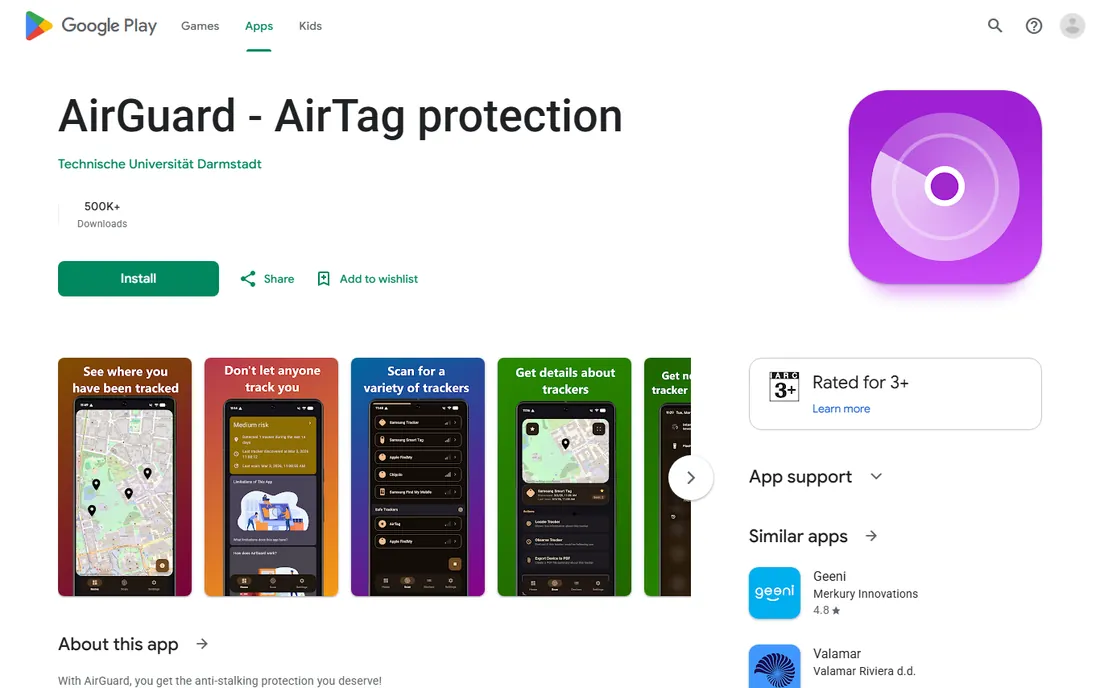
AirGuard is the standout dedicated tracker detector: an Android app from the Technical University of Darmstadt's Secure Mobile Networking Lab that scans in the background and warns you when a tracker follows you across multiple locations. It detects AirTags, Samsung SmartTags and Google Find My Device trackers together, plays sounds on supported models, and keeps all location data on your device. Research found it warns faster than Apple's own mechanisms.
It is free with no ads and no paid features, updated as recently as September 2026. For Android users, AirGuard plus the built-in unknown tracker alerts is the strongest free protection available.
What we like- Built by TU Darmstadt security researchers: detects AirTags, Samsung SmartTags and Find My Device trackers in one app
- Background scanning with adjustable alert sensitivity
- Never monetized, no ads, data stays on device
Watch out for- Android only
- Cannot use iPhone-style precision finding
- Research project rather than commercial support
#2
Apple Find My tracking notifications
Best for: iPhone users who want automatic unwanted-tracking alerts
Visit support.apple.com
Starting priceFree (built into iOS)
Free planFree
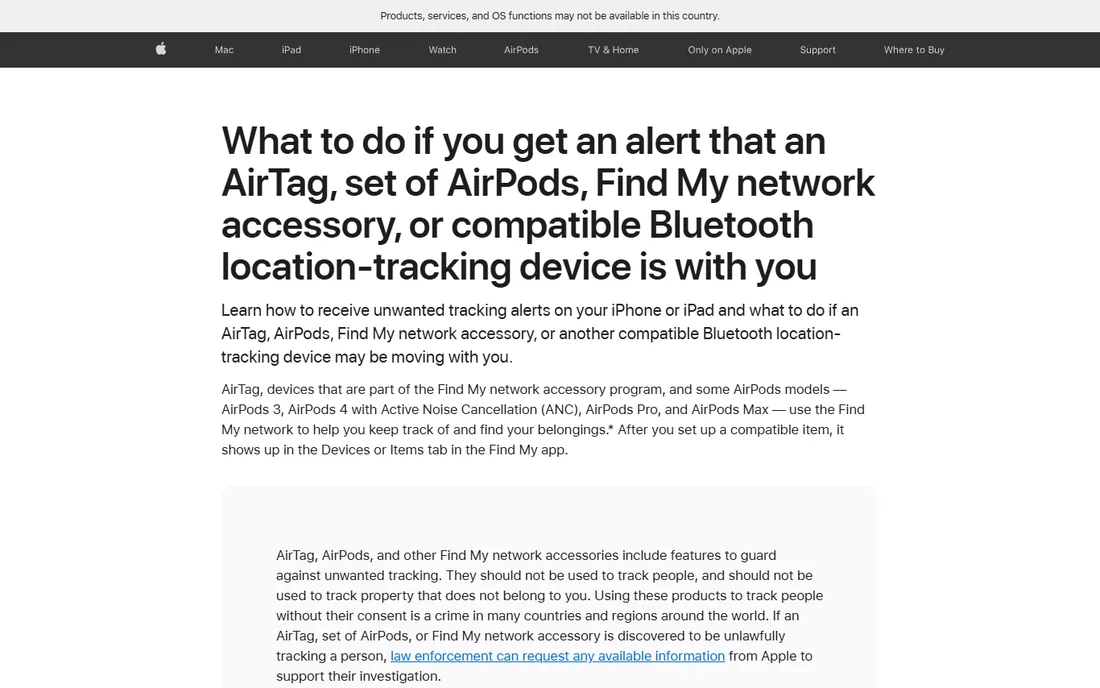
Every iPhone running iOS 14.5 or later has unwanted-tracking detection built in: if an AirTag, set of AirPods or Find My network accessory separated from its owner travels with you, you get a notification. Tapping it shows a map of where it was detected, plays a sound on the tracker, and on Ultra Wideband iPhones offers Precision Finding with distance and direction. Holding your iPhone near a found AirTag reveals its serial number and the owner's partial phone number.
Before installing anything, verify tracking notifications are on: Settings, Privacy and Security, Location Services on, Bluetooth on, and Tracking Notifications allowed. This is the baseline every iPhone owner already has.
What we like- Built into every iPhone, nothing to install: alerts when AirTags, AirPods or Find My accessories travel with you
- Precision Finding guides you to unknown AirTags
- NFC tap identifies found trackers
Watch out for- IPhone only
- Requires location, Bluetooth and notifications configured
- Alerts can take time to trigger by design
#3
Google Unknown tracker alerts
Best for: Android users who want automatic alerts without extra apps
Visit support.google.com
Starting priceFree (built into Android)
Free planFree
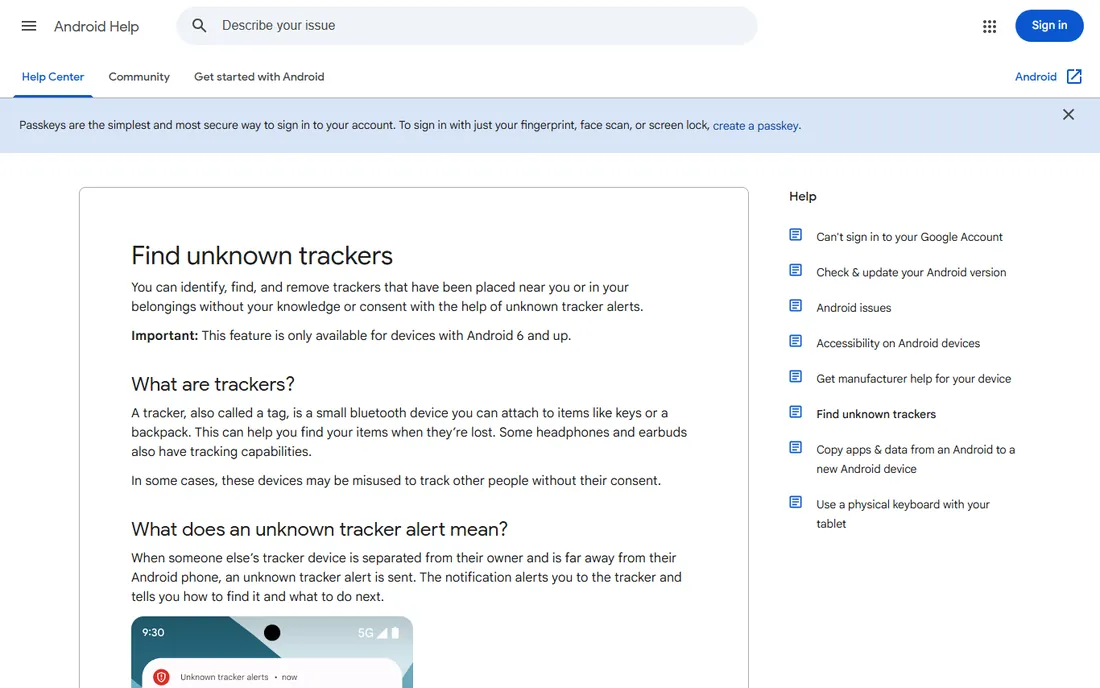
Android has its own built-in protection: unknown tracker alerts notify you when someone else's tracker is separated from its owner and traveling with you. Tapping the notification opens a map, lets you play a sound on the tracker without notifying its owner, and walks through next steps including saving the tracker's info and disabling it. A manual scan under Settings, Safety and emergency, Unknown tracker alerts takes about 10 seconds whenever you want to check.
The alerts work with Apple AirTags and Find Hub network compatible tags and headphones. It is on by default; the main thing to know is the 48-hour alert history limit, so screenshot anything important.
What we like- Built into Android 6 and up via Play Services: automatic alerts for AirTags and Find Hub network trackers
- Manual Scan now for on-demand checks
- Play sound and view travel map from the alert
Watch out for- Android only
- Manual scan results are not saved
- Alerts are deleted after 48 hours
#4
Samsung Find
Best for: Samsung Galaxy users in the Samsung device ecosystem
Visit samsung.com
Starting priceFree (built into Galaxy devices)
Free planFree
Samsung Find, part of the SmartThings ecosystem on Galaxy devices, locates Samsung phones, tablets, watches, earbuds and Galaxy SmartTags, and participates in unwanted-tracker detection on Samsung phones. For Galaxy owners, it is the native equivalent of Find My.
One change to note: Samsung is discontinuing the standalone SmartThings Tracker service on October 31, 2026; Samsung Find continues as the replacement path for SmartTag tracking. Galaxy users should make sure they are on the current Samsung Find experience rather than the legacy tracker service.
What we like- Built into Samsung devices: finds Galaxy phones, watches, buds and SmartTags
- Works with the broader SmartThings ecosystem
- No extra install for Galaxy owners
Watch out for- Samsung devices only
- The standalone SmartThings Tracker service is being discontinued
- SmartTag detection specifics vary by model
#5
Tile app (Life360)
Best for: Detecting unknown Tile trackers with Scan and Secure
Visit tile.com
Starting priceFree (app)
Free planFree
Tile, now part of Life360, offers Scan and Secure in its app: anyone can scan for unknown Tile trackers that may be traveling with them, on both iPhone and Android, without owning a Tile. It is the Tile-network equivalent of the OS-level alerts.
The limitation is scope: it finds Tiles, not AirTags or other brands. But in a world of multiple tracker networks, checking the Tile network too closes a gap the OS alerts may not cover. Note that Life360 acquired Tile, which is why tile.com now carries Life360 branding.
What we like- The Tile app's Scan and Secure feature finds unknown Tiles traveling with you: works on iPhone and Android
- Life360 integration for family location features
- No Tile purchase required to scan
Watch out for- Only detects Tile trackers, not AirTags
- The tile.com site now reflects Life360 ownership
- Finding a detected Tile still requires a physical search
#6
Chipolo app
Best for: Chipolo tracker owners and Find My/Find Hub network users
Visit chipolo.net
Starting priceFree
Free planFree
Chipolo's current trackers work natively with Apple Find My on iPhones or Google's Find Hub on Android, which means unwanted-tracking alerts for Chipolo devices come through the OS systems above. The free Chipolo app adds extras: ring your misplaced phone, out-of-range alerts on Android, ringtone controls and a selfie remote.
As a detector, Chipolo's value is indirect: because its trackers join the big finder networks, they are covered by the same anti-stalking alerts as AirTags. If you own Chipolos, the app is worth installing; for detection, keep the OS alerts on.
What we like- Free companion app for Chipolo POP, LOOP and CARD: works with both Apple Find My and Google Find Hub networks
- Extra features like phone ringing and out-of-range alerts
- Straightforward setup
Watch out for- Chipolo trackers work with one network at a time
- The app is a companion rather than a dedicated detector
- Detection relies on the OS-level alerts
#7
nRF Connect for Mobile
Best for: Technical users who want to see every BLE device in range
Visit nordicsemi.com
Starting priceFree
Free planFree
nRF Connect for Mobile is the engineer's BLE scanner: it lists every Bluetooth Low Energy device advertising nearby, with signal strength, advertised services and raw data. When you suspect a tracker and want to see exactly what radios surround you, this is the most capable free tool.
It will not tell you which device is a tracker; that judgment is yours, using signal strength as you move around. For the technical user doing a thorough sweep, or confirming what a consumer app found, nRF Connect is the ground truth.
What we like- Professional-grade BLE scanner from Nordic Semiconductor: shows every advertising Bluetooth device with signal strength
- Free on iOS and Android
- The standard tool for identifying unknown radios
Watch out for- Technical interface, not a consumer safety app
- Shows devices but does not judge which are trackers
- No background stalking detection
Starting priceFree
Free planFree
LightBlue is the more approachable BLE explorer: it shows nearby Bluetooth devices, lets you inspect what each one advertises, and helps you spot the unknown radio in the room. Punch Through, the connected-device engineering firm behind it, maintains it as a genuinely useful free tool.
Like nRF Connect, it shows devices rather than verdicts. Use it to sweep a space when you have a specific suspicion, then correlate what you find with signal strength as you move. It is a complement to the background watchers, not a replacement.
What we like- Clean BLE explorer from Punch Through: browse nearby Bluetooth devices and their advertised data
- Simpler than nRF Connect for non-engineers
- Free on both major platforms
Watch out for- Explorer, not a tracker detector
- No background alerts
- Identifying a tracker still requires interpretation
#9
Wunderfind
Best for: Finding lost Bluetooth devices with a visual distance radar
Visit wunderfind.app
Starting priceFree (Pro available as in-app purchase)
Free planFree
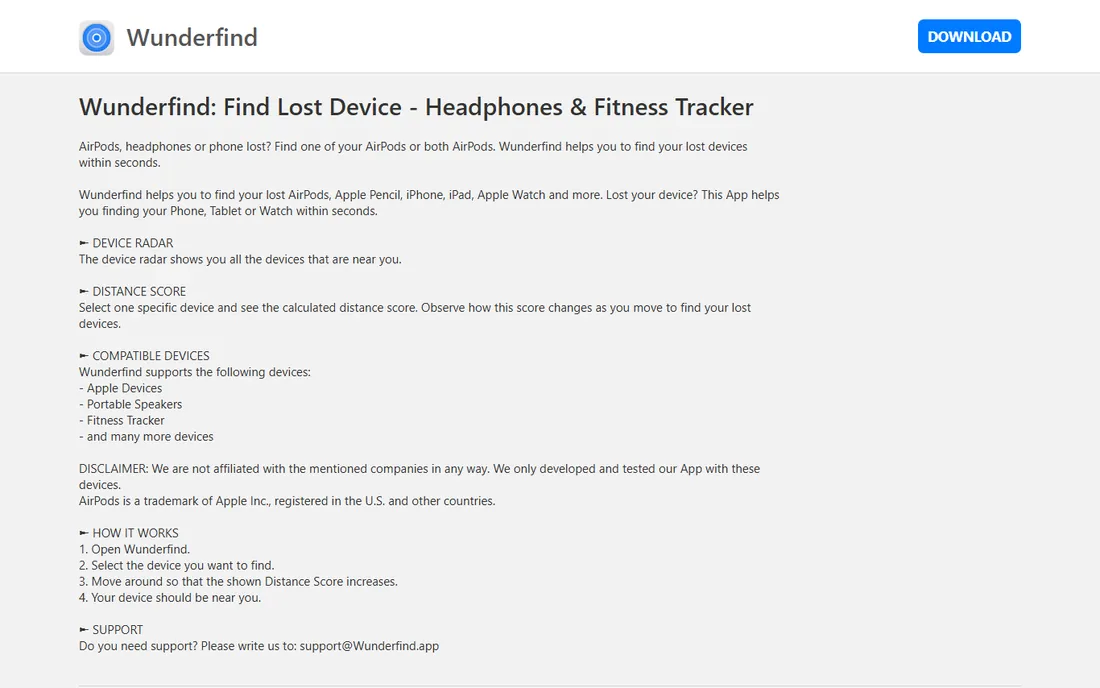
Wunderfind takes a different approach: a device radar that lists nearby Bluetooth devices with a distance score that rises as you get closer. It was built for finding lost AirPods, fitness trackers and speakers, but the same radar works for locating any Bluetooth device you have identified as suspicious.
It does not watch in the background for stalkers. Its role in a tracker-detection kit is the final step: once an alert or a scan has told you something is there, Wunderfind's radar helps you walk it down. Free with an optional Pro upgrade.
What we like- Device radar shows all nearby Bluetooth devices: distance score guides you closer as you move
- Works with AirPods, fitness trackers, speakers and more
- No data collected per its privacy policy
Watch out for- Built for finding your own lost devices rather than detecting stalkers
- No background unwanted-tracking alerts
- The free version covers the essentials
What to do the moment you suspect a tracker
First, do not panic and do not confront anyone yet. Run a manual scan: on Android, Settings, Safety and emergency, Unknown tracker alerts, Scan now; on iPhone, check Find My, Items, for unknown items detected with you. If you get an alert, tap it, view the map, and play a sound on the tracker without notifying its owner.
If you find a physical tracker, screenshot the alert and the map before anything else, since alerts expire. An AirTag can be disabled by removing its battery; other trackers have manufacturer-specific instructions. If you feel unsafe, go to a public place and contact law enforcement; they can work with Apple or Google to identify the tracker's owner. And remember that turning off Bluetooth on your phone does not stop the tracker from being located; only disabling the tracker itself does.
The limits every tracker detector shares
No detector is instant. Background systems wait until a tracker has traveled with you over time before alerting, to avoid false alarms from a stranger's keys on the bus. That delay is deliberate but means a tracker planted an hour ago may not trigger yet.
No detector sees everything either. Modified trackers with disabled speakers, trackers using networks your phone does not monitor, and trackers that stay out of Bluetooth range will evade detection. The realistic goal is raising the odds sharply, not guaranteeing detection. Combine a background watcher, an on-demand scan habit in high-risk moments like buying a used car or moving into a rental, and the knowledge of what to do when something appears. That combination is the best protection 2026 offers.
Frequently asked questions
What is the best tracker detector app?
For Android, AirGuard is the best dedicated app: free, researcher-built, and covering AirTags, SmartTags and Find My Device trackers. iPhone and Android owners should first make sure their built-in unwanted-tracking alerts are enabled, since those catch most cases with no install.
Can my phone detect an AirTag someone planted on me?
Yes. iPhones alert you automatically through Find My tracking notifications; Android phones do the same through Unknown tracker alerts. Both can play a sound on the unknown AirTag to help you find it, and both show where it was detected traveling with you.
Do I still need Apple's Tracker Detect app?
No. Apple and Google replaced it with built-in operating-system alerts: Find My tracking notifications on iPhone and Unknown tracker alerts on Android. These work automatically without a separate app.
How can I find a tracker that is not making sound?
Use a BLE scanner like nRF Connect, LightBlue or Wunderfind to see nearby Bluetooth devices and their signal strength, then move around: the signal grows stronger as you approach the tracker. Check the places trackers hide: bag linings, jacket pockets, wheel wells, under bumpers and inside the car's cabin.
Are tracker detector apps free?
The important ones are. AirGuard, Apple's and Google's built-in alerts, Samsung Find, the Tile app's Scan and Secure, nRF Connect, LightBlue and Wunderfind's core features are all free. This is one category where the best protection costs nothing.
What should I do if I find an unknown tracker?
Screenshot the alert and map first, since alert history expires. Disable the tracker (remove an AirTag's battery; follow manufacturer steps for others). If you feel unsafe, go to a public location and contact law enforcement, who can work with the tracker maker to identify the owner. Consider keeping the tracker powered if investigators may need its data.
Sources we checked (9)
- https://play.google.com/store/apps/details?id=de.seemoo.at_tracking_detection.release
- https://support.apple.com/en-by/119874
- https://support.google.com/android/answer/13658562
- https://www.samsung.com
- https://tile.com
- https://chipolo.net/
- https://www.nordicsemi.com/
- https://punchthrough.com/
- http://wunderfind.app
Is your product missing or out of date?
We review this list regularly. Vendors can request a listing, send updated pricing or ask about featured placement.

Shihab Mia · Founder, Rankite
Shihab has spent more than a decade helping SaaS and e-commerce brands grow through search. He writes Rankite's software buying guides from pricing pages, documentation and public user reviews. More about Shihab.