How we make this list: we compare pricing pages, product documentation and public user reviews. Ratings come from G2, Capterra or Trustpilot, with the date we checked them.
Key takeaways
- Start with free plans for Notion, Slack, HubSpot and Mercury, and pay only when limits or compliance needs force an upgrade.
- Stripe is the clearest payments starting point for most online startups, with no monthly fee on its standard plan.
- Per-seat tools such as Slack, Notion, Figma and Linear can grow fast, so audit seats every quarter and use guest or viewer roles where allowed.
- HubSpot and Deel both jump in price at higher tiers, so check the next tier before you build workflows around a lower one.
- Choose tools that export data cleanly, since a startup stack that cannot move will cost more later than a slightly higher monthly fee today.
Quick comparison
| Tool | Best for | Starting price | Free plan |
|---|
 Notion Notion | Docs, wikis and project tracking | $10 per member/month | Yes |
 Slack Slack | Team chat and external collaboration | $7.25 per user/month | Yes |
 HubSpot HubSpot | Free CRM and early sales | $15 per seat/month | Yes |
 Stripe Stripe | Online payments and billing | 2.9% + $0.30 per transaction | No |
 Figma Figma | Product design and prototyping | $12 per editor/month | Yes |
 Linear Linear | Product planning and issue tracking | $10 per user/month | Yes |
 Mercury Mercury | Startup banking and cards | $0 per month | Yes |
 Deel Deel | Global contractors and payroll | $49 per contractor/month | No |
Is your product missing or out of date?
We review this list regularly. Vendors can request a listing, send updated pricing or ask about featured placement.
#1Notion
Best for: Docs, wikis and project tracking4.6/5 on
G2 (13,834 reviews, checked Oct 2026)
Visit notion.com
Starting price$10 per member/month
Free planYes
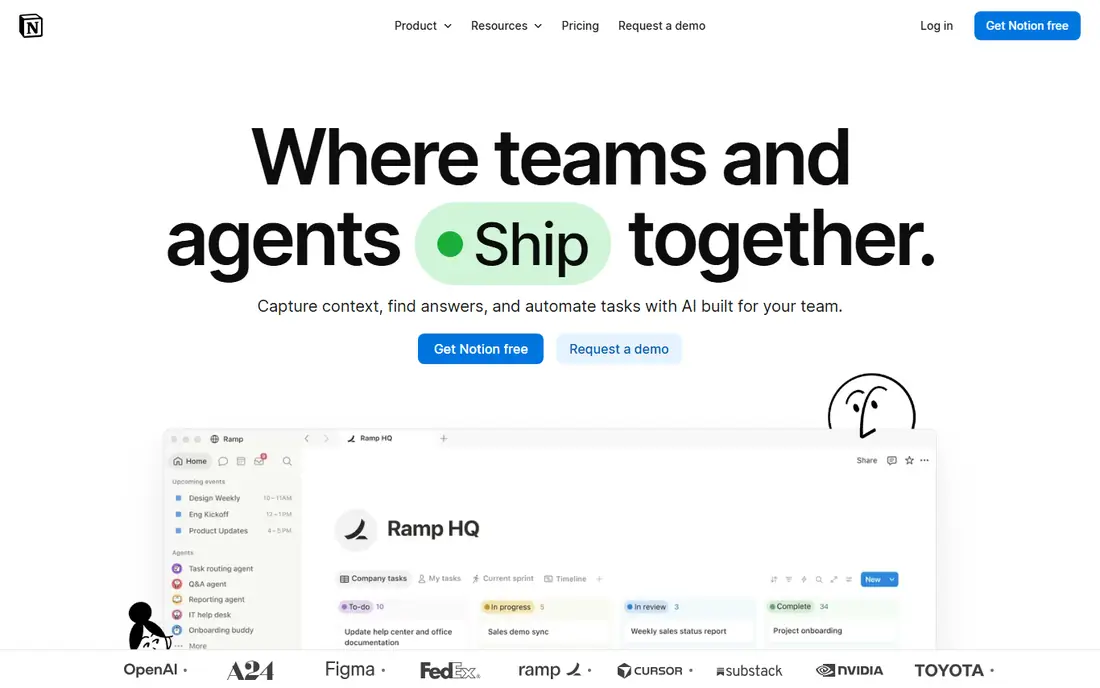
Notion works as a startup wiki, project tracker and lightweight CRM in one place. Founders can keep fundraising notes, product specs, hiring pipelines and meeting notes in linked databases, rather than spreading them across docs and spreadsheets. Templates for roadmaps, launch plans and content calendars shorten setup, and guests can view selected pages without a paid seat in many cases.
Plus starts at 10 dollars per member per month when billed annually, removing key free limits on uploads, history and guests. The catch for teams is the free plan block limit once more than one member joins, which can force an upgrade sooner than expected. Keep contractors and advisers as guests where possible, and review member seats before renewal.
What we like- Flexible pages, databases and templates
- Useful free plan for solo founders
- Wide template and integration set
Watch out for- Free team limits on blocks and history
- AI features need a higher tier for ongoing use
#2Slack
Best for: Team chat and external collaboration4.5/5 on
G2 (39,944 reviews, checked Oct 2026)
Visit slack.com
Starting price$7.25 per user/month
Free planYes
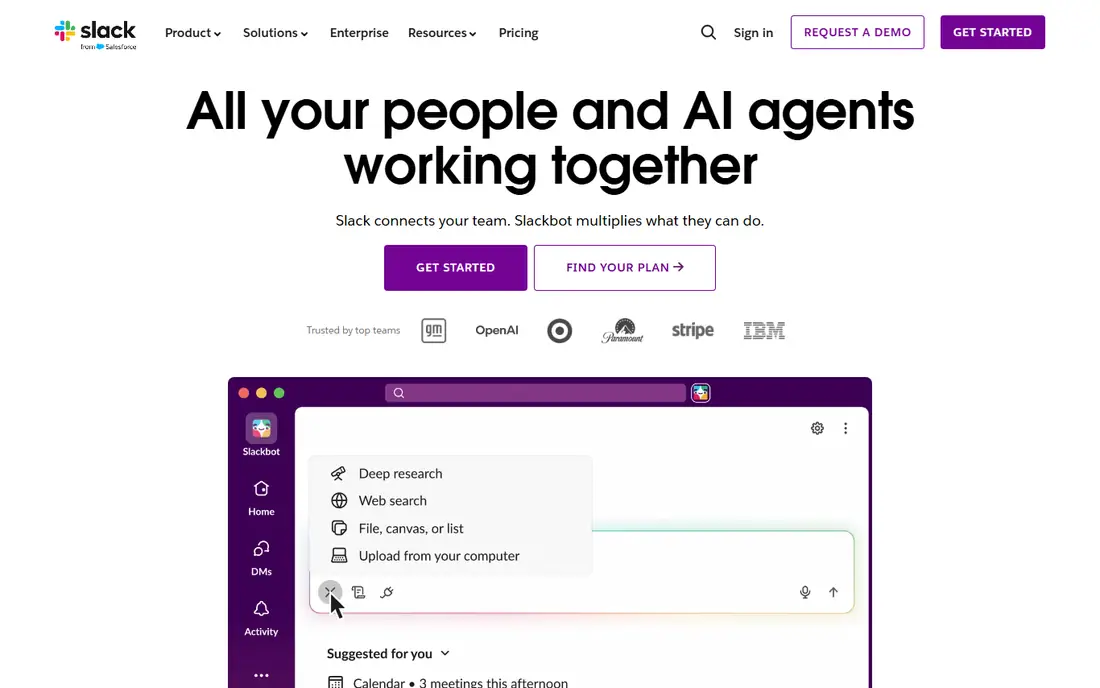
Slack remains the default chat hub for many startups because it holds day-to-day work, decisions and external conversations in searchable channels. Slack Connect lets a startup talk with clients and vendors in shared channels, which cuts email threads for support and sales. Huddles, canvases and workflow tools add light project work without a separate app for every task.
Pro starts at 7.25 dollars per user per month when billed annually, with full history and unlimited apps. The free plan is fine for a very small team, but the 90-day history limit and 10-app cap bite once decisions need to be found months later. Set channel rules early, archive dead channels and use threads, or a growing Slack workspace becomes noisy and costly.
What we like- Channels, threads and Slack Connect for clients
- Large app catalogue
- Fair billing for inactive members on paid plans
Watch out for- Free history is limited to 90 days
- Notification volume needs active channel discipline
Starting price$15 per seat/month
Free planYes

HubSpot gives a startup a real CRM without an upfront fee, which is why it appears on so many early stacks. The free CRM covers contacts, deals, email tracking, meeting scheduling and forms, enough to run a first sales process. As the team grows, Starter adds more automation and removes branding, while Marketing, Sales and Service Hubs can be added separately.
Starter pricing varies by hub, with Sales Hub Starter around 15 dollars per seat per month on monthly billing and lower on annual billing. The main risk is the jump to Professional, which can cost hundreds per month plus onboarding for some hubs. Start with clean pipeline stages and a small contact set, and confirm the next tier price before building workflows that only Professional supports.
What we like- Genuine free CRM for early teams
- Email, meetings and pipeline tools included
- Large integration marketplace
Watch out for- Professional tiers jump sharply in price
- Some automation and reporting features are tier gated
#4Stripe
Best for: Online payments and billing4.2/5 on
G2 (462 reviews, checked Oct 2026)
Visit stripe.com
Starting price2.9% + $0.30 per transaction
Free planNo
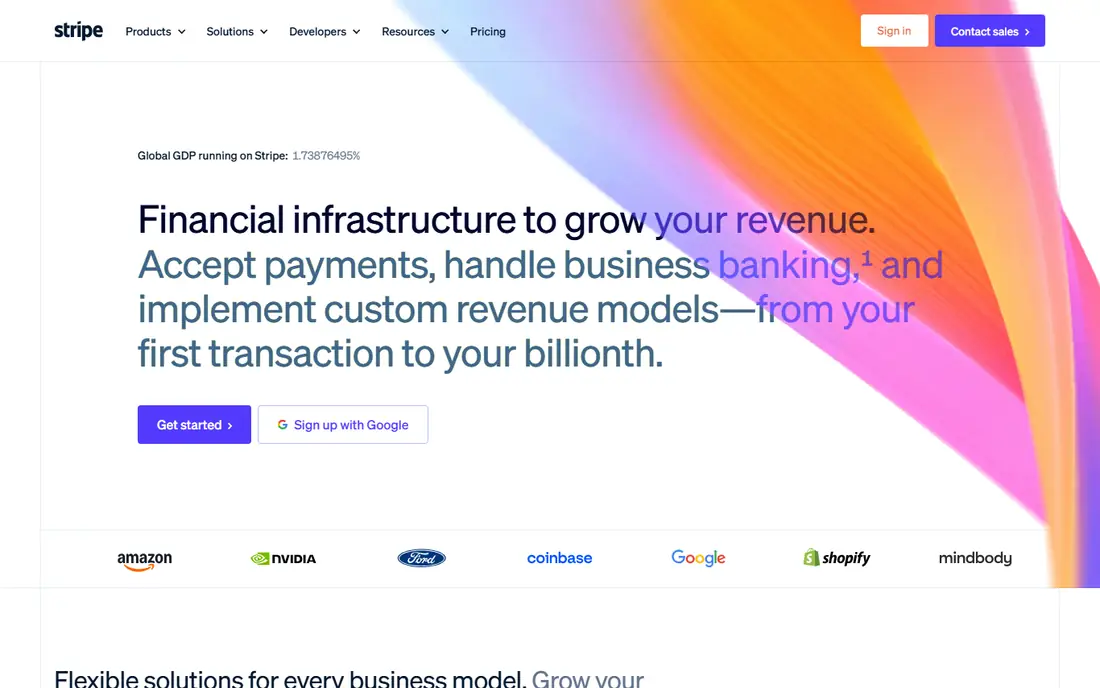
Stripe is the payments default for online startups because it charges only when money moves on the standard plan. A founder can take card payments, send payment links, run subscriptions and issue invoices without a monthly platform fee. The standard US online card rate is 2.9 percent plus 30 cents per successful transaction, with extra charges for international cards, currency conversion and optional products.
That model favours startups with few sales, since there is no fixed cost while revenue is low. It punishes very small tickets, where the 30 cent fee is a large share of the sale, and international sales need separate modelling. Check dispute fees, payout timing and tax handling before launch, and keep a simple fee model for pricing decisions.
What we like- No monthly fee on standard pricing
- Strong docs, payment links and billing tools
- Wide payment method and currency support
Watch out for- Transaction fees rise for small tickets and international cards
- Add-ons for billing, tax and fraud cost extra
#5Figma
Best for: Product design and prototyping4.7/5 on
G2 (1,593 reviews, checked Oct 2026)
Visit figma.com
Starting price$12 per editor/month
Free planYes
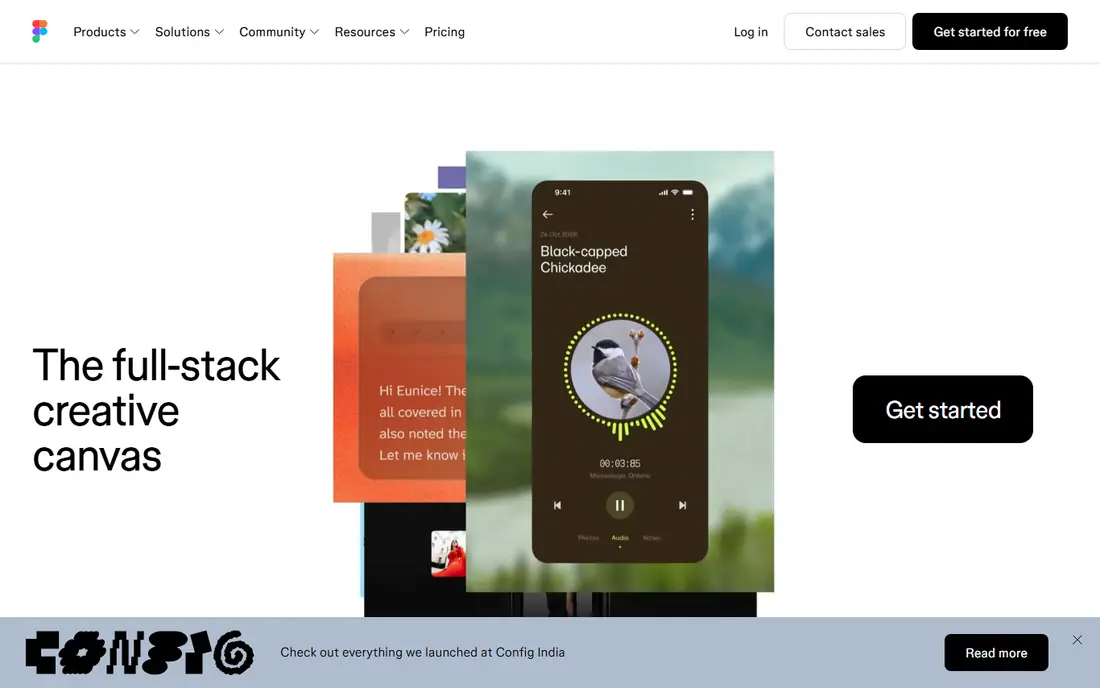
Figma lets designers, product managers and engineers work in the same file, which shortens the loop between a mockup and a shipped screen. Prototypes, shared libraries, comments and developer inspection live together, so feedback does not scatter across screenshots and email. Viewers can review and comment without an editor seat, which keeps stakeholder costs down.
Professional starts at 12 dollars per editor per month when billed annually, with unlimited files and team libraries. The free Starter plan limits team files, so a growing design team will move to Professional quickly. Only pay for editors who actually edit, keep the rest as viewers, and review whether organisation controls are truly needed before paying for a higher tier.
What we like- Browser based design and prototyping
- Free viewer seats for stakeholders
- Strong libraries and developer handoff
Watch out for- Per-editor pricing adds up for large product teams
- Advanced organisation controls need a costly tier
#6Linear
Best for: Product planning and issue tracking4.6/5 on
G2 (124 reviews, checked Oct 2026)
Visit linear.app
Starting price$10 per user/month
Free planYes

Linear suits product-led startups that want issue tracking without the configuration burden of a larger system. Issues, projects, cycles and roadmaps share a fast interface, and integrations with GitHub and Slack keep engineering work visible. Triage, labels and priorities help a small team decide what ships next without long status meetings.
Basic starts at 10 dollars per user per month when billed annually, while the free plan allows unlimited members but caps issues at 250. That cap is generous for a first product, but a busy team can hit it within months. If your team needs guests, advanced roadmaps or stronger admin controls, check Business pricing before assuming Basic covers everything.
What we like- Fast issue tracking, cycles and roadmaps
- Clean interface for product teams
- Strong GitHub and Slack integrations
Watch out for- Free plan caps issues at 250
- Guests on lower tiers are limited
Starting price$0 per month
Free planYes
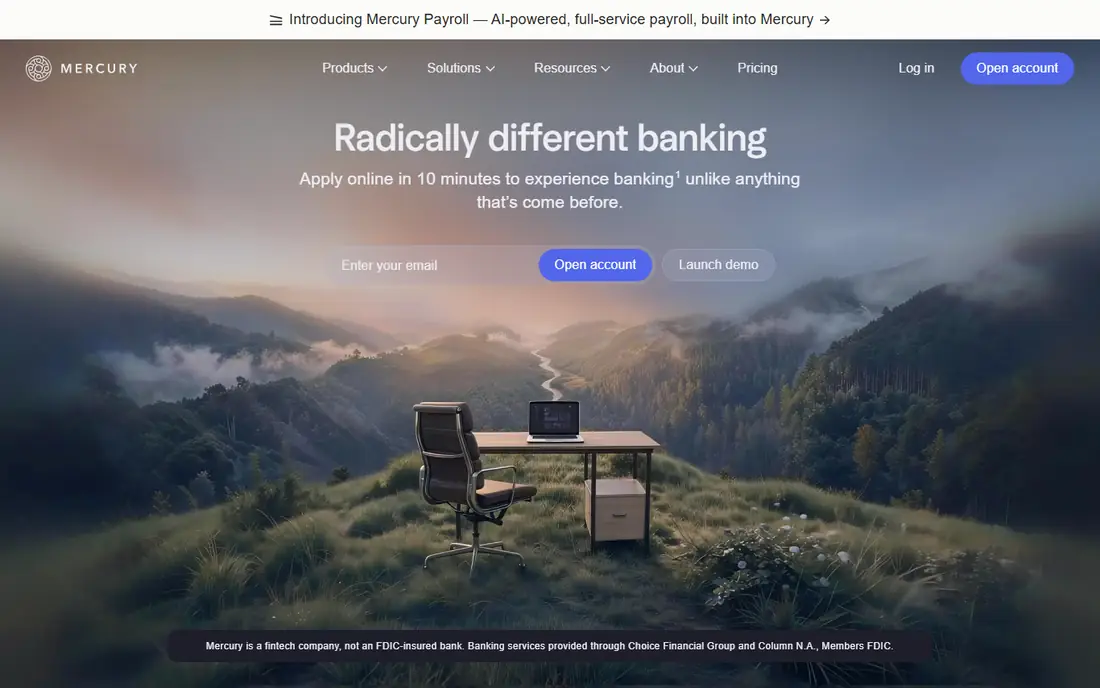
Mercury is built for startups that want business banking without branch visits or monthly account fees. The base account offers checking and savings, free domestic wires in many cases, virtual cards and an API for finance workflows. Integrations with Stripe, QuickBooks and payroll tools help a small finance operation stay in step without manual exports.
Mercury is a fintech platform, not a bank itself, with banking services provided through partner banks. That structure matters for deposit insurance and support expectations, so read the current terms before moving large balances. Paid tiers add higher limits, invoicing features and dedicated support, but most early startups can run well on the free base account.
What we like- No monthly fee or minimum balance on the base account
- Virtual and physical cards
- API and accounting integrations
Watch out for- No physical branches
- Eligibility depends on company type and location
- Some services sit on paid tiers
#8Deel
Best for: Global contractors and payroll4.7/5 on
G2 (6,959 reviews, checked Oct 2026)
Visit deel.com
Starting price$49 per contractor/month
Free planNo
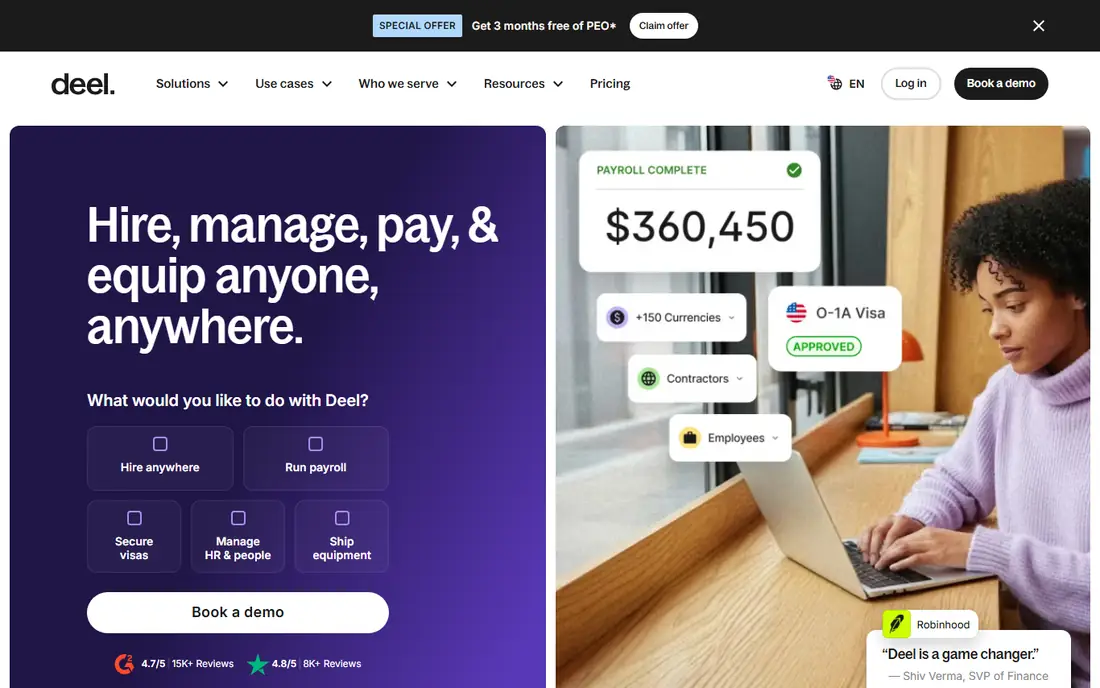
Deel helps startups hire beyond their home country without setting up a local entity for every hire. Contractor management starts at 49 dollars per contractor per month, covering contracts, invoicing, tax form guidance and payments in many currencies. For full-time hires in countries where the startup has no entity, employer of record starts at 599 dollars per employee per month, a very different cost.
That split is the key budgeting point. Contractor and employer of record are not interchangeable, and mixing them up leads to a large surprise. Deel also offers global payroll, US payroll and PEO options at separate prices, so price only the product you need. For a domestic-only team, a simpler payroll tool may be cheaper than Deel.
What we like- Contractor payments in many currencies
- Localised contracts and tax documents
- Employer of record option for full-time hires
Watch out for- Per-worker fees stack quickly
- Employer of record pricing is far higher than contractor pricing
How we chose
We compared vendor pricing pages, documentation and public reviews on G2, Capterra and Reddit, and checked each homepage to confirm the product exists and matches its name. We favoured tools with a usable free or low cost start, clear upgrade paths and broad use across early-stage teams. We also weighed seat pricing, export options and how each tool fits with the others in a typical startup stack.
Building a startup stack without waste
Start with the jobs that block revenue or delivery, not with a long wish list. For most early startups, that means a place to hold knowledge, a chat hub, a CRM, payments and a bank account. Add design, product tracking and global hiring tools only when a real project or hire needs them. Every extra tool adds login, billing and training cost, even when its monthly fee looks small.
Review the stack each quarter. Remove inactive seats, move occasional users to guest or viewer roles, and cancel tools that duplicate a feature you already pay for elsewhere. For example, Notion can cover light project tracking, and Slack can cover light task lists, so a separate tracker may not be needed until work grows. Keep one source of truth for customers, one for money and one for product work, and let the rest support those three.
Security and access basics
Use single sign-on where available, require two-factor authentication and limit admin access to a few people. When a contractor or employee leaves, remove access the same day across chat, docs, CRM, banking and payroll tools. Keep a simple offboarding checklist, since a startup with fast hiring often forgets access cleanup.
When to pay for the next tier
Pay when a limit blocks work, not when a sales page suggests it. Upgrade Slack when history loss hides decisions, upgrade Notion when block or history limits block editing, and upgrade HubSpot when automation or reporting limits slow sales. Before any upgrade, check annual billing savings, seat counts and whether a cheaper tool already covers the missing feature.
Frequently asked questions
What tools does a startup need first?
Most startups need docs, chat, a CRM, payments and banking first. Add design, product tracking and hiring tools when a project, product team or international hire makes them necessary.
Can a startup run on free plans alone?
For a short time, yes, especially with Notion, Slack, HubSpot and Mercury free tiers. Limits on history, blocks, contacts and features usually force a paid plan as the team and customer base grow.
How much should a small startup budget for software?
A team of five can often run a core stack for a few hundred dollars per month, depending on seats and paid tiers. Model per-seat costs at the next headcount level, not only the current one, to avoid a surprise at renewal.
Is Stripe free to start?
Stripe has no monthly fee on its standard plan, but it charges per successful transaction. Budget for transaction fees, international surcharges and optional billing or tax products separately.
Should startups use one all-in-one tool or several focused tools?
Focused tools usually fit better at first, since each job has a clear owner and export path. An all-in-one suite can help later, when admin time and integration maintenance outweigh the cost of separate tools.
Sources we checked (8)
- https://www.notion.com/pricing
- https://slack.com/pricing
- https://www.hubspot.com/pricing
- https://stripe.com/pricing
- https://www.figma.com/pricing
- https://linear.app/pricing
- https://mercury.com/pricing
- https://www.deel.com/pricing
Is your product missing or out of date?
We review this list regularly. Vendors can request a listing, send updated pricing or ask about featured placement.

Shihab Mia · Founder, Rankite
Shihab has 5+ years in B2B and SaaS SEO. He writes Rankite's software buying guides from pricing pages, documentation and public user reviews. More about Shihab.