How we make this list: we compare pricing pages, product documentation and public user reviews. Ratings come from G2, Capterra or Trustpilot, with the date we checked them.
Key takeaways
- Notion suits structured work that mixes notes, tasks, and databases in team workspaces.
- Obsidian suits private, linked notes stored as plain files on your own device.
- Evernote still leads on search inside scanned documents, but its free plan is now too limited for serious use.
- Microsoft OneNote suits freeform notebooks on any device, with strong handwriting support.
- Apple Notes and Google Keep cost nothing extra inside their ecosystems, which makes them hard to beat for quick capture.
- Bear suits clean Markdown writing on Apple devices.
- GoodNotes is the clear pick for iPad users who write notes by hand.
- Free tools cover most personal note taking. The paid jump is mainly about sync, storage, collaboration, and longer version history.
- Privacy note: cloud-synced notes live on vendor servers. If you store sensitive notes, pick a local-first app such as Obsidian or check encryption and export options before you commit.
Quick comparison
| Tool | Best for | Starting price | Free plan |
|---|
 Notion Notion | Structured notes and team workspaces | Free | Yes |
 Obsidian Obsidian | Private linked notes in plain files | Free | Yes |
 Evernote Evernote | Searchable document archives | Free | Yes |
 Microsoft OneNote Microsoft OneNote | Freeform notebooks on any device | Free | Yes |
 Apple Notes Apple Notes | Apple users who want a built-in app | Free | Yes |
 Google Keep Google Keep | Quick notes and lists | Free | Yes |
 Bear Bear | Clean Markdown writing on Apple | Free | Yes |
 GoodNotes GoodNotes | Handwritten notes on iPad | Free | Yes |
Is your product missing or out of date?
We review this list regularly. Vendors can request a listing, send updated pricing or ask about featured placement.
#1Notion
Best for: Structured notes and team workspaces4.6/5 on
G2 (13,834 reviews, checked Oct 2026)
Visit notion.com
Starting priceFree
Free planYes
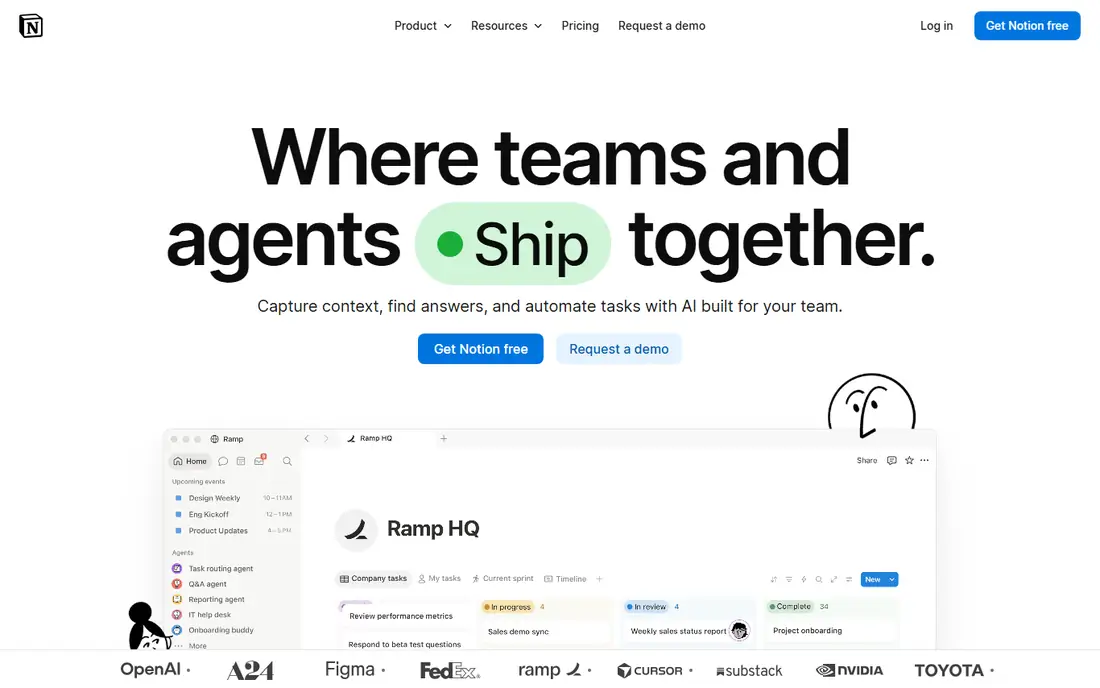
Notion suits structured work that mixes notes, tasks, and databases. Pages link to databases, tasks roll up into project views, and teams share workspaces with comments and permissions. The template library covers meeting notes, wikis, project trackers, and personal dashboards, which speeds setup for new users.
The limits are offline use and cost. Offline access is limited compared with local apps, and the Plus plan costs $10 per user per month billed annually, or $12 monthly. For teams and structured planners, Notion is the best all-in-one workspace.
What we like- Databases, tasks, and notes in one workspace
- Strong team collaboration
- Huge template library
Watch out for- Plus costs $10 per user per month
- Offline use is limited
- Learning curve is steep
#2Obsidian
Best for: Private linked notes in plain files4.5/5 on
G2 (13 reviews, checked Oct 2026)
Visit obsidian.md
Starting priceFree
Free planYes
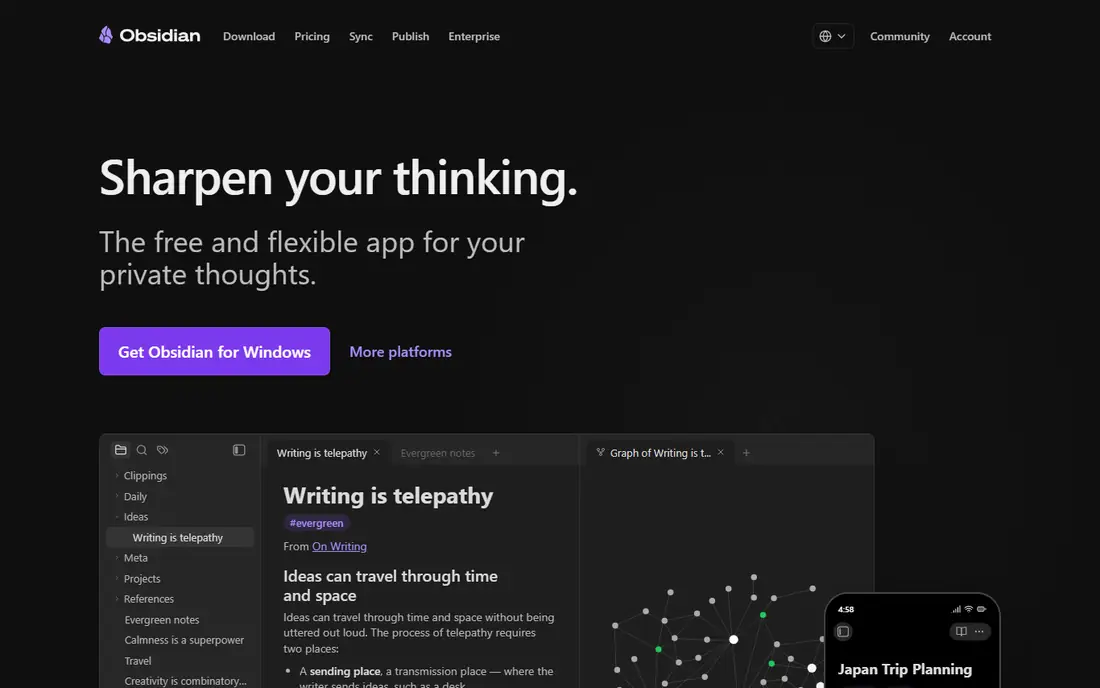
Obsidian is the best note-taking app for one person who values ownership. It is free, needs no account, and keeps plain Markdown files on your own disk, so your notes survive even if the company changes direction. Bidirectional links and a graph view connect notes into a personal knowledge system, and over 1,400 community plugins add features.
The trade off is sync and collaboration. Official sync costs $4 per month billed annually, and real-time collaboration is nearly absent without workarounds. Mobile apps lag behind desktop polish. For writers, researchers, and anyone building a long-term knowledge base, Obsidian is the best pick.
What we like- Free for personal and commercial use
- Plain Markdown files on your disk
- No account needed
Watch out for- Official sync costs $4 per month
- No real-time collaboration
- Setup takes effort
#3Evernote
Best for: Searchable document archives4.3/5 on
G2 (2,034 reviews, checked Oct 2026)
Visit evernote.com
Starting priceFree
Free planYes
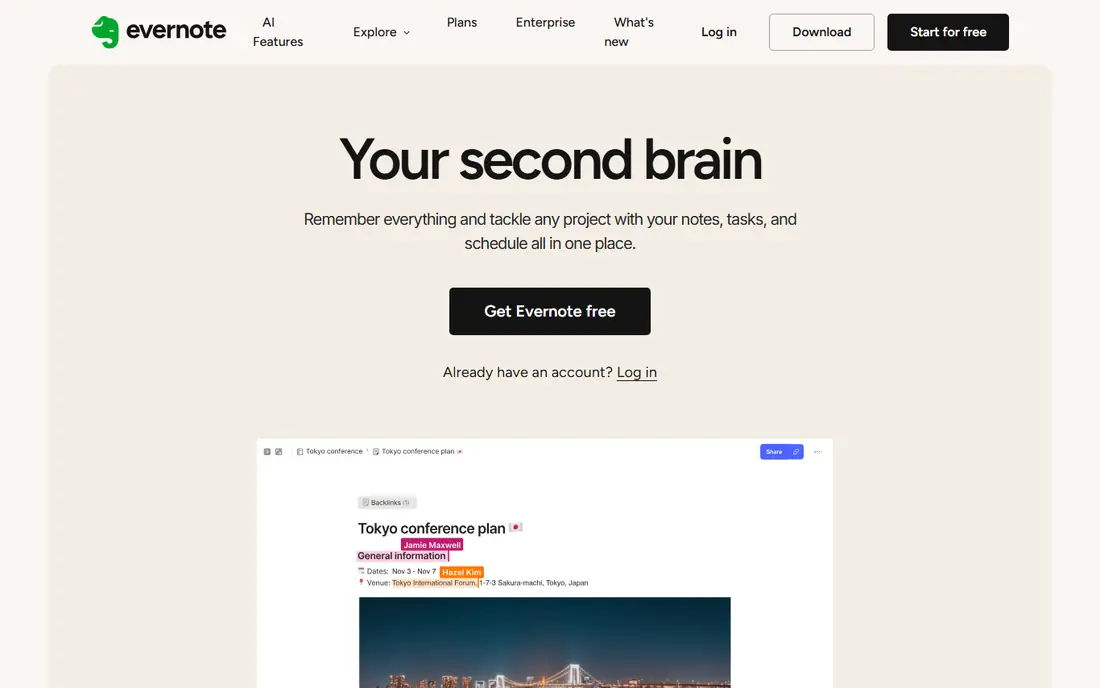
Evernote still leads on search inside scanned documents, with optical character recognition that finds text inside images and PDFs. The web clipper is mature, and notebooks, tags, and stacks organize large archives well. Long-time users with years of notes often stay for the archive alone.
The limits are free-tier cuts. The free plan now allows only 50 notes, one notebook, and one device, which makes it a demo rather than a daily tool. Paid plans start at $14.99 per month, or $99 per year for Starter. For searchable archives and document-heavy users, Evernote still earns its place, but new users should weigh the cost.
What we like- Best search inside scanned documents
- Mature web clipper
- Strong organization
Watch out for- Free plan limited to 50 notes, one notebook, and one device
- Paid plans start at $14.99 per month
#4Microsoft OneNote
Best for: Freeform notebooks on any device4.5/5 on
G2 (1,872 reviews, checked Oct 2026)
Visit onenote.com
Starting priceFree
Free planYes
Microsoft OneNote suits freeform notebooks on any device. Notes sit on a freeform canvas rather than a strict document flow, which suits students and visual thinkers who mix text, images, and handwriting. It runs on Windows, macOS, iOS, Android, and the web, and handwriting support is strong on tablets.
The trade off is structure and search. Organization can feel loose compared with Notion databases, and search is weaker than Evernote for scanned documents. A Microsoft account is required for sync. For free, cross-platform notebooks with handwriting, OneNote is hard to beat.
What we like- Free on all platforms
- Freeform canvas layout
- Strong handwriting support
Watch out for- Organization can feel loose
- Search is weaker than Evernote
- Tied to a Microsoft account
#5
Apple Notes
Best for: Apple users who want a built-in app
Visit apple.com
Starting priceFree
Free planYes
Apple Notes is the best quick-capture app for Apple users. It is free with every iPhone, iPad, and Mac, opens fast, and syncs through iCloud across Apple devices. Recent versions add folders, tags, smart folders, and collaboration, which cover most personal note needs without a third-party app.
The limits are ecosystem lock-in. There is no Windows or Android app, and organization is weaker than Notion for structured work. For Apple owners who want notes without another subscription, Apple Notes is the obvious pick.
What we like- Free with Apple devices
- Fast capture
- Smooth iCloud sync across Apple devices
Watch out for- Apple-only
- Weaker organization than Notion
- No Windows or Android app
Starting priceFree
Free planYes
Google Keep suits quick notes and lists. Capture is instant, with color-coded notes, checklists, reminders, and voice note transcription that turns spoken notes into text. It syncs with a Google account across web, Android, and iOS, and integrates with Google Docs for longer writing.
The trade off is depth. Organization is limited to labels and colors, formatting is basic, and large collections get messy. For shopping lists, reminders, and quick ideas, Google Keep is the fastest free option.
What we like- Free with a Google account
- Very fast capture
- Voice note transcription
Watch out for- Limited organization
- No rich formatting
- Notes can get messy at scale
#7Bear
Best for: Clean Markdown writing on Apple4.5/5 on
G2 (45 reviews, checked Oct 2026)
Visit bear.app
Starting priceFree
Free planYes
Bear suits writers on Apple devices who want a clean Markdown writing experience. The interface is minimal, tags organize notes, and focus mode removes distractions. Writing feels polished, and notes export cleanly to common formats.
The limits are platform and sync. Bear is Apple-only, and the Pro plan at $2.99 per month adds sync and export features that free users lack. There are no team features. For Apple writers who value clean Markdown, Bear is the best writing-first app.
What we like- Beautiful clean writing experience
- Markdown support
- Focus mode
Watch out for- Apple-only
- Pro costs $2.99 per month for sync and export
- No team features
Starting priceFree
Free planYes
GoodNotes is the clear pick for iPad users who write notes by hand. Handwriting feels natural with an Apple Pencil, handwriting recognition searches handwritten text, and PDF annotation suits students marking up lecture slides. Notebooks, folders, and templates organize handwritten work well.
The trade off is platform. GoodNotes is Apple-focused, with limited presence on Android and Windows, and full features cost about $11.99 per year or $30 one-time depending on source. For iPad handwriting, no app beats it.
What we like- Best handwriting experience on iPad
- Handwriting recognition
- PDF annotation
Watch out for- Apple-focused
- Full features cost about $11.99 per year
- Limited on Android and Windows
How we chose
We compared free-tier generosity, capture speed, organization, handwriting, sync, and privacy. Apps that are free in name but unusable without paying scored lower than apps with genuinely useful free tiers. We favored apps with local storage or clear export options for privacy, and noted where cloud sync stores notes on vendor servers. We did not test any app hands-on, and prices here reflect published list prices that vendors change often.
Buying guide: what to check before you pay
Start with how you take notes. Handwriting users need GoodNotes or OneNote, structured planners need Notion, and knowledge builders need Obsidian. Next, check free-tier limits. Evernote free now caps at 50 notes, while Obsidian, OneNote, Apple Notes, and Google Keep cover daily use for free. Ask about privacy too, since cloud-synced notes live on vendor servers. If you store sensitive notes, pick a local-first app, check encryption, and confirm you can export your notes in plain formats. Check platform coverage as well, since Apple Notes and Bear are Apple-only while Notion and Obsidian run everywhere. Finally, try one app for two weeks with real notes, including a shared note and a search test, before you move your archive. Two weeks of real use reveals sync gaps and organization friction that a quick demo never shows, for any user.
Frequently asked questions
What is the best free note-taking app?
For most people, Apple Notes or Google Keep covers quick capture for free, while Obsidian covers serious personal knowledge work for free. Notion free suits teams and structured planners who need databases and collaboration.
Is Obsidian really free?
Yes. Obsidian is free for personal and commercial use, with unlimited notes and no account needed. Official sync costs $4 per month billed annually, but you can sync files yourself with iCloud, Git, or Syncthing.
Why is Evernote free so limited now?
Evernote cut its free plan to 50 notes, one notebook, and one device, which makes it a demo rather than a daily tool. Paid plans start at $14.99 per month. Long-time archive users may still find value, but new users should compare Notion or Obsidian first.
Which note app is best for handwriting?
GoodNotes is best for iPad handwriting, with natural pen feel and handwriting recognition. OneNote is the best cross-platform handwriting option, running on Windows, macOS, iOS, Android, and the web.
Can I move my notes to another app later?
Most apps export notes, but formats vary. Obsidian uses plain Markdown files that move anywhere, while Notion and Evernote exports need conversion. Check export options before you build a large archive in any app.
Sources we checked (0)
Is your product missing or out of date?
We review this list regularly. Vendors can request a listing, send updated pricing or ask about featured placement.

Shihab Mia · Founder, Rankite
Shihab has 5+ years in B2B and SaaS SEO. He writes Rankite's software buying guides from pricing pages, documentation and public user reviews. More about Shihab.