How we make this list: we compare pricing pages, product documentation and public user reviews. Ratings come from G2, Capterra or Trustpilot, with the date we checked them.
Key takeaways
- Calendly is the best general booking link tool for one-to-one and team meetings with outside contacts.
- Cal.com is the strongest free-first alternative, with unlimited event types on its free plan and a Teams plan at $16 per user per month.
- Doodle remains the best choice when a group must vote on a time, rather than book from one host's availability.
- SavvyCal helps guests pick a good time by letting them overlay their own calendar, which reduces awkward back-and-forth.
- Acuity Scheduling and YouCanBookMe suit service businesses that need intake forms, payments, and branded booking pages.
Quick comparison
| Tool | Best for | Starting price | Free plan |
|---|
 Calendly Calendly | General booking links | See website | Yes |
 Cal.com Cal.com | Free-first booking links | $16 per user per month | Yes |
 Doodle Doodle | Group polls | See website | Yes |
 SavvyCal SavvyCal | Guest-friendly scheduling | See website | No |
 Acuity Scheduling Acuity Scheduling | Service appointments | See website | Free trial (7 days) |
 YouCanBookMe YouCanBookMe | Branded booking pages | See website | Yes |
 Reclaim Reclaim | AI calendar and focus time | See website | Yes |
Is your product missing or out of date?
We review this list regularly. Vendors can request a listing, send updated pricing or ask about featured placement.
#1Calendly
Best for: General booking links4.7/5 on
G2 (2,674 reviews, checked Oct 2026)
Visit calendly.com
Starting priceSee website
Free planYes
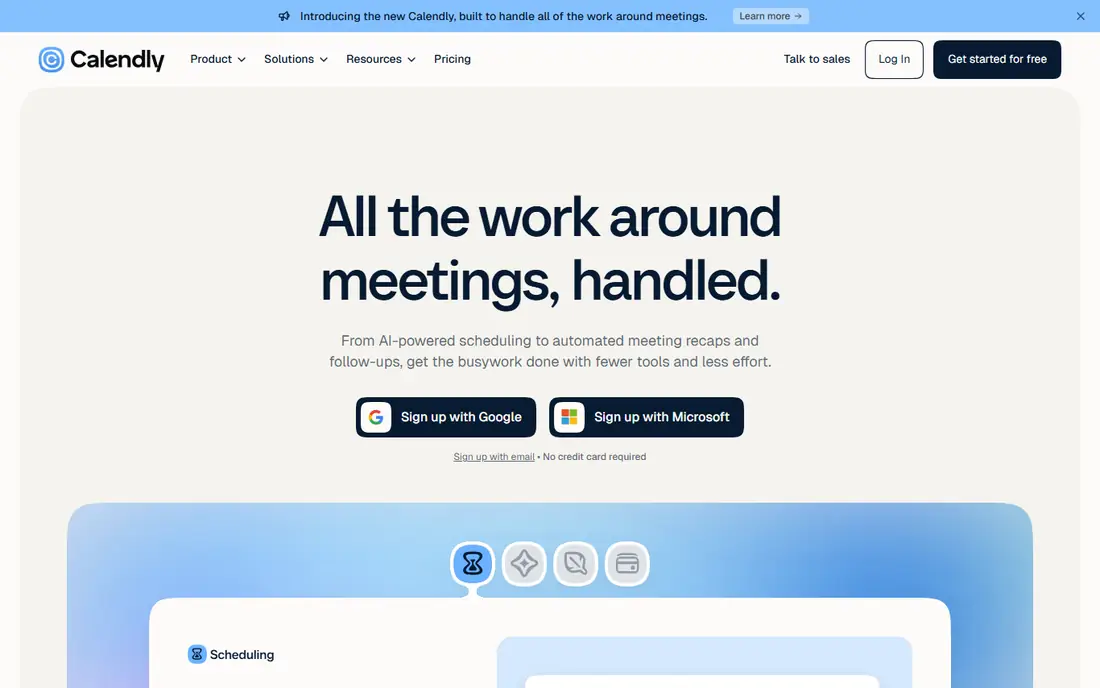
Calendly is the tool most people think of first for scheduling meetings, and for good reason. You connect a calendar, set hours when you are available, and share a link. Guests see open slots in their own time zone, book one, and receive a confirmation and reminders. If plans change, they can reschedule through the same link, which keeps the organizer out of a long email thread. That simple flow covers sales calls, interviews, coaching, and client check-ins with very little setup.
Paid plans add features that teams need at scale, including round-robin assignment, routing forms that send visitors to the right person, and payment collection at booking time. The free plan is enough for a solo user with one main event type to test whether booking links reduce scheduling work. Calendly also connects with many calendars, video tools, and CRM systems, so a booked meeting can create a video link and a CRM record without manual entry. For a general meeting scheduling need, Calendly is the safest default, and other tools on this list are best when a specific need, such as polls, service payments, or AI planning, is more important.
What we like- Simple booking pages for many meeting types
- Automatic reminders and rescheduling
- Routing forms and team features on paid plans
Watch out for- Advanced team controls require paid plans
- Less focused on group voting than Doodle
#2Cal.com
Best for: Free-first booking links4.6/5 on
G2 (153 reviews, checked Oct 2026)
Visit cal.com
Starting price$16 per user per month
Free planYes
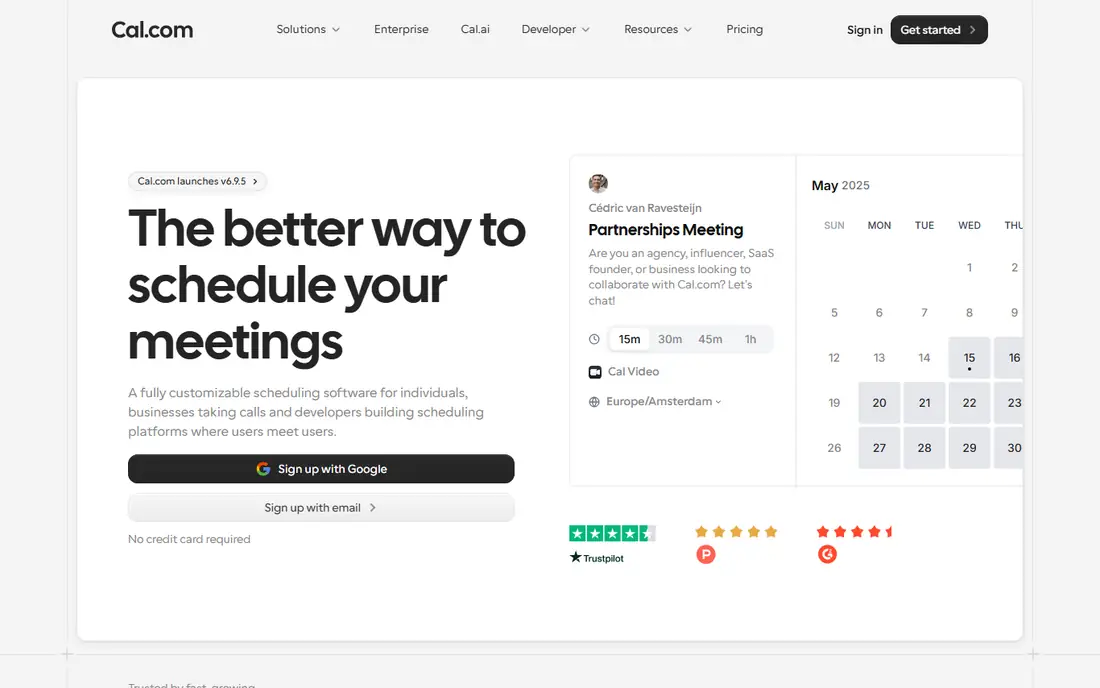
Cal.com stands out because its free plan is unusually complete. According to the Cal.com homepage, the free plan includes unlimited event types, calendar syncing, workflow automation, Stripe payments, and Cal Video. That means a freelancer or small team can offer several meeting types, collect payment for some of them, and automate reminders without paying at first. For a business watching costs, that free tier is a strong reason to test Cal.com before committing to a paid scheduling tool.
The Teams plan, listed at $16 per user per month on the homepage, adds round-robin scheduling, shared availability, and team workflows, which matter when several people share a booking link. Cal.com also supports self-hosting for teams that want full control over their scheduling system, though most small businesses will use the hosted version. The main trade-off is polish: Cal.com is flexible and powerful, but setting up complex routing and workflows can feel more technical than the guided setup in Calendly. For users who value a generous free plan and control over their data, Cal.com is an excellent pick.
What we like- Free plan includes unlimited event types
- Open-source option for self-hosting
- Teams plan adds round-robin and shared availability
Watch out for- Interface is more technical than Calendly for some users
- Some advanced features need a Teams or higher plan
#3Doodle
Best for: Group polls4.4/5 on
G2 (2,071 reviews, checked Oct 2026)
Visit doodle.com
Starting priceSee website
Free planYes
Doodle solves the meeting problem that booking links cannot: finding a time when many people are free. You propose several options, share a poll, and each person marks the times that work. The result is visible to everyone, so the organizer can pick the slot with the most votes without chasing replies in a group chat. That model fits board meetings, committee calls, family events, and cross-company projects where no single host can set availability for the group.
Doodle has also added booking pages and a day view that brings meetings, tasks, and focus time together, which makes it more useful for daily work than a poll-only tool. Still, its core strength remains the poll. If your main need is one-to-one client booking, Calendly or Cal.com will feel more direct. If your main need is agreement across a group, Doodle is the most straightforward tool on this list, and the free plan is enough to run a real poll with a team or a community group before paying for extra controls.
What we like- Polls that let a group vote on times
- Booking pages for one-to-one meetings
- Voters do not need an account for basic polls
Watch out for- Booking features are less deep than Calendly or Cal.com
- Team branding and controls sit on paid plans
#4SavvyCal
Best for: Guest-friendly scheduling4.8/5 on
G2 (36 reviews, checked Oct 2026)
Visit savvycal.com
Starting priceSee website
Free planNo
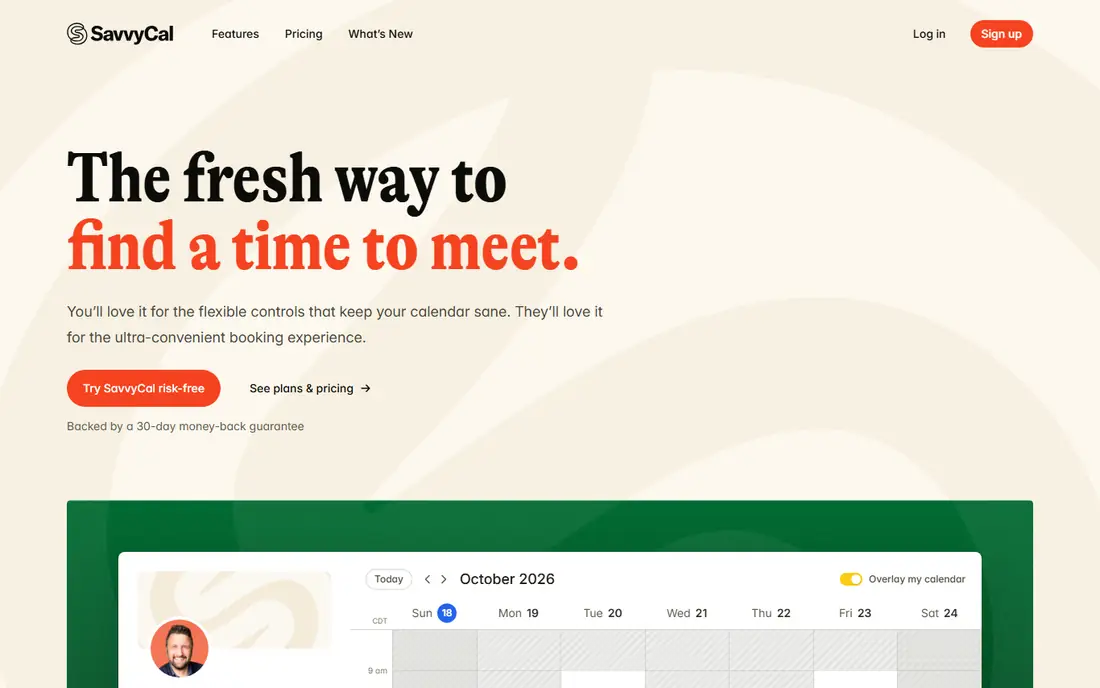
SavvyCal focuses on the guest experience. When someone opens a SavvyCal link, they can overlay their own calendar on top of your availability, so they can see at once which slots work for both sides. That small feature removes a common frustration: picking a time that looks free, only to discover a conflict on the guest's own calendar. Buffers between meetings, daily or weekly meeting limits, and preferred times help hosts cluster meetings and protect time for focused work.
The homepage notes that meeting polls are free to use, and that users can sign up for free to set up an account, but activating scheduling links for others requires a paid plan, with a money-back guarantee noted on the site. SavvyCal also supports paid bookings through Stripe, reminders and workflows, and connections to Google, Microsoft 365, iCloud, and Fastmail calendars. For consultants, recruiters, and founders who book many outside meetings and want guests to have an easy experience, SavvyCal is worth the paid plan, even though it lacks a full free scheduling tier.
What we like- Guests can overlay their own calendar to find a fit
- Buffers, limits, and preferred times protect focus time
- Paid bookings through Stripe
Watch out for- Scheduling links require a paid plan
- Smaller integration list than Calendly
Starting priceSee website
Free planFree trial (7 days)
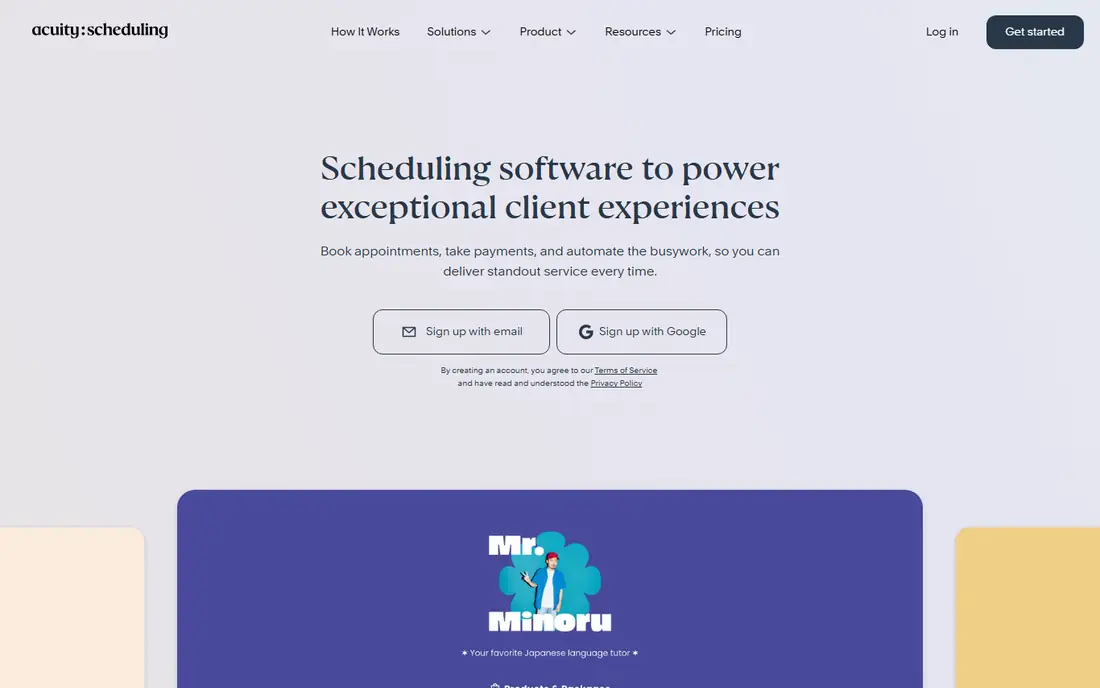
Acuity Scheduling is built for businesses that sell appointments, not just meetings. A salon, clinic, coaching practice, tutoring service, or fitness studio can offer different appointment types and lengths, collect intake details through custom forms, sell packages and gift certificates, and accept payments at booking time. Reminders, deposits, and cancellation policies help reduce no-shows, which the Acuity homepage notes as a common benefit for businesses using the tool.
Calendar sync prevents double-booking, and integrations with Google Calendar, Apple Calendar, Zoom, Google Meet, Stripe, Square, PayPal, and other tools keep appointments connected to payments and marketing. That depth makes Acuity more complex to set up than Calendly for a simple one-to-one meeting, and a solo user who only needs a booking link may not need intake forms or packages. For a service business where the booking page is also the storefront, Acuity is a strong fit, and the trial gives time to test appointment types and payments before paying.
What we like- Intake forms, packages, and gift certificates
- Payments through Stripe, Square, and PayPal
- Calendar sync and no-show controls
Watch out for- More complex than a simple meeting link tool
- Full features require a paid plan after trial
#6YouCanBookMe
Best for: Branded booking pages4.7/5 on
G2 (1,922 reviews, checked Oct 2026)
Visit youcanbook.me
Starting priceSee website
Free planYes
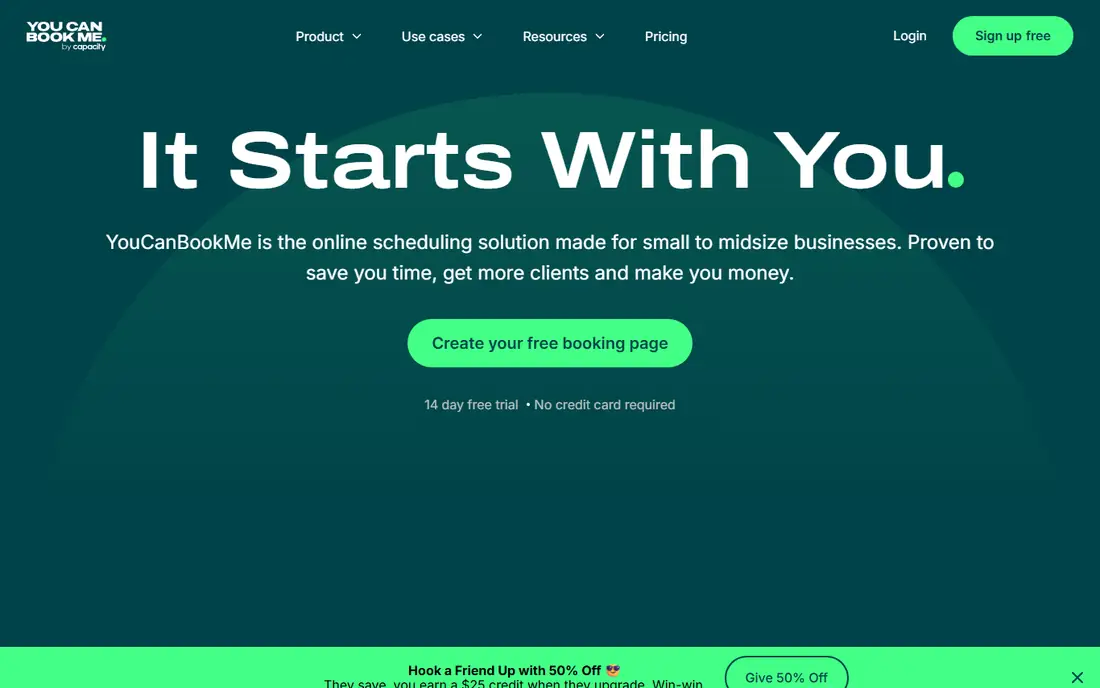
YouCanBookMe is a good choice for a small business that wants its booking page to look like its brand. The homepage shows a free plan with one calendar connection and one booking page, and higher plans add more connections, more booking pages, automations, and integrations. Branding options include a logo, colors, a background image, and a footer, so a booking page can match a website rather than looking like a generic scheduling link.
Payments through Stripe, Apple Pay, and Google Pay, discount codes, and packages help service businesses sell appointments directly from the booking page. Automated confirmations, reminders, and follow-up messages reduce manual work, and one-click rescheduling and cancellation make changes easy for clients. The main caution is pricing: the homepage pricing section did not show clear paid prices at check time, so readers should confirm current prices on the YouCanBookMe pricing page before buying. For a small business that values a branded, professional booking page and a usable free plan, YouCanBookMe is a practical pick.
What we like- Free plan with a booking page and calendar connection
- Strong branding with logo, colors, and background
- Payments and automations on higher plans
Watch out for- Pricing page shown on the homepage was unclear at check time
- Advanced team features require higher plans
#7Reclaim
Best for: AI calendar and focus time4.8/5 on
G2 (144 reviews, checked Oct 2026)
Visit reclaim.ai
Starting priceSee website
Free planYes
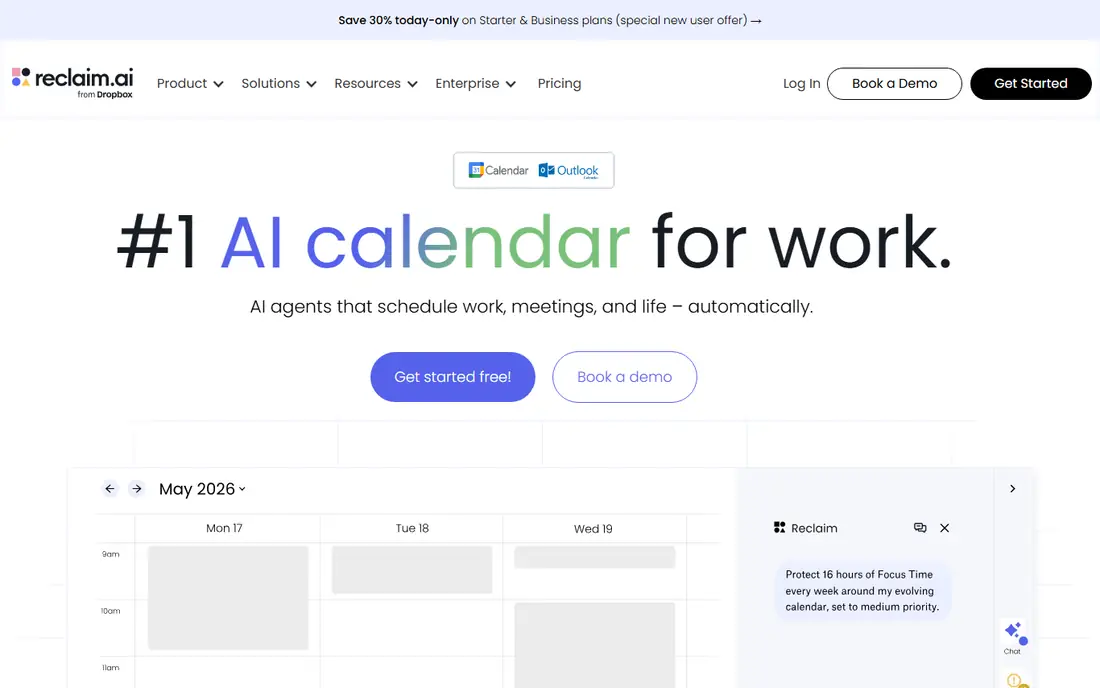
Reclaim is different from the other tools on this list, because it does more than book meetings. It works as an AI calendar assistant that protects focus time, schedules tasks and habits around existing meetings, and offers scheduling links for outside bookings. When priorities change, Reclaim can move flexible tasks and focus blocks to keep important work on the calendar, rather than letting meetings fill every open hour. That approach suits knowledge workers and teams whose main problem is not finding a meeting time, but protecting time to do the work itself.
The homepage states that Reclaim runs on Google Calendar or Outlook Calendar, and that it can sync multiple calendars to prevent conflicts. Team features add visibility into workloads, meeting load, and time allocation, which helps managers balance schedules across a team. Reclaim also offers scheduling links, so it can replace a simple booking tool for many users, though a team that only needs booking links may find Calendly or Cal.com simpler. For users who want their calendar to manage itself more actively, Reclaim is the most interesting option here.
What we like- Automatically schedules tasks, habits, and focus time
- Scheduling links plus calendar optimization in one tool
- Works with Google and Outlook calendars
Watch out for- AI features take time to tune to personal habits
- Less suited to simple one-off booking than Calendly
How we chose
We compared tools that are available in the United States in 2026 and that help schedule meetings with at least one other person, whether through booking links, polls, service appointments, or AI calendar management. We checked each vendor homepage to confirm the product loads and belongs to the named tool, and we reviewed pricing pages, feature documentation, and public help material for calendar connections, video tools, payments, team features, and free plans or trials. We favored tools with a clear use case, a usable free plan or trial, and connections to Google Calendar or Outlook, since a scheduling tool that does not connect to the calendars people use will not be adopted. We did not claim hands-on testing, and readers should confirm current prices on the vendor site before buying.
Decide between booking, polling, and service appointments
A booking link works when one host sets availability. A poll works when a group must agree. A service appointment tool works when clients need to choose a service, pay, and fill in intake details. Picking the right model first will narrow the list to two or three tools.
Check calendar and video connections
Confirm that the tool connects to Google Calendar, Outlook, or Apple Calendar as needed, and that it creates Zoom, Google Meet, or Microsoft Teams links for bookings. A tool that requires manual video link creation will add work to every meeting.
Protect focus time, not just meeting time
If your calendar fills up quickly, look for buffers, meeting limits, preferred times, or AI focus time features, as in SavvyCal and Reclaim. A scheduling tool should make it easier to meet, but it should not make it harder to do focused work.
Test with real guests before paying
Send a test link to a colleague or client, ask them to book, reschedule, and cancel, and check that reminders arrive as expected. That short test reveals more about a tool than a feature list, especially for guest experience, time zone display, and mobile booking.
Frequently asked questions
What is the best tool for scheduling meetings overall?
Calendly is the best general pick for most people, because it covers one-to-one and team booking with a simple link. Cal.com is a strong free-first alternative, and Doodle is better for group polls.
Do I need a paid plan to schedule meetings?
No, not at first. Calendly, Cal.com, Doodle, YouCanBookMe, and Reclaim offer free plans or free features that cover basic scheduling. Paid plans become useful for team routing, payments, branding, and advanced automation.
What is the difference between Calendly and Cal.com?
Both offer booking links, but Cal.com has a more generous free plan with unlimited event types, and an open-source option for self-hosting. Calendly has a larger integration list and a more guided setup for teams that want a polished, simple tool.
Can scheduling tools handle group meetings?
Yes. Doodle polls are best for finding a group time, while Calendly, Cal.com, and SavvyCal offer group and collective booking links where several hosts must be free. Check whether your tool supports the group model you need before buying.
Do these tools work with Google Calendar and Outlook?
Yes, the tools on this list connect to Google Calendar, and most also connect to Outlook or Microsoft 365 calendars. Confirm the exact connection on the vendor site, since some features, such as Teams links, depend on the calendar type.
How do I reduce no-shows for scheduled meetings?
Use automatic reminders by email or text, allow easy rescheduling through the booking link, and consider deposits or payments for service appointments in Acuity Scheduling or SavvyCal. Clear confirmation messages with date, time, time zone, and video link also help.
Sources we checked (7)
- https://calendly.com
- https://cal.com
- https://doodle.com
- https://savvycal.com
- https://acuityscheduling.com
- https://youcanbook.me
- https://reclaim.ai
Is your product missing or out of date?
We review this list regularly. Vendors can request a listing, send updated pricing or ask about featured placement.

Shihab Mia · Founder, Rankite
Shihab has 5+ years in B2B and SaaS SEO. He writes Rankite's software buying guides from pricing pages, documentation and public user reviews. More about Shihab.