How we make this list: we compare pricing pages, product documentation and public user reviews. Ratings come from G2, Capterra or Trustpilot, with the date we checked them.
Key takeaways
- Doodle is the best group scheduling app for polls, letting a group vote on times without accounts.
- When2meet and Rallly are the best free options for simple availability grids, especially for students and volunteers.
- Calendly and Cal.com suit hosts who want a booking page that guests use to pick a time.
- SavvyCal and YouCanBookMe add polish and customization for professional booking pages.
- Group polls and booking pages solve different problems, so pick the type that matches how your group decides.
Quick comparison
Is your product missing or out of date?
We review this list regularly. Vendors can request a listing, send updated pricing or ask about featured placement.
The best group scheduling app

#1Doodle
Best for: Group polls4.4/5 on
G2 (2,071 reviews, checked Oct 2026)
Visit doodle.com
Starting priceFree
Free planYes
Doodle is the classic group scheduling poll: create time options, share a link, and let participants vote without creating accounts. That low friction makes it the default for team meetings, family events, and volunteer groups where not everyone will sign up for a new tool. A free tier covers basic polls, with paid Pro plans adding booking pages, calendar integration, and ad removal.
The free tier carries ads and limits, and the interface feels dated beside newer rivals. Doodle suits any group that decides by voting on times, and it remains the safest choice when participants vary in technical comfort.
What we like- Group polls without accounts for voters
- Calendar integration
- Booking pages on paid plans
Watch out for- Free tier has ads and limits
- Advanced features need Pro
- Poll interface can feel dated
Starting priceFree
Free planYes
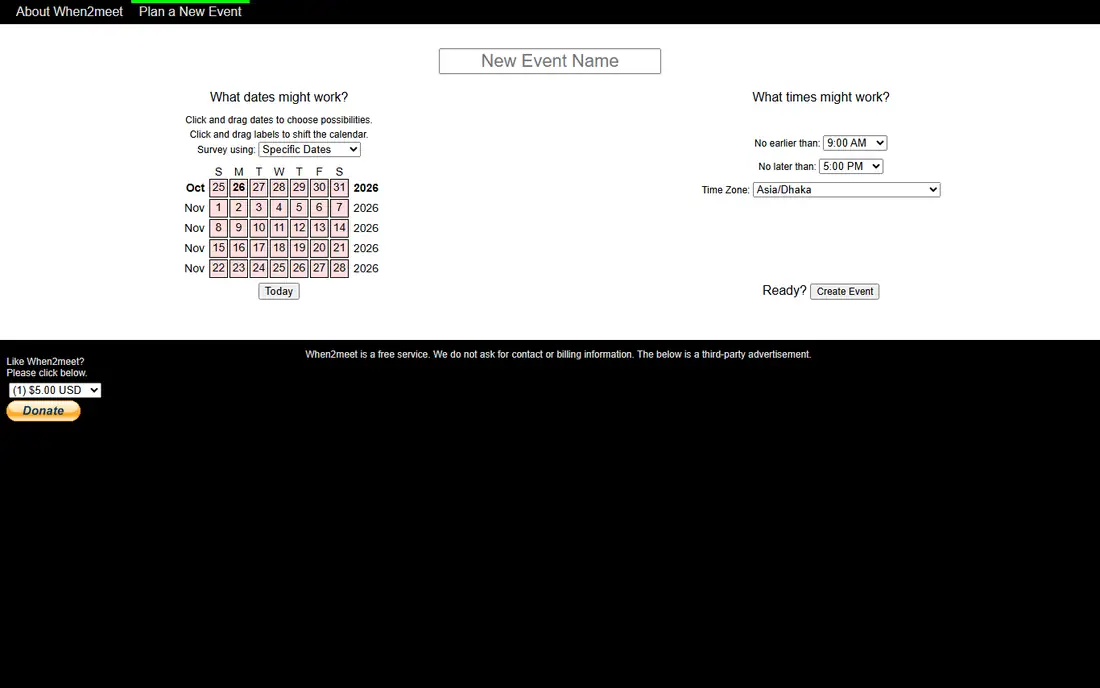
When2meet is the simplest free group scheduler: a grid of days and times where each participant marks availability, with darker shading showing the best overlaps. It costs nothing, needs no accounts, and works well for students, clubs, and friend groups planning a single meeting.
There is no calendar integration, no booking page, and no reminder system, and the interface is deliberately basic. When2meet suits one-off group decisions where simplicity and zero cost matter more than features.
What we like- Completely free
- Visual availability grid
- No accounts needed
Watch out for- Very basic interface
- No calendar integration
- No booking pages or reminders
Starting priceFree
Free planYes
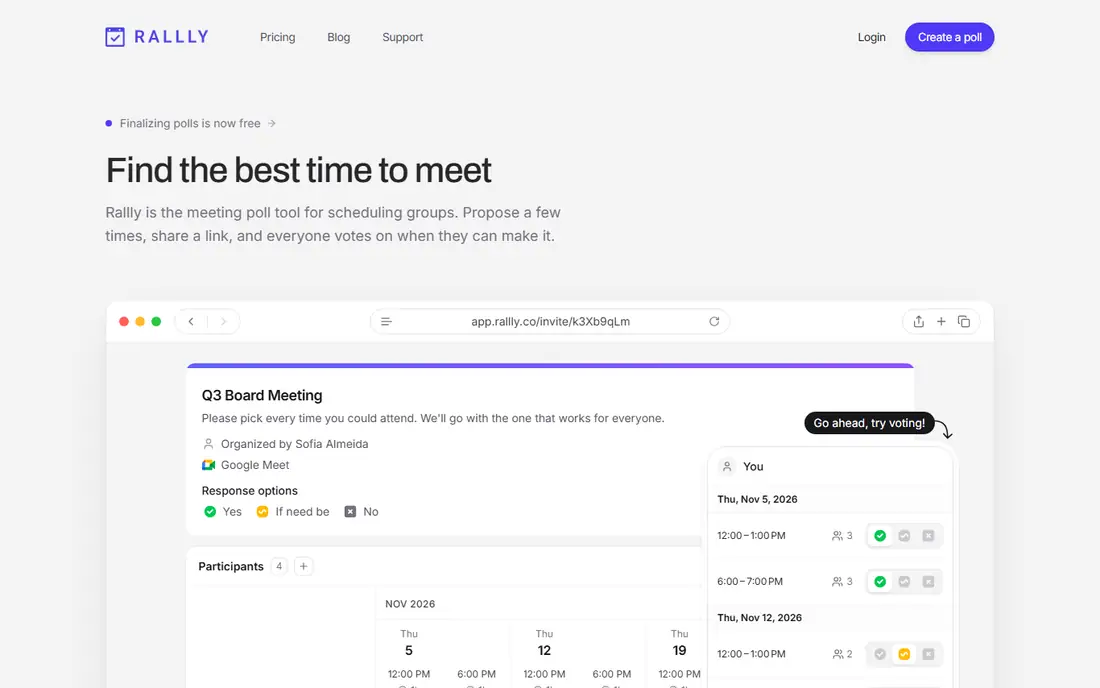
Rallly is an open-source alternative to Doodle, with a clean poll interface for group scheduling and a self-hosting option for teams that want to run it themselves. Participants vote on times without accounts, and the design feels modern compared with When2meet.
Features are fewer than Doodle's, with no booking pages and a smaller user base for support. Rallly suits privacy-conscious teams and open-source fans who want a simple, self-hostable poll tool.
What we like- Free and open source
- Clean poll interface
- Self-hosting option
Watch out for- Fewer features than Doodle
- Smaller user base
- No booking pages

#4Cal.com
Best for: Open booking pages4.6/5 on
G2 (153 reviews, checked Oct 2026)
Visit cal.com
Starting priceFree
Free planYes
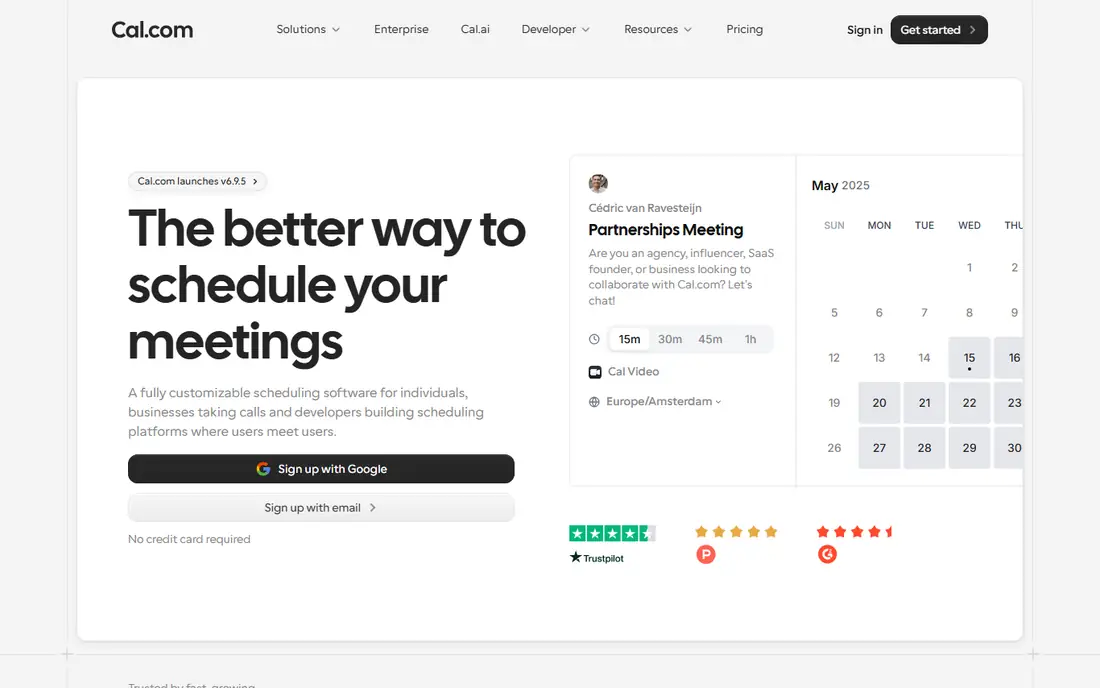
Cal.com offers open-source booking pages that guests use to pick a time, with customization, team scheduling, and calendar integrations. Its free tier covers individual booking pages, and paid plans add team features and advanced routing. For hosts who want a Calendly-style page without vendor lock-in, Cal.com is the strongest open option.
Advanced self-hosting takes effort, the ecosystem is smaller than Calendly's, and team features sit on paid plans. Cal.com suits developers, open-source fans, and teams that want to own their scheduling infrastructure.
What we like- Free and open source
- Customizable booking pages
- Team scheduling and integrations
Watch out for- Self-hosting and setup take effort for advanced use
- Smaller ecosystem than Calendly
- Paid plans for teams

#5Calendly
Best for: Popular booking pages4.7/5 on
G2 (2,674 reviews, checked Oct 2026)
Visit calendly.com
Starting priceFree
Free planYes
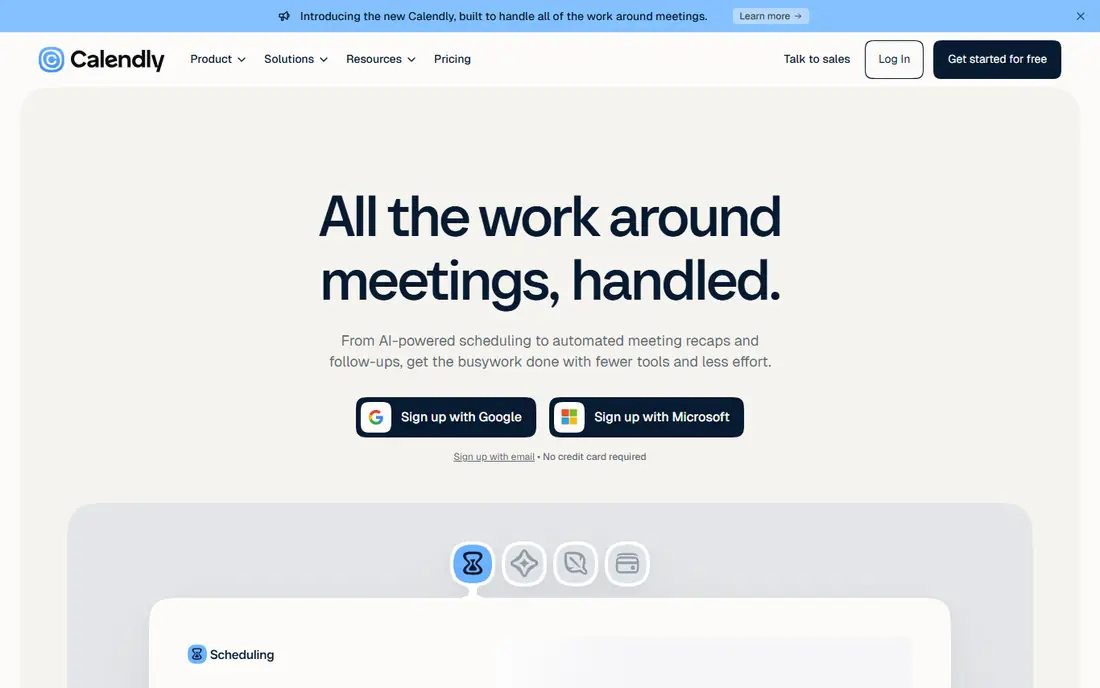
Calendly is the most recognized booking page tool: share a link, let guests pick from your available times, and have the meeting booked automatically with calendar integration. Group and round-robin scheduling cover team scenarios, and the free tier handles a single event type.
The free tier's single event type limit pushes most professionals to paid Standard plans, and Calendly is weaker for group polls than Doodle. Calendly suits hosts who take bookings from guests, such as salespeople, recruiters, and consultants, rather than groups voting on a time.
What we like- Most widely recognized booking pages
- Easy calendar integration
- Group and round-robin scheduling
Watch out for- Free tier limited to one event type
- Advanced features need paid plans
- Group polls are not its strength

#6SavvyCal
Best for: Polished booking pages4.8/5 on
G2 (36 reviews, checked Oct 2026)
Visit savvycal.com
Starting priceSee website
Free planFree trial
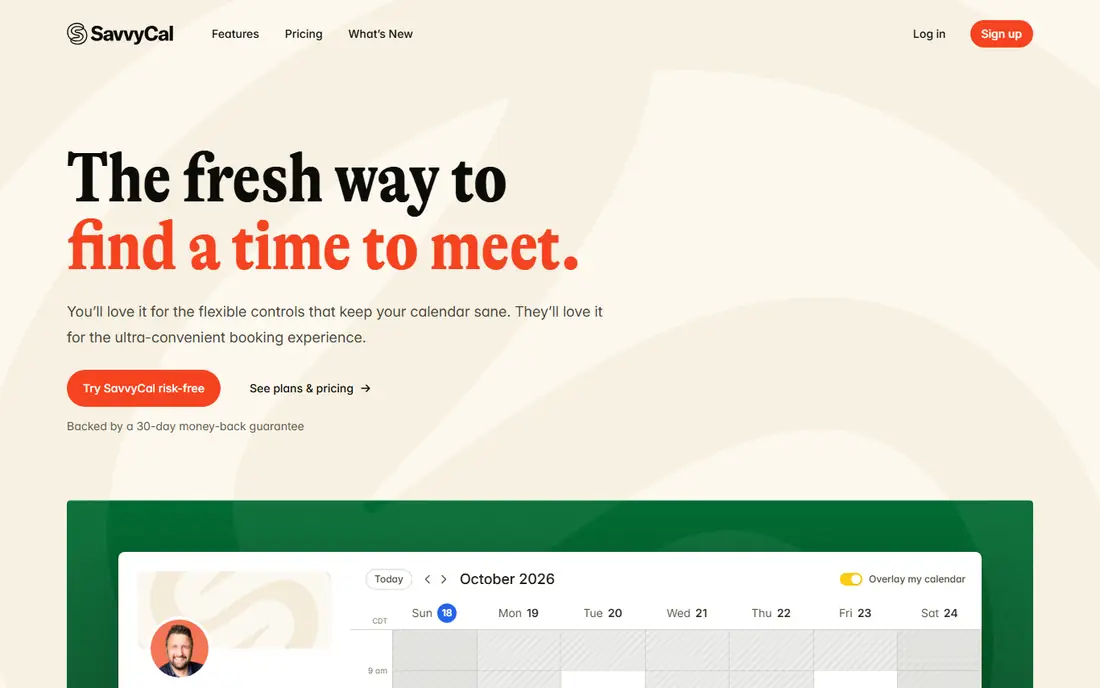
SavvyCal focuses on polished booking pages, with an overlay calendar that lets guests see availability beside their own calendar, and personalized links for a professional feel. That design suits consultants, coaches, and professionals whose booking page is part of their brand.
Pricing is confirmed on the vendor site, there is no permanent free tier beyond a trial, and the ecosystem is smaller than Calendly's. SavvyCal suits professionals who want the most refined booking experience and are willing to pay for it.
What we like- Polished booking pages with overlay calendars
- Personalized links
- Good for professionals
Watch out for- Pricing sits on the vendor site
- No permanent free tier
- Smaller ecosystem than Calendly

#7YouCanBookMe
Best for: Custom booking pages4.7/5 on
G2 (1,922 reviews, checked Oct 2026)
Visit youcanbook.me
Starting priceFree
Free planYes
YouCanBookMe offers customizable booking pages with Google and Microsoft calendar integration, letting hosts control page design, questions, and notifications. A free tier covers basic booking, with paid plans adding customization and team features.
The interface feels dated beside SavvyCal or Cal.com, and group polls are limited compared with Doodle. YouCanBookMe suits hosts who want a customizable booking page at low cost, especially on Google Calendar.
What we like- Customizable booking pages
- Google and Microsoft calendar integration
- Free tier available
Watch out for- Interface feels dated
- Advanced features need paid plans
- Group polls are limited
Starting priceSee website
Free planFree trial
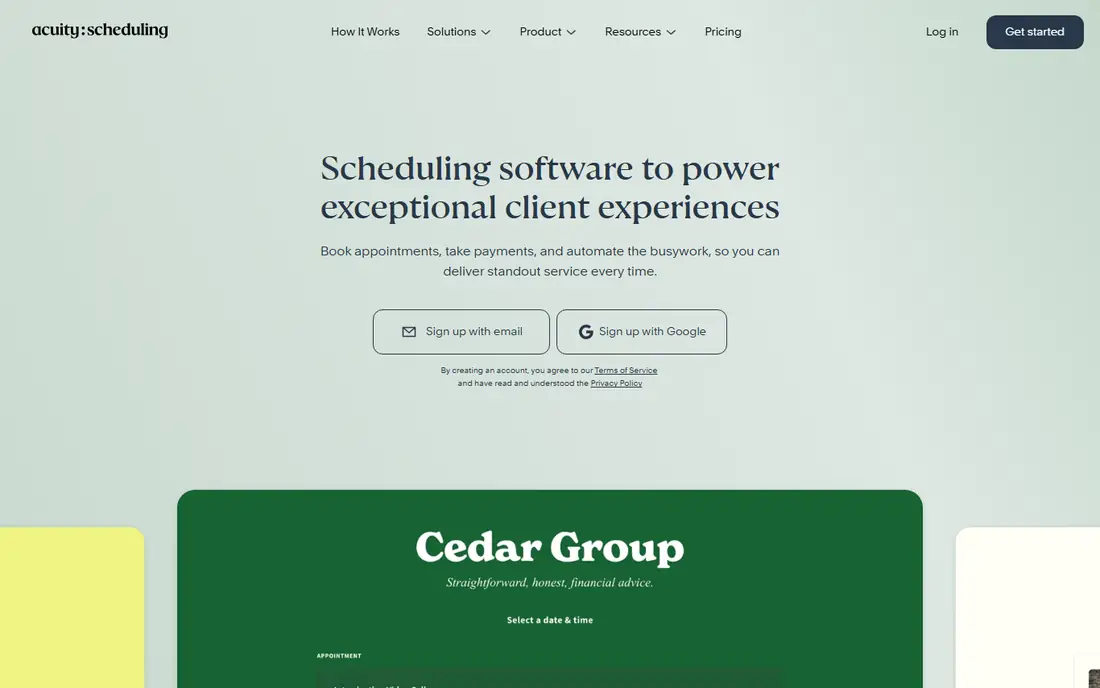
Acuity Scheduling, part of Squarespace, is built for business appointments, with payments, intake forms, packages, and client management alongside booking pages. That depth suits salons, clinics, coaches, and consultants who sell appointments rather than just scheduling meetings.
Pricing is confirmed on the vendor site, there is no permanent free tier beyond a trial, and it is overkill for a simple group poll. Acuity suits appointment-based businesses that need payments and forms inside the booking flow.
What we like- Strong appointment features including payments and intake forms
- Squarespace integration
- Client management
Watch out for- Pricing sits on the vendor site
- No permanent free tier
- Overkill for simple group polls

#9Zoho Bookings
Best for: Booking in Zoho suite4.1/5 on
G2 (54 reviews, checked Oct 2026)
Visit zoho.com
Starting priceFree
Free planYes
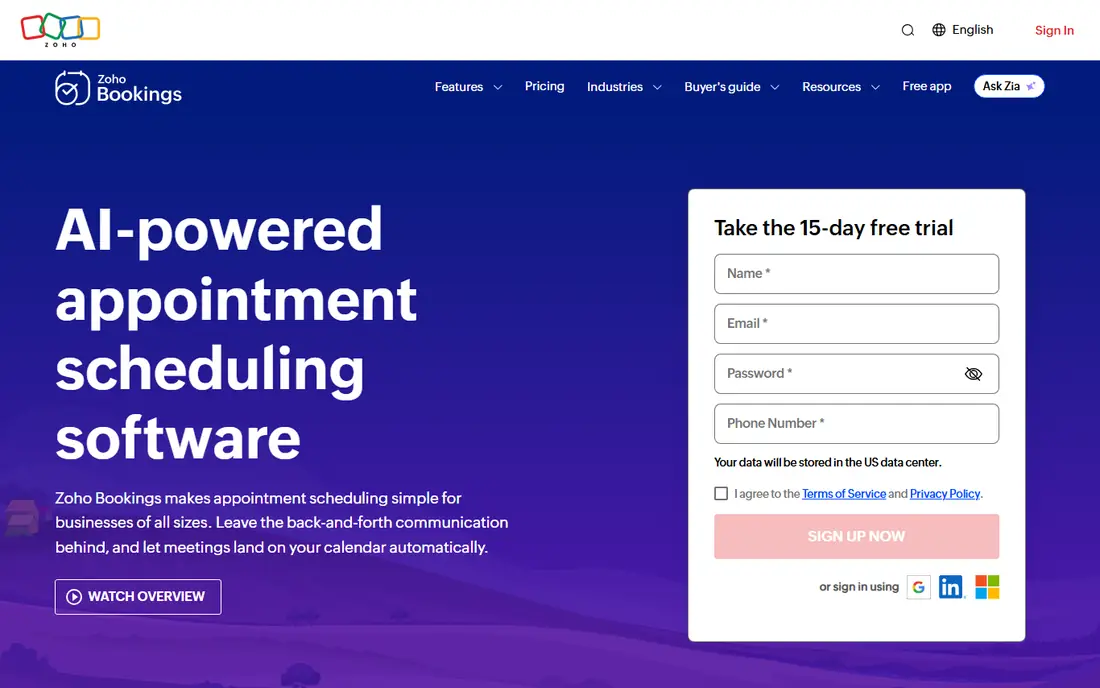
Zoho Bookings offers booking pages with a free tier, integrating with Zoho CRM and other Zoho apps for businesses already in that ecosystem. Team booking pages, calendar sync, and notifications cover the core scheduling workflow at low cost.
It works best inside Zoho, the interface is utilitarian, and group polls are limited compared with Doodle. Zoho Bookings suits Zoho users who want scheduling inside their existing suite, rather than a standalone best-in-class tool.
What we like- Free tier available
- Integrates with Zoho CRM and other Zoho apps
- Team booking pages
Watch out for- Best inside the Zoho ecosystem
- Interface is utilitarian
- Group polls are limited
How we chose
We compared apps that schedule meetings for groups, either through polls or booking pages, excluding pure personal calendars and enterprise resource tools without group scheduling. Pricing figures come from each vendor's own pricing page, checked in October 2026, and where pricing sits on the vendor site we say so. We weighed poll simplicity, booking page quality, calendar integration, guest friction, and price.
Polls versus booking pages
Polls suit groups that decide together: everyone votes, and the organizer picks the best time. Booking pages suit hosts who offer availability: guests pick a time, and the meeting is set. A team that needs both should use Doodle for polls and Calendly or Cal.com for bookings, rather than forcing one tool to do both jobs poorly.
Reduce guest friction
Every account requirement, download, or form field loses participants. For group polls, prefer tools where voters need no account, such as Doodle, When2meet, or Rallly. For booking pages, keep the page to essential fields and confirm the meeting instantly.
Scheduling across time zones
Group scheduling gets harder the moment a group spans time zones, and most tools handle the basics while missing the details that cause real confusion. The first detail is display: every participant should see proposed times in their own local zone, with the zone labeled, since a bare time without a zone is a guaranteed missed meeting. Daylight saving changes add a second trap, because zones shift on different dates in different countries, so a recurring meeting set in one season can land an hour off in another.
The second detail is working hours. A poll that offers times convenient for one zone may offer only nights and early mornings for another, which silently excludes participants. Good practice is to rotate meeting times for recurring cross-zone meetings, or to offer two poll windows covering different zones, rather than forcing one zone's daytime on everyone. Some teams also adopt a written norm, such as no meetings before 8 a.m. or after 6 p.m. local time, and use the scheduling tool to enforce it.
Finally, confirm the chosen time in writing with the zone included, and send a calendar invite that carries the zone data, rather than relying on the poll result alone. Calendar invites handle zone conversion automatically, while poll results do not. For groups spanning many zones, asynchronous options such as recorded updates or shared documents often beat a live meeting entirely, and the best scheduling decision is sometimes not to schedule at all.
One more detail worth confirming is how the tool handles cancellations and rescheduling, since group polls often fall apart when one participant drops out. Some tools notify the whole group and reopen the poll automatically, while others leave the organizer to start over manually. A tool that handles changes gracefully saves more time over a year than a tool with a slightly nicer poll interface, so test the cancellation flow during a trial with a real group, not a solo account. The same test should cover reminders, since a scheduled meeting that nobody attends because reminders failed is worse than no tool at all.
Frequently asked questions
What is the best group scheduling app overall?
Doodle, for group polls, with Calendly as the best booking page tool. For free simplicity, When2meet and Rallly cover most one-off group decisions at no cost.
Is there a free group scheduling app?
Yes. Doodle, When2meet, Rallly, Cal.com, Calendly, YouCanBookMe, and Zoho Bookings all offer free tiers. When2meet and Rallly are completely free for basic polls.
What is the difference between Doodle and Calendly?
Doodle lets a group vote on times through a poll, while Calendly lets guests book from a host's available times through a page. Use Doodle when the group decides together, and Calendly when one host offers availability.
Can I schedule a group meeting without everyone signing up?
Yes. Doodle, When2meet, and Rallly all let participants vote without accounts, using a shared link. Booking page tools require only the host to have an account.
Which app is best for recurring team meetings?
Calendly or Cal.com, for hosts with regular availability, with Doodle polls for one-off meetings where the whole group must agree on a time. For internal teams, calendar-native scheduling inside Google or Outlook may already suffice.
Sources we checked (9)
- https://doodle.com
- https://www.when2meet.com
- https://rallly.co
- https://cal.com
- https://calendly.com
- https://savvycal.com
- https://youcanbook.me
- https://acuityscheduling.com
- https://www.zoho.com/bookings
Is your product missing or out of date?
We review this list regularly. Vendors can request a listing, send updated pricing or ask about featured placement.

Shihab Mia · Founder, Rankite
Shihab has 5+ years in B2B and SaaS SEO. He writes Rankite's software buying guides from pricing pages, documentation and public user reviews. More about Shihab.
 When2meet
 Rallly
 Acuity Scheduling