How we make this list: we compare pricing pages, product documentation and public user reviews. Ratings come from G2, Capterra or Trustpilot, with the date we checked them.
Key takeaways
- Calendly remains the simplest choice for one-to-one meetings, with a free plan for basic booking links.
- Acuity Scheduling suits service businesses that need intake forms, packages, and payment at booking.
- Cal.com offers the most generous free tier for individuals, with unlimited event types and calendar sync.
- Zoho Bookings and Setmore give small teams low-cost ways to add staff booking pages.
- Doodle works best when a group must agree on a time, rather than when one person offers fixed availability.
Quick comparison
| Tool | Best for | Starting price | Free plan |
|---|
 Calendly Calendly | General meeting booking | See website | Yes |
 Acuity Scheduling Acuity Scheduling | Service appointments and packages | See website | Free trial (7 days) |
 Cal.com Cal.com | Free individual scheduling | $0 | Yes |
 Zoho Bookings Zoho Bookings | Small business appointments | See website | Yes |
 Setmore Setmore | Free booking pages for small teams | $0 | Yes |
 YouCanBookMe YouCanBookMe | Custom branded booking pages | See website | Yes |
 Doodle Doodle | Group scheduling and polls | See website | Yes |
 TidyCal TidyCal | Paid bookings on a low budget | $0 | Yes |
Is your product missing or out of date?
We review this list regularly. Vendors can request a listing, send updated pricing or ask about featured placement.
The best scheduling apps
#1Calendly
Best for: General meeting booking4.7/5 on
G2 (2,674 reviews, checked Oct 2026)
Visit calendly.com
Starting priceSee website
Free planYes
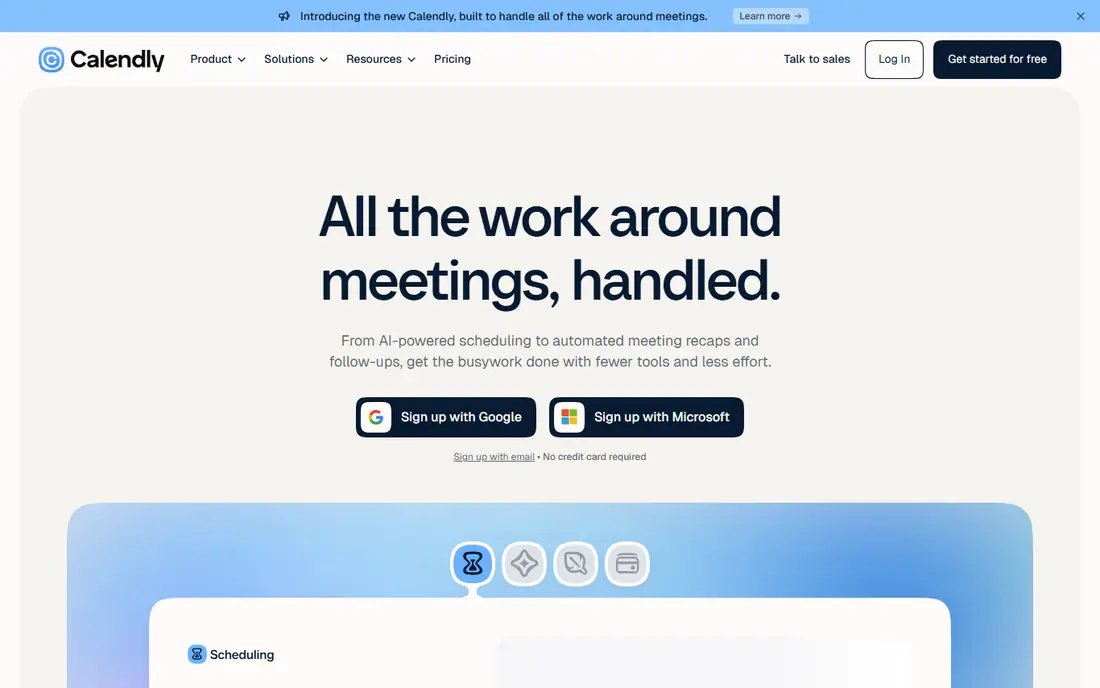
Calendly is the default many professionals reach for first, and the reason is straightforward. You connect a calendar, set your working hours, create an event type, and share a link. Invitees pick a time that is already free, and both sides receive a confirmation. That simple loop removes most of the email back and forth that slows down meeting setup.
Paid plans add routing forms, round-robin assignment, payment collection, and deeper workflow controls. Those features matter for sales and recruiting teams that book at volume. For a solo consultant or coach, the free plan often covers the core need, which is a clean page where clients can book without asking for your availability first.
What we like- Simple booking links
- Wide calendar and video integrations
- Strong team scheduling on paid plans
Watch out for- Advanced features sit behind paid plans
- Per-user pricing adds up for larger teams
Starting priceSee website
Free planFree trial (7 days)
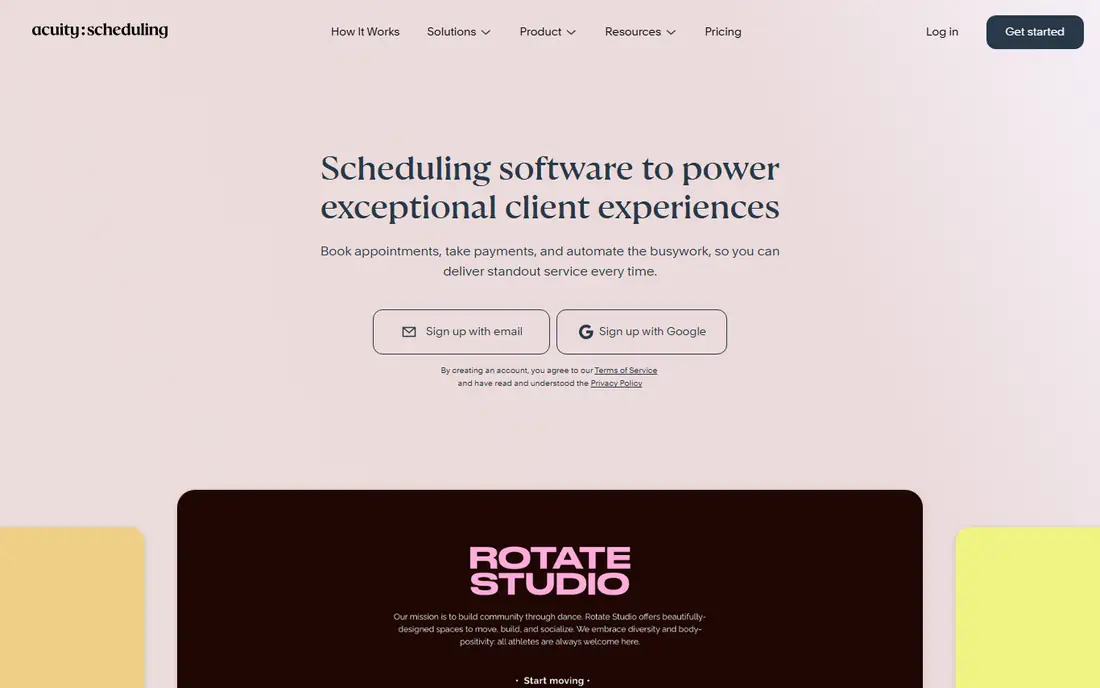
Acuity Scheduling is built for businesses where an appointment is also a sale. A salon, clinic, tutor, or fitness studio can collect intake details, sell a package, offer a gift certificate, and take a deposit in the same booking flow. Clients see services, staff, and times in one place, which reduces confusion and missed details.
The trade-off is complexity. Acuity has more settings than a basic meeting link tool, so the first setup takes more time. That effort pays off when you run repeat appointments, classes, or group sessions, because the system can handle rules that a simple scheduler cannot.
What we like- Intake forms and packages built in
- Payment, deposits, and gift certificates
- Multi-staff calendars
Watch out for- No permanent free plan
- Setup takes longer than simpler booking tools
#3Cal.com
Best for: Free individual scheduling4.6/5 on
G2 (153 reviews, checked Oct 2026)
Visit cal.com
Starting price$0
Free planYes
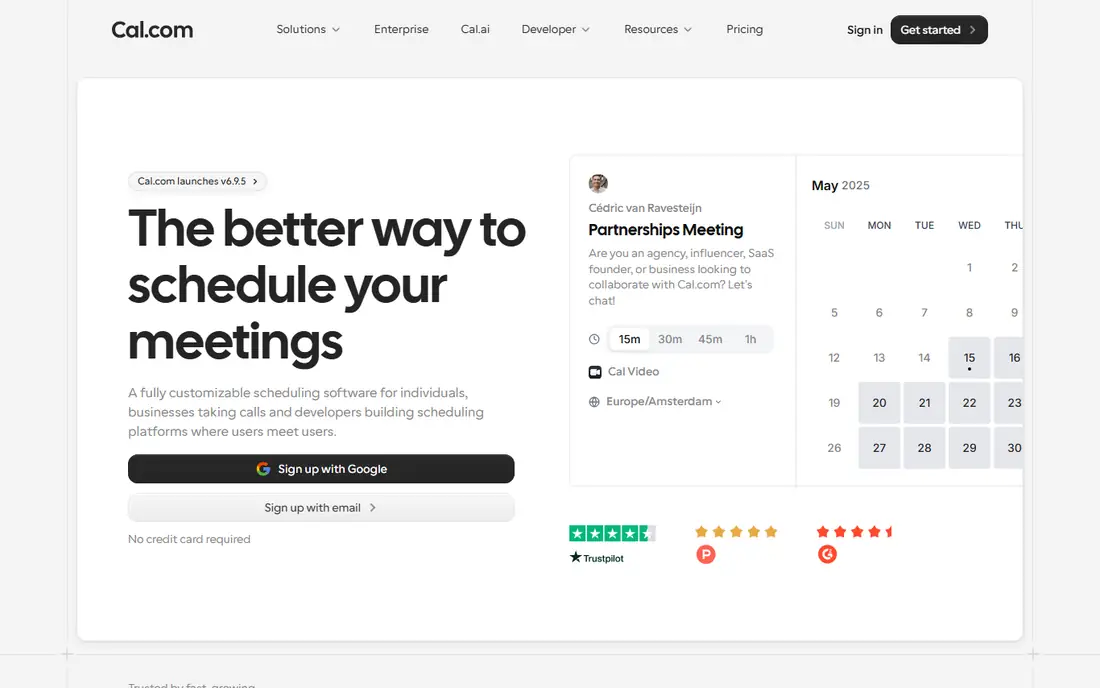
Cal.com stands out because its free plan is not a thin demo. Individuals get unlimited event types, calendar sync, workflow automation, Stripe payments, and Cal Video without paying. That makes it a strong pick for freelancers, developers, and anyone who wants full control without a monthly bill.
Teams pay for round-robin scheduling, shared availability, and admin controls, with Teams listed at $16 per user per month on the homepage. Organizations add wider admin controls at $37 per user per month. If you value open source software and want to self-host, Cal.com also offers that path, which few competitors match.
What we like- Unlimited event types on the free plan
- Open source option
- Stripe payments and video options included
Watch out for- Some team features require paid plans
- Interface can feel technical for new users
#4Zoho Bookings
Best for: Small business appointments4.1/5 on
G2 (54 reviews, checked Oct 2026)
Visit zoho.com
Starting priceSee website
Free planYes
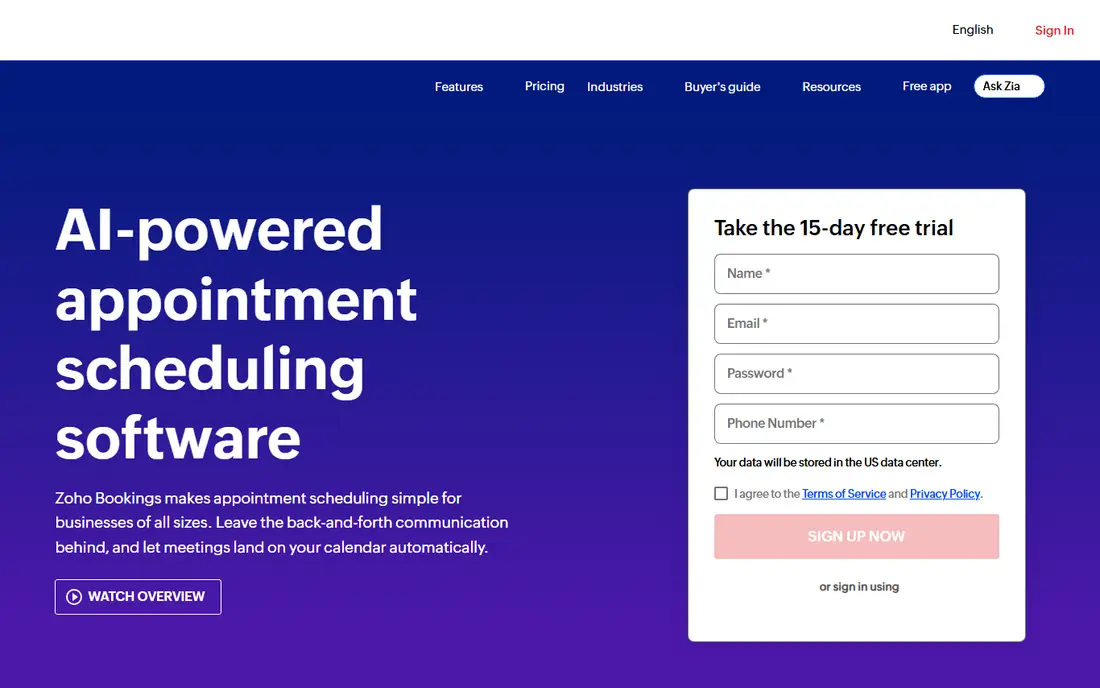
Zoho Bookings covers the full appointment journey, from a branded booking page to automated reminders and follow-up. Staff can manage their own availability, while managers can organize teams and locations in workspaces. Integrations with Google Calendar, Outlook, Zoom, Stripe, PayPal, and WhatsApp keep bookings connected to tools many businesses already use.
A free plan continues after a 15-day premium trial, which gives small businesses a low-risk way to test the system. Zoho Bookings makes most sense for teams that already use Zoho CRM, Zoho Mail, or Zoho Books, because bookings can feed directly into customer records and follow-up work.
What we like- Works well with Zoho CRM and other Zoho apps
- Staff and workspace controls
- WhatsApp and payment integrations
Watch out for- Best value if you already use Zoho products
- Pricing depends on staff count
#5Setmore
Best for: Free booking pages for small teams4.5/5 on
G2 (270 reviews, checked Oct 2026)
Visit setmore.com
Starting price$0
Free planYes
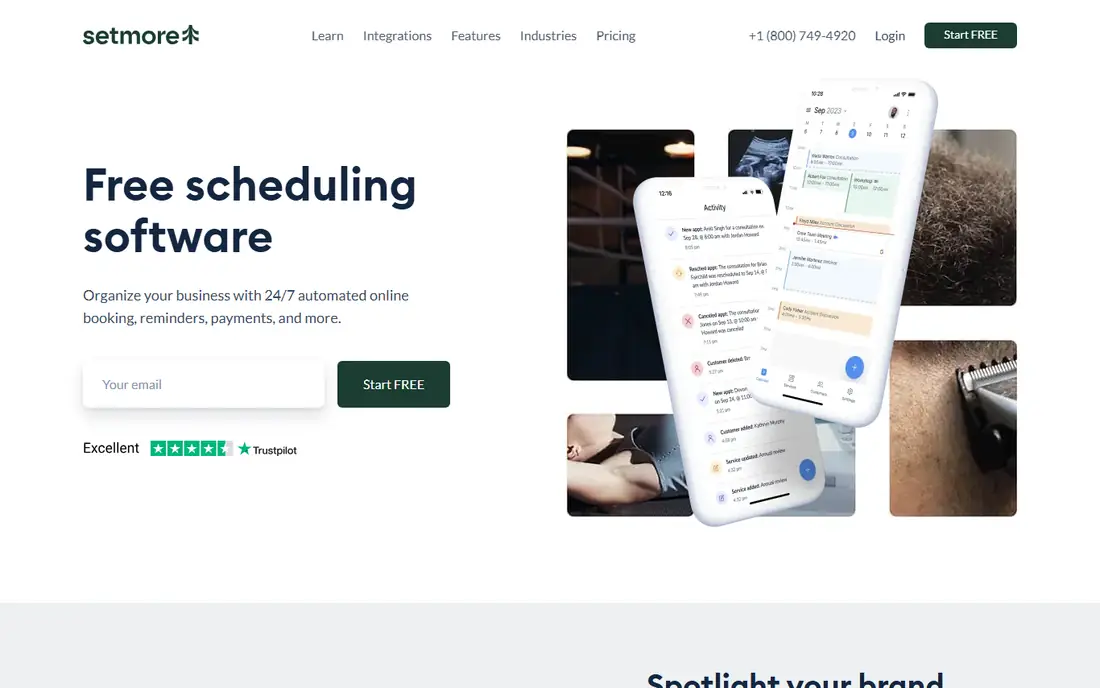
Setmore gives small service businesses a booking page that works like a small website. You list services, show real-time availability, add your logo and reviews, and share the link on social media or in person with a QR code. Customers can book at any hour, which helps fill gaps that phone booking often misses.
The free plan includes unlimited appointments, payment acceptance, email reminders, and calendar sync for up to four users. Pro adds SMS reminders, two-way calendar sync, recurring appointments, and removal of Setmore branding. For a small salon, clinic, or studio, the free plan is often enough to start.
What we like- Free plan supports up to four users
- Unlimited appointments
- QR code booking page
Watch out for- SMS reminders and some branding controls require Pro
- Design options are simpler than some rivals
#6YouCanBookMe
Best for: Custom branded booking pages4.7/5 on
G2 (1,922 reviews, checked Oct 2026)
Visit youcanbook.me
Starting priceSee website
Free planYes
YouCanBookMe puts branding first. You can adjust colors, logos, backgrounds, and page layout so the booking page feels like part of your own site, not a generic tool. Appointment types can include buffer times, minimum notice periods, group sessions, and a choice of in-person or online meetings.
Payment collection is a clear strength. Stripe integration supports cards, Apple Pay, and Google Pay, and you can offer discount codes and packages. Automated confirmations, reminders, and follow-up messages reduce no-shows, while Zapier connects bookings to CRMs and other tools.
What we like- Highly customizable booking pages
- Payment through Stripe with discount codes
- Strong automation options
Watch out for- Paid plan pricing is not clearly shown on the homepage
- Advanced team features sit on higher tiers
#7Doodle
Best for: Group scheduling and polls4.4/5 on
G2 (2,071 reviews, checked Oct 2026)
Visit doodle.com
Starting priceSee website
Free planYes
Doodle solves a different problem from most tools on this list. Instead of offering fixed availability, it asks a group to vote on times and finds the option that works for the most people. That approach fits internal meetings, interviews with several participants, and cross-company calls where no single calendar controls the decision.
Newer Doodle features add day views, focus time protection, and shared spaces for agendas and follow-ups. For client-facing booking, Doodle also offers branded links. If your main need is paid appointments with intake forms, a service-focused tool will fit better.
What we like- Group polls find a time everyone can attend
- Time zone handling for distributed teams
- Branded booking links
Watch out for- Less suited to paid service appointments
- Appointment features are lighter than Acuity or Setmore
#8TidyCal
Best for: Paid bookings on a low budget4.7/5 on
G2 (25 reviews, checked Oct 2026)
Visit tidycal.com
Starting price$0
Free planYes
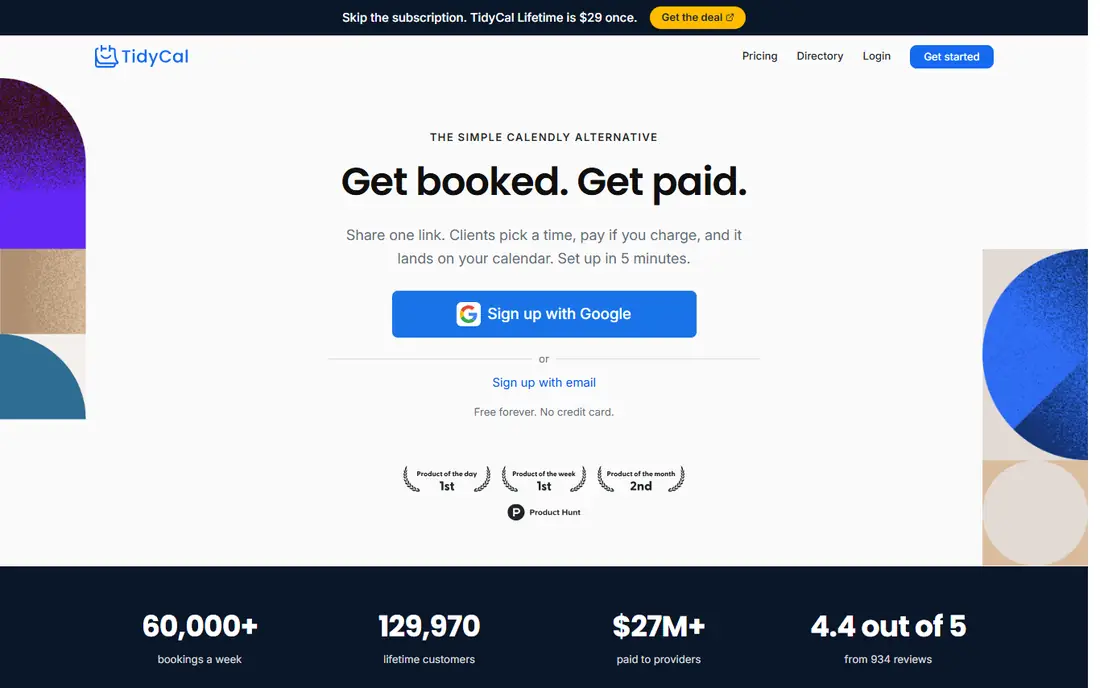
TidyCal keeps the promise in its name. You create an account, add services and prices, and share a link. Clients pick a time and pay upfront through Stripe or PayPal. Bundles and subscriptions let coaches and consultants sell session packs or recurring bookings without a separate billing tool.
The free plan covers basic booking, while paid options add more booking types and team features. TidyCal is a good fit for solo professionals who charge for their time and want to avoid a high monthly subscription. It is less suited to large organizations that need detailed admin controls and compliance features.
What we like- Paid bookings, bundles, and subscriptions on a simple page
- Stripe and PayPal payments
- Lifetime deal option in the past
Watch out for- Fewer enterprise controls than larger platforms
- Team features are more basic
How we chose
We compared pricing pages, product documentation, and public feature lists for tools that offer a working booking page in the United States. We looked at free plan limits, payment options, calendar integrations, team scheduling, and fit for solo users versus service businesses. Tools were kept only when the official homepage loaded and matched the product described. Prices change often, so we used See website where a current vendor price was not confirmed on the page we checked.
Choosing the right scheduling app for your work
Match the tool to the booking type
Start with how people book you. One-to-one meetings suit Calendly, Cal.com, or Doodle booking links. Service appointments with payments suit Acuity, Setmore, or TidyCal. Group decisions suit Doodle polls. Choosing by booking type prevents paying for features you will never use.
Check the free plan limits before you commit
Free plans differ in important ways. Some limit the number of booking pages, calendars, or users. Others limit reminders or payment options. Test the free plan with a real booking, including a reschedule and a cancellation, before you share the link widely.
Think about payments and reminders early
If no-shows cost you income, payment at booking and automatic reminders matter more than extra design options. Look for Stripe or PayPal support, deposit options, and SMS reminders where they are offered. A tool that collects payment upfront often pays for itself in fewer missed appointments.
Plan for growth
A solo tool can feel tight once you add staff. Check how pricing changes with each team member, whether round-robin scheduling is included, and whether you can add locations or workspaces later. Moving booking systems later is possible, but it takes time to rebuild pages and retrain clients.
Frequently asked questions
What is the best free scheduling app?
Cal.com and Setmore offer strong free plans for individuals and small teams. Cal.com gives unlimited event types for individuals, while Setmore supports up to four users on its free plan. The best free choice depends on whether you need paid bookings, staff pages, or group polls.
Do I need a paid plan to accept payments?
No, not always. Cal.com, Setmore, and TidyCal support payment collection on free or low-cost plans through Stripe or PayPal. Calendly and YouCanBookMe also support payments, but the exact plan that includes them can change, so check the current pricing page before you decide.
Is Calendly or Acuity better for a service business?
Acuity is usually better for service businesses that need intake forms, packages, gift certificates, and multi-staff calendars. Calendly is simpler and faster for general meetings, sales calls, and interviews. If appointments are your main product, Acuity has more of the controls you will use every day.
Can scheduling apps prevent double bookings?
Yes, when they sync with your calendar. Google Calendar, Outlook, and Apple Calendar sync block times that are already taken. Make sure two-way sync is turned on, and test it with a booking before you rely on it for client work.
Should I use Doodle or a booking link for team meetings?
Use Doodle when several people must agree on a time and no one person controls availability. Use a booking link when you offer fixed times and want people to pick from your calendar. Many teams use both, with polls for internal planning and links for external booking.
How do I reduce no-shows with a scheduling app?
Use automatic email and text reminders, clear cancellation policies, and payment or deposits where appropriate. Buffer times between meetings also help, because they stop back-to-back bookings from running late and causing missed appointments later in the day.
Sources we checked (8)
- https://calendly.com
- https://acuityscheduling.com
- https://cal.com
- https://www.zoho.com/bookings/
- https://www.setmore.com
- https://youcanbook.me
- https://doodle.com
- https://tidycal.com
Is your product missing or out of date?
We review this list regularly. Vendors can request a listing, send updated pricing or ask about featured placement.

Shihab Mia · Founder, Rankite
Shihab has 5+ years in B2B and SaaS SEO. He writes Rankite's software buying guides from pricing pages, documentation and public user reviews. More about Shihab.