How we make this list: we compare pricing pages, product documentation and public user reviews. Ratings come from G2, Capterra or Trustpilot, with the date we checked them.
Key takeaways
- Todoist has the fastest capture, while TickTick offers the most bundled features for the price.
- Microsoft To Do and Google Tasks are strong free options inside their own ecosystems.
- Things 3 is the best one-time purchase option, but it only works on Apple devices.
- Any.do is the simplest shared option for a household, and Remember The Milk suits rule-based lists.
- Start with a free plan, and pay only when reminders, calendar views, or sharing hit a limit.
Quick comparison
| Tool | Best for | Starting price | Free plan |
|---|
 Todoist Todoist | Fast task capture on any device | $5 per user/month (billed annually) | Yes |
 TickTick TickTick | Tasks, calendar, habits, and focus in one app | $49.99 per year | Yes |
 Any.do Any.do | Simple lists and family sharing | $4.99 per user/month (billed annually) | Yes |
 Microsoft To Do Microsoft To Do | Free task lists for Microsoft 365 users | $0 | Yes |
 Google Tasks Google Tasks | Minimal lists inside Gmail and Google Calendar | $0 | Yes |
 Things 3 Things 3 | Beautiful simple planning on Apple devices | $49.99 one-time (Mac) | Free trial |
 Remember The Milk Remember The Milk | Smart lists and flexible reminders | See website | Yes |
Is your product missing or out of date?
We review this list regularly. Vendors can request a listing, send updated pricing or ask about featured placement.
#1Todoist
Best for: Fast task capture on any device4.5/5 on
G2 (832 reviews, checked Oct 2026)
Visit todoist.com
Starting price$5 per user/month (billed annually)
Free planYes
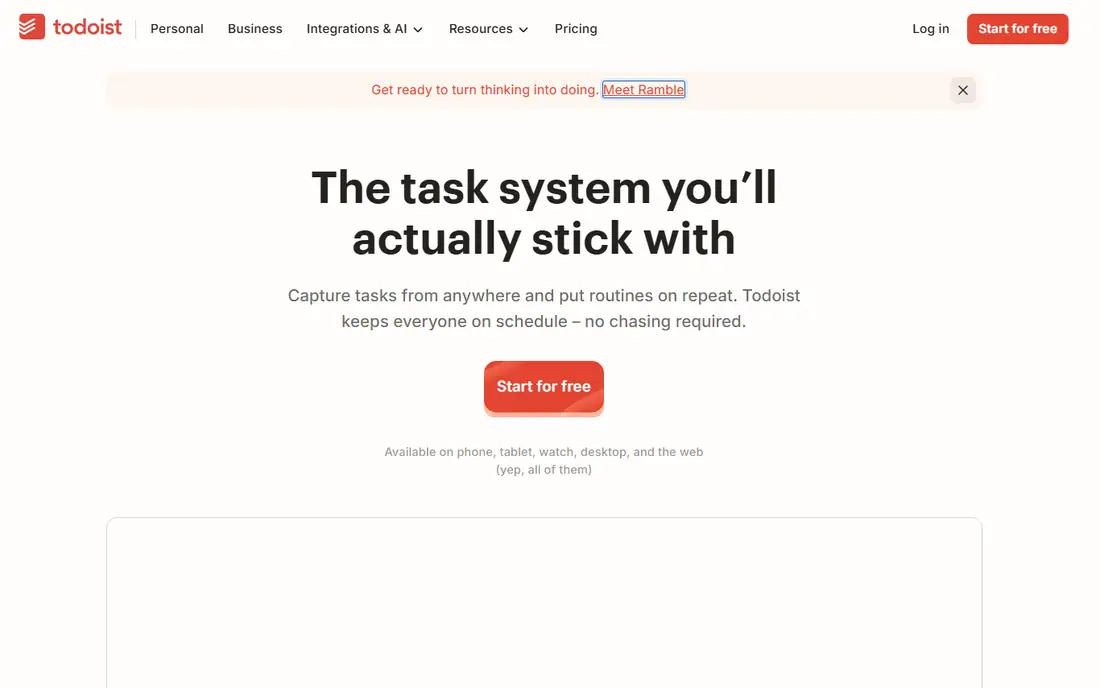
Todoist is the safest first pick for most readers, because capture is fast and the list stays clean. Type a task in plain words, and dates, projects, and priorities are parsed from that single line, which keeps capture from becoming a chore. It is built around fast task capture on any device, and that focus shows in how the main screens are arranged, with the most used actions close at hand and less used settings kept out of the way. For a new user, the first week usually settles the question of fit, because the core routine either feels natural or it starts to feel like extra work.
In daily use, Todoist works best when it holds one clear job at first. Move only the lists or schedules you already use, and check the tool on a phone as well as on a computer, because a tool that is awkward on the device you carry will be skipped on busy days.
On price, compare the free plan or trial against the features you use every week, not against the full feature list. Todoist fits readers who want fast task capture on any device. If the limits below look like daily friction, choose a different option from this list instead of forcing a fit.
What we like- Natural language task entry
- Apps on almost every platform
- Clear projects and priorities
Watch out for- Reminders need the paid plan
- Calendar view is limited on free plan
#2TickTick
Best for: Tasks, calendar, habits, and focus in one app4.5/5 on
G2 (113 reviews, checked Oct 2026)
Visit ticktick.com
Starting price$49.99 per year
Free planYes
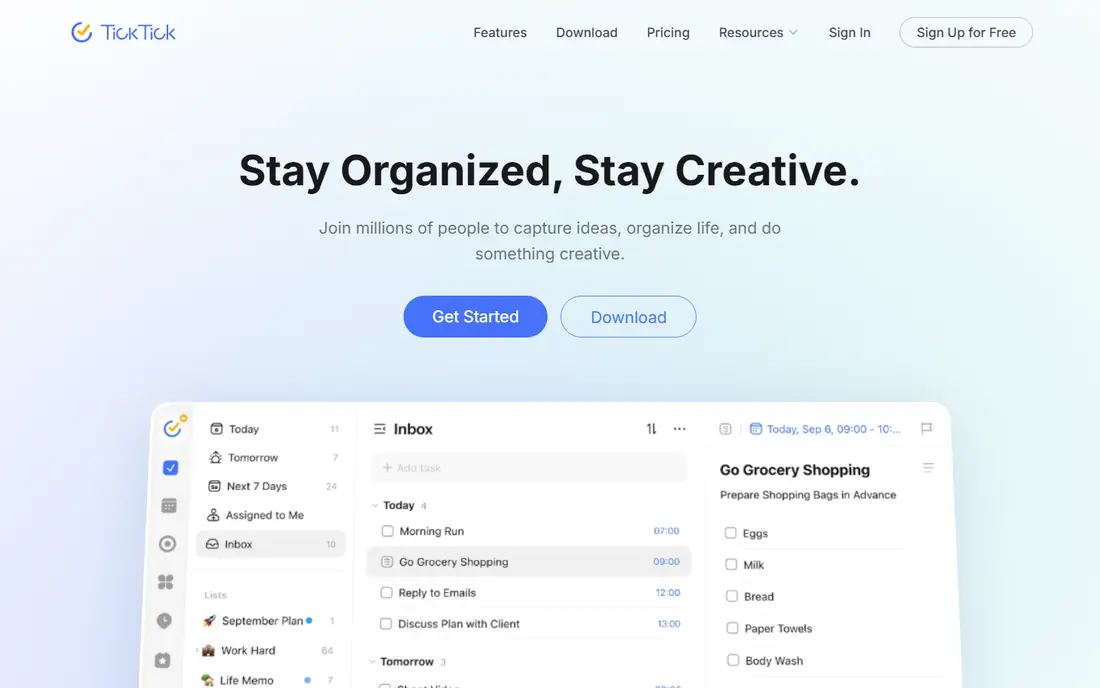
TickTick is the value pick for readers who want several daily tools without several subscriptions. Tasks, a calendar, habits, and a focus timer share one account, so a work list, a habit streak, and a timed session do not need separate apps. It is built around tasks, calendar, habits, and focus in one app, and that focus shows in how the main screens are arranged, with the most used actions close at hand and less used settings kept out of the way. For a new user, the first week usually settles the question of fit, because the core routine either feels natural or it starts to feel like extra work.
In daily use, TickTick works best when it holds one clear job at first. Move only the lists or schedules you already use, and check the tool on a phone as well as on a computer, because a tool that is awkward on the device you carry will be skipped on busy days.
On price, compare the free plan or trial against the features you use every week, not against the full feature list. TickTick fits readers who want tasks, calendar, habits, and focus in one app. If the limits below look like daily friction, choose a different option from this list instead of forcing a fit.
What we like- Built-in habit tracker and Pomodoro timer
- Full calendar views
- Strong value on the annual plan
Watch out for- Interface is busier than simpler apps
- Free plan caps lists and reminders
#3Any.do
Best for: Simple lists and family sharing4.2/5 on
G2 (197 reviews, checked Oct 2026)
Visit any.do
Starting price$4.99 per user/month (billed annually)
Free planYes
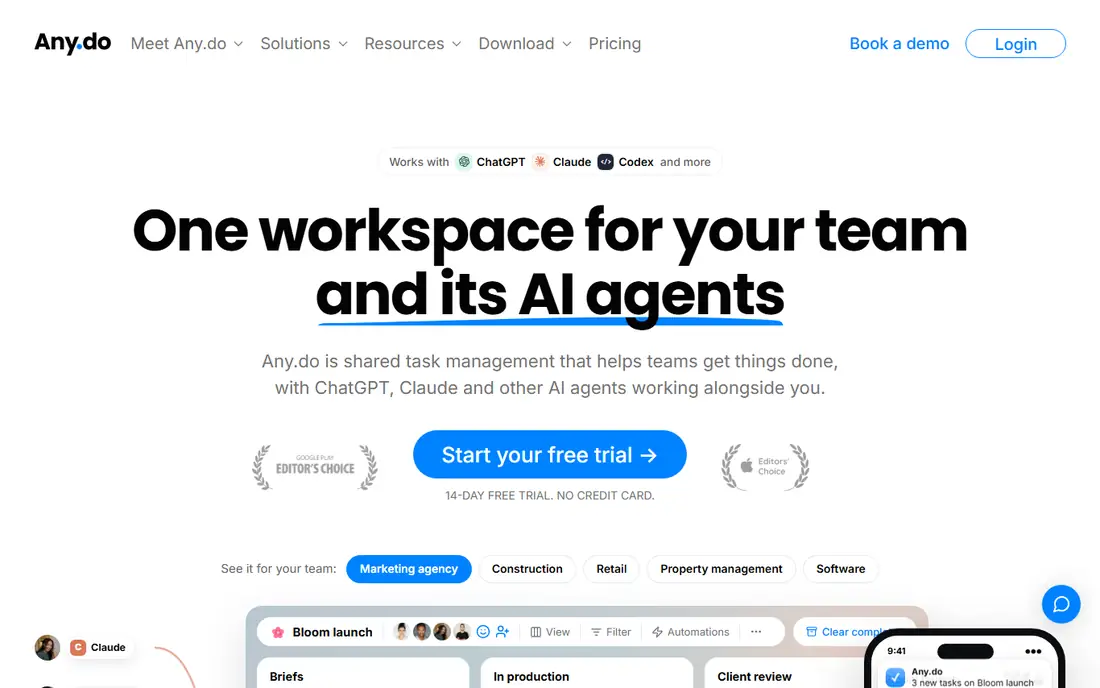
Any.do suits readers who want a list that looks good and takes almost no time to learn. Lists, reminders, and a calendar cover most personal and family planning, and shared lists keep a household on the same page for chores and shopping. It is built around simple lists and family sharing, and that focus shows in how the main screens are arranged, with the most used actions close at hand and less used settings kept out of the way. For a new user, the first week usually settles the question of fit, because the core routine either feels natural or it starts to feel like extra work.
In daily use, Any.do works best when it holds one clear job at first. Move only the lists or schedules you already use, and check the tool on a phone as well as on a computer, because a tool that is awkward on the device you carry will be skipped on busy days.
On price, compare the free plan or trial against the features you use every week, not against the full feature list. Any.do fits readers who want simple lists and family sharing. If the limits below look like daily friction, choose a different option from this list instead of forcing a fit.
What we like- Clean and simple task lists
- Shared lists for families
- Calendar view in one app
Watch out for- Fewer project features than larger tools
- Some reminders need the paid plan
#4Microsoft To Do
Best for: Free task lists for Microsoft 365 users4.4/5 on
G2 (99 reviews, checked Oct 2026)
Visit todo.microsoft.com
Starting price$0
Free planYes
Microsoft To Do is the clear pick for readers whose email and calendar already live in Outlook. Tasks sync with Outlook, flagged email can become a task, and the My Day view turns a long list into a short plan for today. It is built around free task lists for microsoft 365 users, and that focus shows in how the main screens are arranged, with the most used actions close at hand and less used settings kept out of the way. For a new user, the first week usually settles the question of fit, because the core routine either feels natural or it starts to feel like extra work.
In daily use, Microsoft To Do works best when it holds one clear job at first. Move only the lists or schedules you already use, and check the tool on a phone as well as on a computer, because a tool that is awkward on the device you carry will be skipped on busy days.
On price, compare the free plan or trial against the features you use every week, not against the full feature list. Microsoft To Do fits readers who want free task lists for microsoft 365 users. If the limits below look like daily friction, choose a different option from this list instead of forcing a fit.
What we like- Completely free
- Syncs with Outlook tasks
- My Day view for daily focus
Watch out for- No natural language date entry
- Thin for complex projects
Starting price$0
Free planYes
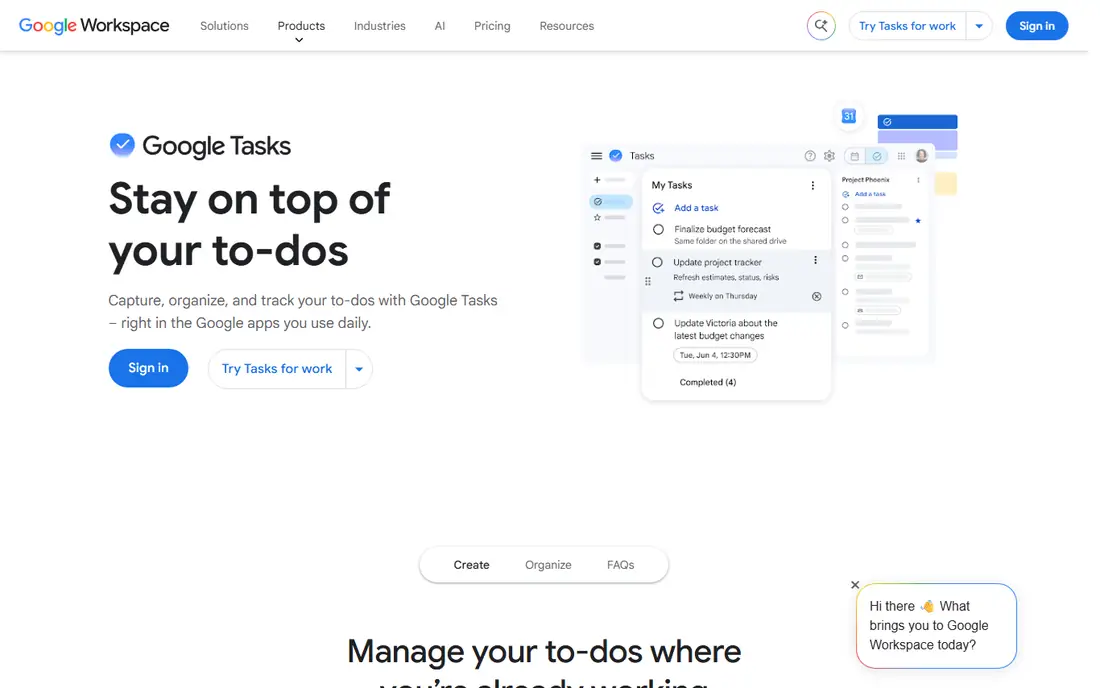
Google Tasks is for readers who want tasks beside their email, with no extra app to manage. Tasks created in Gmail or Google Calendar appear in one simple list, with dates, subtasks, and notes, and nothing else to configure. It is built around minimal lists inside gmail and google calendar, and that focus shows in how the main screens are arranged, with the most used actions close at hand and less used settings kept out of the way. For a new user, the first week usually settles the question of fit, because the core routine either feels natural or it starts to feel like extra work.
In daily use, Google Tasks works best when it holds one clear job at first. Move only the lists or schedules you already use, and check the tool on a phone as well as on a computer, because a tool that is awkward on the device you carry will be skipped on busy days.
On price, compare the free plan or trial against the features you use every week, not against the full feature list. Google Tasks fits readers who want minimal lists inside gmail and google calendar. If the limits below look like daily friction, choose a different option from this list instead of forcing a fit.
What we like- Free with a Google account
- Sits inside Gmail and Calendar
- Very simple to learn
Watch out for- No shared lists for teams
- Few advanced task features
Starting price$49.99 one-time (Mac)
Free planFree trial
Things 3 is the pick for Apple users who care about design and want to pay once, not every month. Projects, areas, and a Today view give structure without clutter, and the Mac, iPhone, and iPad apps share the same calm layout. It is built around beautiful simple planning on apple devices, and that focus shows in how the main screens are arranged, with the most used actions close at hand and less used settings kept out of the way. For a new user, the first week usually settles the question of fit, because the core routine either feels natural or it starts to feel like extra work.
In daily use, Things 3 works best when it holds one clear job at first. Move only the lists or schedules you already use, and check the tool on a phone as well as on a computer, because a tool that is awkward on the device you carry will be skipped on busy days.
On price, compare the free plan or trial against the features you use every week, not against the full feature list. Things 3 fits readers who want beautiful simple planning on apple devices. If the limits below look like daily friction, choose a different option from this list instead of forcing a fit.
What we like- Clean and calm design
- Strong Today and Upcoming views
- One-time purchase, no subscription
Watch out for- Apple devices only
- No free plan, only a trial
Starting priceSee website
Free planYes
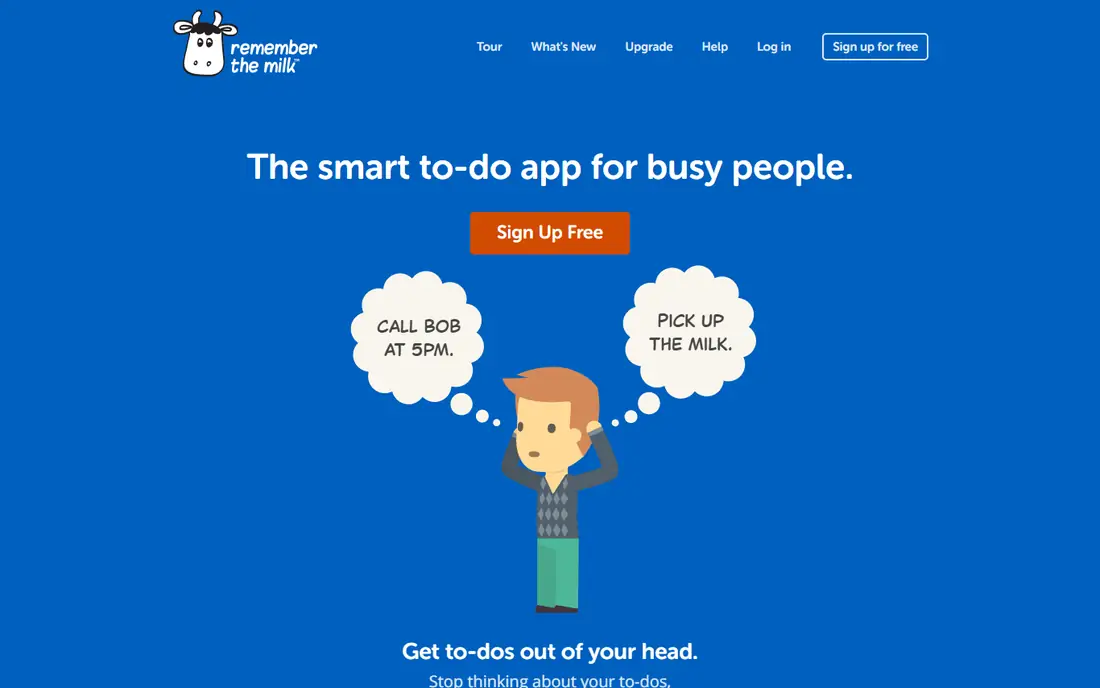
Remember The Milk appeals to readers who like to slice one long list into smart, rule-based views. Lists, tags, and smart lists let a user see only overdue work, only work due this week, or only tasks in one place, without copying tasks between lists. It is built around smart lists and flexible reminders, and that focus shows in how the main screens are arranged, with the most used actions close at hand and less used settings kept out of the way. For a new user, the first week usually settles the question of fit, because the core routine either feels natural or it starts to feel like extra work.
In daily use, Remember The Milk works best when it holds one clear job at first. Move only the lists or schedules you already use, and check the tool on a phone as well as on a computer, because a tool that is awkward on the device you carry will be skipped on busy days.
On price, compare the free plan or trial against the features you use every week, not against the full feature list. Remember The Milk fits readers who want smart lists and flexible reminders. If the limits below look like daily friction, choose a different option from this list instead of forcing a fit.
What we like- Smart lists based on rules
- Flexible reminder options
- Works on web and mobile
Watch out for- Design feels older than rivals
- Some features need the paid plan
How we chose
We compared pricing pages, product documentation, and public feature descriptions for tools that are available in the United States in 2026, and we kept only tools that fit the category without stretching the definition. Price, free plan terms, platform support, and the limits that affect daily use carried more weight than marketing claims, because a tool that looks strong in a demo can still fail on a normal Tuesday. We also checked that each official homepage loads and belongs to the named product, and we left out tools that could not be verified. Where a price could not be confirmed from the vendor page at the time of writing, the entry says See website rather than guessing a figure.
How to choose a to-do list app that sticks
Start with your inbox and calendar
If you live in Gmail, Google Tasks removes friction. If you live in Outlook, Microsoft To Do does the same. Readers who use both, or neither, should pick Todoist or TickTick, which work well on their own and connect to many other tools.
Decide how much structure you need
A short daily list needs only Google Tasks or Microsoft To Do. A list with projects, priorities, and recurring work needs Todoist, TickTick, or Things 3. A list that must be sliced by place, person, or tag needs Remember The Milk and its smart lists.
Test reminders on a real week
Reminders are where free plans differ most, so test them with real tasks, not test tasks. Set a time reminder, a location reminder where offered, and a recurring reminder, then check whether each one arrives on time. If reminders fail in week one, the app will fail when it matters most.
Frequently asked questions
What is the best free to-do list app?
Microsoft To Do and Google Tasks are the strongest free options, with no paid plan needed for basic lists. Todoist and TickTick also have useful free plans, with limits on projects, lists, or reminders. Pick the free option that matches your email and calendar first.
Is Todoist or TickTick better?
Todoist is better for fast capture and a clean list, while TickTick is better for readers who also want a calendar, habits, and a focus timer. TickTick costs less per year on the annual plan. Try both free plans for a week and keep the one you open more often.
Do I need a paid to-do list app?
Most readers do not, at least at first. Pay when you need reminders, more projects, calendar views, or sharing that the free plan blocks. If the free plan already covers your daily list, a paid plan adds cost without adding habit.
Can a to-do list app replace a planner?
A to-do list app can replace a simple planner, especially TickTick, which adds a calendar and habits. It cannot replace a full planning routine for readers who time block every hour. For that job, pair the list with a calendar you already trust.
Which to-do list app works on Apple devices?
All of the apps here work on iPhone and iPad, but Things 3 is built only for Apple devices and feels most at home there. Todoist and TickTick are strong cross-platform options for readers who also use Windows or Android.
How many lists should I keep?
Keep fewer lists than you think you need, ideally one for work, one for personal life, and one shared list if needed. Too many lists hide tasks and slow capture. Use tags or priorities inside a list before creating a new one.
Sources we checked (7)
- https://todoist.com/pricing
- https://ticktick.com/pricing
- https://www.any.do/pricing
- https://todo.microsoft.com
- https://tasks.google.com
- https://culturedcode.com/things/
- https://www.rememberthemilk.com
Is your product missing or out of date?
We review this list regularly. Vendors can request a listing, send updated pricing or ask about featured placement.

Shihab Mia · Founder, Rankite
Shihab has 5+ years in B2B and SaaS SEO. He writes Rankite's software buying guides from pricing pages, documentation and public user reviews. More about Shihab.