How we make this list: we compare pricing pages, product documentation and public user reviews. Ratings come from G2, Capterra or Trustpilot, with the date we checked them.
Key takeaways
- The market splits in two: cloud NLP APIs from IBM, AWS, Google and Microsoft, and feedback analytics platforms like Thematic, Chattermill, Kapiche and Canvs.
- Every big-cloud API offers a free starting point: Google gives 5,000 units a month free, Azure gives 5,000 records a month on its free tier, AWS offers a 12-month free tier, and IBM offers a free trial.
- The CX-focused platforms are quote-based and built for teams processing thousands of feedback items a month, not weekend experiments.
- Microsoft rebranded Azure AI Language as Azure Language in Foundry Tools, folding it into the Azure AI Foundry platform.
Quick comparison
Is your product missing or out of date?
We review this list regularly. Vendors can request a listing, send updated pricing or ask about featured placement.
The best text analytics software

#1
IBM Watson Discovery
Best for: Enterprise document understanding
Visit ibm.com
Starting priceSee website
Free planFree trial
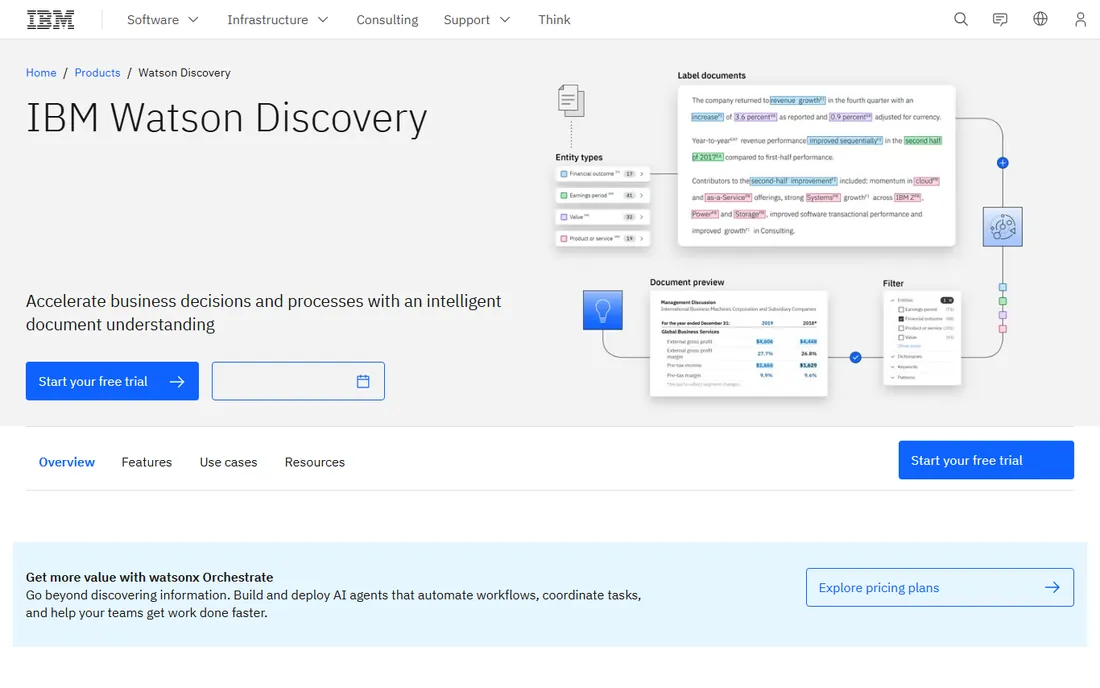
IBM Watson Discovery comes from the enterprise search tradition rather than the API tradition. You point it at collections of complex documents, and its Smart Document Understanding tool learns the structure: headers, tables, clauses. Then it layers on NLP enrichments like entity extraction, sentiment analysis and concept tagging, so knowledge workers can query a document library in natural language instead of skimming PDFs.
That makes it a strong pick for insurance claims, legal contracts and technical documentation, where the value is locked inside long files. The trade-off is weight: this is not a five-minute API signup. Pricing is quote-based, and you should expect an implementation conversation. Teams that just need sentiment on short texts will find the cloud APIs below faster and cheaper.
What we like- Smart Document Understanding learns the structure of your documents
- Built-in NLP enrichments for entities, sentiment, emotion and categories
- Strong fit for contracts, claims and research libraries
Watch out for- Enterprise pricing with no public numbers
- Heavier setup than a simple API
- The Watson brand has been through several strategy shifts
Starting priceSee website
Free planFree trial (12 months)
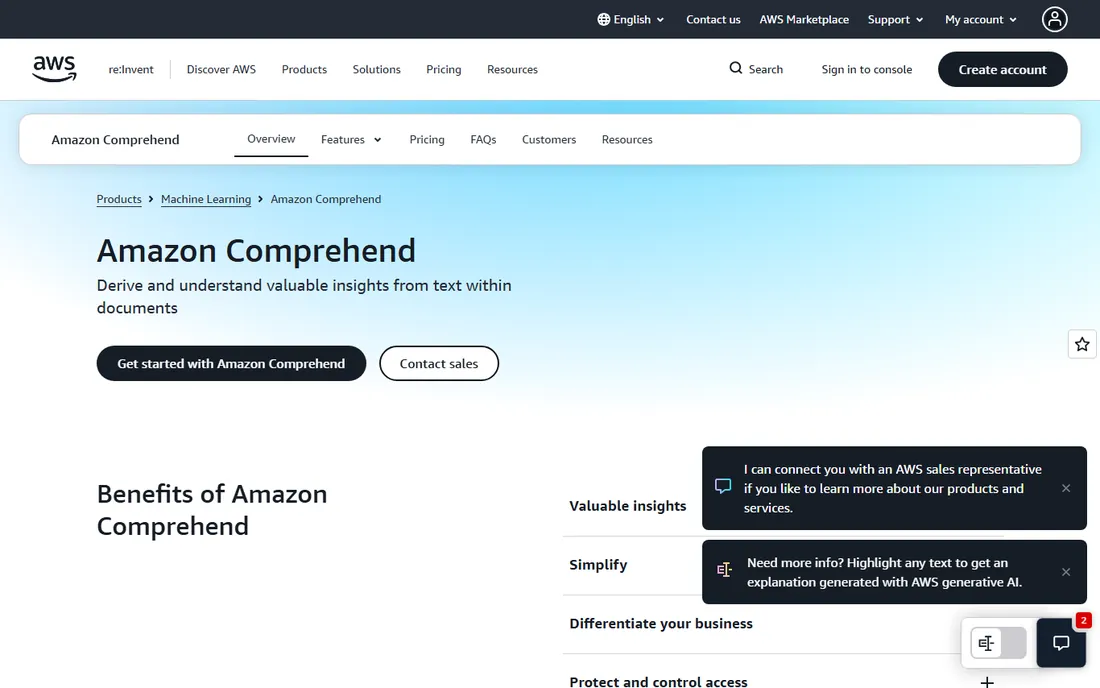
If your company already runs on AWS, Comprehend is the path of least resistance. It is a managed NLP service that extracts key phrases, entities, sentiment, topics and language from text, and it plugs straight into S3, Lambda and the rest of the AWS stack. You can also train custom entity recognizers and classifiers on your own vocabulary without machine learning expertise.
Pricing is usage-based, billed per 100-character unit, and new users get a free tier for 12 months from their first request. That free year makes it genuinely cheap to prototype. The honest catch is the usual cloud story: the meter runs on every character, so a high-volume pipeline needs cost monitoring, and you will want someone comfortable with AWS to wire it up.
What we like- Pay-as-you-go pricing with a 12-month free tier
- Custom entity and classification training with no ML experience needed
- PII detection and redaction built in
Watch out for- Needs a developer to integrate
- Costs climb with volume
- Custom models add training and endpoint charges
Starting priceSee website
Free planYes
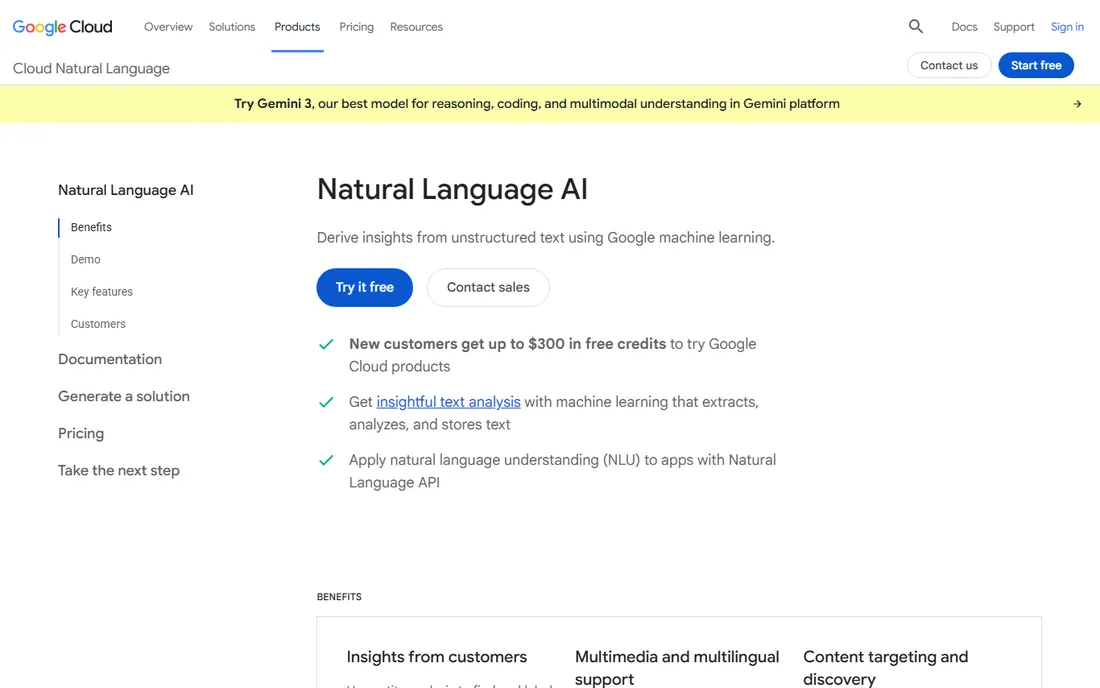
Google's entry is the most approachable of the big-cloud NLP APIs. The pre-trained models handle sentiment analysis, entity analysis, entity sentiment, syntax analysis and content classification through one clean REST API, and the documentation is excellent. Google's free tier is also the most generous in structure: 5,000 units a month free, permanently, not just for a trial period.
Reviewers consistently praise its accuracy, especially for entity detection. The complaint is price: once you leave the free tier, per-character costs run higher than Amazon's, and high-volume users feel it. For prototypes, internal tools and moderate-volume products, it is hard to beat. For millions of documents a month, run the pricing calculator carefully.
What we like- Clean, well-documented API for sentiment, entities, syntax and classification
- 5,000 units a month free on an ongoing basis
- Strong accuracy on entity and sentiment tasks
Watch out for- Pay-as-you-go costs add up fast at production volume
- No custom model training in the base API
- Pricing per character is higher than some rivals
Starting priceSee website
Free planYes
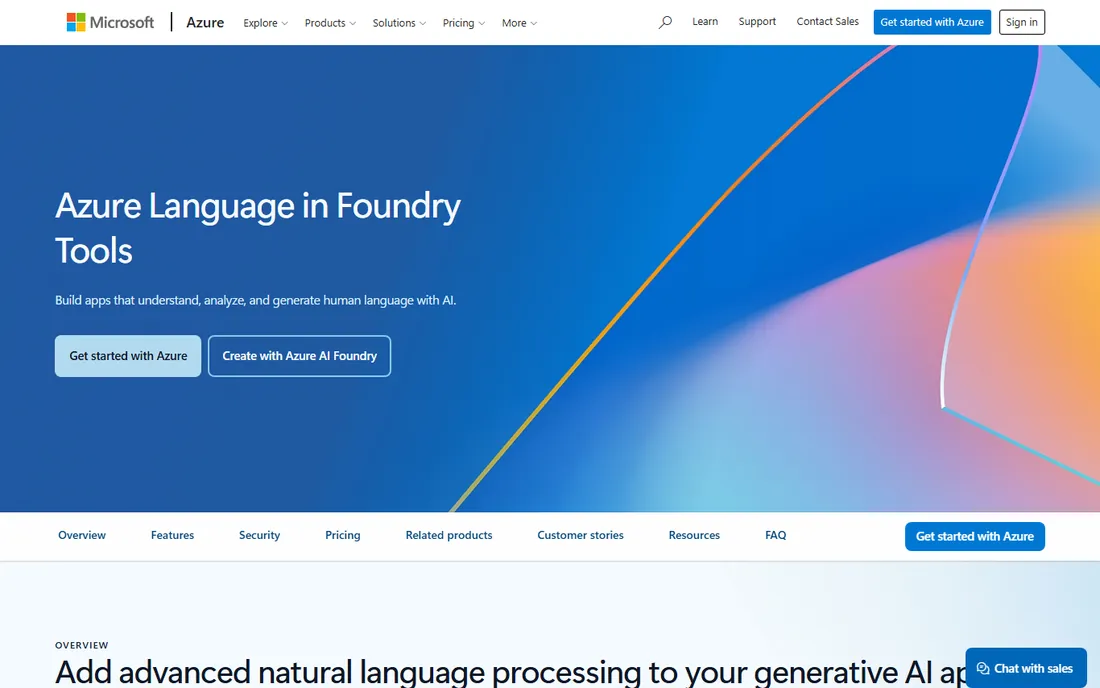
Microsoft's language service, now branded Azure Language in Foundry Tools, bundles a wide set of capabilities: sentiment and opinion mining, named entity recognition, PII detection, summarization, custom text classification and conversational language understanding. It absorbed the older Text Analytics, QnA Maker and LUIS services, so it is the single place for language AI on Azure.
The free F0 tier covers 5,000 text records a month, which is enough to build and test a real integration. Beyond that, pricing is pay-as-you-go on the Standard tier. The main friction is navigational: the rebrand and the sheer number of features mean you will spend time in the docs figuring out which capability matches your task. If your stack is Microsoft-based, the integration payoff is worth it.
What we like- Broad feature set including PII redaction, summarization and health text analytics
- Free F0 tier with 5,000 records a month
- Customizable models for classification and conversational understanding
Watch out for- Recent rebranding creates some naming confusion
- The full feature set takes time to map
- Best value if you are already on Azure
Starting priceSee website
Free planNo
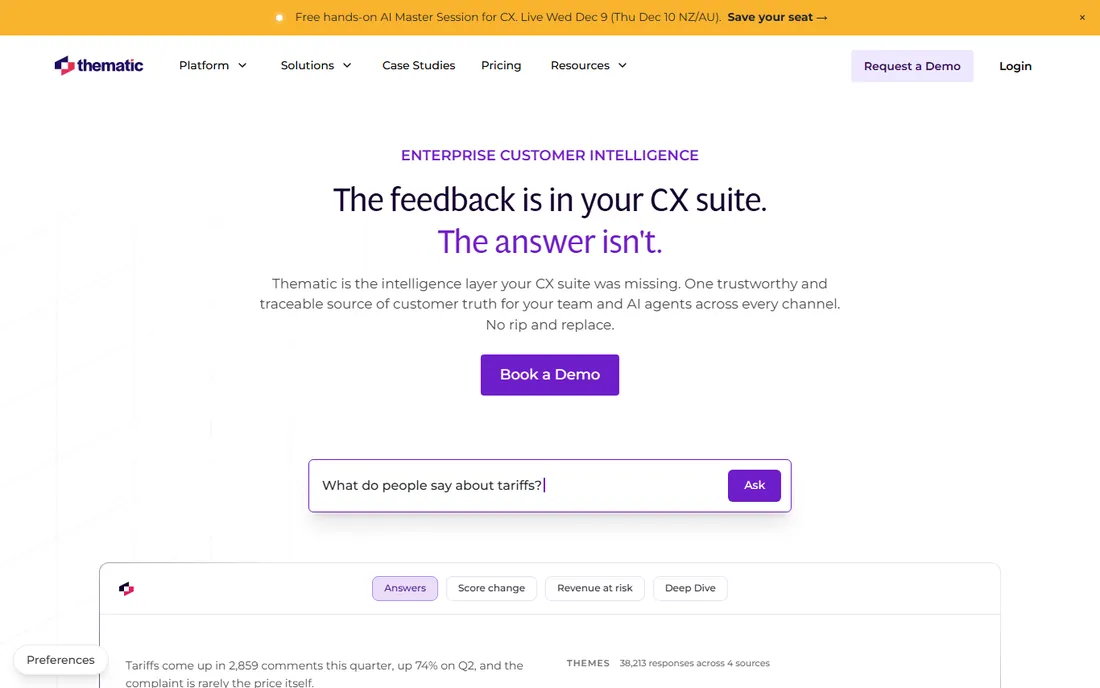
Thematic positions itself as the intelligence layer that sits on top of your existing CX stack. It pulls feedback from surveys, support tickets, call transcripts and app reviews into one place, builds themes from the actual language customers use, and ties those themes to business metrics like NPS movement and revenue at risk. Every theme links back to the exact comments that created it, so findings hold up when someone asks for evidence.
This is built for teams where customer insight is a company-wide function. Product sees feature friction, support sees service failures, executives see the numbers, all from the same data. The catch is access: pricing is quote-based with no public numbers and no free tier. If you are a mid-size or larger company with feedback scattered across channels, it is worth a demo. Smaller teams should look at the API options first.
What we like- Unifies surveys, tickets, calls and reviews into one view
- Every theme traces back to the raw comments behind it
- Scores themes by predicted NPS and churn impact
Watch out for- Quote-based enterprise pricing
- No free tier or trial
- Aimed at larger CX teams, not small shops
Starting priceSee website
Free planFree trial
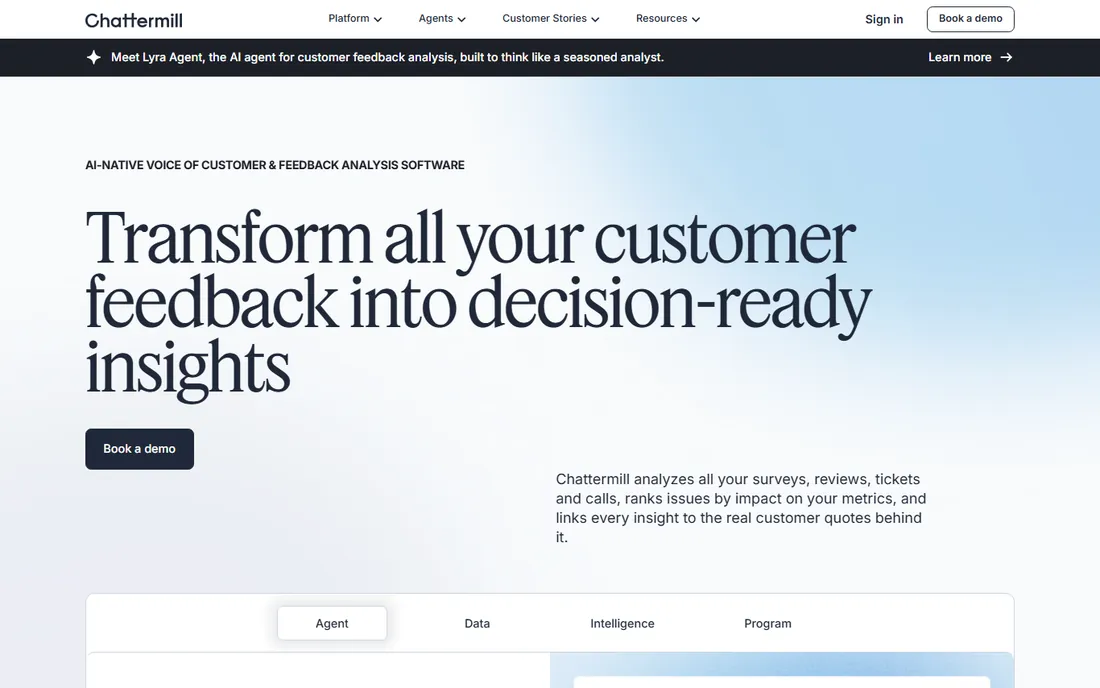
Chattermill is a London-based customer intelligence platform that unifies feedback from surveys, reviews, support conversations and social media. Its Lyra AI models are trained specifically for CX data rather than general text, and the platform connects to your stack through 50+ integrations, with an MCP server that lets tools like Claude or ChatGPT query your feedback directly. Notably, there is no per-user fee, so insights are not locked to a few seats.
The platform is upfront about fit: it is designed for teams collecting at least 5,000 pieces of feedback a month. Below that volume, the investment is hard to justify. Pricing is quote-based, and rolling it out takes onboarding work. But for CX teams drowning in multi-channel feedback, the combination of purpose-built models and broad integrations is compelling.
What we like- Purpose-built AI models for customer experience data
- 50+ native integrations plus an MCP server for AI assistants
- No per-user fee, so the whole company can access insights
Watch out for- Quote-based pricing
- The company itself says it fits teams with 5,000+ feedback items a month
- Setup takes real onboarding effort
Starting priceSee website
Free planFree trial
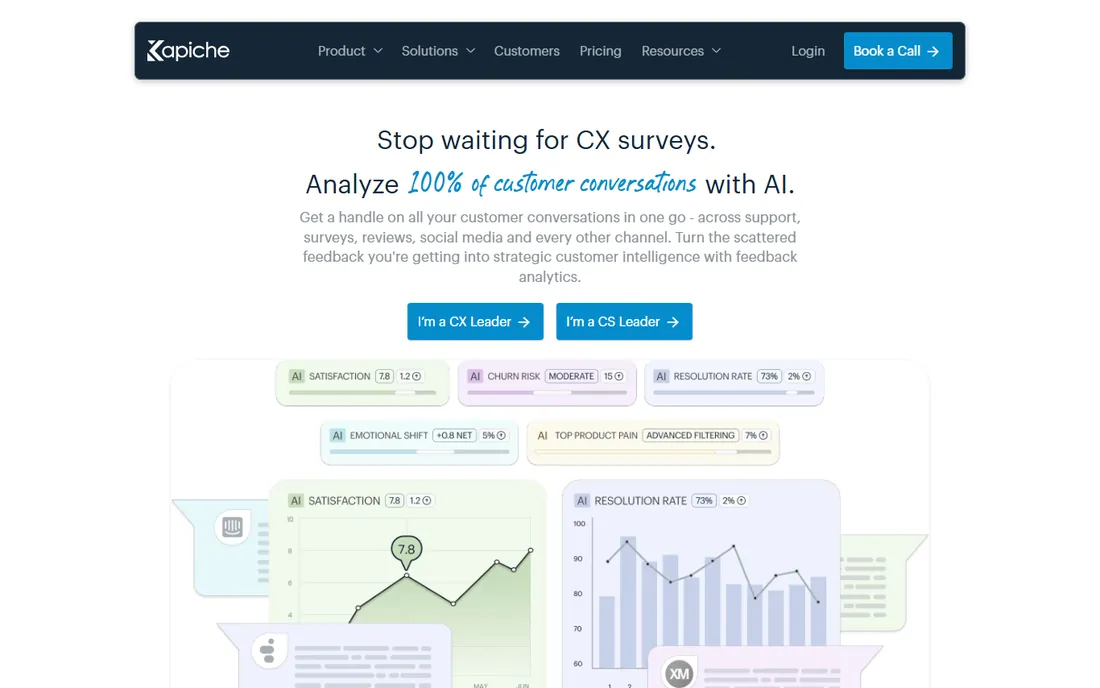
Kapiche takes aim at a specific frustration: surveys capture maybe 5% of customers, while the other 95% are talking in support tickets, chats and calls that nobody reads. Its platform ingests those conversations, structures them into themes like reason for contact and satisfaction, and routes the right insights to product, support and executives. The company says it deploys in a day and carries SOC 2 and CSA security certifications.
The Brisbane-based vendor is smaller than the names above it on this list, which cuts both ways: you get focused attention, but a thinner ecosystem. Pricing is quote-based, though a free trial is available. For support-led organizations that want to hear every conversation instead of sampling a few, it is a strong specialist pick.
What we like- Analyzes 100% of conversations, not just survey respondents
- Deploys quickly with enterprise-grade security certifications
- Connects to the full support and CX tech stack
Watch out for- Quote-based pricing with no public numbers
- Strongest on support conversations rather than general documents
- Smaller vendor than the platform giants

#8
Canvs
Best for: Emotion and audience reaction insights
Visit canvs.ai
Starting priceSee website
Free planFree trial
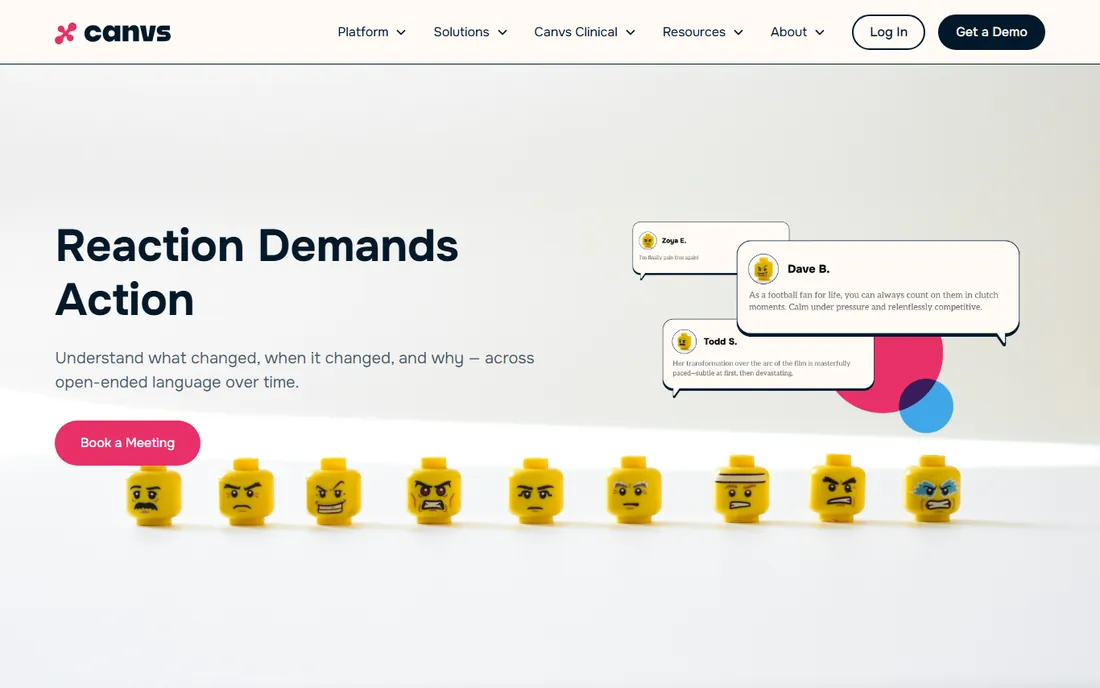
Canvs grew up analyzing audience reactions for media and entertainment, and that heritage shapes the product: it focuses on emotion and behavior in open-ended text, not just topics and sentiment scores. Its CanvsIQ engine can process millions of responses in one analysis, and the platform now ships an MCP connector so teams can ask questions about their data from inside the AI assistants they already use.
That makes it a natural fit for brand teams, researchers and anyone tracking how audiences feel about campaigns, content or products. It is less obviously the tool for classifying support tickets or parsing contracts. Pricing is quote-based with a trial available. If your core question is "how do people feel and why," Canvs deserves a look.
What we like- Emotion and behavior analysis tuned for audience reactions
- Handles millions of open-ended responses in a single analysis
- MCP connector brings insights into Claude, ChatGPT, Gemini and Copilot
Watch out for- Quote-based pricing
- Heritage in media and entertainment may feel niche for B2B
- Best for reaction data rather than operational documents
How we chose
We reviewed vendor pricing pages, product documentation and feature lists, then cross-checked against public reviews on G2, Capterra and Slashdot and practitioner discussion on Reddit. For the cloud APIs we compared free tier terms, pricing models and language coverage. For the CX platforms we weighed integration breadth, theme quality claims and fit for mid-size teams. We did not run hands-on trials; every price and plan detail comes from publicly published information.
What actually matters when comparing text analytics tools
The first decision is architectural: API or platform. If you have developers and want text analytics inside your own product, the cloud APIs from Google, AWS, Microsoft and IBM give you building blocks at pay-as-you-go prices. If you have analysts and want answers without building software, the CX platforms give you dashboards, themes and alerts out of the box. Buying a platform when you needed an API, or vice versa, is the expensive mistake.
Second, match the tool to your data. Support tickets, reviews and survey verbatims are the home turf of Chattermill, Thematic, Kapiche and Canvs. Long documents like contracts and research libraries belong with Watson Discovery. Short texts flowing through your own app belong with a cloud API.
Third, do the volume math early. API pricing is per character or per record, so estimate monthly throughput before committing. Platform pricing is quote-based, so budget for a sales cycle and ask what feedback volume the pricing assumes. Finally, check language coverage for your actual markets and confirm data residency and security certifications if you handle regulated data.
It is worth spelling out because buyers confuse them constantly. A text analytics API takes in text and returns structured data: sentiment scores, entities, topics. You still need to build the dashboards, the alerting and the workflow around it. A text analytics platform takes in your feedback sources and gives you the finished insight: themes, trends, NPS drivers, alerts in Slack.
Neither is better in the abstract. APIs win on flexibility and cost at the prototype stage. Platforms win on time-to-value when the analysis itself is the job, not the product. The best text analytics tools for your team are the ones that match how your team actually works, not the ones with the longest feature list.
Frequently asked questions
What is text analytics software?
Text analytics software extracts structured insight from unstructured text. It reads sources like reviews, tickets, surveys and documents, then identifies sentiment, topics, entities and trends. Teams use it to understand customer feedback at scale, monitor brand perception and find patterns no human could spot by reading alone.
What is the difference between text analysis and text analytics?
They are mostly two names for the same field. Text analysis tends to describe the techniques: sentiment scoring, entity extraction, classification. Text analytics tends to describe the application: turning those techniques into business insight through dashboards and trends. Vendors use the terms interchangeably, so compare features, not labels.
Should I choose a cloud NLP API or a feedback analytics platform?
Choose an API if you have developers and want text analytics inside your own product or pipeline. Choose a platform like Chattermill, Thematic, Kapiche or Canvs if you want analysts to get answers without writing code. The API route is cheaper to start but needs engineering; the platform route costs more but delivers insight faster.
Do I need a data science team to use these tools?
Not for the CX platforms: they are built for analysts and CX teams, with no coding required. The cloud APIs do need a developer to integrate, though not a data scientist, since the models come pre-trained. Only Watson Discovery's deeper document-understanding projects typically want specialist help.
How much does text analytics software cost?
Cloud APIs are pay-as-you-go: Google gives 5,000 units a month free, Azure gives 5,000 records a month free, AWS offers a 12-month free tier, and you pay per unit beyond that. The CX platforms (Thematic, Chattermill, Kapiche, Canvs) are quote-based and aimed at teams with serious feedback volume, so expect a sales conversation rather than a price page.
Sources we checked (12)
- https://www.ibm.com/cloud/watson-discovery
- https://aws.amazon.com/comprehend/
- http://aws.amazon.com/comprehend/faqs/
- https://aws.amazon.com/comprehend/pricing/?sc_channel=el
- https://cloud.google.com/natural-language
- http://cloud.google.com/natural-language/pricing
- https://azure.microsoft.com/en-gb/products/ai-foundry/tools/language
- https://getthematic.com/
- https://chattermill.com/
- https://kapiche.com/
- https://try.kapiche.com/text-analytics-software/
- https://canvs.ai/
Is your product missing or out of date?
We review this list regularly. Vendors can request a listing, send updated pricing or ask about featured placement.

Shihab Mia · Founder, Rankite
Shihab has 5+ years in B2B and SaaS SEO. He writes Rankite's software buying guides from pricing pages, documentation and public user reviews. More about Shihab.
 Amazon Comprehend
 Google Cloud Natural Language
 Azure AI Language
 Thematic
 Chattermill
 Kapiche