How we make this list: we compare pricing pages, product documentation and public user reviews. Ratings come from G2, Capterra or Trustpilot, with the date we checked them.
Key takeaways
- NVivo, ATLAS.ti, and MAXQDA lead qualitative analysis, with NVivo as the long-standing standard, ATLAS.ti leading on AI coding, and MAXQDA winning on cross-platform consistency and privacy.
- Lumivero now owns both NVivo and ATLAS.ti, leaving MAXQDA as the main independent alternative, and prices across the big names have climbed.
- Student pricing runs 130 dollars per year for NVivo, 142 dollars for ATLAS.ti, and 114 dollars for MAXQDA, while Quirkos student pricing is 5 dollars per month and Taguette is free.
- AI coding note: always review AI-applied codes, keep the reasoning visible, and check your institution ethics requirements before you begin coding.
- Enterprise pricing is usually "See website" for the big platforms, since standard licenses cost far more than student rates and team pricing varies.
Quick comparison
| Tool | Best for | Starting price | Free plan |
|---|
 NVivo NVivo | The research standard | $130 per year | No |
 ATLAS.ti ATLAS.ti | Flexible professional QDA | $142 per year | No |
 MAXQDA MAXQDA | Cross-platform consistency | $114 per year | No |
 MonkeyLearn MonkeyLearn | No-code NLP models | Free | Yes |
 Lexalytics Lexalytics | Repeatable API classification | See website | No |
 Quirkos Quirkos | Visual coding for small teams | $13 per month | No |
 Dedoose Dedoose | Real-time team collaboration | $17.95 per month | No |
 Taguette Taguette | Free open-source coding | Free | Yes |
Is your product missing or out of date?
We review this list regularly. Vendors can request a listing, send updated pricing or ask about featured placement.
The best text analysis software
#1NVivo
Best for: The research standard4.0/5 on
G2 (143 reviews, checked Oct 2026)
Visit lumivero.com
Starting price$130 per year
Free planNo
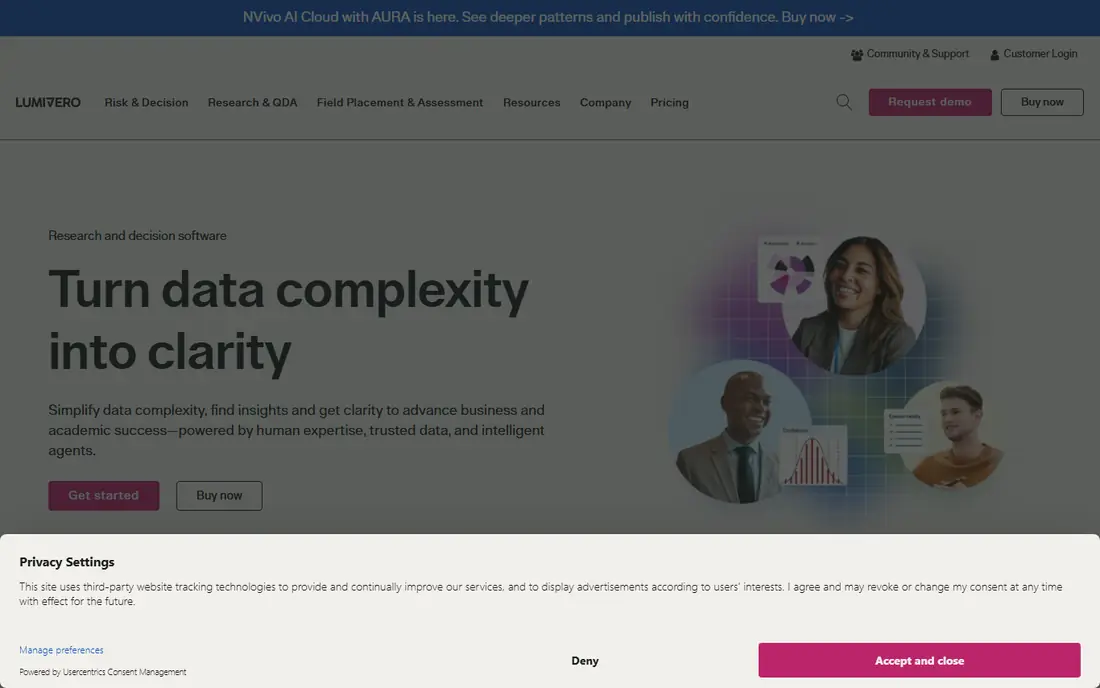
What we like- NVivo is the most cited qualitative analysis software in academia, coding and querying virtually any data type, from interview transcripts to social media to video, with matrix coding, framework analysis, and visualization tools supporting rigorous methodologies. Version 15 added a Lumivero AI Assistant for faster exploration, and universities teach it widely, giving a large community, many tutorials, and graduates who already know it. Student licenses start at 130 dollars per year.
Watch out for- Standard licenses cost far more than the 130 dollar student rate, the interface overwhelms newcomers, and large projects demand a strong computer. Team coding runs through NVivo Collaboration Cloud, a paid add-on, or by merging project files, which gets messy past two or three coders. It is overkill for simple thematic coding.
#2ATLAS.ti
Best for: Flexible professional QDA4.7/5 on
G2 (60 reviews, checked Oct 2026)
Visit atlasti.com
Starting price$142 per year
Free planNo
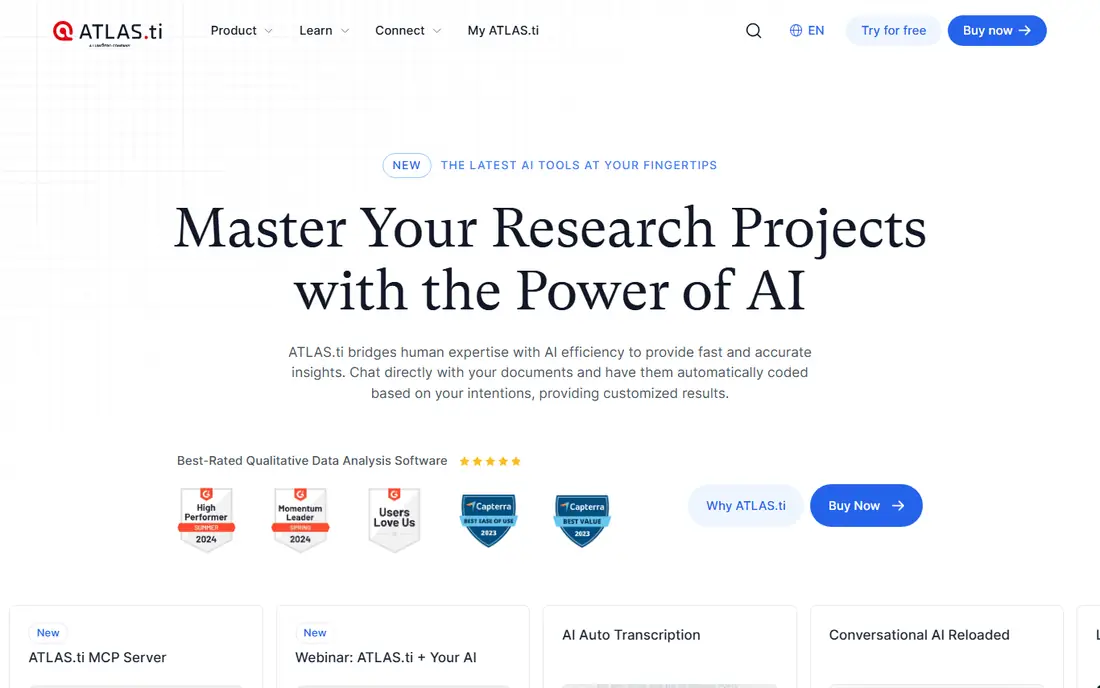
What we like- ATLAS.ti takes a flexible approach: code freely, build networks of concepts visually, and work across desktop, web, and mobile, with network views helping researchers see relationships between codes and themes for theory-building work. Recent versions added AI-assisted coding and conversational AI, and it leads the field on AI coding in comparison reporting. Student pricing runs 142 dollars per year, up from 102 dollars in 2023.
Watch out for- Per-user pricing makes team deployments expensive, and the flexibility means new users face choices without much guidance. The learning curve is steep, and Lumivero ownership alongside NVivo reduces independent competition. Prices have risen 39 percent for students in three years.
#3MAXQDA
Best for: Cross-platform consistency4.5/5 on
G2 (38 reviews, checked Oct 2026)
Visit maxqda.com
Starting price$114 per year
Free planNo
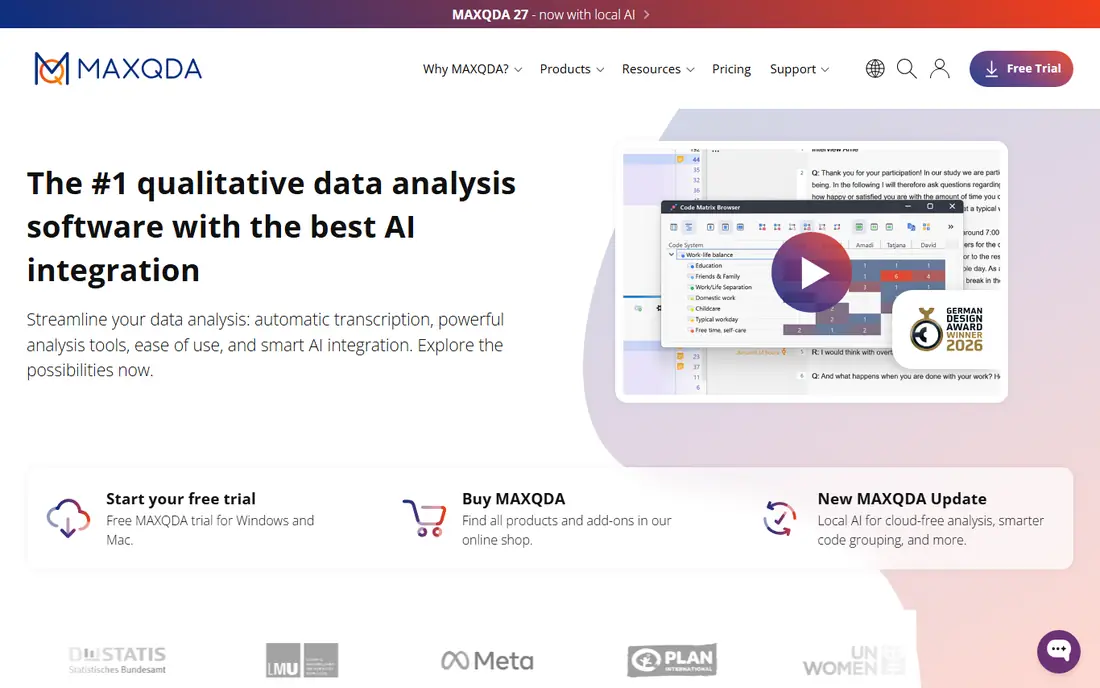
What we like- MAXQDA wins on cross-platform consistency and privacy, with manual plus AI coding and suggestions, flexible and strong stats, and moderate quant integration. It is the main independent alternative since Lumivero acquired NVivo and ATLAS.ti, and it suits researchers wanting a stable, independent vendor. Student pricing runs 114 dollars per year, up from 94 dollars in 2023.
Watch out for- AI coding is moderate rather than leading, with partial sentiment support, and prices have risen 20 percent for students in three years. Scale suits moderate corpora better than very large datasets, and the interface reflects a traditional desktop heritage. Teamwork runs through multi-user licenses and merge features rather than real-time collaboration.
Starting priceFree
Free planYes
What we like- MonkeyLearn offers no-code NLP models for marketers and SMBs, letting non-technical teams build text classifiers, sentiment analyzers, and keyword extractors without programming. It offers a free tier, with paid plans from 299 dollars per month in comparison reporting, and it suits feedback, review, and ticket classification at business scale. The web platform needs no installation.
Watch out for- Paid pricing from 299 dollars per month is steep for small teams, and the free tier limits volume. Customization lags code-based libraries such as spaCy, and enterprise governance features are thinner than Lexalytics. It suits business classification better than academic qualitative coding.
Starting priceSee website
Free planNo
What we like- Lexalytics is the strongest fit when teams need repeatable API and batch text classification with governance, serving healthcare and finance with on-premise support, entity resolution, and categorization. It offers contextual sentiment detection, predictive modeling integration, and enterprise-level security, suiting large datasets with built-in visual exploration. It is built for operators who must compare automation options against annotation-driven analysis.
Watch out for- Pricing is custom and expensive, with enterprise licensing that is overkill for small businesses. Implementation needs technical integration, and the API-first design suits developers better than qualitative researchers. On-premise deployment adds infrastructure overhead.
Starting price$13 per month
Free planNo
What we like- Quirkos offers visual coding for small teams at the best value in the field, from 13 dollars per month, with student pricing at 5 dollars per month and permanent lifetime offline licences for 69 dollars. It is very easy to use, with a visual workflow suiting consistent project-based qualitative coding and theme reporting in smaller corpora. Quirkos Cloud supports real-time collaboration, and the vendor dropped student pricing in 2024 and held it steady since.
Watch out for- Scale suits small corpora, with basic charts and minimal customization and scripting. AI support is manual plus basic AI, with no sentiment analysis, and quant integration is minimal. Larger projects and advanced queries need NVivo, ATLAS.ti, or MAXQDA.
#7Dedoose
Best for: Real-time team collaboration3.7/5 on
G2 (14 reviews, checked Oct 2026)
Visit dedoose.com
Starting price$17.95 per month
Free planNo
What we like- Dedoose is built for real-time collaboration, with multiple researchers coding simultaneously, suiting teams that need shared coding without merge workflows. Individuals pay 17.95 dollars per active month, with free trials available, and the web platform needs no installation. It suits mixed-methods teams combining qualitative coding with quantitative measures.
Watch out for- Per-active-month pricing adds up for long projects with many collaborators, and feature depth lags NVivo for advanced queries and visualizations. The web-only design needs reliable internet, and large media projects suit desktop tools better. Student pricing should be confirmed, since discounts vary.
Starting priceFree
Free planYes
What we like- Taguette is free and open source, suiting methods courses teaching qualitative fundamentals and researchers with no budget. It covers clean thematic coding with highlights and tags, runs in a browser or self-hosted, and appears in university methods teaching alongside NVivo and MAXQDA. It is the only fully free option on this list with no subscription at all.
Watch out for- Feature depth is basic compared with commercial tools, with no AI coding, limited queries, and minimal visualization. Collaboration and scale suit small projects, and support comes from community rather than a vendor. Researchers needing advanced queries or AI assistance should pick a commercial tool.
How we chose
We ranked tools on coding depth, AI assistance quality, quant integration, collaboration, scale, reporting, and published pricing. Tools earned credit for AI coding with explainable suggestions, audit trails, network visualizations, and real-time collaboration. We excluded single-purpose sentiment APIs without coding workflows, since analysis means turning text into structured, auditable outputs. Figures come from published pricing and 2026 comparison reporting, and readers should confirm current terms directly, since student and standard pricing diverge sharply, and campus licence coverage changes each academic year.
How to choose the right text analysis software
Start with methodology and institution: universities hold campus licenses for NVivo or MAXQDA, which can decide the choice before spending your own money, and supervisors often expect NVivo for dissertations. Next, take the free trial seriously: import a slice of real data, code a dozen excerpts, and run one query, since that 30-minute test tells more than any feature matrix. Then check AI governance: review AI-applied codes, keep reasoning visible through audit trails such as NVivo AI Cloud and QDA Miner explained suggestions, and check institution ethics requirements before coding. Then check team needs: real-time collaboration points to Dedoose or Quirkos Cloud, while merge-based teamwork suits NVivo, ATLAS.ti, and MAXQDA. Then check data import and export before committing, since qualitative projects live or die on format compatibility. Confirm imports from Word, PDF, audio, video, and survey platforms, and exports to SPSS or Excel for coded data, since a tool that traps codes inside its own format costs dearly at publication time. Test the full round trip with a sample project during the trial, including audio transcription handling and media coding, before buying a team licence. Finally, check scale and budget: small corpora suit Quirkos or Taguette free, business classification suits MonkeyLearn or Lexalytics APIs, and large academic projects justify NVivo or MAXQDA despite higher prices.
Frequently asked questions
What is the best qualitative data analysis software?
NVivo, ATLAS.ti, and MAXQDA lead the field. NVivo is the long-standing standard, ATLAS.ti leads on AI coding, and MAXQDA wins on cross-platform consistency and privacy. Your choice should follow your methodology and your institution existing licenses, so always ask your department first.
How much does qualitative research software cost?
Dedoose charges 17.95 dollars per active month for individuals, Taguette is free, and Quirkos starts at 13 dollars per month. NVivo, ATLAS.ti, and MAXQDA use tiered pricing, with student rates at 130, 142, and 114 dollars per year respectively, and standard licenses costing far more.
Is there free qualitative data analysis software?
Yes. Taguette is free and open source, and Dedoose, Quirkos, and other commercial tools offer free trials. Most commercial tools also offer student pricing, which is often substantial but not advertised prominently.
Can I use AI for qualitative coding?
Yes, with care. ATLAS.ti, NVivo AI Cloud, MAXQDA, and other tools offer AI-assisted coding that accelerates the tedious first pass. Always review AI-applied codes, keep the reasoning visible, and check your institution ethics requirements before you begin coding.
Can I collaborate with my team in these tools?
Yes. Dedoose and Quirkos Cloud are built for real-time collaboration, with multiple researchers coding simultaneously. NVivo plans team features through Collaboration Cloud, while ATLAS.ti, MAXQDA, and other tools support teamwork through multi-user licenses and merge features.
What software do universities use for qualitative research?
NVivo, ATLAS.ti, and MAXQDA dominate university licenses, and campus IT can usually install them on lab machines. Many also support Dedoose and Quirkos for students, and Taguette appears in methods courses teaching qualitative fundamentals.
Sources we checked (0)
Is your product missing or out of date?
We review this list regularly. Vendors can request a listing, send updated pricing or ask about featured placement.

Shihab Mia · Founder, Rankite
Shihab has 5+ years in B2B and SaaS SEO. He writes Rankite's software buying guides from pricing pages, documentation and public user reviews. More about Shihab.