How we make this list: we compare pricing pages, product documentation and public user reviews. Rankite is independent; if a vendor ever pays for a featured spot, that listing is clearly labeled Partner.
Key takeaways
- GitBook and ReadMe lead for developer docs and API references.
- Confluence remains the enterprise wiki standard.
- Document360 and Archbee offer modern knowledge bases with strong UX.
- Mintlify brings beautiful docs from Markdown with minimal effort.
- Notion, Slite, Tettra and Guru cover internal docs and knowledge sharing.
Quick comparison
| Tool | Best for | Starting price | Free plan |
|---|
 GitBook GitBook | Developer documentation | Free | Yes |
 ReadMe ReadMe | API docs with playgrounds | See website | Free trial |
 Confluence Confluence | Enterprise wiki | See website | Free plan |
 Document360 Document360 | Knowledge base software | See website | Free trial |
 Archbee Archbee | Modern docs platform | See website | Free trial |
 Mintlify Mintlify | Beautiful docs from Markdown | Free | Yes |
 Notion Notion | Flexible internal docs | Free | Yes |
 Slite Slite | Simple team knowledge | See website | Free trial |
 Tettra Tettra | Internal wiki for teams | See website | Free trial |
 Guru Guru | Verified company knowledge | See website | Free trial |
Is your product missing or out of date?
We review this list regularly. Vendors can request a listing, send updated pricing or ask about featured placement.
The best technical documentation software
Starting priceFree
Free planYes

GitBook is where modern developer docs live: beautiful published documentation with Git-based workflows, API references and collaborative editing. The free tier covers real projects. Developer teams adopt it eagerly.
Paid tiers gate advanced features, and deep customization has limits. But for docs developers actually maintain, GitBook's experience is the benchmark.
GitBook's Git sync means docs live alongside code: pull requests can update documentation. The API reference generation keeps docs current. For developer teams, the workflow integration is the reason to choose it.
GitBook's sync keeps docs current: the code and docs align. The references generate. For the developer team, the workflow wins.
GitBook's AI assistant drafts from existing content: the documentation velocity increases. The integrations embed docs in developer workflows. For developer teams, the Git-native approach keeps docs honest.
What we like- Excellent docs UX developers love
- Git-synced workflows
- Generous free tier
Watch out for- Advanced features need paid
- Customization has limits
- Pricing per user
Starting priceSee website
Free planFree trial
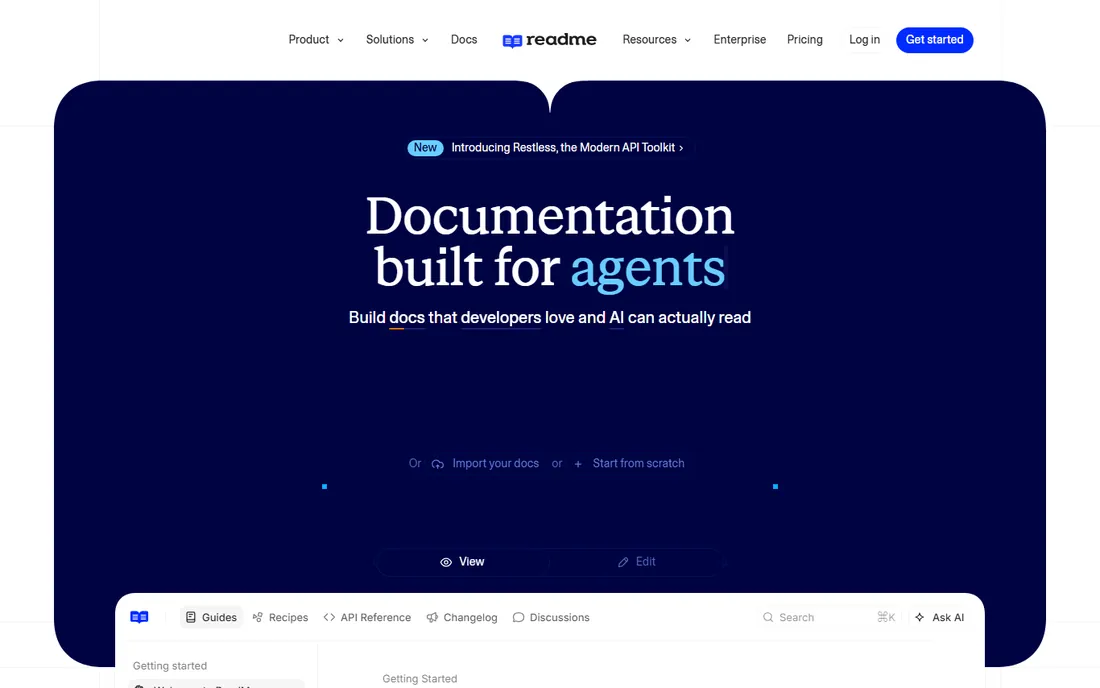
ReadMe makes APIs explorable: interactive playgrounds, guided onboarding and usage metrics turn documentation into developer conversion. API-first companies swear by it.
It costs real money and focuses on APIs over general docs. But for developer adoption as a metric, ReadMe's interactivity wins.
ReadMe's metrics show which docs developers actually use: the analytics guide improvement. The suggested edits let users contribute. For API companies, the developer experience focus drives adoption.
ReadMe's analytics guide: the usage informs. The edits engage users. For the API company, the experience drives adoption.
ReadMe's changelog automation announces API updates: the developers stay informed. The community forums build around the docs. For API companies, the developer relations value extends beyond documentation.
What we like- Interactive API playgrounds
- Excellent developer onboarding
- Good metrics
Watch out for- Pricing is significant
- API-focused, less for general docs
- Learning curve
Starting priceSee website
Free planFree plan
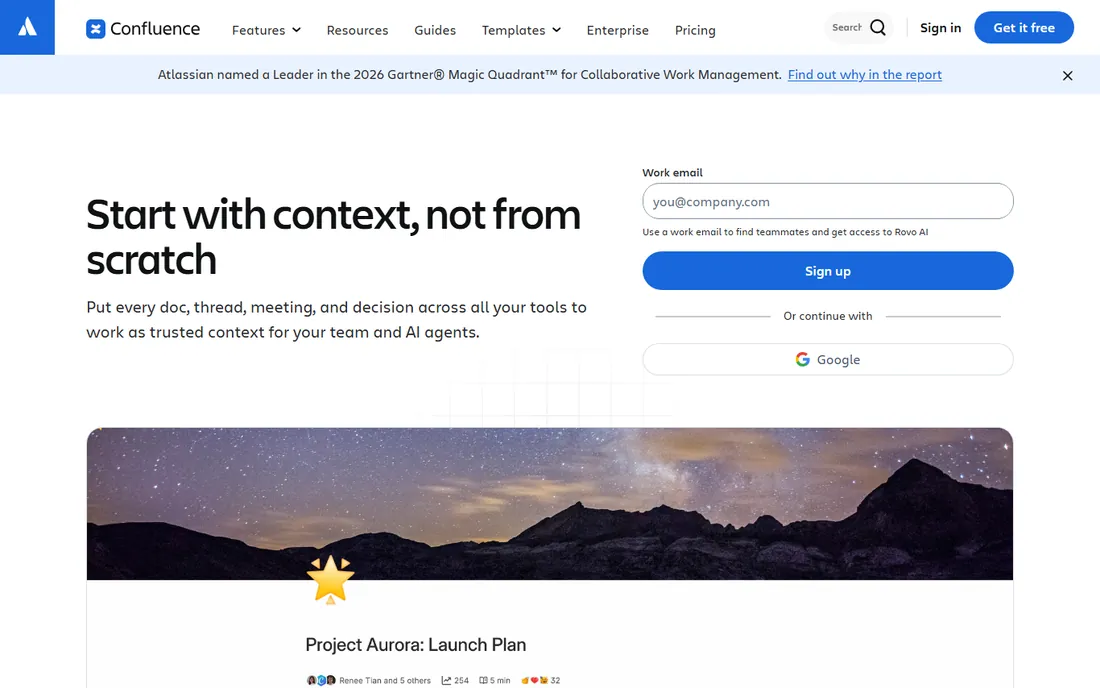
Confluence is the default enterprise wiki: pages, spaces and collaboration integrated with Jira. Large organizations document everything here. The free tier covers small teams.
Wikis rot without gardening, and Confluence search draws complaints. But the Atlassian integration and scale make it the safe enterprise choice.
Confluence's templates standardize documentation: the structure helps large teams. The Jira integration links docs to work. For enterprises, the ecosystem is the moat.
Confluence's ecosystem is the moat: the Jira links work. The templates standardize. For the enterprise, the integration matters.
Confluence's page analytics show what gets read: the content improves with data. The macros embed dynamic content. For enterprises, the wiki scale handles thousands of pages.
What we like- The enterprise wiki standard
- Deep Atlassian integration
- Proven at scale
Watch out for- Can become disorganized
- Search frustrates
- Pricing per user adds up
Starting priceSee website
Free planFree trial
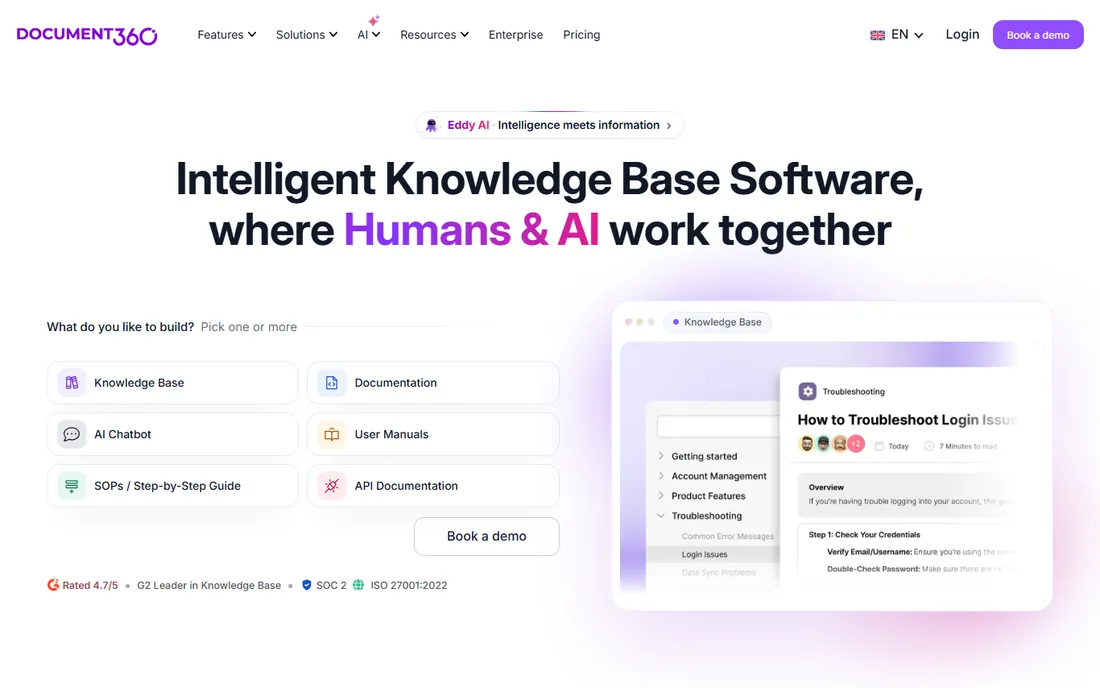
Document360 builds knowledge bases properly: authoring, versioning, AI-powered search and analytics for public or private docs. Support teams and SaaS companies publish here.
It lacks GitBook's developer workflow depth. But for knowledge-base-as-product, the purpose-built design shows.
Document360's AI search answers questions from the docs: the support deflection is measurable. The versioning handles product changes. For knowledge bases, the purpose-built design shows.
Document360's search deflects support: the answers are found. The versioning handles change. For the knowledge base, the design shows.
Document360's knowledge base widgets embed help in products: the support happens in context. The AI answers reduce ticket volume. For customer-facing docs, the deflection ROI is measurable.
What we like- Purpose-built knowledge bases
- Good AI search
- Clean authoring
Watch out for- Pricing tiers
- Less developer-workflow depth
- Younger than Confluence
Starting priceSee website
Free planFree trial
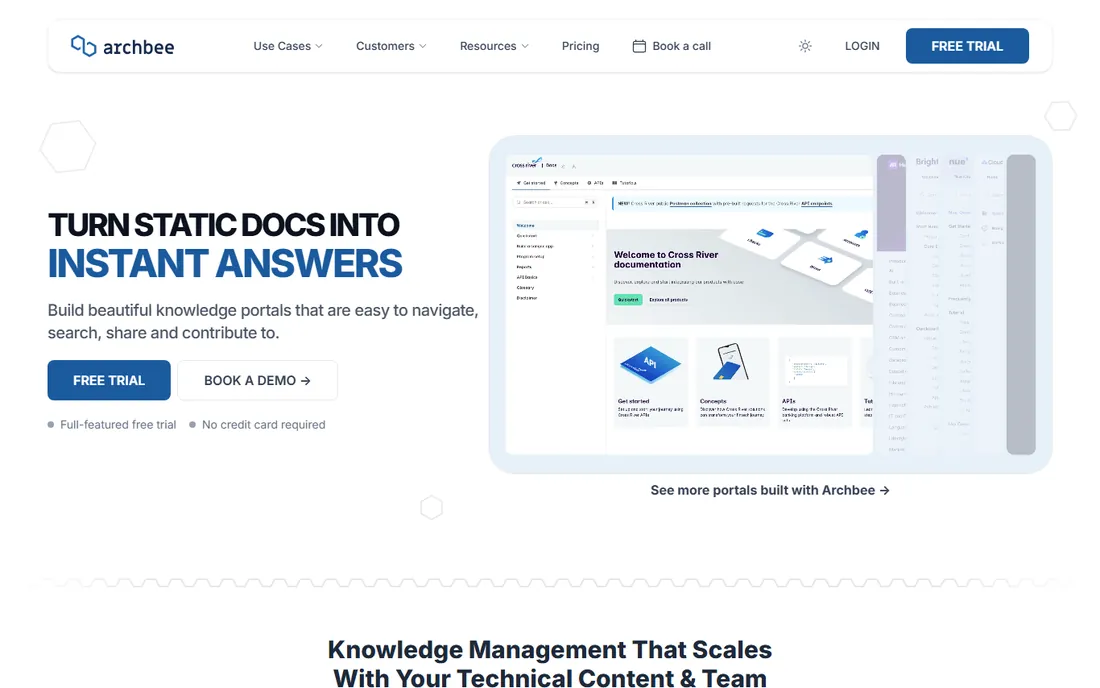
Archbee offers modern documentation: collaborative editing, API references and customizable portals. Growing teams like the balance of power and simplicity.
The smaller vendor needs diligence. But the modern approach competes well with established players.
Archbee's collaboration features let teams write together: the real-time editing works well. The custom domains brand the docs. For growing teams, the modern approach fits.
Archbee's collaboration works: the editing is real-time. The domains brand. For the growing team, the modern fit appeals.
Archbee's API documentation generates from specs: the references stay current. The collaboration features keep teams aligned. For growing teams, the modern docs platform scales.
What we like- Modern docs with collaboration
- Good API docs
- Pleasant authoring
Watch out for- Smaller vendor
- Ecosystem is growing
- Pricing tiers
Starting priceFree
Free planYes
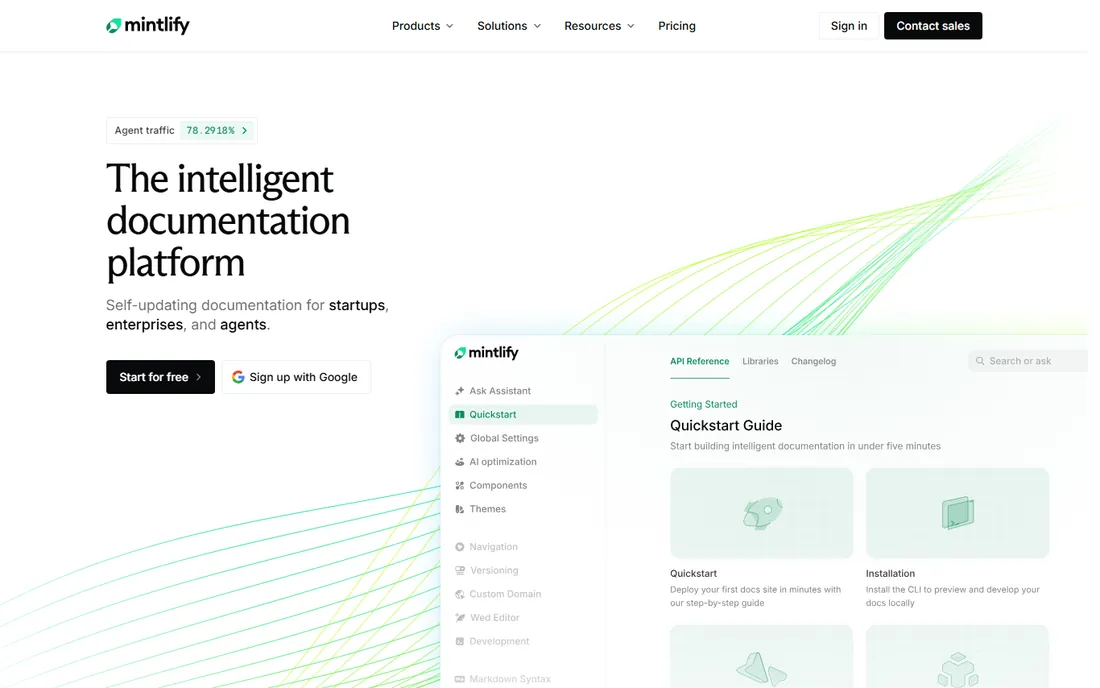
Mintlify turns Markdown into beautiful documentation: developers write simply, the output looks premium. The free tier is generous, and the aesthetic sets a new bar. API docs shine.
Non-technical authors face Markdown, and deep customization needs code. But for developer-written docs, the beauty-to-effort ratio is unmatched.
Mintlify's components create interactive docs: the API playgrounds engage developers. The SEO optimization helps discovery. For beautiful docs fast, it is unmatched.
Mintlify's interactivity engages: the playgrounds help. The SEO discovers. For the beautiful docs, the speed is unmatched.
Mintlify's analytics track developer engagement: the content strategy gets data. The custom components brand the experience. For beautiful docs, the developer experience focus shows.
What we like- Stunning docs from simple Markdown
- Beloved by developers
- Generous free tier
Watch out for- Markdown-centric
- Customization needs code
- Advanced features cost
Starting priceFree
Free planYes
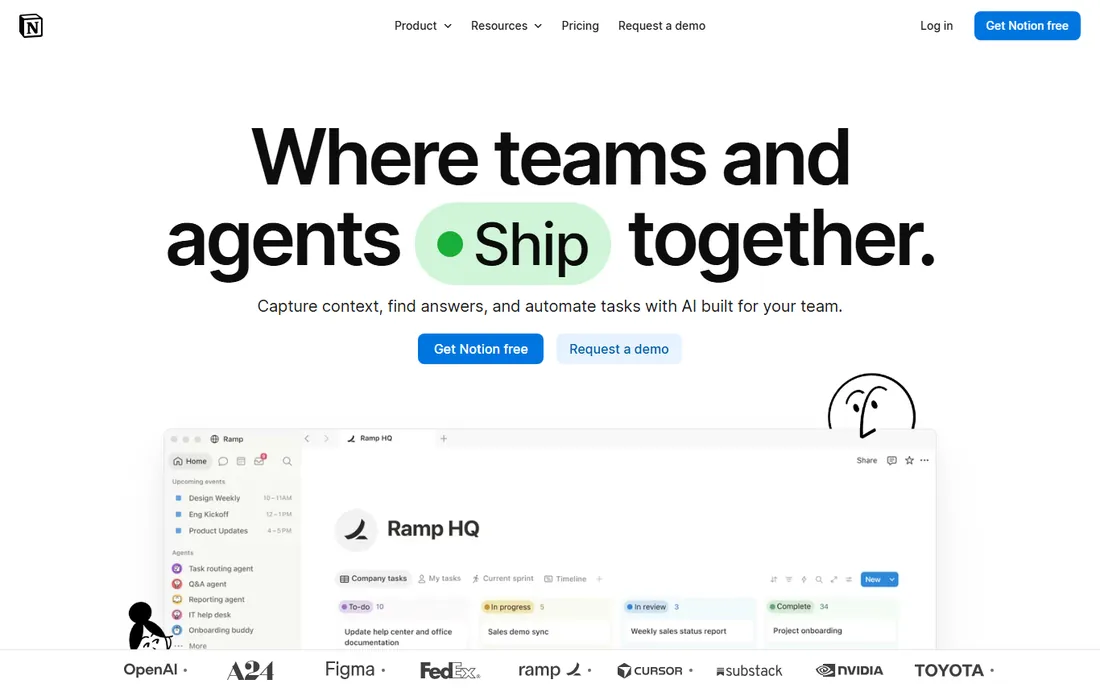
Notion's flexibility builds any internal docs system: wikis, runbooks, specs and databases linked together. The free plan is generous, and adoption is enthusiastic.
Without governance it becomes chaotic, and public docs publishing is not the strength. But for internal technical docs teams maintain happily, Notion works.
Notion's databases organize docs dynamically: the views serve different needs. The collaboration is excellent. For internal docs teams love, it works.
Notion's views serve needs: the databases flex. The collaboration excels. For the internal docs, the love is real.
Notion's synced blocks reuse content across pages: the updates propagate. The permissions control access granularly. For internal docs, the living documentation stays current.
What we like- Infinitely flexible docs and wikis
- Generous free plan
- Teams love it
Watch out for- Needs structure to avoid chaos
- Offline is weak
- Not docs-publishing focused
Starting priceSee website
Free planFree trial
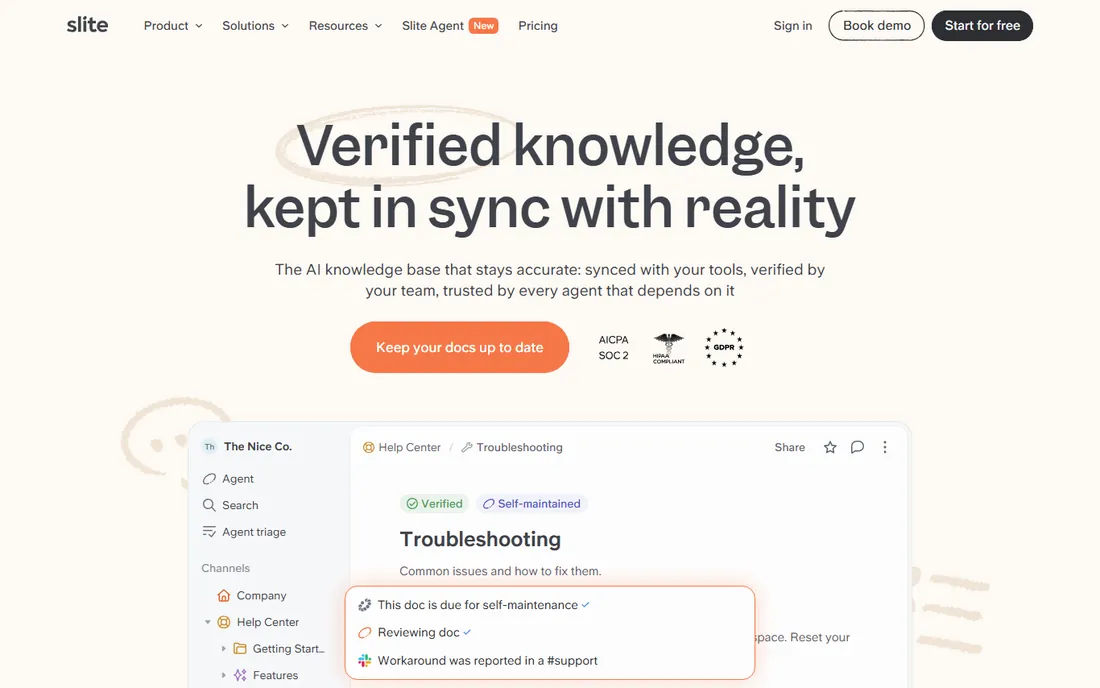
Slite keeps team knowledge simple: clean docs, organized collections, easy search. Remote teams adopt it quickly. The focus avoids bloat.
Depth trails the bigger platforms. But the simplicity sustains the documentation habit, which is the real battle.
Slite's organization keeps knowledge findable: the collections structure content. The search is good. For simple team knowledge, the ease sustains usage.
Slite's structure keeps findable: the collections organize. The search works. For the simple knowledge, the ease sustains.
Slite's ask feature surfaces answers from the knowledge base: the search feels magical. The collections keep topics organized. For simple team knowledge, the delightful UX sustains the habit.
What we like- Clean simple knowledge base
- Good for remote teams
- Easy to adopt
Watch out for- Less depth than rivals
- Smaller vendor
- Advanced features are thin
Starting priceSee website
Free planFree trial
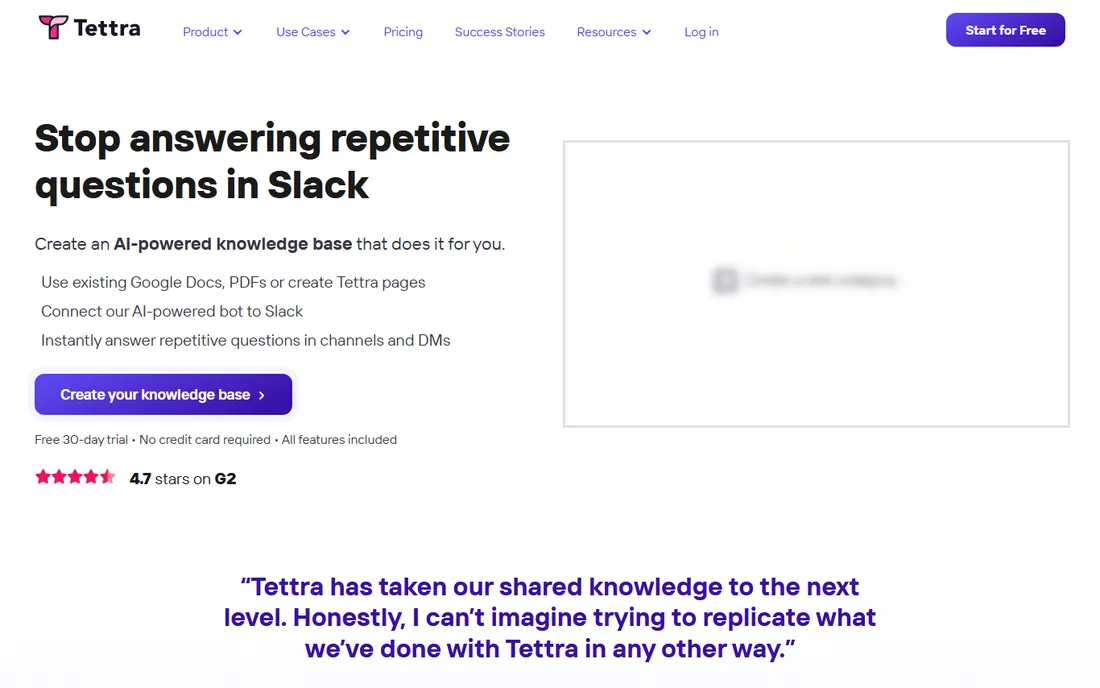
Tettra is the simple internal wiki: questions, answers and docs organized for teams, with Slack integration surfacing knowledge where work happens. Small teams get organized fast.
Features stay basic. But the simplicity-to-adoption ratio is excellent for teams starting documentation culture.
Tettra's Slack integration surfaces answers where questions arise: the workflow fit is natural. The Q&A format captures tribal knowledge. For small teams, the simplicity works.
Tettra's fit is natural: the Slack surfaces answers. The Q&A captures. For the small team, the simplicity works.
Tettra's answer verification keeps content trustworthy: the stale pages get flagged. The Slack workflow captures knowledge naturally. For small teams, the lightweight system actually gets used.
What we like- Simple internal wiki
- Good Q&A features
- Integrates with Slack
Watch out for- Basic feature set
- Smaller vendor
- Less for public docs
Starting priceSee website
Free planFree trial

Guru's verification system keeps knowledge accurate: experts confirm docs periodically, stale content gets flagged. Support and sales teams trust what they find. The browser extension delivers answers in workflow.
Per-user pricing adds up, and developer docs fit less well. But for company knowledge that must stay true, the verification model is distinctive.
What we like- Verification workflows keep docs accurate
- Great browser extension
- Good for support teams
Watch out for- Pricing per user
- Setup needs process
- Less for developer docs
How we chose
We selected tools with real technical documentation adoption, from developer docs to internal wikis. We reviewed authoring experience, publishing quality and user feedback, and verified each vendor's current status.
Docs or wiki: know the difference
Developer docs (GitBook, ReadMe, Mintlify) publish outward: polished, versioned, API-integrated. Internal wikis (Confluence, Notion, Slite, Tettra, Guru) organize inward: collaborative, searchable, living. Knowledge bases (Document360, Archbee) often do both.
Most organizations need one of each. The mistake is using a wiki for public docs or a docs platform for messy internal notes. Match the tool to the audience.
Frequently asked questions
What is the best tool for API documentation?
ReadMe for interactive playgrounds, GitBook for beautiful references, Mintlify for Markdown simplicity. Match to whether interactivity or aesthetics matter more.
How much does documentation software cost?
From free (GitBook, Mintlify, Notion tiers) to per-user SaaS pricing, to significant contracts for ReadMe-scale platforms. Start free; pay when docs drive revenue.
Should docs live with code?
Developer docs benefit from Git workflows (GitBook, Mintlify). Business docs suit wikis (Confluence, Notion). The closer docs live to their authors, the better maintained.
How do I keep docs from going stale?
Assign ownership, review on schedules, and use verification like Guru's. Stale docs are worse than none; the process matters more than the tool.
Can I migrate from Confluence?
Yes, with effort. Most tools import Confluence content. Expect cleanup: migrations reveal the organizational debt in old wikis.
Do I need technical writers?
For customer-facing docs, usually yes. Tools amplify writers; they do not replace judgment about what users need. Internal docs can thrive on engineer authorship with light editing.
Can it import my existing Word docs?
Yes, most tools import DOCX with formatting largely intact, including tables, images, and footnotes. Expect to clean up styles, fonts, and heading levels after import. Plan a dedicated cleanup pass in your migration timeline rather than assuming a perfect automatic transfer.
Sources we checked (10)
- https://www.gitbook.com/
- https://readme.com/
- https://www.atlassian.com/software/confluence
- https://document360.com/
- https://www.archbee.com/
- https://www.mintlify.com/
- https://www.notion.so/
- https://slite.com/
- https://tettra.com/
- https://www.getguru.com/
Is your product missing or out of date?
We review this list regularly. Vendors can request a listing, send updated pricing or ask about featured placement.

Shihab Mia · Founder, Rankite
Shihab has spent more than a decade helping SaaS and e-commerce brands grow through search. He writes Rankite's software buying guides from pricing pages, documentation and public user reviews. More about Shihab.