How we make this list: we compare pricing pages, product documentation and public user reviews. Rankite is independent; if a vendor ever pays for a featured spot, that listing is clearly labeled Partner.
Key takeaways
- Karbon and Canopy lead for firms that can pay suite prices; Karbon for internal collaboration, Canopy for client-facing tax work and resolution.
- TaxDome's all-inclusive annual pricing sits mid-band and bundles e-signatures, portals and payments without meters, but demands upfront annual commitment.
- Financial Cents and Jetpack Workflow are the workflow-first budget picks; Jetpack does recurring tasks only, so pair it with other tools for portals and billing.
- Uku and Pixie break the per-seat mold; Uku starts at $19 a member a month, Pixie charges a flat $59 a month for the whole team.
- Xero Practice Manager and QuickBooks Online Accountant are free with your ecosystem subscription, which makes them the default starting point for small firms.
Quick comparison
| Tool | Best for | Starting price | Free plan |
|---|
 Karbon Karbon | Team collaboration at scale | $59 per user/month (billed annually) | Free trial (14 days) |
 TaxDome TaxDome | All-in-one portal for tax firms | $800 per user/year (Essentials) | Free trial |
 Canopy Canopy | Tax resolution practices | $74 per user/month (billed annually) | Free trial |
 Financial Cents Financial Cents | Workflow-first small firms | $49 per user/month (Team, billed annually) | Free trial (14 days) |
 Jetpack Workflow Jetpack Workflow | Simple recurring-task tracking | $40 per user/month (billed annually) | Free trial (14 days) |
 Uku Uku | Solo practitioners and small firms | $19 per member/month (billed annually) | Free trial (14 days) |
 Pixie Pixie | Flat-fee pricing fans | $59 per month (flat, whole team) | Free trial (30 days) |
 Xero Practice Manager Xero Practice Manager | Xero-based practices | Free (for Xero partners) | Yes |
 QuickBooks Online Accountant QuickBooks Online Accountant | QuickBooks ecosystem firms | Free | Yes |
Is your product missing or out of date?
We review this list regularly. Vendors can request a listing, send updated pricing or ask about featured placement.
The best tax practice management software
The wrong practice management choice costs you twice, and the second bill arrives in April. A firm that bought the wrong suite discovers mid-tax-season that workflows do not fit, the client portal confuses people, or the per-seat price doubled when seasonal staff joined. There is no time to migrate in March. You either pay for a tool that fights you or absorb the chaos manually, with overtime and missed deadlines.
The other cost is quieter: shelfware. Many firms pay suite prices for one feature, usually document collection, while the CRM, billing and automation sit unused. A $4,000-a-year TaxDome contract or a $5,340-a-year Karbon Team bill stings when all you needed was a good portal and recurring checklists. The best accounting practice software is the one sized to the jobs you actually run, not the jobs you hope to run someday.
This list covers nine platforms that exist today, from full suites to workflow-only tools to free ecosystem options. Price the job, not the category.
Starting price$59 per user/month (billed annually)
Free planFree trial (14 days)

Karbon organizes the firm around a shared inbox: client emails become tasks, triage routes work, and managers see capacity across the team. For firms where most client work arrives by email and internal coordination is the hard part, it is the most natural fit. Team starts at $59 a user a month billed annually; Business at $89 adds automations and deeper analytics.
Two limits matter at buying time. The Team plan caps you at 1,000 contact profiles and 40 work templates, which growing firms outgrow fast, and e-signatures require a DocuSign add-on. Karbon also collects client documents by email and reminders rather than through a login portal, so if a real client portal is the requirement, look elsewhere on this list.
What we like- Email-centric collaboration built for accountants
- Strong workflow and capacity views
- Good for distributed teams
Watch out for- Team plan caps contacts at 1,000 and templates at 40
- E-signatures need a DocuSign add-on
- No true client portal
Starting price$800 per user/year (Essentials)
Free planFree trial

TaxDome's pitch is consolidation: CRM, portal, document management, e-signatures, payments, proposals and workflows for one annual per-user fee. Essentials runs $800 a year for solos, Pro $1,000 a user, Business $1,200. Nothing is metered per signature or per document, which makes budgeting simple compared with Canopy's add-on structure.
The annual-upfront model is the commitment to weigh. You pay the full year before tax season, and switching mid-cycle is expensive. Optional onboarding packages cost $999 to $3,499, and larger firms report that workflow automation depth plateaus as they scale. For small to mid-size tax firms that want one system doing everything client-facing, the value is real.
What we like- All-inclusive pricing with no per-feature meters
- Polished client portal and mobile app
- E-signatures and payments bundled
Watch out for- Annual payment required upfront
- Onboarding packages run $999 to $3,499
- Growth-stage firms report hitting workflow ceilings
Starting price$74 per user/month (billed annually)
Free planFree trial
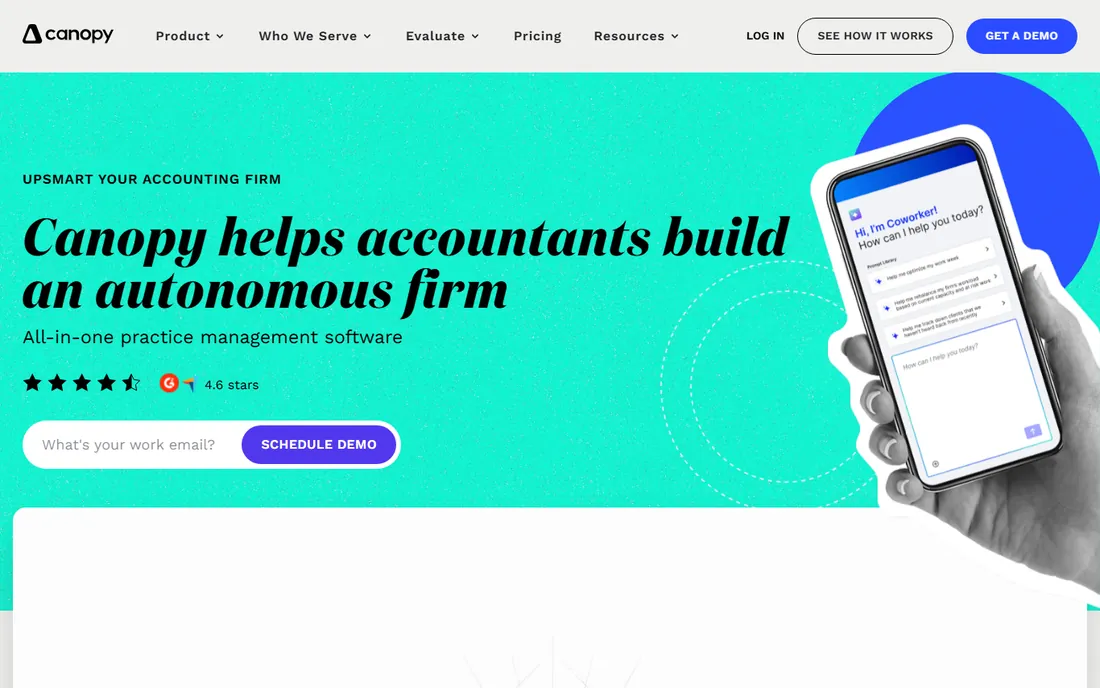
Canopy is the tax specialist's suite: CRM, document management, workflow, billing and client portal bundled into every tier, with Standard at $74 a user a month billed annually, Plus at $109 and Premium at $149. Its tax resolution tooling, IRS transcript integrations and notice handling are the deepest on this list. Canopy earned the number one tax practice management ranking in G2's 2026 awards.
The seat price is predictable; the total is not. Tax workflow automation starts around $34 per client credit, close automation runs $10 per connected client a month, and tax resolution adds $50 a user a month. A firm doing heavy resolution work can pay substantially above the seat price. Model your client mix against the meters before you sign.
What we like- Built for tax workflows including resolution
- Phone support included
- G2's top-ranked tax practice management in 2026 awards
Watch out for- Specialist tax work is metered on top of seats
- Premium at $149 is a big jump
- Pricing complexity needs a spreadsheet
Starting price$49 per user/month (Team, billed annually)
Free planFree trial (14 days)
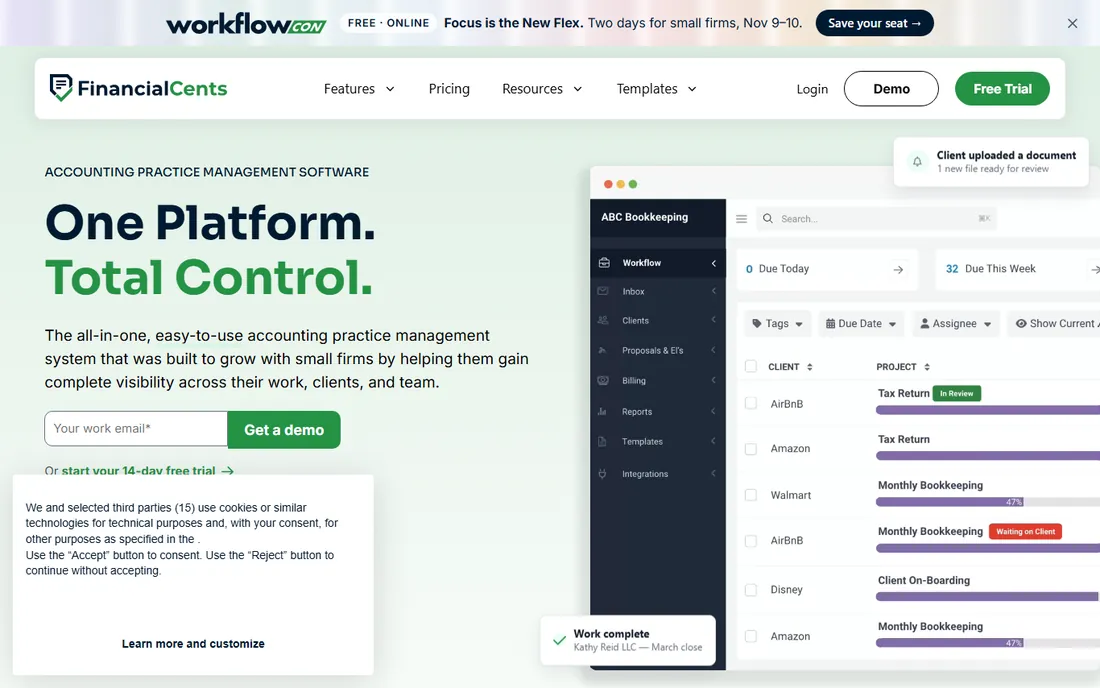
Financial Cents positions itself as the workflow engine for small firms: recurring jobs, auto-reminders, task dependencies and a client portal at $49 a user a month on the Team plan billed annually. Implementation is lighter than the big suites, and the 14-day trial shows the full workflow builder. For firms under 20 people that live and die by repeatable processes, it covers the core job.
It is not a Karbon replacement at scale. Capacity planning, advanced reporting and enterprise governance are thinner, and the integration ecosystem is smaller. If your firm is growing past 20 staff with complex review hierarchies, test the ceiling during the trial. For workflow-led small firms, it is the best value on this list.
What we like- Workflow automation at a mid-market price
- Client portal included
- Simpler implementation than Karbon
Watch out for- Less depth for large firms
- Reporting is basic on lower tiers
- Ecosystem smaller than Karbon's
Starting price$40 per user/month (billed annually)
Free planFree trial (14 days)
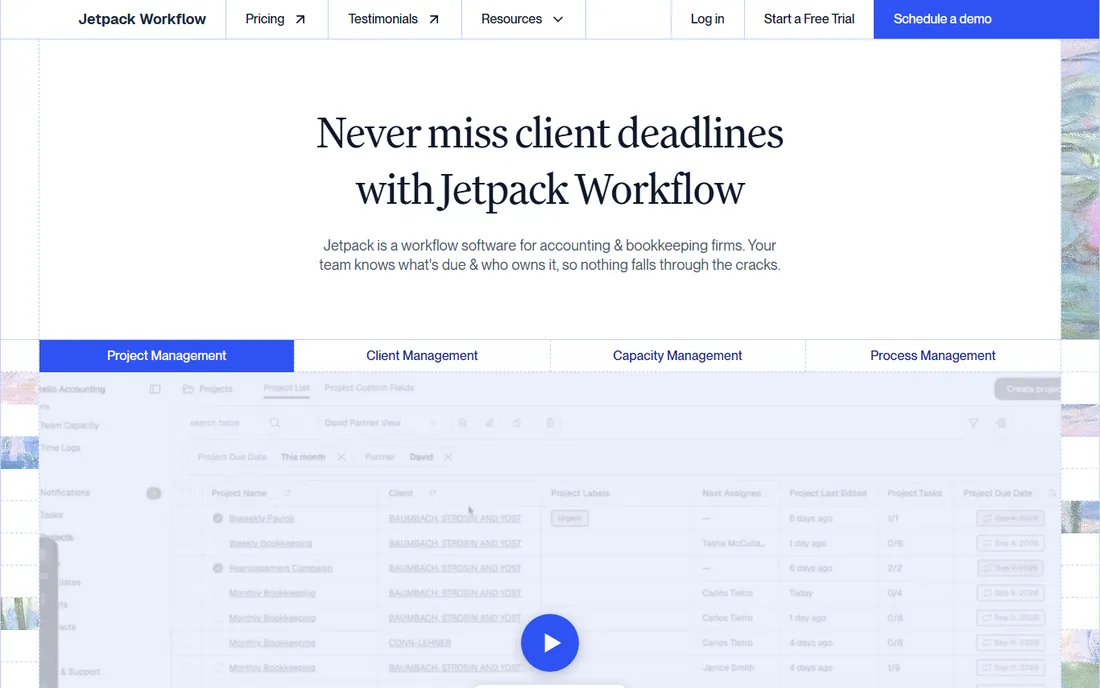
Jetpack Workflow does one thing: recurring task tracking for accounting firms. Seventy-plus pre-built templates cover tax returns, bookkeeping closes and payroll, with cascading deadline logic and team capacity views. Starter runs $40 a user a month billed annually; Premium at $50 adds time tracking and budget reporting. Both tiers include unlimited projects and clients.
The honesty of the tool is also its limit. There is no client portal, no e-signatures, no billing, no CRM. Firms pair it with a separate portal and billing tool, which works fine and can still cost less than a full suite. Buy it when your practice management problem is purely "who is doing what by when," and nothing more.
What we like- Transparent low pricing
- 70+ accounting-specific templates
- Unlimited projects and clients on all tiers
Watch out for- Workflow tracking only, no portal or billing
- No client-facing features at all
- Premium needed for time tracking
Starting price$19 per member/month (billed annually)
Free planFree trial (14 days)

Uku is the budget challenger: Solo at $19 a member a month billed annually for individual practitioners, Team at $38, Elite at $48, with monthly billing available for firms that want to test without an annual commitment. The 14-day trial includes onboarding support. For solo accountants and tiny firms priced out of the suites, it delivers practice management at a fraction of the cost.
The trade-off is vendor maturity. Uku is smaller than Karbon or Canopy, with less third-party coverage and a smaller integration ecosystem. Document management and e-signatures sit on the Elite tier, so price the plan you actually need, not the entry one. For small firms comfortable with a younger vendor, the savings are substantial.
What we like- Cheapest entry on this list
- Monthly billing available
- Client portal and budgeting on higher tiers
Watch out for- Smaller vendor with less market presence
- Advanced features gated to Elite and Enterprise
- Support scale unproven at large firms
Starting price$59 per month (flat, whole team)
Free planFree trial (30 days)
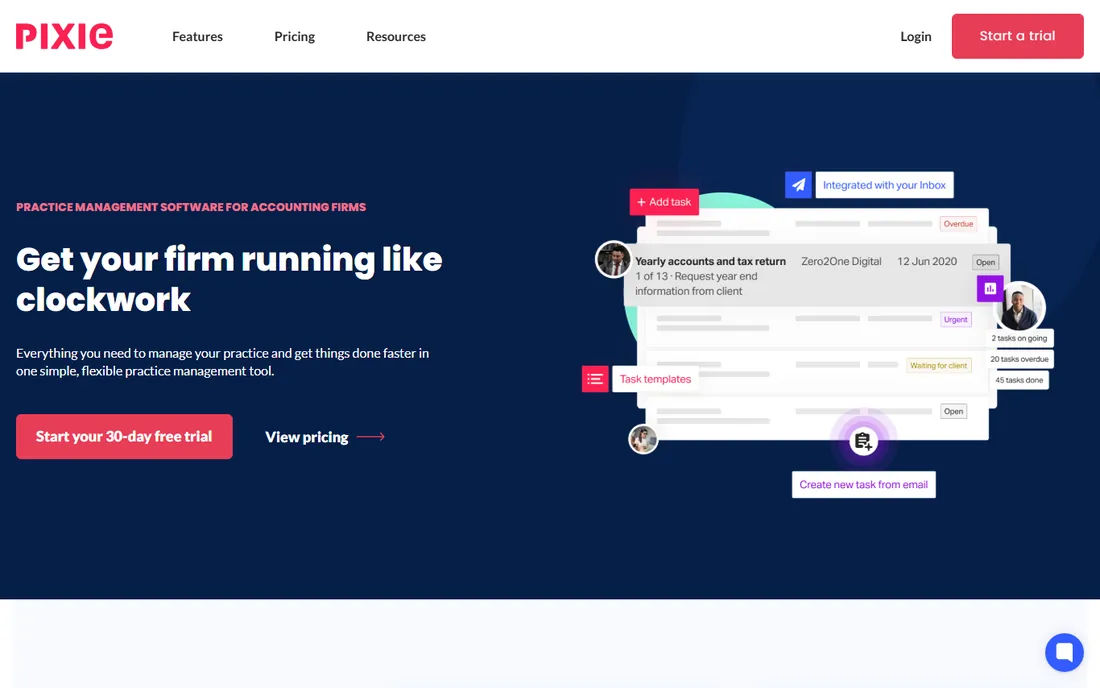
Pixie breaks the per-seat model entirely: a flat $59 a month covers the whole team, however many staff you add. Email and task prioritization, two-way email integration with Gmail and Office 365, workflow automation, deadline tracking and a 30-day free trial come standard. For firms that add seasonal staff every tax season, flat pricing removes the per-head penalty.
It is a UK-built tool with Companies House integrations that US firms will ignore, and its feature depth sits below Karbon or Canopy. The US support footprint is smaller than domestic vendors'. If your firm is small, seasonal and allergic to per-seat math, Pixie's model is refreshingly simple.
What we like- Flat monthly fee regardless of team size
- Unlimited team members
- Strong email integration and deadline tracking
Watch out for- UK-centric with Companies House integrations US firms may not need
- Feature depth below the suites
- Smaller US support footprint
Starting priceFree (for Xero partners)
Free planYes

Xero Practice Manager is the practice tool bundled into Xero's partner program: job management, time tracking, invoicing and staff scheduling, free for firms with Xero partner status. Client data flows natively into Xero, which removes the integration work the other tools require. For a small Xero-based practice, it is the zero-cost baseline to beat.
It is a practice manager, not a practice suite. Workflow automation is basic, the client portal is thin, and document management is minimal. Firms that outgrow it usually move to Karbon or Financial Cents. Start here if you run on Xero; upgrade when the job tracking starts creaking.
What we like- Free with Xero partner status
- Job management and time tracking built in
- Native Xero data flow
Watch out for- Basic compared with dedicated suites
- No real client portal
- Only makes sense inside the Xero ecosystem
Starting priceFree
Free planYes
QuickBooks Online Accountant gives accountants a free dashboard over all client QuickBooks files, with your own firm's books included and wholesale pricing you can mark up. It is free, full stop. For bookkeeping-heavy firms already living in QuickBooks, it removes the book-access problem at zero cost.
Do not mistake it for practice management. There is no workflow engine, no client portal worth the name, and no engagement management. It is the free foundation that pairs with a workflow tool like Jetpack or Financial Cents. If QuickBooks is your ecosystem, take the free tool and spend your budget on the workflow layer.
What we like- Completely free
- Client books access in one dashboard
- Wholesale billing and ProAdvisor perks
Watch out for- Practice management features are minimal
- No workflow automation to speak of
- Ties you to the QuickBooks ecosystem
How this shortlist was researched
This list was assembled from vendor pricing pages, feature documentation and public reviews checked in October 2026, focused on tools that serve US tax and accounting firms. Only products available today with genuine practice management functionality were included, and prices reflect current vendor-published figures. No hands-on testing was performed and no vendor paid for placement.
What to check before you commit
Match the tool to the firm's actual headcount and service mix. A solo tax preparer does not need Karbon Business; a 30-person firm will outgrow Jetpack Workflow's single-purpose design. List the five workflows that consume the most staff time, likely tax return assembly, monthly closes, client onboarding, document chasing and billing, and confirm the tool handles all five before you admire anything else.
Price the three-year cost, not the monthly headline. Annual-upfront tools like TaxDome demand a full year before tax season; per-seat tools like Canopy add meters for tax-specific work; flat-fee tools like Pixie stay constant as you hire. Multiply by your headcount including seasonal staff, add onboarding fees, and compare the three-year totals. The cheapest monthly price often loses that math.
Migration and tax-season timing
Never switch practice management software in Q1. Data migration, template rebuilding and staff training take weeks, and doing it during tax season is how deadlines get missed. Plan migrations for summer, run the old and new systems in parallel for one cycle, and confirm client data, documents and engagement history move cleanly before you cancel anything.
The tax-season test
The real evaluation is a simulated busy season. During the trial, run one complete tax return workflow end to end: intake form to document collection to preparation to review to e-signature to delivery. Time how long each step takes and count how many times staff leave the tool for email or spreadsheets. If the workflow needs workarounds in the trial, it will need them every April.
Also test the client portal with a real client, ideally a difficult one. Send them the intake link, watch where they stall, and ask what confused them. Portal adoption is the difference between a tool that reduces chasing and one that adds a login nobody uses. The suites win or lose on this test more than on any feature checklist.
Frequently asked questions
What is tax practice management software?
Software that runs the operations of a tax or accounting firm: client onboarding, document collection, workflow and deadline tracking, staff assignments, time tracking, billing and client communication. It sits above the tax preparation software and the books, coordinating who does what by when.
How much does tax practice management software cost?
Full suites run $700 to $1,700 per user per year, roughly $59 to $149 a user a month. Workflow-focused tools run $40 to $49 a user a month. Flat-fee options like Pixie cost $59 a month for the whole team. Xero Practice Manager and QuickBooks Online Accountant are free within their ecosystems. Always add onboarding fees and any usage-based meters.
Is Karbon or TaxDome better for a tax firm?
TaxDome is usually the better fit for tax-focused firms because it includes a real client portal, e-signatures and payments in one system, and Karbon collects documents by email rather than through a portal. Karbon wins when internal team collaboration and email-centric workflows matter more than client-facing features.
Do I need practice management software if I use QuickBooks?
QuickBooks Online Accountant handles book access and your own billing, but it has no workflow engine, deadline tracking or client portal. Most firms pair it with a workflow tool like Jetpack Workflow or Financial Cents. The free QuickBooks tool covers the books; the practice tool covers the work.
When should a firm switch practice management software?
In the off-season, ideally summer. Migration, template setup and training take weeks, and switching during tax season risks missed deadlines. Run both systems in parallel for one cycle and verify that client data, documents and history migrated cleanly before canceling the old contract.
What is the difference between practice management and tax preparation software?
Tax preparation software (UltraTax, Lacerte, ProSeries) prepares and files returns. Practice management software runs the firm around it: onboarding clients, collecting documents, assigning work, tracking deadlines and billing. Most firms need both, and the practice tool should integrate with or at least complement the tax software.
Sources we checked (13)
- https://www.comparebiztech.com/best-accounting-practice-management-software/
- https://getuku.com/articles/karbon-pricing/
- https://getuku.com/articles/practice-management-software-for-advisory-firms/
- https://getuku.com/articles/jetpack-workflow-vs-karbon/
- https://getuku.com/articles/canopy-vs-taxdome/
- http://financial-cents.com/resources/articles/best-karbon-alternatives/
- https://taxdome.com/pricing
- https://www.getcanopy.com/blog/canopy-vs-taxdome/
- https://medium.com/@vladuxwriter/canopy-pricing-explained-2026-119afbf9ab4a
- https://medium.com/@vladuxwriter/taxdome-pricing-explained-2026-a699ce2baff4
- https://bitsreview.com/taxdome-review/
- https://techfundingnews.com/london-startup-pixie-funding/
- https://www.capterra.co.uk/software/180297/liscio
Is your product missing or out of date?
We review this list regularly. Vendors can request a listing, send updated pricing or ask about featured placement.

Shihab Mia · Founder, Rankite
Shihab has spent more than a decade helping SaaS and e-commerce brands grow through search. He writes Rankite's software buying guides from pricing pages, documentation and public user reviews. More about Shihab.