How we make this list: we compare pricing pages, product documentation and public user reviews. Rankite is independent; if a vendor ever pays for a featured spot, that listing is clearly labeled Partner.
Key takeaways
- Aegisub and Subtitle Edit remain the go-to free editors for fansubbers, freelancers, and anyone who needs full control without a subscription.
- OOONA and EZTitles are the professional tier, built for broadcast and streaming deliverables with strict timing, formatting, and QC requirements.
- CaptionHub fits teams that need AI-assisted translation plus human review inside a collaborative, cloud-based workflow.
- Amara is the pick for community and volunteer subtitling, with a free personal tier that costs nothing to start.
- Happy Scribe and Sonix are transcription-first tools that turn video into editable text fast, then export subtitles in standard formats.
Quick comparison
| Tool | Best for | Starting price | Free plan |
|---|
 Aegisub Aegisub | Free advanced subtitle editing | Free | Yes |
 Subtitle Edit Subtitle Edit | Free all-format subtitle editor | Free | Yes |
 OOONA OOONA | Professional cloud subtitling suites | See website | No |
 EZTitles EZTitles | Broadcast-compliant subtitle authoring | $80/month | Free trial |
 CaptionHub CaptionHub | AI-assisted team subtitling | See website | No |
 Amara Amara | Community and volunteer subtitling | $24/month | Yes |
 Happy Scribe Happy Scribe | Transcription to subtitles | $17/month | Free trial |
 Sonix Sonix | Fast automated transcription | $25/month | Free trial (30 minutes) |
Is your product missing or out of date?
We review this list regularly. Vendors can request a listing, send updated pricing or ask about featured placement.
The best subtitle translation software
Starting priceFree
Free planYes
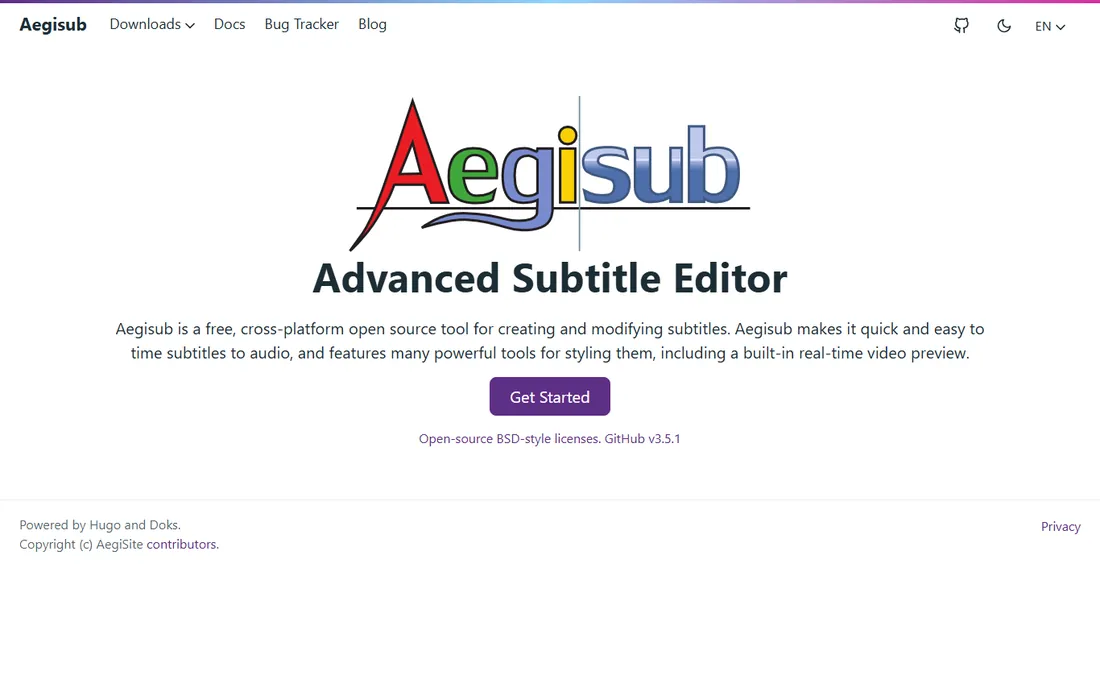
You have a 40-minute documentary, a festival deadline in three days, and dialogue in three languages. Aegisub is the tool a surprising number of professionals still open in exactly that situation. It is free, open source, and far more capable than its age suggests, with precise timing controls, rich text styling, and a scripting engine that automates repetitive work.
What keeps Aegisub relevant is control. You can fine-tune every line's timing to the frame, style dialogue per character, and preview exactly how subtitles render over the video. The karaoke timing mode, originally built for fansubbed anime, is genuinely useful for music videos and lyric-heavy content. Translators who work in the tool daily build fast, keyboard-driven workflows that paid tools sometimes slow down with extra clicks.
The honest catch is the learning curve and the look. The interface feels like software from another decade, and new users often need a tutorial before their first project feels comfortable. There is no official support desk, only community forums. But for freelancers and small teams who want professional-grade timing without a subscription, Aegisub remains remarkably hard to beat.
What we like- Free and open source with no paywall
- Powerful styling, karaoke timing, and automation
- Strong community of fansubbers and freelancers
Watch out for- Dated interface that can intimidate beginners
- Development has been community-driven and slow at times
#2
Subtitle Edit
Best for: Free all-format subtitle editor
Visit nikse.dk
Starting priceFree
Free planYes
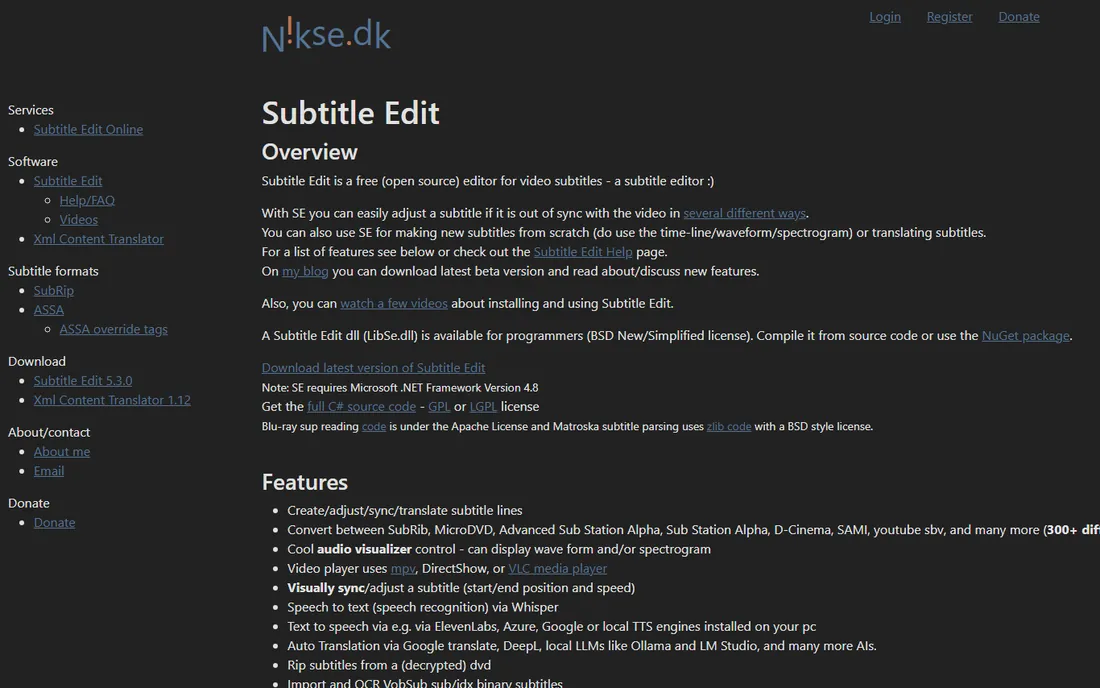
Subtitle Edit is the Swiss-army knife of free subtitling. Where Aegisub focuses on styling and timing precision, Subtitle Edit focuses on compatibility and workflow: it opens just about any subtitle format you throw at it, converts between them, and fixes common errors like overlapping lines or bad reading speeds automatically.
For translation work specifically, the side-by-side original and translation view is the standout. You can keep the source language visible while typing the translation, run spell checks in both languages, and use the built-in machine translation helpers as a starting point. The audio waveform display makes timing adjustments visual and fast, even for people who have never timed subtitles before.
Subtitle Edit is a Windows application at heart. Mac and Linux users can run it through compatibility layers, but it is not native. The interface is dense, with menus full of features you may never touch. Still, for a free tool that handles format conversion, QC, and translation in one place, it is one of the most practical options available.
What we like- Free and open source
- Reads and writes hundreds of subtitle formats
- Built-in spell check, translation helpers, and waveform timing
Watch out for- Windows-first, with other platforms needing workarounds
- Interface packs in a lot, which can overwhelm first-timers
Starting priceSee website
Free planNo
OOONA takes the professional subtitling workstation and moves it into the browser. Instead of one monolithic desktop app, it offers a set of focused web tools: create subtitles from scratch, translate existing files, review and approve work, manage projects, and run quality checks. You subscribe to the modules you need, and everything runs online with nothing to install.
That modularity is the point. A freelance translator might use only the translation and review tools, while a post-production house stacks creation, QC, and project management for a full pipeline. Because it is cloud-based, collaboration is native: reviewers can check a translator's work in the same environment, with changes tracked and versions managed.
Pricing is pay-as-you-go by module rather than a single flat subscription, which is flexible but makes budgeting less predictable than a fixed plan. OOONA is also unapologetically professional software. Hobbyists will find cheaper ways to subtitle a YouTube video. For vendors delivering to broadcasters and streaming platforms, though, the combination of professional QC and browser-based collaboration is exactly the workflow the industry has moved toward.
What we like- Modular web-based tools for creation, translation, and review
- Built for professional workflows with QC
- No installation or hardware lock-in
Watch out for- Modular pricing adds up as you stack tools
- Aimed at professionals, so casual users pay for depth they will not use
Starting price$80/month
Free planFree trial
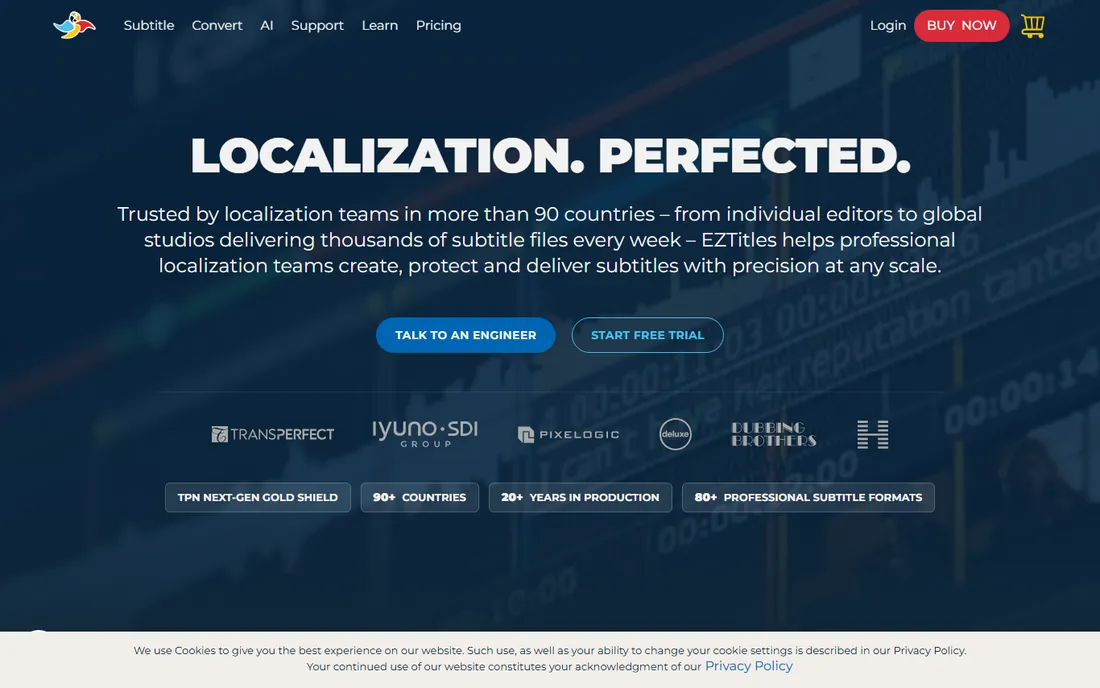
EZTitles is the desktop workhorse of professional subtitling. It is built for the unglamorous reality of broadcast deliverables: exact frame-accurate timing, compliant file formats for every major broadcaster and streaming platform, and pixel-level control over where text sits and how it looks. When a delivery spec runs to twenty pages, this is the kind of tool that handles all twenty.
The translation workflow centers on working from a template or pivot file, translating line by line with the source text alongside, while the software guards timing constraints like minimum duration and reading speed. For subtitlers who deliver to broadcasters, that guard-railing saves expensive QC rejections. The software also handles DVB, Teletext, and cinema formats that simpler tools ignore.
At $80 per month for the Essentials subscription, EZTitles is a real business expense, and the higher tiers cost more. There is a free trial to evaluate it. Freelancers doing occasional work may struggle to justify the cost against free editors, but for full-time subtitlers and post houses, the price is the cost of doing broadcast work correctly.
What we like- Deep broadcast and cinema format support
- Precise control over positioning, styling, and timing
- Trusted in professional post-production
Watch out for- Subscription cost is steep for freelancers
- Desktop-only workflow compared with newer cloud tools
Starting priceSee website
Free planNo
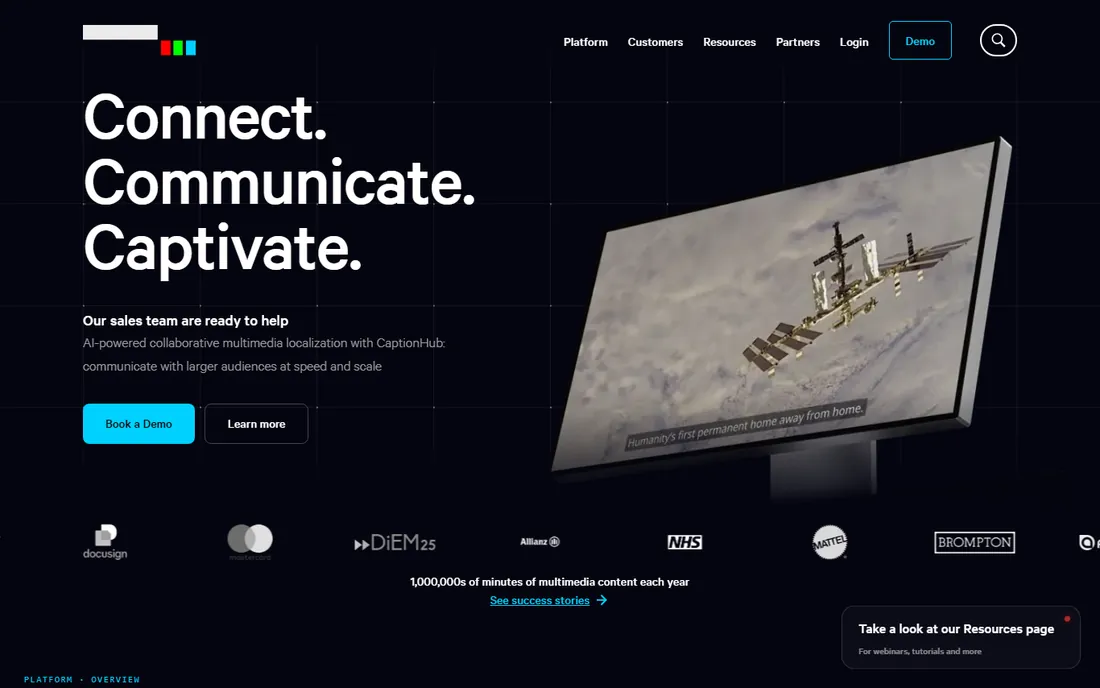
CaptionHub sits at the intersection of AI and professional subtitling. It uses speech recognition and machine translation to generate first drafts quickly, then routes them through human review inside the same platform. For teams localizing large volumes of video, training content, or marketing material, that draft-then-review loop is dramatically faster than translating from a blank page.
The collaboration layer is what distinguishes it from transcription-only tools. Multiple linguists, reviewers, and project managers can work on the same project with roles, deadlines, and version control. Terminology management keeps brand terms consistent across languages, which matters when marketing copy and product names appear in subtitles.
CaptionHub does not publish pricing, which signals its enterprise orientation. Solo subtitlers will find the sales-led buying process heavy for their needs. But for localization teams and media companies running continuous subtitling pipelines, the combination of AI speed and human-grade review in one system is a strong proposition.
What we like- AI transcription and translation with human review built in
- Collaborative cloud workflow for teams
- Designed for enterprise localization pipelines
Watch out for- No public pricing, so budgeting requires a sales conversation
- Less suited to solo freelancers than to teams
Starting price$24/month
Free planYes
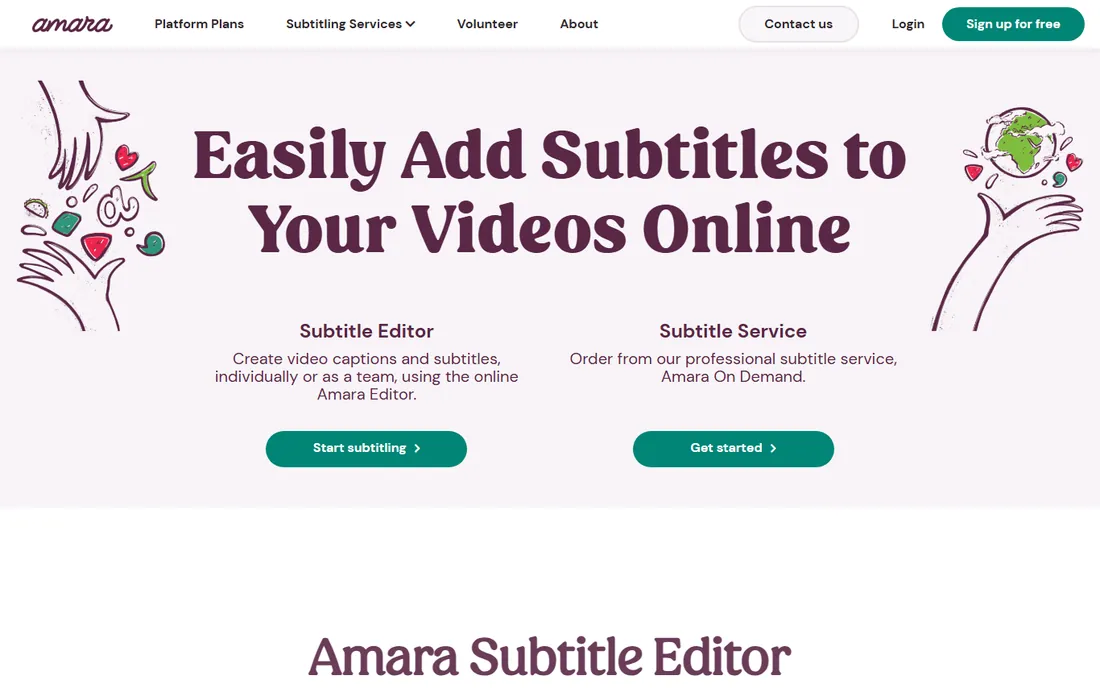
Amara is the friendly face of subtitling software. It was built for the world of volunteer translators, educators, nonprofits, and open video projects, where the goal is making content accessible rather than hitting broadcast specs. The browser-based editor is simple enough that a first-time volunteer can start subtitling within minutes.
The free Personal plan covers individual use, which makes Amara one of the few genuinely free options for collaborative work. Teams that need private workspaces, workflow management, and integrations step up to paid plans starting at $24 per month for two users. For organizations coordinating volunteer translators across languages, that team layer, assignments, review steps, progress tracking, is the real product.
Amara will not replace EZTitles for broadcast deliverables. Its timing tools and format support are simpler, and professional subtitlers will miss advanced QC. But for accessibility, education, and community translation, where ease of onboarding matters more than spec compliance, Amara's free tier and gentle learning curve are unmatched.
What we like- Free personal plan for volunteers
- Built for collaborative community subtitling
- Simple browser-based editor anyone can learn
Watch out for- Paid team plans start at $24 per month for 2 users
- Professional features lag behind dedicated pro tools
Starting price$17/month
Free planFree trial
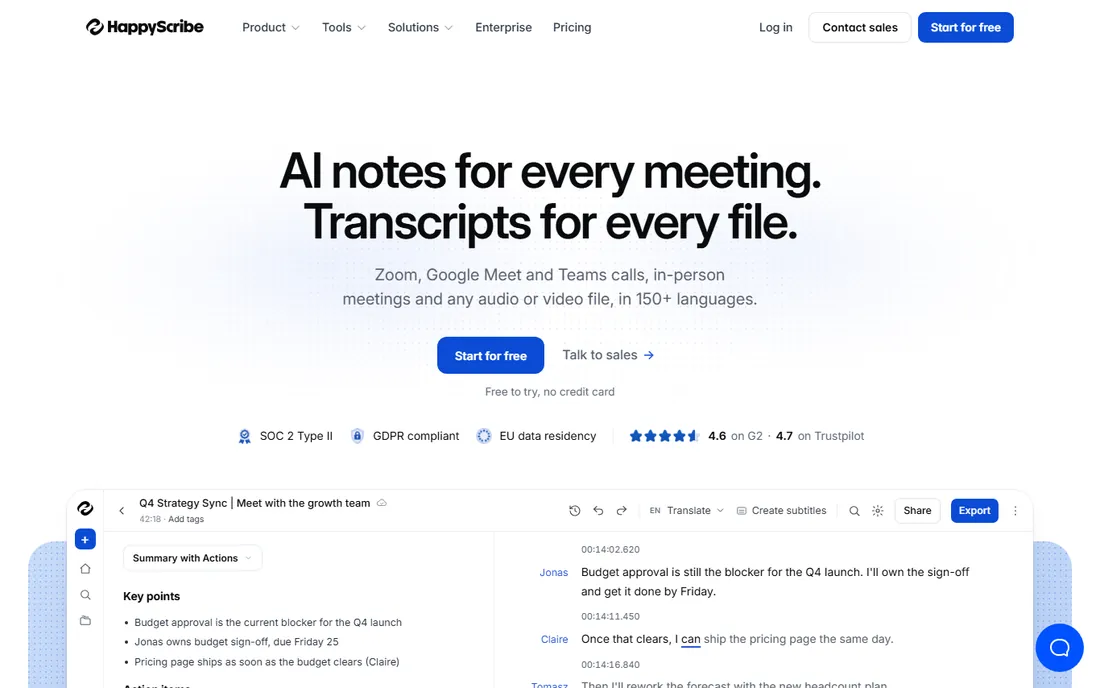
Happy Scribe starts where most subtitling projects actually start: turning spoken audio into text. Its transcription engine handles dozens of languages, and the interactive editor lets you correct the transcript while listening, then translate it and export subtitles in standard formats like SRT and VTT. For content teams that publish interviews, webinars, and courses, that pipeline covers most of the work.
The translation step uses machine translation as a first draft, which you then refine in the same editor. That is honest about what the tool is: a fast draft generator, not a replacement for a human translator on high-stakes content. For internal training videos, social clips, and educational material, the draft-plus-review workflow is usually enough.
Pricing starts at $17 per month, with a free trial to test accuracy on your content. Heavy users should watch the usage-based components, since long video libraries can push costs up. As a transcription-first path into subtitling, though, Happy Scribe is one of the most approachable tools on this list.
What we like- Fast AI transcription in many languages
- Clean editor for correcting and translating
- Straightforward subtitle export
Watch out for- Translation quality depends on the language pair
- Per-minute costs on some plans add up for long videos
Starting price$25/month
Free planFree trial (30 minutes)
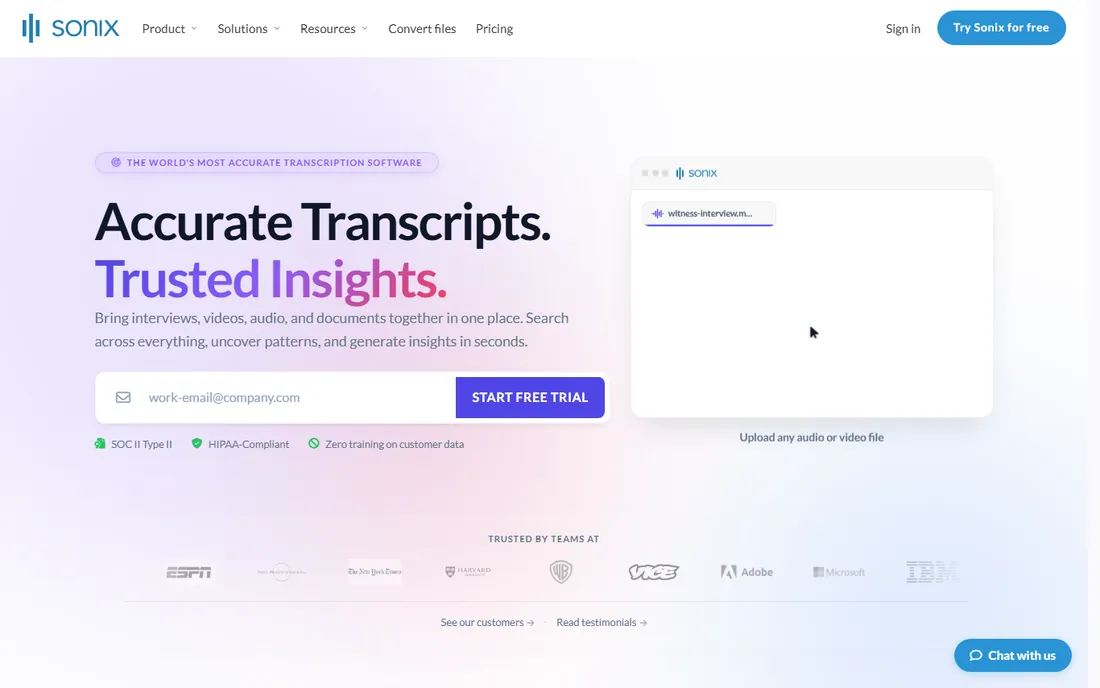
Sonix is a transcription service that doubles as a subtitling starting point. Upload audio or video, get a timestamped transcript back quickly, translate it into other languages, and export subtitles. The 30-minute free trial is genuinely useful, long enough to test the service on a real project rather than a toy sample.
The editor is built for transcript correction first and subtitle polish second. You can adjust timing, split and merge segments, and translate the transcript, but you will not find the frame-level styling controls of Aegisub or the broadcast format depth of EZTitles. For many users, that is fine: the goal is accurate, readable subtitles delivered fast, not pixel-perfect broadcast masters.
At $25 per month for the Core plan, plus a $10-per-hour pay-as-you-go option, Sonix prices itself for regular users rather than one-off projects. Podcasters, researchers, and video teams who constantly turn recordings into text will get the most value. If your endpoint is subtitles specifically, pair Sonix with a free editor for final timing and formatting.
What we like- Quick, accurate automated transcription
- Multi-language support with translation
- Generous 30-minute free trial to test
Watch out for- Subscription starts at $25 per month
- Subtitle-specific features are thinner than in dedicated subtitling editors
Match the tool to the deliverable, not to the hype. If you are delivering to a broadcaster or streaming platform, the spec sheet decides: you need broadcast formats, frame-accurate timing, and QC, which points to EZTitles or OOONA. If you are subtitling for YouTube, education, or internal use, a free editor like Subtitle Edit plus a transcription service will get you there for little or nothing.
Consider who does the work. Solo freelancers live or die by keyboard speed and format flexibility, which favors Aegisub and Subtitle Edit. Teams need collaboration, roles, and review workflows, which is where CaptionHub, OOONA, and Amara earn their keep. Buying team software for a solo workflow, or solo software for a team pipeline, creates friction that no feature list fixes.
Test translation quality on your actual content before committing. Machine translation varies enormously by language pair and subject matter. Run the same five-minute sample through two or three tools and compare. The differences will tell you more than any marketing page, and most tools on this list offer a free tier or trial that makes the test cheap.
How we chose
We looked for tools that people actually use to create and translate subtitles today, from free open-source editors to enterprise localization platforms. We verified each product is actively maintained, Aegisub and Subtitle Edit both shipped new versions in 2026, and confirmed current pricing from the vendors' own pages. We excluded discontinued tools and generic video editors with token subtitle features. We did not claim hands-on testing. Instead we weighed format support, translation workflow, collaboration features, and the fit between price and the buyer's actual deliverable.
Common workflow mistakes
The biggest mistake is treating machine translation as finished subtitles. Auto-translated subtitles are a draft, and publishing them unchecked produces the garbled captions everyone has seen on social video. Budget review time for every language, or limit machine translation to internal content where errors cost nothing.
Timing gets neglected next. Subtitles that are technically translated but flash by too fast, or linger long after the dialogue ends, fail at their basic job. Respect minimum durations and reading speeds, most pro tools enforce these automatically, and watch the result on the actual video before delivery.
Finally, mind the format. An SRT file works almost everywhere, but broadcasters and platforms often require specific formats with specific styling rules. Confirm the delivery spec before you start, not after you finish. Converting formats at the end is easy with tools like Subtitle Edit, but fixing timing and styling to meet a spec you ignored is not.
Frequently asked questions
What is the best free subtitle translation software?
Aegisub and Subtitle Edit are the two strongest free options. Aegisub offers deeper styling and timing control, while Subtitle Edit handles more formats and has a more approachable translation view. Both are open source, actively maintained, and capable of professional work.
Can AI translate subtitles accurately?
AI produces a usable first draft for many language pairs, especially for straightforward content like interviews and presentations. It struggles with idioms, humor, cultural references, and specialized terminology. For anything public-facing, plan on human review. The tools on this list that lean on AI, like CaptionHub, Happy Scribe, and Sonix, are built around that draft-then-review model.
What subtitle format should I use?
SRT is the safest default, supported by virtually every player and platform. WebVTT is the standard for web video. Broadcast and cinema work may require specialized formats like STL, SCC, or DCP subtitles, which is when you need a pro tool like EZTitles. When in doubt, ask whoever receives the file.
How long does it take to subtitle a video?
A common rule of thumb is that careful subtitling takes five to ten times the video's runtime, depending on dialogue density and whether translation is involved. AI transcription can cut the first pass dramatically, but timing, translation, and review still take real time. Rush jobs should budget for the review pass, not skip it.
Do I need different software for translation versus timing?
Not necessarily. Most tools on this list handle both, but they emphasize different sides. Aegisub and EZTitles are timing-strong, while CaptionHub and Amara are collaboration-strong. A practical combo is transcribing with Sonix or Happy Scribe, then timing and styling in Subtitle Edit or Aegisub.
Is volunteer subtitling software good enough for business use?
For accessibility and internal content, yes. Amara's free tier handles community subtitling well. For customer-facing or broadcast content, the QC, format support, and review controls of paid tools are worth the cost. Match the tool's rigor to the content's visibility.
Sources we checked (10)
- http://aegisub.org/
- https://www.nikse.dk/subtitleedit
- https://ooona.net/
- https://eztitles.com/
- https://captionhub.com
- https://amara.org/
- https://www.happyscribe.com/
- https://sonix.ai/
- https://www.happyscribe.com/pricing
- https://sonix.ai/pricing
Is your product missing or out of date?
We review this list regularly. Vendors can request a listing, send updated pricing or ask about featured placement.

Shihab Mia · Founder, Rankite
Shihab has spent more than a decade helping SaaS and e-commerce brands grow through search. He writes Rankite's software buying guides from pricing pages, documentation and public user reviews. More about Shihab.