How we make this list: we compare pricing pages, product documentation and public user reviews. Ratings come from G2, Capterra or Trustpilot, with the date we checked them.
Key takeaways
- Rocket Money leads for automatic detection, since it scans linked accounts for recurring charges and helps cancel on premium plans.
- Bobby, Subby, and similar manual apps suit users who prefer privacy and do not want to link bank accounts.
- PocketGuard, Monarch Money, Copilot Money, and YNAB add budgeting depth, but subscription tracking is only part of their value.
- This is not financial advice. Treat subscription totals as a budgeting aid, and check bank statements before cancelling a service you need.
- Free plans usually track and remind, while cancellation help and bill negotiation sit behind paid plans.
Quick comparison
| Tool | Best for | Starting price | Free plan |
|---|
 Rocket Money Rocket Money | Automatic detection and cancellation | $7 per month | Yes |
 Bobby Bobby | Simple manual tracking without bank linking | See website | Yes |
 Subby Subby | Manual reminders and spending totals | See website | Yes |
 PocketGuard PocketGuard | Safe-to-spend view plus subscriptions | $74.99 per year | Yes |
 Monarch Money Monarch Money | Shared household tracking | $99.99 per year | Free trial |
 Copilot Money Copilot Money | iPhone users who want clean tracking | $95 per year | Free trial |
 YNAB YNAB | Budgeting with subscription planning | $109 per year | Free trial |
 OneMain MyMoney OneMain MyMoney | Free tracking for OneMain customers | Free | Yes |
Is your product missing or out of date?
We review this list regularly. Vendors can request a listing, send updated pricing or ask about featured placement.
The best subscription tracking apps
Starting price$7 per month
Free planYes
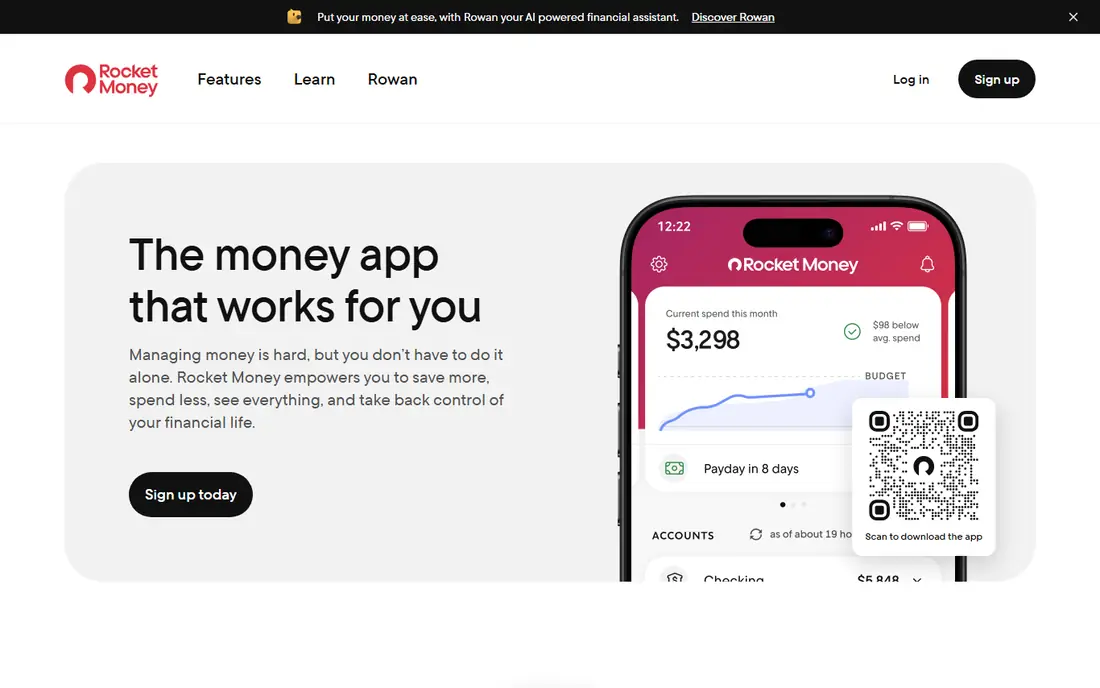
Rocket Money, formerly Truebill, remains the benchmark for automatic subscription tracking. Link bank and card accounts, and the app lists recurring charges with monthly totals, upcoming bill dates, and spending trends. Many users find forgotten subscriptions on the first scan, which makes the free tier useful even before paying.
The free tier watches but does not act for most cancellations. Premium, priced from $7 to $14 per month on a sliding scale, adds cancellation help, bill negotiation, and extra budgeting tools. Bill negotiation terms and fees need a careful read. For users who want automatic detection and are comfortable linking accounts, Rocket Money is the strongest starting point.
What we like- Scans linked accounts for recurring charges
- Upcoming bill alerts
- Cancellation help on premium
Watch out for- Cancellation and negotiation need premium
- Premium price uses a sliding scale
Starting priceSee website
Free planYes
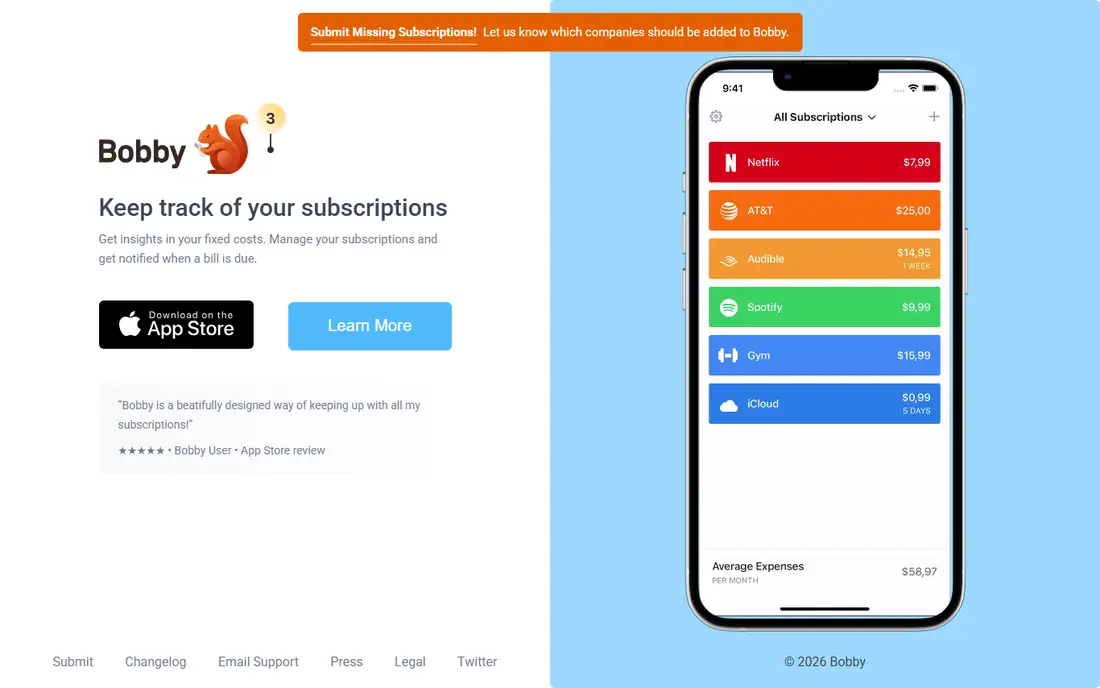
Bobby takes the opposite approach from Rocket Money. Users add each subscription by hand, with cost, billing cycle, and renewal date, and the app totals monthly and yearly spending with reminders before renewals. That manual model suits privacy-conscious users who do not want to share bank data.
The cost is effort. Every new service, price change, and cancellation needs a manual update, and Bobby will miss a charge that a user forgets to add. For a person with ten to twenty subscriptions who wants a simple list and reminders, Bobby is calm and private. For a household with many accounts, automatic detection will save more time.
What we like- No bank linking required
- Clean list of subscriptions
- Renewal reminders
Watch out for- Manual entry for every service
- No automatic detection
- Limited budgeting depth
Starting priceSee website
Free planYes
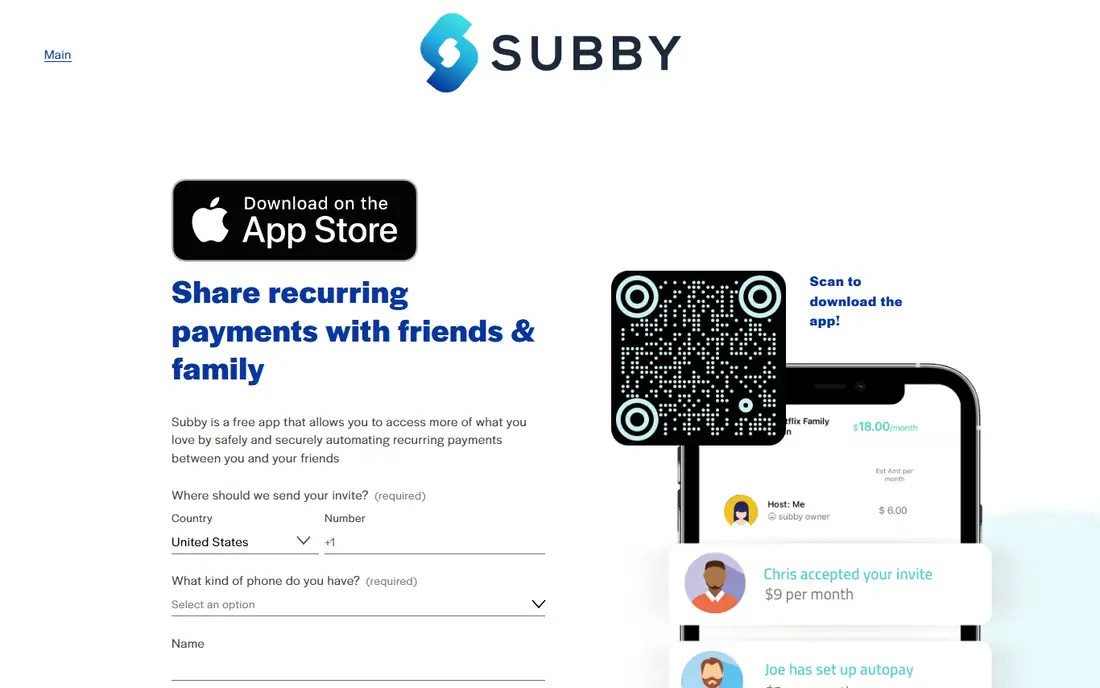
Subby offers a straightforward manual tracker with renewal reminders and spending totals. Users add services, set billing cycles, and see monthly, yearly, and total costs at a glance. The design suits people who want a quick audit tool without a full budgeting app.
Like Bobby, Subby depends on manual entry, so accuracy depends on the user keeping the list current. It does not detect charges or cancel services. For a quick, low-cost way to see subscription totals and get renewal alerts, Subby is a practical choice.
What we like- Simple subscription list
- Renewal reminders
- Spending totals by period
Watch out for- Manual entry only
- No bank sync
- Fewer budgeting features than full finance apps
Starting price$74.99 per year
Free planYes
PocketGuard combines subscription tracking with a safe-to-spend number. After bills, goals, and subscriptions, the app shows how much remains for everyday spending. That single number helps users who overspend between paydays, even when subscriptions look small on their own.
Subscription tools focus on visibility rather than done-for-you cancellation. The free plan covers basic tracking, while the annual plan adds full features. For a user who wants subscriptions inside a broader spending plan, PocketGuard offers more context than a list-only app.
What we like- Shows what is safe to spend after bills
- Tracks subscriptions in spending views
- Debt payoff tools
Watch out for- Subscription cancellation is limited
- Full features need the annual plan
Starting price$99.99 per year
Free planFree trial
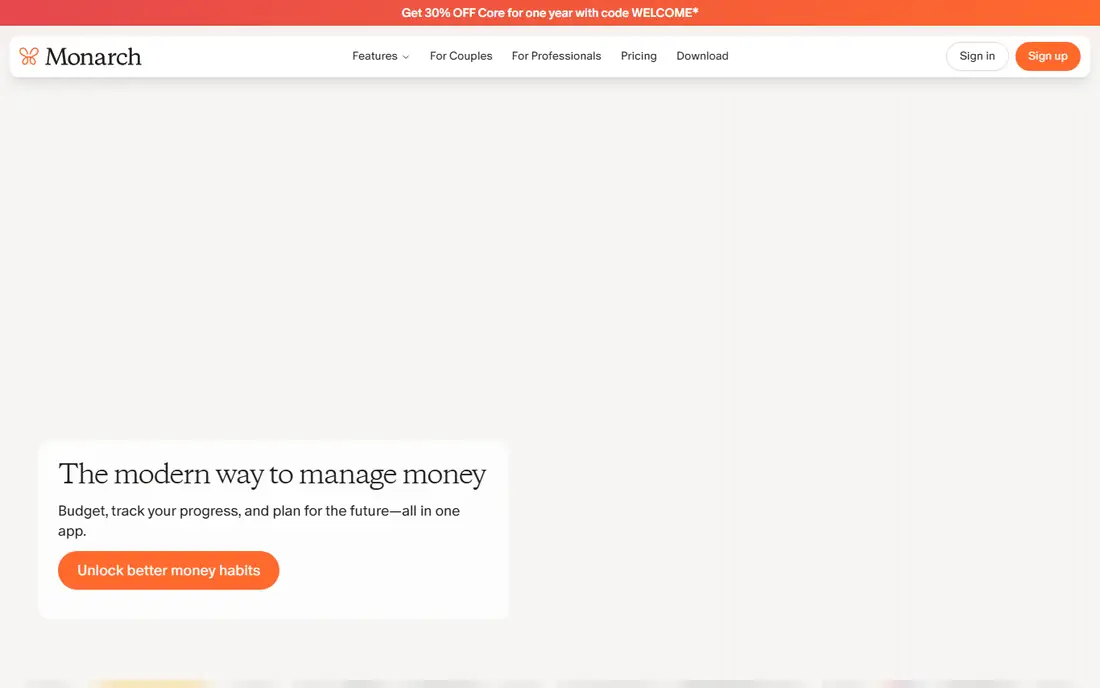
Monarch Money suits couples and households who share finances and want one dashboard. Linked accounts show subscriptions, spending, net worth, and budgets, with shared access and flexible targets. Recurring charges appear in spending views, and users can set rules for categories and goals.
There is no permanent free plan, only a 7-day trial, and the annual price is higher than a manual tracker. For a household that already wants a full finance dashboard, subscription tracking comes as part of the value. For subscription tracking alone, Rocket Money free or Bobby will cost less.
What we like- Shared dashboards for couples and households
- Subscription and spending views
- Flexible budgets
Watch out for- No permanent free plan
- Annual price is higher than list-only apps
Starting price$95 per year
Free planFree trial
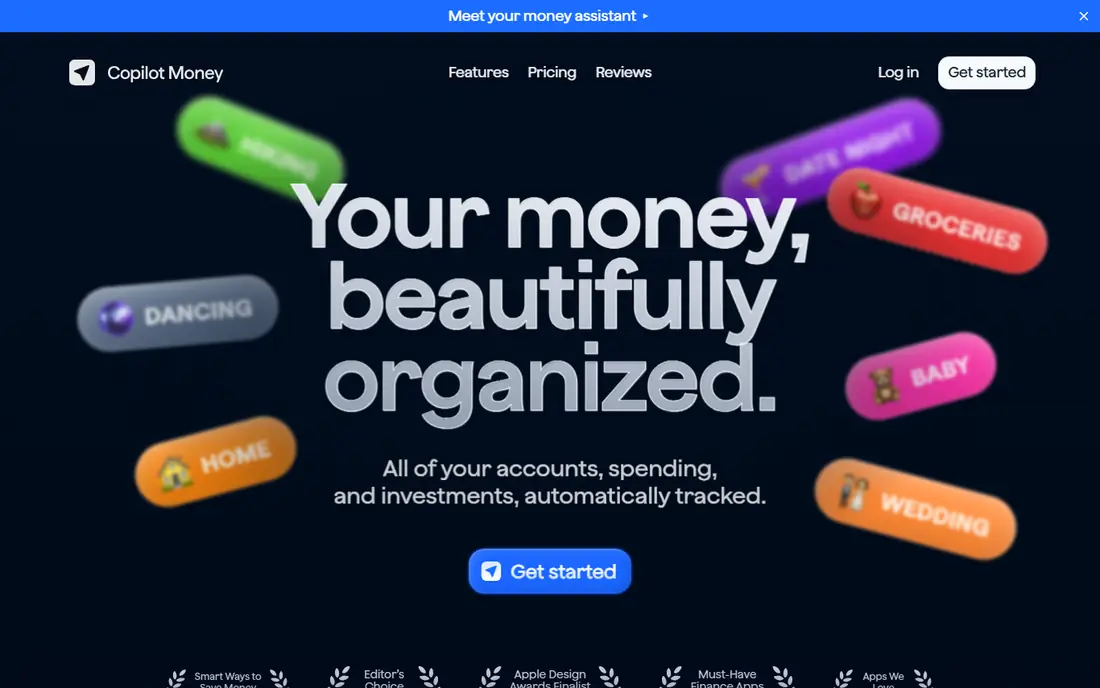
Copilot Money is an iPhone-first finance app with clean design and smart categorization. Linked accounts feed subscription views, spending insights, and budgets, with a focus on clarity rather than feature overload. Users who prefer Apple devices often praise the interface and speed.
The limits are platform and price. Copilot Money is iOS-focused, with no full Android equivalent, and there is no permanent free plan beyond a trial. At $95 per year, it costs more than a list-only tracker. For iPhone users who want a polished finance app with subscription views, it is a strong option.
What we like- Clean iPhone design
- Smart categorization
- Subscription and spending insights
Watch out for- IOS only for full use
- No permanent free plan
- Annual price
#7YNAB
Best for: Budgeting with subscription planning4.5/5 on
G2 (30 reviews, checked Oct 2026)
Visit ynab.com
Starting price$109 per year
Free planFree trial
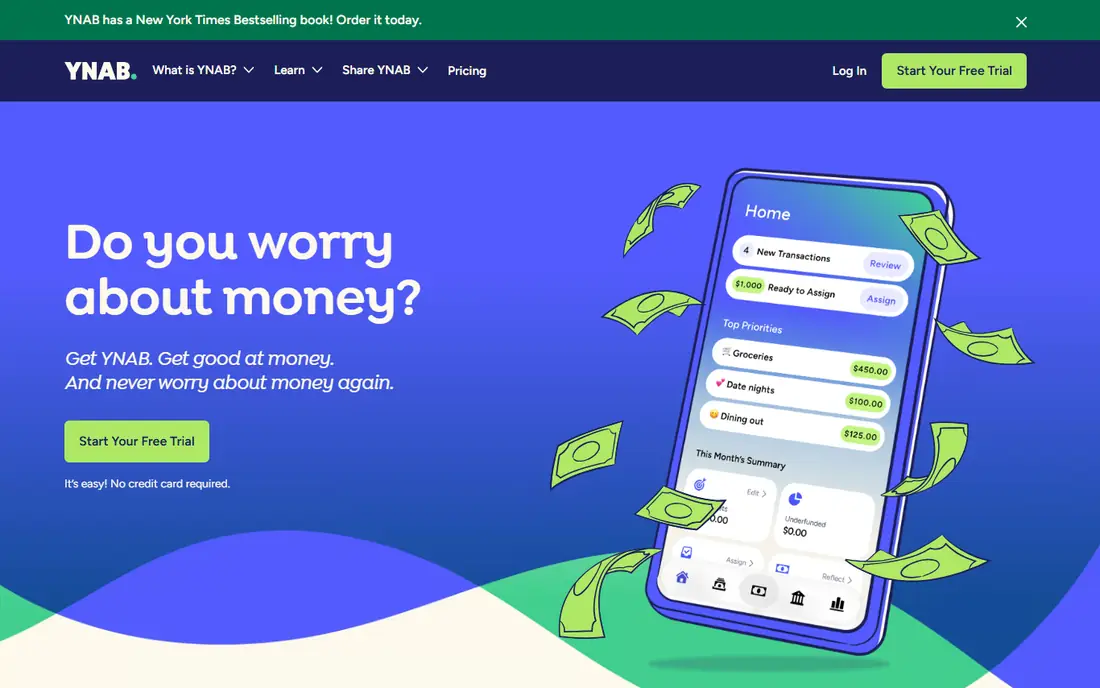
You Need A Budget, known as YNAB, treats subscriptions as planned spending, not as a surprise. Users assign every dollar a job, schedule recurring transactions for subscriptions, and review targets each month. That method helps households decide whether a service still earns its place in the budget.
YNAB has a learning curve, and subscription tracking is not automatic in the Rocket Money sense. Users set up scheduled transactions and review them, which takes discipline. At $109 per year with a 34-day trial, YNAB suits people who want a full budgeting system, with subscription control as one outcome of that system.
What we like- Zero-based budgeting method
- Scheduled transactions for subscriptions
- Strong habit building
Watch out for- Learning curve
- No permanent free plan
- Subscription tracking is manual by design
Starting priceFree
Free planYes
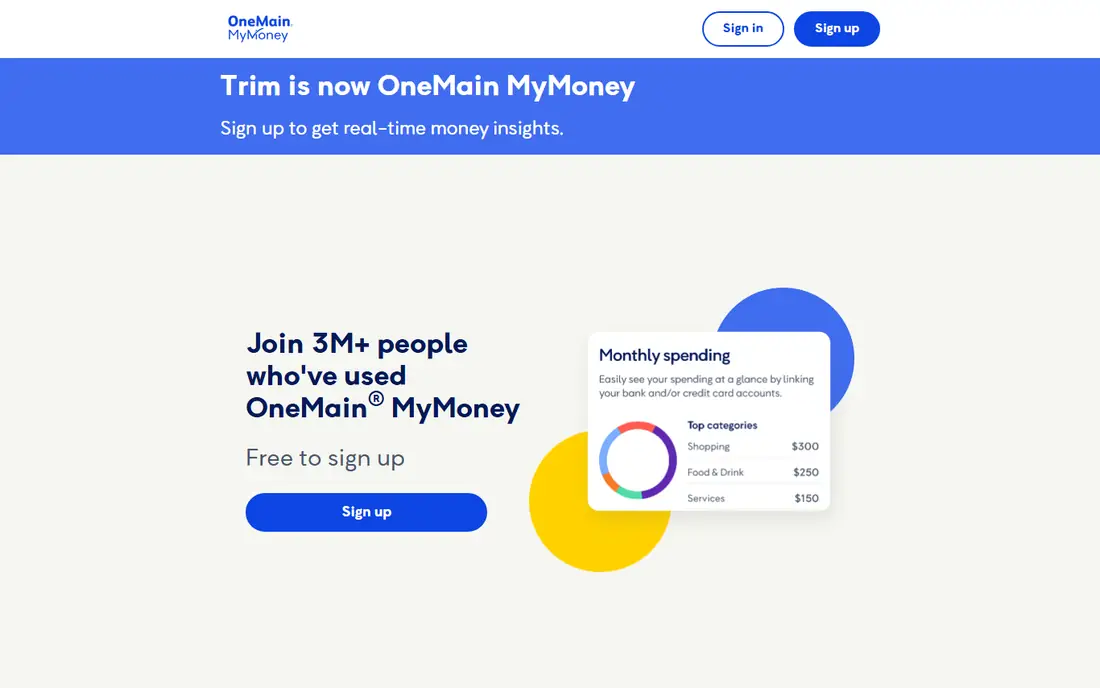
OneMain MyMoney, formerly Trim, offers free subscription tracking, budgeting, and alerts. Users can see recurring charges, set budgets, and receive transaction alerts without a subscription fee. For OneMain Financial and Brightway customers, bill negotiation and done-for-you cancellation are also available.
For other users, cancellation help is limited to guidance on how to contact merchants, rather than a service that cancels on their behalf. That limit matters for buyers comparing with Rocket Money Premium. For free tracking with no monthly fee, OneMain MyMoney is still a useful option, especially for existing OneMain customers.
What we like- Free subscription tracking and budgeting
- Transaction alerts
- Bill negotiation for eligible customers
Watch out for- Done-for-you cancellation limited to OneMain and Brightway customers
- Narrower reach than Rocket Money
How we chose
We compared pricing pages, product documentation, and public reviews, and checked each tool for detection method, renewal alerts, cancellation help, budgeting depth, platform support, and free plan limits. We favored tools that exist today and handle subscription tracking as a clear task, whether by bank sync or manual entry. Where a current price could not be confirmed from a vendor page, we listed it as See website rather than guessing.
Automatic detection or manual entry
The first choice is privacy against convenience. Automatic tools such as Rocket Money, PocketGuard, Monarch Money, and Copilot Money link bank accounts and find charges a user forgot. That convenience comes with data sharing, and users should check encryption, read-only access, and data retention before linking. Manual tools such as Bobby and Subby keep data local to the list, but they miss any service the user forgets to add.
Next, decide whether cancellation help matters. Free plans usually show subscriptions and send reminders, while done-for-you cancellation and bill negotiation sit behind paid plans. If a user is comfortable cancelling by phone or web, a free tracker plus a monthly review may be enough. If cancellations pile up, Premium help can pay for itself in saved time, though users should compare the monthly fee with the subscriptions they plan to cut.
Finally, set a review habit. Pick one day each month to open the tracker, check totals, and cancel or pause low-value services. Streaming services with no cancellation penalty are easy to rotate, while annual plans need a check before renewal. A tracker only saves money when the review happens, so choose a tool that fits a routine the user will actually keep.
A final check before relying on a tracker is coverage of annual and shared bills. Annual subscriptions, family plans, and bills paid through a partner account often escape automatic detection, so add those by hand even on an automatic tool. Check whether the app handles shared household cards, business cards, and joint accounts, since a tracker that sees only one card will understate totals. A monthly cross-check against bank statements, even a quick one, catches the gaps that automation misses.
Frequently asked questions
What is the best subscription tracking app overall?
Rocket Money is the best overall pick for most users, because it automatically finds recurring charges and offers cancellation help on premium plans. Users who prefer privacy should choose Bobby or Subby for manual tracking without bank linking.
Is there a free subscription tracking app?
Yes. Rocket Money, Bobby, Subby, PocketGuard, and OneMain MyMoney all offer free tiers for tracking and reminders. Free plans usually do not include done-for-you cancellation, which sits behind paid plans.
Do subscription trackers cancel services for me?
Some do, on paid plans. Rocket Money Premium offers cancellation help, while OneMain MyMoney offers it for eligible customers. Manual apps such as Bobby and Subby send reminders, but the user cancels directly with the merchant.
Is it safe to link my bank account to a tracker?
Reputable trackers use encrypted, read-only connections through aggregators and cannot move money without separate authorization. Still, linking shares transaction data, so users should review privacy terms, enable two-factor authentication, and unlink accounts they no longer use.
How often should I review subscriptions?
Monthly review works best for most households. Check totals, upcoming renewals, and usage for each service, and cancel or pause anything unused. Annual plans deserve a check at least one month before renewal, since cancellation windows vary.
Can a tracker help with annual subscriptions?
Yes, if renewal alerts are set early enough. Add annual services by hand, set a reminder at least two weeks before renewal, and review usage in that window. Annual plans often renew without a fresh payment prompt, so the alert is the main safety net.
Sources we checked (8)
- https://www.rocketmoney.com/pricing
- https://www.bobbyapp.co
- https://subby.app
- https://pocketguard.com/pricing
- https://www.monarchmoney.com/pricing
- https://copilot.money/pricing
- https://www.ynab.com/pricing
- https://www.onemainmymoney.com
Is your product missing or out of date?
We review this list regularly. Vendors can request a listing, send updated pricing or ask about featured placement.

Shihab Mia · Founder, Rankite
Shihab has 5+ years in B2B and SaaS SEO. He writes Rankite's software buying guides from pricing pages, documentation and public user reviews. More about Shihab.