How we make this list: we compare pricing pages, product documentation and public user reviews. Ratings come from G2, Capterra or Trustpilot, with the date we checked them.
Key takeaways
- Mint shut down in 2024, so the free automatic option many users knew is gone, and most strong replacements now charge a subscription.
- YNAB suits users who want a strict plan for every dollar, while Monarch Money suits users who want a clear dashboard for accounts, spending, and net worth.
- Goodbudget and EveryDollar offer usable free tiers, but both ask for manual entry unless a paid plan adds bank sync.
- Copilot Money is the strongest pick for Apple households, while Quicken Simplifi offers a broad dashboard at a lower first year price.
- Rocket Money and PocketGuard help users who mainly want to see subscriptions and safe spending, rather than run a detailed budget. NerdWallet offers a free route to cash flow tracking with credit monitoring.
Quick comparison
| Tool | Best for | Starting price | Free plan |
|---|
 YNAB YNAB | Zero based budgeting | $109.00 per user/year | Free trial |
 Monarch Money Monarch Money | Full household dashboard | $99.99 per user/year | Free trial |
 Quicken Simplifi Quicken Simplifi | Reports and projections | See website | Free trial |
 EveryDollar EveryDollar | Free zero based budgeting | $0 per user/month | Yes |
 Goodbudget Goodbudget | Envelope budgeting | $0 per user/month | Yes |
 Copilot Money Copilot Money | Apple household tracking | $95.00 per user/year | Free trial |
 PocketGuard PocketGuard | Safe to spend view | $74.99 per user/year | Yes |
 Rocket Money Rocket Money | Subscription tracking | See website | Yes |
 NerdWallet NerdWallet | Free cash flow and credit tracking | $0 per user/month | Yes |
Is your product missing or out of date?
We review this list regularly. Vendors can request a listing, send updated pricing or ask about featured placement.
The best budget tracking apps
Budgeting apps split into two camps, and the split matters more than the price. One camp tracks what already happened, by pulling in bank transactions and showing spending by category. The other camp plans what will happen, by giving each dollar a job before it is spent. Tracking apps feel easier at first, since they need less daily work, while planning apps change behavior more for users who stick with them. Decide which camp you need before comparing features.
A second split is manual versus automatic. Automatic apps sync with banks and cards, which saves time but requires sharing account access through a connection service. Manual apps ask you to enter transactions, which takes time but keeps bank logins out of the app. Couples add a third factor, since some apps share a subscription at no extra cost while others charge per user. The nine apps below cover all three splits.
#1YNAB
Best for: Zero based budgeting4.5/5 on
G2 (30 reviews, checked Oct 2026)
Visit ynab.com
Starting price$109.00 per user/year
Free planFree trial
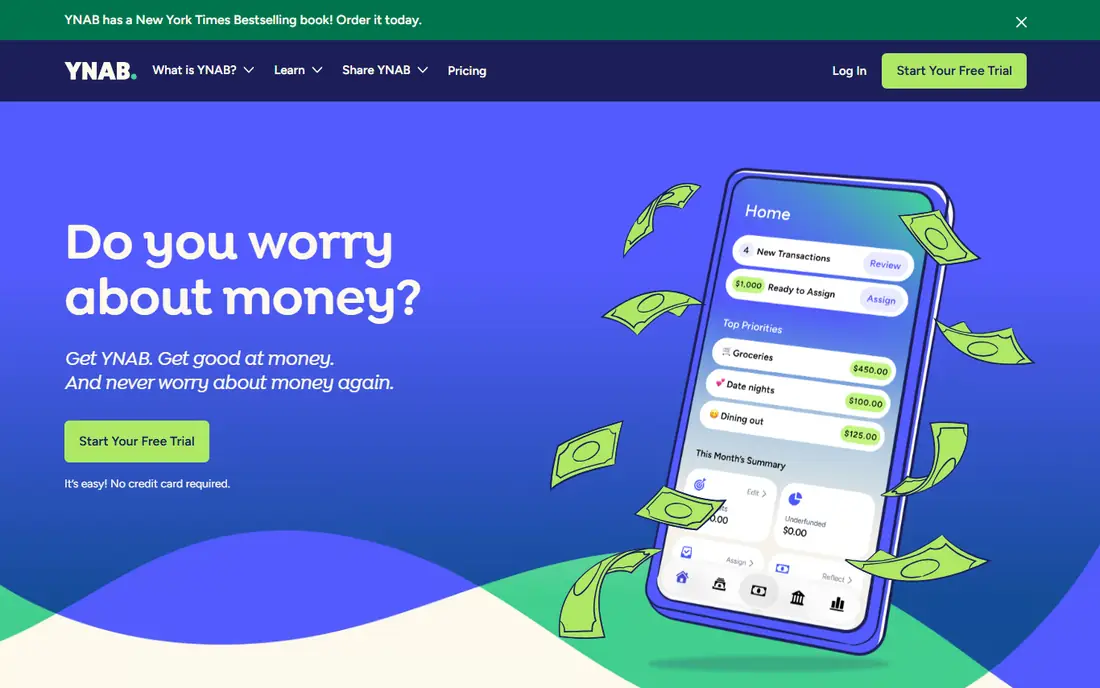
YNAB, short for You Need A Budget, is built around a method, not just a dashboard. Users assign every dollar to a category before spending, set aside money for true expenses such as car repairs, adjust when plans change, and age their money so spending comes from older income. That method forces a weekly review, and for users who follow it, the budget becomes a plan rather than a report of past spending.
The cost is effort and price. A new user should expect a few weeks of learning, including free workshops and guides, before the routine feels natural. The annual price is also higher than most rivals, and casual users who only glance at spending once a month will not get full value. YNAB is best for someone who wants to change spending habits, pay down debt, or break a paycheck cycle, and who will spend a few minutes most days on the budget.
What we like- Clear zero based method with four rules
- Long 34 day trial
- Free workshops and shared household use
Watch out for- Learning curve is real for new users
- Price is high for casual tracking
Starting price$99.99 per user/year
Free planFree trial
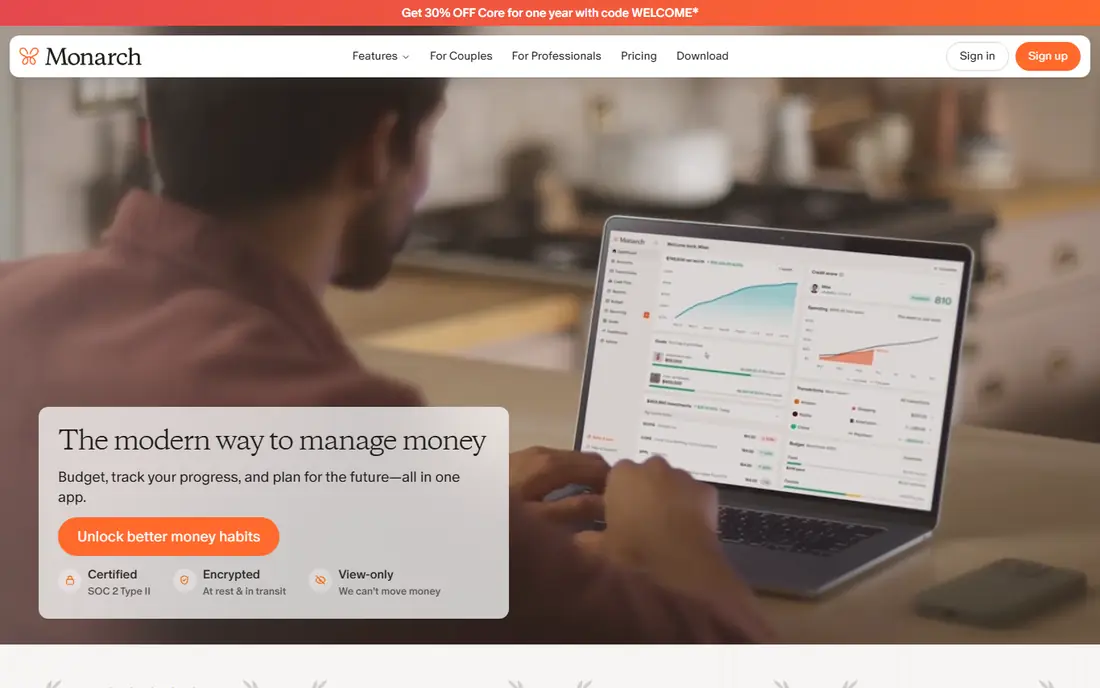
Monarch Money is the closest general replacement for Mint, with bank sync, budgeting, investment tracking, net worth, and goals in one dashboard. A household can connect accounts, view shared finances, and use separate views for joint and individual spending. Subscription detection helps spot recurring charges, and reports show spending trends over time without manual spreadsheets.
The main limit is that there is no free tier, only a short trial, so a buyer must pay after testing. Some users also find the Plus tier adds features they do not need, which makes the Core plan the sensible default. Monarch suits couples and households that want a full picture with little daily work, and who are willing to pay for automatic sync and a clean dashboard.
What we like- Accounts, budgets, investments, and net worth in one view
- Partner sharing at no extra cost
- Subscription detection
Watch out for- No permanent free tier
- Trial is short
- Plus tier adds little for many users
Starting priceSee website
Free planFree trial
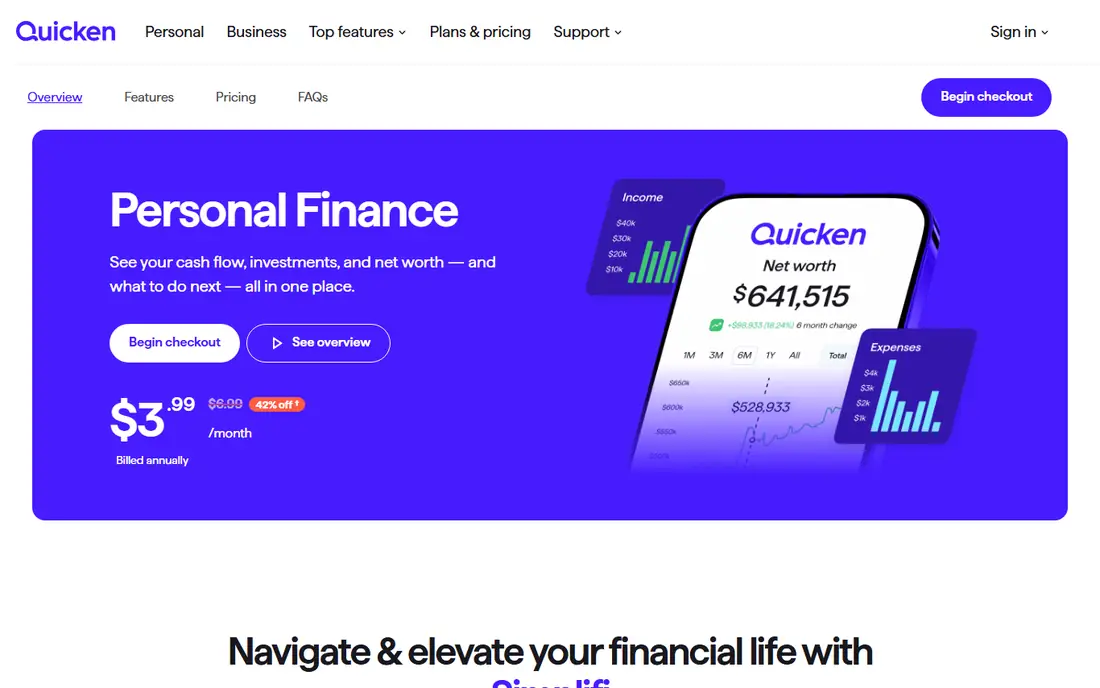
Quicken Simplifi sits between a tracker and a planner, with spending plans, savings goals, watchlists for key categories, and projections for cash flow. Bank sync pulls transactions in automatically, and reports show where money goes by category and over time. For a user who wants more than a simple spending list, but who does not want YNAB's strict method, Simplifi offers a useful middle path.
The pricing trap is the first year offer. New users often pay a lower price in year one, then renew at a higher list price, so the total cost over two years should be checked before signing up. The interface can also feel busy for a user who only wants a simple budget. Simplifi fits best for a user who likes reports, projections, and a detailed dashboard, and who will review the renewal price each year.
What we like- Spending plans, watchlists, and projections
- Bank sync and reports
- Lower first year price for new users
Watch out for- Renewal price is higher than the first year offer
- Interface can feel dense for simple budgets
Starting price$0 per user/month
Free planYes
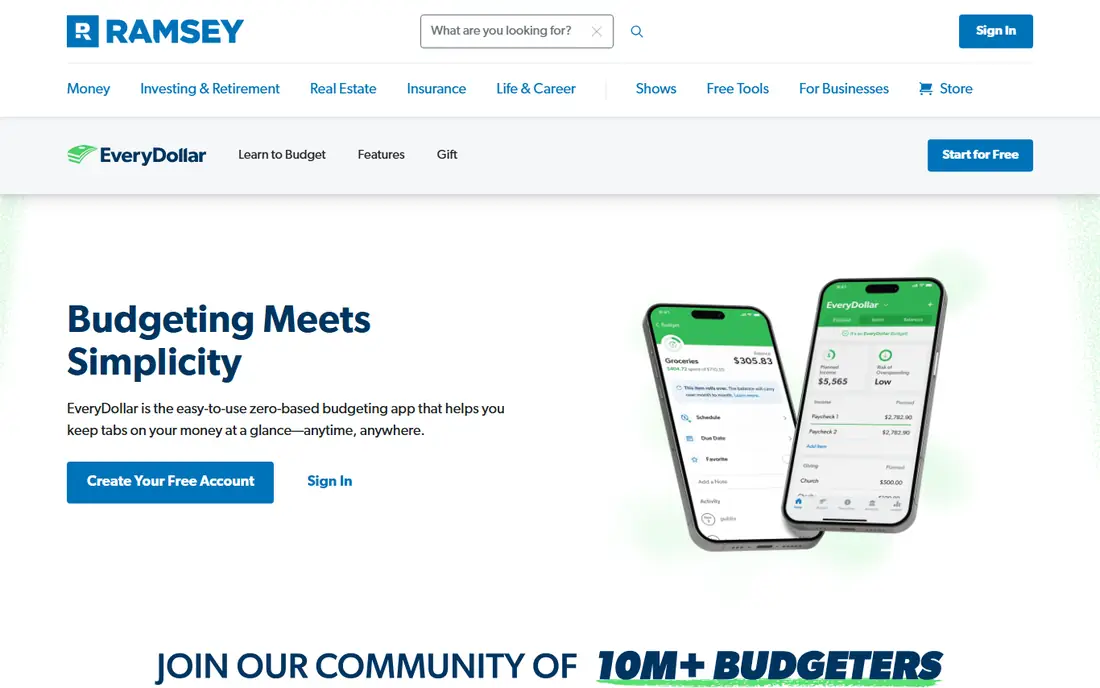
EveryDollar, from Ramsey Solutions, offers free zero based budgeting with a simple monthly layout. Users create categories, assign amounts, and track spending against the plan, following the same give every dollar a job idea as YNAB, but with a simpler interface. The free plan suits users who are comfortable entering transactions by hand and who want a method without a subscription.
The limit is manual work. Bank sync, paycheck planning, and some advanced features need the Premium plan, which costs $79.99 per year based on vendor listings, so the free plan is best for smaller budgets or users who prefer manual control. EveryDollar is a good pick for a user who wants a free method based plan, especially for debt payoff, and who does not mind typing in purchases.
What we like- Free zero based budgeting
- Simple monthly plan layout
- Built around debt payoff steps
Watch out for- Free plan needs manual entry
- Bank sync and paycheck planning need Premium
Starting price$0 per user/month
Free planYes
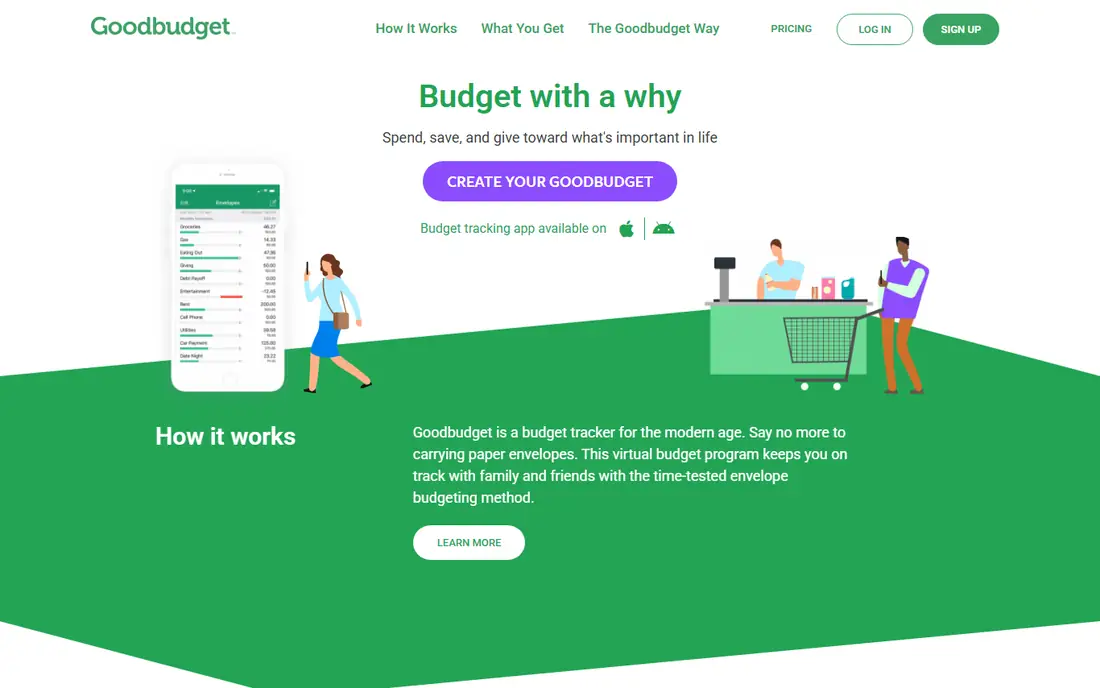
Goodbudget brings the old envelope method to a phone, where money is divided into envelopes for groceries, rent, transport, and other categories, and each purchase reduces the envelope balance. That visual limit helps users stop spending in a category when the envelope is empty, which is a clear and simple rule. Households can share envelopes, which makes it useful for couples who split spending.
The free plan limits the number of envelopes and accounts, and it requires manual entry, while Premium adds bank sync and unlimited envelopes for $80 per year based on vendor listings. Users who want automatic sync from the start should compare Goodbudget Premium with Monarch or Simplifi. Goodbudget fits best for a user who likes the envelope idea and is willing to enter spending by hand, or who wants a free starting point.
What we like- Digital envelope method that is easy to grasp
- Shared budgets for households
- Free plan for basic use
Watch out for- Free plan limits envelopes and accounts
- Manual entry on the free plan
- Bank sync needs Premium
Starting price$95.00 per user/year
Free planFree trial
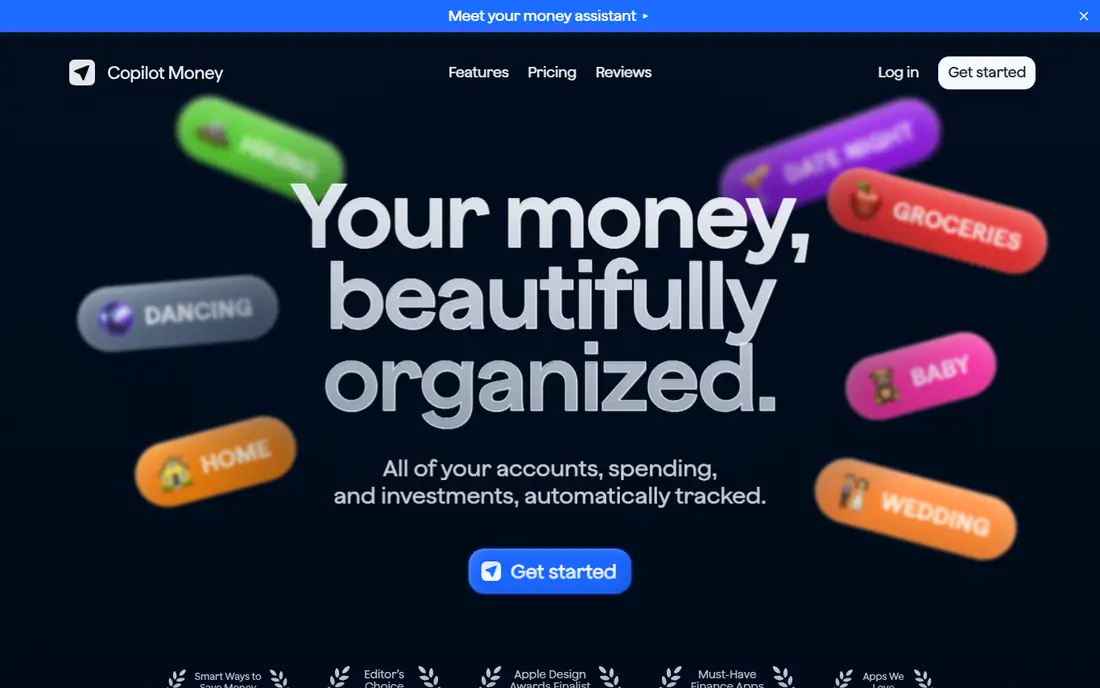
Copilot Money is a personal finance app built for Apple devices, with iPhone, iPad, Mac, and web apps that share a clean design. It connects bank, card, loan, and investment accounts, categorizes transactions, tracks budgets, and shows net worth and cash flow. The design is a genuine strength, since spending, budgets, and investments are easy to read at a glance.
The hard limit is platform. There is no Android app, so a household with Android users cannot use it together. There is also no free tier, only a trial, and the annual price is close to Monarch and YNAB. Copilot fits best for an Apple only household that values design and a smooth daily check, and who will use the app on iPhone or Mac most days.
What we like- Clean Apple native design
- Automatic categorization
- Budgets, investments, and net worth in one app
Watch out for- No Android app
- No permanent free tier
- Price is similar to larger rivals
Starting price$74.99 per user/year
Free planYes
PocketGuard answers one question well, which is how much money is safe to spend after bills, goals, and savings are covered. The app syncs accounts, tracks bills, and shows a single safe spending figure, which helps users who overspend because they look at a bank balance that includes money already committed to bills. That simple number is easier to act on than a full budget report.
The trade off is depth. PocketGuard does not offer the same detailed planning, forecasting, or investment tools as Monarch or Simplifi, and some features need the Plus plan. It is best for a user who wants a guardrail, not a full budgeting method, and who mainly needs to avoid spending money that is already spoken for. For detailed planning, YNAB or Monarch will serve better.
What we like- Clear "in my pocket" safe spending number
- Bill tracking and subscription view
- Simple interface
Watch out for- Budget depth is lighter than YNAB or Monarch
- Some features need Plus
Starting priceSee website
Free planYes
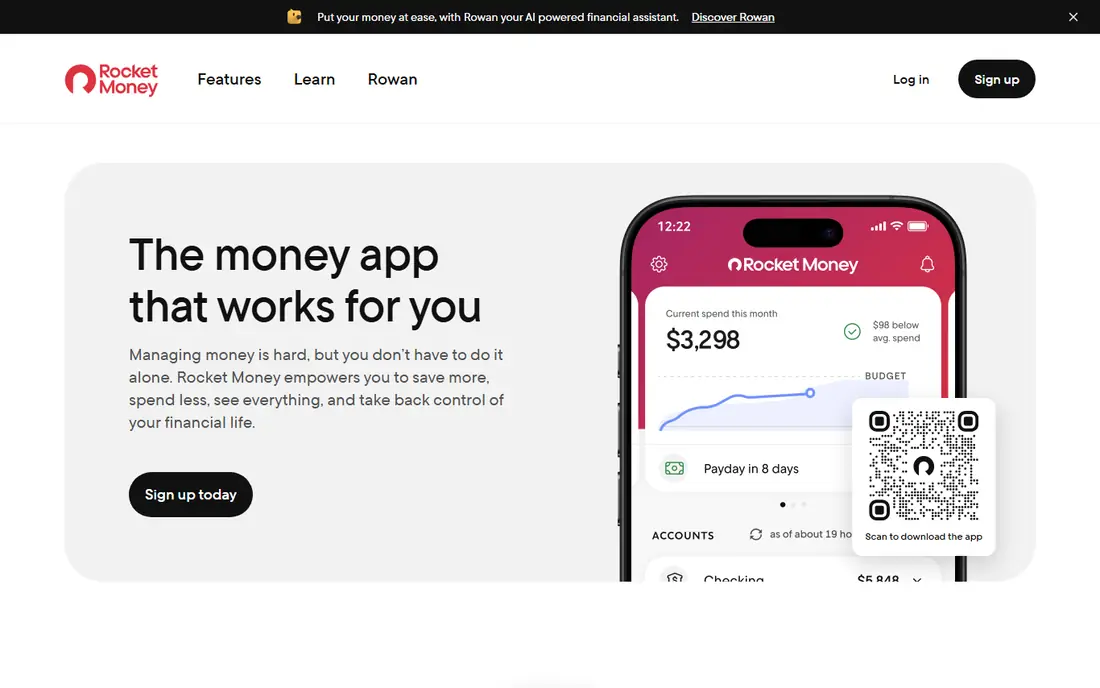
Rocket Money, formerly Truebill, started as a subscription tracker and still does that job well. It finds recurring charges, shows spending by category, and offers bill negotiation and smart savings features on paid plans. The free plan covers basic subscription and spending tracking, which is enough for a user who mainly wants to spot forgotten charges.
The pricing model needs care. Premium is offered on a pay what you choose basis in a range, and some features, such as bill negotiation, involve a share of savings, so the total cost is not a single fixed number. Users who want a clear fixed price may prefer Monarch or Simplifi. Rocket Money fits best for a user whose main problem is subscriptions and recurring bills, rather than detailed monthly budgeting.
What we like- Finds recurring subscriptions
- Spending tracking and bill negotiation features
- Free plan for basic tracking
Watch out for- Premium pricing is flexible and can confuse buyers
- Bill negotiation takes a share of savings where used
Starting price$0 per user/month
Free planYes
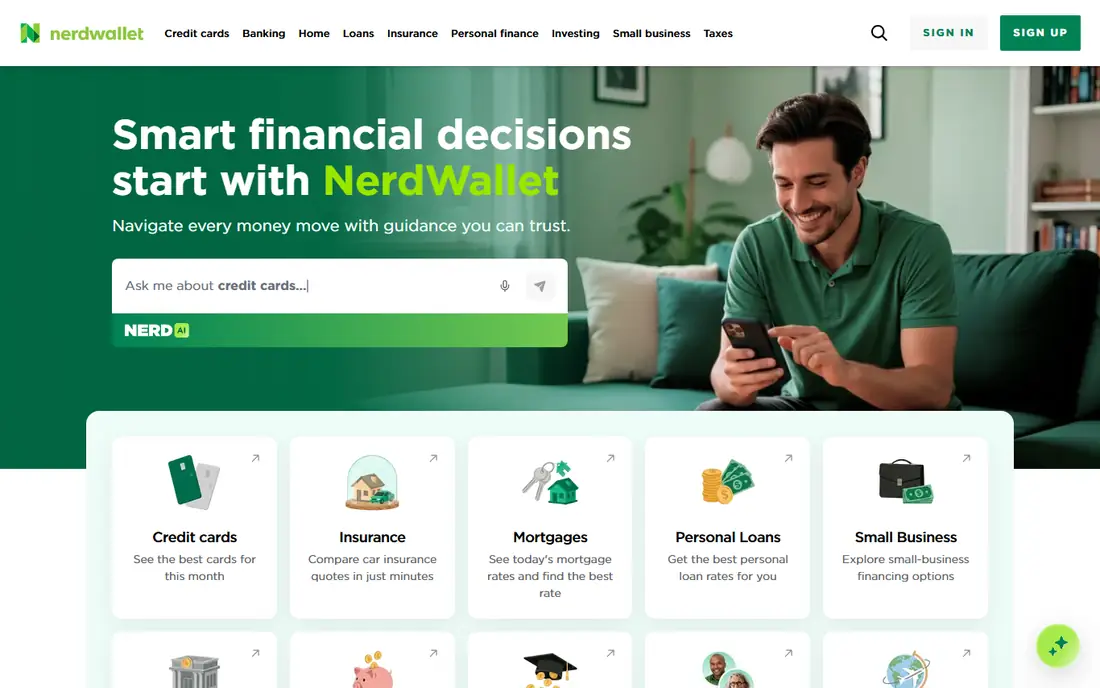
NerdWallet is best known as a personal finance site, and its free app adds cash flow tracking, spending views, and credit score monitoring in one place. A user can link bank and card accounts, see income and spending trends, and check a credit score without paying a subscription. For a user who wants a free overview plus credit monitoring, that combination is useful.
The limit is budgeting depth. NerdWallet tracks spending and cash flow, but it does not offer the same category planning, envelope method, or household budget controls as YNAB, Monarch, or Goodbudget. The app also presents financial product offers, which some users will ignore and others will find distracting. Use NerdWallet for free cash flow and credit tracking, and pair it with a budget app if detailed monthly planning is needed.
What we like- Free app for cash flow, spending, and credit score monitoring
- Bank account linking
- No subscription for core tracking
Watch out for- Budgeting features are lighter than dedicated budget apps
- App includes product offers that some users may find distracting
How we chose
We reviewed vendor pricing pages, product documentation, and public reviews on G2, Capterra, and Reddit, and we grouped apps by job, such as zero based planning, envelope budgeting, household dashboards, Apple tracking, and subscription tracking. We favored apps that exist today, serve US users, and state their bank sync, free plan, and renewal terms clearly. We did not claim hands on lab results, and prices are shown as See website where the vendor uses first year offers or flexible pricing. This is not financial advice.
This is not financial advice, and users should review bank connection security, renewal prices, and cancellation terms before linking accounts.
Setting up a budget that survives the first month
Start with last month's actual spending, not with an ideal budget. Pull three months of bank and card statements, group spending into ten or fewer categories, and set targets based on those totals, with a small buffer for irregular costs. A budget built on real numbers is easier to keep than one built on guesses, and it reveals the two or three categories where change will matter most.
Review weekly, not daily, unless the method needs it
A weekly review of fifteen minutes is enough for most tracking apps, while YNAB and envelope methods benefit from a short daily check. During the review, categorize new transactions, move money between categories when plans change, and note any subscription or bill that looks wrong. Skipping a week is normal, and the fix is a single catch up session, not a restart of the whole budget.
Protect the account connection
Use a strong unique password for the budget app, turn on two factor authentication, and review connected accounts every few months. If an app offers read only connections or a manual import option, consider it for accounts you rarely need to sync. Never share bank login details outside the app's official connection flow, and remove old connections when switching apps.
Frequently asked questions
What happened to Mint?
Intuit shut Mint down in 2024 and pointed users to Credit Karma, which lacks most of Mint's budgeting features. Former Mint users often move to Monarch Money for a similar dashboard, YNAB for a planning method, or Goodbudget and EveryDollar for free manual options.
Which budget app is best for couples?
Monarch Money is a strong couples pick, since a partner can join at no extra cost and shared views separate joint and individual spending. YNAB also shares one subscription across a household, while Goodbudget shares envelopes on its free and paid plans. Check sharing terms before paying, since they differ by app.
Is it safe to connect my bank account to a budget app?
Most major apps use a third party connection service that does not store bank passwords in plain text, and they offer two factor authentication. Risk cannot be removed entirely, so users who prefer not to share logins can choose manual entry apps such as Goodbudget or EveryDollar free, or use file imports where offered.
Do I need to pay for a budget app?
No, EveryDollar, Goodbudget, NerdWallet, and Rocket Money offer free plans that cover basic tracking. Paid apps add bank sync, deeper reports, planning tools, or household sharing. Start free, and pay only if a paid feature is used weekly.
Which app is best if I only want to track subscriptions?
Rocket Money is built for that job, with subscription detection and bill tracking on its free plan. Monarch Money and PocketGuard also detect recurring charges, but Rocket Money focuses on subscriptions first. Check the premium terms before using bill negotiation features.
Can a budget app help me pay off debt?
Yes, if the app supports a debt payoff plan or a clear category for extra debt payments. EveryDollar is built around debt payoff steps, while YNAB's method helps users assign extra money to debt each month. An app helps track progress, but the payoff plan itself, including interest rates and payment order, should be reviewed with care.
Sources we checked (9)
- https://www.ynab.com
- https://www.monarchmoney.com
- https://www.quicken.com/simplifi
- https://www.ramseysolutions.com/ramseyplus/everydollar
- https://www.goodbudget.com
- https://copilot.money
- https://pocketguard.com
- https://www.rocketmoney.com
- https://www.nerdwallet.com
Is your product missing or out of date?
We review this list regularly. Vendors can request a listing, send updated pricing or ask about featured placement.

Shihab Mia · Founder, Rankite
Shihab has 5+ years in B2B and SaaS SEO. He writes Rankite's software buying guides from pricing pages, documentation and public user reviews. More about Shihab.