How we make this list: we compare pricing pages, product documentation and public user reviews. Ratings come from G2, Capterra or Trustpilot, with the date we checked them.
Key takeaways
- Empower is the strongest free starting point for US investors who want automatic account syncing and retirement planning in one dashboard.
- Kubera suits investors with property, crypto, and accounts in several countries, but its price reflects that breadth.
- Sharesight stands out for tax reporting, especially for investors who hold shares in more than one market.
- A tracker is not a broker: it shows what you own, it does not buy or sell for you, and that separation matters for security.
- Check which banks and brokerages actually connect in your country before paying, because connection coverage varies widely.
Quick comparison
| Tool | Best for | Starting price | Free plan |
|---|
 Empower Empower | Free US portfolio and retirement overview | $0 | Yes |
 Kubera Kubera | Complex global net worth tracking | $250 per year | Free trial |
 Monarch Money Monarch Money | All-in-one money and investments | $99.99 per year | Free trial |
 Sharesight Sharesight | Performance and tax reporting | See website | Yes |
 Morningstar Investor Morningstar Investor | Fund and ETF research | $249 per year | Free trial |
 Stock Rover Stock Rover | Stock and ETF research | See website | Free trial |
 Delta Delta | Mobile stock and crypto tracking | See website | Yes |
 Portfolio Performance Portfolio Performance | Free desktop tracking | $0 | Yes |
 Tiller Tiller | Spreadsheet based tracking | See website | Free trial |
Is your product missing or out of date?
We review this list regularly. Vendors can request a listing, send updated pricing or ask about featured placement.
The best investment tracking software
Starting price$0
Free planYes
Empower, formerly Personal Capital, remains the most useful free tracker for US investors. Link bank, brokerage, and retirement accounts and it pulls balances, holdings, and transactions into one dashboard, with tools for asset allocation, investment fees, and retirement projections. That combination is why many investors start here and stay here: the core tracking is free, and the planning tools go further than a simple balance sheet. This is not financial advice, and the planning tools are estimates, not guarantees.
The limits are geographic and commercial. Empower works best with US institutions, and users with large balances sometimes report calls about its paid advisory service, which is separate from the free dashboard. Budgeting is present but thinner than in a dedicated budgeting app. If you live in the US and want a free, automatic view of investments and retirement progress, Empower is the first tool to try.
What we like- Free account syncing
- Retirement planner
- Fee and allocation analysis
Watch out for- US focused
- Advisory sales calls reported by some users
- Limited budgeting depth
Starting price$250 per year
Free planFree trial
Kubera is built for investors whose wealth does not fit in a single brokerage account. It tracks stocks, funds, crypto exchanges and wallets, real estate by address, vehicles, domains, and other assets, in multiple currencies, alongside bank and brokerage connections from many countries. That breadth makes it a strong choice for high net worth households, expatriates, and investors with property and crypto alongside traditional portfolios. The daily portfolio email gives a quick morning snapshot without opening the app.
The price is the main barrier, and budgeting is not the point of Kubera, so households that want spending control will need a second tool. Setup also takes time, because unusual assets need manual entries and checks. Choose Kubera when your portfolio is genuinely complex and spread across countries and asset types. Choose a cheaper tracker when a few brokerage accounts tell the whole story.
What we like- Broad asset types
- Crypto and property tracking
- Multi-currency support
Watch out for- High price
- No budgeting
- Learning curve for setup
#3Monarch Money
Best for: All-in-one money and investments4.7/5 on
G2 (3 reviews, checked Oct 2026)
Visit monarchmoney.com
Starting price$99.99 per year
Free planFree trial
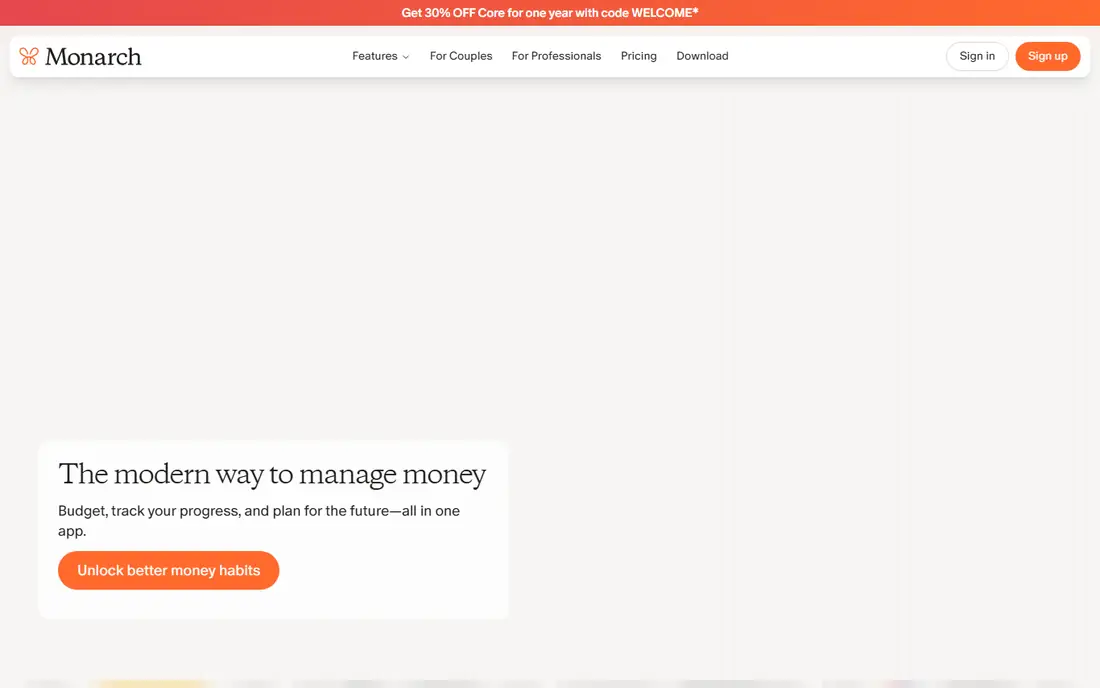
Monarch Money appeals to households that want budgeting, cash flow, and investment tracking in one place, without the advisory upsell that some free tools carry. It connects bank, card, brokerage, and retirement accounts, shows net worth over time, and lets partners share a household view. The interface is clear, and the budgeting tools are stronger than those in most investment-first trackers, which makes it a good Mint replacement for many users.
Coverage is mainly US and Canada, billed in US dollars, so investors elsewhere should check connection support first. The annual price is reasonable for an all-in-one tool, but the higher Plus tier costs more, so compare features before upgrading. Monarch fits couples and households that want one app for daily money and long-term investments together.
What we like- Clean dashboard
- Budgeting plus investments
- Partner sharing
Watch out for- US and Canada focus
- Annual price rises with higher tiers
- No free tier beyond trial
#4Sharesight
Best for: Performance and tax reporting3.5/5 on
G2 (1 reviews, checked Oct 2026)
Visit sharesight.com
Starting priceSee website
Free planYes
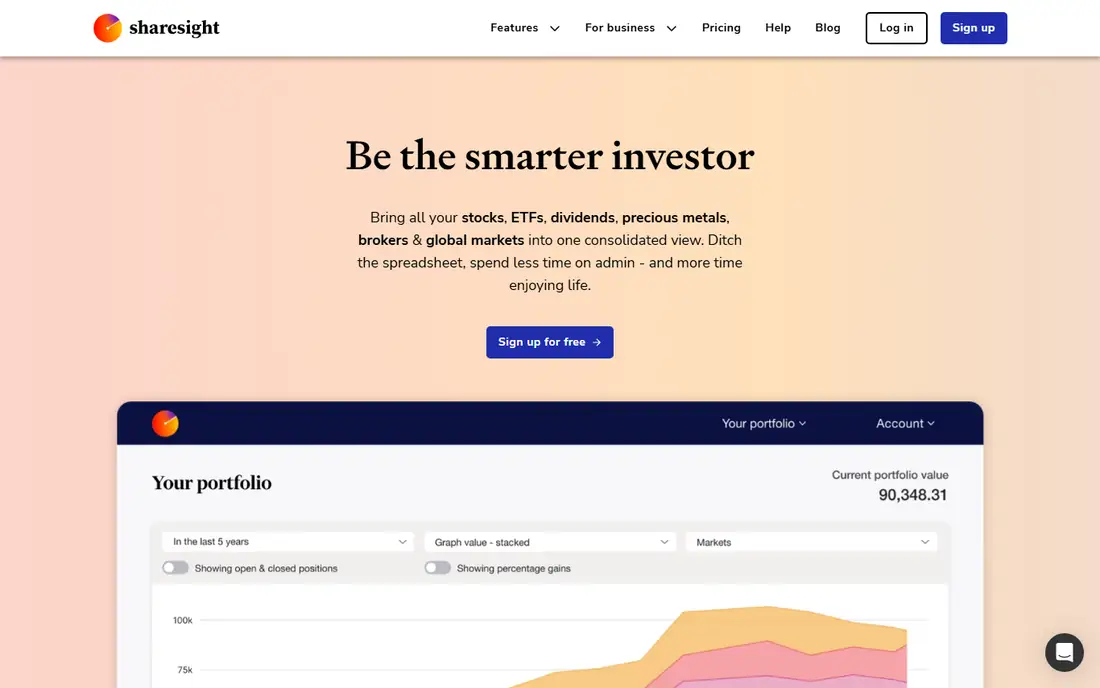
Sharesight is the tracker to consider when tax time is the pain point. It tracks performance, dividends, and corporate actions, and produces tax reports that help investors in several countries prepare returns with less manual spreadsheet work. Broker imports and support for shares, ETFs, and funds in multiple markets make it useful for global investors who hold assets beyond their home country. The free plan covers a small number of holdings, which is enough to test the workflow.
Sharesight is not a budgeting app and not a full net worth tool for property and other assets. Its value is precision on investments: true performance after dividends and fees, and records you can hand to an accountant. If tax reporting and performance measurement matter more than daily spending tracking, Sharesight deserves a place on your shortlist. This is not financial advice, and tax rules vary by country, so confirm reports with a local professional.
What we like- Strong performance and dividend tracking
- Tax reports for several countries
- Broker imports
Watch out for- Free plan limited to few holdings
- Less focus on full household budgeting
Starting price$249 per year
Free planFree trial
Morningstar Investor is less a simple tracker and more a research platform with tracking attached. It gives detailed analysis of funds and ETFs, shows what a portfolio actually holds when you look through funds to underlying stocks, and provides analyst research and screening tools. Investors who pick funds carefully, compare fees and holdings, and want independent research will get more from Morningstar than from a balance-only dashboard.
The price makes it a poor choice if you only want balances and net worth. The interface also assumes some investment knowledge, so beginners may feel overwhelmed at first. Choose Morningstar when research drives your decisions and you want tracking inside the same tool. Choose a cheaper tracker when you already know what you own and just need to watch it.
What we like- Deep fund and ETF analysis
- Portfolio look-through
- Trusted research brand
Watch out for- High price for tracking alone
- Interface can feel dense for beginners
Starting priceSee website
Free planFree trial
Stock Rover suits investors who enjoy research as much as tracking. It offers detailed screening, charting, financial statements, and portfolio analytics for stocks and ETFs, with a depth that goes well beyond a basic dashboard. Users can build watchlists, compare companies on many metrics, and track portfolios with performance detail that supports active decision making. The trial period lets you test whether that depth matches your style.
Casual investors may find the interface busy, and the plan range is wide, so check which tier includes the screening and reporting features you need. Coverage is strongest for North American markets. Stock Rover fits self-directed investors who research individual stocks and ETFs regularly. It is less suited to someone who only wants a monthly net worth number.
What we like- Deep screening and charting
- Detailed portfolio analytics
- North American focus
Watch out for- Data dense for casual users
- Pricing varies widely by plan
- Limited global coverage
Starting priceSee website
Free planYes
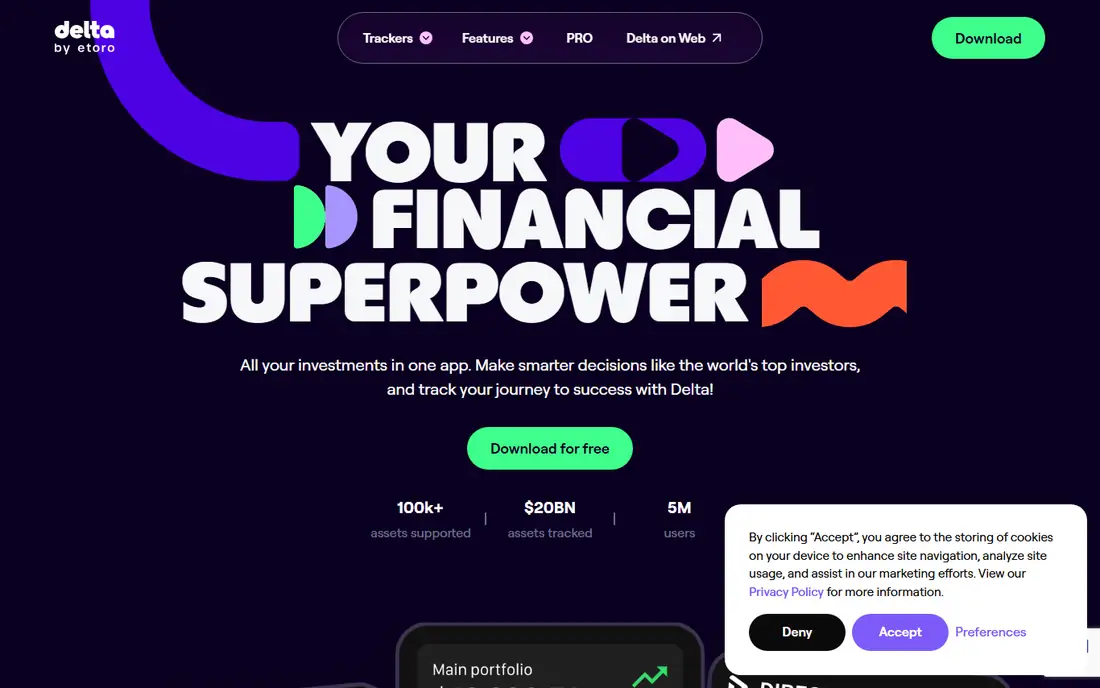
Delta is a mobile-first tracker that handles both stocks and crypto, which suits investors who check portfolios on a phone and hold both asset types. It connects to exchanges, wallets, and brokerages, shows live prices and portfolio performance, and sends alerts on price moves. The free tier covers basic tracking, while Pro adds more connections, analytics, and alert options. For a younger investor with a mixed stock and crypto portfolio, Delta feels natural.
Desktop users and investors who need detailed tax reporting will find Delta thinner than Sharesight or a desktop tool. Pro pricing should be checked in the app store or on the vendor site, because it varies by platform. Choose Delta for convenient mobile tracking of stocks and crypto together. Choose a desktop or tax focused tool when reporting is the main job.
What we like- Strong mobile app
- Stock plus crypto in one place
- Exchange and wallet connections
Watch out for- Advanced features need Pro
- Desktop experience is thinner than mobile
Starting price$0
Free planYes
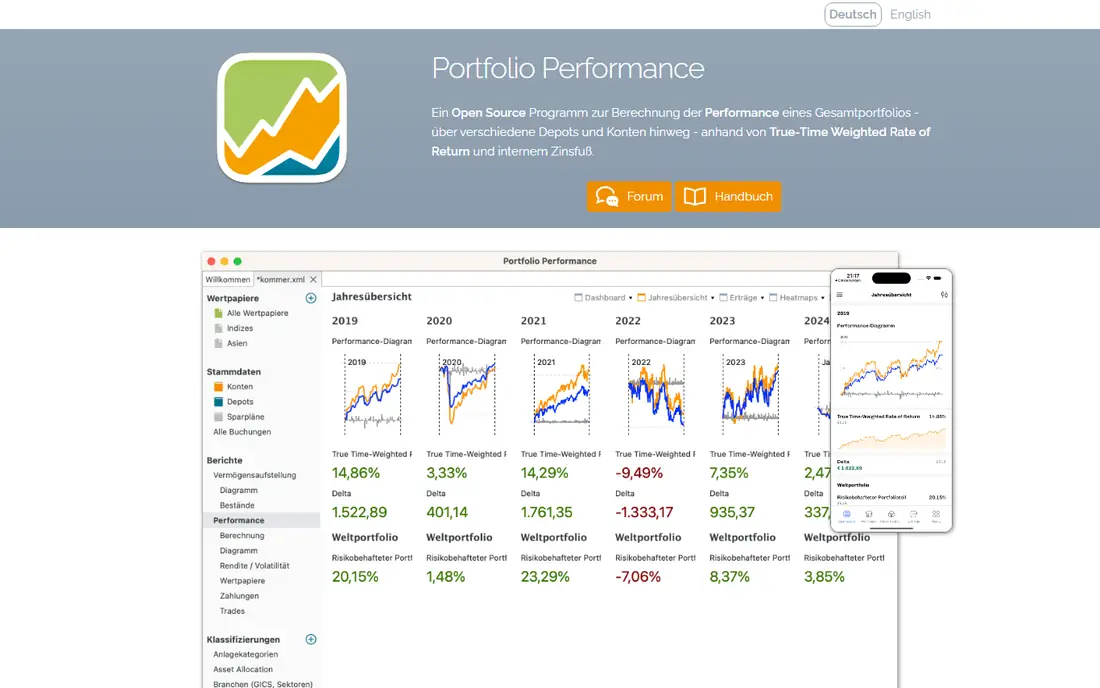
Portfolio Performance is a free, open source desktop program for investors who prefer control and privacy over automatic syncing. It calculates true performance, including dividends and fees, supports many currencies and security types, and stores data locally on your computer. That local storage appeals to investors who do not want to link brokerage logins to a cloud service, and the price is hard to argue with.
The trade-off is manual work. Many brokers require file imports rather than automatic connections, and setup takes longer than a cloud tracker that syncs in minutes. There is no mobile app of the same depth. Portfolio Performance fits careful investors who enjoy maintaining their own records and want detailed performance math for free. It fits less well for users who want everything synced automatically.
What we like- Free and open source
- Detailed performance calculation
- No account linking required
Watch out for- Manual imports for many brokers
- Desktop only
- Setup takes patience
#9Tiller
Best for: Spreadsheet based tracking4.0/5 on
G2 (2 reviews, checked Oct 2026)
Visit tiller.com
Starting priceSee website
Free planFree trial
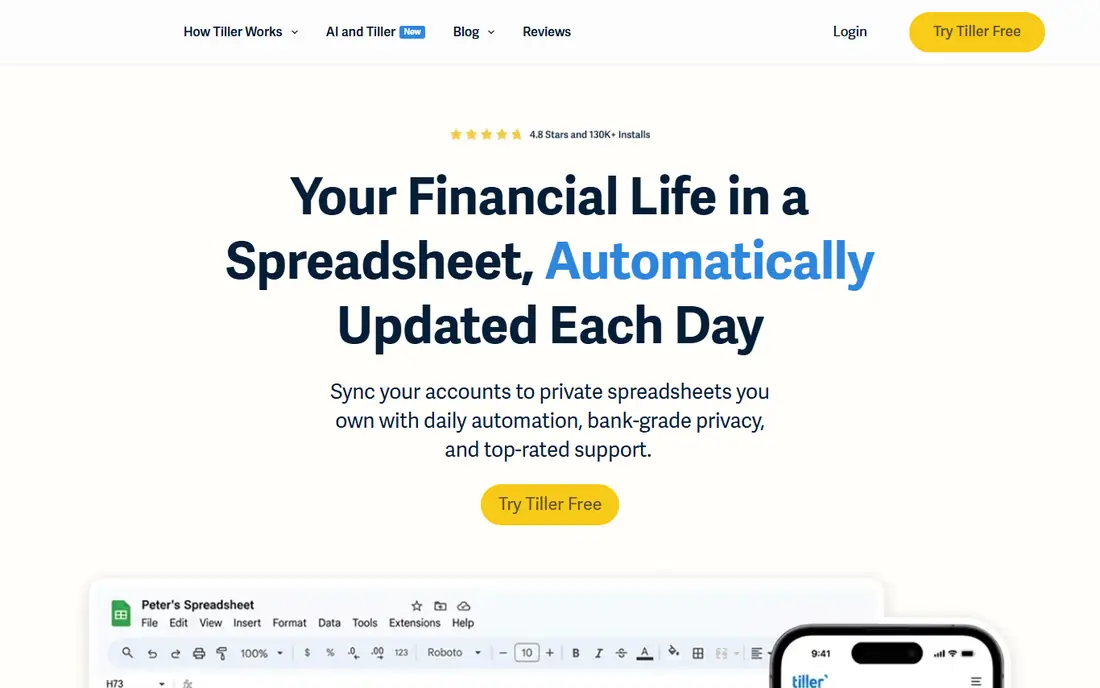
Tiller feeds bank and brokerage transactions into Google Sheets or Excel each day, giving spreadsheet users automation without giving up control. You can build your own net worth dashboard, investment summary, and custom reports, using formulas and charts you understand. That flexibility is the point: instead of accepting a vendor dashboard, you shape the view to match how you think about money. Many long-term users value that ownership, because the spreadsheet remains useful even if they stop subscribing.
Tiller is mainly for US institutions, and it assumes comfort with spreadsheets. Users who dislike formulas will prefer a ready-made dashboard like Empower or Monarch. Pricing is by annual subscription, with a trial to test feed coverage for your accounts. Choose Tiller when you want automatic data inside a spreadsheet you own. Choose a standard app when you want a finished dashboard with no setup.
What we like- Automatic feeds into Google Sheets or Excel
- Full control over reports
- Flexible categories
Watch out for- US focused
- Requires spreadsheet comfort
- No free tier beyond trial
How we chose
We compared account connection coverage, asset types, performance and tax reporting, planning tools, pricing, and privacy, using vendor pricing pages, documentation, and public reviews on G2, Capterra, and Reddit. Prices were checked in October 2026, and any price we could not confirm is shown as See website. We did not claim hands-on testing. The list favors trackers that stay accurate over time, not just tools with an attractive first screen.
How to choose without paying twice
Start by listing every account and asset type you actually own, including retirement accounts, crypto, property, and accounts abroad. A tracker that cannot connect to your main brokerage, or cannot record your property, will fail no matter how good its charts look. Test connection coverage during a trial, with real accounts, before you pay for a year.
Next, decide what job matters most: daily net worth, tax reporting, fund research, or retirement planning. One tool rarely does all four at the top level. It is better to pick a strong tracker for your main job and accept a spreadsheet or second app for the rest, than to pay for a platform that does everything weakly. Finally, check data export. You should be able to download transactions and holdings in a standard format, so a future move does not mean rebuilding years of history by hand.
Frequently asked questions
Is investment tracking software safe to link to my accounts?
Reputable trackers use bank level encryption and read-only connections through aggregators, but no connection is risk free. Use strong passwords, turn on two-factor authentication, and check which permissions you grant. Investors who prefer not to link accounts can use manual tools like Portfolio Performance instead.
Does a tracker replace a financial adviser?
No. A tracker shows what you own and how it has performed. It does not give personal advice, choose investments for you, or account for your tax, retirement, or family situation. This is not financial advice. Talk to a qualified adviser for decisions that affect retirement, tax, or large sums.
Can I track crypto and stocks in one tool?
Yes, with limits. Kubera and Delta handle both well, while many stock focused tools cover crypto only lightly. Check whether your exchanges and wallets connect, and whether the tracker handles staking, DeFi, or NFTs if you hold those assets.
What is the difference between a tracker and a broker?
A broker lets you buy and sell investments. A tracker only records and analyzes what you own, often across several brokers. Using both is normal: buy through a broker, then watch the combined picture in a tracker.
Do I need a paid tracker?
Not always. Empower and Portfolio Performance cover many needs for free. Pay when you need global coverage, tax reports, advanced research, or household sharing that free tools do not provide. Start free, and upgrade only when a specific limit blocks your work.
Sources we checked (9)
- https://www.empower.com/pricing
- https://www.kubera.com/pricing
- https://www.monarchmoney.com/pricing
- https://www.sharesight.com/pricing
- https://www.morningstar.com/pricing
- https://www.stockrover.com/pricing
- https://delta.app/pricing
- https://www.portfolio-performance.info
- https://www.tiller.com/pricing
Is your product missing or out of date?
We review this list regularly. Vendors can request a listing, send updated pricing or ask about featured placement.

Shihab Mia · Founder, Rankite
Shihab has 5+ years in B2B and SaaS SEO. He writes Rankite's software buying guides from pricing pages, documentation and public user reviews. More about Shihab.