How we make this list: we compare pricing pages, product documentation and public user reviews. Ratings come from G2, Capterra or Trustpilot, with the date we checked them.
Key takeaways
- Rocket Money is the only app here that combines automatic bank-linked detection with a done-for-you cancellation service on its Premium plan.
- OneMain MyMoney offers free subscription tracking, but done-for-you cancellation and bill negotiation are limited to OneMain and Brightway customers.
- Manual apps such as Bobby, Subby, and ReSubs suit people who do not want bank access, since you enter subscriptions yourself and get renewal reminders.
- A cancellation app only saves money if you act on what it finds, so check whether you need detection, reminders, or a team that cancels for you before you pay.
Quick comparison
| Tool | Best for | Starting price | Free plan |
|---|
 Rocket Money Rocket Money | Automatic detection plus cancellation | $7 per month | Yes |
 OneMain MyMoney OneMain MyMoney | Free tracking for everyone | Free | Yes |
 Bobby Bobby | Simple manual reminders | See website | Yes |
 Subby Subby | Manual tracking across devices | See website | Yes |
 ReSubs ReSubs | Private manual tracking | Free | Yes |
 Subpilot Subpilot | Detection plus assisted cancellation | See website | No |
 PocketGuard PocketGuard | Spending plus subscription views | $74.99 per year | Yes |
 Simplifi by Quicken Simplifi by Quicken | Subscriptions inside a budget | See website | Free trial |
Is your product missing or out of date?
We review this list regularly. Vendors can request a listing, send updated pricing or ask about featured placement.
The best subscription cancellation apps for cutting recurring costs
Starting price$7 per month
Free planYes
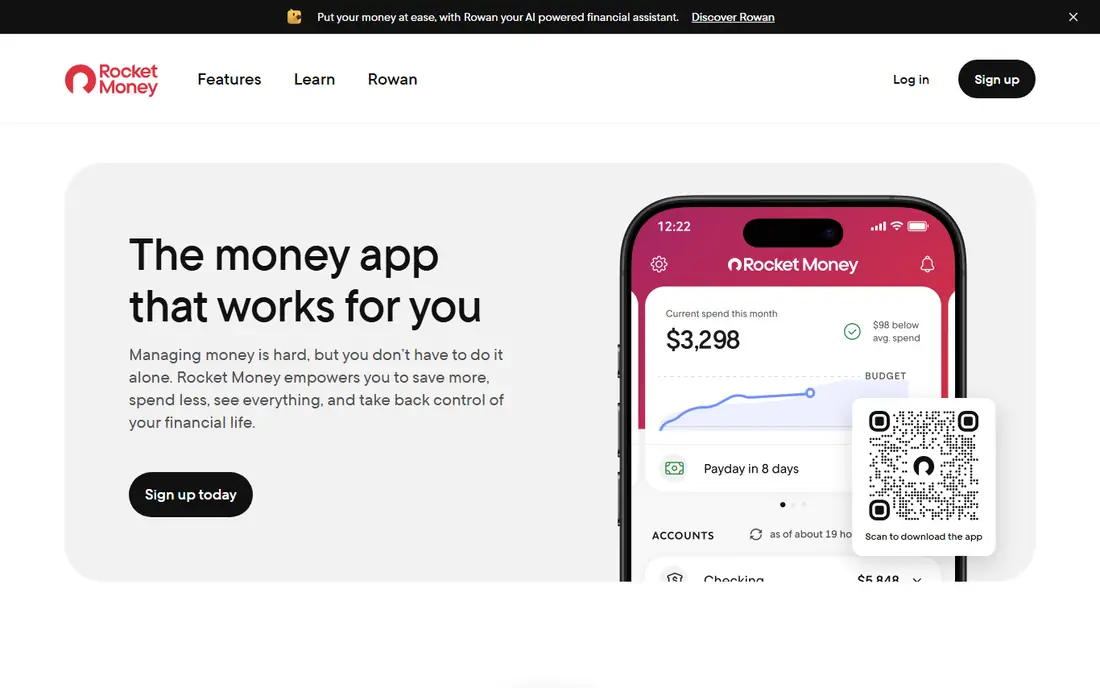
Rocket Money, formerly Truebill, scans linked bank and credit card accounts to find recurring charges, then shows them in one dashboard with monthly totals. That automatic detection is its main advantage, since many users discover subscriptions they had forgotten. Premium adds a cancellation service, where the Rocket Money team contacts providers on your behalf, plus bill negotiation for cable, internet, and phone bills.
The free tier tracks subscriptions and spending but does not cancel for you, so you must cancel manually if you stay free. Premium pricing is set on a $7 to $14 per month sliding scale in published 2026 guides, and bill negotiation success fees have changed over time, so check current terms before you subscribe. Rocket Money suits people who want hands-off detection and are comfortable linking bank accounts.
What we like- Automatically finds recurring charges from linked accounts
- Premium cancels subscriptions for you
- Bill negotiation on Premium
Watch out for- Cancellation and negotiation are Premium features
- Premium price varies on a sliding scale
- Requires bank linking
Starting priceFree
Free planYes
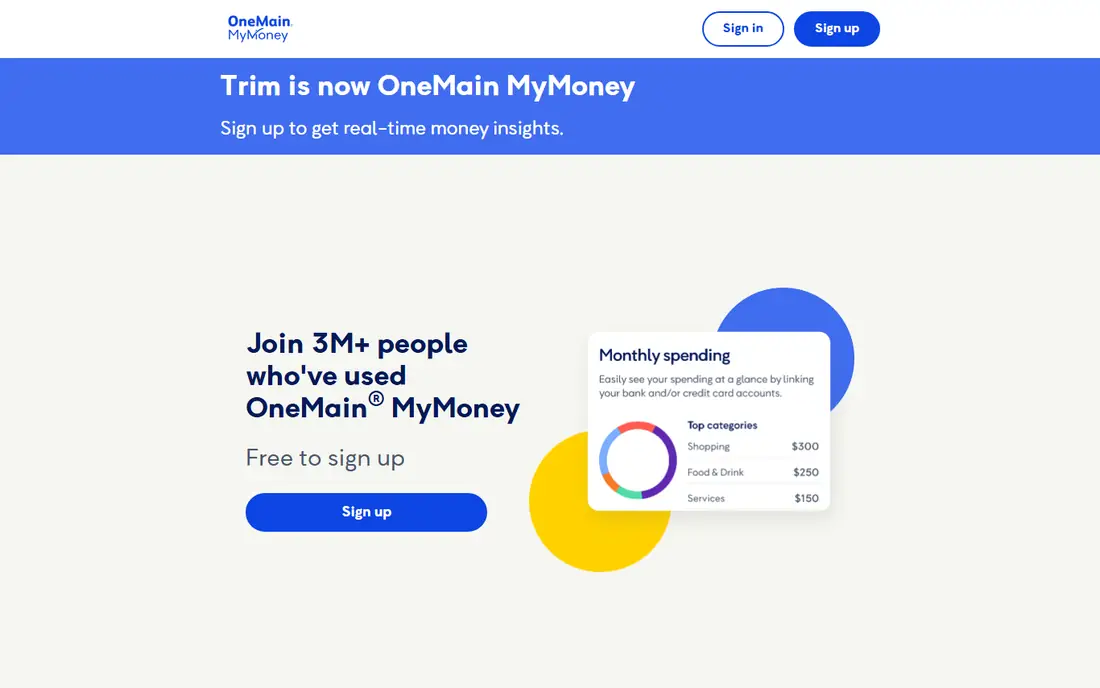
OneMain MyMoney is the current home of the former Trim app, which joined OneMain Financial in 2021. Its help center lists every feature as free, including subscription tracking, transaction alerts, a budget tool, and car insurance comparison. For most users, MyMoney finds subscriptions and shows how to contact the merchant, and you cancel them yourself.
Done-for-you cancellation and bill negotiation are free too, but only for OneMain Financial loan customers and Brightway credit card holders, covering most wireless, internet, phone, cable, and home security bills plus SiriusXM. If you are not a customer of those brands, MyMoney is still a useful free tracker, but it will not cancel for you. It suits budget-conscious users who want free visibility without a monthly app fee.
What we like- Free subscription tracking, alerts, and budgeting
- Simple interface
- No subscription cost
Watch out for- Done-for-you cancellation and negotiation only for OneMain and Brightway customers
- Others must cancel manually
Starting priceSee website
Free planYes
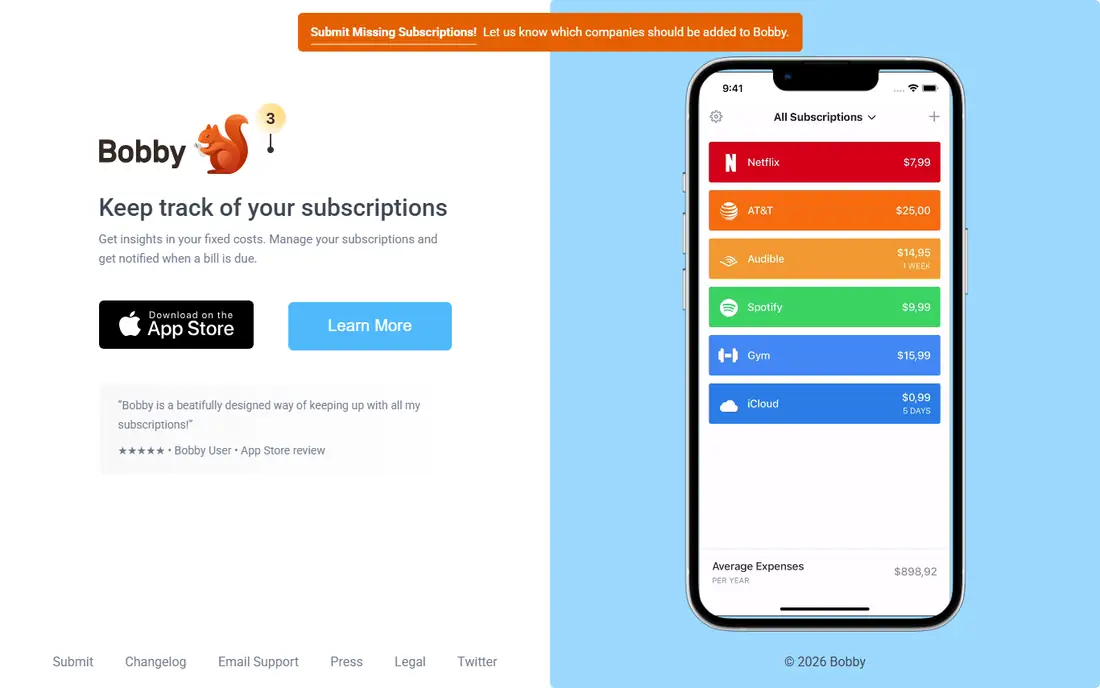
Bobby is a manual subscription tracker that keeps things deliberately simple. You enter each subscription, its cost, and its renewal date, and Bobby reminds you before renewal so you can decide whether to keep or cancel it. That simplicity appeals to people who do not want to link bank accounts or share transaction data with a finance app.
Manual entry is also the limit. Bobby will not find subscriptions you forgot, and it cannot cancel them for you, so you must act on each reminder yourself. It suits people who already know their subscriptions and only need reliable reminders, especially for annual renewals that are easy to miss.
What we like- No bank linking required
- Clean renewal reminders
- Low cost and simple setup
Watch out for- Manual entry only
- No automatic detection
- No done-for-you cancellation
Starting priceSee website
Free planYes
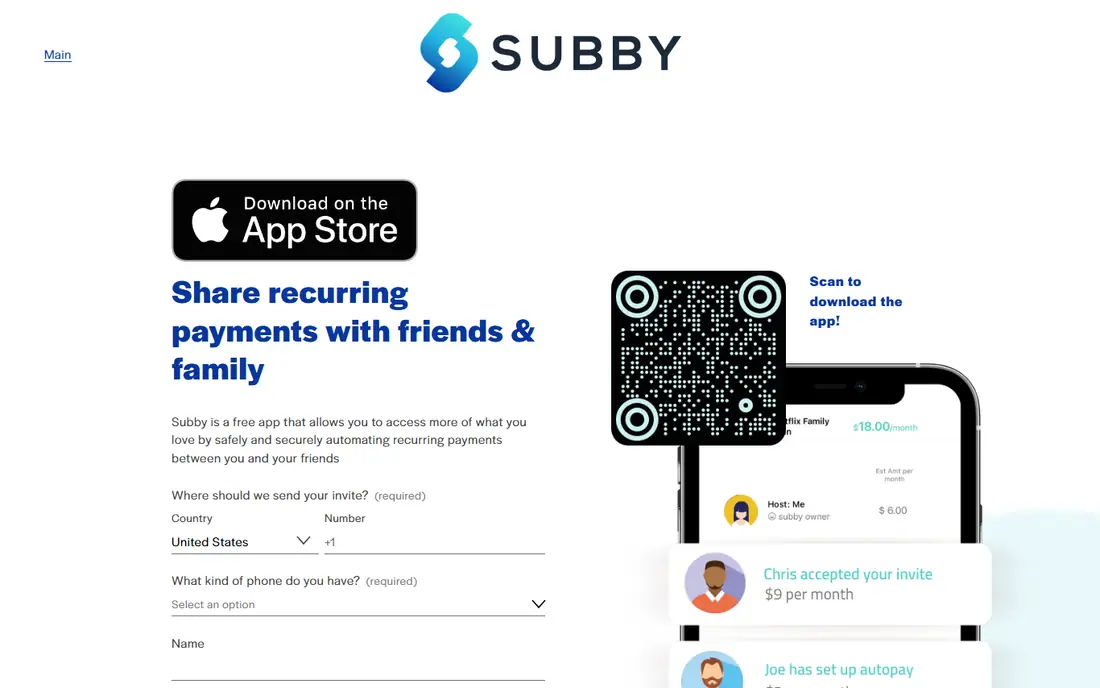
Subby is another manual tracker, with subscription entry, renewal reminders, and access across devices. It suits households and individuals who want a shared view of recurring costs without linking financial accounts. You can track streaming, software, gym, and other subscriptions in one list and see total monthly and annual costs.
Subby does not detect forgotten subscriptions from bank data, and it does not cancel services on your behalf. Premium features add unlimited tracking and extra tools, with pricing varying by platform. Choose Subby if privacy matters more than automation, and you are willing to enter subscriptions once and maintain the list.
What we like- Manual entry with multi-device access
- Renewal alerts
- No bank credentials needed
Watch out for- No automatic bank detection
- Cancellation guides vary by service
- Premium features cost extra
Starting priceFree
Free planYes
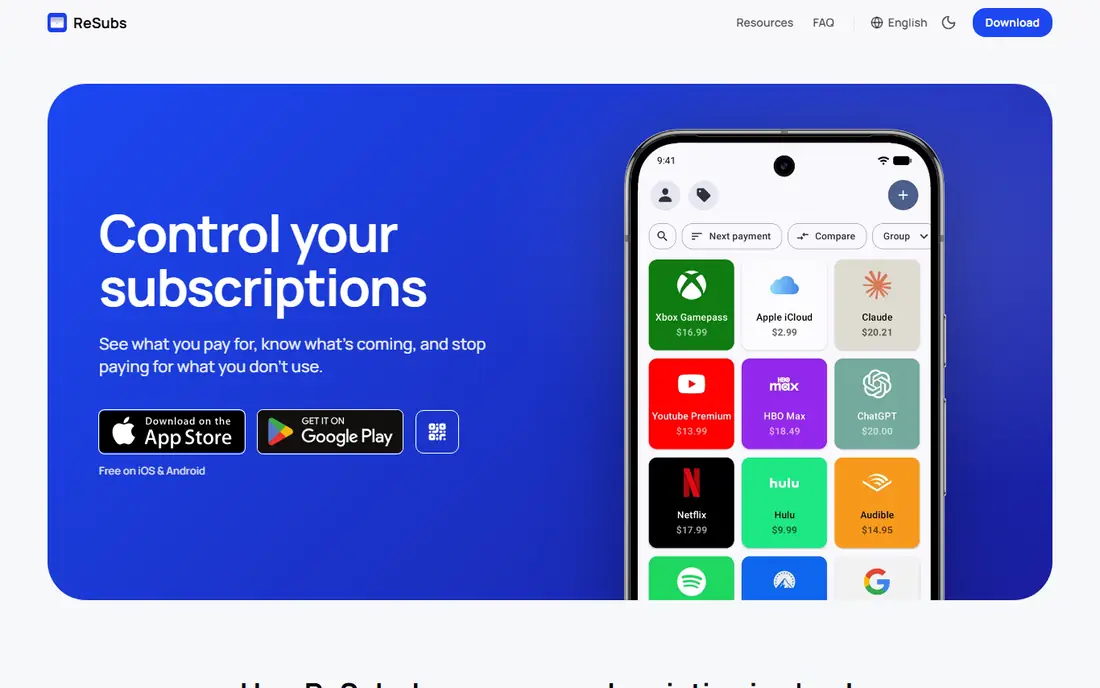
ReSubs takes a middle path between manual entry and bank linking. You can add subscriptions by manual entry, by AI extraction from screenshots, by Gmail import, or by CSV import, without giving the app bank credentials. It tracks trial-to-paid conversions, lifecycle states, and multi-currency costs, with more than 30 free cancel guides for common services.
The free tier has limits, and ReSubs does not offer automatic bank-linked detection, so a subscription you never enter will not appear. Premium upgrades remove limits and add features at a recurring cost that varies by platform. ReSubs suits privacy-conscious users who want easier entry than pure manual typing, without bank access.
What we like- No bank access required
- AI extraction from screenshots, Gmail, and CSV
- Trial reminders
- Multi-currency support
Watch out for- Free tier has limits
- No automatic bank-linked detection
- Premium is a recurring cost
Starting priceSee website
Free planNo
Subpilot is positioned in recent subscription tracker guides as a full-workflow option, covering detection through assisted cancellation. That makes it different from pure manual trackers, since it aims to help you act on what it finds rather than only list your subscriptions. Its dashboard shows recurring costs in one place, which helps when you audit a household or small business budget.
Pricing and exact cancellation coverage are less clearly published than at Rocket Money, and success varies by provider, since some merchants require direct cancellation by the account holder. Subpilot suits users who want more than reminders but do not want a full budgeting app, provided they confirm current pricing and coverage before paying.
What we like- Covers detection through assisted cancellation
- Subscription dashboard
- Help with cancel steps
Watch out for- Pricing is not clearly published
- Smaller profile than Rocket Money
- Cancellation help varies by provider
Starting price$74.99 per year
Free planYes
PocketGuard is a budgeting app that also surfaces subscriptions inside your spending picture. Its main feature is a safe-to-spend number, which shows what remains after bills, goals, and subscriptions are accounted for. That context helps you decide whether a subscription is worth keeping, even though PocketGuard is not primarily a cancellation service.
PocketGuard will not cancel most subscriptions for you in the way Rocket Money Premium does, so you will still need to contact providers yourself. The full feature set costs $74.99 per year in published guides, with a free tier for basic tracking. It suits people who want subscription visibility inside a broader budget, rather than a cancellation-only tool.
What we like- Shows what is safe to spend after bills
- Subscription views inside a budget
- Free tier available
Watch out for- Not a dedicated cancellation service
- Cancellation help is limited
- Annual price for full features
Starting priceSee website
Free planFree trial
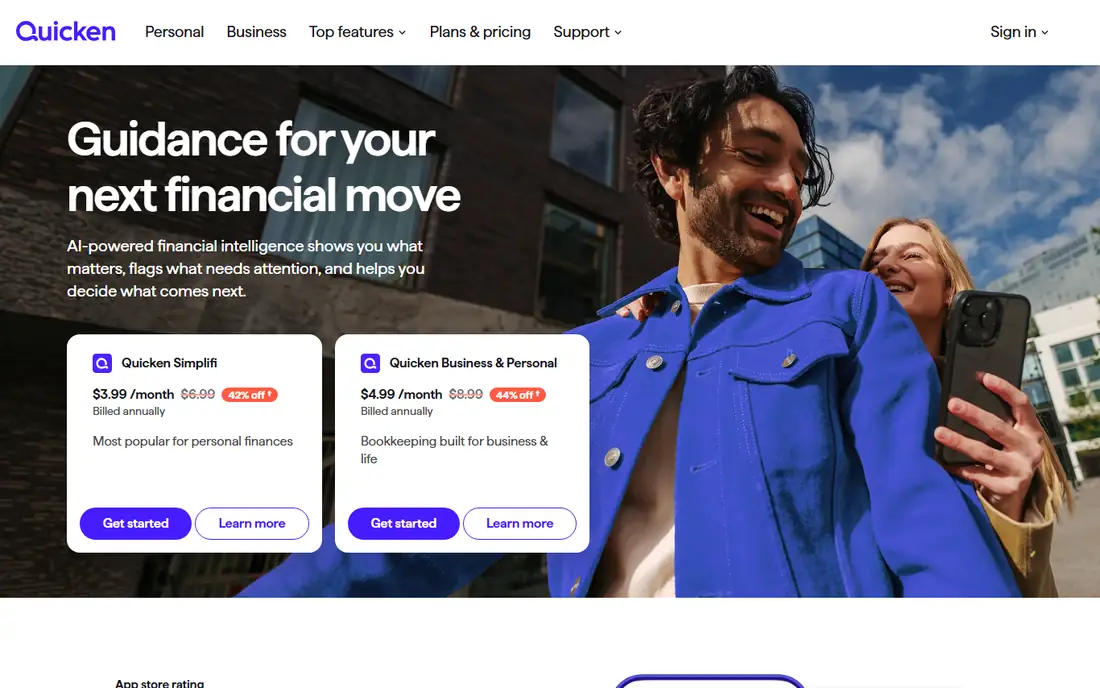
Simplifi by Quicken places recurring transactions alongside budgets, savings goals, and spending reports, so subscriptions appear in the context of your full financial picture. That helps when a subscription looks small alone but adds up with others in the same category. Watchlists and reports make it easier to spot price rises and duplicate services.
Simplifi does not offer a done-for-you cancellation service, so you must cancel unwanted services directly with each provider. It is also a broader finance app, which may be more than a user who only wants cancellation help needs. Simplifi suits people who already want a full budgeting tool and want subscription tracking included in it.
What we like- Recurring transactions beside budgets and goals
- Watchlists for spending
- Strong reporting
Watch out for- Subscription cancellation is manual
- Full price needs a plan check
- Broader than a cancellation app
How we chose
We reviewed vendor pages and current subscription tracker guides, and we favored apps that are actively available in the US in 2026. We included bank-linked detection apps, free trackers, manual privacy-focused apps, and budgeting apps with subscription views, because cancellation needs differ. We also noted where done-for-you cancellation is limited to certain customers or paid plans, since that detail changes whether an app actually cancels for you.
Detection, reminders, or cancellation for you
The right app depends on which job you need done. Detection finds subscriptions you forgot, reminders stop annual renewals from slipping past, and cancellation services save the time and hassle of contacting providers. Many users need detection first, then reminders, and only a few need full cancellation help every month.
Bank linking versus manual entry
Bank linking finds forgotten charges quickly, but it requires trust in the app security and data handling. Manual entry keeps your bank data private, but it only tracks what you remember to add. ReSubs offers a middle path with screenshot, Gmail, and CSV imports, while Bobby and Subby stay fully manual. Choose the level of access you are comfortable with, and review connected accounts regularly.
What to do with the list once you have it
Sort subscriptions by annual cost, not monthly cost, since a $10 monthly charge is $120 per year. Cancel duplicates first, such as two music or video services with overlapping content, then pause seasonal subscriptions instead of canceling if you will return. Set a quarterly review date, because new trials and annual renewals can rebuild the list quickly.
Trials, annual plans, and price rises
Free trials are the most common source of forgotten charges, so set a reminder two days before a trial ends, not on the day itself. Annual plans save money only if you use the service all year, so compare annual cost with actual use before renewing. If a price rises, check whether a lower tier, a pause option, or a competing service offers the same features for less.
Frequently asked questions
Can an app cancel subscriptions for me?
Some can, with limits. Rocket Money Premium cancels eligible subscriptions on your behalf, and OneMain MyMoney does the same for OneMain and Brightway customers. Most other trackers show you what to cancel and how, but you must contact the provider yourself.
Is it safe to link my bank account to a subscription app?
Bank-linked apps typically use secure, read-only connections through providers such as Plaid, which can see transactions but cannot move money. If that access worries you, choose a manual app such as Bobby, Subby, or ReSubs, which do not require bank credentials.
What happened to Trim?
Trim joined OneMain Financial in 2021 and now runs as OneMain MyMoney. The old Trim address forwards to OneMain MyMoney, and its tracking features are free, but done-for-you cancellation and negotiation are limited to OneMain and Brightway customers.
How much can I save by canceling subscriptions?
Savings depend on what you find, but many users discover several forgotten or duplicate subscriptions in a first scan. Sorting by annual cost makes the total clear, since a handful of $10 to $20 monthly charges can add up to hundreds of dollars per year.
Do manual trackers work if I forget a subscription?
No, manual trackers only show what you enter. If you suspect forgotten charges, use a bank-linked app for a first scan, then move the list to a manual app if you prefer not to keep bank access connected long term.
Should I pay for a subscription cancellation app?
Pay only if you need automatic detection, done-for-you cancellation, or bill negotiation. If you already know your subscriptions and only need reminders, a free manual app such as Bobby, Subby, or ReSubs is usually enough.
Sources we checked (8)
- https://www.rocketmoney.com
- https://www.onemainmymoney.com
- https://www.bobbyapp.co
- https://www.subby.app
- https://www.resubs.app
- https://www.subpilot.com
- https://www.pocketguard.com
- https://www.quicken.com
Is your product missing or out of date?
We review this list regularly. Vendors can request a listing, send updated pricing or ask about featured placement.

Shihab Mia · Founder, Rankite
Shihab has 5+ years in B2B and SaaS SEO. He writes Rankite's software buying guides from pricing pages, documentation and public user reviews. More about Shihab.