How we make this list: we compare pricing pages, product documentation and public user reviews. Ratings come from G2, Capterra or Trustpilot, with the date we checked them.
Key takeaways
- Anki is the strongest long-term memory tool, and it is free on desktop, web, and Android, with a one-time $24.99 charge only for the iPhone app.
- Quizlet wins when a ready-made set already exists for a standard course, while Anki wins when the goal is remembering material for months.
- Notion is the best single home for notes, deadlines, and group projects, and eligible students can get its Plus plan free with a school email.
- Forest turns focus into a visible habit by growing a virtual tree during each timed session, which suits students who reach for their phone too often.
- Khan Academy remains the best free option for filling gaps in math, science, and test preparation, because its full courses cost nothing.
Quick comparison
| Tool | Best for | Starting price | Free plan |
|---|
 Quizlet Quizlet | Ready-made flashcard sets | $35.99 per year | Yes |
 Anki Anki | Long-term spaced repetition | $24.99 one-time (iOS) | Yes |
 Notion Notion | Notes, deadlines, and projects | $10 per member per month (billed annually) | Yes |
 Forest Forest | Focus sessions and phone discipline | See website | Yes |
 Goodnotes Goodnotes | Handwritten notes on iPad | $11.99 per year | Yes |
 Evernote Evernote | Clipping and searching everything | See website | Yes |
 Khan Academy Khan Academy | Free courses and practice | Free | Yes |
 Knowt Knowt | Free Learn mode and Quizlet import | See website | Yes |
Is your product missing or out of date?
We review this list regularly. Vendors can request a listing, send updated pricing or ask about featured placement.
The best study apps for college students
#1Quizlet
Best for: Ready-made flashcard sets4.5/5 on
G2 (291 reviews, checked Oct 2026)
Visit quizlet.com
Starting price$35.99 per year
Free planYes
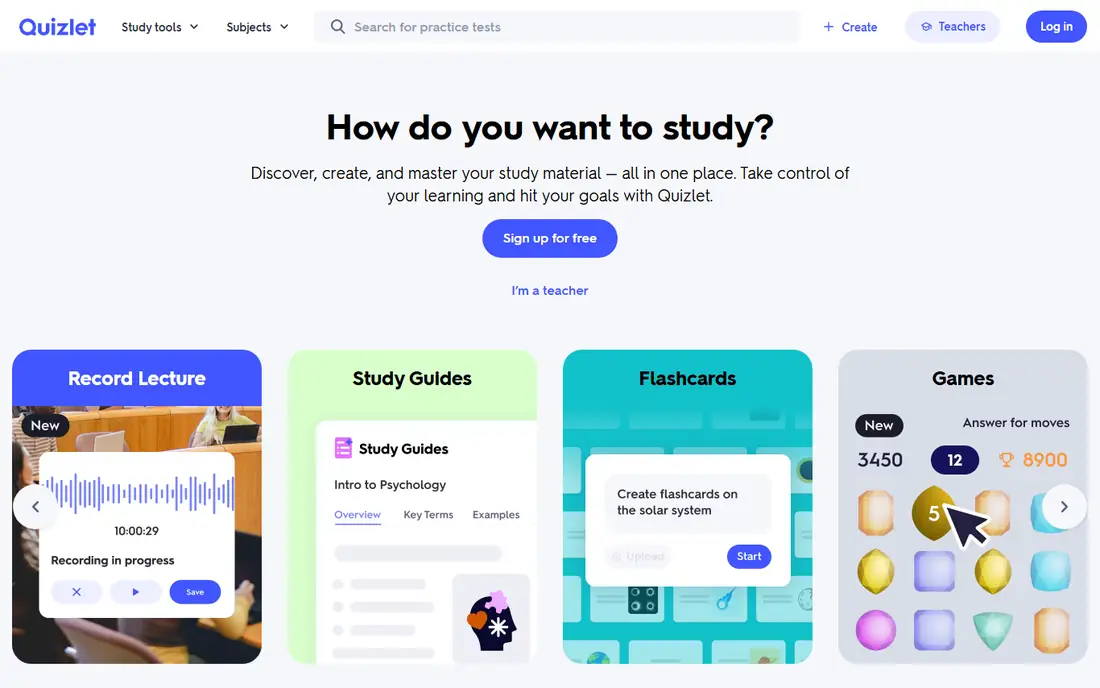
Quizlet is the fastest way to start revising, because someone has usually made a set for the course already. Searching for a textbook chapter or a topic often returns a usable deck in seconds, and Learn mode turns that deck into questions instead of passive flipping. Teachers can also run live classroom games from a set, which makes group review less dull than reading notes aloud.
The free tier still allows card creation and basic study modes, but Learn rounds are capped at 20 per month, practice tests are limited, and ads interrupt sessions. Quizlet Plus, at $35.99 per year, removes ads and raises those limits, with an Unlimited tier at $44.99 per year for students who need unlimited Learn rounds. Quizlet suits exam-season cramming and shared class decks. It suits long-term retention less well than Anki, because its scheduling is simpler.
What we like- Huge library of shared sets
- Learn mode and practice tests
- Classroom games for group review
Watch out for- Free tier caps Learn rounds and practice tests
- Ads appear throughout free studying
Starting price$24.99 one-time (iOS)
Free planYes
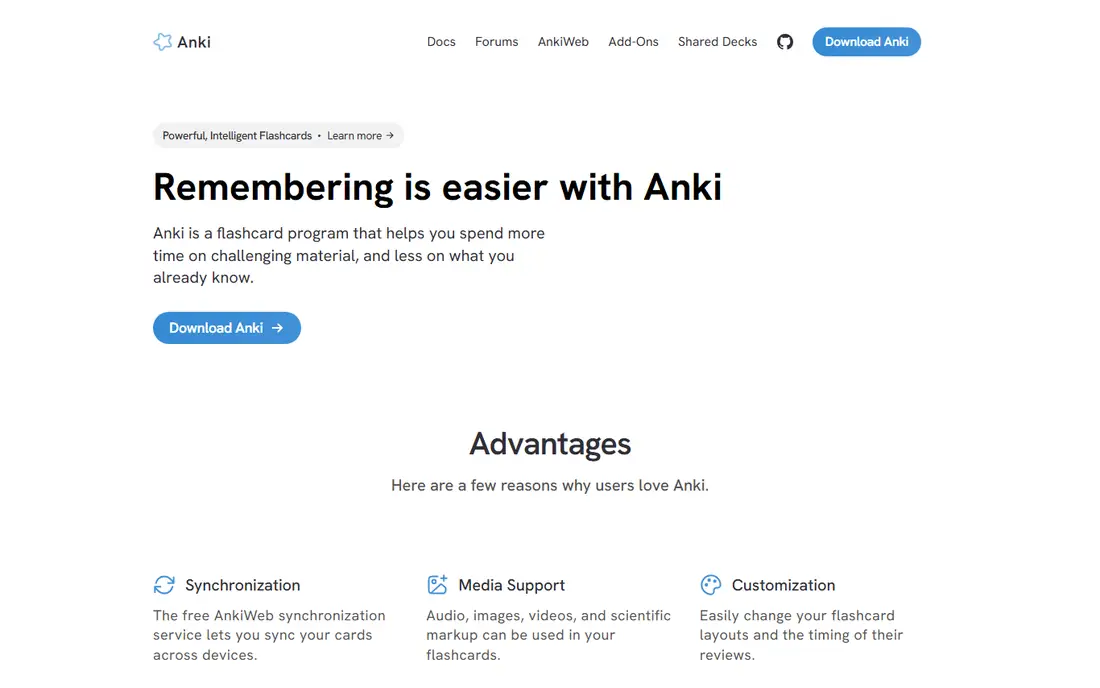
Anki is built on a simple principle: show a card again just before it would be forgotten. The algorithm schedules each card based on how easily it was recalled, so study time goes to weak material instead of cards already known. Over a semester, that compounding effect is why medical and language students rely on Anki more than any other flashcard tool.
The cost structure is unusual and generous. Desktop, web sync, and Android are free, and the iPhone app costs $24.99 once, with no subscription after that. The price is the look and the learning curve: the interface is plain, deck settings take time to understand, and making good cards is a skill in itself. Students who invest a week in learning Anki usually keep it for years. Students who want instant polish may prefer Quizlet.
What we like- Powerful spaced repetition algorithm
- Free on desktop, web, and Android
- Huge community of shared decks
Watch out for- Plain interface takes setup time
- IPhone app costs $24.99 one-time
#3Notion
Best for: Notes, deadlines, and projects4.6/5 on
G2 (13,834 reviews, checked Oct 2026)
Visit notion.com
Starting price$10 per member per month (billed annually)
Free planYes
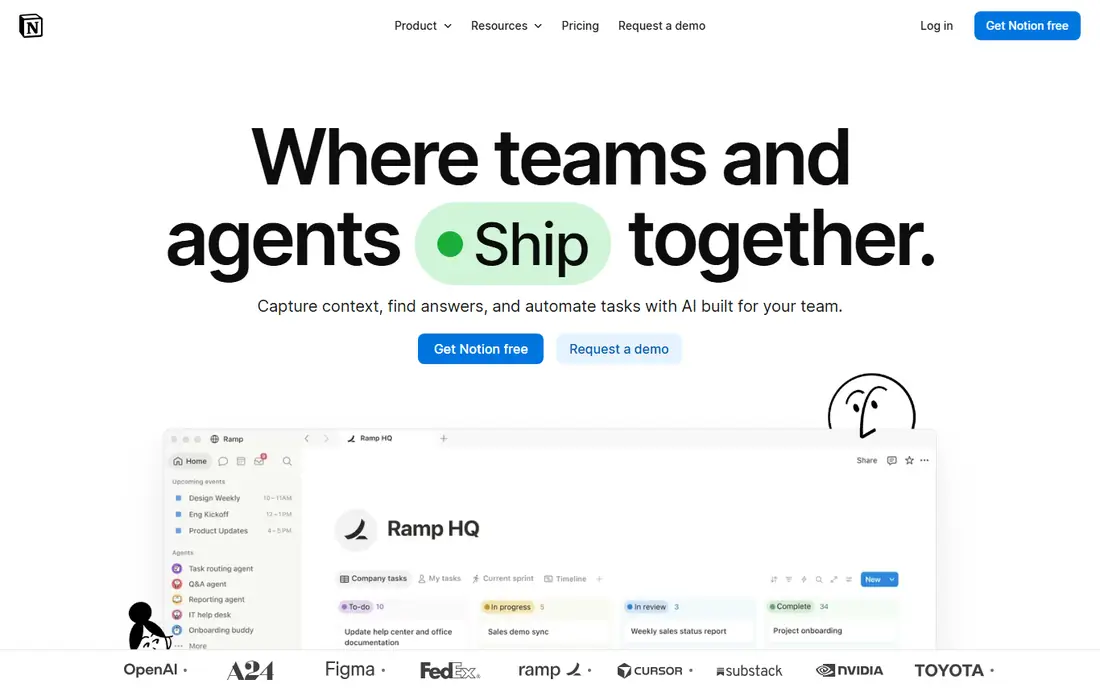
Notion replaces a scattered set of notes, to-do lists, and shared documents with one workspace. A student can keep lecture notes, a revision database, assignment deadlines, and a group project board in the same place, and link between them instead of hunting through folders. Templates for class schedules and exam trackers reduce setup time, and real-time sharing makes group work practical without a separate tool.
The free plan covers most individual needs, with unlimited pages for solo use, a 5 MB file upload limit, and 7-day page history. Plus costs $10 per member per month billed annually, or $12 billed monthly, and eligible students and teachers can get a one-member Plus workspace free with an approved school email. Overbuilding is the main risk: a workspace with too many databases becomes a project of its own. Used lightly, Notion is the best study hub on this list.
What we like- Notes, databases, calendars, and docs in one workspace
- Strong templates for class planning
- Free Plus for eligible students
Watch out for- Can feel slow on older devices
- Offline use is unreliable on the free plan
Starting priceSee website
Free planYes
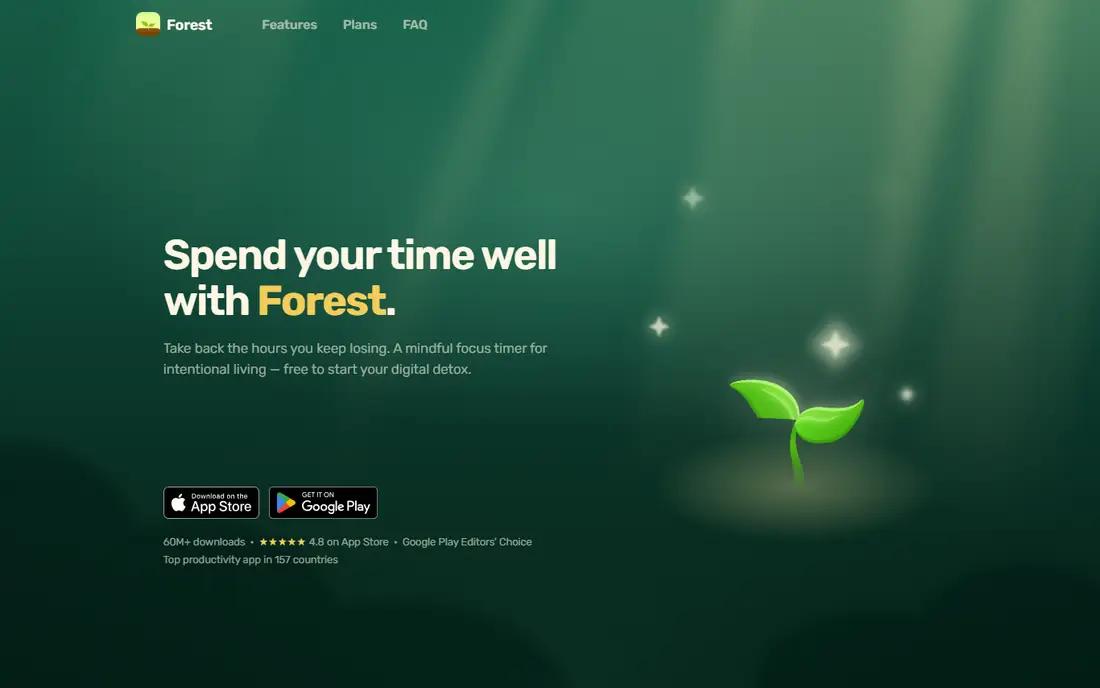
Forest attacks the most common study problem, which is the phone itself. Starting a session plants a virtual tree, and the tree grows while the timer runs. Leaving the app to scroll kills the tree, which is a small loss that still stings enough to keep many students inside the session. Over weeks, the forest becomes a visible record of focused time.
Friends can plant trees together, and the app offers a collection of tree species to collect, which adds light motivation without turning study into a game. Forest is free on Android, with a paid version on iOS, and pricing varies by platform, so the store listing is the reliable figure. Forest does not store notes or flashcards, so it pairs best with Anki, Quizlet, or Notion rather than replacing them.
What we like- Timed sessions build a visible forest
- Friends can plant together
- Gentle penalty when a session is abandoned
Watch out for- Price varies by platform
- Focus timer alone does not organize study material
Starting price$11.99 per year
Free planYes
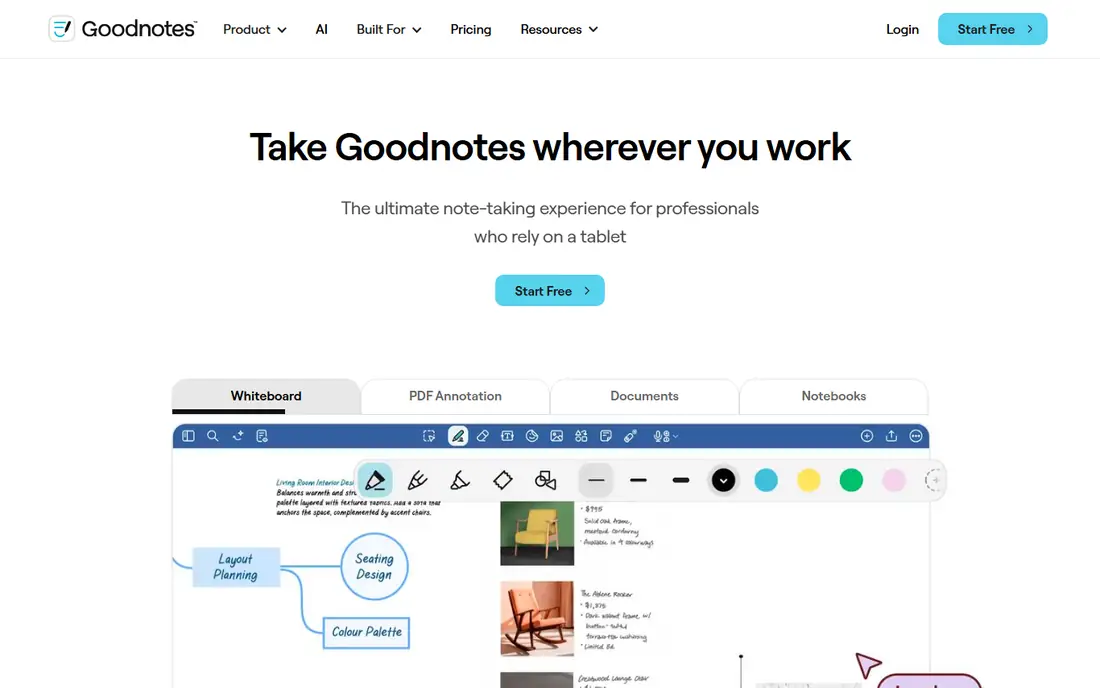
Goodnotes is the closest digital equivalent to a paper notebook that still allows searching. Handwriting feels natural with a stylus, notes can be searched by keyword, and lecture PDFs can be annotated directly instead of printed. Subjects can be organized into notebooks and folders, and templates for planners and revision sheets are built in.
The free tier allows a limited number of notebooks, which is enough to test the handwriting feel. Essential costs $11.99 per year and Pro costs $35.99, with older one-time purchase options reported in some stores. The catch is hardware: the experience shines on iPad with a stylus, and students without that setup get less value. For iPad owners who learn by writing, Goodnotes is the strongest note-taking pick here.
What we like- Natural handwriting with searchable notes
- Excellent PDF annotation
- Folders and templates for subjects
Watch out for- Best experience needs an iPad and stylus
- Android version is less mature
#6Evernote
Best for: Clipping and searching everything4.3/5 on
G2 (2,034 reviews, checked Oct 2026)
Visit evernote.com
Starting priceSee website
Free planYes
Evernote has one enduring strength: it captures and finds things. Articles, lecture slides, PDFs, photos of whiteboards, and web pages can be clipped into notebooks, and search reaches inside PDFs and images, not just note titles. For research-heavy courses where sources pile up across the semester, that search quality still matters.
The free tier is tight, with 60 MB of monthly uploads and limited device sync, so heavy users will hit the ceiling quickly. Paid plans have changed names and prices more than once, with Personal previously listed around $14.99 per month and newer Starter and Advanced tiers priced annually, so the vendor pricing page is the only safe source at checkout. Evernote is worth it for students who clip daily and search constantly. Students who mainly type lecture notes get better value from Notion or Goodnotes.
What we like- Reliable web clipper
- Search inside PDFs and images
- Syncs across phone, desktop, and web
Watch out for- Free tier limits uploads to 60 MB per month and sync to few devices
- Paid plans cost more than rivals
#7Khan Academy
Best for: Free courses and practice4.5/5 on
G2 (177 reviews, checked Oct 2026)
Visit khanacademy.org
Starting priceFree
Free planYes
Khan Academy is the best free study app in this list, full stop. Its courses cover math from arithmetic to calculus, science, computing, history, and economics, with short videos, worked examples, and practice exercises that adapt as the learner improves. SAT and other test preparation material is included at no cost, which makes it a strong supplement for students filling gaps before a course starts.
The limitation is depth. Khan Academy teaches foundations extremely well but does not replace university lectures, advanced readings, or a spaced repetition system for memorizing facts. It also has no built-in flashcard tool, so students often pair it with Anki for retention. For a student who needs to relearn algebra before a statistics course, or to preview a science topic, there is no better free starting point.
What we like- Full courses in math, science, and humanities cost nothing
- Practice exercises adapt to the learner
- Test prep included
Watch out for- Less suited to advanced university material
- No flashcard or spaced repetition system built in
Starting priceSee website
Free planYes
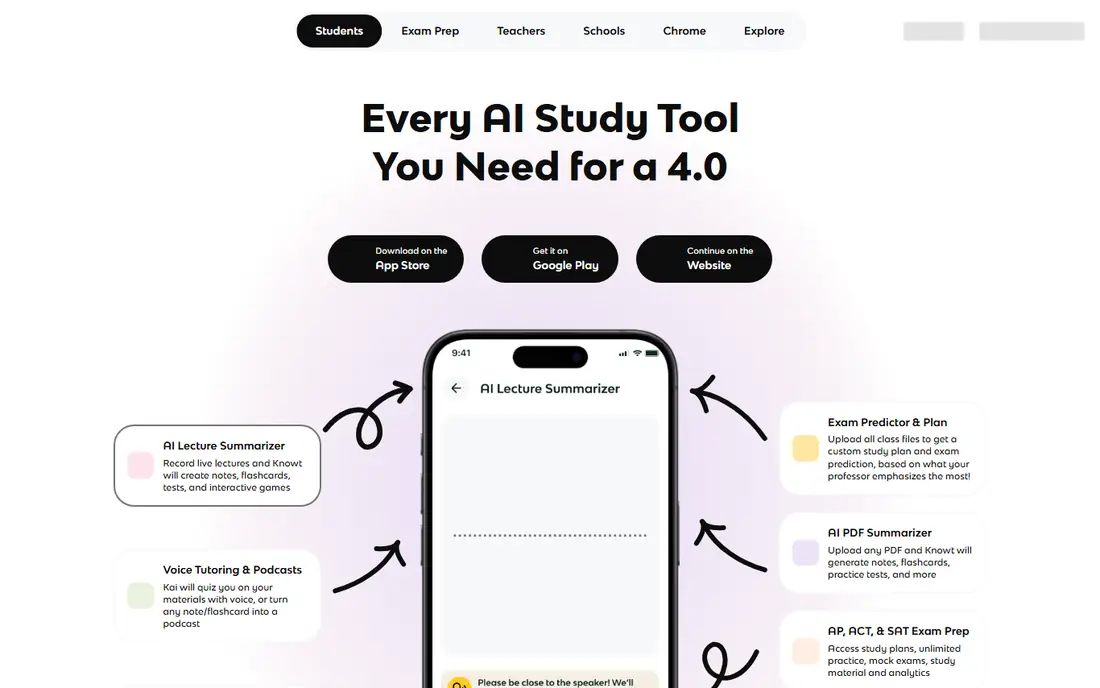
Knowt is the closest free alternative to Quizlet, and its main trick is a one-click import of Quizlet sets. Students who built decks on Quizlet can move them over and keep using Learn mode without paying, which matters now that Quizlet caps free Learn rounds. Knowt also adds free spaced repetition and can turn uploaded notes, PDFs, and lecture videos into flashcards and notes.
The shared library is smaller than Quizlet, so finding a ready-made set for an obscure course is less likely. AI features such as summaries and a voice tutor sit behind the Ultra plan, and pricing for that plan varies, so the vendor page should be checked before upgrading. Knowt fits students who want Quizlet-style studying without the subscription, and who are willing to make or import their own sets.
What we like- Imports Quizlet sets in one click
- Free Learn mode and spaced repetition
- Turns notes and videos into flashcards
Watch out for- Smaller shared library than Quizlet
- Some AI features need a paid Ultra plan
How we chose
We compared vendor pricing pages, app store listings, documentation, and public reviews on G2, Capterra, and Reddit, keeping only apps that are currently available and genuinely used for studying. Each app was judged on who it fits, what it does well, what the free tier limits, and how it handles the jump from first use to daily use across a semester. Prices were checked in October 2026, and any price that could not be confirmed from a reliable current listing is marked as See website.
Choosing a study stack, not a single app
No single app covers every study task, and trying to force one to do so usually ends with an overbuilt system that gets abandoned. A practical stack has four parts: a place for notes, a tool for memory, a timer for focus, and a source for learning gaps. Notion or Goodnotes can hold the notes, Anki or Quizlet can handle memory, Forest can guard focus time, and Khan Academy can fill missing background knowledge.
Matching the app to the subject
Memory-heavy subjects such as languages, anatomy, and law reward Anki, because spaced repetition pays off over months. Courses built around shared problem sets and class decks reward Quizlet, because the ready-made material saves hours. Writing-heavy courses reward a note app with good search, such as Notion or Evernote, while problem-based courses reward practice sources such as Khan Academy. Start with the subject, then pick the app, not the other way around.
Keeping costs down
Most students can study well for very little money. Anki is free on desktop and Android, Khan Academy is free, Notion is free for individuals, and Knowt offers free Learn mode. The paid upgrades worth considering are Quizlet Plus during exam season, Goodnotes Essential for iPad note-takers, and Notion Plus for students who need larger file uploads or longer page history. Check for student discounts before paying full price, and cancel a subscription at the end of term if it was only needed for exams.
Frequently asked questions
What is the best free study app?
Anki on desktop or Android and Khan Academy together cover memory and learning gaps for free. Notion adds free note organization, and Knowt adds free Learn mode with Quizlet import. A student using those four tools can study effectively without spending anything, apart from the optional one-time iPhone cost for Anki.
Is Quizlet or Anki better for exams?
Quizlet is better for a fast start, especially when classmates already share a set for the course. Anki is better for remembering material months later, because its spaced repetition algorithm schedules reviews more carefully. Many students use Quizlet to find or build a set, then move the material into Anki for long-term review.
Do I need a paid study app as a college student?
Most students do not, at least at first. Free tiers of Notion, Anki, Khan Academy, and Knowt cover notes, memory, and learning gaps. Paid plans become useful when a specific limit bites, such as Quizlet Learn caps during exam season or Goodnotes notebook limits for an iPad user. Try the free tier for two weeks before paying.
What is the best study app for focus?
Forest is the strongest dedicated focus app here, because it ties phone discipline to a visible result: a growing forest. A simple timer can work too, but Forest adds a mild penalty for quitting early, which helps students who check their phone out of habit. Pair it with a study tool rather than using it alone.
Can study apps replace lectures and textbooks?
No. Study apps organize, repeat, and test material, but they do not replace the course itself. Khan Academy can preview or review a topic, Anki can hold facts in memory, and Notion can organize notes, yet lectures, readings, and practice problems remain the source material. The apps work best as a layer on top of the course, not as a substitute for it.
Sources we checked (8)
- https://quizlet.com
- https://apps.ankiweb.net
- https://www.notion.com
- https://forestapp.cc
- https://www.goodnotes.com
- https://www.evernote.com
- https://www.khanacademy.org
- https://www.knowt.com
Is your product missing or out of date?
We review this list regularly. Vendors can request a listing, send updated pricing or ask about featured placement.

Shihab Mia · Founder, Rankite
Shihab has 5+ years in B2B and SaaS SEO. He writes Rankite's software buying guides from pricing pages, documentation and public user reviews. More about Shihab.