How we make this list: we compare pricing pages, product documentation and public user reviews. Ratings come from G2, Capterra or Trustpilot, with the date we checked them.
Key takeaways
- Building specialists and general-purpose tools differ: ETABS leads for high-rise buildings, while SAP2000 and RFEM handle a wider mix of structures including bridges and specialty frames.
- Cloud tools such as SkyCiv lower the entry cost and remove licence servers, but desktop suites from CSI, Bentley, and RISA remain the standard for large firms and code-heavy work.
- All eight tools here are commercial products with quote-based pricing, so budget for licences, training, and code add-ons rather than a single published price.
- Code coverage decides more than interface: confirm your required codes, such as AISC, ACI, ASCE 7, or Eurocode, before committing to any package.
Quick comparison
| Tool | Best for | Starting price | Free plan |
|---|
 ETABS ETABS | High-rise building analysis and design | See website | No |
 SAP2000 SAP2000 | General-purpose structural analysis | See website | No |
 STAAD.Pro STAAD.Pro | Infrastructure and industrial structures | See website | No |
 Tekla Structural Designer Tekla Structural Designer | Single-model building design and analysis | See website | No |
 RISA-3D RISA-3D | US building design with broad code support | See website | No |
 SkyCiv Structural 3D SkyCiv Structural 3D | Cloud-based analysis for small teams | See website | No |
 Dlubal RFEM Dlubal RFEM | Finite element analysis for complex structures | See website | No |
 SCIA Engineer SCIA Engineer | European building and civil structures | See website | No |
Is your product missing or out of date?
We review this list regularly. Vendors can request a listing, send updated pricing or ask about featured placement.
The best structural analysis software
#1ETABS
Best for: High-rise building analysis and design3.8/5 on
G2 (6 reviews, checked Oct 2026)
Visit csiamerica.com
Starting priceSee website
Free planNo
ETABS is Computers and Structures Inc.'s building analysis and design program, listed on its homepage alongside SAP2000, CSiBridge, and SAFE. Its story-based modeling matches how engineers think about buildings: floors, shear walls, and frames organized by level, with seismic, wind, and gravity loads applied across the whole structure. That focus is why ETABS is the default choice for high-rise towers and complex commercial buildings.
The trade-off is scope. ETABS is optimized for buildings, so a bridge, a dam, or a highly irregular industrial frame is usually better modeled in SAP2000 from the same vendor. Pricing is by quote, and most firms buy ETABS as part of a CSI suite rather than alone. For a practice whose work is mainly buildings, ETABS remains the benchmark.
What we like- Purpose-built for buildings with story-based modeling
- Strong seismic and wind analysis
- Long track record in high-rise design
Watch out for- Building-focused, so bridges and specialty structures fit better in SAP2000
- Pricing by quote
Starting priceSee website
Free planNo
SAP2000 is CSI's general-purpose structural analysis and design program, and it is the tool engineers reach for when a structure does not fit a building template. It covers bridges, industrial frames, towers, tanks, and dams, with nonlinear, dynamic, and staged-construction analysis for complex behavior. Because it shares a vendor family with ETABS, CSiBridge, and SAFE, models and workflows move between CSI products more easily than across vendors.
The cost of that breadth is a steeper learning curve for engineers who only design buildings, since the interface exposes far more options than a building-only tool. Pricing is by quote. For a firm with mixed project types, or one that needs advanced analysis such as pushover or time-history work, SAP2000 is the most flexible CSI option.
What we like- Handles buildings, bridges, dams, and specialty structures
- Deep nonlinear and dynamic analysis
- Same vendor family as ETABS for easy model sharing
Watch out for- General-purpose interface takes longer to learn for building-only work
- Pricing by quote
#3STAAD.Pro
Best for: Infrastructure and industrial structures4.4/5 on
G2 (75 reviews, checked Oct 2026)
Visit bentley.com
Starting priceSee website
Free planNo
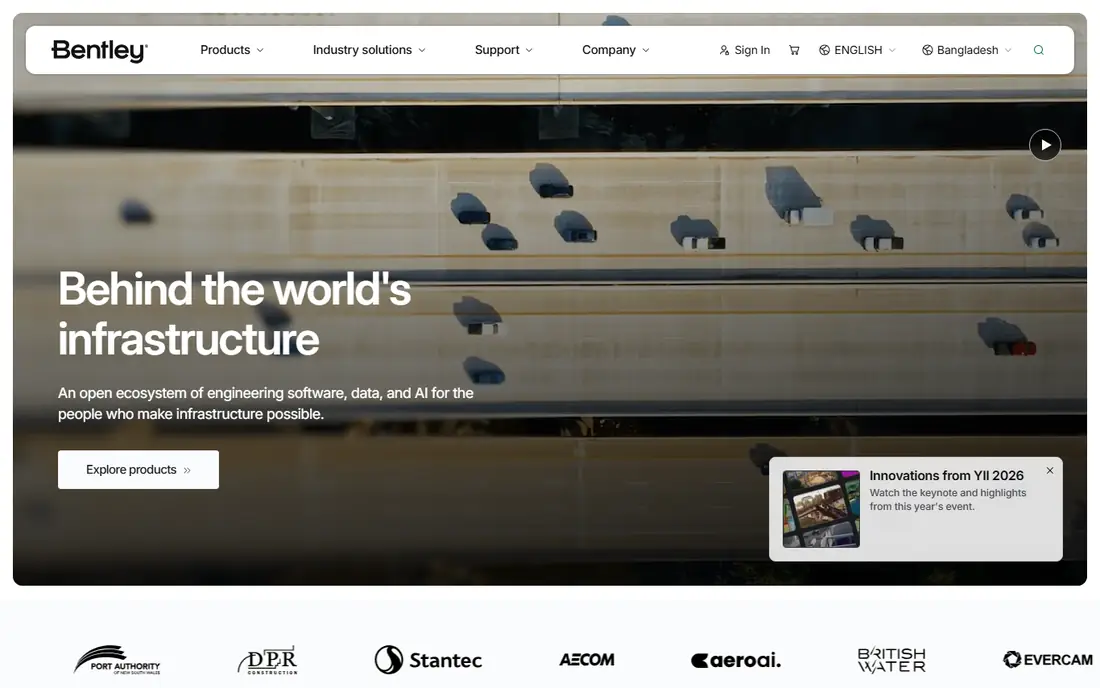
STAAD.Pro is Bentley Systems' structural analysis and design program, sitting inside a much larger infrastructure software family that covers roads, rail, water, and cities. That context suits STAAD.Pro's strengths: industrial plants, bridges, towers, and infrastructure structures, with code support spanning US, European, Indian, and other international standards. It also connects with Bentley's modeling and project delivery tools, which matters on large infrastructure programs.
The main drawbacks are price opacity, since Bentley quotes licences rather than publishing them, and an interface that long-time users praise for familiarity but new users may find less modern than SkyCiv or Tekla. For an infrastructure or industrial practice already working in Bentley's ecosystem, STAAD.Pro is the natural analysis choice.
What we like- Backed by Bentley's infrastructure platform
- Broad international code support
- Strong for plants, bridges, and industrial frames
Watch out for- Pricing by quote
- Interface feels dated compared with newer cloud tools
#4Tekla Structural Designer
Best for: Single-model building design and analysis4.3/5 on
G2 (12 reviews, checked Oct 2026)
Visit tekla.com
Starting priceSee website
Free planNo
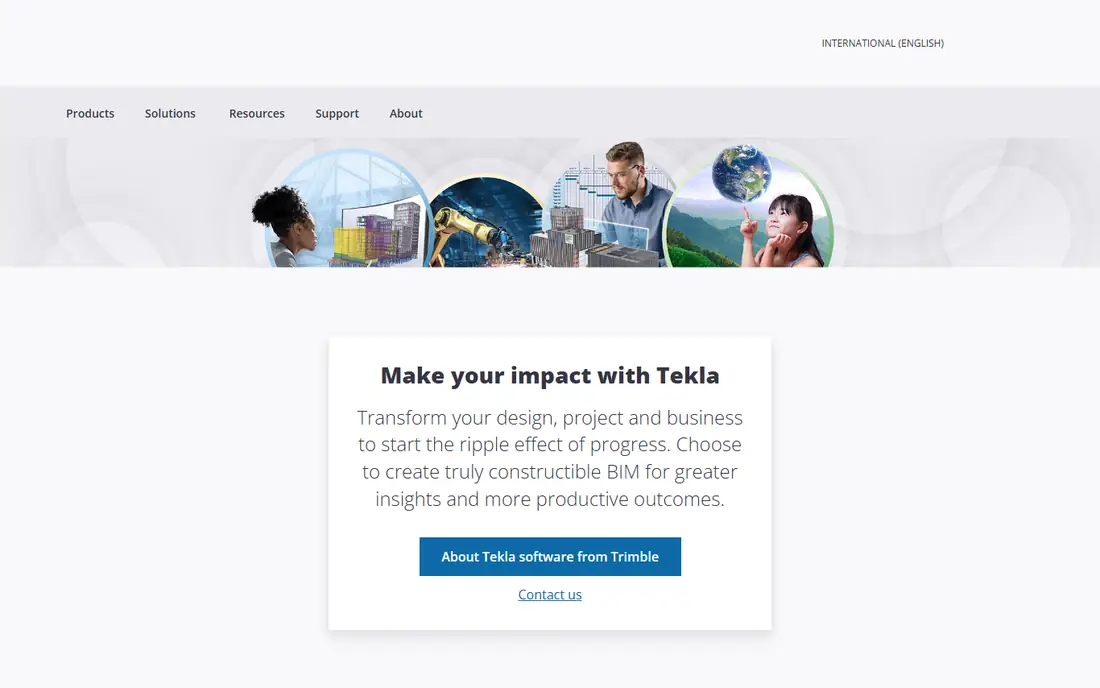
Tekla Structural Designer, from Trimble's Tekla line, combines analysis and design in a single model-based process, so engineers do not rebuild a model to move from analysis results to member design. Its homepage presents it alongside Tekla Structures for detailing, Tekla Tedds for calculations, and Tekla PowerFab for fabrication, forming a full workflow from design through shop drawings. A free trial is offered directly from the product page.
The limit is focus: like ETABS, Tekla Structural Designer is a building tool, and bridges or specialty structures fall outside its core. Pricing is by quote. For a building practice that also details steel or concrete, the link to Tekla Structures is a real advantage, since the analysis model and the fabrication model stay connected.
What we like- Analysis and design combined in one model
- Links with Tekla Structures for detailing
- Free trial offered from the homepage
Watch out for- Building-focused, so non-building structures need another tool
- Pricing by quote
#5RISA-3D
Best for: US building design with broad code support5.0/5 on
Capterra (2 reviews, checked Oct 2026)
Visit risa.com
Starting priceSee website
Free planNo
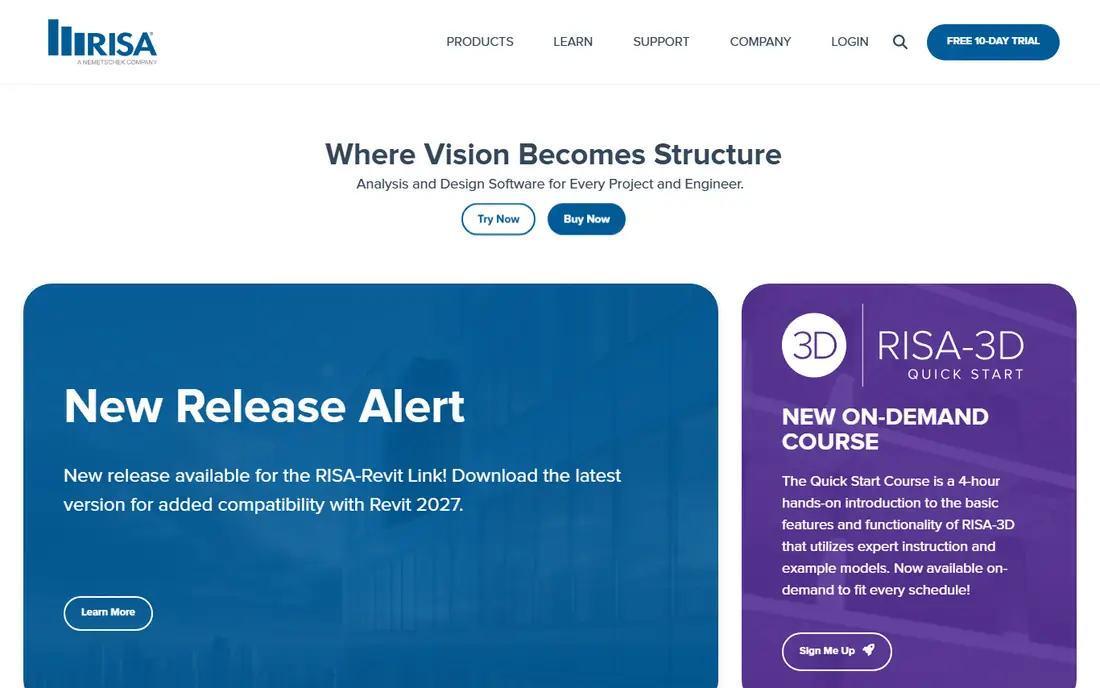
RISA-3D is the general 3D analysis and design product in the RISA suite, joined by RISAFloor for floor systems, RISAFoundation for foundations, RISAConnection for steel connections, and ADAPT products for post-tensioned concrete. Its homepage lists support for US codes including ASCE 7, AISC 360, ACI 318, and NDS, plus IBC, Canadian CSA, and Eurocode, covering commercial and residential buildings, healthcare, education, industrial plants, stadiums, and bridges.
Licensing is cloud-based, letting firms share licences among users and borrow them for offline work, which suits hybrid teams. Pricing is by quote through RISA sales. For a US building practice that wants one vendor for analysis, floors, foundations, and connections, RISA-3D is a strong, well-supported choice.
What we like- General 3D analysis and design with a full product suite
- Supports ASCE 7, AISC 360, ACI 318, NDS, IBC, CSA, and Eurocode
- Cloud licensing with offline borrowing
Watch out for- Pricing by quote
- Strongest in US practice, so some international workflows need checking
#6
SkyCiv Structural 3D
Best for: Cloud-based analysis for small teams
Visit skyciv.com
Starting priceSee website
Free planNo
SkyCiv is a cloud structural engineering platform whose homepage promises one platform for the entire workflow: model, analyze, design, and generate reports without juggling multiple packages. It supports steel, wood, concrete, cold-formed steel, and aluminium design codes including AISC, EN, AISI, NDS, AS, and CSA, and it reports more than 10,000 engineers using the platform, with case studies from firms such as Kipcon and MT Solar.
Its advantages are practical: no installation, no licence servers, an interface designed to be learned quickly, and an API that firms such as MonkeyToe have used to automate platform design and cut preliminary design time by more than 90 percent. The limits are that it is cloud-only and that full design modules require the Professional or Business tiers rather than Basic analysis. For a small team, a startup, or a teaching program, SkyCiv is the easiest way into serious structural software.
What we like- Runs in a browser with no installation or licence servers
- Intuitive interface with pen tool and bulk editing
- API for automated workflows
- Support from in-house engineers
Watch out for- Cloud-only, so offline work is limited
- Design modules sit on higher tiers than basic analysis
#7
Dlubal RFEM
Best for: Finite element analysis for complex structures
Visit dlubal.com
Starting priceSee website
Free planNo
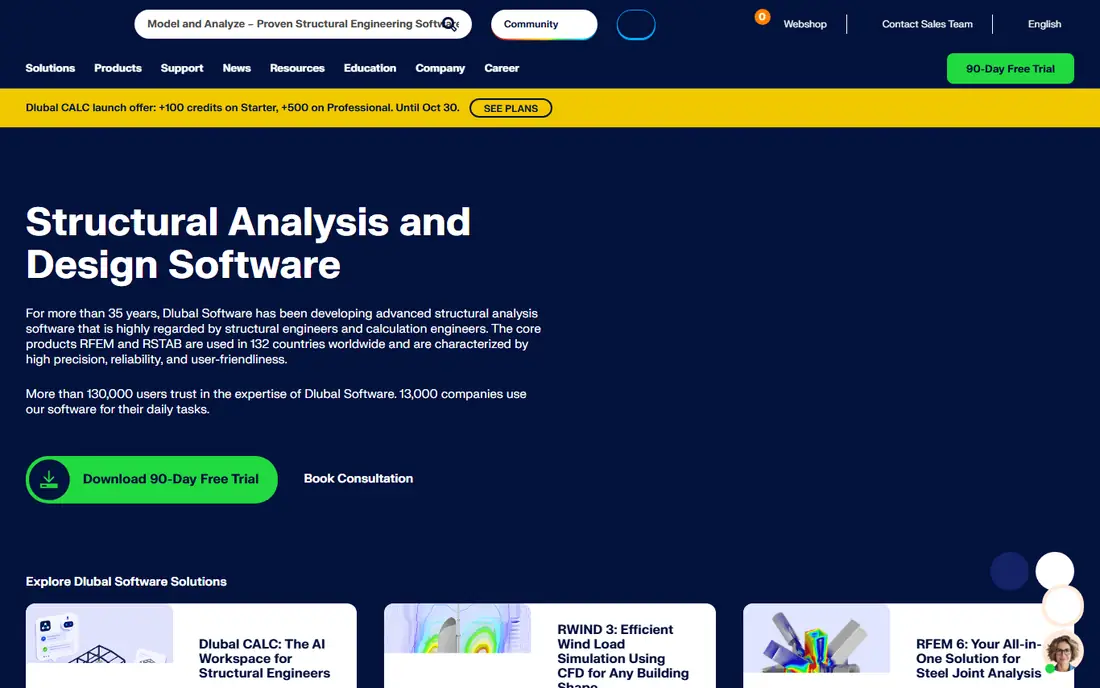
Dlubal RFEM 6 is the flagship finite element program from Dlubal Software, which reports more than 35 years in structural software, use in 132 countries, and more than 130,000 users. RFEM handles structures made of members, surfaces, and solids, and it sits in a family with RSTAB for frame structures, RWIND for wind-flow simulation in a digital wind tunnel, and RSECTION for cross-section properties. Its project gallery includes a 721-meter pedestrian suspension bridge, a timber gridshell arena roof, and a 12-meter spiral timber pavilion for EXPO 2025.
RFEM suits engineers working on complex geometry, shells, membranes, or mixed materials where a frame-only tool falls short. The main cautions are that the homepage defaults to German and that the program's depth takes time to master. For advanced finite element work, especially in Europe, RFEM is one of the strongest options available.
What we like- Flagship finite element solution for members, surfaces, and solids
- Used in 132 countries by more than 130,000 users
- Wind simulation with RWIND and section tools included in the family
Watch out for- Homepage defaults to German, so English users should switch language
- Pricing by quote
- Depth of options takes time to learn
#8SCIA Engineer
Best for: European building and civil structures5.0/5 on
Capterra (1 reviews, checked Oct 2026)
Visit scia.net
Starting priceSee website
Free planNo
SCIA Engineer is the structural analysis and design software from SCIA, a company that reports almost 50 years of innovation and positions itself as number one in Europe, with more than 8,000 users and 92 percent satisfaction with its support. Its homepage stresses that the software covers every structure type, from everyday buildings to once-in-a-lifetime projects, with local support in each market it serves.
SCIA's strength is European building and civil work, where its code coverage, local support, and long track record carry weight. Its presence in North America is smaller than CSI's or RISA's, so US-focused firms should confirm code and support coverage before choosing it. For a European practice, or a firm with European projects, SCIA Engineer is a proven, well-supported pick.
What we like- Nearly 50 years in structural software
- Number one in Europe by its own account with more than 8,000 users
- 92 percent customer satisfaction with support
Watch out for- Strongest in European practice
- Pricing by quote
- Smaller presence in North America than CSI or RISA
How we chose
We compared software that performs real structural analysis and design, not just drafting or BIM modeling, and we opened each vendor homepage to confirm it loads and belongs to that product. We weighed code coverage, structure types, BIM and detailing links, cloud versus desktop delivery, and support reputation. Where a price could not be confirmed on the vendor's own page, we list "See website" rather than repeating a third-party figure. Note that structural software assists licensed engineers; it does not replace engineering judgment or code compliance review.
Buying guide: how to pick structural analysis software
Start with your project mix. A building-only practice should shortlist ETABS, Tekla Structural Designer, or RISA-3D, while a firm with bridges, plants, or shells needs SAP2000, STAAD.Pro, or RFEM. Next, confirm code coverage for every market you work in, including load codes, material codes, and seismic rules, since a missing code can force a second purchase.
Then check the workflow around the analysis: how models move to detailing tools such as Revit or Tekla Structures, how reports are generated for checking engineers, and whether licences are per-seat, network, or cloud-based. A cloud tool such as SkyCiv removes licence management but needs reliable internet, while desktop suites need IT support but work offline.
Finally, use the trial period on real projects, not demo models. Model a past project you know well, compare results against your checked calculations, and time how long the full workflow takes. The right tool is the one whose results you trust and whose workflow your team will actually use.
Frequently asked questions
What is structural analysis software?
Structural analysis software models a structure, applies loads such as gravity, wind, and seismic forces, calculates internal forces and deflections, and checks members against design codes for steel, concrete, timber, and other materials.
Is ETABS or SAP2000 better?
ETABS suits buildings, with story-based modeling and building-specific design. SAP2000 suits a wider range of structures, including bridges and industrial frames, with deeper nonlinear and dynamic analysis. Many firms use both.
Can structural analysis be done in the cloud?
Yes. SkyCiv runs fully in a browser with no installation, and other vendors offer cloud licensing. Cloud tools suit small teams and teaching, while large firms often keep desktop suites for complex or offline work.
How much does structural analysis software cost?
All the tools here use quote-based commercial licensing, so costs vary by modules, seats, and region. Expect a significant annual investment for desktop suites, with cloud tools generally lower at entry level.
Do I need a licence to use structural analysis software?
Using the software itself does not require an engineering licence, but designing real structures for construction requires a licensed professional engineer in most jurisdictions. The software assists that engineer; it does not replace them.
Sources we checked (0)
Is your product missing or out of date?
We review this list regularly. Vendors can request a listing, send updated pricing or ask about featured placement.

Shihab Mia · Founder, Rankite
Shihab has 5+ years in B2B and SaaS SEO. He writes Rankite's software buying guides from pricing pages, documentation and public user reviews. More about Shihab.