How we make this list: we compare pricing pages, product documentation and public user reviews. Ratings come from G2, Capterra or Trustpilot, with the date we checked them.
Key takeaways
- Spreeder is the most complete training system, with courses, drills and a reader in one subscription.
- AccelaReader is the best free start for trying rapid serial visual presentation, with no account and no cost.
- Spark Read suits readers who want a clean library and document reading, rather than a full course.
- AceReader suits students and schools that want structured tests and progress reports, at $39 per year.
Quick comparison
| Tool | Best for | Starting price | Free plan |
|---|
 Spreeder Spreeder | Full training and reading | $7 per month | Free trial (7 days) |
 AccelaReader AccelaReader | Free quick trials | See website | Yes |
 Spark Read Spark Read | Library and document reading | $3.99 per month | Yes |
 AceReader AceReader | Structured school training | $39 per year | No |
 Acceleread Acceleread | Gamified daily drills | See website | Yes |
 Outread Outread | Guided paced reading | See website | Yes |
 Reedy Reedy | Simple RSVP reading | See website | Yes |
 Superead Superead | Training with comprehension | See website | Yes |
Is your product missing or out of date?
We review this list regularly. Vendors can request a listing, send updated pricing or ask about featured placement.
The best speed reading apps
Starting price$7 per month
Free planFree trial (7 days)
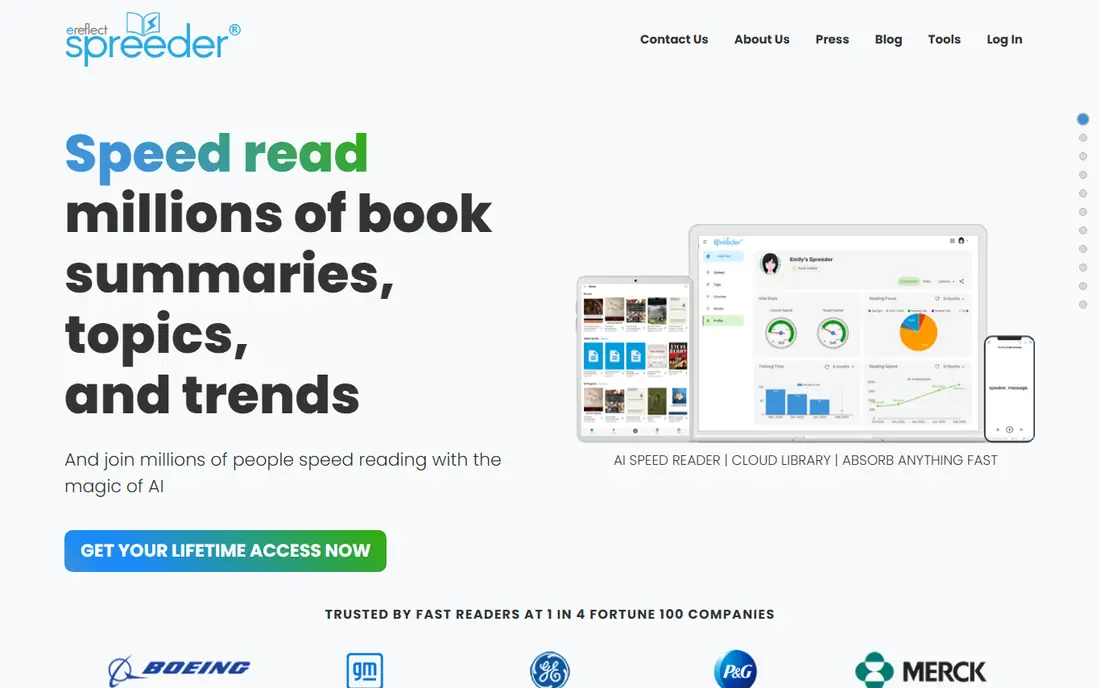
Spreeder is the fullest package in this guide. It reads pasted text, web articles and files in rapid serial visual presentation mode, where words appear one at a time or in chunks at a set speed. It also includes a seven day speed reading course, eye training drills, vocabulary work and progress tracking, so a user can train and then read real material in the same app. Apps cover iOS, Android, Mac, Windows and the web, with a cloud library to sync books and articles.
The price is $7 per month for Spreeder VIP, with a seven day free trial, and a lifetime option is also listed on the vendor site. That is more than a simple reader, and readers who only want to get through articles faster may not use the courses. For a reader who wants training, tracking and a reader together, Spreeder is the most complete choice here.
What we like- Four reading modes and many file formats
- Guided courses and brain training drills
- Cloud library across devices
Watch out for- Monthly price is higher than simple readers
- Course library can feel large for readers who only want a reader
Starting priceSee website
Free planYes
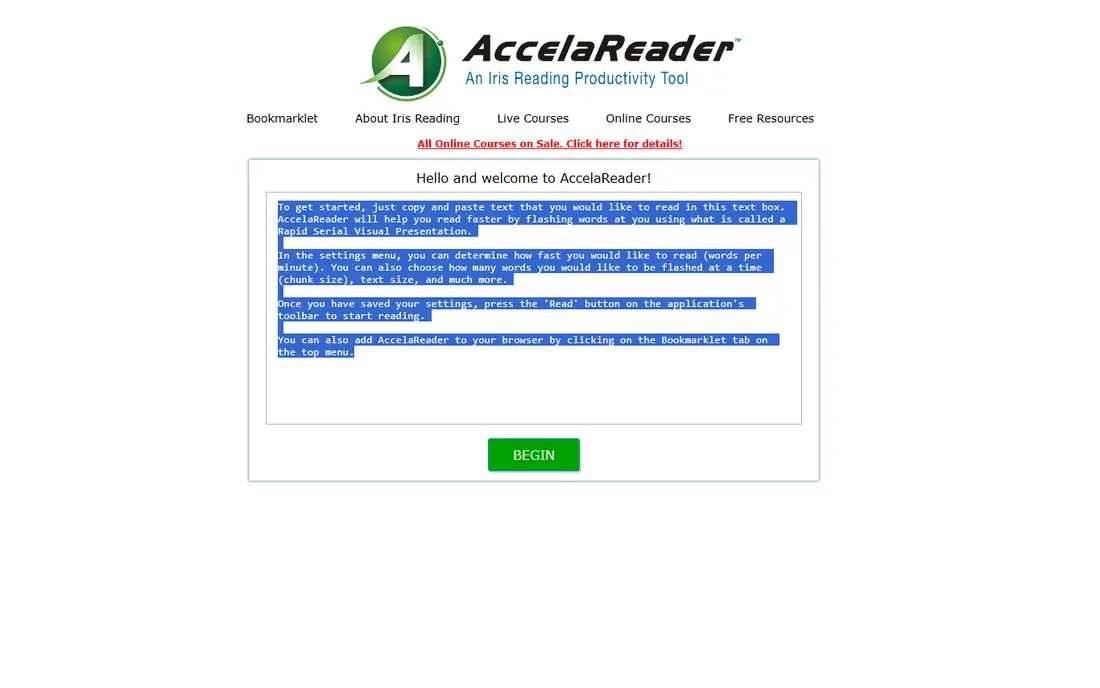
AccelaReader is the fastest way to find out whether rapid serial visual presentation suits you. Open the web page, paste text, set a speed and chunk size, and start reading. There is no account, no install and no cost, which makes it ideal for a classroom demo, a single article or a first test before paying for a fuller app.
The limits follow from that simplicity. AccelaReader does not save a library, sync across devices or import PDFs and ebooks directly. It also has no training course or comprehension tests. Use it to learn the technique and to read short pieces. Move to Spreeder or Spark Read when you need a library, file import or progress tracking.
What we like- Free with no account
- Paste text and read at once
- Simple speed and chunk controls
Watch out for- No library or sync
- Paste only, so long books and PDFs need extra steps
Starting price$3.99 per month
Free planYes
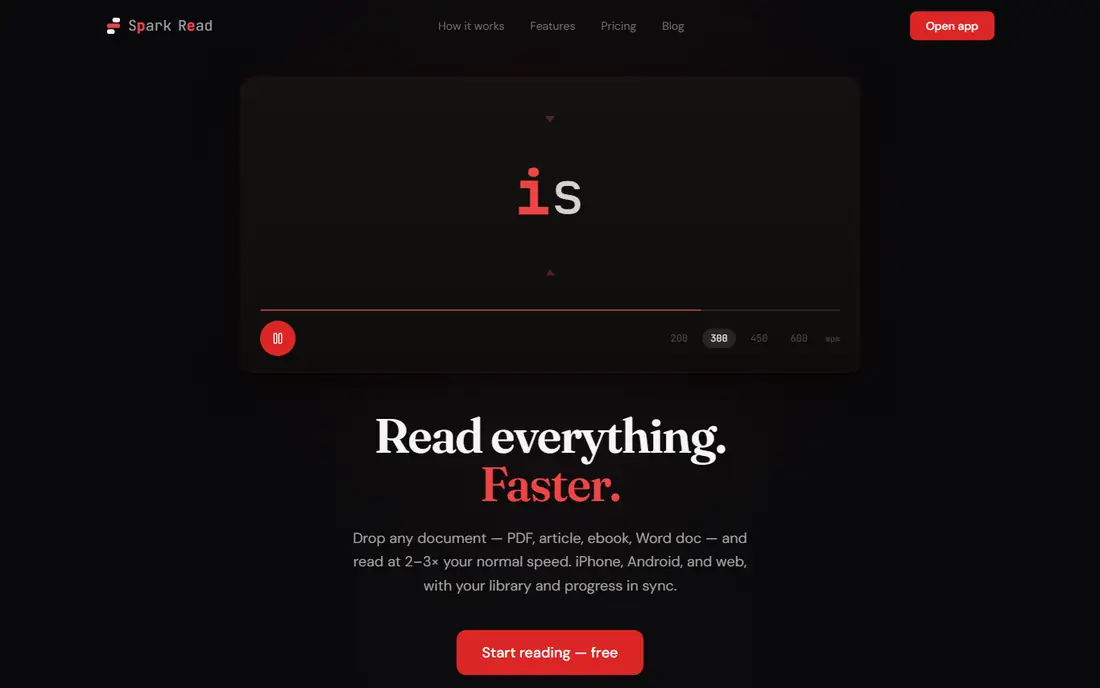
Spark Read is built for readers, not for course takers. You save articles, PDFs, EPUB files and Word documents into a library, then read them in rapid serial visual presentation mode with focus letter highlighting and pause controls at sentence ends. Reading position sync is available with an optional sign in, and themes cover light, dark and system settings.
Pricing is $3.99 per month or $29.99 per year for Pro, with a $44.99 lifetime option, and a free tier covers the full reader with a small cloud document limit. The gap is training: Spark Read has no structured course or drills like Spreeder or AceReader. For a reader who already knows the technique and wants a clean place to read, that focus is a strength, not a weakness.
What we like- Saved library with PDF, EPUB and Word import
- IPhone and Android apps
- Focus letter highlighting
Watch out for- No guided training course
- AI condensing needs a paid plan
Starting price$39 per year
Free planNo
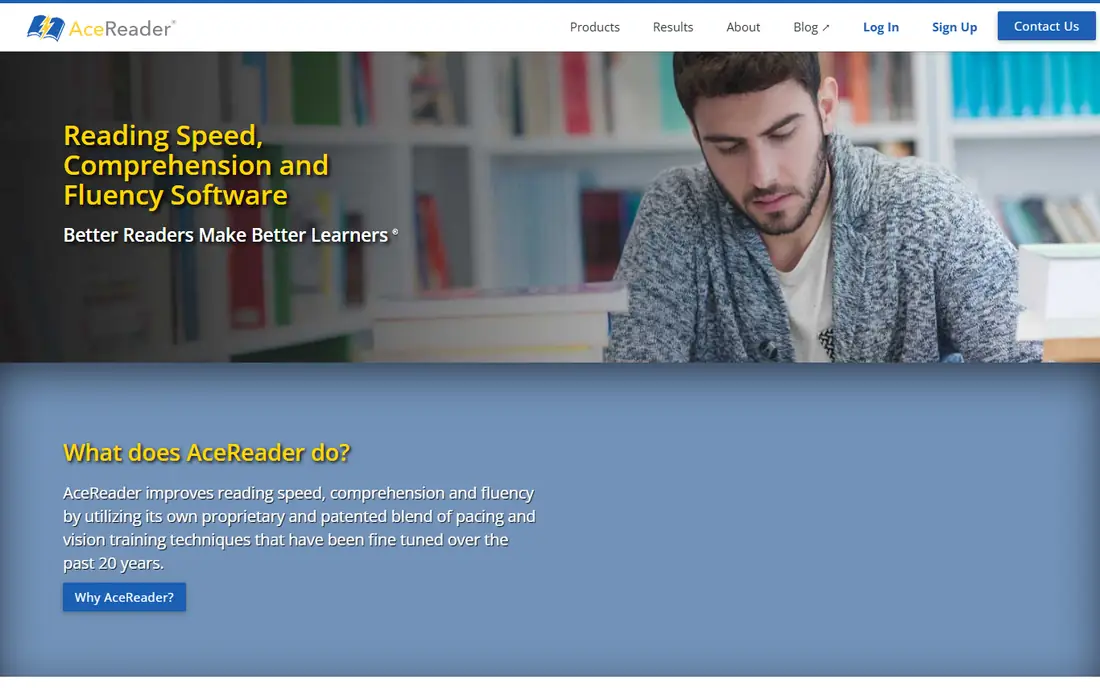
AceReader takes a classroom approach to speed reading. The Personal Edition, at $39 per year, offers reading speed tests, comprehension tests at different levels, eye pacing drills and games that train eye movement and focus. It is based on the education edition used by schools and learning centres, so progress is measured rather than guessed.
That structure is also its limit. AceReader feels like training software first and a casual reader second, and it lacks the clean mobile library experience of Spark Read. It also has no permanent free plan, so buyers should use any trial or demo before paying. For students, teachers and parents who want measured training, AceReader is a solid and fairly priced choice.
What we like- Leveled comprehension tests and eye pacing drills
- Progress reports for learners
- Education edition for schools
Watch out for- Web based training feel rather than a modern mobile reader
- No permanent free plan
Starting priceSee website
Free planYes
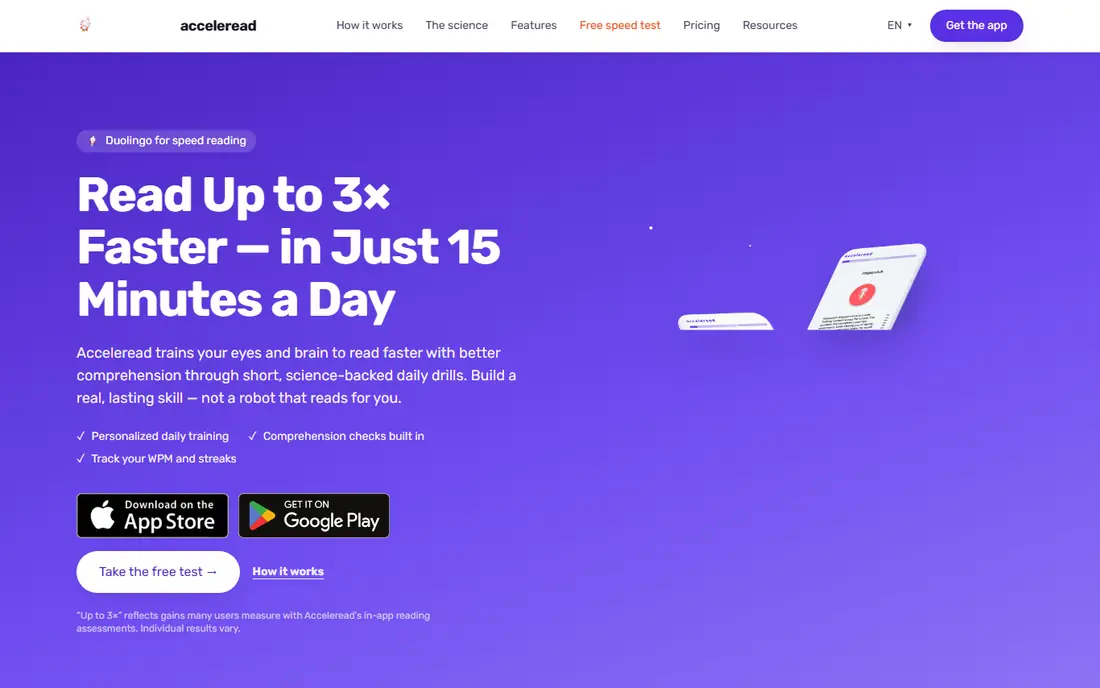
Acceleread frames speed reading as a daily habit rather than a course to finish. It opens with a short reading speed assessment, then offers drills such as rapid serial visual presentation, Schulte tables and eye exercises, with streaks and progress views to keep practice regular. The app is free to download on iOS and Android, which makes it easy to try for a week before deciding.
The trade off is reading material. Acceleread is stronger on drills than on importing and reading your own long books and reports. Readers who need to get through work documents should pair it with Spark Read or Spreeder, or use Acceleread only for training. For a reader who struggles to practise regularly, its short, game like sessions may be the difference between starting and sticking with it.
What we like- Short daily drills and assessments
- Gamified progress and streaks
- IOS and Android apps
Watch out for- Training focus means less library depth
- Advanced features need a paid plan
Starting priceSee website
Free planYes
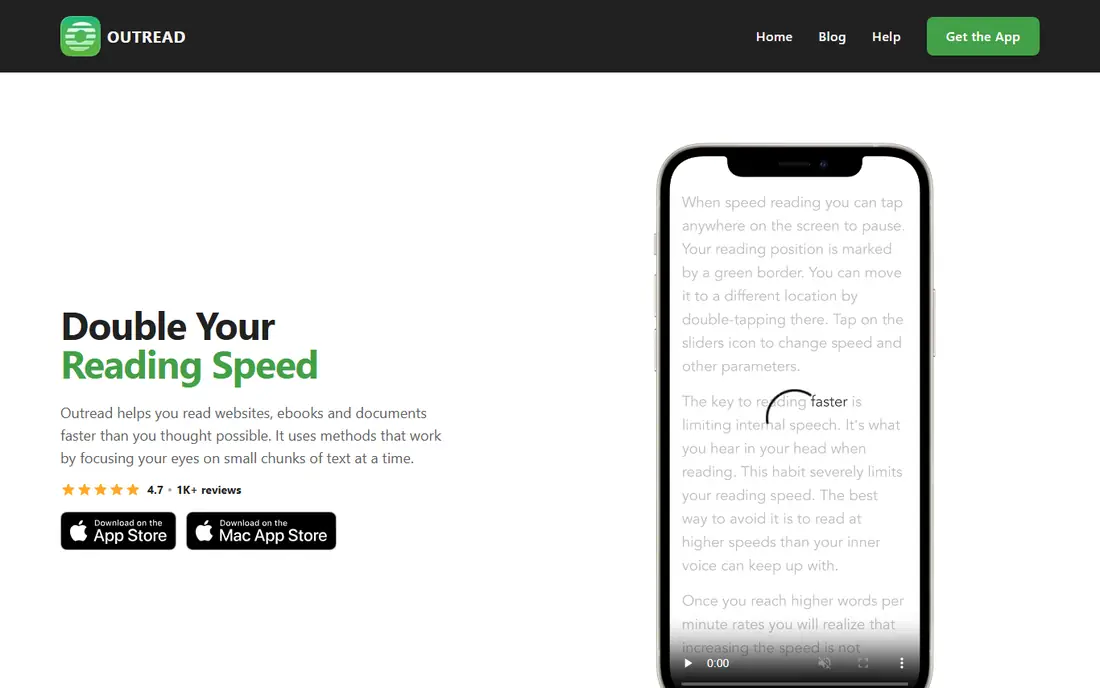
Outread uses a different method from the one word at a time readers. It highlights text and moves a guide down the page at a set pace, which helps readers who find flashing single words tiring or hard to follow. It can pull in saved articles from Pocket and Instapaper, so a reader with a backlog of saved pieces can work through them in a structured way.
Outread is iOS focused, which limits Android readers, and its file import is narrower than Spreeder or Spark Read, since PDFs and Word files often need to be copied as text first. For iPhone users who want a gentler, paced method and who already save articles to Pocket or Instapaper, Outread is a useful and distinct option.
What we like- Highlights and paces text as you read
- Links to Pocket and Instapaper lists
- Adjustable speed controls
Watch out for- IOS focus limits Android users
- File import is narrower than Spreeder or Spark Read
Starting priceSee website
Free planYes
Reedy keeps rapid serial visual presentation simple. Paste or import text, set speed and chunk size, and read word by word or in small groups without extra courses, drills or social features. That minimal design suits readers who know what they want and do not want a training programme in the way.
The cost of simplicity is breadth. Reedy has fewer library, sync and training features than Spreeder and Spark Read, and its interface is plain compared with newer readers. It is best as a low cost or free reader for short articles and practice, or as a second app for quick reads. Readers who need a full library should look at Spark Read first.
What we like- Clean rapid serial visual presentation reader
- Adjustable speed and chunk size
- Simple import for articles
Watch out for- Fewer training and library features than Spreeder
- Interface and sync are basic
Starting priceSee website
Free planYes
Superead tries to balance speed and understanding, which is where many speed reading apps fall short. It pairs paced reading and drills with comprehension checks, so a reader can see whether faster reading is actually helping them retain the material. Guided paths give new readers a place to start without choosing every setting themselves.
The app is smaller than Spreeder in scope, with fewer file formats and library tools, and paid features vary by store listing, so buyers should check the current plan in the app before paying. For a reader who worries about losing comprehension while reading faster, Superead is a thoughtful middle option between a bare reader and a full course system.
What we like- Mix of speed drills and comprehension checks
- Guided training paths
- Mobile friendly reading
Watch out for- Smaller feature set than Spreeder
- Paid features vary by store and plan
How we chose
We compared vendor pricing pages, documentation and public reviews on G2, Capterra and Reddit, and we checked pacing methods, file import, library and sync, training content and comprehension checks. We kept only apps that are available today and that are built for speed reading, rather than general reading or note apps. Prices vary by store and promotion, so we used See website where a current vendor price could not be confirmed. No hands on testing is claimed, and readers should be sceptical of any app that promises a fixed multiple of speed without comprehension checks, because retention matters as much as pace.
How to read faster without losing the meaning
Start slow, then raise speed in small steps
Begin near your normal reading speed and raise it by 10 to 20 percent at a time. If comprehension drops, step back to the last comfortable speed and practise there for a few days. A small, steady gain that holds is worth more than a large jump that leaves you unable to recall the page.
Use RSVP for articles, not for every book
Rapid serial visual presentation suits news, reports and articles where the goal is to extract key points. For novels, poetry and dense study material, normal page reading often gives better recall and enjoyment. Match the method to the material, not the other way round.
Test yourself after each session
After a fast read, write two or three sentences about the main points without looking back. If you cannot, the speed was too high or the material needed slower reading. Comprehension checks in AceReader and Superead formalise this habit, but a simple note works just as well.
Practise in short, regular sessions
Ten to fifteen minutes a day beats a single long session once a week. Short drills build eye movement habits without fatigue, and a daily streak in Acceleread or Spreeder can help keep the habit going. Stop when your eyes tire, because tired reading teaches bad habits.
Frequently asked questions
Do speed reading apps really work?
They can raise reading pace for suitable material, especially articles and reports, when paired with regular practice and comprehension checks. Results vary by reader and material, and no app guarantees a fixed speed gain.
What is RSVP reading?
Rapid serial visual presentation shows words one at a time, or in small chunks, at a set speed in one place on screen. It aims to reduce eye movement and subvocalisation, which can slow normal reading.
Which speed reading app is best for beginners?
AccelaReader is the best free first test, because it needs no account or payment. Spreeder or AceReader are better next steps when you want courses, drills and progress tracking.
Can I import my own PDFs and ebooks?
Spreeder and Spark Read support many file types, including PDF and EPUB. AccelaReader and Outread need text pasting or saved article lists for much of their use, so check import support before you buy.
Will speed reading hurt comprehension?
It can, if speed rises faster than understanding. Use comprehension tests, summary notes and slower speeds for dense material, and treat any large speed claim with caution.
Are speed reading apps good for students?
They can help students work through articles and revision material faster, but they do not replace study, notes and discussion. AceReader is the most school focused option here, with leveled tests and reports.
Sources we checked (9)
- https://www.spreeder.com/order_spreedervip_sub3.html
- https://www.spark-read.app/spark-read-vs-spreeder.html
- https://www.accelareader.com
- https://www.acereader.com/personal
- https://www.accelereadapp.com
- https://www.outreadapp.com
- https://reedy-reader.com
- https://superead.com
- https://www.itechguides.com/best/speed-reading-apps/
Is your product missing or out of date?
We review this list regularly. Vendors can request a listing, send updated pricing or ask about featured placement.

Shihab Mia · Founder, Rankite
Shihab has 5+ years in B2B and SaaS SEO. He writes Rankite's software buying guides from pricing pages, documentation and public user reviews. More about Shihab.