How we make this list: we compare pricing pages, product documentation and public user reviews. Ratings come from G2, Capterra or Trustpilot, with the date we checked them.
Key takeaways
- Kindle is the best all-round reading app for most buyers, with the largest store and sync across devices.
- Libby is the best free option, since it borrows ebooks and audiobooks from your local library.
- Apple Books and Google Play Books suit readers who already buy in those ecosystems and want simple sync.
- Kobo Books offers a strong alternative store and device ecosystem, with good support for library borrowing in some regions.
- Moon+ Reader and Aldiko suit readers with their own ebook files who want control over fonts, themes, and layout.
Quick comparison
| Tool | Best for | Starting price | Free plan |
|---|
 Kindle Kindle | Largest store and device sync | Free app, books priced per title | Yes |
 Apple Books Apple Books | iPhone, iPad, and Mac readers | Free app, books priced per title | Yes |
 Kobo Books Kobo Books | Alternative store and e-readers | Free app, books priced per title | Yes |
 Libby Libby | Free library borrowing | Free with library card | Yes |
 Google Play Books Google Play Books | Android and web readers | Free app, books priced per title | Yes |
 Scribd Scribd | Subscription catalog access | See website | Free trial |
 Moon+ Reader Moon+ Reader | Custom reading of your own files | See website | Yes |
 Aldiko Next Aldiko Next | Simple ebook library and reading | See website | Yes |
 Goodreads Goodreads | Tracking books read and goals | Free | Yes |
Is your product missing or out of date?
We review this list regularly. Vendors can request a listing, send updated pricing or ask about featured placement.
The best apps for reading books
Starting priceFree app, books priced per title
Free planYes
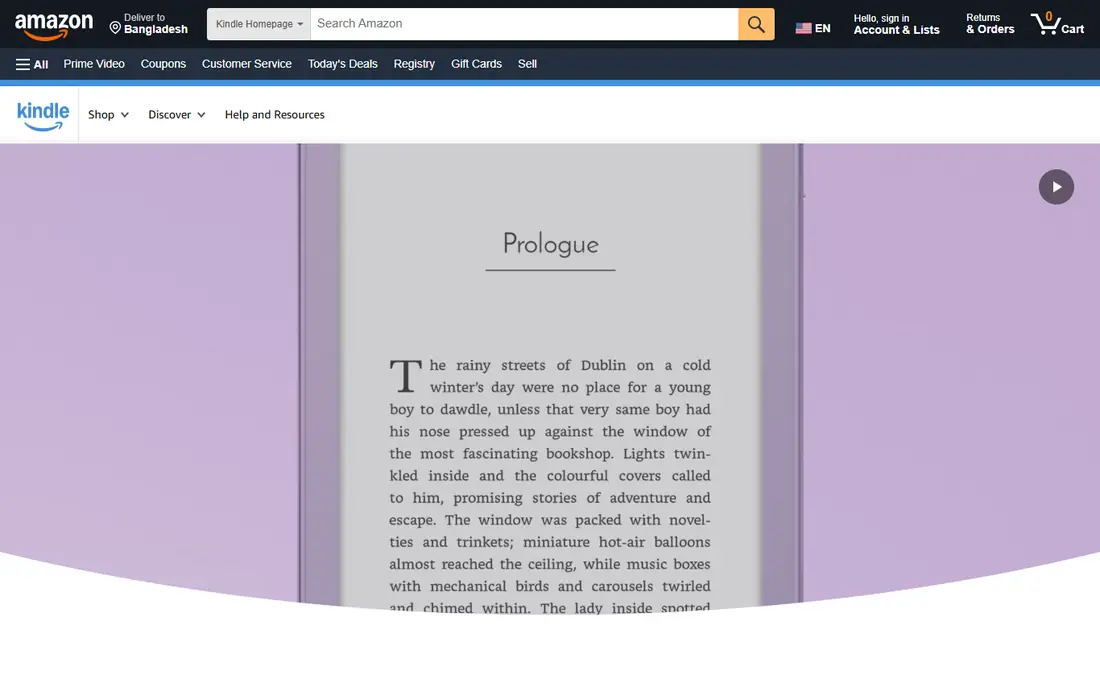
Kindle, from Amazon, remains the default reading app for many US readers. The store is the largest, sync works across phones, tablets, computers, and Kindle e-readers, and features such as dictionary lookup, highlights, and reading progress are polished. Kindle Unlimited, a separate subscription, adds a rotating catalog for heavy readers.
The main limit is lock-in. Kindle books use Amazon's format and digital rights management, so moving them to another app is difficult. Library borrowing works through Libby in many areas, but the steps are less direct than in a library-first app. If you buy most books from Amazon, Kindle is the simplest choice.
What we like- Largest ebook store
- Sync across phone, tablet, and Kindle device
- Dictionary and notes built in
Watch out for- Books use Amazon format and DRM
- Library borrowing needs extra steps in some cases
Starting priceFree app, books priced per title
Free planYes
Apple Books is built into iPhone, iPad, and Mac, with a clean reading view and support for ebooks and audiobooks in one app. Sync across Apple devices is smooth, and the store covers most popular titles. Reading goals, collections, and a simple library view help casual readers stay organized.
Apple Books only runs on Apple devices, so Android and Windows readers cannot use it as a primary app. The store is also smaller than Kindle in some niche categories. For readers who live inside Apple's ecosystem, Apple Books is a polished, low-friction choice.
What we like- Clean design
- Good audiobook support
- Sync across Apple devices
Watch out for- Apple devices only
- Store is smaller than Kindle in some categories
Starting priceFree app, books priced per title
Free planYes
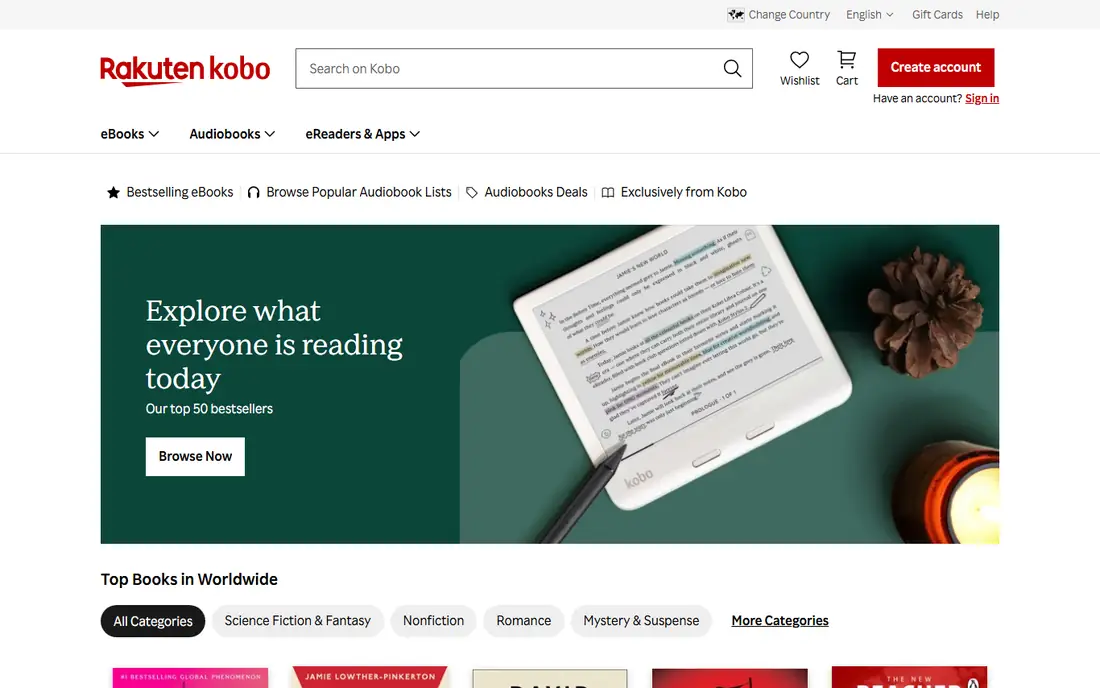
Kobo, from Rakuten, offers an ebook store, reading apps, and its own e-readers. The hardware is popular with readers who want an alternative to Kindle, and Kobo supports EPUB files more openly than Amazon's format. Promotions and a rewards program help frequent buyers, and reading settings cover fonts, margins, and brightness in detail.
The US store is smaller than Kindle, and the app, while solid, lacks some of Kindle's polish in sync and discovery. Kobo suits readers who want an open-format ecosystem, a dedicated e-reader that is not a Kindle, or a store outside Amazon. Pair a Kobo device with the app for the best experience.
What we like- Strong e-reader hardware
- Open format support for many files
- Frequent promotions
Watch out for- US store is smaller than Kindle
- App features trail Kindle in places
Starting priceFree with library card
Free planYes
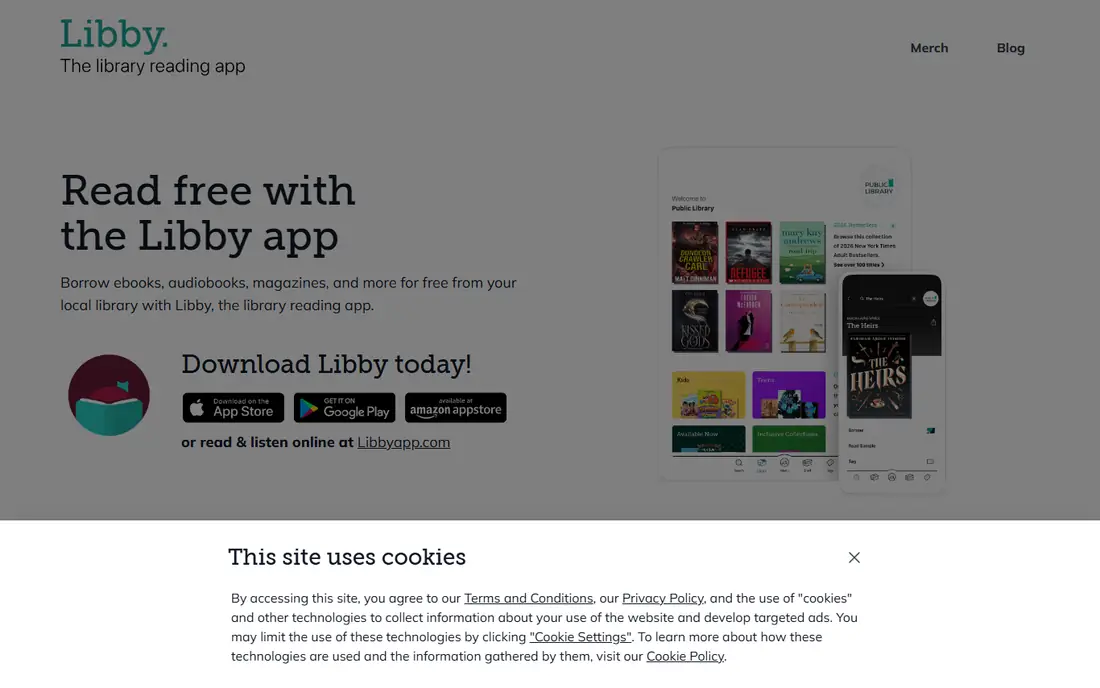
Libby, from OverDrive, lets you borrow ebooks and audiobooks from your local library with a library card. You can place holds, set wish lists, and read or listen across phone, tablet, and many e-readers. For readers who finish several books a month, Libby can save a large amount compared with buying every title.
Wait times are the main drawback. New and popular titles often have holds, and your library's catalog decides what is available. Libby also does not sell books, so you will still need a store app for titles your library lacks. As a free first app for most readers, Libby is hard to beat.
What we like- Free ebooks and audiobooks from libraries
- Holds and wish lists
- Sync across devices
Watch out for- Popular titles have wait times
- Availability depends on your library's catalog
Starting priceFree app, books priced per title
Free planYes
Google Play Books runs on Android, iOS, and the web, which makes it a flexible choice for readers who switch devices. You can buy books, upload your own EPUB and PDF files, and read with adjustable fonts and night mode. Discounts appear often, and the web reader means you can read on a computer without installing anything.
The app feels less tailored to dedicated readers than Kindle, and discovery is weaker in some categories. Google Play Books suits Android users who want a simple store plus file support, without committing to Amazon or Apple. It also works well as a second app for files that do not fit your main store.
What we like- Works on Android, iOS, and web
- Upload your own EPUB and PDF files
- Frequent discounts
Watch out for- Store and app features are less focused than Kindle
- Audiobook catalog varies
Starting priceSee website
Free planFree trial
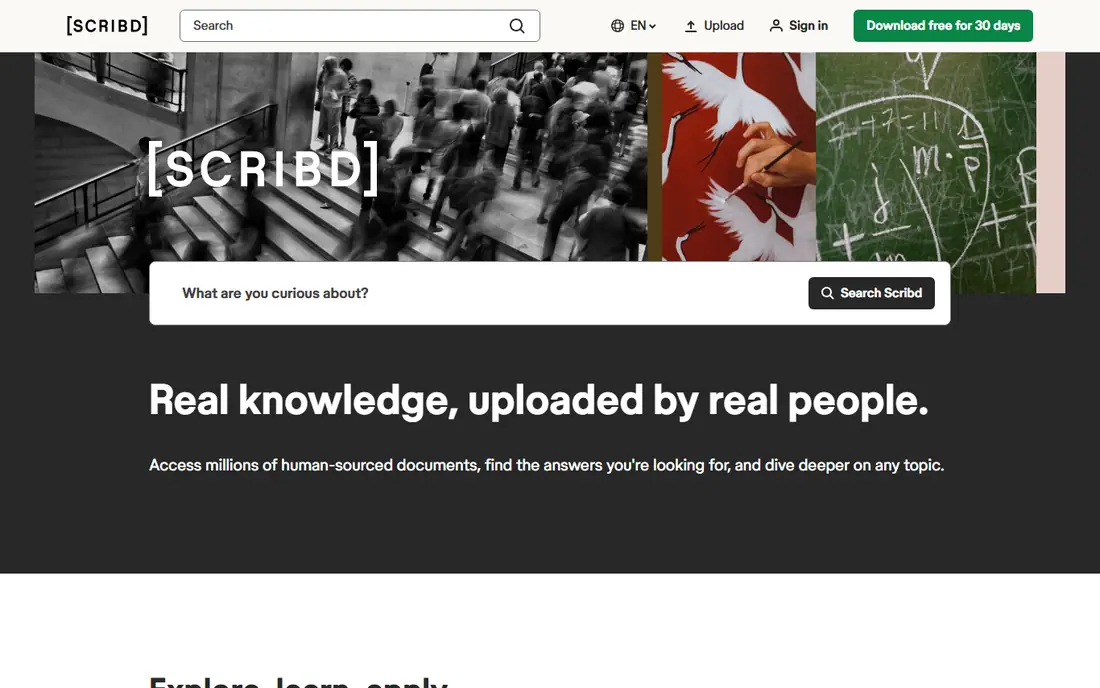
Scribd offers a subscription that gives access to ebooks, audiobooks, magazines, and documents in one app. That breadth suits readers who mix formats, such as an ebook at home and an audiobook on a commute. The app tracks progress across formats and offers recommendations based on your history.
The catalog is not unlimited in practice. Some titles become unavailable or limited after heavy use in a billing period, and not every new release appears. Scribd fits heavy readers who read several books a month and like switching between reading and listening. Slow readers may find buying per title cheaper.
What we like- Subscription access to ebooks, audiobooks, and documents
- One app for reading and listening
Watch out for- Catalog rotates and some titles are limited
- Subscription cost adds up if you read slowly
Starting priceSee website
Free planYes
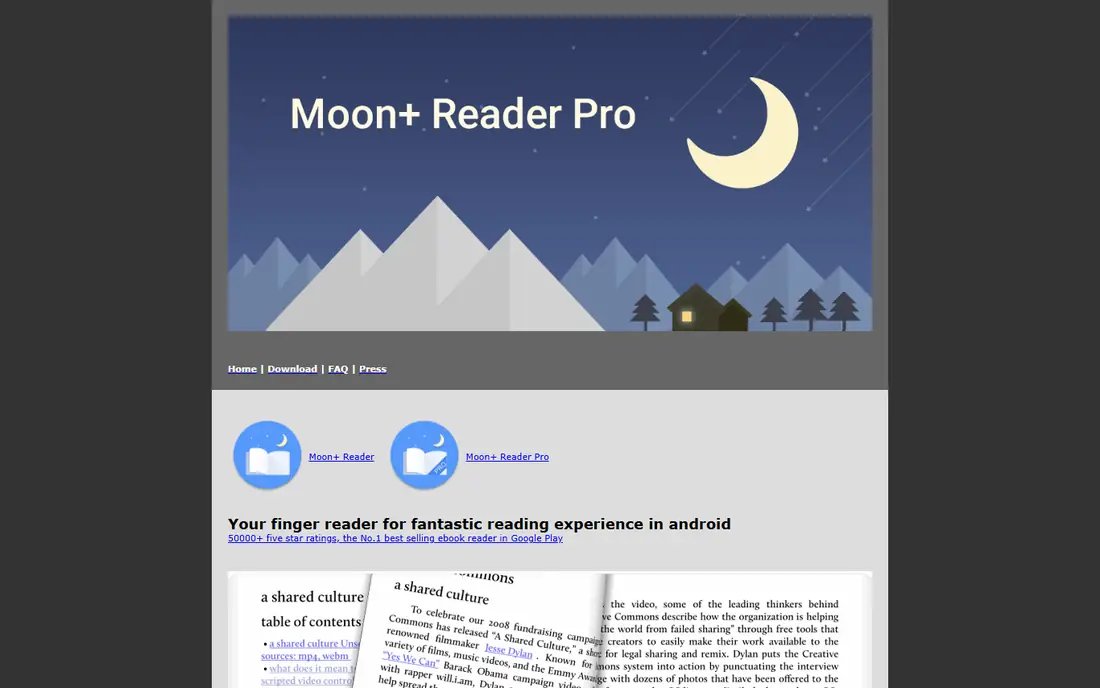
Moon+ Reader is a reader for your own ebook files, not a store. It supports EPUB, PDF, and other formats, with detailed control over fonts, line spacing, themes, page animations, and gestures. You can organize a local library, set reading goals, and back up progress. That control appeals to readers who buy DRM-free books or manage a personal collection.
Because Moon+ Reader does not sell books, you need another source for purchases or library loans. iOS support is limited compared with Android, where the app is strongest. For Android readers with their own files, Moon+ Reader offers the most customizable reading experience on this list.
What we like- Deep customization for fonts and themes
- Supports EPUB, PDF, and other formats
- Local library management
Watch out for- Does not sell books
- Android focused, with limited iOS support
Starting priceSee website
Free planYes
Aldiko Next, formerly Aldiko Book Reader, offers a straightforward way to read EPUB and PDF files on Android and iOS. You can import your own books, organize them into collections, and adjust fonts and brightness. The interface stays simple, which suits readers who want to open a book and read without learning many settings.
Aldiko does not match Kindle or Kobo as a store, and its feature set is thinner than Moon+ Reader for power users. It fits readers who have a modest personal collection and want a clean, reliable reader across Android and iOS. Pair it with Libby or a store app for new purchases.
What we like- Simple library and reading view
- Supports EPUB and PDF
- Import your own files
Watch out for- Store integration is limited
- Fewer advanced features than Moon+ Reader
Starting priceFree
Free planYes
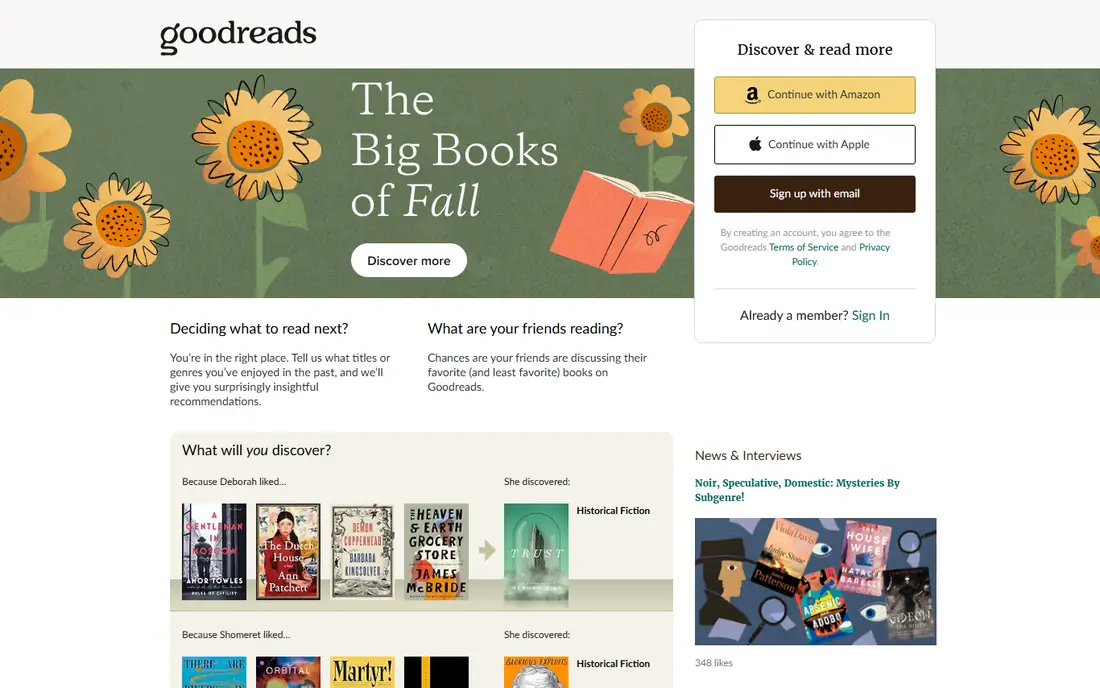
Goodreads is a tracking and discovery app, not a place to read books. You log books you have read, are reading, or want to read, set an annual reading challenge, and see what friends are reading. Reviews and lists help you pick your next book, and the database covers most published titles.
Goodreads does not open and display ebook files for reading, so you still need a reading app beside it. Its Amazon ownership also shapes recommendations, though the community reviews remain useful. For readers who want to track progress, set goals, and remember what they finished, Goodreads is the most widely used free option.
What we like- Large book database
- Reading challenge and goal tracking
- Reviews and recommendations
Watch out for- Not a reading app
- Owned by Amazon, so recommendations can favor its catalog
How we chose
We compared apps on store size, library access, file support, device compatibility, reading features, tracking tools, and price, using vendor homepages, pricing pages, and app listings. We favored apps with current US support and a clear role, whether that is buying, borrowing, reading your own files, or tracking. Prices are listed per title where books are sold individually, and as See website where subscription pricing varies.
Picking an app for how you read
Start with where your books come from. Library readers should start with Libby, since it is free and covers many titles. Store buyers should pick the ecosystem they already use: Kindle for Amazon, Apple Books for Apple devices, Google Play Books for Android and web, or Kobo for an alternative store and reader.
If you own many DRM-free files, add Moon+ Reader or Aldiko for customization and library control. If you want to track reading, add Goodreads and set a realistic annual goal. Most readers end up with two apps: one for reading and one for borrowing or tracking. That split usually works better than forcing one app to do everything.
Frequently asked questions
What is the best app for reading books on a phone?
Kindle is the best all-round phone app for most readers, thanks to its store and sync. Libby is best if you want free library books, and Apple Books is best if you use Apple devices. Try the free apps first and compare reading views.
Can I read library books for free?
Yes, with Libby and a library card from a participating US library. You can borrow ebooks and audiobooks at no cost, though popular titles may have wait times. Check your library's website for card sign-up options.
Do I need a Kindle device to use the Kindle app?
No. The Kindle app runs on phones, tablets, and computers, and syncs with Kindle devices if you own one. A dedicated e-reader offers better battery life and outdoor readability, but it is not required.
Can I move books between Kindle, Apple Books, and Kobo?
Generally, no, for books protected by digital rights management. Each store's books stay in that store's app or devices. DRM-free EPUB files can move more freely, which is one reason some readers prefer Kobo or Moon+ Reader for personal collections.
What is the best app to track books I have read?
Goodreads is the most widely used free tracking app, with reading challenges, shelves, and reviews. The StoryGraph is a newer alternative with different recommendation tools, but Goodreads remains the largest community for tracking in this list's scope.
Sources we checked (9)
- https://www.amazon.com/kindle
- https://www.apple.com/apple-books
- https://www.kobo.com
- https://www.overdrive.com/apps/libby
- https://play.google.com/books
- https://www.scribd.com
- https://www.moondownload.com
- https://www.aldiko.com
- https://www.goodreads.com
Is your product missing or out of date?
We review this list regularly. Vendors can request a listing, send updated pricing or ask about featured placement.

Shihab Mia · Founder, Rankite
Shihab has 5+ years in B2B and SaaS SEO. He writes Rankite's software buying guides from pricing pages, documentation and public user reviews. More about Shihab.