How we make this list: we compare pricing pages, product documentation and public user reviews. Ratings come from G2, Capterra or Trustpilot, with the date we checked them.
Key takeaways
- Libby and Hoopla give library card holders free ebooks and audiobooks, with Libby stronger on new releases and Hoopla stronger on instant borrows.
- Kindle has the largest paid store, while Kobo and Google Play Books give readers more freedom with their own EPUB files.
- Project Gutenberg remains the best free source for classics, and Everand suits readers who finish several books each month.
- Apple Books is the simplest pick for iPhone and iPad owners, but it does not work as a cross-platform library.
Quick comparison
| Tool | Best for | Starting price | Free plan |
|---|
 Libby Libby | Free library ebooks and audiobooks | See website | Yes |
 Kindle Kindle | The largest ebook store | See website | Yes |
 Kobo Kobo | Open EPUB reading | See website | Yes |
 Apple Books Apple Books | Simple reading on Apple devices | See website | Yes |
 Google Play Books Google Play Books | Buying books without a device lock | See website | Yes |
 Hoopla Hoopla | Instant library borrows with no waits | See website | Yes |
 Everand Everand | A subscription library for readers | See website | Free trial |
 Project Gutenberg Project Gutenberg | Free classic books | See website | Yes |
Is your product missing or out of date?
We review this list regularly. Vendors can request a listing, send updated pricing or ask about featured placement.
The best apps for reading
Starting priceSee website
Free planYes
Libby turns a public library card into a large digital shelf. You can borrow ebooks, audiobooks, and magazines without paying for each title, and returns happen on their own when a loan ends. The app keeps the layout simple, so finding a title, placing a hold, and downloading for offline reading takes little effort.
The main limit is supply, not design. A new bestseller may show a wait of weeks, and smaller libraries may offer a thinner catalog than larger systems. If you read widely and can wait for popular books, Libby is hard to beat on value.
What we like- Free with a library card
- Ebooks, audiobooks, and magazines
- Holds and offline reading
Watch out for- Popular titles can have long waits
- Availability depends on your library
Starting priceSee website
Free planYes
Amazon Kindle gives readers the widest commercial catalog in this list. The free app runs on phones and tablets, and it syncs your place, notes, and highlights across devices. Daily deals and a large backlist make it easy to keep a reading list full without much planning.
Kindle works best for readers who buy books often and want one place for them. The catch is lock-in, since purchases stay inside Amazon's system and moving a full library elsewhere takes work. Readers who value open files may prefer a store with direct EPUB support.
What we like- Huge store and frequent deals
- Syncs across phone, tablet, and Kindle devices
- Strong notes and highlights
Watch out for- You buy a license, not a file you fully own
- EPUB uploads need conversion steps
Starting priceSee website
Free planYes
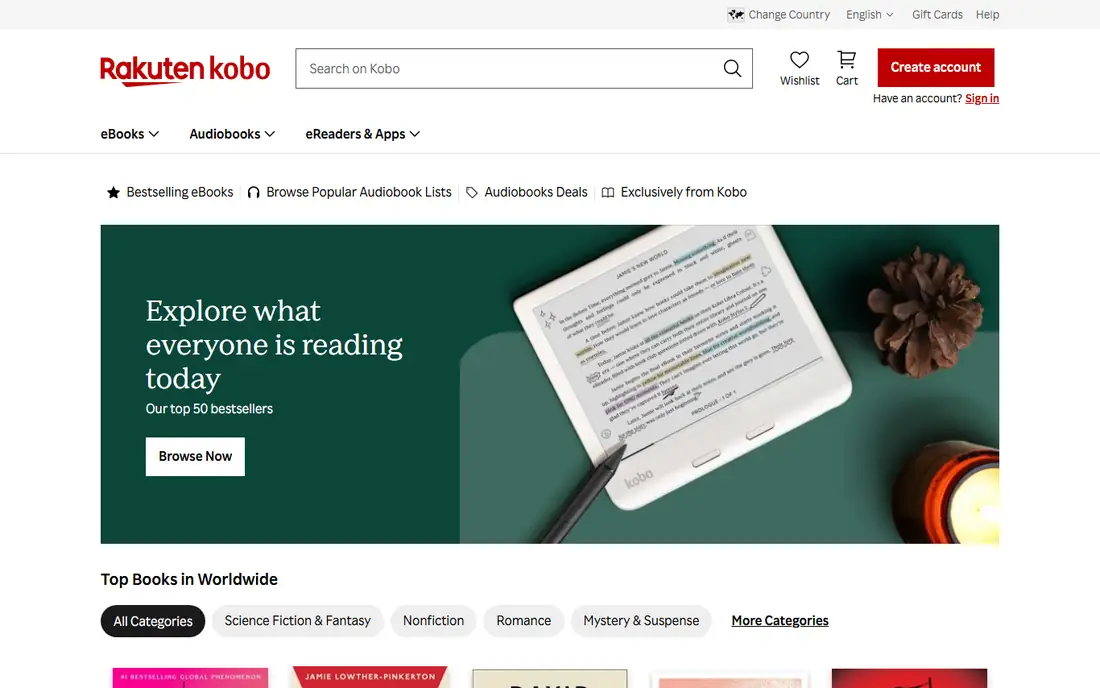
Kobo suits readers who keep their own ebook files. The app handles EPUB files directly, and its reading settings cover fonts, margins, and line spacing in useful detail. Kobo also sells ebooks and audiobooks, so you can mix store purchases with files you already own.
For United States readers, the store catalog is the trade-off. You may find fewer deep discounts than on Kindle, and a few niche titles may be missing. If file freedom matters more than the lowest price on every book, Kobo is a strong pick.
What we like- Direct EPUB support
- Clean reading controls
- Kobo e-readers pair well with the app
Watch out for- Store is smaller than Kindle in the United States
- Some titles cost more than rival stores
Starting priceSee website
Free planYes
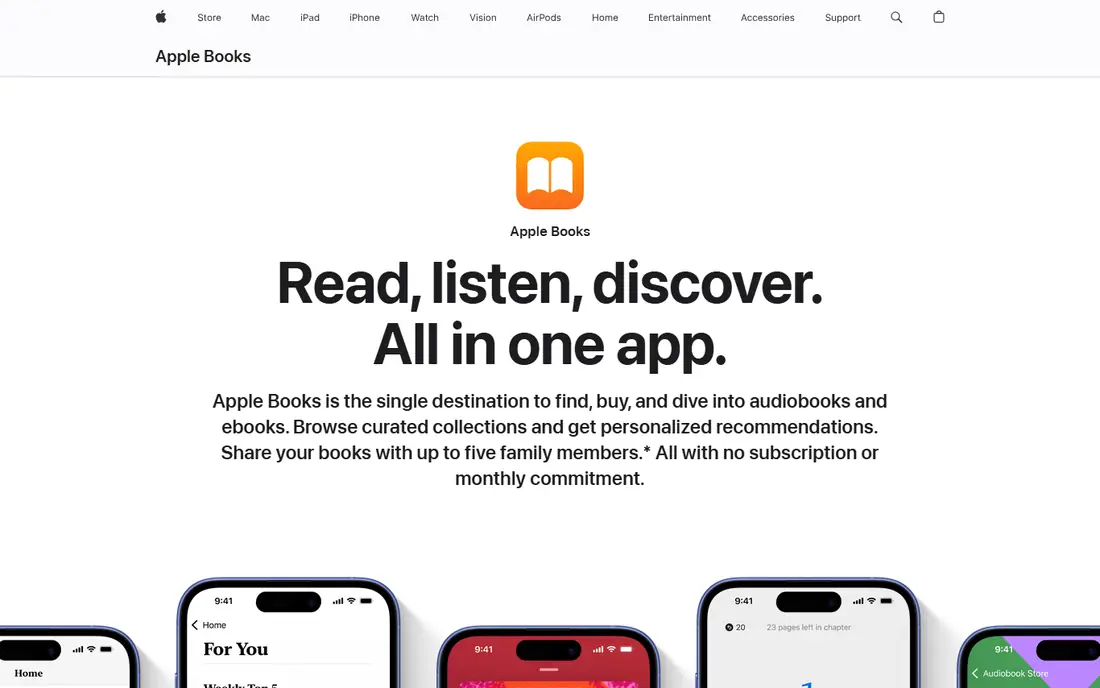
Apple Books feels at home on an iPhone or iPad. Books, audiobooks, and your own EPUB and PDF files sit in one calm library, and iCloud keeps your place in sync. The reading view is quiet and readable, with few controls getting in the way of the text.
The limit is the platform. Android readers and Windows users cannot use it as a main library, and bargain hunters may find fewer sales than on larger stores. For readers already inside Apple's system, it is a low-friction daily reader.
What we like- Clean design and fast sync through iCloud
- Good EPUB and PDF handling
- Audiobooks in the same app
Watch out for- Apple devices only
- Store prices vary and discounts are less frequent
Starting priceSee website
Free planYes
Google Play Books is a practical choice for readers who switch devices. You can buy books, upload your own EPUB or PDF files, and read on Android, iOS, or a browser. The app keeps bookmarks and notes in sync, which helps if you read on a phone during the day and a tablet at night.
It does not try to be a social tracker or a deep study tool. Notes are basic, and the audiobook range is narrower than a dedicated audiobook store. As a plain, flexible reader with file uploads, it covers the basics well.
What we like- Upload your own EPUB and PDF files
- Buys work on Android, iOS, and the web
- Frequent price drops
Watch out for- Reading features are plainer than specialist apps
- Audiobook selection is smaller than Audible
Starting priceSee website
Free planYes
Hoopla differs from Libby in one useful way. Most titles are available at once, so you do not join a queue for a popular ebook or audiobook. Your library sets a monthly borrow limit, and the app also includes comics, music, and video in many systems.
Catalog depth is the catch. Hoopla may lack a new release that Libby carries, and the monthly limit can feel tight for fast readers. Used beside Libby, it fills gaps well, especially for backlist titles and comics.
What we like- No waitlists on most titles
- Ebooks, audiobooks, comics, and video
- Simple borrowing
Watch out for- Monthly borrow limits set by your library
- Catalog varies by library system
Starting priceSee website
Free planFree trial
Everand works like a subscription shelf for readers who finish several books a month. The catalog covers ebooks, audiobooks, magazines, and podcasts, and you can download titles for offline reading. Recommendations lean on your reading history, which helps when you want a next book fast.
Availability is not unlimited. A few high-demand titles may be restricted or unavailable at times, so heavy readers should check that favorite authors appear before paying. For steady readers who like variety, the breadth still makes it worth a trial.
What we like- Large ebook, audiobook, and magazine catalog
- Offline reading
- Personalized picks
Watch out for- Some popular titles have limited availability
- Subscription cost adds up over a year
Starting priceSee website
Free planYes
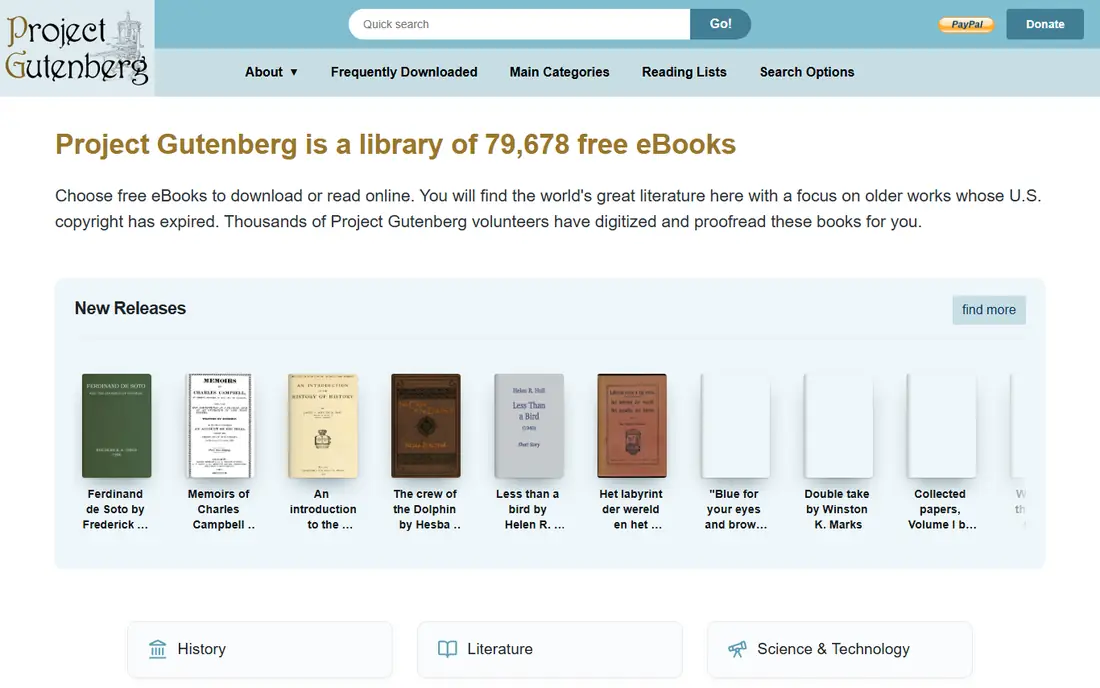
Project Gutenberg is the oldest free ebook source on this list, and it still matters. It offers public domain classics in EPUB, Kindle, and plain text formats, with no account or payment step. Students, classic lovers, and budget readers can build a large shelf at no cost.
Its scope is fixed by copyright. You will not find current bestsellers or recent nonfiction here, and the site itself is a download source rather than a polished reader. Pair it with Kindle, Kobo, or Apple Books for the actual reading, and it becomes a fine free feeder.
What we like- Tens of thousands of free public domain books
- No account needed
- Many file formats
Watch out for- Only older public domain works
- No new releases
- Reading app features are minimal
How we chose
We compared pricing pages, help documentation, and public reviews on G2, Capterra, and Reddit, and we checked each app for offline reading, file support, store size, and library access. We favored apps that are easy to use on a phone, work on more than one device where possible, and state their limits plainly. We did not count marketing claims about catalog size without checking what a reader can actually borrow or buy.
Company size fit mattered too. Large stores suit readers who buy often, while smaller and nonprofit sources suit readers who want low cost and file freedom. Each pick below states who it fits best, so you can skip apps built for a different kind of reader.
Picking a reading app that matches how you read
Start with where your books come from. Library readers should set up Libby first, then add Hoopla for instant titles. Buyers should pick the store tied to their devices, since moving a purchased library later is often the hardest part. File owners should test EPUB uploads before committing to a store.
Then check the daily details. Font controls, night mode, offline downloads, and note export matter more over a long book than a home screen design. A short trial with a real book you plan to finish tells you more than a feature list.
If you read on more than one device
Choose an app with web reading or apps for both phone systems. Kindle, Kobo, and Google Play Books all cover that need, while Apple Books stays inside Apple hardware. Library apps cover both major phone systems, which makes them safe second apps.
If you track what you read
A reading app and a tracking app do different jobs. Use a tracker such as StoryGraph or Hardcover for goals and stats, and keep your reading app for the text itself. That split keeps both tools simpler.
A short routine for finishing more books
Set a daily reading time and a modest page goal, rather than a large yearly target that fades by February. Twenty pages each morning beats a vague plan to read fifty books, since the habit survives busy weeks and travel. Track the habit in your reading app or tracker, and note the book, not just the count, so you can see what held your attention.
Keep two books going at once, one demanding and one light. When focus is high, read the demanding book, and when you are tired, switch to the light one instead of skipping a day. That pair keeps momentum without forcing a hard book late at night.
Finally, clear finished books from your want-to-read shelf each month. A shorter shelf feels achievable, and removing books you no longer want is not failure. It is a choice that leaves room for books you will actually finish.
A short routine for staying informed without overload
Read news twice a day, once in the morning and once in the evening, rather than checking headlines all day. Two windows give you full stories with context, while constant checks give fragments and stress. Save long articles for one focused read later in the day.
Pair each major story with a second source before you share it. Full Coverage in Google News and side-by-side views in Ground News make that check fast. If two reliable sources disagree on a key fact, wait for more reporting before drawing a firm view.
Finally, follow local news each week, even if national stories feel louder. School boards, budgets, and road plans affect daily life directly, and local papers often need readers most. A broad routine keeps national, local, and topic news in balance.
Frequently asked questions
What is the best app for reading free books?
Libby is the best free starting point for most United States readers with a library card, since it lends current ebooks and audiobooks at no direct cost. Project Gutenberg is the best free source for classics that are in the public domain. Use both together for new and old books.
Can I read Kindle books without a Kindle device?
Yes. The free Kindle app runs on phones, tablets, and computers, and it syncs your place and notes across devices. You do not need Amazon hardware to buy or read Kindle books.
Which reading app is best for my own EPUB files?
Kobo and Google Play Books handle EPUB uploads well, and Apple Books works well for EPUB and PDF files on Apple devices. Kindle requires conversion steps for EPUB files, so it is less direct for file owners.
Do library apps work without a library card?
No, Libby and Hoopla both need a card from a participating library. Many public libraries let residents sign up online, so check your local library site before you rule these apps out.
Is a subscription like Everand worth the cost?
It depends on how much you read. Readers who finish several ebooks or audiobooks each month may save money against buying each title. Occasional readers usually do better borrowing from a library or buying single titles.
Sources we checked (8)
- https://www.libbyapp.com/
- https://www.amazon.com/kindle
- https://www.kobo.com/
- https://www.apple.com/apple-books/
- https://play.google.com/books
- https://www.hoopladigital.com/
- https://www.everand.com/
- https://www.gutenberg.org/
Is your product missing or out of date?
We review this list regularly. Vendors can request a listing, send updated pricing or ask about featured placement.

Shihab Mia · Founder, Rankite
Shihab has 5+ years in B2B and SaaS SEO. He writes Rankite's software buying guides from pricing pages, documentation and public user reviews. More about Shihab.