How we make this list: we compare pricing pages, product documentation and public user reviews. Ratings come from G2, Capterra or Trustpilot, with the date we checked them.
Key takeaways
- Todoist is fastest for capturing tasks, while TickTick gives the most breadth for the price with tasks, calendar, and habits in one app.
- Google Calendar and Microsoft To Do are the best free starting points, depending on whether you live in Google or Microsoft tools.
- Notion suits custom systems, Sunsama suits guided daily reviews, and Structured suits visual timeline planning.
- A planner you open each morning beats a powerful planner you avoid, so favor speed and clarity over extra features.
Quick comparison
| Tool | Best for | Starting price | Free plan |
|---|
 Todoist Todoist | Fast daily task capture | See website | Yes |
 TickTick TickTick | Tasks, calendar, and habits in one app | See website | Yes |
 Notion Notion | A custom planning system | See website | Yes |
 Google Calendar Google Calendar | Free time blocking | See website | Yes |
 Microsoft To Do Microsoft To Do | Simple lists inside Microsoft 365 | See website | Yes |
 Any.do Any.do | Shared lists and daily review | See website | Yes |
 Sunsama Sunsama | Guided mindful daily planning | See website | Free trial |
 Structured Structured | Visual timeline planning | See website | Yes |
Is your product missing or out of date?
We review this list regularly. Vendors can request a listing, send updated pricing or ask about featured placement.
The best apps for daily planning
#1Todoist
Best for: Fast daily task capture4.5/5 on
G2 (832 reviews, checked Oct 2026)
Visit todoist.com
Starting priceSee website
Free planYes
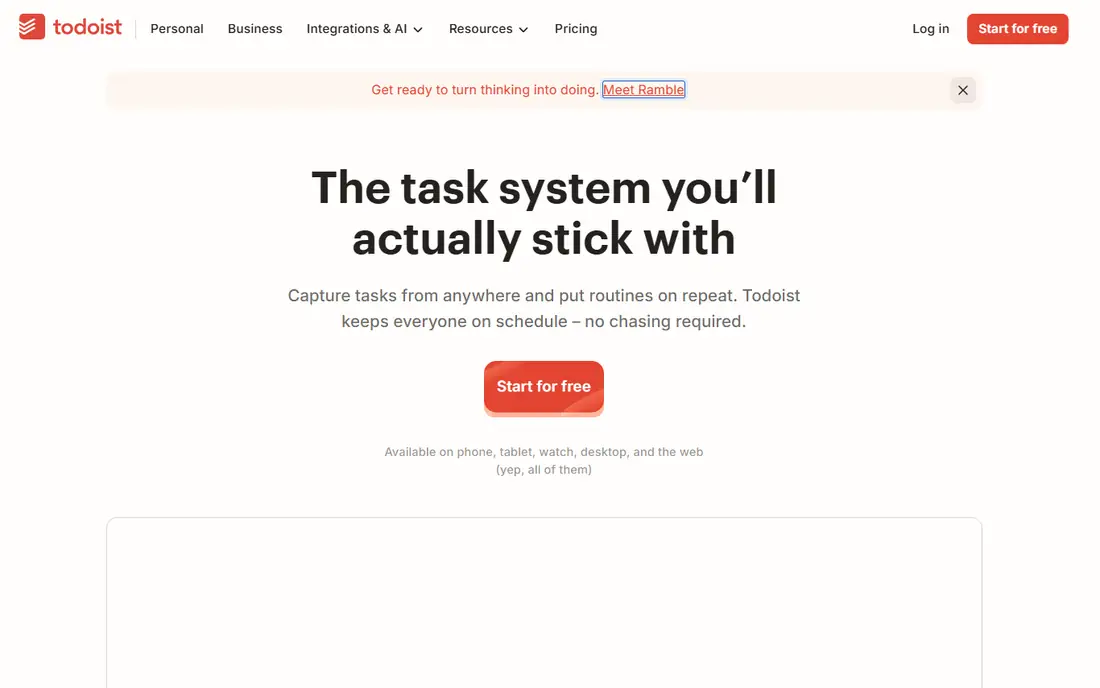
Todoist is the fastest way to turn a thought into a dated task. Type a task in plain words with a date, and Todoist sets the due date for you. Projects, labels, and filters then sort those tasks into today, upcoming, and custom views without much setup.
The free plan covers daily capture well, but committed users hit limits on projects and calendar views. That is a fair reason to upgrade, not a flaw in the core design. If you want speed above all else, Todoist remains the reference point for daily lists.
What we like- Natural language dates
- Projects, labels, and filters
- Apps for every major platform
Watch out for- Calendar view and some planning features need a paid plan
- Five-project limit on free plan
#2TickTick
Best for: Tasks, calendar, and habits in one app4.5/5 on
G2 (113 reviews, checked Oct 2026)
Visit ticktick.com
Starting priceSee website
Free planYes
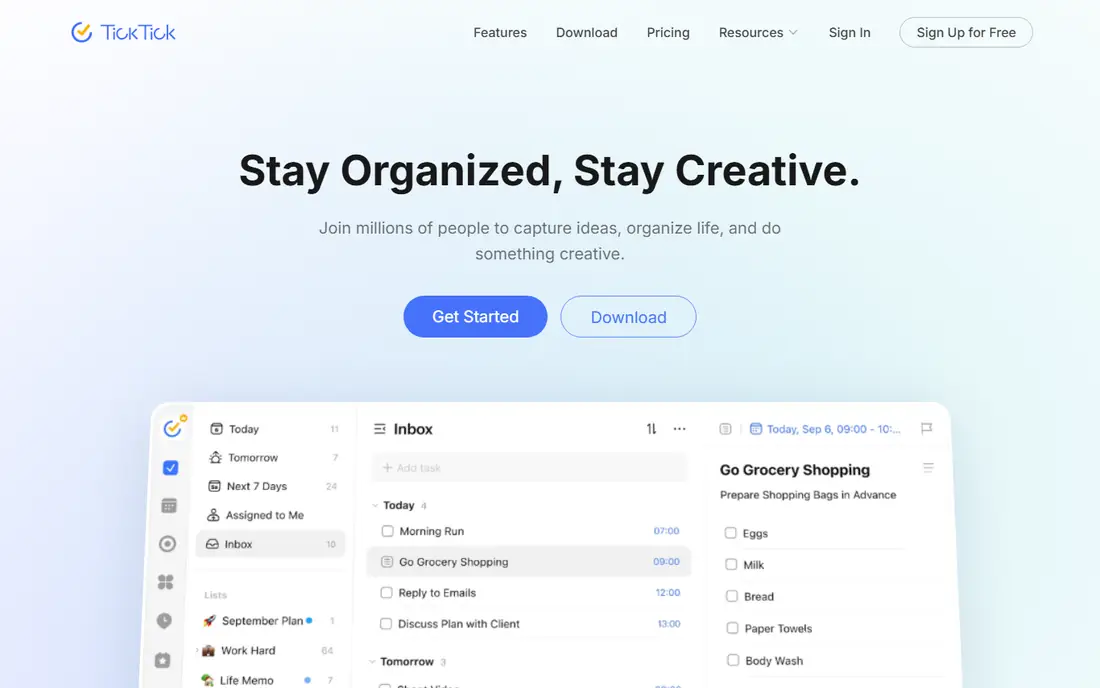
TickTick packs tasks, a calendar, habits, and a focus timer into one app. That breadth suits people who want one daily home for plans, rather than three separate tools. The premium tier is priced below many rivals, which makes the full version easier to justify.
Breadth has a cost. The habit tracker is simpler than a dedicated habit app, and the calendar is lighter than a full calendar tool. If you want one app for daily planning and accept good rather than best-in-class parts, TickTick is strong value.
What we like- Built-in calendar, habit tracker, and Pomodoro timer
- Affordable premium tier
- Good mobile apps
Watch out for- Doing many jobs means no single job is deepest
- Interface can feel busy at first
#3Notion
Best for: A custom planning system4.6/5 on
G2 (13,834 reviews, checked Oct 2026)
Visit notion.so
Starting priceSee website
Free planYes
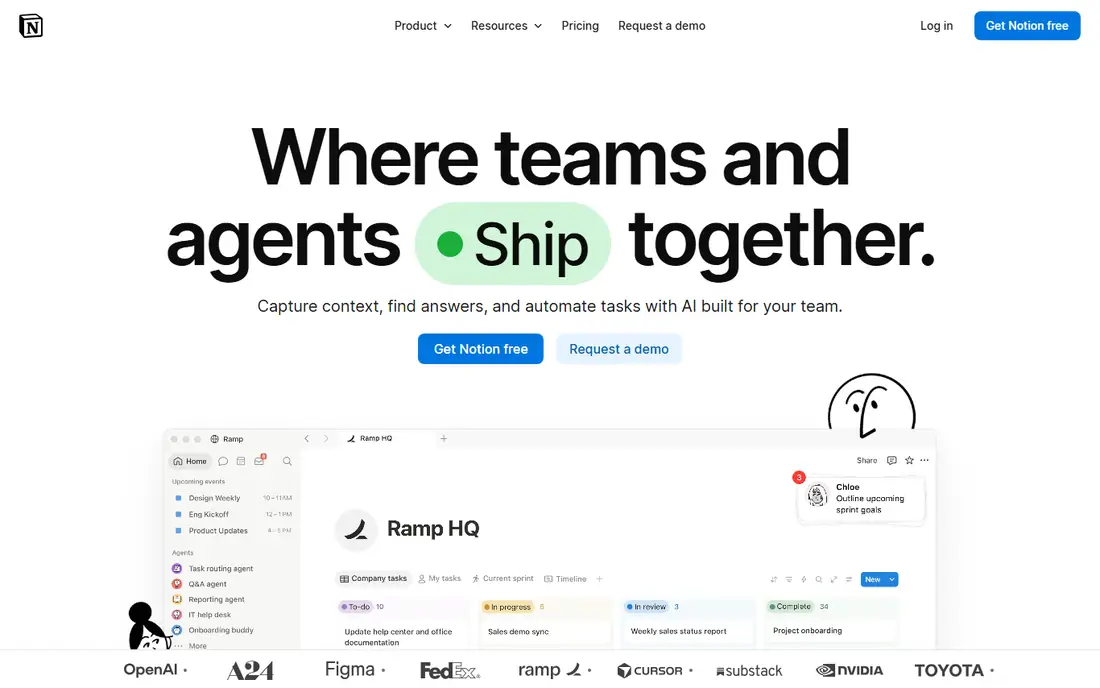
Notion suits planners who want notes, tasks, and projects in one custom system. You can build a daily dashboard with tasks, a calendar view, and linked notes, then reuse templates for weekly reviews. Sharing works well for households and small teams.
That flexibility needs setup time. A simple to-do list can feel buried inside a large workspace, and new users may spend a week tuning pages instead of doing tasks. Start with one template, not a full system, and expand only what you use daily.
What we like- Flexible pages, databases, and templates
- Notes and tasks in one workspace
- Strong sharing
Watch out for- Setup takes time
- Simple daily lists can feel heavy inside a large workspace
Starting priceSee website
Free planYes
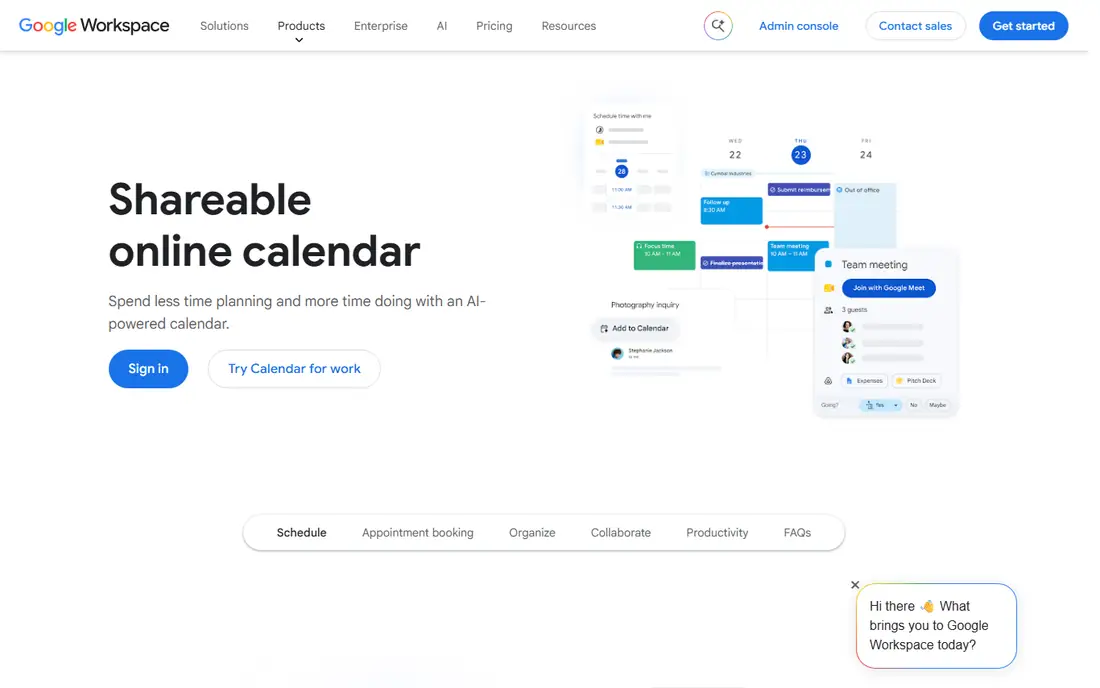
Google Calendar is the default time-blocking tool for good reason. It is free, works on web and mobile, and shares easily with family and colleagues. Pair it with Google Tasks for simple checklists, and you have a daily plan that most people already know how to use.
It is a calendar first. Task lists are basic, and there is no habit tracker or focus timer built in. If your day runs on appointments and time blocks, that focus is a strength. If your day runs on long task lists, add Todoist or TickTick beside it.
What we like- Free and cross-platform
- Shared calendars
- Strong integration with Gmail and Google Tasks
Watch out for- Task management is light
- No built-in habit or focus tools
Starting priceSee website
Free planYes
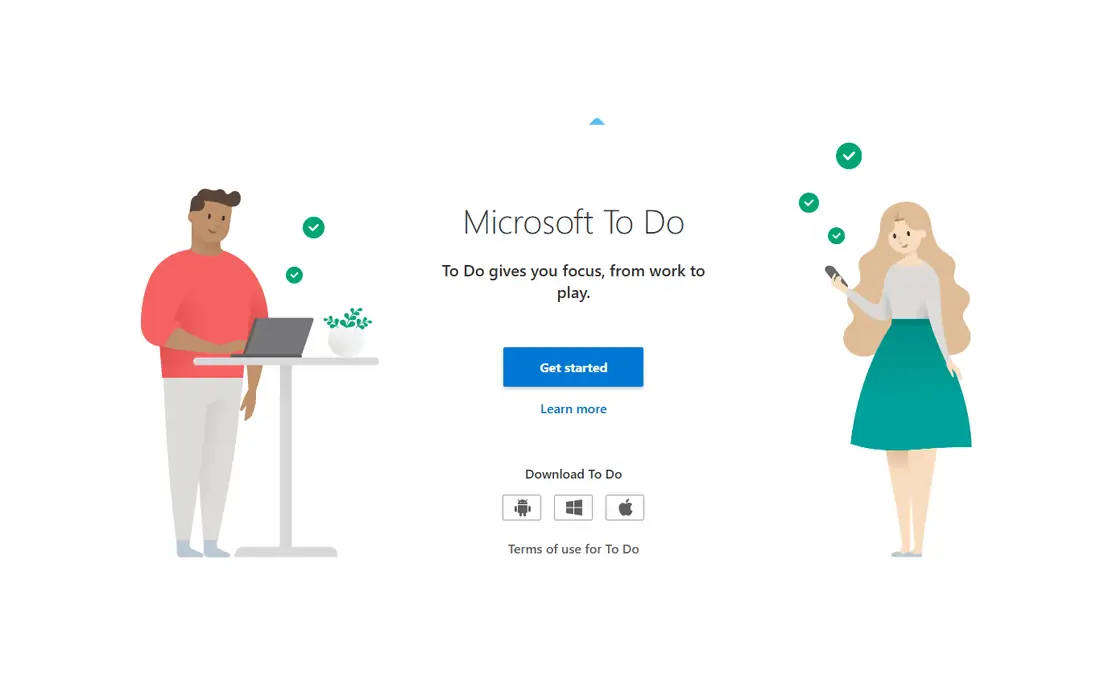
Microsoft To Do is the quiet workhorse for Outlook and Microsoft 365 users. Lists sync with Outlook tasks, and the My Day view helps you pick a small set of tasks each morning. It is free, simple, and stable, which suits users who do not want another subscription.
Planning depth is limited. There is no timeline view, and features feel thinner outside Microsoft apps. For a free daily list inside an existing Microsoft setup, it is hard to fault. For visual planning, look at TickTick or Sunsama instead.
What we like- Free with a Microsoft account
- My Day view for daily focus
- Outlook integration
Watch out for- No timeline or calendar view
- Weaker outside the Microsoft system
#6Any.do
Best for: Shared lists and daily review4.2/5 on
G2 (197 reviews, checked Oct 2026)
Visit any.do
Starting priceSee website
Free planYes
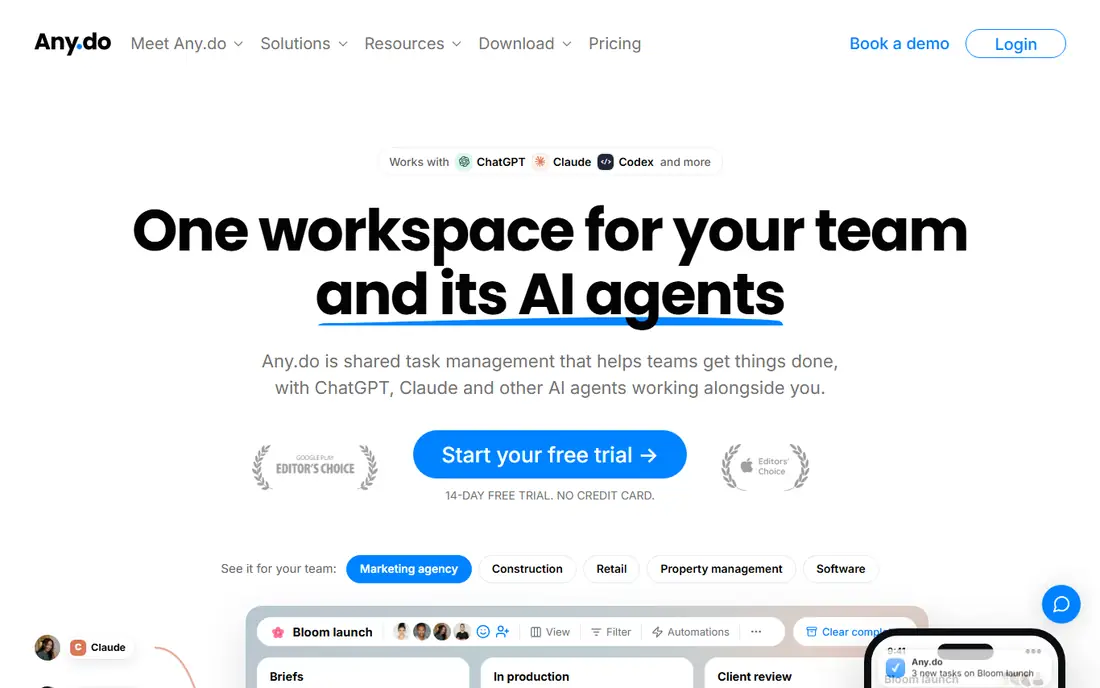
Any.do blends lists and a calendar in a clean daily view. Shared lists work well for households, and the daily planner prompt nudges you to review the day each morning. That small ritual helps more than a longer feature list for many users.
The free tier covers basics, but reminders, themes, and deeper calendar features sit on the paid plan. Solo users who want a free list may prefer Todoist or Microsoft To Do. Households that share lists daily will get more from Any.do.
What we like- Calendar and lists in one view
- Shared lists for households
- Daily planner prompt
Watch out for- Key features need a paid plan
- Calendar sync can feel limited on the free tier
Starting priceSee website
Free planFree trial
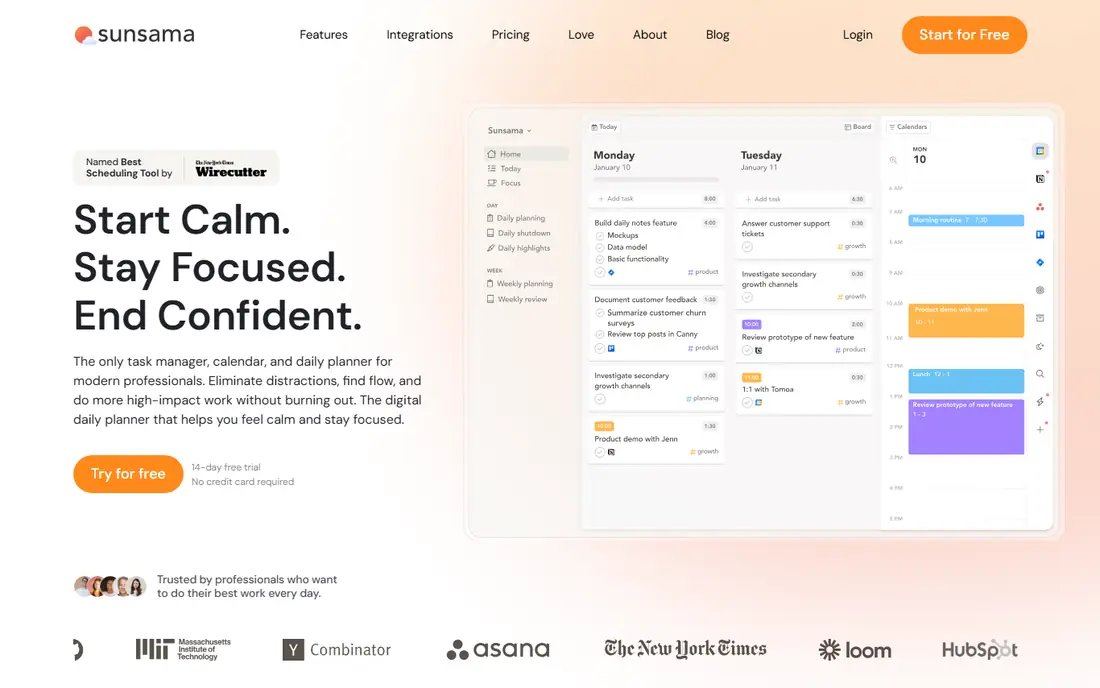
Sunsama takes a different approach to planning. Each day, it guides you through picking tasks, estimating time, and placing them on your calendar. It can pull tasks from Todoist, Asana, and other tools, so you plan in one place instead of checking five apps.
The price is the barrier. There is no free plan, and the monthly cost is high for a solo user. If you plan each morning and struggle with overload, the guided flow may earn its cost. If you only need a list, a cheaper app will do.
What we like- Guided daily planning flow
- Pulls tasks from other tools
- Calendar time blocking
Watch out for- No free plan
- Price is high for solo users
- Setup takes a few days to feel natural
Starting priceSee website
Free planYes
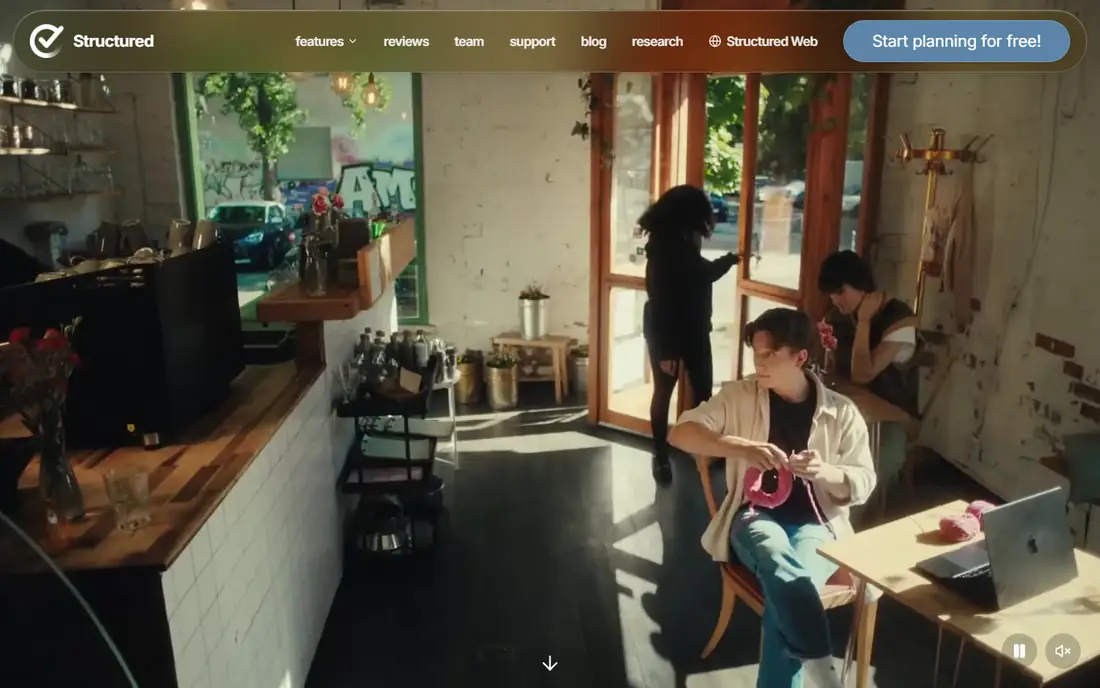
Structured turns a day into a visual timeline. Tasks become blocks on a line, which makes it easy to see gaps, overlaps, and free time at a glance. The design is calm and clear, and it suits visual planners who dislike long lists.
Task management is lighter than in Todoist. Projects, filters, and team features are not the focus here. For a personal daily timeline, especially on Apple devices, Structured is a pleasant change from list-only planning.
What we like- Visual timeline for the day
- Color-coded blocks
- Simple task and calendar mix
Watch out for- Best on Apple devices
- Task depth is lighter than Todoist or TickTick
How we chose
We compared pricing pages, help documentation, and public reviews on G2, Capterra, and Reddit, and we checked each app for capture speed, calendar views, reminders, sharing, and platform coverage. We favored apps with a free tier or trial, clear limits, and a daily view that works on a phone. We did not rank on total features alone, since unused features add friction.
Fit by planning style mattered most. A list thinker and a calendar thinker need different tools, even if both want a better day. Each pick below names its style first, so you can test one app from your style before trying the rest.
Building a daily planning habit that lasts past week one
Keep the morning review short. Pick three must-do tasks, place any timed work on your calendar, and move the rest to a later list. That small routine beats a perfect system that takes thirty minutes to maintain. Review again at day end for two minutes, and carry over only what still matters.
Limit tools to two at most. One app for tasks and one calendar is enough for most people. Adding a third app for habits or notes is fine only if you open it daily. If an app sits unused for a week, remove it rather than feeling guilty about it.
Time blocking without burnout
Block the hard task first, then leave buffer time between meetings. A full calendar with no gaps fails on the first delay. Structured and Google Calendar make gaps visible, which helps you protect focus time instead of packing the day solid.
Lists that do not grow forever
Use a someday list for ideas that are not this week. Todoist filters and TickTick lists both support that split. Review the someday list weekly, and delete ideas you no longer want. A shorter today list is easier to finish.
A short routine for ending the day well
Spend two minutes at day end moving unfinished tasks to a real date, not to tomorrow by default. A task that keeps rolling to tomorrow needs a smaller first step, a new date, or a decision to drop it. That honest move keeps tomorrow honest too.
Write tomorrow's top three tasks before you close the app. You will start faster in the morning, since the first decision is already made. Keep the list short, and place any timed work on the calendar rather than in the task list alone.
Finally, clear the inbox view each evening, even if you do not finish every task. Capture new ideas in the app, archive completed work, and leave a clean today view for morning. A calm close makes a calm start more likely.
Frequently asked questions
What is the best daily planning app for beginners?
Todoist is the best beginner pick for list planning, since capture is fast and the free plan covers daily use. Google Calendar is the best free pick if your day is driven by appointments and time blocks.
Is there a good free daily planner?
Yes. Todoist, TickTick, Google Calendar, and Microsoft To Do all offer useful free tiers. Start free, and upgrade only when you hit a limit you meet every week.
Should I use a planner app or a paper planner?
Use the tool you will open each morning. Paper suits people who like writing by hand and dislike notifications. Apps suit people who need reminders, sharing, and sync across devices.
What is the difference between Todoist and TickTick?
Todoist is faster and simpler for pure lists, while TickTick adds a calendar, habit tracker, and focus timer in one app. Choose Todoist for speed, and TickTick for breadth at a modest price.
How long should daily planning take?
Aim for five minutes in the morning and two minutes at day end. If planning takes longer than that each day, simplify the system until it fits that window.
Sources we checked (8)
- https://todoist.com/
- https://ticktick.com/
- https://www.notion.so/
- https://calendar.google.com/
- https://to-do.microsoft.com/
- https://www.any.do/
- https://sunsama.com/
- https://structured.app/
Is your product missing or out of date?
We review this list regularly. Vendors can request a listing, send updated pricing or ask about featured placement.

Shihab Mia · Founder, Rankite
Shihab has 5+ years in B2B and SaaS SEO. He writes Rankite's software buying guides from pricing pages, documentation and public user reviews. More about Shihab.