How we make this list: we compare pricing pages, product documentation and public user reviews. Rankite is independent; if a vendor ever pays for a featured spot, that listing is clearly labeled Partner.
Key takeaways
- GitHub is the default for most teams, with the largest ecosystem and Copilot-powered workflows.
- GitLab suits organizations wanting the full DevOps platform in one application.
- Bitbucket fits teams already in the Atlassian ecosystem with Jira.
- Perforce Helix Core serves game studios and enterprises with massive binary assets.
- Gitea, SourceHut, RhodeCode, Assembla and Beanstalk cover self-hosted, open-source and niche needs.
Source code management tools host Git repositories and add collaboration: pull requests, code review, CI/CD and issue tracking. These nine cover hosted platforms, self-hosted options and enterprise version control.
Quick comparison
| Tool | Best for | Starting price | Free plan |
|---|
 GitHub GitHub | Default choice, biggest ecosystem | See website | Yes |
 GitLab GitLab | All-in-one DevOps platform | See website | Yes |
 Bitbucket Bitbucket | Atlassian teams | See website | Yes |
 Perforce Helix Core Perforce Helix Core | Large binary assets | See website | Free trial |
 Gitea Gitea | Lightweight self-hosted Git | Free | Yes |
 SourceHut SourceHut | Hacker-friendly forge | See website | Yes |
 RhodeCode RhodeCode | Unified repo management | See website | Free trial |
 Assembla Assembla | Managed Perforce, SVN and Git | See website | Free trial |
 Beanstalk Beanstalk | Simple hosted Git and SVN | See website | Free trial |
Is your product missing or out of date?
We review this list regularly. Vendors can request a listing, send updated pricing or ask about featured placement.
Starting priceSee website
Free planYes

GitHub is where code lives: unlimited repositories, pull requests, Actions CI/CD and the package ecosystem most developers know. The free plan covers teams genuinely.
Enterprise features like advanced security add cost. For most teams, the network effects make it the default.
GitHub teams should protect the main branch and require pull request reviews from day one; the habits matter more than the features. Use Actions for CI early so quality checks run automatically. The security scanning deserves attention on public repositories.
What we like- Largest community and Actions ecosystem
- Copilot integration
- Free for teams
Watch out for- Advanced security costs extra
- Microsoft lock-in concerns some
Starting priceSee website
Free planYes

GitLab bundles source control, CI/CD, security scanning and project management in a single application, available hosted or self-managed. Teams wanting one platform get coherence.
The breadth makes it complex. Organizations standardizing DevOps on one tool find it compelling.
GitLab teams should explore the built-in CI/CD before adding external tools; the integrated pipeline is the value proposition. Use the issue boards for planning to keep everything in one place. Self-managed instances need maintenance planning.
What we like- Complete DevOps in one app
- Self-hosted option
- Strong CI/CD
Watch out for- Interface dense
- Resource-heavy self-hosting
Starting priceSee website
Free planYes
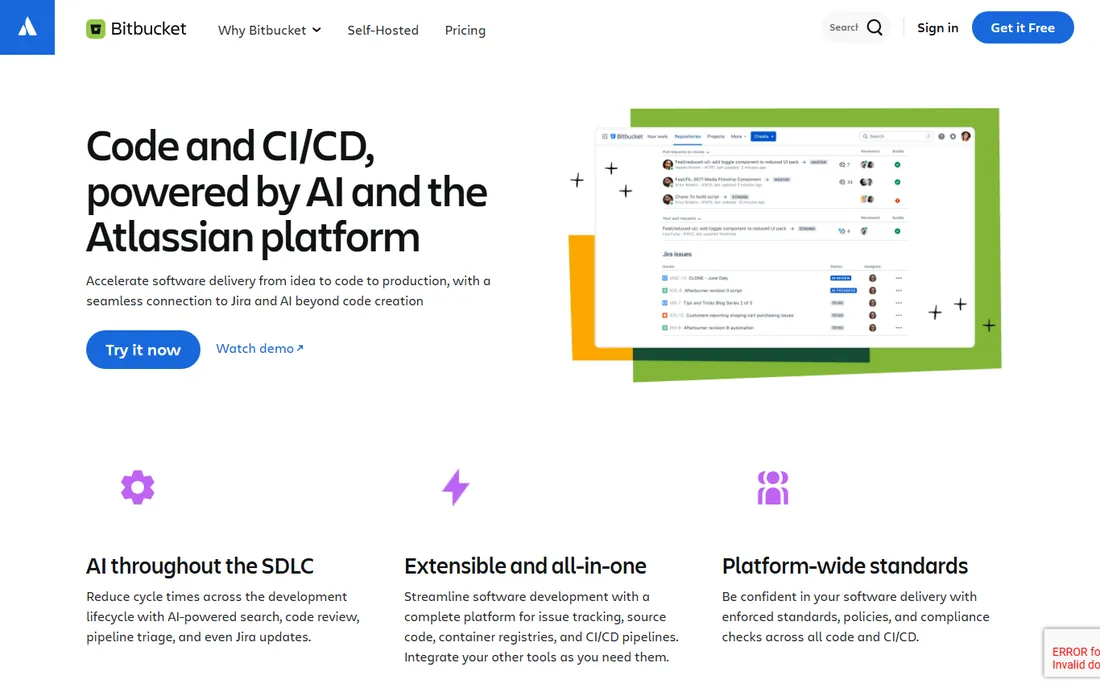
Bitbucket is Atlassian's Git hosting, integrating tightly with Jira, Confluence and Trello. Development teams tracking work in Jira get traceability free.
Outside Atlassian it is less distinctive. Jira shops should use it before adding GitHub.
Bitbucket teams in the Atlassian ecosystem should connect Jira for the traceability; the integration is the reason to choose it. Keep repository sizes reasonable to avoid performance pain. The free tier covers small teams genuinely.
What we like- Deep Jira integration
- Free for small teams
- Pipelines CI/CD
Watch out for- Smaller community than GitHub
- Atlassian ecosystem required for full value
Starting priceSee website
Free planFree trial
Perforce Helix Core versions what Git cannot: terabyte game assets, chip designs and huge binaries with speed. Game studios and semiconductor firms depend on it.
Git teams find the model different. For large-asset version control, it remains the standard.
Perforce teams handling large binaries should use streams to simplify branching; the model differs from Git deliberately. The admin overhead is real, so assign ownership. Game and chip teams get unmatched scale.
What we like- Handles massive repos and binaries
- Game industry standard
- Fine-grained permissions
Watch out for- Not Git-native
- Enterprise pricing
Starting priceFree
Free planYes
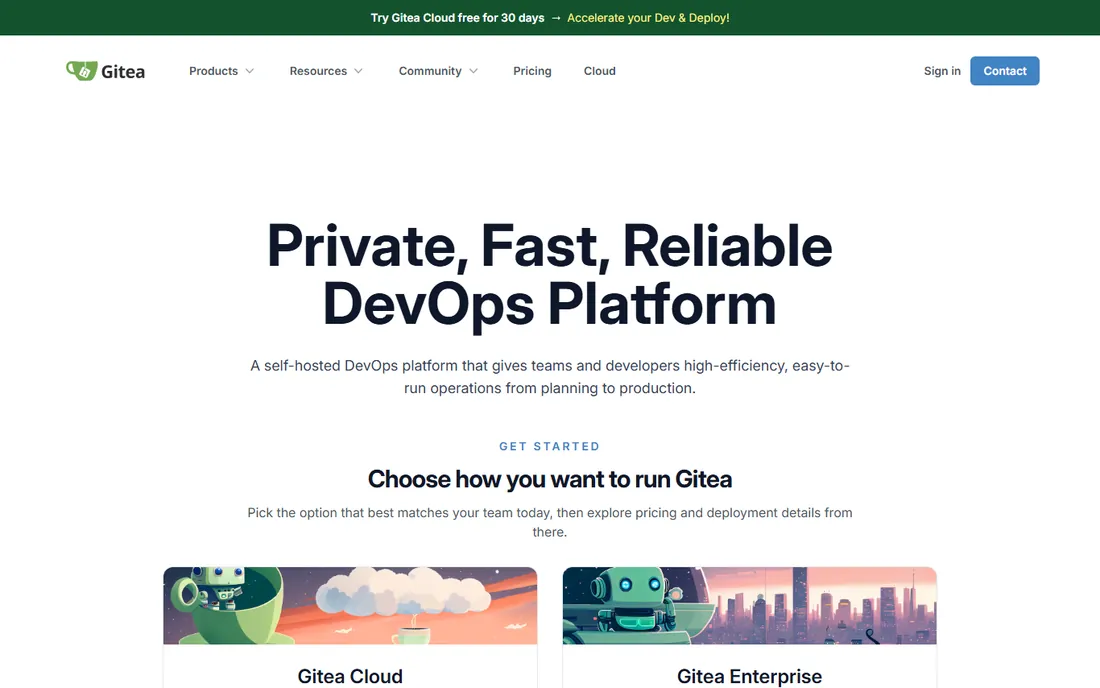
Gitea is the lightweight self-hosted Git forge: install in minutes, run on minimal hardware, get pull requests, issues and CI. Homelabs and small teams love it.
Enterprise compliance features trail the big platforms. For free, private Git hosting you control, it is unbeatable.
Gitea self-hosters should keep the instance updated and backed up; the simplicity of the software does not remove ops responsibility. The low resource needs make it ideal for small teams. Enable the built-in package registry if useful.
What we like- Free and open source
- Runs anywhere
- Fast and light
Watch out for- Fewer enterprise features
- Community support
Starting priceSee website
Free planYes
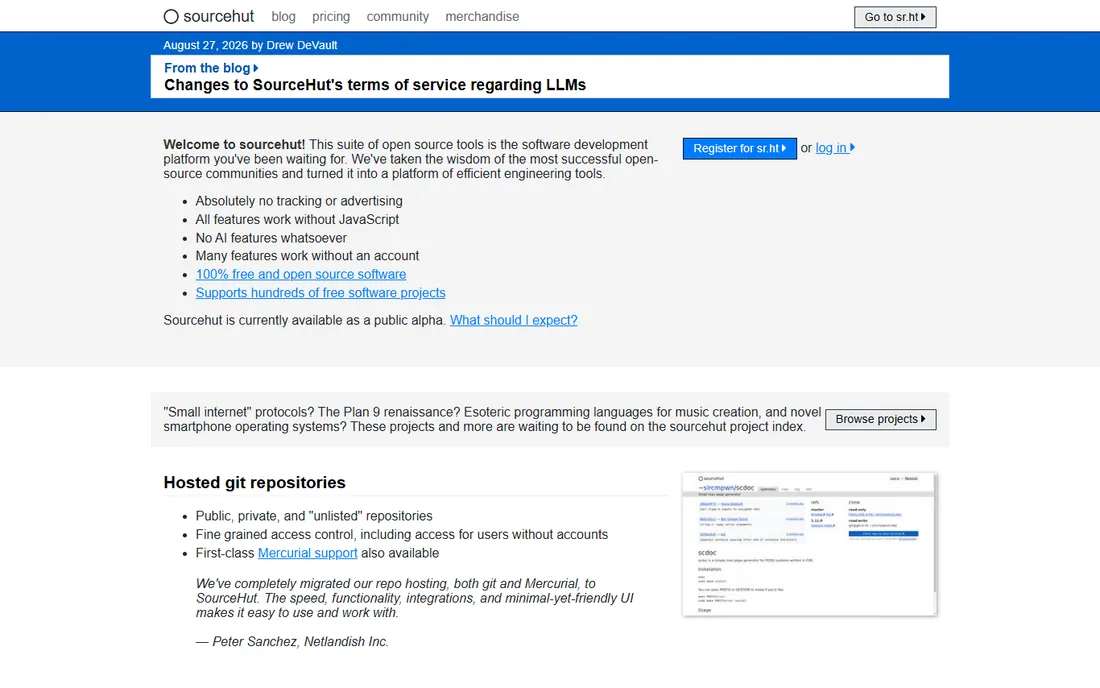
SourceHut is the hacker's forge: mailing-list code review, minimal web UI, and builds without lock-in. Open-source purists appreciate the philosophy.
The email workflow confuses GitHub natives. For principled, lightweight hosting, it is distinctive.
SourceHut users should embrace the email-based workflow fully; half-adopting it confuses everyone. The minimalist philosophy extends to the tooling. It suits developers who value simplicity over features.
What we like- Email-driven workflows
- No JavaScript required
- Principled and simple
Watch out for- Unconventional UX
- Smaller community
Starting priceSee website
Free planFree trial
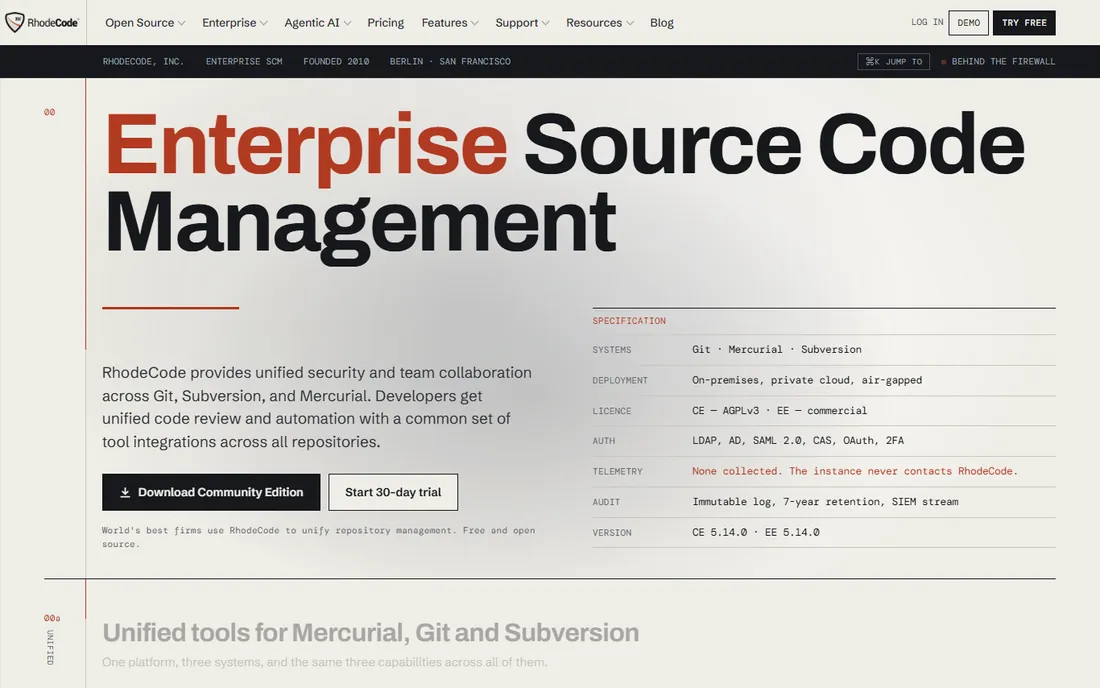
RhodeCode unifies Git, Mercurial and Subversion repositories under one enterprise management layer with code review and permissions. Mixed-VCS organizations consolidate here.
The community is smaller. Enterprises with legacy SVN alongside Git find the unification valuable.
RhodeCode enterprises should evaluate the unified SVN and Git support if they are mid-migration; the bridge period is the value. The compliance features suit regulated industries. Plan the repository consolidation deliberately.
What we like- Git, Mercurial and SVN in one
- Enterprise permissions
- Self-hosted
Watch out for- Smaller ecosystem
- Interface utilitarian
Starting priceSee website
Free planFree trial
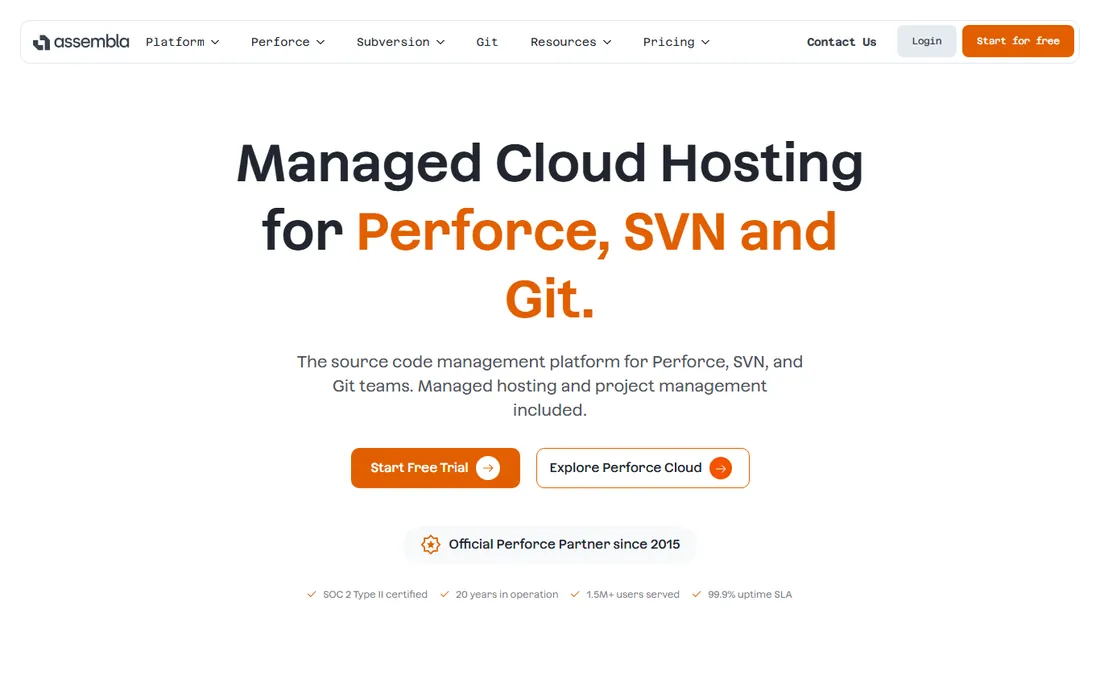
Assembla provides managed cloud hosting for Perforce, Subversion and Git with the compliance and support enterprises need. Regulated teams outsource the hosting burden.
Developers may prefer GitHub's UX. For managed multi-VCS with enterprise support, it is proven.
Assembla teams should use the project management alongside code; the integrated view helps small teams. The per-repository pricing needs watching as projects multiply. It suits agencies managing client code.
What we like- Managed hosting for Perforce, SVN and Git
- Compliance-friendly
- Long track record
Watch out for- Less modern than GitHub
- Pricing per user
Starting priceSee website
Free planFree trial
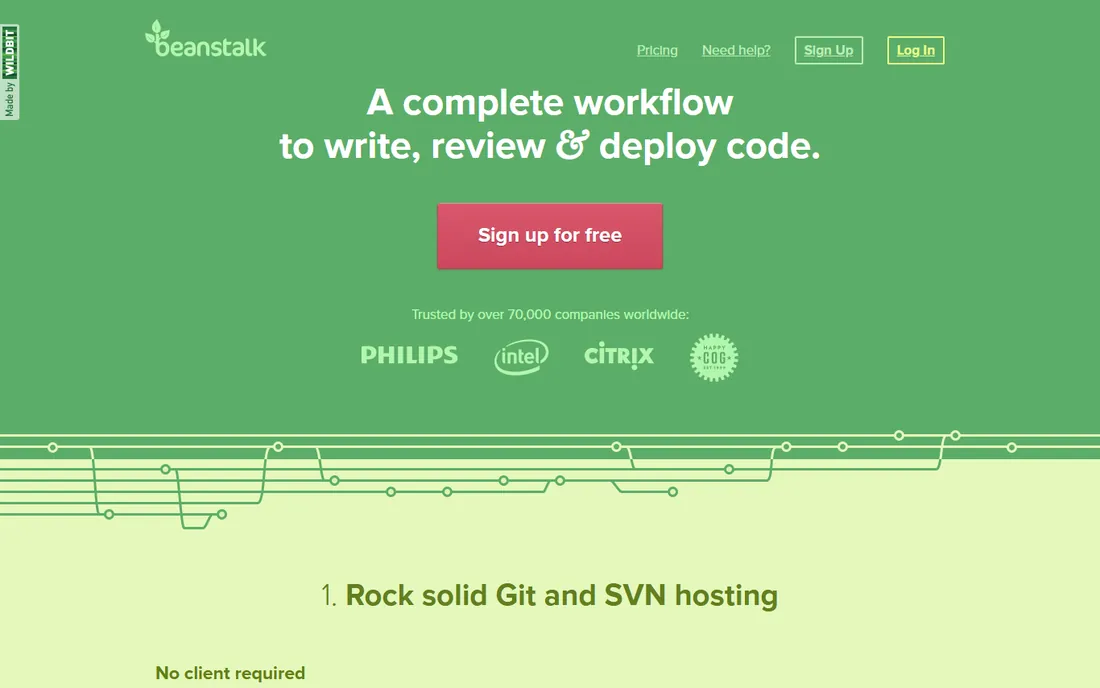
Beanstalk offers simple hosted Git and Subversion with code review and deployment pipelines. Small teams get dependable hosting without complexity.
It is not chasing feature parity with GitHub. For straightforward hosted repositories with deployments, it works quietly well.
Beanstalk users should use the deployment integrations to simplify releases; the one-click deploys save real time. The code review tools cover the essentials. It is ideal for teams wanting hosting plus deployment without complexity.
What we like- Simple and reliable
- Git and SVN
- Deployment integrations
Watch out for- Smaller feature set
- Quieter development
How we chose
We verified each vendor's homepage and kept tools with genuine source code management, excluding discontinued products like AWS CodeCommit. We weighted collaboration features, hosting options, free plans and fit for different team types. Pricing changes often, so paid tiers show "See website".
What to get right before you buy
Match the VCS to your assets. Git suits code; Perforce suits massive binaries. Mixed shops may need both.
Check the CI/CD story. Modern development needs integrated pipelines; confirm your tool's CI covers your stack.
Consider self-hosting honestly. Control and compliance favor self-hosted; maintenance burden favors cloud. Most teams should start cloud.
Frequently asked questions
What is source code management?
Systems that track code changes, enable collaboration through branches and pull requests, and host repositories teams share.
GitHub vs GitLab: which is better?
GitHub has the bigger ecosystem; GitLab offers more built-in DevOps. Most teams choose GitHub unless they want GitLab's all-in-one platform.
Is Git the same as GitHub?
No. Git is the version control system; GitHub, GitLab and others host Git repositories with collaboration tools.
Can I self-host Git?
Yes. Gitea, GitLab and RhodeCode offer self-hosted options, from lightweight to enterprise.
What about large binary files?
Git LFS helps, but Perforce Helix Core is purpose-built for massive binary assets like game content.
Are free plans enough for a startup?
Usually yes. GitHub, GitLab and Bitbucket free tiers cover small teams; pay when you need advanced security or compliance.
Branching strategies that prevent merge hell
Source control tools work, but branching discipline decides whether teams ship or suffer. The first decision is the branching model: trunk-based development for teams that deploy frequently, GitFlow for scheduled releases, or feature branches with short lives. Pick one deliberately and document it; mixed models create chaos.
The second discipline is small, frequent merges. Long-lived branches diverge and merge painfully; branches merged within days stay painless. If a feature takes weeks, merge the scaffolding early and the details later. The merge conflict is a signal that branches lived too long.
The third discipline is meaningful commit messages. Future developers, including you, will read the history to understand why changes happened. Write messages that explain the why, not just the what. Enforce a convention with commit linting if the team is large.
The fourth discipline is protected main branches with required reviews. No direct pushes to main, no exceptions, regardless of seniority. The review process catches more than bugs; it spreads knowledge across the team. Automated checks should run on every pull request before human review.
Finally, tag releases and keep the history clean. Tags mark what shipped when; clean history makes debugging production issues tractable. Avoid rewriting public history, since it confuses collaborators. The tool stores the code, but the discipline stores the sanity.
Migrating repositories safely
Repository migrations go wrong when rushed. Start by auditing the current state: repository sizes, large binary files, branch structures and access permissions. Surprises discovered mid-migration cause the most pain.
Choose the migration strategy deliberately. Lift-and-shift preserves full history but carries over every past mistake; filtered migration cleans as it goes but risks losing context. For most teams, full history migration with post-migration cleanup works best.
Migrate a pilot repository first, ideally a real but non-critical one. The pilot reveals tooling gaps, permission issues and workflow differences. Document every step; the pilot runbook becomes the production plan.
Coordinate the cutover carefully. Freeze the old repository, migrate, verify the new one, then redirect the team. A clear cutover hour with everyone informed beats a gradual drift where commits land in both places. Verify CI pipelines, webhooks and integrations immediately after.
Finally, keep the old system read-only for a transition period, typically three months. Teams will need to reference old pull request discussions and history. Archive it properly afterward rather than leaving it running indefinitely.
Code review best practices
Code reviews catch what automation misses. Keep reviews small: pull requests under a few hundred lines get thorough reviews, while thousand-line monsters get rubber stamps. Break large changes into stacked smaller ones. The review quality follows the size inversely.
Review for correctness and design first, style second. Automated linters handle formatting; human reviewers should focus on logic errors, edge cases and architectural fit. Comment on what matters and let the tooling handle the rest.
Be specific and kind in feedback. Point to the exact lines, explain the concern, and suggest alternatives. Reviews are collaboration, not judgment. Teams with harsh review cultures get defensive code and slow reviews.
Set expectations for turnaround time. Reviews blocking for days stall the whole team. Agree on a service level, such as first review within a business day, and honor it. Authors should keep pull requests reviewable to earn fast turnaround.
Finally, review the tests too. Untested code and weak tests deserve the same scrutiny as the implementation. Ask what could break and whether the tests cover it. The review is the last human gate before production.
Sources we checked (9)
- https://github.com/
- https://about.gitlab.com/
- https://bitbucket.org/
- https://www.perforce.com/
- https://about.gitea.com/
- https://sourcehut.org/
- https://rhodecode.com/
- https://get.assembla.com/
- https://beanstalkapp.com/
Is your product missing or out of date?
We review this list regularly. Vendors can request a listing, send updated pricing or ask about featured placement.

Shihab Mia · Founder, Rankite
Shihab has spent more than a decade helping SaaS and e-commerce brands grow through search. He writes Rankite's software buying guides from pricing pages, documentation and public user reviews. More about Shihab.