How we make this list: we compare pricing pages, product documentation and public user reviews. Rankite is independent; if a vendor ever pays for a featured spot, that listing is clearly labeled Partner.
Key takeaways
- Synthesia and Colossyan are the fastest path if you want AI presenters without cameras, lights or actors; Synthesia leads on avatar quality, Colossyan on price.
- Camtasia and Descript win for recorded, human-led tutorials; Camtasia for polished software demos, Descript for fast transcript-based editing of talking-head footage.
- Articulate 360, Adobe Captivate and iSpring Suite are course authoring tools first and video tools second; pick them when you need quizzes, branching and SCORM output, not just a video file.
- Loom is the cheapest way to ship informal how-to videos at volume, but its free plan caps you at 25 short videos per person.
- Panopto fits larger companies that need a searchable, secure video library; smaller teams will find it overkill and quote-only pricing slows the buying process.
Quick comparison
| Tool | Best for | Starting price | Free plan |
|---|
 Synthesia Synthesia | AI avatar training videos without filming | $18 per month (billed annually) | Yes |
 Vyond Vyond | Animated explainer-style training | $58 per user/month (billed annually) | Free trial |
 Camtasia Camtasia | Recorded software tutorials with full editing | $179.88 per year | Free trial |
 Descript Descript | Editing talking-head video by transcript | $24 per person/month (billed annually) | Yes |
 Articulate 360 Articulate 360 | Full interactive courses with assessments | $1,449 per user/year | Free trial |
 Adobe Captivate Adobe Captivate | Software simulations and VR training | $39.99 per month | Free trial |
 iSpring Suite iSpring Suite | Turning PowerPoint decks into SCORM courses | $970 per author/year | Free trial (14 days) |
 Panopto Panopto | Searchable enterprise video libraries | See website | No |
 Colossyan Colossyan | Budget AI presenter videos | $59 per month (billed annually) | Yes |
 Loom Loom | Quick async how-to walkthroughs | $15 per user/month (billed annually) | Yes |
Is your product missing or out of date?
We review this list regularly. Vendors can request a listing, send updated pricing or ask about featured placement.
The best software to create training videos
A bad pick here does not just waste the subscription fee. It wastes the weeks your team spends learning the tool, rebuilding videos that do not export to your LMS, and re-recording modules because the voiceover or avatar quality does not hold up in front of real employees. The most expensive line item is usually the labor, not the license.
The second cost is shelf life. A training video tool that locks you into a proprietary editor, a per-minute meter you cannot predict, or an export format your LMS cannot ingest will keep charging you long after the shine wears off. Many teams discover this the month they try to migrate twenty courses to a new platform.
This list splits the field the way buyers actually think about it: AI avatar generators, screen recorders and editors, full course authoring suites, and lightweight async video. The best software for creating training videos is the one that matches how your team already works, the format your learners actually watch, and the budget line you can defend next year.
Starting price$18 per month (billed annually)
Free planYes
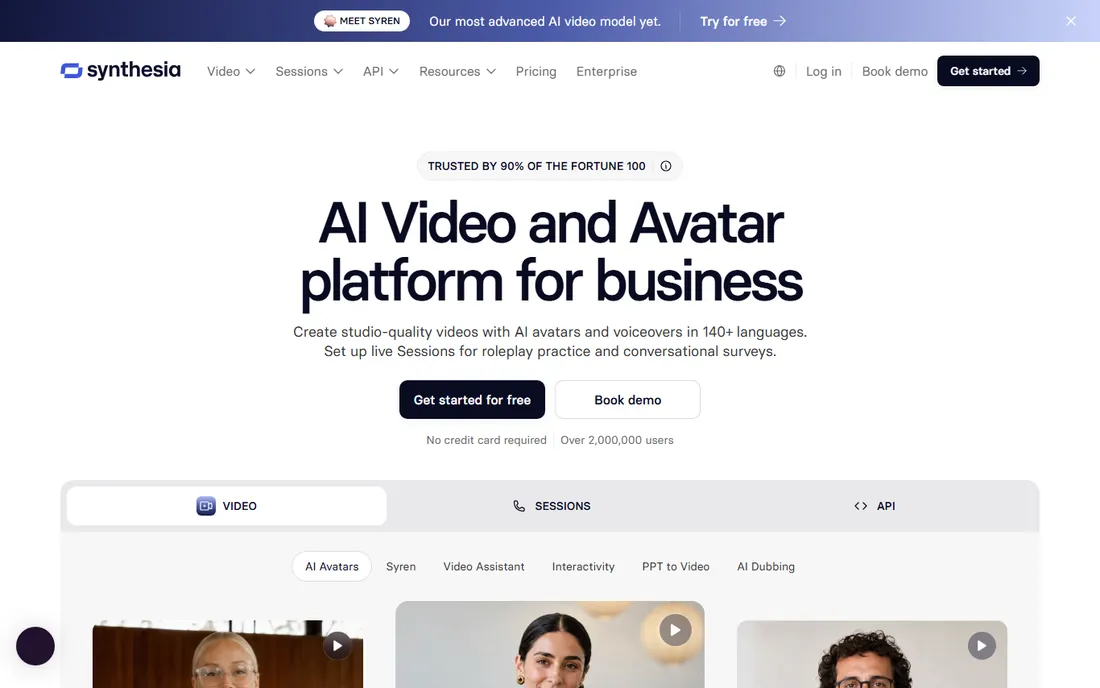
Synthesia has become the default answer for teams that need talking-head training without a studio. You type a script, pick an avatar, and get a presenter-led video in minutes. For compliance refreshers, onboarding modules and policy updates, that speed matters more than any single feature. The Starter plan at $18 a month billed annually covers about 120 video minutes a year, which suits a steady but modest publishing cadence.
The catch is the meter. Minutes burn on every render and re-render, so teams that revise heavily spend more than the headline price suggests. Each extra editor also means another subscription or an Enterprise deal. If you publish weekly or need SCORM packages for an LMS, budget for Creator at $64 a month annually, or prepare for the per-minute cost to climb.
What we like- 125+ stock avatars on Starter
- 160+ languages with AI dubbing
- MP4 downloads and logo removal on paid plans
Watch out for- Video minutes are tight at the low end
- One editor seat per self-serve plan
- SCORM export needs Enterprise
Starting price$58 per user/month (billed annually)
Free planFree trial
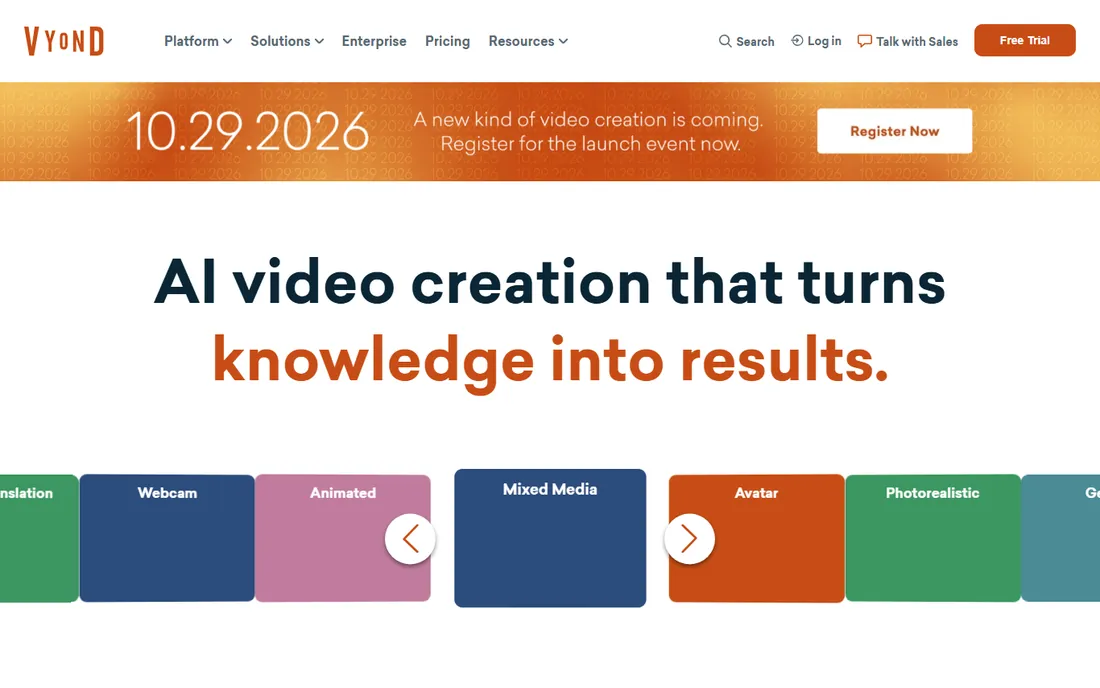
Animated characters still work well for topics where a real presenter adds nothing, like process walkthroughs, soft-skills scenarios and compliance stories. Vyond owns that corner. The template and character library is deep, and the newer text-to-video and avatar features shorten what used to be long production cycles. At $58 per user per month billed annually, Starter is aimed at individuals; teams move to Professional at $100 a month annually for collaboration and stock assets.
Vyond is not a bargain, and buyers should read the fine print on credits before committing. The credit meter applies to AI tools, so heavy AI use on Starter can run out fast. It also remains a browser tool with a defined visual style, so if you need photoreal presenters or recorded software footage, pair it with something else on this list.
What we like- Full character and template library
- Text-to-video and AI avatar generation
- Translation into 70+ languages on Pro
Watch out for- Starter plan lacks team collaboration
- AI features are credit-metered
- Expensive for occasional use
Starting price$179.88 per year
Free planFree trial
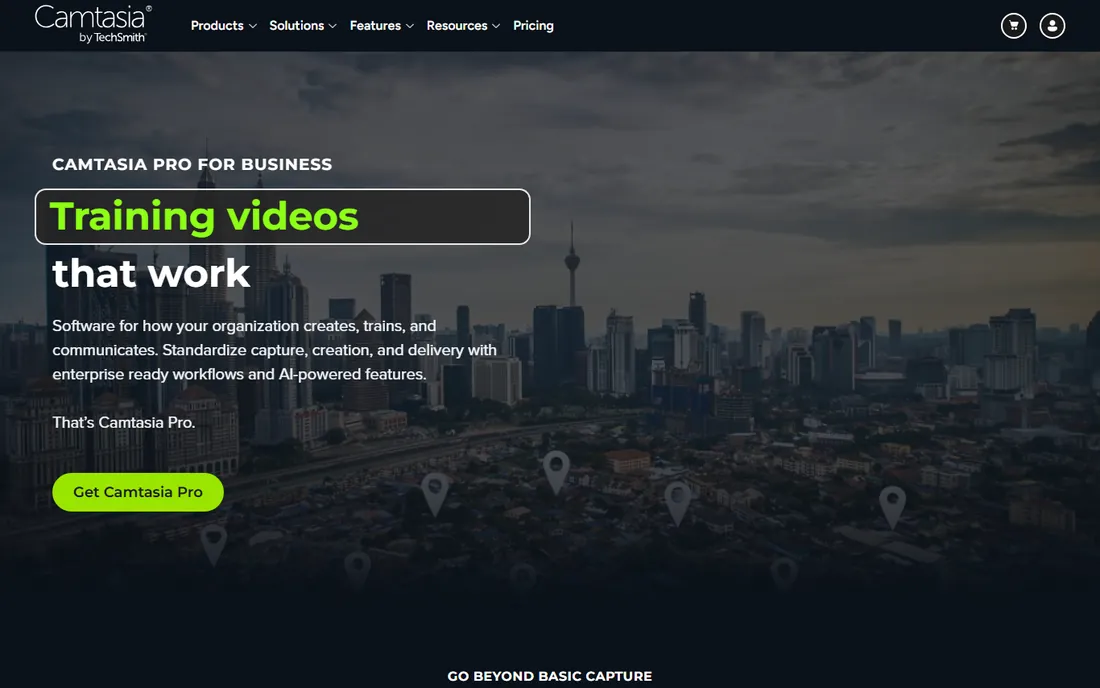
If your training shows people how to use software, Camtasia is the most direct tool on this list. You record your screen, webcam and audio on separate tracks, then edit everything in the same app. SmartFocus zooms, cursor effects and captions are the small touches that make tutorials watchable, and quiz questions can report results to a SCORM-compliant LMS. The Essentials plan at $179.88 a year unlocks the full editor; a $39 a year Starter exists but exports carry a watermark.
The honest downside is performance. Reviews consistently mention slow startup and lag with heavy timelines, so budget a capable machine. Also note the shift to subscription-only pricing: stop paying and you lose the authoring environment, which matters if you plan to keep a course library editable for years.
What we like- Screen recording plus a full multi-track editor in one app
- Quizzes with SCORM reporting
- Cursor effects, zooms and captions built in
Watch out for- Subscription only, no perpetual license
- Can lag on large or high-resolution projects
- AI voices and avatars sit on higher tiers
Starting price$24 per person/month (billed annually)
Free planYes
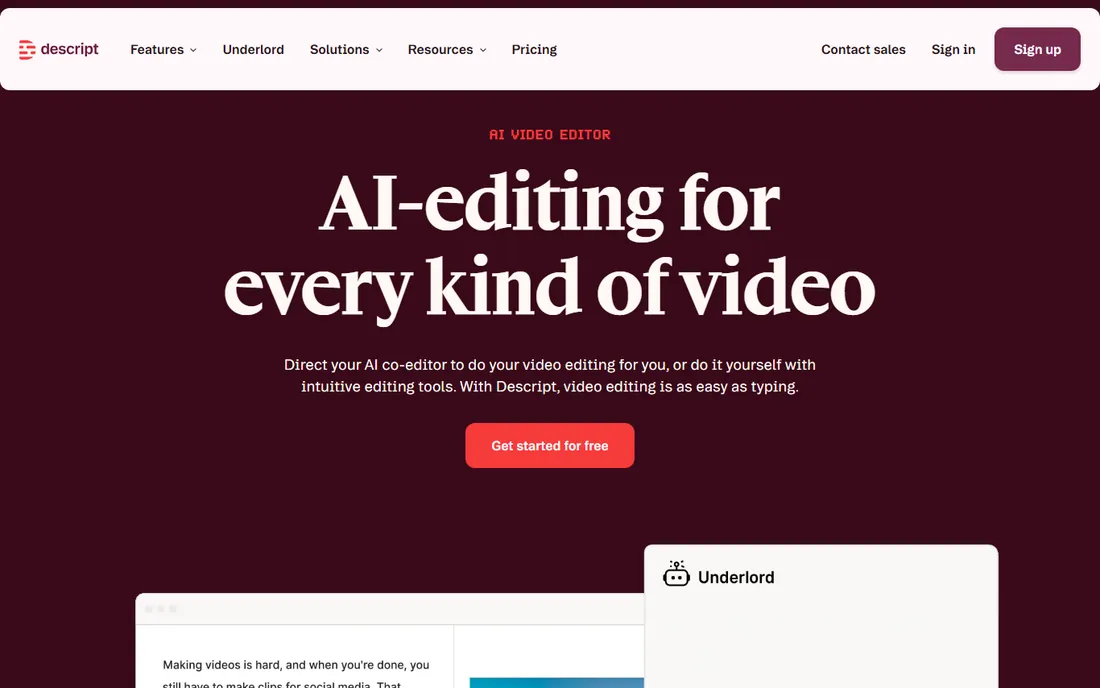
Descript flips the editing workflow: instead of scrubbing a timeline, you delete sentences in a transcript and the video follows. For trainers who record themselves explaining things, this removes hours of fiddly trimming. The Creator plan at $24 a person a month billed annually gives 30 hours of media and 800 AI credits a month, plus 4K exports. A free plan with 60 minutes a month is enough to learn the workflow.
The pricing structure rewards careful shooters and punishes sloppy ones, because media minutes count raw uploads, not finished exports. Long unedited recordings eat your allowance before you make a single cut. Teams in regulated industries should also verify compliance directly with Descript, since published HIPAA documentation is not available.
What we like- Edit video by editing the transcript
- Studio Sound and filler-word removal
- 4K exports on the Creator plan
Watch out for- Media minutes meter counts every upload, transcribed or not
- No mobile editing app
- HIPAA compliance is not documented
Starting price$1,449 per user/year
Free planFree trial
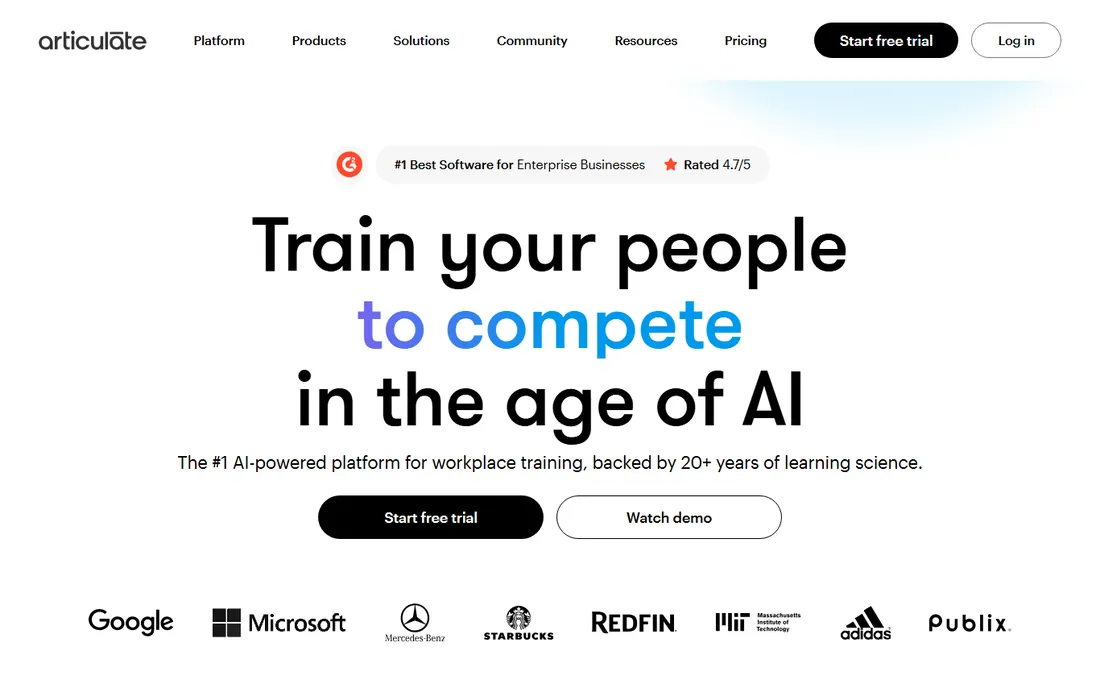
Articulate 360 is the suite serious instructional design teams standardize on. Storyline 360 handles complex branching and simulations, Rise 360 handles fast responsive courses, and Review handles stakeholder feedback. The $1,449 a year Personal plan (or $1,749 a user a year for Teams) is steep, but it replaces several tools at once for teams building real courses, not just videos.
The price is only defensible if you use the authoring depth. If your output is mostly linear training videos with no quizzes or branching, you are paying course-authoring money for video-editor work. Also watch the AI credit packages: features like avatars and translation can add cost on top of the seat price.
What we like- Storyline 360 and Rise 360 in one subscription
- Huge template and asset library
- The largest user community in eLearning
Watch out for- The highest price on this list
- Pure rental, access ends when the subscription stops
- Advanced AI workflows use separately purchased credits
#6
Adobe Captivate
Best for: Software simulations and VR training
Visit adobe.com
Starting price$39.99 per month
Free planFree trial
Captivate has long been the specialist pick for click-through software simulations, the kind where learners practice inside a replica of an enterprise app. If your training team demos complex systems, nothing else on this list captures and rebuilds software workflows as precisely. The individual subscription runs about $39.99 a month, which is modest next to Articulate but adds up over years.
The trade-off is usability. Captivate is famously hard to learn, with triggers, variables and conditions that take real study. Small teams and occasional authors often find the price and the learning curve hard to justify together. Confirm what you need before buying: teams that mostly record narrated walkthroughs get more value from simpler tools here.
What we like- Best-in-class software simulation recording
- VR and 360-degree content support
- 100 GB of cloud storage included
Watch out for- Steep learning curve
- Subscription-only pricing
- Heavy on system resources
Starting price$970 per author/year
Free planFree trial (14 days)
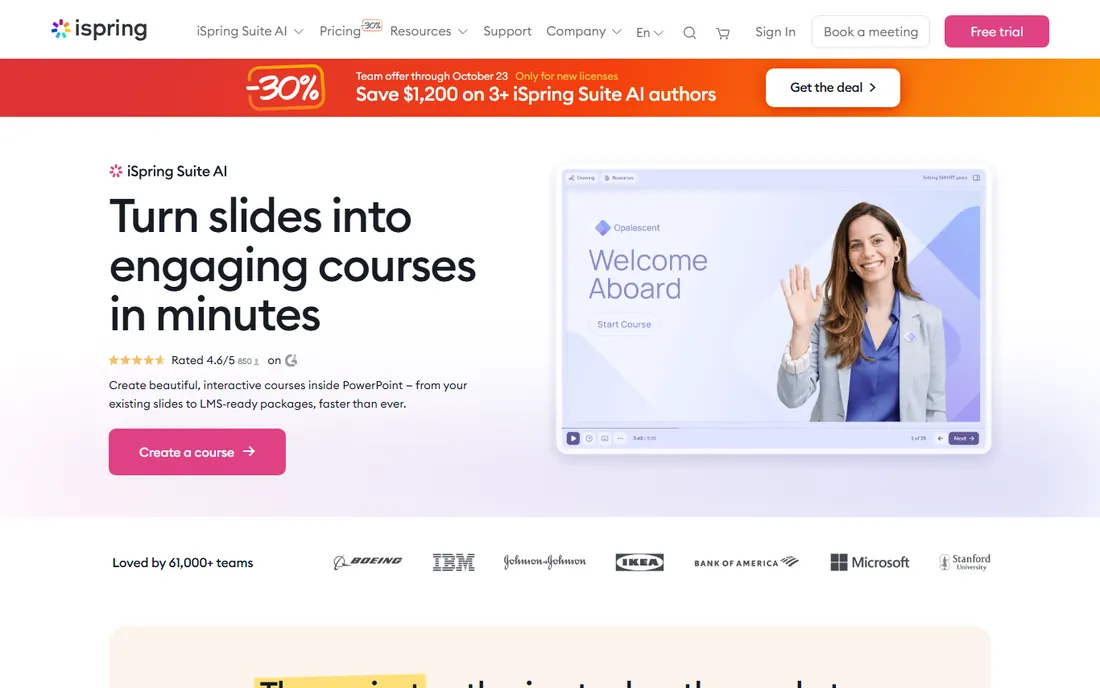
Most companies already have their training content in PowerPoint, half-finished and gathering dust. iSpring Suite is the fastest way to turn those decks into LMS-ready courses with narration, quizzes and video. The add-in workflow means non-designers can publish real SCORM packages in days, not months. The standard Suite runs $970 per author per year; the AI plan with course-generation features is $1,290.
The limitation is the platform itself: Windows with desktop PowerPoint is mandatory, so Mac-based teams are out. It also handles straightforward linear courses better than deeply branched simulations. For HR teams converting slide libraries into trackable training, though, it is hard to beat on speed.
What we like- Lives inside PowerPoint as an add-in
- Quizzes, role-plays and branching scenarios
- Clean SCORM, xAPI and cmi5 output
Watch out for- Windows and PowerPoint desktop required
- Weak at complex branching logic
- The AI plan costs $1,290 a year
Starting priceSee website
Free planNo
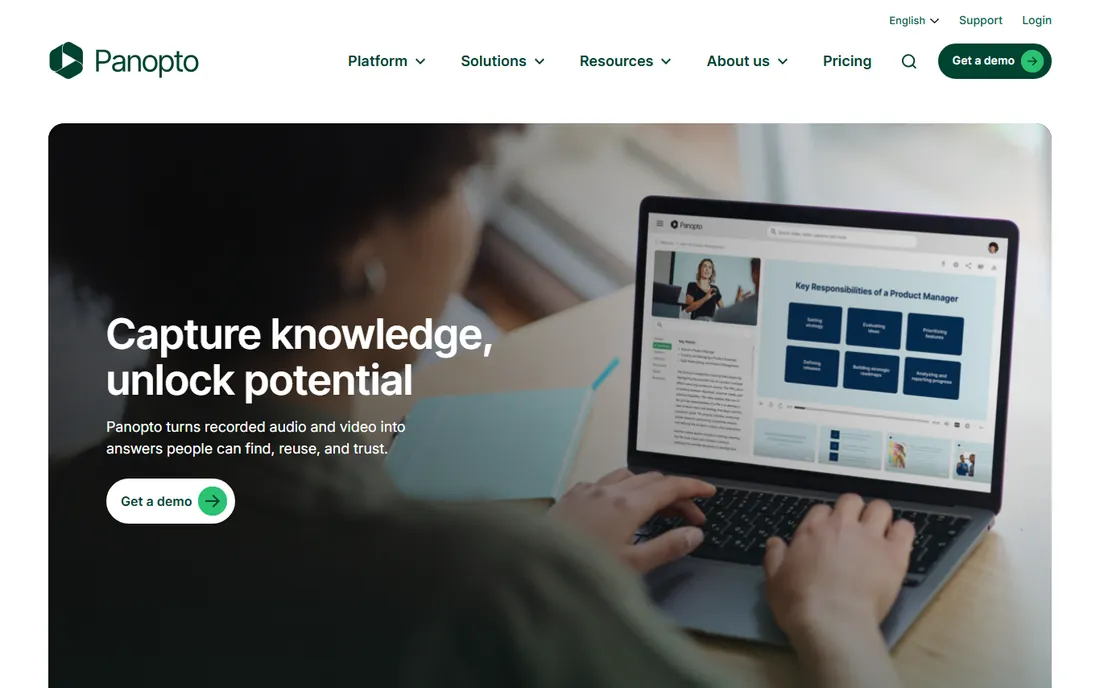
Panopto is not really a video creation tool; it is where training videos live once a company has hundreds of them. Lecture capture, searchable transcripts, permissions and LMS delivery are its core strengths. Large employers and universities use it as an internal video site where any employee can find the exact minute a topic was covered. Pricing is custom and quoted, with third-party estimates putting first-year costs anywhere from a few thousand dollars up, plus onboarding fees.
Small and mid-size companies should think twice before going here. If you do not need granular permissions, SSO and a searchable archive, you are buying infrastructure you will not use. Get the quote early in your process, because the sales cycle alone can take weeks.
What we like- Every spoken word searchable inside videos
- Deep LMS and SSO integrations
- Built for universities and large employers
Watch out for- Quote-only pricing slows buying
- Onboarding and migration can add four figures
- Overkill for teams under fifty people
Starting price$59 per month (billed annually)
Free planYes
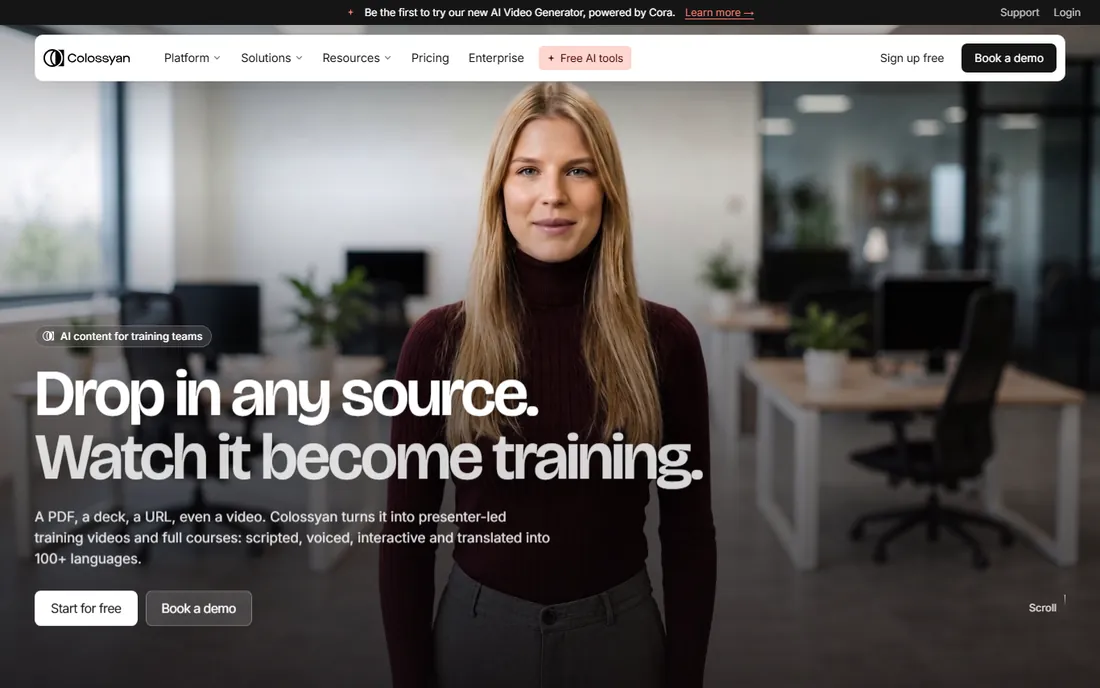
Colossyan plays the same game as Synthesia at a lower price. The free plan includes monthly generation minutes with 300-plus avatars, which is unusually generous for this category and makes it a sensible place to test the AI-presenter workflow. The Professional plan at $59 a month billed annually adds watermark-free exports and monthly SCORM exports for teams that need LMS delivery.
The pricing structure needs a careful read: minutes are split between the older NEO model and the newer NEO2 model, so the headline allowance overstates what you can generate on the current engine. Still, for teams producing standard talking-head training on a budget, it delivers most of what the premium players offer at a fraction of the cost.
What we like- Generous free tier with monthly minutes
- 300+ stock avatars
- Automatic video translation
Watch out for- NEO and NEO2 generation allowances are separate and confusing
- Free exports are watermarked
- SCORM export needs a higher plan
Starting price$15 per user/month (billed annually)
Free planYes
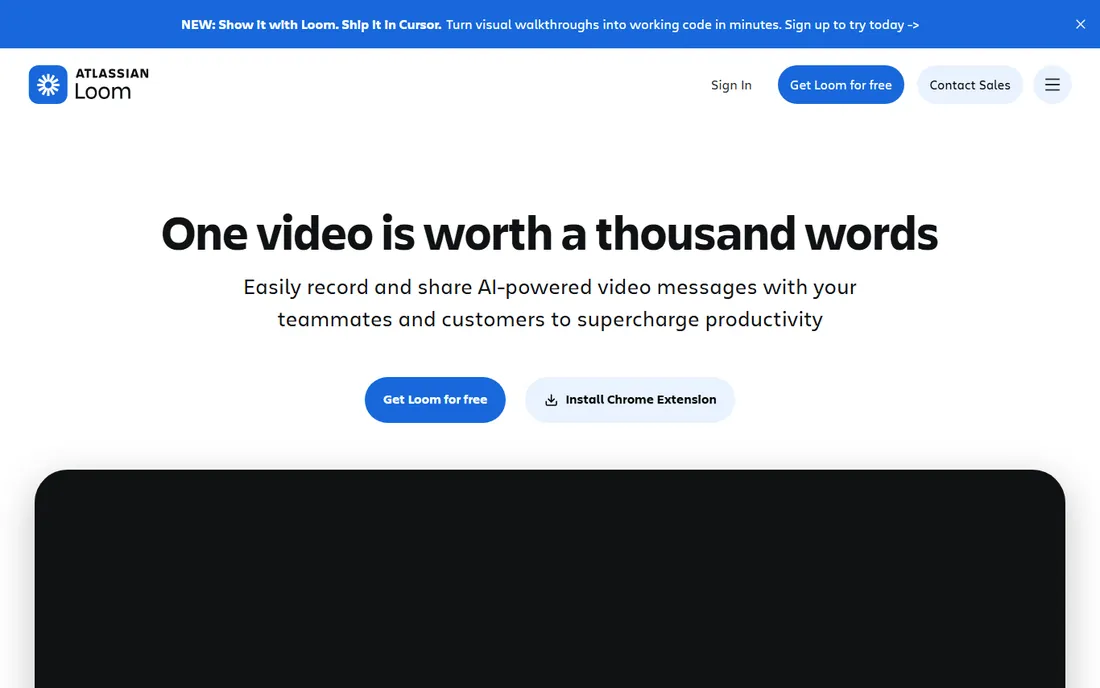
Loom is the informal end of training video: a manager records her screen to show a new hire how to file expenses, and the link lives in the team library. Nobody storyboards, nobody edits, and that is the point. The free Starter plan works for occasional use; Business at $15 a user a month billed annually removes the caps and adds 4K, branding and downloads. The $20-a-month Business plus AI tier adds summaries and filler-word removal.
Loom will not produce polished courseware, and it does not try to. If your training needs consistent branding, assessments or LMS tracking, look at the authoring tools above. But for tribal knowledge, onboarding walkthroughs and support explainers, the speed of record-and-share is unmatched.
What we like- Record to shareable link in seconds
- Team video library with comments
- AI summaries, titles and chapters on Business plus AI
Watch out for- Free plan capped at 25 videos of five minutes each
- No AI voiceover at any tier
- MP4 downloads need a paid plan
How this shortlist was put together
This list was built from vendor pricing pages, feature documentation, and public reviews on G2, Capterra and Reddit, with attention to how each product fits small and mid-size US companies. Products were included only if they are available today and genuinely fit training video production, not adjacent categories. Prices were checked against current vendor pricing pages in October 2026; where a vendor publishes no price, the entry says so. No hands-on testing was performed and no vendor paid for placement. Tools that are discontinued, invite-only, or aimed purely at Hollywood-style production were excluded.
What to check before you pay for training video software
Start with the meter, not the monthly price. AI video tools bill by minutes, credits or both, and the unit that looks cheap on the pricing page can be the expensive one in practice. Estimate your real monthly output first: how many videos, how long each, and how many revisions before a video is final. Then map that against the plan limits. A $18 plan that covers ten finished minutes a month is a $100 plan if you actually publish forty.
Next, check the export. If your company uses an LMS, confirm SCORM or xAPI support before you fall in love with an editor. Several tools on this list only offer SCORM on Enterprise tiers, which changes the real entry price dramatically. Also confirm file formats, caption files and whether you can download the raw MP4, because some platforms make it easy to get in and hard to get out.
Contract and seat math
Most products here are per-seat annual subscriptions, and the annual number is what you pay up front. Count your actual creators, not your learners: viewers are usually free. Check whether adding a second editor doubles the bill, as it does on some self-serve plans, or whether seats can be shared. And ask about data export and cancellation terms, because training libraries have long lives and tools come and go.
Fit for your team's skill level
A tool your instructional designers love and your subject-matter experts fear will sit unused. AI avatar generators have the gentlest learning curve; full authoring suites have the steepest. If the people creating videos are managers and trainers rather than designers, weight ease of use over feature depth. A simpler tool that ships ten videos beats a powerful one that ships none.
Where training video projects usually go wrong
The most common failure is producing videos nobody is assigned to maintain. Software changes, policies change, and a tutorial that was accurate in January is wrong by June. Before you buy, decide who owns updates and how often each video gets reviewed. Tools with fast re-rendering and template-based workflows make this cheaper; tools that require rebuilding from scratch make it a recurring project.
The second failure is measuring views instead of learning. A video with a thousand views and no assessment tells you nothing about whether anyone learned anything. If outcomes matter, you need quizzes, branching or at least completion tracking, which pushes you toward the authoring tools on this list rather than the pure video generators.
Frequently asked questions
What is the cheapest way to make training videos?
Loom's free plan and Colossyan's free tier are the cheapest starting points, and both are genuinely usable. For recorded tutorials, Camtasia's $39-a-year Starter covers screen capture, though exports are watermarked. The real cost driver is usually labor and revision time, so a slightly more expensive tool that halves editing time often wins on total cost.
Do I need SCORM output for training videos?
Only if you deliver through a learning management system that requires it for tracking completions and quiz scores. If your videos live on an intranet, a shared drive or a video platform, MP4 files are enough. Check with whoever runs your LMS before paying extra for an Enterprise tier just to get SCORM export.
Are AI avatar videos good enough for employee training?
For informational training like compliance updates, policy explainers and onboarding overviews, yes. The avatars from the leading tools are convincing for short modules, and multi-language dubbing is a real advantage for distributed teams. For skills training, coaching or anything where body language matters, recorded human presenters still work better.
How long does it take to make a training video?
An AI avatar video from a finished script can be ready in under an hour. A recorded tutorial with light editing typically takes half a day to a full day per finished minute once you count scripting, recording and revisions. A fully interactive course module with quizzes and branching can take a week or more per hour of learner time.
Can I use these tools if my team is not technical?
Yes, and that is the main selling point of the AI generators and Loom. Synthesia, Colossyan and Loom need no video editing skill. Camtasia and Descript need a few hours of learning. Articulate 360, Adobe Captivate and iSpring Suite reward training in instructional design, and Captivate in particular has a long ramp.
What is the difference between a video tool and a course authoring tool?
A video tool produces a watchable file; a course authoring tool produces a trackable learning experience with quizzes, branching, and LMS reporting. Articulate 360, Adobe Captivate and iSpring Suite are authoring tools that can include video. Synthesia, Colossyan, Loom, Camtasia and Descript are video tools. Panopto is a video library platform. Match the category to the job.
Sources we checked (15)
- https://www.synthesia.io/pricing
- https://multilogin.com/blog/synthesia-review/
- https://dev.to/stimlau/6-best-heygen-alternatives-in-2026-tested-with-pricing-55fi
- https://www.g2.com/products/vyond/pricing
- https://www.vendr.com/marketplace/techsmith
- https://winningpc.com/techsmith-camtasia-coupon-code-review-free-key/
- https://www.descript.com/pricing
- https://1of10.com/blog/descript-pricing/
- https://articulate.com/support/article/Articulate-360-Pricing-Options
- https://costloop.app/blog/adobe-captivate-prime-pricing/
- https://www.g2.com/products/ispring-suite/pricing
- https://e-student.org/ispring-suite-review/
- https://www.itqlick.com/panopto/pricing
- https://www.zight.com/blog/best-loom-alternatives
- https://prospeo.io/s/loom-vs-wistia
Is your product missing or out of date?
We review this list regularly. Vendors can request a listing, send updated pricing or ask about featured placement.

Shihab Mia · Founder, Rankite
Shihab has spent more than a decade helping SaaS and e-commerce brands grow through search. He writes Rankite's software buying guides from pricing pages, documentation and public user reviews. More about Shihab.