How we make this list: we compare pricing pages, product documentation and public user reviews. Rankite is independent; if a vendor ever pays for a featured spot, that listing is clearly labeled Partner.
Key takeaways
- Premiere Pro is the professional vlogging standard for Windows and Mac; Final Cut Pro is the fastest Mac-only editor at $299.99 one-time.
- DaVinci Resolve is the best free professional editor, with color grading no paid tool beats.
- CapCut is the fastest path from phone footage to a posted short; OBS Studio is the free way to record screen, camera and mic together.
- iMovie and Filmora cover beginners; LumaFusion is the serious choice for editing on a phone or tablet.
Quick comparison
| Tool | Best for | Starting price | Free plan |
|---|
 Adobe Premiere Pro Adobe Premiere Pro | Professional vloggers editing on Windows or Mac | From $22.99/month (annual plan) | Free trial |
 Final Cut Pro Final Cut Pro | Mac vloggers who want speed and a one-time price | $299.99 one-time (or Apple Creator Studio $12.99/month) | Free trial |
 DaVinci Resolve DaVinci Resolve | Vloggers who want professional editing and color grading for free | Free; DaVinci Resolve Studio $295 one-time | Yes |
 CapCut CapCut | Fast short-form vlogs, TikToks, Reels and Shorts | Free (Pro subscription available) | Yes |
 Filmora Filmora | Beginners who want guidance, templates and AI assistance | See website (free download; exports carry a watermark) | Free trial |
 OBS Studio OBS Studio | Recording tutorials, gaming vlogs and live streams for free | Free | Yes (free and open source) |
 iMovie iMovie | Mac and iPhone beginners making their first vlogs | Free | Yes |
 PowerDirector 365 PowerDirector 365 | Windows vloggers who want AI-assisted editing without Adobe prices | See website | Free trial |
 LumaFusion LumaFusion | Editing complete vlogs on a phone, tablet or Chromebook | See website | No |
Is your product missing or out of date?
We review this list regularly. Vendors can request a listing, send updated pricing or ask about featured placement.
The best software for vlogging
Vlogging software has to do three jobs: capture the footage, cut it fast, and make it look like you knew what you were doing. The wrong editor turns a 20-minute vlog into a weekend of frustration; the right one makes weekly uploads sustainable. These nine tools cover every vlogging workflow, from phone-shot daily vlogs to cinematic travel films, including the free options that genuinely compete.
Match the editor to how you actually vlog
Before comparing features, be honest about your workflow. If you shoot on your phone and post daily, a desktop timeline is overkill: CapCut or LumaFusion will get videos out in a fraction of the time. If you shoot talking-head videos at a desk, OBS Studio records your camera, screen and microphone in one take, and any editor on this list finishes the job.
Weekly YouTube vlogs with B-roll, music and color grading deserve a real editor: Premiere Pro, Final Cut Pro or DaVinci Resolve. The rule is simple: the more footage and the higher the production value, the more editor you need. Beginners should start free (iMovie, DaVinci Resolve, CapCut) and upgrade when the free tool slows them down, not before.
#1
Adobe Premiere Pro
Best for: Professional vloggers editing on Windows or Mac
Visit adobe.com
Starting priceFrom $22.99/month (annual plan)
Free planFree trial
Premiere Pro is what most full-time YouTubers cut on, and the ecosystem is the reason: every effect, transition pack and tutorial assumes Premiere, and round-tripping to After Effects for graphics or Audition for audio cleanup is one click. From $22.99/month on the annual plan, it is the professional default on both Windows and Mac.
The subscription grates, and for simple vlogs it is more software than the job needs. But if you plan to grow into client work or a production team, learning Premiere is learning the industry's common language.
What we like- The industry-standard editor with the deepest feature set and the biggest tutorial library on the internet
- Tight integration with After Effects, Audition and Photoshop
Watch out for- Subscription-only, so the cost never ends
- Heavier than vloggers need for simple cuts
- Occasional stability complaints on complex timelines
#2
Final Cut Pro
Best for: Mac vloggers who want speed and a one-time price
Visit apple.com
Starting price$299.99 one-time (or Apple Creator Studio $12.99/month)
Free planFree trial
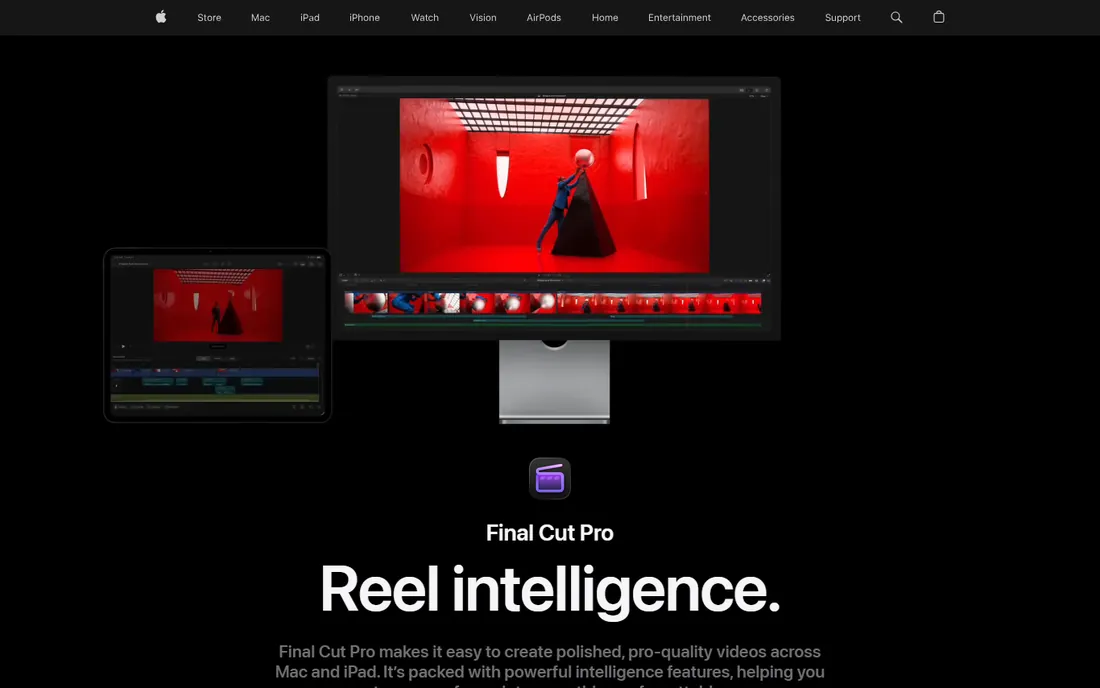
Final Cut Pro is the Mac vlogger's favorite for a reason: the magnetic timeline snaps clips together without gaps or collisions, which makes rough cuts dramatically faster, and on Apple silicon it renders and exports at speeds Premiere cannot touch. Apple confirmed the one-time price of $299.99 still exists alongside the new $12.99/month Creator Studio subscription.
It is Mac-only, full stop, and editors coming from Premiere need a week to rewire their habits. But for Mac owners who publish weekly, the speed and the one-time price are a hard combination to beat.
What we like- The magnetic timeline makes assembly genuinely fast
- Optimized for Apple silicon, so it flies on Macs
- One-time $299.99 purchase ends the subscription treadmill
Watch out for- Mac only
- The magnetic timeline divides editors used to track-based tools
- Smaller third-party plugin ecosystem than Premiere
Starting priceFree; DaVinci Resolve Studio $295 one-time
Free planYes
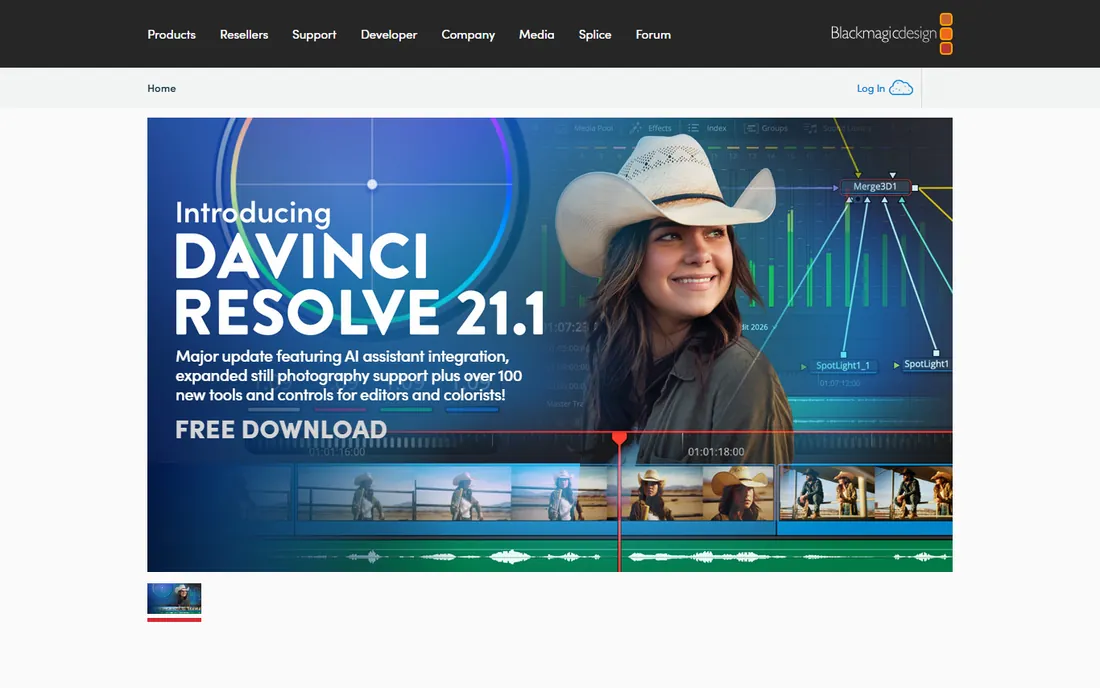
DaVinci Resolve is the best deal in video: a free download that includes a full editing timeline, the industry's best color grading, Fusion effects and Fairlight audio. Vloggers who want the cinematic look get the same color tools Hollywood uses, free. The $295 one-time Studio upgrade adds the remaining pro features.
It asks more of your computer than the simpler editors, and the four-page interface takes longer to learn. But for the vlogger who wants professional results without a subscription, nothing else is close.
What we like- The free version is a complete professional editor: cut, color, effects and audio pages
- The color grading tools are the best in the business at any price
- Studio is a cheap one-time upgrade
Watch out for- Demanding on hardware, especially for effects and noise reduction
- The interface has a learning curve
- Some advanced features (like certain AI tools) need the Studio version
#4
CapCut
Best for: Fast short-form vlogs, TikToks, Reels and Shorts
Visit capcut.com
Starting priceFree (Pro subscription available)
Free planYes
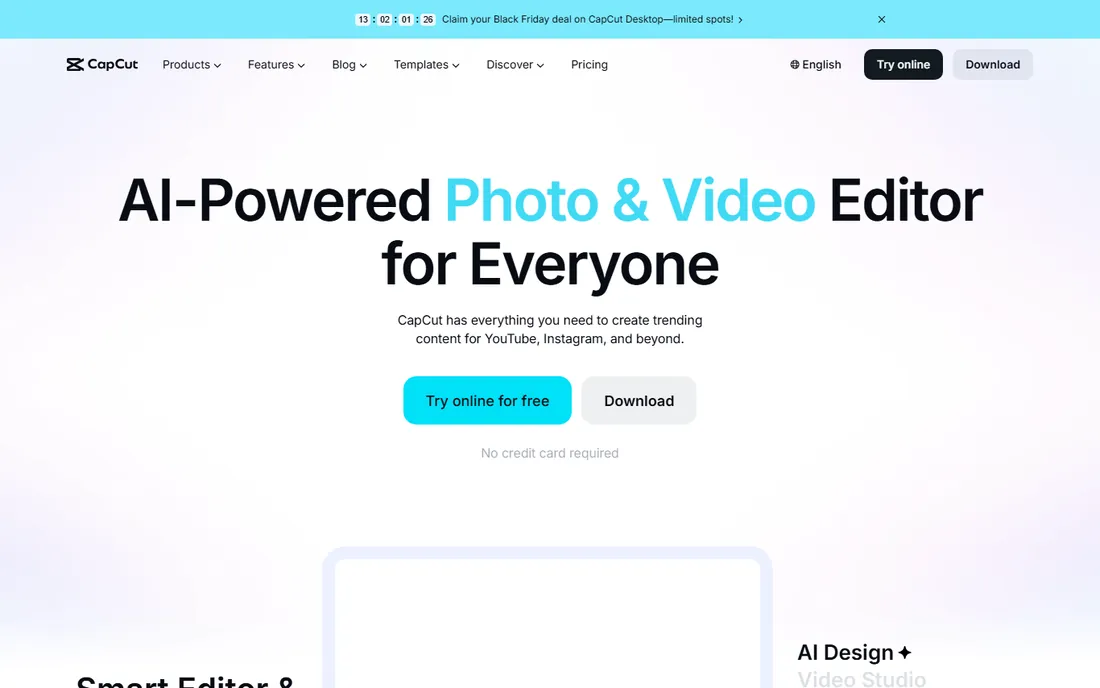
CapCut is the short-form vlogging machine: shoot on your phone, auto-generate captions, drop in a trending template, and post. The free tier covers most of what social vloggers need, and the desktop app handles longer YouTube videos respectably. Auto-captions alone save vloggers hours a week.
For serious long-form editing it is not a Premiere replacement, and power users will hit the Pro paywall on some effects. But if your vlogs live on TikTok, Reels and Shorts, CapCut is the obvious starting point.
What we like- The fastest path from clips to a finished short: auto-captions, templates, effects and music built in
- Free tier is generous with no credit card required
- Works on desktop, mobile and web
Watch out for- Desktop long-form editing is thinner than dedicated editors
- Some features and assets sit behind the Pro subscription
- Cloud features raise the usual data questions
Starting priceSee website (free download; exports carry a watermark)
Free planFree trial
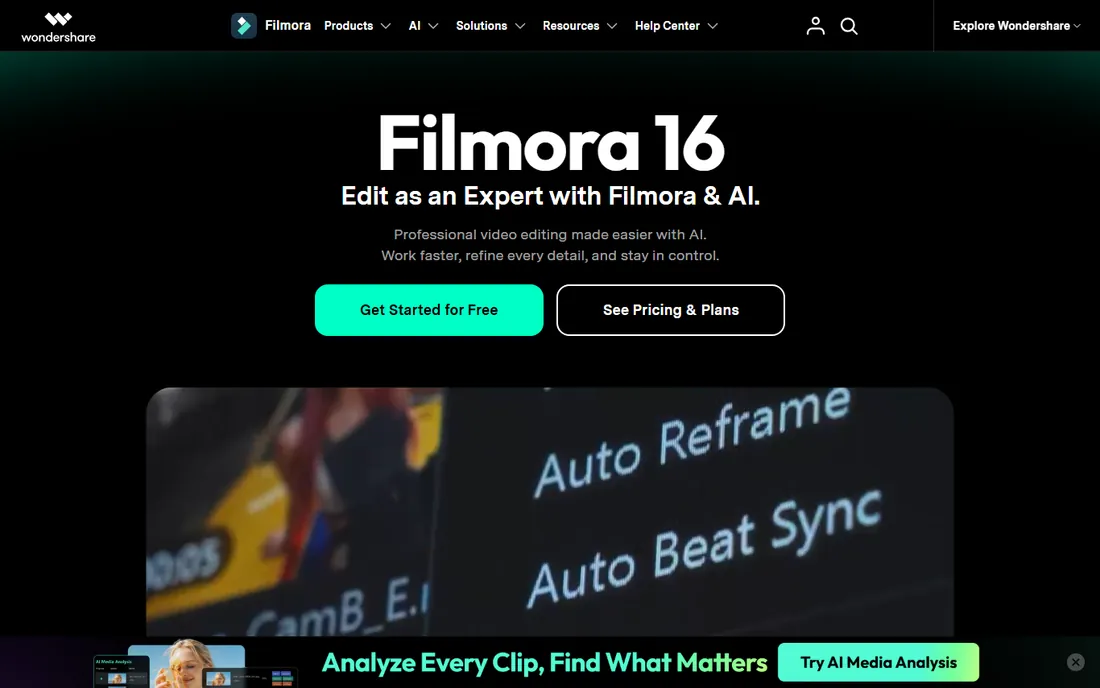
Filmora is the training-wheels editor that does not feel like training wheels: AI media analysis organizes your footage, text-based editing cuts silences, and thousands of templates and effects make beginner videos look polished fast. The free download lets you try everything; paid plans remove the watermark.
Vloggers who develop a real editing practice eventually graduate to Resolve or Premiere. But for the first year of a channel, Filmora gets videos published faster than any pro tool, and published beats perfect.
What we like- The gentlest learning curve among desktop editors, with AI tools that do the tedious work
- Huge library of templates, effects and stock media
- Screen recorder built in for tutorial vloggers
Watch out for- Free exports carry a watermark
- The template-heavy style can look generic
- Experienced editors outgrow it
#6
OBS Studio
Best for: Recording tutorials, gaming vlogs and live streams for free
Visit obsproject.com
Starting priceFree
Free planYes (free and open source)
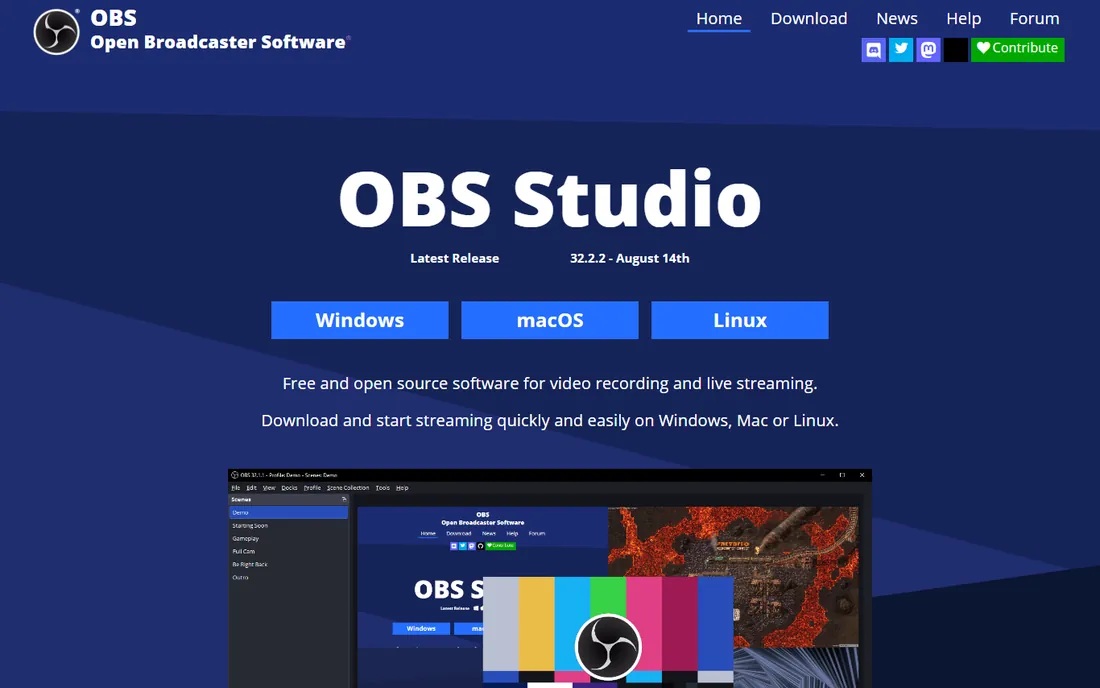
OBS Studio is not an editor, but half of vlogging is capture: screen tutorials, reaction videos, gaming content and live streams all start in OBS. It records your screen, webcam, microphone and game capture simultaneously, mixes the audio, and streams straight to YouTube or Twitch, all free and open source.
Every vlogger doing tutorials, commentary or streaming needs it, and it pairs with any editor on this list. Learn the basic scene setup once and it becomes invisible infrastructure.
What we like- Completely free recording and streaming: scenes, sources, audio mixing and transitions
- The standard for screen recording and live streaming to YouTube and Twitch
Watch out for- It is a recorder and switcher, not an editor: you still need one of the tools above
- The settings can intimidate first-timers
#7
iMovie
Best for: Mac and iPhone beginners making their first vlogs
Visit apple.com
Starting priceFree
Free planYes
iMovie is the on-ramp: free, already installed, and capable of clean, watchable vlogs with titles, transitions and music in an afternoon. The upgrade path is the killer feature: when you hit its limits, your project opens directly in Final Cut Pro, so nothing is wasted.
Serious vloggers outgrow it fast. But for testing whether you actually enjoy vlogging before spending money, iMovie costs nothing and teaches the fundamentals.
What we like- Free on every Mac, iPhone and iPad
- Genuinely easy: trailers, themes and automatic editing do the heavy lifting
- Projects open directly in Final Cut Pro when you outgrow it
Watch out for- Apple devices only
- Limited control over audio, color and effects
- The simplicity becomes a ceiling within months for serious vloggers
#8
PowerDirector 365
Best for: Windows vloggers who want AI-assisted editing without Adobe prices
Visit cyberlink.com
Starting priceSee website
Free planFree trial
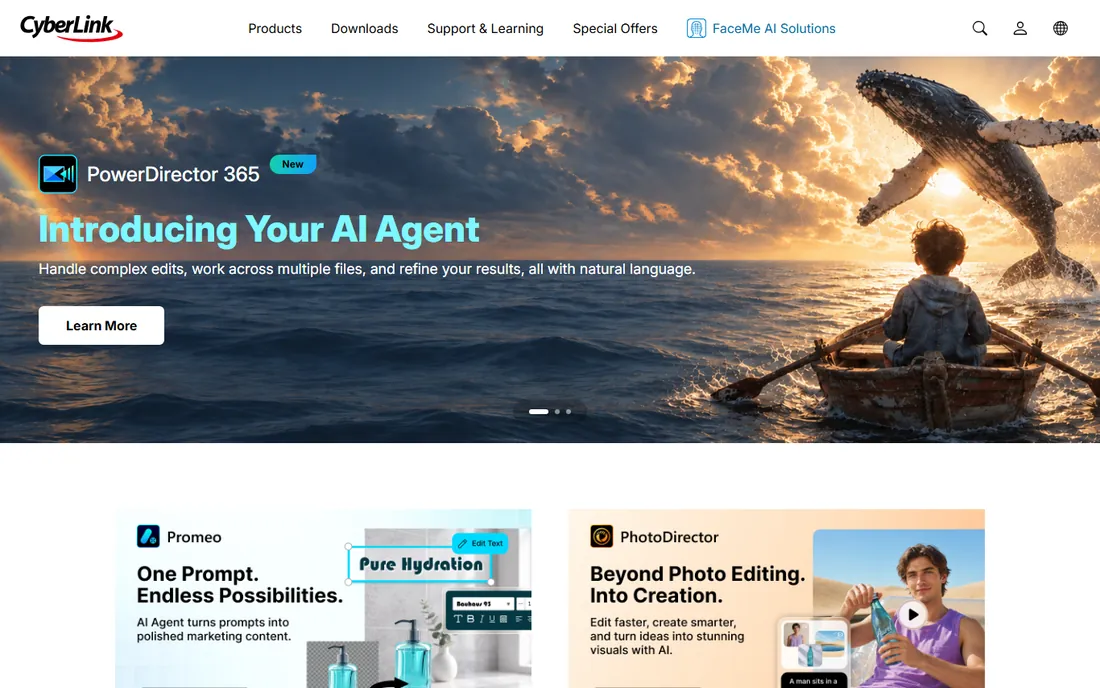
PowerDirector 365 is the Windows alternative for vloggers who want AI-assisted editing without the Adobe subscription: CyberLink's AI agent handles complex edits from natural-language prompts, and the 365 subscription bundles a deep effects library. It has served Windows video creators since long before AI was fashionable.
It lacks Premiere's ecosystem gravity, and the subscription means the cost never ends either. But for Windows vloggers who want capable AI-assisted editing at a friendlier price than Adobe, it deserves the trial.
What we like- Long-established Windows editor with AI tools including an AI agent for complex edits
- Strong value in the 365 subscription
- Good screen recording and motion graphics
Watch out for- Subscription model like Adobe's
- Less tutorial and template ecosystem than Premiere
- The interface carries legacy clutter
Starting priceSee website
Free planNo
LumaFusion is what makes phone-only vlogging professional: a real multi-track editor with effects, titles, color correction and audio mixing, running on the device in your pocket. Travel vloggers who shoot, edit and publish from a phone or iPad swear by it, and it runs on Android and Chromebooks too.
There is no free version, and a phone screen is still a phone screen for a 20-minute timeline. But for the vlogger whose whole studio fits in a backpack, LumaFusion is the only serious mobile option.
What we like- The only true professional editor for mobile: multi-track timeline, effects, titling and color on iOS, Android and Chromebooks
- Touch-first interface that is genuinely pleasant
- Integrations with Frame.io and stock libraries
Watch out for- No free tier
- Mobile screens limit complex projects
- Desktop editors still win for long-form work
How we chose
We covered the software vloggers actually use at each stage: capture (OBS), quick social edits (CapCut), beginner desktop (iMovie, Filmora), mobile editing (LumaFusion), and professional timelines (Premiere Pro, Final Cut Pro, DaVinci Resolve, PowerDirector). For each we opened the vendor's homepage, confirmed the product is current, and took pricing only from vendor pages. Where prices were not published we wrote "See website."
Audio, captions and thumbnails: the vlogging details that matter more than the editor
The editor gets the glory, but three things decide whether vlogs get watched. Audio quality matters more than video quality: viewers forgive 1080p but not bad sound, so budget for a decent microphone before a better editor. Captions are now expected on every platform: CapCut's auto-captions, Premiere's transcript tools and Filmora's subtitle generator all do this in minutes, so there is no excuse for uncaptioned videos.
Thumbnails decide the click: use a simple graphics tool or your editor's title tools, keep text to three words, and show a face with an expression. None of the nine tools above is primarily a thumbnail maker, but all of them can export a frame to start from. The vlogger who masters audio, captions and thumbnails will outperform the one with the fanciest timeline.
Frequently asked questions
What is the best free software for vlogging?
DaVinci Resolve is the best free full editor, with professional color grading included. CapCut is the best free option for short-form social vlogs. OBS Studio is the free standard for recording tutorials and streams. iMovie is free and excellent for Mac and iPhone beginners.
Which video editor do most YouTubers use?
Adobe Premiere Pro is the most common among full-time YouTubers, largely because of its ecosystem of templates, plugins and tutorials. Final Cut Pro is very popular with Mac-based vloggers for its speed. A growing number of creators edit entirely in DaVinci Resolve or CapCut.
Is DaVinci Resolve really free?
Yes. The free download includes the full editing timeline, color grading, effects and audio tools. DaVinci Resolve Studio ($295 one-time) adds advanced features like certain AI tools, stereoscopic 3D and higher frame-rate support, but most vloggers never need it.
Can I vlog with just my phone?
Absolutely. CapCut edits and publishes short-form vlogs entirely on a phone, and LumaFusion handles full multi-track editing on phones and tablets. Many successful vloggers shoot, edit and post without ever touching a computer.
What software do I need to record my screen for vlogging?
OBS Studio is the free standard for screen recording, used for tutorials, software demos and reaction videos. Filmora and PowerDirector also include built-in screen recorders if you prefer an all-in-one tool.
Premiere Pro vs Final Cut Pro for vlogging: which is better?
Premiere Pro wins on ecosystem and cross-platform flexibility (Windows and Mac); Final Cut Pro wins on speed, especially on Apple silicon, and its $299.99 one-time price beats Adobe's subscription over time. Mac-only vloggers who publish weekly usually prefer Final Cut Pro; everyone else defaults to Premiere.
Sources we checked (9)
- https://www.adobe.com
- https://www.apple.com/final-cut-pro/
- https://www.blackmagicdesign.com
- https://www.capcut.com
- https://filmora.wondershare.com
- https://obsproject.com
- https://www.apple.com/imovie/
- https://www.cyberlink.com
- https://luma-touch.com/
Is your product missing or out of date?
We review this list regularly. Vendors can request a listing, send updated pricing or ask about featured placement.

Shihab Mia · Founder, Rankite
Shihab has spent more than a decade helping SaaS and e-commerce brands grow through search. He writes Rankite's software buying guides from pricing pages, documentation and public user reviews. More about Shihab.