How we make this list: we compare pricing pages, product documentation and public user reviews. Rankite is independent; if a vendor ever pays for a featured spot, that listing is clearly labeled Partner.
Key takeaways
- Stripo is the dedicated email design tool for teams that build templates for any email platform.
- beehiiv is the best newsletter-first platform for creators building an audience and monetizing.
- Mailchimp, Constant Contact, Brevo and GetResponse combine design editors with full email marketing.
- Flodesk wins on beautiful design for creators and small brands.
- Campaign Monitor and Mailjet serve teams needing reliable design plus deliverability.
Newsletter design software covers two jobs: designing beautiful emails, and running the newsletter itself. Dedicated builders like Stripo focus on design; platforms like beehiiv and Mailchimp do design plus sending, growth and monetization.
Quick comparison
| Tool | Best for | Starting price | Free plan |
|---|
 Stripo Stripo | Dedicated email template design | See website | Yes |
 beehiiv beehiiv | Creator newsletters | See website | Yes |
 Mailchimp Mailchimp | All-round email marketing | See website | Yes |
 Flodesk Flodesk | Beautiful designs for creators | See website | Free trial |
 Constant Contact Constant Contact | Small business email | See website | Free trial |
 Brevo Brevo | Affordable email plus CRM | See website | Yes |
 GetResponse GetResponse | Email marketing with automation | See website | Yes |
 Campaign Monitor Campaign Monitor | Design-forward email platform | See website | Free trial |
 Mailjet Mailjet | Collaborative email design | See website | Yes |
Is your product missing or out of date?
We review this list regularly. Vendors can request a listing, send updated pricing or ask about featured placement.
The best software for newsletter design
Starting priceSee website
Free planYes
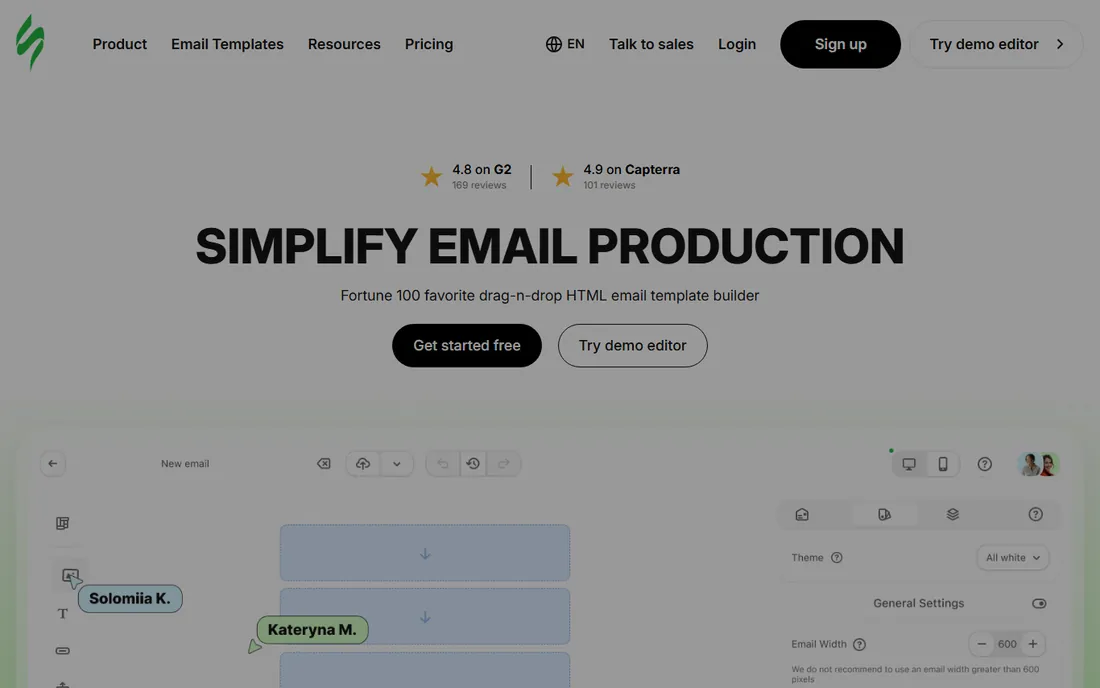
Stripo is an email template builder first: drag-and-drop design, AMP and interactive elements, then export to Mailchimp, HubSpot or 70-plus platforms. Teams that design centrally and send anywhere get the best of both.
It does not send emails itself. For design quality and portability, it is the specialist choice.
Stripo users should build a master template with brand styles locked, then duplicate it for campaigns; consistency compounds. Export tests to your actual ESP before finalizing, since rendering varies. The interactive modules are worth experimenting with for engaged audiences.
What we like- Purpose-built email editor
- Exports to any ESP
- Free tier generous
Watch out for- Design only, no sending
- Learning curve for advanced features
Starting priceSee website
Free planYes
beehiiv built the modern newsletter stack: writing, website, growth tools, ads and paid subscriptions in one platform. Creators get a clean editor and monetization without plugins.
Template design depth trails Stripo or Mailchimp. For creators whose newsletter is the business, the integrated approach wins.
beehiiv creators should set up the website and welcome sequence before promoting the newsletter; the funnel should be ready for subscribers. Use the boost network carefully to grow with relevant audiences. Monetization works best after establishing a consistent cadence.
What we like- Newsletter-first platform
- Growth and monetization built in
- Clean editor
Watch out for- Design flexibility less than dedicated builders
- Newer ecosystem
Starting priceSee website
Free planYes
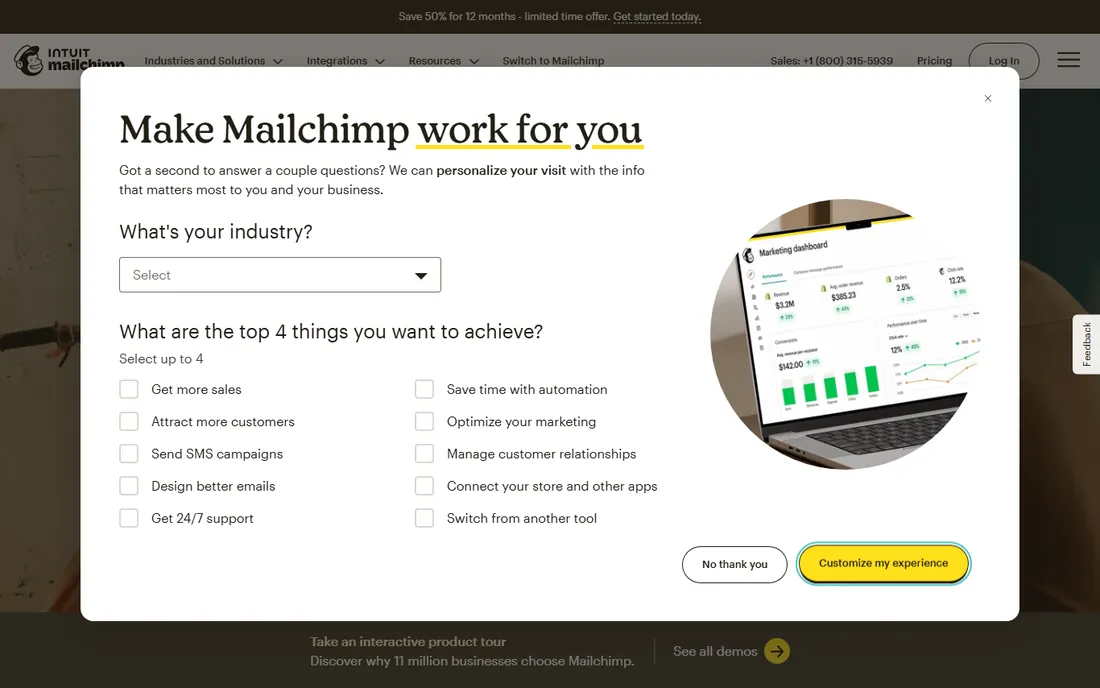
Mailchimp's drag-and-drop designer offers hundreds of newsletter templates inside the world's most recognized email platform. The free plan covers small lists genuinely.
Costs scale steeply with subscribers. For design plus sending, automation and analytics in one account, it remains the default.
Mailchimp users should audit their audience size against pricing tiers quarterly; costs creep with list growth. The template library is deep, so search precisely for your use case. Use the A/B testing on subject lines consistently.
What we like- Huge template library
- Free plan
- All-in-one marketing platform
Watch out for- Pricing jumps with list size
- Interface grown complex
Starting priceSee website
Free planFree trial
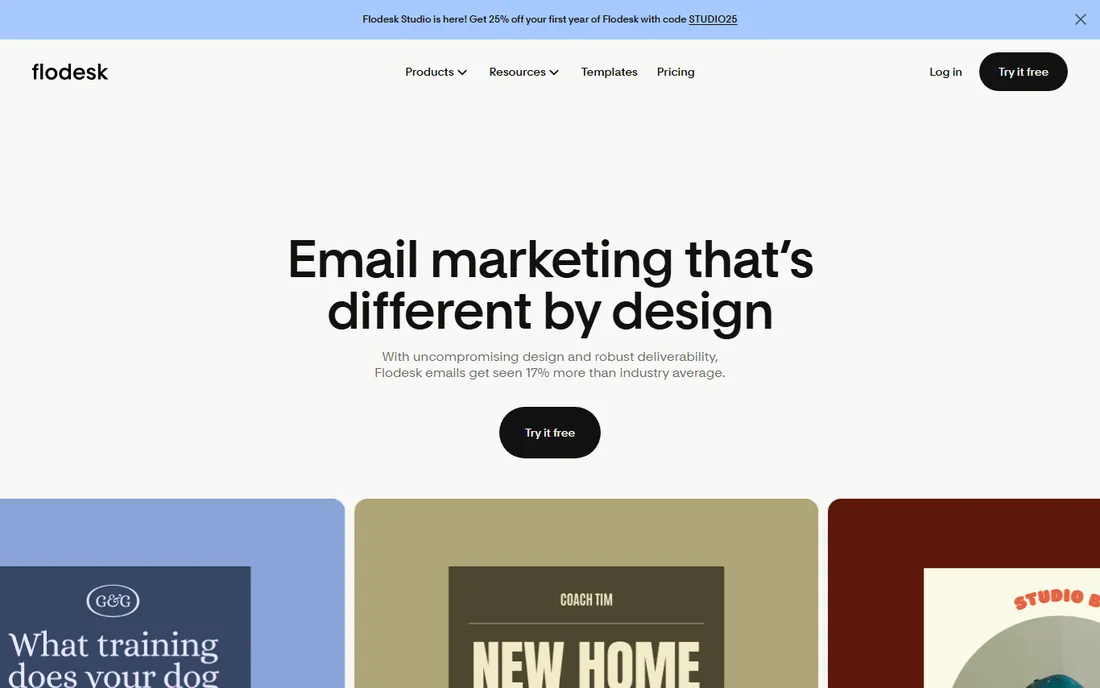
Flodesk's templates are the prettiest in email marketing, and flat pricing means your bill does not grow with your list. Creators and small brands get high-end design affordably.
Automation and segmentation trail the big platforms. For design-first newsletters where looks matter most, it is unmatched.
Flodesk users should lean into the visual templates rather than fighting them; the designs are the product. The flat pricing rewards list growth, so invest in acquisition. Keep automations simple to match the platform's strengths.
What we like- Stunning templates
- Flat pricing
- Beloved by creators
Watch out for- Fewer advanced features
- Ecommerce depth thinner
Starting priceSee website
Free planFree trial
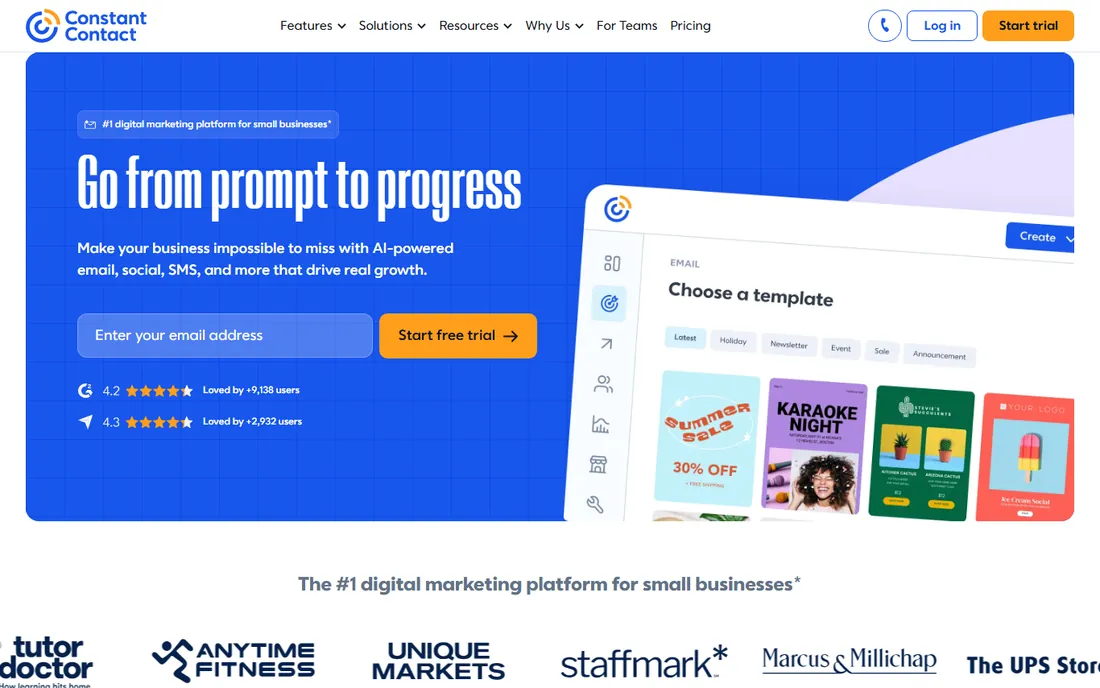
Constant Contact keeps small business email simple: drag-and-drop newsletters, event marketing and social posting with helpful support. Non-technical users get going fast.
Design feels less current than Flodesk or Mailchimp. For small businesses wanting hand-holding, the simplicity and support deliver.
Constant Contact users should use the event marketing features if they run events; the integration is genuinely useful. The support team helps with the learning curve, so ask questions. Keep the design simple and readable.
What we like- Easy for beginners
- Event and social tools
- Good support
Watch out for- Templates less modern
- Pricing per contact
Starting priceSee website
Free planYes
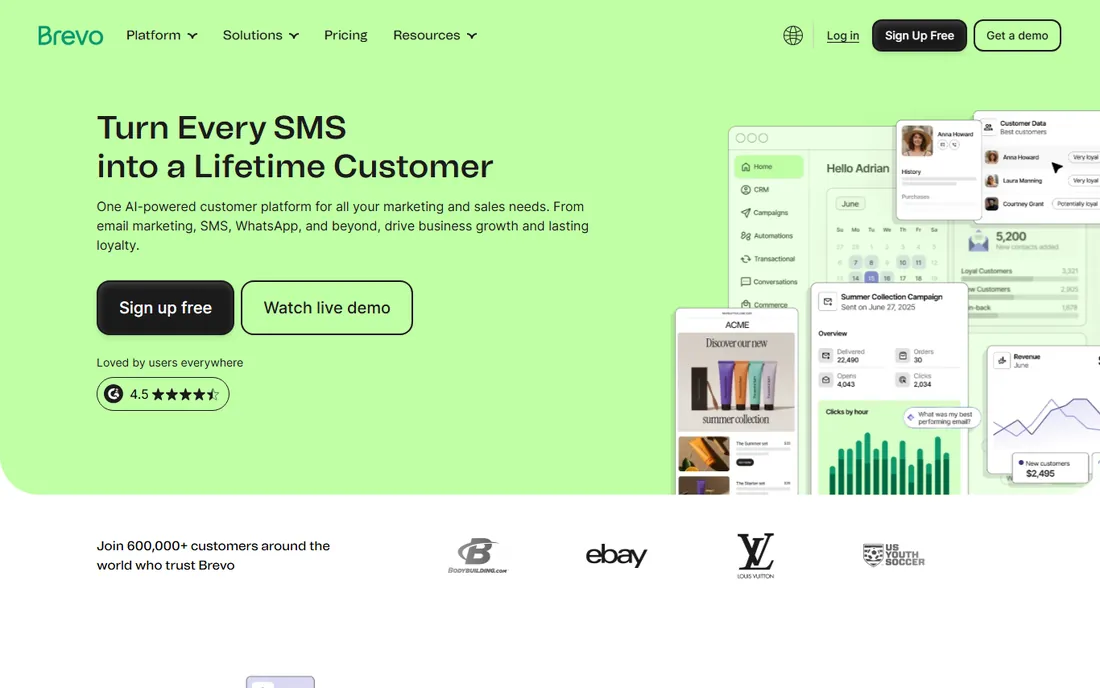
Brevo, formerly Sendinblue, offers a generous free tier with email design, automation, SMS and CRM. The drag-and-drop editor covers newsletter needs solidly.
Design flair trails the leaders. Budget-conscious teams that need email plus more get excellent value.
Brevo users should explore the CRM and SMS features once email is running; the platform breadth is the value. The generous free tier supports real growth before paying. Test deliverability to your specific audience segments.
What we like- Generous free tier
- Email plus SMS and CRM
- Good deliverability
Watch out for- Template design less inspiring
- Interface utilitarian
Starting priceSee website
Free planYes
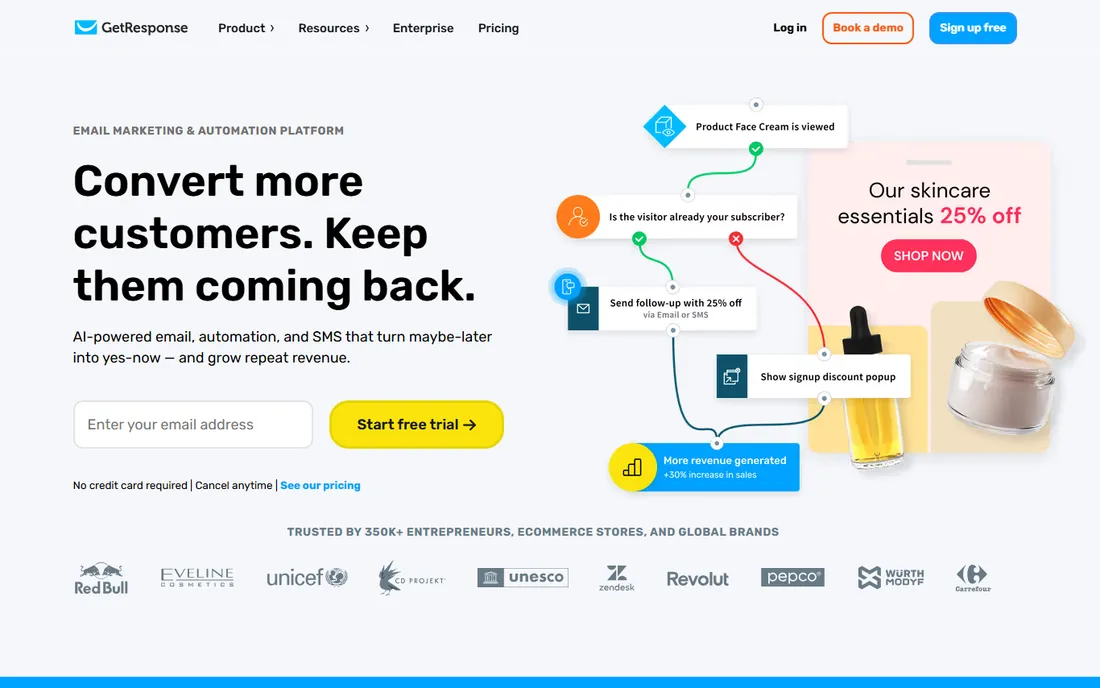
GetResponse combines newsletter design with marketing automation, landing pages and webinars. The visual automation builder is a strength for nurture sequences.
Some templates feel dated. Marketers wanting design plus serious automation get a capable platform.
GetResponse marketers should build one strong automation workflow before adding more; depth beats breadth. The webinar integration suits educators and coaches. Review template rendering across email clients before launching.
What we like- Strong automation
- Webinar features
- Free tier available
Watch out for- Template quality mixed
- Interface busy
Starting priceSee website
Free planFree trial
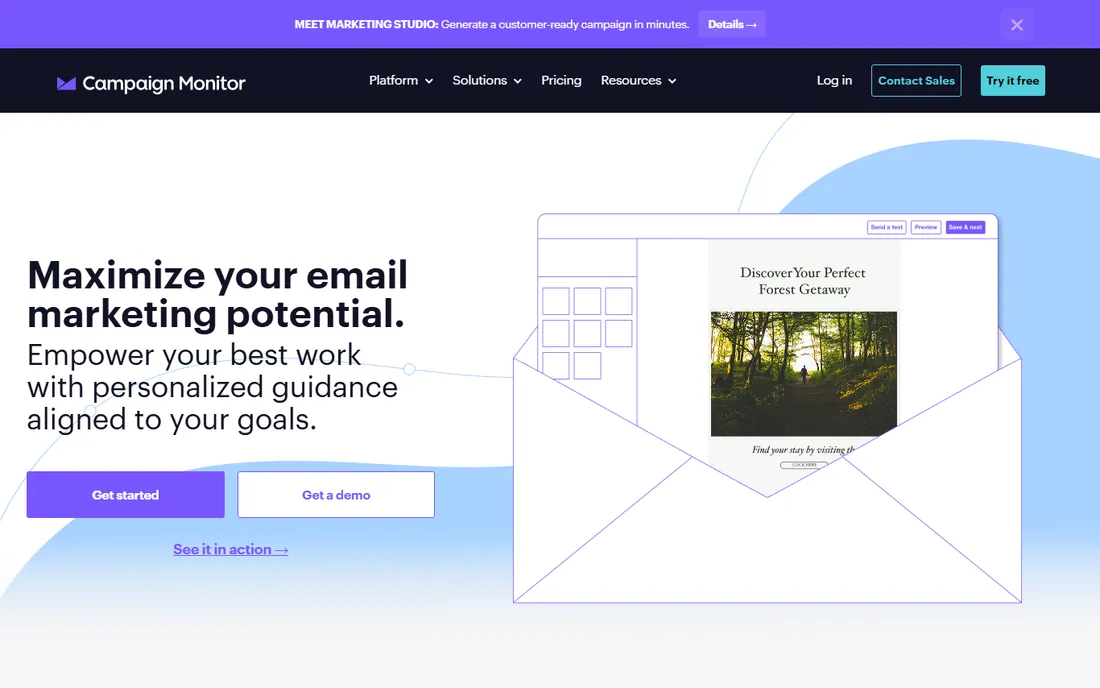
Campaign Monitor's template builder produces genuinely beautiful emails, and agencies like the client management tools. Deliverability is reliably strong.
Pricing runs higher and innovation slower than the leaders. Design-conscious teams and agencies willing to pay for polish should consider it.
Campaign Monitor agencies should use the client management tools to separate brands cleanly. The template quality justifies the premium for design-conscious clients. Confirm the pricing against list sizes across all clients.
What we like- Beautiful template designer
- Good for agencies
- Reliable deliverability
Watch out for- Pricier than rivals
- Feature pace slower
Starting priceSee website
Free planYes
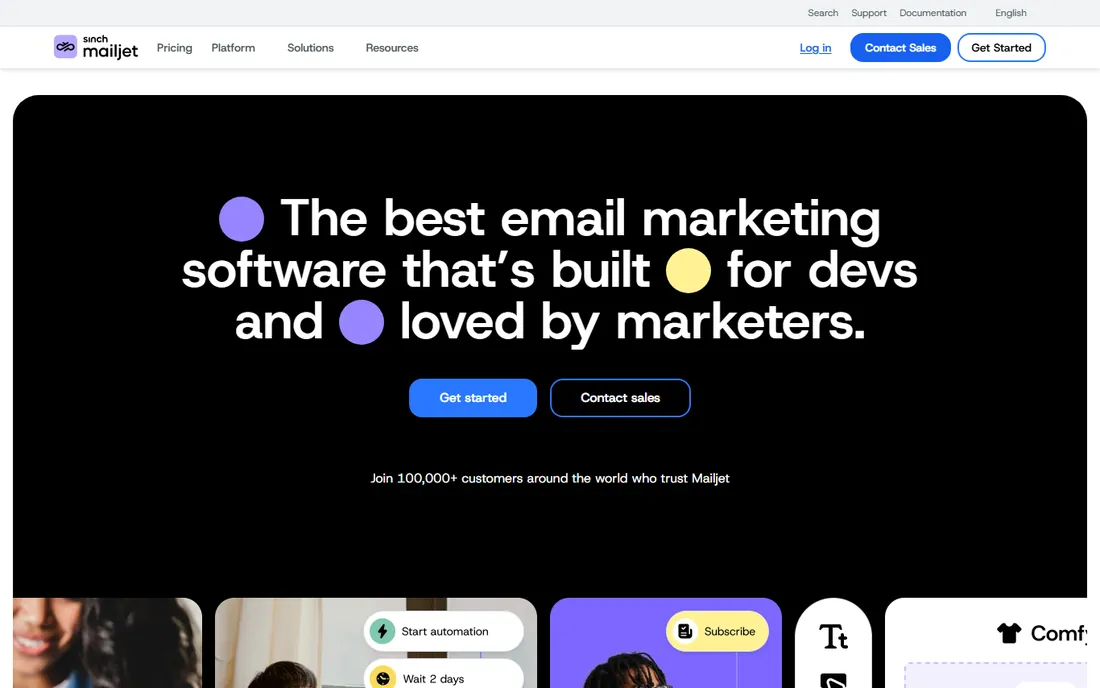
Mailjet's email builder supports real-time team collaboration on designs, with a generous free tier and developer-friendly APIs. Teams that design together like the workflow.
Marketing automation depth trails Mailchimp and Brevo. For collaborative design with solid sending, it is a quiet contender.
Mailjet teams should use the collaborative editing for real-time design reviews; the workflow beats emailing screenshots. The API suits developers embedding email in products. The free tier is generous enough for serious testing.
What we like- Real-time collaborative design
- Generous free tier
- Strong APIs
Watch out for- Brand quieter than rivals
- Advanced marketing features thinner
How we chose
We verified each vendor's homepage and kept tools with genuine newsletter design capability, from dedicated builders to full platforms. We excluded kit.com after its domain served unrelated content during verification, using GetResponse instead. Free plan status comes from vendor sites.
What to get right before you buy
Separate design from sending. If you love one editor but send from another platform, a builder like Stripo plus your ESP beats compromising.
Test mobile rendering. Over half of newsletter opens happen on phones; preview every template on mobile before committing.
Check the list-size math. Free plans cap subscribers or sends; model your list in twelve months, not today.
Frequently asked questions
What is the best free newsletter design tool?
Stripo's free tier offers the most design power; Mailchimp, Brevo and Mailjet include design in generous free marketing plans.
Should I use a dedicated email builder or an all-in-one platform?
Use a dedicated builder like Stripo if you design for multiple sending platforms. Use an all-in-one if one platform handles your whole newsletter.
What is the best newsletter platform for creators?
beehiiv leads for creator newsletters with growth and monetization built in; Flodesk wins on design beauty.
How do I make newsletters look good on mobile?
Use single-column layouts, large tap targets, and preview on phones. Most builders offer mobile previews; always check them.
Do I need coding skills for newsletter design?
No. Every tool here offers drag-and-drop editors. Code helps only for custom templates in dedicated builders.
How much does newsletter software cost?
Free tiers cover small lists; paid plans typically run 10 to 50 per month for small newsletters, scaling with subscribers.
Newsletter design rules that lift opens and clicks
Good newsletter design follows rules that most senders ignore. First, design for the preview pane and the phone: most readers decide in seconds whether to engage. A clear headline, one strong image and an obvious call to action beat dense multi-column layouts every time.
Second, keep the email focused on one job. Newsletters that ask readers to read five articles, buy two products and follow on social get none of it done. Pick the single most important action and design everything toward it. Secondary links belong in the footer, not competing with the primary goal.
Third, write like a human in the design. The preheader text, headlines and button copy matter more than the template. Buttons that say exactly what happens next outperform clever ones. Alt text on images keeps the message clear when images are blocked.
Fourth, test rendering across clients before every major send. Outlook, Gmail and Apple Mail all render differently, and a beautiful design in one can break in another. The preview tools in these platforms exist for this reason; use them every time.
Finally, respect the inbox with consistency. A recognizable sender name, consistent design and predictable cadence build the trust that drives opens over time. Design systems, templates and brand kits are not just efficiency tools; they are trust infrastructure. The prettiest one-off email loses to the consistent newsletter readers recognize.
Accessibility in newsletter design
Accessible newsletters reach more readers and avoid excluding people. Start with color contrast: body text needs strong contrast against the background. The beautiful light-gray text on white fails accessibility standards and strains every reader. Check contrast ratios with a free tool before sending.
Use real text, not images of text. Screen readers cannot read text baked into images, and images blocked by email clients hide the message entirely. When images carry meaning, write descriptive alt text. Decorative images get empty alt text so screen readers skip them.
Structure with proper headings and logical reading order. Screen reader users navigate by headings; a newsletter without them is a wall of text. Keep the single-column layout on mobile, which also helps sighted readers.
Make links descriptive and touch-friendly. Avoid bare URLs and vague phrases; link text should describe the destination. Buttons need adequate size and spacing for touch screens. Underlined links remain the clearest convention.
Finally, test with accessibility in mind. Preview without images to check the message survives, zoom the text to verify the layout holds, and run a screen reader through one issue. These checks take minutes and make the newsletter usable for everyone.
Sources we checked (9)
- https://stripo.email/
- https://www.beehiiv.com/
- https://mailchimp.com/
- https://flodesk.com/
- https://www.constantcontact.com/
- https://www.brevo.com/
- https://www.getresponse.com/
- https://www.campaignmonitor.com/
- https://www.mailjet.com/
Is your product missing or out of date?
We review this list regularly. Vendors can request a listing, send updated pricing or ask about featured placement.

Shihab Mia · Founder, Rankite
Shihab has spent more than a decade helping SaaS and e-commerce brands grow through search. He writes Rankite's software buying guides from pricing pages, documentation and public user reviews. More about Shihab.