How we make this list: we compare pricing pages, product documentation and public user reviews. Rankite is independent; if a vendor ever pays for a featured spot, that listing is clearly labeled Partner.

Key takeaways
- diagrams.net is the free starting point: open source, no account, and good enough for most documentation needs.
- Lucidchart and Microsoft Visio are the professional standards for polished, collaborative diagrams, with Visio winning inside Microsoft shops.
- NetBrain and SolarWinds Network Topology Mapper generate maps from the live network instead of hand-drawing them.
- EdrawMax and ConceptDraw DIAGRAM are the Visio alternatives with deep template libraries and one-time purchase options.
- Miro and Creately work when the diagram is a team collaboration exercise rather than formal documentation.
Quick comparison
Is your product missing or out of date?
We review this list regularly. Vendors can request a listing, send updated pricing or ask about featured placement.
The best software for network diagrams
Starting priceFree
Free planYes
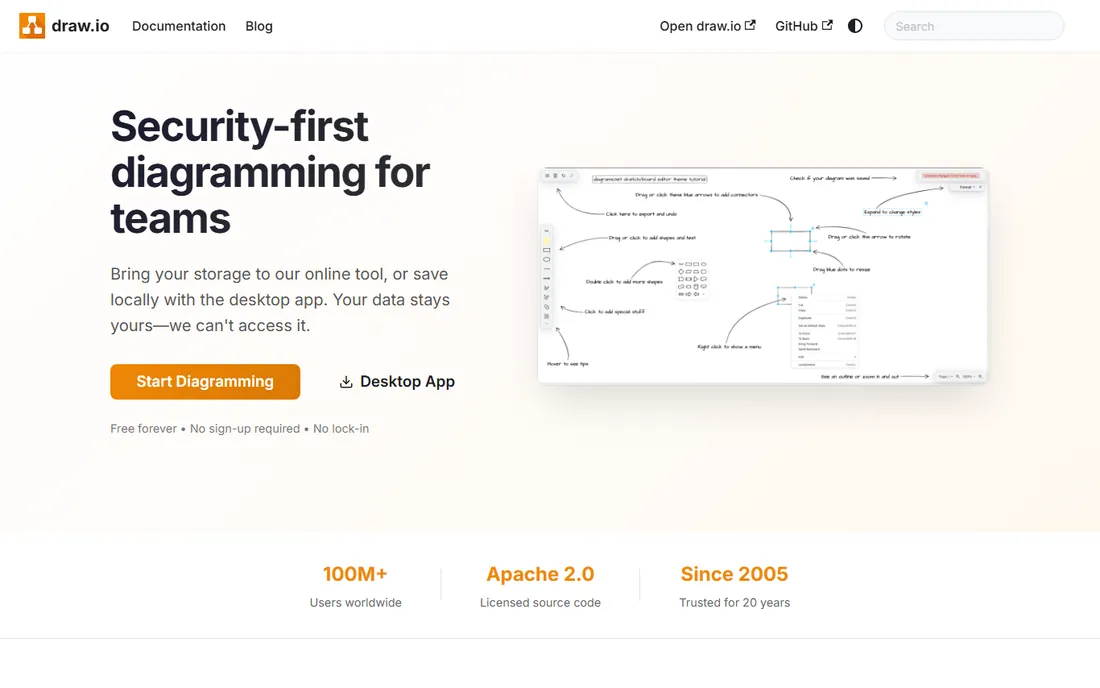
diagrams.net, still widely known as draw.io, is the tool network engineers reach for when they need a diagram in the next twenty minutes. It runs in the browser or desktop with no account, no credit card, and no seat licenses. The network shape libraries cover Cisco, AWS, Azure and generic icons, and files can live in Google Drive, OneDrive or GitHub.
The privacy story is a genuine differentiator: diagrams are processed client-side, so sensitive network layouts never touch someone else's server. For documentation that must exist but does not need to impress, it is hard to justify paying for anything else.
What we like- Completely free and open source with no paywalls
- Works offline and stores data wherever you choose
- Huge shape libraries including network icons
Watch out for- Collaboration is basic compared to paid tools
- Interface is functional rather than polished
Starting priceSee website
Free planYes
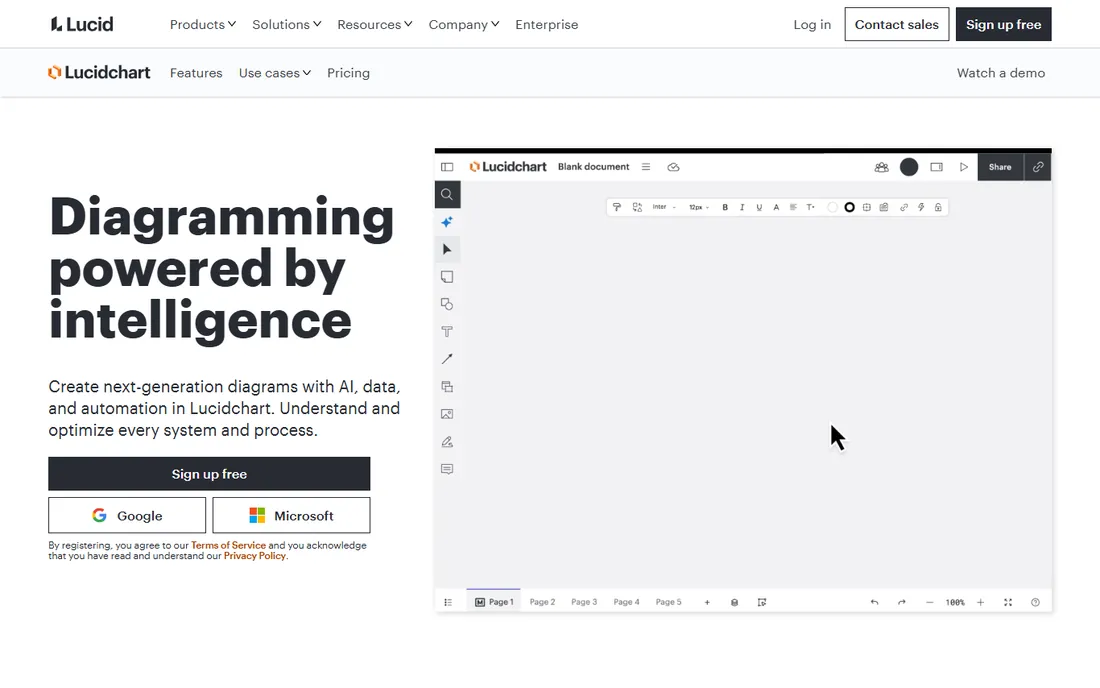
Lucidchart is the professional default for teams that diagram together. Network architects can build topology maps with data linking, so shapes reflect live spreadsheet data, and reviewers comment directly on the canvas. The template library covers network diagrams specifically, not just generic flowcharts.
The free tier is limited to a few editable documents, so real work needs a paid plan. For IT teams that treat diagrams as living documentation shared across the department, the collaboration features justify the subscription over free alternatives.
What we like- Real-time collaboration with commenting
- Strong integrations with Google Workspace, Microsoft 365 and Atlassian
- AI-assisted diagram generation
Watch out for- Free plan limits documents and shapes
- Per-user pricing adds up for large IT teams
Starting priceSee website
Free planFree trial (30 days)

Visio remains the enterprise standard for formal network documentation. Plan 1 covers web-based diagramming, Plan 2 adds the desktop app with advanced diagram types and AutoCAD support, and the web app is included in many Microsoft 365 commercial plans, which means some teams already have it. Data linking connects shapes to Excel, SQL Server and other sources.
The 30-day free trial applies to Plan 1 and Plan 2 for first-time users with work or school accounts. Visio's weakness is collaboration: it was built for individual drafters, not teams. In Microsoft-heavy organizations with compliance documentation needs, it is still the safe choice.
What we like- Deep network shape libraries and data linking
- Desktop app for complex diagrams
- Often already licensed in Microsoft 365 commercial plans
Watch out for- Windows-centric with limited web functionality
- Collaboration lags behind cloud-native tools
Starting priceSee website
Free planNo

NetBrain answers the problem hand-drawn diagrams cannot solve: networks change, and static diagrams lie. It discovers the live network across vendors and domains, builds dynamic maps, and layers troubleshooting automation on top. Large enterprises, telcos and MSPs use it to cut diagnosis time during outages.
This is enterprise NetOps software with enterprise procurement to match. Nobody buys NetBrain to draw one office LAN. Teams managing hundreds or thousands of devices, where an accurate map is operational infrastructure rather than documentation, are the audience.
What we like- Discovers and maps live multi-vendor networks automatically
- Maps stay current as the network changes
- Strong troubleshooting and automation features
Watch out for- Enterprise pricing and deployment
- Overkill for small static networks
Starting priceSee website
Free planFree trial
Network Topology Mapper scans the network and generates topology diagrams automatically, then keeps them updated on a schedule. For teams already running SolarWinds monitoring, the maps connect to live performance data, so the diagram is also a health dashboard. Exports to Visio and PDF cover compliance documentation.
As a standalone purchase it is useful; inside a SolarWinds deployment it is considerably more valuable. Teams without SolarWinds elsewhere should compare carefully against NetBrain and the manual tools before committing.
What we like- Automatic discovery builds maps without manual drawing
- Integrates with the wider SolarWinds monitoring suite
- Export to Visio and other formats
Watch out for- Works best inside the SolarWinds ecosystem
- Pricing is quote-based
Starting priceSee website
Free planFree trial
EdrawMax positions itself directly against Visio: professional diagramming with an enormous template library at a lower price point. Network diagrams are well covered, and the AI features generate diagrams from text descriptions. Desktop and web versions cover offline and collaborative work.
The company pushes a bundle with mind mapping and project tools, which is irrelevant for most network teams but inflates the marketing. For the core job of drawing detailed network diagrams on a budget, it is the most capable Visio alternative.
What we like- Over 210 diagram types with 50,000 templates
- Desktop and web versions
- AI diagram generation
Watch out for- The upsell bundle with Mind and Project tools adds noise
- Interface carries desktop-software heritage
Starting priceSee website
Free planFree trial

ConceptDraw DIAGRAM has been drawing business and technical diagrams since the 1990s, and it shows in the depth of the shape libraries and the file compatibility. It opens and converts Visio files, which matters for teams inheriting .vsdx documentation. The Office bundle adds mind mapping and project management for teams that want one vendor.
It is unapologetically desktop software in a cloud era. Teams that need real-time collaborative editing should look at Lucidchart or Miro. Teams that want a perpetual license and a powerful individual drafting tool will find it a fair Visio replacement.
What we like- Mature desktop application with deep libraries
- One-time purchase options
- Strong Visio file compatibility
Watch out for- Collaboration features trail cloud tools
- The product line (Office, Diagram, Mindmap, Project) can confuse buyers
Starting priceSee website
Free planYes

Miro is a whiteboard, not a drafting tool, and that is exactly its appeal for network planning sessions. Architects sketch topology options together in real time, annotate with sticky notes, and vote on approaches before anyone commits to formal documentation. The free plan covers three editable boards.
Nobody should produce compliance documentation in Miro. Its role is upstream: the collaborative design conversation that happens before the formal diagram gets drawn in Visio or Lucidchart. For distributed teams planning network changes, it earns its place.
What we like- Infinite canvas with real-time multiplayer
- Huge template library
- Free plan with three editable boards
Watch out for- Not built for precise technical diagrams
- Shape libraries are generic
Starting priceSee website
Free planYes

Creately's current pitch is connected diagrams: infrastructure facts from AWS, work items from Jira, and people data from HR systems flow into visual views that stay current. For network diagrams, the AWS and infrastructure connectors mean topology views can reflect real cloud resources rather than static drawings.
The platform is evolving fast toward AI-assisted work, which brings both promise and churn. Teams that want stable, predictable diagramming may prefer the incumbents. Teams building living documentation connected to their actual systems should give Creately a serious trial.
What we like- Diagrams connect to live data sources like AWS and Jira
- AI-assisted diagramming with human review
- Generous free tier
Watch out for- Newer positioning around AI agents is still maturing
- Smaller template community than Lucidchart
Drawn vs discovered: which kind do you need
Hand-drawn diagrams are precise, clean, and wrong the moment the network changes. They suit documentation, compliance, and proposals, where the audience is human and the snapshot matters. Auto-discovered maps are messy, complete, and current. They suit operations, where the audience is the troubleshooting engineer at 2 AM.
The practical answer for most IT departments is both: discovered maps from tools like NetBrain or SolarWinds for operational truth, and curated diagrams in Lucidchart or Visio for documentation and communication. The mistake is maintaining only one and pretending it serves both purposes.
What to check before you buy
Decide whether you need drawing or discovery first, because the products barely overlap. For drawing tools, test the network shape libraries against your actual equipment vendors, and check Visio file import if you inherit old diagrams. For discovery tools, run a pilot on a real network segment and verify the discovered map matches reality before signing.
Check collaboration needs honestly. A solo network admin documenting one site needs diagrams.net, not a per-seat collaboration suite. A distributed team maintaining shared documentation needs the opposite. And confirm export formats: PDF and Visio-compatible exports matter when diagrams leave your team for auditors or clients.
How we chose
We covered both families of network diagram software: manual diagramming tools and auto-discovery platforms. Candidates had to be live products serving IT teams in 2026. We verified each vendor's homepage, confirmed NetBrain's current positioning, and excluded generic whiteboard apps without diagram structure as well as monitoring tools that cannot produce topology maps. Prices come from vendor pages where published; this category is mostly quote-based, so most entries list "see website."
Frequently asked questions
What is the best free network diagram software?
diagrams.net (draw.io). It is free, open source, works offline, and has solid network shape libraries. For documentation needs without collaboration requirements, it beats paid tools.
Should I use Visio or Lucidchart for network diagrams?
Visio if your organization runs on Microsoft 365 and needs formal, data-linked documentation. Lucidchart if your team collaborates on diagrams in real time and works across Google, Microsoft and Atlassian tools. Both handle network diagrams well.
What is the difference between a network diagram and a topology map?
A network diagram is usually a hand-drawn or curated document showing how the network is designed. A topology map is typically auto-generated from the live network showing how it actually is. Discovery tools produce the latter; diagramming tools produce the former.
How do I keep network diagrams up to date?
Either assign ownership with a review cadence, or use auto-discovery tools that regenerate maps from the live network. Manual diagrams without an owner go stale within months; that is the main argument for discovery-based tools.
Can network diagrams be generated automatically?
Yes. NetBrain and SolarWinds Network Topology Mapper discover devices and connections and build maps from the live network. The results need curation for presentation but stay accurate in a way hand-drawn diagrams cannot.
Which tool is best for Cisco network diagrams?
Any of the manual tools with Cisco shape libraries: diagrams.net, Visio, Lucidchart and EdrawMax all include them. For large Cisco estates, NetBrain's auto-discovery understands Cisco infrastructure natively.
Sources we checked (11)
- https://www.diagrams.net/
- https://lucidchart.com/
- https://www.microsoft.com/en-us/microsoft-365/visio
- https://www.netbraintech.com/
- https://www.solarwinds.com/
- https://www.edrawsoft.com/
- https://miro.com/
- https://www.conceptdraw.com/
- https://creately.com/
- https://kurums.com/best-diagram-software-2026-comparison/
- https://www.softwareadvice.com/diagram/lucidchart-profile/vs/visio/
Is your product missing or out of date?
We review this list regularly. Vendors can request a listing, send updated pricing or ask about featured placement.

Shihab Mia · Founder, Rankite
Shihab has spent more than a decade helping SaaS and e-commerce brands grow through search. He writes Rankite's software buying guides from pricing pages, documentation and public user reviews. More about Shihab.
 diagrams.net
 Lucidchart
 Microsoft Visio
 NetBrain
 SolarWinds Network Topology Mapper
 EdrawMax
 ConceptDraw DIAGRAM
 Miro
Miro Creately