How we make this list: we compare pricing pages, product documentation and public user reviews. Rankite is independent; if a vendor ever pays for a featured spot, that listing is clearly labeled Partner.
Key takeaways
- Jobber is the best all-rounder for most handyman businesses: a real solo plan at $49 a month with scheduling, estimates and invoicing.
- Workiz offers a genuinely free Lite plan for up to 2 users, the cheapest way to start with real handyman software.
- Housecall Pro earns its higher price with lower card processing fees and consumer financing for bigger jobs.
- ServiceTitan and FieldEdge are built for larger operations; a solo handyman will pay for depth they never use.
- Service Fusion's flat-rate unlimited-user pricing is the best deal once you pass about 8 users.
Quick comparison
| Tool | Best for | Starting price | Free plan |
|---|
 Jobber Jobber | the best all-round fit for most handyman businesses | $49 per month (Core, 1 user, monthly billing) | Free trial (14 days) |
 Housecall Pro Housecall Pro | businesses that take a lot of card payments | $79 per month (Basic, 1 user, monthly billing) | Free trial (14 days) |
 Workiz Workiz | starting free with a real tool | $0 (Lite plan, up to 2 users) | Yes |
 Kickserv Kickserv | straightforward pricing without surprises | $60 per month (Start, 5 users, billed annually) | Free trial (14 days) |
 RazorSync RazorSync | the budget pick that still does the job | $45 per month (Solo, up to 2 users, monthly billing) | Free trial |
 Service Fusion Service Fusion | growing crews that hate per-user pricing | $245 per month (Starter, month-to-month) | No |
 FieldEdge FieldEdge | established shops with serious dispatch needs | See website | No |
 ServiceTitan ServiceTitan | large operations that need everything in one place | See website | No |
 mHelpDesk mHelpDesk | a veteran all-in-one at a mid-range price | See website | Free trial |
Is your product missing or out of date?
We review this list regularly. Vendors can request a listing, send updated pricing or ask about featured placement.
The best software for handyman business
Starting price$49 per month (Core, 1 user, monthly billing)
Free planFree trial (14 days)
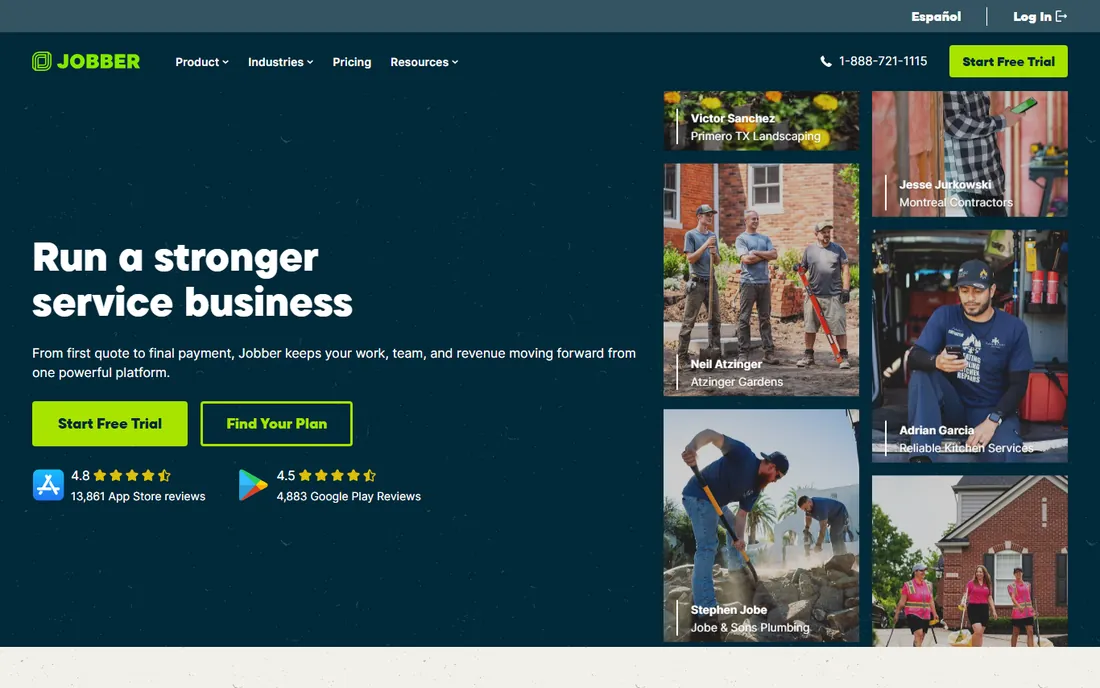
Jobber is the default recommendation in home services for a reason: it covers the whole job lifecycle without demanding a big team. The Core plan at $49 a month gives a solo operator scheduling, unlimited quotes and jobs, invoicing, online payments and client management. The mobile app lets you update jobs, capture photos, collect signatures and take payment from the field, which is where a handyman actually lives.
The pricing structure deserves a careful read. Plans are priced by tier and team size, so Grow can mean $199 or $499 depending on headcount, and extra users run $29 a month each. Marketing add-ons sit on top. For a solo handyman or a two-person crew, the math is still friendly. Past about ten users, compare the total against flat-rate options like Service Fusion before committing.
What we like- True solo plan with core features
- Clean scheduling and invoicing
- 14-day trial with no credit card
Watch out for- Pricing scales steeply with team size
- Add-ons like marketing tools cost extra
- Annual commitment locks you in
Starting price$79 per month (Basic, 1 user, monthly billing)
Free planFree trial (14 days)
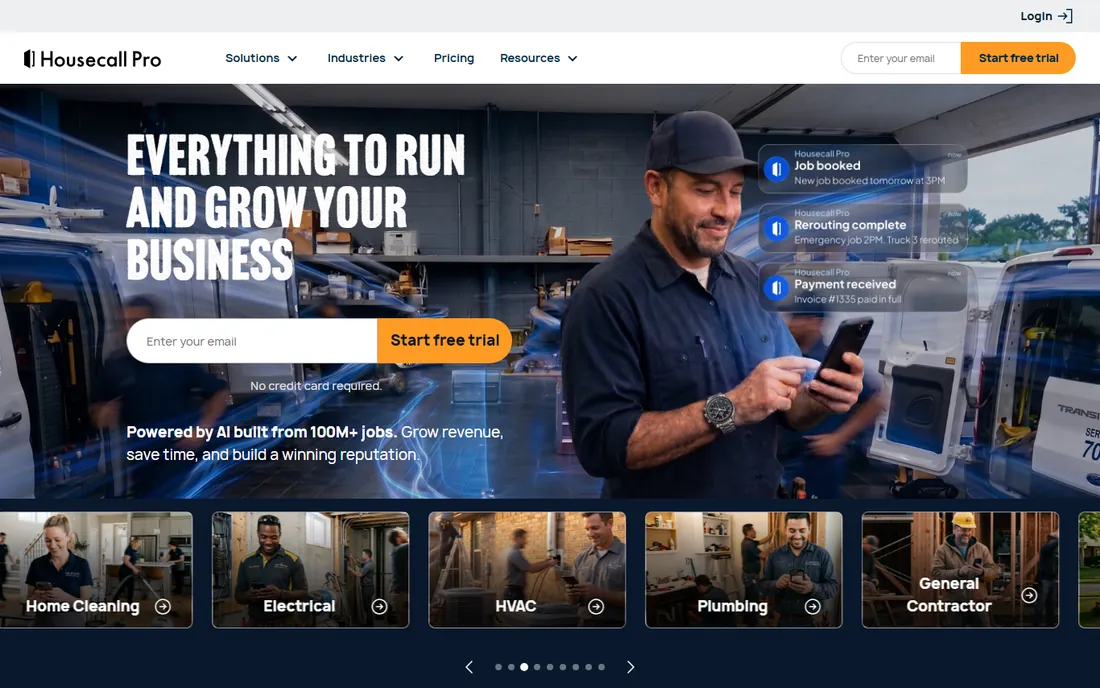
Housecall Pro is built for home service businesses that run on card payments, and its economics show it. The processing rate of 2.59% with no per-transaction fee beats Jobber's 2.9% plus 30 cents, which adds up fast on real volume. Consumer financing through Wisetack lets customers finance jobs from $500 to $25,000, a genuine advantage when you are quoting a $4,000 deck repair. Basic starts at $79 a month for one user ($59 on annual billing).
The trade-off is the seat curve. Essentials covers up to 5 users at $189 a month, MAX covers 8 at $329, and every seat past eight costs $75 a month, which punishes growth past a mid-size crew. It is also one of the few tools here with QuickBooks Desktop integration, which matters if your accountant still lives in Desktop. Pick it when payments and financing drive your revenue.
What we like- Lower card processing rate (2.59%, no per-transaction fee)
- Consumer financing for $500-$25,000 jobs
- Supports QuickBooks Desktop
Watch out for- Pricier than Jobber for solo operators
- Extra seats past 8 users cost $75 a month each
- Some features are paid add-ons
Starting price$0 (Lite plan, up to 2 users)
Free planYes

Workiz's Lite plan is free for up to 2 users and includes scheduling, invoicing, estimates, online payments, online booking and the mobile app. That is a complete starter kit for a handyman and a helper at zero cost, which no other serious tool on this list matches. The interface is friendly and setup is quick, which matters when you would rather be on a job than configuring software.
The catch is the cliff. Standard jumps to $225 a month for up to 5 users, and Pro to $259, so the moment you outgrow Lite you are paying real money. Users also report that the QuickBooks integration can be glitchy, worth testing during the trial if your books depend on it. Start on Lite, grow into Standard only when the automation features earn their keep.
What we like- Free Lite plan with scheduling and invoicing
- Built-in phone system on paid plans
- Easy setup
Watch out for- Big price jump to Standard at $225 a month
- Users report glitchy QuickBooks integration
- Thin integration list
Starting price$60 per month (Start, 5 users, billed annually)
Free planFree trial (14 days)
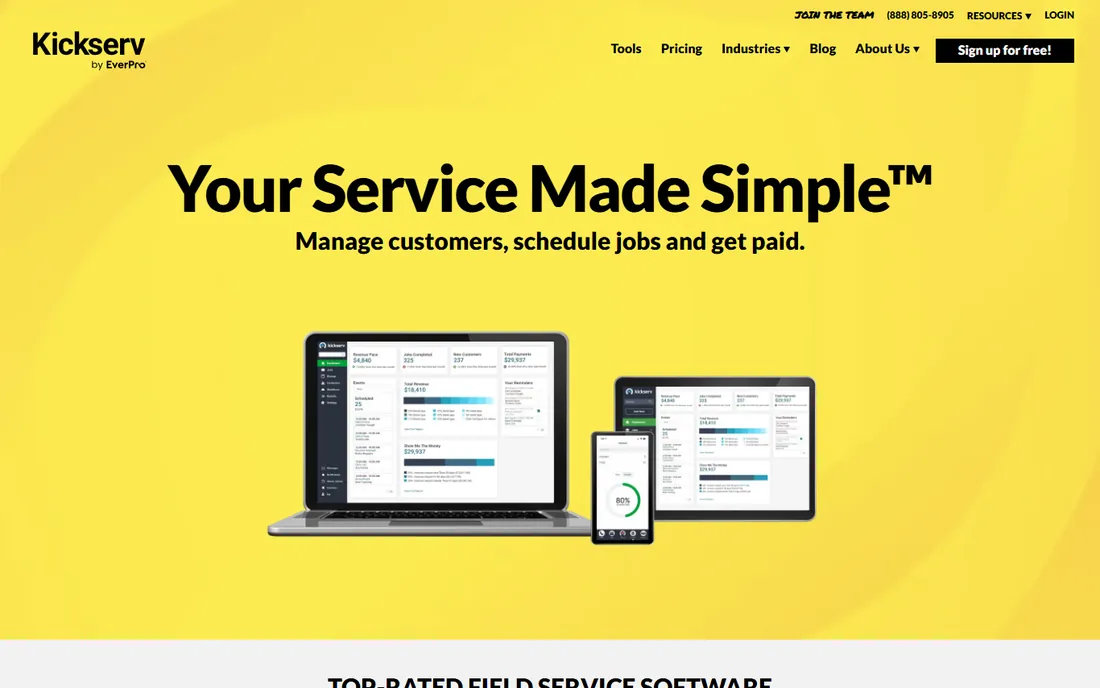
Kickserv keeps pricing simple: Start covers 5 users at $60 a month on annual billing, Run covers 10 at $119, Scale covers 20 at $199. No per-seat math, no surprise tiers. Every plan includes scheduling, dispatching, estimates, invoicing, time tracking, a customer portal and QuickBooks sync (both Online and Desktop), and you can pay month-to-month with no long contract.
The honest limitations: the published plans top out at 20 users, so bigger companies need a custom conversation. Reviewers also note the mobile app wants a network connection, which can frustrate techs in basements or rural dead zones. And the interface is functional rather than beautiful. For a small handyman crew that wants predictable billing and solid basics, Kickserv is one of the easiest yeses on this list.
What we like- Flat per-tier pricing with generous user counts
- QuickBooks Online and Desktop sync
- Month-to-month option with no contract
Watch out for- Caps at 20 users on published plans
- Mobile app needs a network connection
- Dated interface in places
Starting price$45 per month (Solo, up to 2 users, monthly billing)
Free planFree trial
RazorSync is the value play. The Solo plan at $45 a month covers up to 2 users with job scheduling, dispatching, GPS tracking, estimates, invoicing, e-signatures, a customer portal and mobile apps. Team at $135 covers 7 users, Pro at $240 covers 15. New staff pick it up fast, and the core workflow, schedule the job, do the job, invoice the job, is solid.
The compromises show at the edges. Reporting and customization feel thin once you start scaling, the iOS app gets weaker reviews than the desktop version, and on the Solo plan the QuickBooks sync is a $10-a-month add-on rather than included. Route optimization and inventory are also paid extras on lower tiers. If your needs are scheduling plus invoicing without frills, RazorSync delivers at a price nobody else touches.
What we like- Cheapest paid entry on this list
- Includes scheduling, dispatch and invoicing
- Quick onboarding
Watch out for- Reporting feels thin as you scale
- Mobile app has occasional glitches
- QuickBooks sync costs extra on Solo
Starting price$245 per month (Starter, month-to-month)
Free planNo
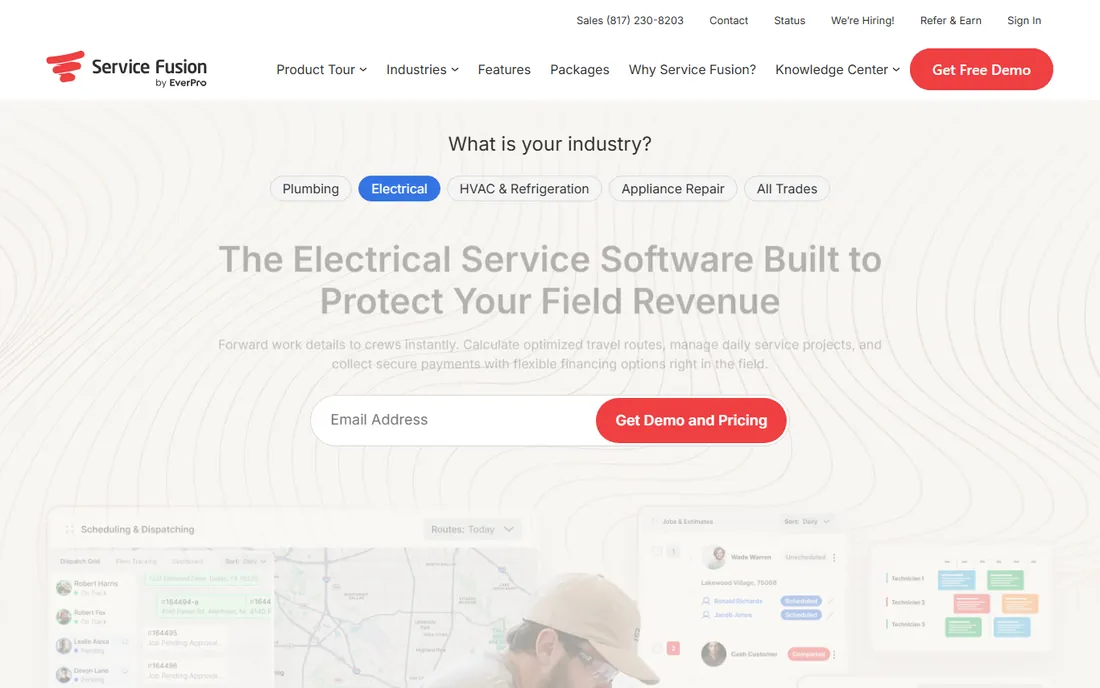
Service Fusion's pitch is one line: unlimited users, flat rate. Starter at $245 a month ($208 on annual billing) includes scheduling, dispatching, estimates, invoicing, integrated payments, QuickBooks integration, project management and reporting for as many logins as you want. Plus at $382 adds inventory and job costing; Pro at $627 adds the API, customer portal and recurring invoicing.
Do the math for your crew size. A solo handyman pays $245 for what Jobber sells for $49, which makes no sense. But at 10 users, Service Fusion's flat $245 beats nearly every per-seat tool on this list by hundreds a month. Seasonal businesses that add techs in summer feel this most. If you are growing past a handful of people and every new hire currently raises your software bill, Service Fusion is the fix.
What we like- Unlimited users on every plan
- Flat-rate pricing that rewards growth
- Strong QuickBooks integration
Watch out for- Expensive for a solo operator
- Annual billing charged as one upfront payment
- Advanced features need higher tiers
Starting priceSee website
Free planNo
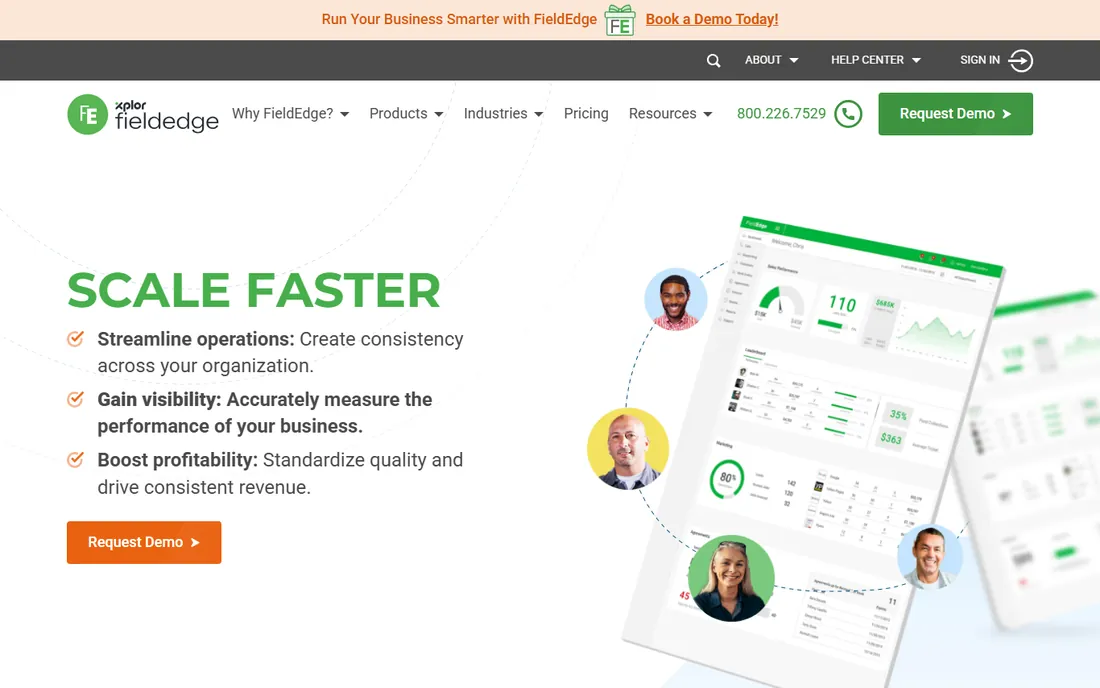
FieldEdge has been serving contractors since 2002, and it shows in the dispatch tools. Scheduling considers technician location and skills, the performance dashboard helps coach techs on sales, and service agreements automate maintenance plan renewals. The QuickBooks integration runs live with inventory sync, which matters when parts accuracy is a daily headache.
Pricing is quote-only, with third-party estimates around $100 to $125 per user a month and a mandatory onboarding process of several weeks. There is no free trial listed. That positions FieldEdge for established shops, not startups: if you have a dispatcher, a parts room and a real service agreement base, it fits. If you are two people and a truck, the sales process alone tells you it is not your tool yet.
What we like- Strong dispatch board with skill-based routing
- Live QuickBooks integration with inventory sync
- Service agreement automation
Watch out for- Quote-only pricing
- Per-user costs add up fast
- Mandatory onboarding process
Starting priceSee website
Free planNo
ServiceTitan is the enterprise platform of field service. Dispatch, pricebooks with margin management, good-better-best proposals, marketing automation, membership billing, payroll, technician scorecards and an offline-capable mobile app all live in one system. For a 25-truck HVAC or plumbing operation, that consolidation genuinely pays. The company went public in 2024 and dominates the upper end of the market.
Everything about the buying process signals who it is for. No published pricing, custom quotes commonly estimated at $245 to $500 per technician a month, annual contracts, and implementation engagements that run $2,000 to $5,000 over 4 to 12 weeks. For a handyman business under ten people, ServiceTitan is the wrong tool at the wrong price. Know what it is so you can grow into it later, not now.
What we like- Deepest feature set in the industry
- Marketing, financing and payroll in one platform
- Strong mobile app with offline mode
Watch out for- Quote-only enterprise pricing
- Annual contracts with implementation fees
- Overkill for small shops
Starting priceSee website
Free planFree trial
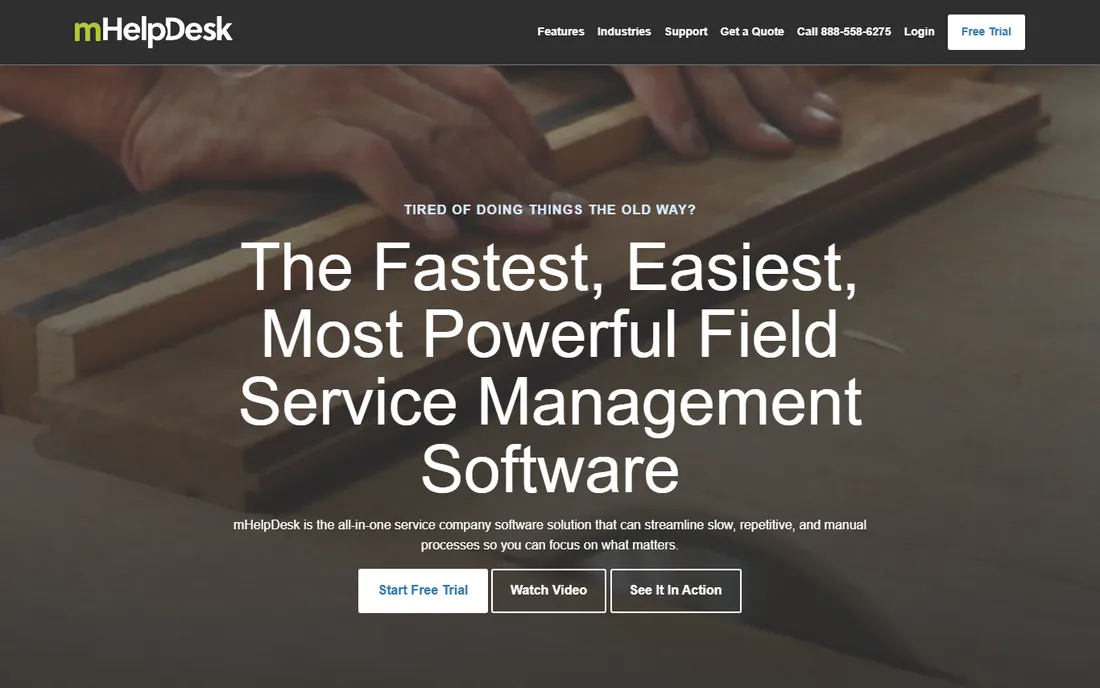
mHelpDesk has served field service businesses since 2009, with over 10,000 customers at last count. The platform covers the full loop: scheduling and dispatch, quotes and estimates, work orders, invoicing, payment collection in the field, inventory and technician management. Users consistently praise its ease of use, and a free trial lets you evaluate before talking numbers.
The frustration is pricing transparency. mHelpDesk does not publish rates; independent estimates put the base around $169 a month, but your quote may vary. Implementation for larger setups can also get complex. It is a solid, proven option that loses to newer tools on polish and pricing clarity. If you value a long track record over a slick interface, it belongs on the shortlist.
What we like- Long track record since 2009
- Scheduling, dispatch, invoicing and payments in one
- Well-regarded ease of use
Watch out for- Pricing not published
- Implementation can be complex
- Less modern than newer competitors
How we chose
We reviewed each vendor's published pricing page and plan documentation in October 2026, and checked third-party pricing analyses for the vendors that do not publish prices (ServiceTitan, FieldEdge, mHelpDesk). We prioritized tools that serve handyman-style work, residential repair and maintenance with scheduling, estimating and mobile invoicing, over generic project management. We did not run hands-on trials. Where the vendor publishes no price, we say so instead of guessing.
Estimating: the feature that actually wins jobs
For a handyman, the best handyman estimating software is the one that gets a professional quote into the customer's hands fastest. Speed wins jobs: the contractor who sends a clean estimate within the hour usually beats the one who sends it tomorrow. Every tool above handles estimates, but the details differ in ways that matter.
Look for estimate templates you can reuse, so a faucet replacement or drywall patch quotes in two minutes instead of twenty. Photo attachments on the estimate reduce "I didn't know it included that" disputes. E-signature approval turns the estimate into a booked job without a return visit. And flat-rate pricebooks, where you price common tasks once and reuse them, are what separate the pros from the receipt-back estimators. Jobber, Housecall Pro and ServiceTitan all support pricebooks; the budget tools keep it simpler with templates.
One more thing: send the estimate from the driveway. Every tool here has a mobile app, and the habit of quoting on-site, before a competitor calls back, is worth more than any software feature. The software just makes the habit easy.
What to check before you commit
Count your users honestly, including office staff, part-timers and yourself. Per-user pricing punishes every login, while flat-rate tools reward growth. A three-person shop and a twelve-person shop should not buy the same way.
Second, test the mobile app on a real job, not in the office. The app is where your techs live: offline behavior in dead zones, photo uploads, payment capture and signature collection all need to work with gloves on and sunlight on the screen. Kickserv's network dependency and RazorSync's iOS quirks are the kind of thing you only discover in the field.
Third, confirm the QuickBooks question. If your accountant runs QuickBooks Desktop, your shortlist is Housecall Pro, Kickserv and FieldEdge, not the Online-only crowd. If you run QuickBooks Online, most tools sync, but test the sync during the trial with real invoices, not demo data.
Finally, read the contract terms on billing. Jobber's annual prepaid is non-refundable, Kickserv offers true month-to-month, and ServiceTitan-style annual contracts with implementation fees are a different commitment entirely. Match the contract to your confidence level: the less sure you are, the shorter the commitment should be.
Frequently asked questions
What is the best software for a one-person handyman business?
Jobber's Core plan at $49 a month is the strongest solo option, with scheduling, estimates and invoicing built for one user. If your budget is zero, Workiz's free Lite plan covers up to 2 users with the essentials.
How much does handyman software cost?
Solo plans run $45 to $79 a month (RazorSync, Jobber, Housecall Pro). Small crews of 5 to 10 typically pay $119 to $329 a month depending on the tool. Flat-rate platforms like Service Fusion start at $245 a month with unlimited users, which wins once you pass about 8 people.
Do I need field service software or just invoicing software?
If you only invoice after jobs, invoicing software is enough. The moment you schedule jobs, dispatch anyone, or want estimates, online booking and job history in one place, field service software earns its keep. Most handymen outgrow pure invoicing within the first year.
Which handyman software has the best mobile app?
Jobber and Housecall Pro get the strongest mobile reviews, with offline-capable apps for field work. Test any app on a real job before committing, since basement and rural dead zones expose weaknesses that office wifi hides.
Can handyman software handle estimates and quotes?
Yes, all nine tools here create estimates, and most convert them to invoices and jobs in one click. For the fastest quoting, look for reusable templates, photo attachments and e-signature approval, which turn an estimate into a booked job without a return visit.
Should a small handyman business use ServiceTitan?
Probably not yet. ServiceTitan is built for larger operations with the pricing and contracts to match. Grow into it when you have a dispatcher, a real office staff and enough volume that its marketing and reporting depth pays back the investment.
Sources we checked (9)
- https://getjobber.com/pricing
- https://www.housecallpro.com/pricing/
- https://www.workiz.com
- https://www.kickserv.com/pricing
- https://www.razorsync.com
- https://www.servicefusion.com/pricing
- https://fieldedge.com/pricing/
- https://www.servicetitan.com
- https://www.mhelpdesk.com
Is your product missing or out of date?
We review this list regularly. Vendors can request a listing, send updated pricing or ask about featured placement.

Shihab Mia · Founder, Rankite
Shihab has spent more than a decade helping SaaS and e-commerce brands grow through search. He writes Rankite's software buying guides from pricing pages, documentation and public user reviews. More about Shihab.