How we make this list: we compare pricing pages, product documentation and public user reviews. Rankite is independent; if a vendor ever pays for a featured spot, that listing is clearly labeled Partner.
Key takeaways
- Jobber (from $29/month billed annually) and Housecall Pro (from $59/month billed annually) are the practical picks for home-service crews: published pricing, no contracts, and dispatch plus invoicing in one app.
- ServiceTitan is the deepest platform for large HVAC and plumbing operations, but it hides pricing behind sales calls and third-party estimates run $245 to $500 per technician per month.
- Delivery operations dispatching drivers and parcels need different software than field-service shops: Detrack (from $29/vehicle/month) and Tookan (from $39/month billed annually) price per vehicle or task instead of per user.
- Onfleet's Launch plan at $619/month is serious overkill for a 5-driver operation; small couriers should compare Detrack, Tookan and DispatchTrack before paying enterprise task pricing.
- Workiz (from $225/month annual billing) targets phone-heavy trades like locksmiths, but its phone system and AI answering are separate purchases that push the real bill higher.
Quick comparison
| Tool | Best for | Starting price | Free plan |
|---|
 Housecall Pro Housecall Pro | Home-service trades | $59/month (Basic, billed annually) | No (14-day free trial of MAX) |
 Jobber Jobber | Solo operators and small crews | $29/month (Core, billed annually) | No (14-day free trial) |
 Workiz Workiz | Phone-heavy service trades | $225/month (Kickstart, annual billing) | Yes (Lite, up to 2 users, limited jobs) |
 ServiceTitan ServiceTitan | Large HVAC and plumbing fleets | See website (quote-based) | No |
 FieldPulse FieldPulse | All-in-one field service | See website (quote-based) | Free trial (see website) |
 Onfleet Onfleet | High-volume last-mile delivery | $619/month (Launch, 2,500 tasks) | No (14-day free trial) |
 Detrack Detrack | Small delivery fleets | $29/vehicle/month (Pro) | No (14-day free trial) |
 Tookan Tookan | Task-based delivery dispatch | $39/month (Early Stage, billed annually) | No (14-day free trial) |
 DispatchTrack DispatchTrack | Scheduled retail deliveries | See website (quote-based) | Free trial (yes) |
Is your product missing or out of date?
We review this list regularly. Vendors can request a listing, send updated pricing or ask about featured placement.
The best dispatch software
Dispatch software sounds like one category, but it is really two: software that dispatches technicians to service calls (HVAC, plumbing, electrical, pest control) and software that dispatches drivers to deliveries (couriers, food, retail last mile). Picking from the wrong half costs you months of workarounds. Five tools here dispatch field crews; four dispatch deliveries. All nine exist today and are actively sold.
Starting price$59/month (Basic, billed annually)
Free planNo (14-day free trial of MAX)
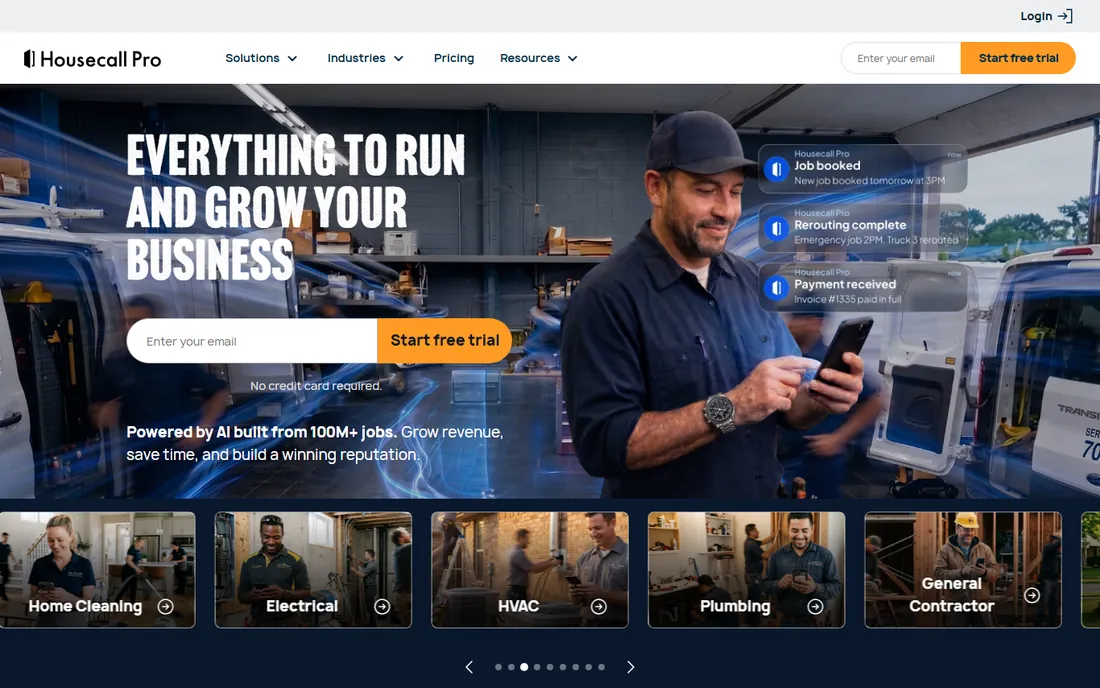
For plumbers, electricians, cleaners and pest control operators, Housecall Pro feels like it was designed by people who have run a truck. Booking, scheduling, dispatching, quotes, invoices and payments all sit in one flow, and customers can pay by card, bank transfer or check. The Spanish-language app and support matter for crews that are bilingual on the job.
Pricing is public but quirky. Basic is $59 per month billed annually ($79 month to month) for one user. Essentials is $149 per month billed annually ($189 monthly) for up to 5 users, and MAX is $299 per month billed annually ($329 monthly) for up to 8. HVAC and plumbing businesses see a different package after a pricing quiz, with Essentials and MAX running $299 to $649. Extra users cost $100 a month on Essentials and $75 on MAX, and several features (sales proposal tool, flat-rate price book, recurring service plans) are paid add-ons. Confirm your trade's pricing on housecallpro.com/pricing before you budget.
What we like- Built specifically for residential trades with consumer financing and review management
- Published pricing with no long-term contract
- Card, bank and check payments built in
Watch out for- Trade-specific quiz changes the price HVAC and plumbing see, which makes budgeting annoying
- Route optimization and the open API are MAX-only
Starting price$29/month (Core, billed annually)
Free planNo (14-day free trial)
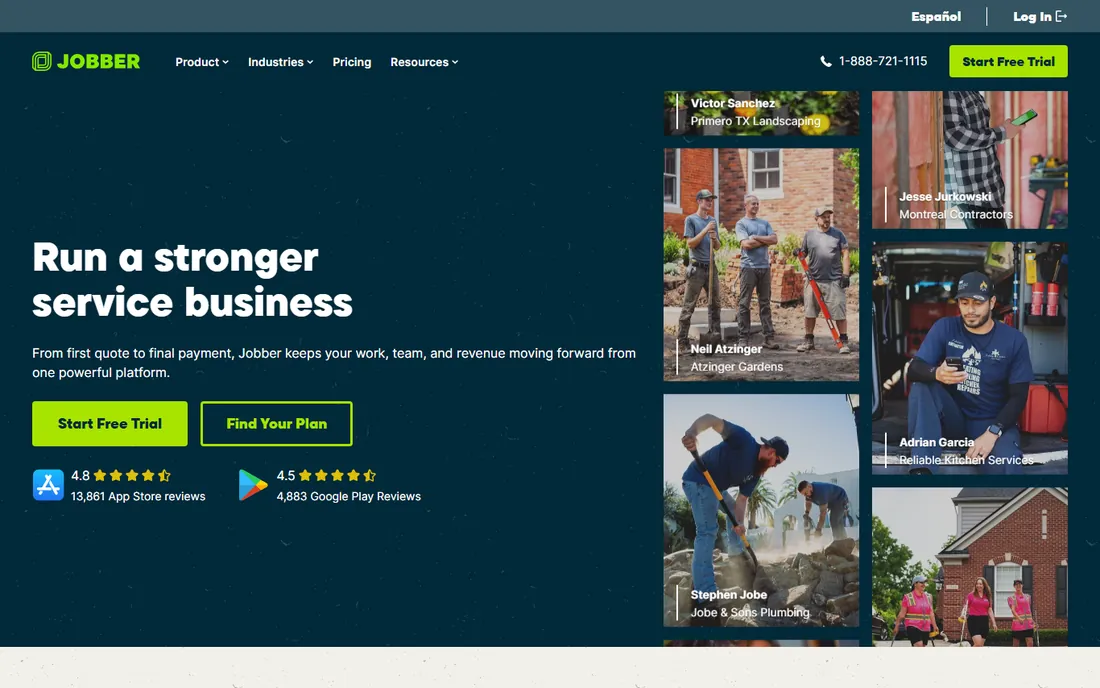
Jobber is the honest-broker option for contractors under about 15 users. Every price is on the website, every plan works month to month with no contract, and the mobile app is genuinely smooth for technicians in the field. Scheduling, quoting, invoicing, online booking and payments are all there from the Core plan up.
The current lineup is straightforward: Core at $29 per month billed annually ($49 month to month) for 1 user, Connect at $99 per month billed annually for up to 5, Grow at $149 per month billed annually for up to 10, and Plus at $399 per month billed annually for up to 15. Extra users beyond the cap cost $29 per month each. Watch the add-ons: Marketing Suite ($99/month), Receptionist ($29/month) and Pipeline ($49/month) sit outside the base plans. A mid-size team with add-ons can land at $400 to $900 a month before payment processing fees, so price your real configuration on getjobber.com/pricing.
What we like- The lowest entry price of the field-service tools with fully published pricing
- Route optimization included at lower tiers than rivals
- No-contract monthly billing available
Watch out for- Each plan caps users and the price jumps with headcount
- Marketing, AI receptionist and pipeline are separate paid add-ons below the Plus tier
Starting price$225/month (Kickstart, annual billing)
Free planYes (Lite, up to 2 users, limited jobs)

Workiz grew up serving trades where the phone never stops ringing: locksmiths, garage door repair, appliance service. Its dispatch board, job notes and customer communication are designed around call-heavy workflows, and the built-in phone system with call recording is a differentiator if your business is essentially a call center with trucks.
The pricing reflects that positioning. Lite is free for up to 2 users with roughly 20 jobs. Kickstart runs $225 per month (annual billing, 3 users), Standard $275 per month (5 users) and Pro $325 per month (5 users), with Ultimate behind a sales call. The catch is that the phone system is sold separately from all plans, and Genius Answering, the AI call dispatcher, costs roughly $200 a month extra. A five-person shop on Pro with phone and AI answering can clear $500 to $800 a month. Compare the all-in number, not the plan sticker, before deciding.
What we like- Built-in phone system and call-center workflows suit locksmiths and garage-door companies that live on inbound calls
- Free Lite tier lets tiny shops start at zero
Watch out for- The phone system and AI answering are sold separately from every plan, which hides the true cost
- Paid plans start much higher than Jobber or Housecall Pro
Starting priceSee website (quote-based)
Free planNo
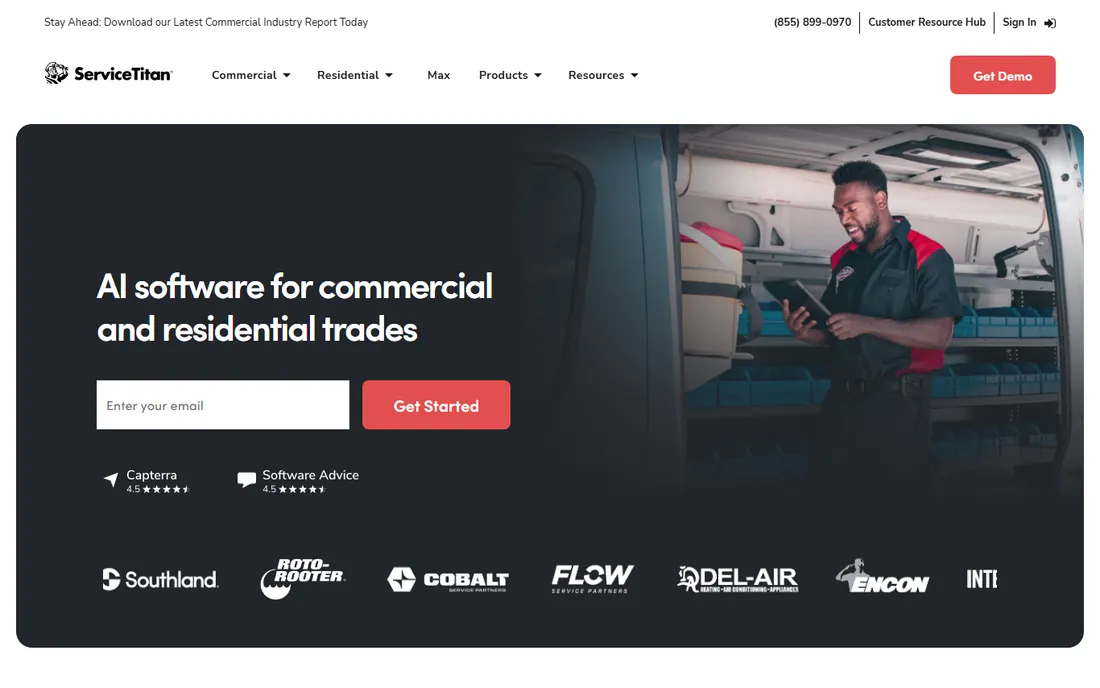
ServiceTitan is the enterprise option for home services. If you run 20-plus technicians across multiple locations with dispatchers, office managers and a marketing team, its depth is real: advanced dispatch intelligence, call recording, payroll, inventory, Marketing Pro and Phones Pro. Large HVAC and plumbing companies that outgrow Jobber and Housecall Pro usually end up here.
The commercial reality is stark. ServiceTitan publishes no pricing; you book a demo and get a custom quote. Independent 2026 estimates from contractor reports put it at roughly $245 to $500 per technician per month depending on tier, with implementation fees estimated between $5,000 and $50,000. Since pricing is per technician, every hire raises the bill. It also requires a 12-month-plus contract. This is software for companies with enterprise budgets and dedicated admin staff, not for a ten-truck shop.
What we like- The deepest dispatch, reporting and call-center tooling in the category
- Strong for multi-location operations with dedicated office staff
- Full marketing and phone modules at higher tiers
Watch out for- No published pricing and a mandatory sales process
- Per-technician pricing punishes growth, and implementation fees can reach tens of thousands
Starting priceSee website (quote-based)
Free planFree trial (see website)
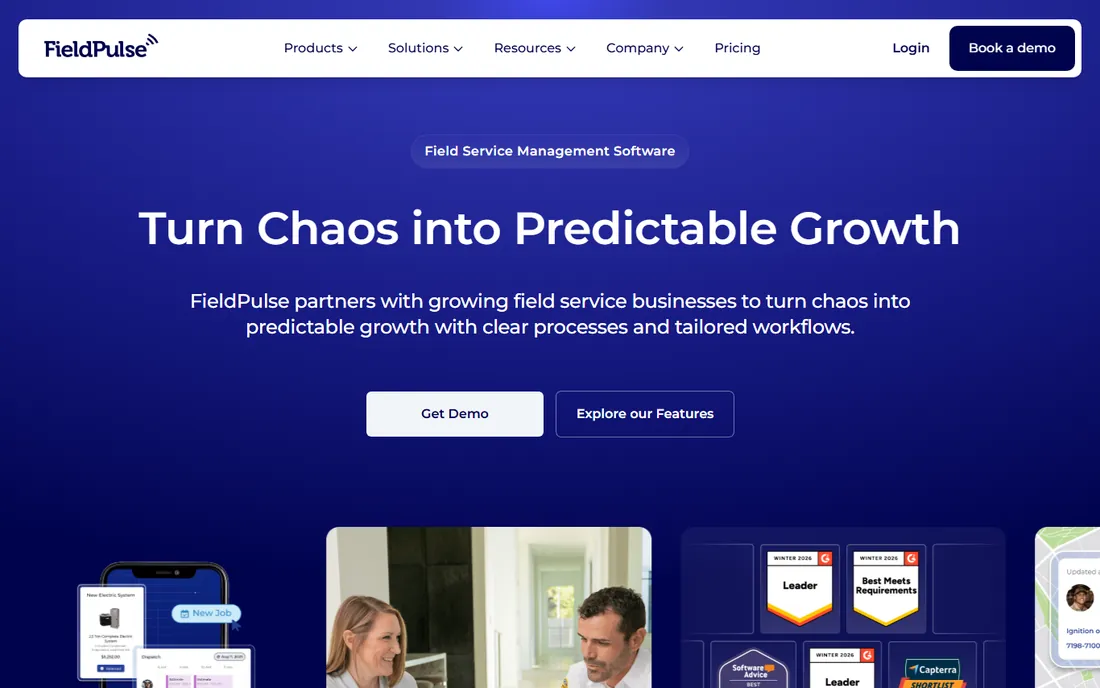
FieldPulse takes the opposite approach to most rivals: one deep platform instead of a cheap entry tier with add-ons. Scheduling, dispatching, customer management, estimates, invoices, time tracking, GPS tracking, inventory and QuickBooks integration all come together, and the mobile app works well offline, which field crews notice immediately. Customer service gets consistently strong marks in reviews.
The trade is commercial, not technical. FieldPulse does not publish plan prices; quotes are customized to team size. Contractor-reported figures range from roughly $99 a month for small teams to $399 or more for larger crews, before add-ons like GPS and VoIP. If you want to compare prices in ten minutes, start with Jobber or Housecall Pro. If you want one system and will sit through a sales call, FieldPulse is a serious contender.
What we like- Deep all-in-one feature set (scheduling, invoicing, CRM, GPS, inventory) without a pile of add-ons
- Strong offline mobile app
- 4.6/5 on Capterra across hundreds of reviews
Watch out for- Quote-only pricing with no published tiers, so comparison shopping starts with a sales call
- Contractor-reported figures vary widely, which makes budgeting uncertain
Starting price$619/month (Launch, 2,500 tasks)
Free planNo (14-day free trial)
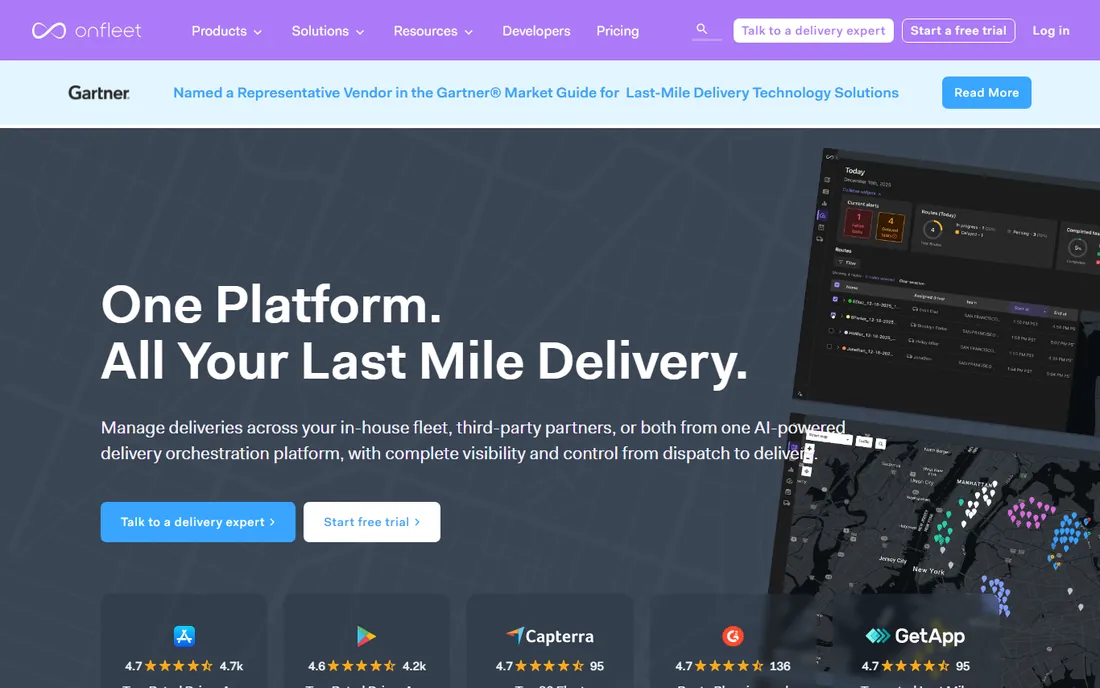
Onfleet is built for delivery operations where tasks arrive dynamically and drivers are dispatched in real time: couriers, same-day delivery services, pharmacy and regulated-product delivery. The Launch plan at $619 per month covers 2,500 tasks with basic route optimization, proof of delivery and API access. Scale at $1,349 per month covers 5,000 tasks and adds auto-dispatch, barcode scanning and advanced optimization. Enterprise starts at $3,099 per month.
The pricing model is task-based, not seat-based, so costs scale with delivery volume. Watch the extras: SMS notifications and driver-call anonymization are billed separately, and the Courier Suite add-on for client portals and invoicing costs $299 more a month. A small operation with five drivers should model its monthly task volume against Detrack or Tookan before committing to this tier of spend.
What we like- Polished task-based dispatch with strong route optimization, auto-dispatch and proof-of-delivery compliance for regulated products
- Unlimited users on every plan
Watch out for- The entry price is steep for small operations
- Auto-dispatch is gated behind the $1,349 Scale plan
- SMS and telephony are billed separately
Starting price$29/vehicle/month (Pro)
Free planNo (14-day free trial)
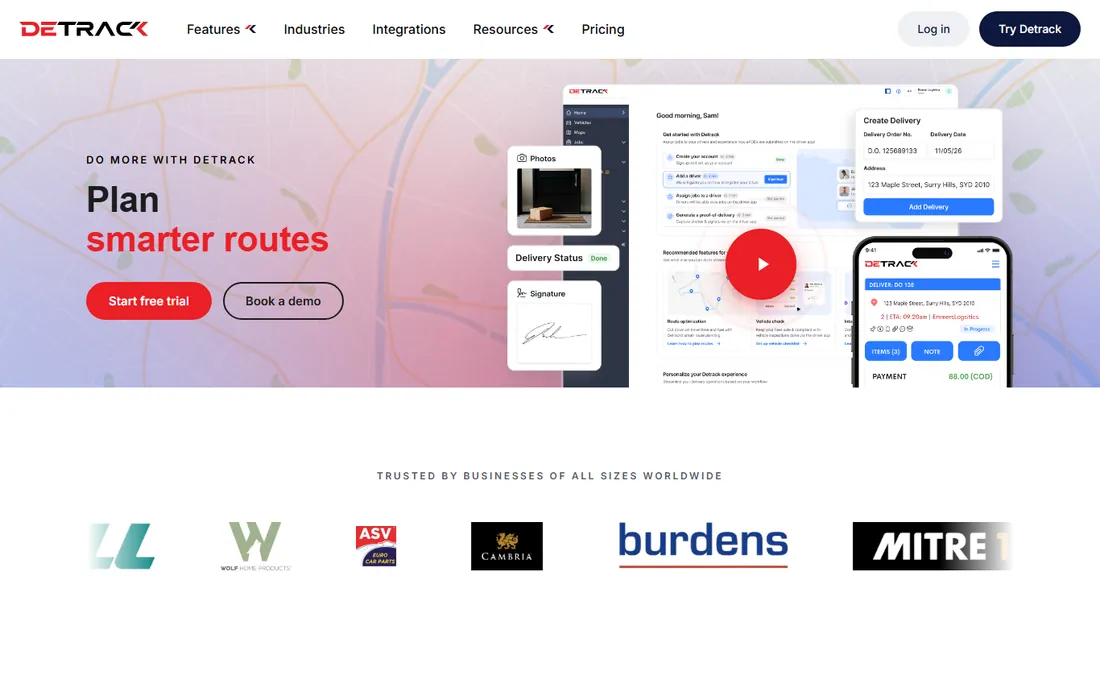
Detrack is the accessible entry point for businesses that run their own delivery vans or drivers. The pricing is refreshingly simple: Pro at $29 per vehicle per month ($26 with annual billing) with unlimited sub-users, live driver tracking, proof of delivery with signatures and photos, and branded customer notifications. Advanced at $39 per vehicle per month adds route optimization, vehicle safety checks and rate cards.
For a local business with three to ten drivers doing daily deliveries, Detrack is usually the first tool to evaluate. It has no minimum driver count, the free trial runs 14 days, and the setup is genuinely quick. The ceiling shows up in complex operations: multi-depot routing and deep logistics configuration belong to pricier platforms. For straightforward delivery dispatch, the value is hard to beat.
What we like- Simple per-vehicle pricing with no minimum driver count
- Set up in about an hour with real-time tracking and electronic proof of delivery
- Strong reviews for ease of use
Watch out for- Route optimization is only on the $39/vehicle Advanced tier
- Less suited to complex multi-depot logistics than enterprise tools
Starting price$39/month (Early Stage, billed annually)
Free planNo (14-day free trial)
Tookan prices by task volume instead of seats, which suits operations with many drivers and modest delivery counts. Early Stage at $39 per month billed annually ($49 month to month) covers 300 tasks with unlimited agents. Startup at $99 per month covers 1,000 tasks, Growth at $249 covers 3,000, and Standard at $399 covers 6,000. The integration library is broad, which matters for food delivery, courier and on-demand service businesses wired into Shopify, WooCommerce and POS systems.
Read the add-on list before you buy. Route optimization, white-label apps and email parsing all cost extra on every tier, and overage fees of $0.06 to $0.14 per task apply past your allocation. A team on Growth with the add-ons and overages can pay far more than the listed $249. If route optimization is core to your operation, compare Tookan's all-in cost against Detrack Advanced or Upper before committing.
What we like- Unlimited agents and drivers on every plan, so headcount never inflates the bill
- 90-plus integrations including Shopify and WooCommerce
- Low entry price for small operations
Watch out for- Route optimization, branded apps and email parsing are paid add-ons on every tier
- Per-task overage fees make monthly costs unpredictable at variable volumes
Starting priceSee website (quote-based)
Free planFree trial (yes)
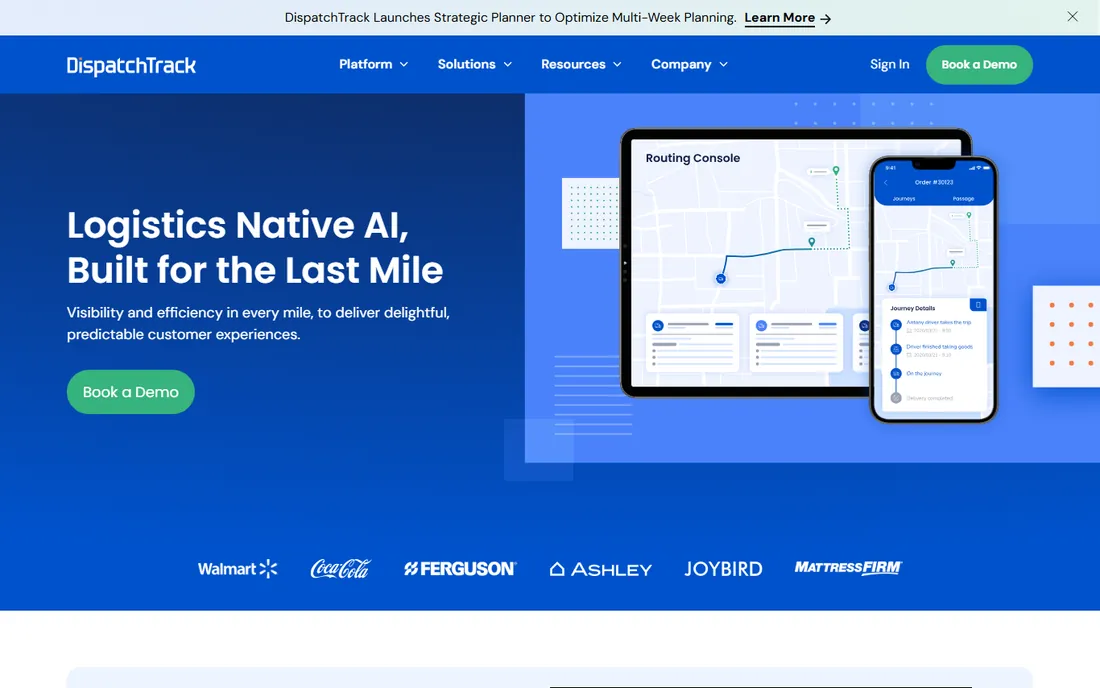
DispatchTrack serves a specific niche well: retailers delivering furniture, appliances and other big-ticket items where the delivery is really an appointment with a two-person crew and possibly an install. The platform handles AI route optimization, driver voice briefings, customer self-scheduling and tight ERP integrations with systems like NetSuite and SAP.
Pricing is custom-quoted per vehicle license. Third-party aggregators cite roughly $75 per vehicle per month as a starting reference, but actual quotes vary significantly by fleet size and scope, and implementation fees have been reported. If you run scheduled deliveries with appointment windows and crews, DispatchTrack fits the workflow better than parcel-oriented tools. If you just need dispatch plus proof of delivery, Detrack will do it cheaper.
What we like- Built for scheduled big-ticket deliveries with crews and installs, not just parcels
- AI routing and customer self-scheduling included
- Deep retail and ERP integrations
Watch out for- Quote-only pricing per vehicle license, so no way to compare without a sales conversation
- Implementation and training fees reported on top
Delivery dispatch vs field service dispatch: know which half you need
This category splits cleanly, and buying from the wrong half is the most expensive mistake in it. Field-service dispatch (Housecall Pro, Jobber, Workiz, ServiceTitan, FieldPulse) assumes jobs that take an hour or more: the job has a customer record, a quote, an invoice and often a service agreement. Delivery dispatch (Onfleet, Detrack, Tookan, DispatchTrack) assumes many short stops: the job is a route, a proof of delivery and a tracking link.
A courier company does not need invoicing, quotes and QuickBooks sync; it needs auto-dispatch and per-task costing. A plumbing company does not need barcode custody chains; it needs recurring service plans and equipment records. If your operation does both, for example an appliance retailer that sells, delivers and repairs, expect to run two systems or to compromise on one half.
How we chose
We read the current pricing page of every vendor with published prices, and treated quote-only vendors honestly: ServiceTitan, FieldPulse and DispatchTrack are marked "See website" rather than repeating estimates as facts. We compared the dispatch-specific features that matter: drag-and-drop scheduling, route optimization, GPS tracking, mobile app quality for technicians and drivers, proof of delivery, customer notifications, invoicing and accounting integrations. We read contractor and courier reviews on G2, Capterra and Reddit to find the post-purchase complaints: add-on fees, contract traps, implementation costs and mobile app reliability. We did not include tools we could not verify as currently sold.
What to look for before you buy
Start with the dispatch board itself, because it is where your office will spend every day. Can dispatchers drag a job to another tech, see everyone's route on one map, and re-optimize around an emergency call in seconds? That workflow is worth more than any feature checklist. Ask for a live demo with your actual service area loaded, not a canned dataset.
Price the whole bill, not the headline plan. Field-service tools sell add-ons aggressively: Workiz's phone system and AI answering, Housecall Pro's proposal tool and flat-rate price book, Jobber's marketing suite. Add per-user or per-vehicle costs at your real headcount, then add payment processing fees, because card rates of 2.59 to 2.9 percent apply to every invoice you collect through the platform.
Check the exit terms before you sign. Housecall Pro and Jobber offer month-to-month billing with no contract. ServiceTitan typically requires 12 months or more, with reported early termination fees. FieldPulse and DispatchTrack quote custom terms, so get the contract length, renewal terms and data export process in writing before the demo ends.
Frequently asked questions
What is the best dispatching software for a small service business?
For home-service trades with under 15 users, Jobber and Housecall Pro are the standard picks: published pricing, no contracts, and dispatch plus invoicing in one app. Jobber starts cheaper at $29 per month billed annually; Housecall Pro is stronger on payments and consumer financing at $59 per month billed annually.
How much does dispatch software cost?
Field-service tools for small crews run $29 to $225 per month depending on the vendor and user count. Delivery dispatch varies more: Detrack starts at $29 per vehicle per month, Tookan at $39 per month by task volume, and Onfleet at $619 per month. Enterprise tools like ServiceTitan are quote-only and estimated at hundreds per technician monthly.
Is there free dispatch software?
Workiz offers a free Lite tier for up to 2 users with limited jobs. Most vendors offer 14-day free trials instead of free plans. Free tiers in this category are genuinely limited, so plan on paying once you have real dispatch volume.
What is the difference between field service dispatch and delivery dispatch?
Field-service dispatch manages technician jobs with quotes, invoices and service agreements (Housecall Pro, Jobber, ServiceTitan). Delivery dispatch manages driver routes with proof of delivery and tracking links (Onfleet, Detrack, Tookan, DispatchTrack). Buy from the half that matches your operation.
Can dispatch software integrate with QuickBooks?
Yes, most field-service tools integrate with QuickBooks Online: Jobber includes it from Connect, Housecall Pro from Essentials, FieldPulse natively. Delivery-focused tools are weaker here; check each vendor's integration page if accounting sync matters.
Sources we checked (12)
- https://www.housecallpro.com/pricing/
- https://www.getjobber.com/pricing/
- https://workiz.com/pricing-plans/
- https://www.servicetitan.com
- https://www.fieldpulse.com
- https://www.onfleet.com
- https://www.detrack.com/pricing
- https://www.tookan.io
- https://www.dispatchtrack.com
- https://www.upperinc.com/reviews/onfleet-reviews/
- https://www.upperinc.com/reviews/tookan/
- https://spoke.com/dispatch/blog/onfleet-competitors
Is your product missing or out of date?
We review this list regularly. Vendors can request a listing, send updated pricing or ask about featured placement.

Shihab Mia · Founder, Rankite
Shihab has spent more than a decade helping SaaS and e-commerce brands grow through search. He writes Rankite's software buying guides from pricing pages, documentation and public user reviews. More about Shihab.