How we make this list: we compare pricing pages, product documentation and public user reviews. Rankite is independent; if a vendor ever pays for a featured spot, that listing is clearly labeled Partner.
Key takeaways
- Deputy and When I Work lead for general shift scheduling with strong mobile apps.
- Homebase is the value pick for small businesses, with a genuinely useful free plan.
- 7shifts dominates restaurants; Planday is strong in European hospitality and retail.
- Connecteam and Sling suit deskless teams that need messaging alongside scheduling.
- Workforce.com, Findmyshift and Humanity cover complex compliance and enterprise needs.
Quick comparison
| Tool | Best for | Starting price | Free plan |
|---|
 Deputy Deputy | Shift scheduling with strong compliance | See website | Free trial |
 When I Work When I Work | Simple scheduling teams adopt fast | See website | Free trial |
 Homebase Homebase | Small businesses on a budget | See website | Yes |
 7shifts 7shifts | Restaurants and hospitality | See website | Free trial |
 Sling Sling | Free scheduling with team chat | See website | Yes |
 Connecteam Connecteam | Deskless teams needing an all-in-one app | See website | Yes |
 Workforce.com Workforce.com | Complex labor compliance | See website | No |
 Planday Planday | European hospitality and retail | See website | Free trial |
 Findmyshift Findmyshift | Simple rota planning for small teams | See website | Free trial |
 Humanity Humanity | Enterprise workforce scheduling | See website | No |
Is your product missing or out of date?
We review this list regularly. Vendors can request a listing, send updated pricing or ask about featured placement.
The best software for employee scheduling
Starting priceSee website
Free planFree trial
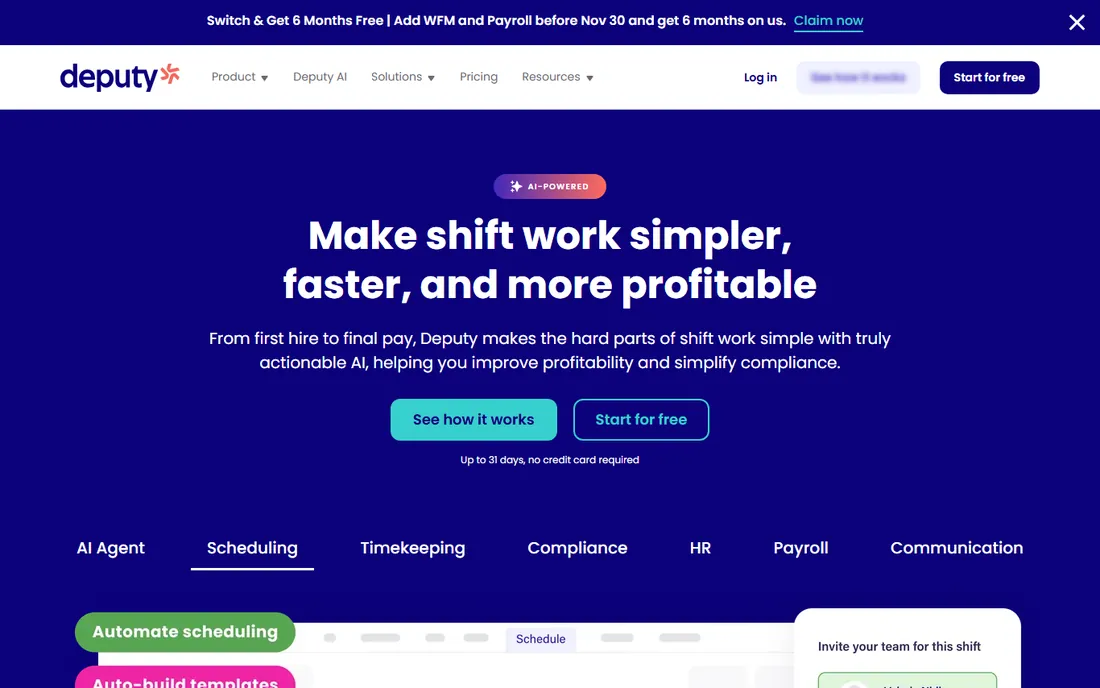
Deputy is the scheduling tool managers recommend when compliance matters: overtime rules, break laws, minor work restrictions and timesheet attestations are built into the scheduling logic rather than checked afterward. Auto-scheduling builds compliant rosters in minutes, and the mobile app handles shift swaps, time-off requests and clock-ins cleanly.
Per-user pricing means costs scale with headcount, which stings for large hourly workforces. The feature depth can overwhelm a ten-person shop that just needs a rota. But for multi-location businesses in regulated industries or states, Deputy's compliance engine prevents the wage-and-hour mistakes that cost far more than the subscription.
What we like- Excellent auto-scheduling and shift templates
- Strong labor law compliance features
- Good payroll integrations
Watch out for- Pricing is per user per month which adds up
- Interface can feel busy
- Smaller businesses may find it more than needed
Starting priceSee website
Free planFree trial
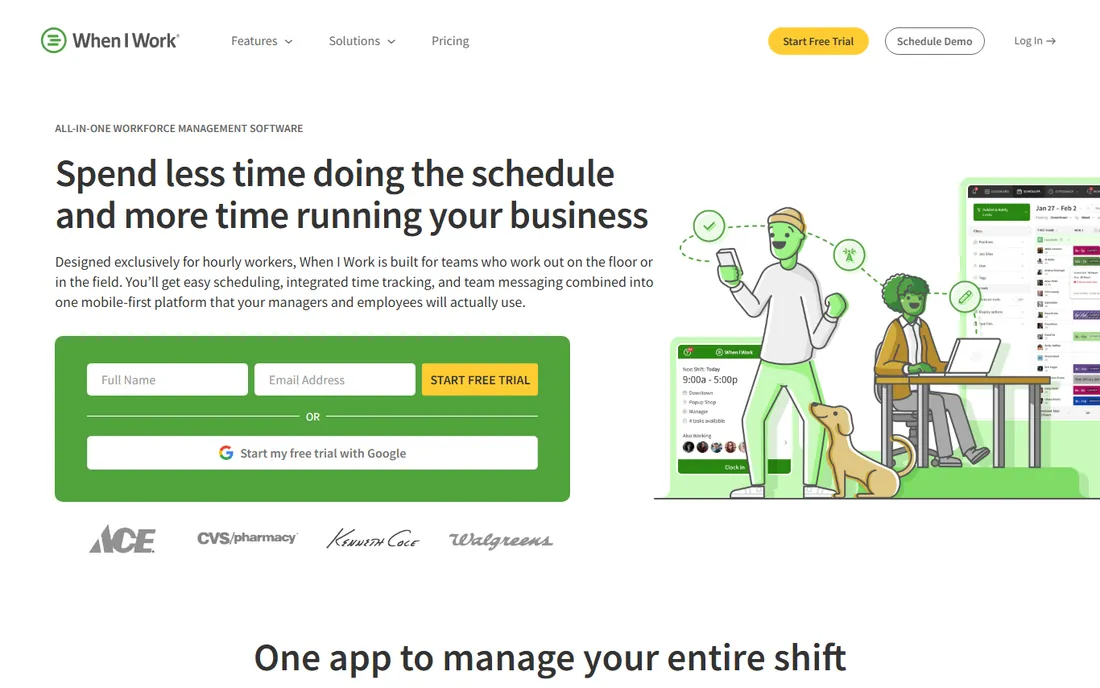
When I Work wins on adoption: managers build schedules in minutes, employees claim open shifts from their phones, and the team chat keeps everyone coordinated. The learning curve is nearly flat, which matters enormously for hourly workforces with high turnover. Pricing stays friendly as you grow.
It is not the tool for complex labor compliance or sophisticated workforce analytics. Reporting covers the basics, and enterprises with intricate rules need more. For restaurants, retailers and service businesses that want scheduling solved this week without a training program, When I Work is one of the fastest paths from spreadsheet chaos to organized shifts.
What we like- Very easy for managers and staff to learn
- Good shift swapping and messaging
- Affordable per-user pricing
Watch out for- Advanced compliance features are thinner
- Reporting is basic
- Large enterprises outgrow it
Starting priceSee website
Free planYes
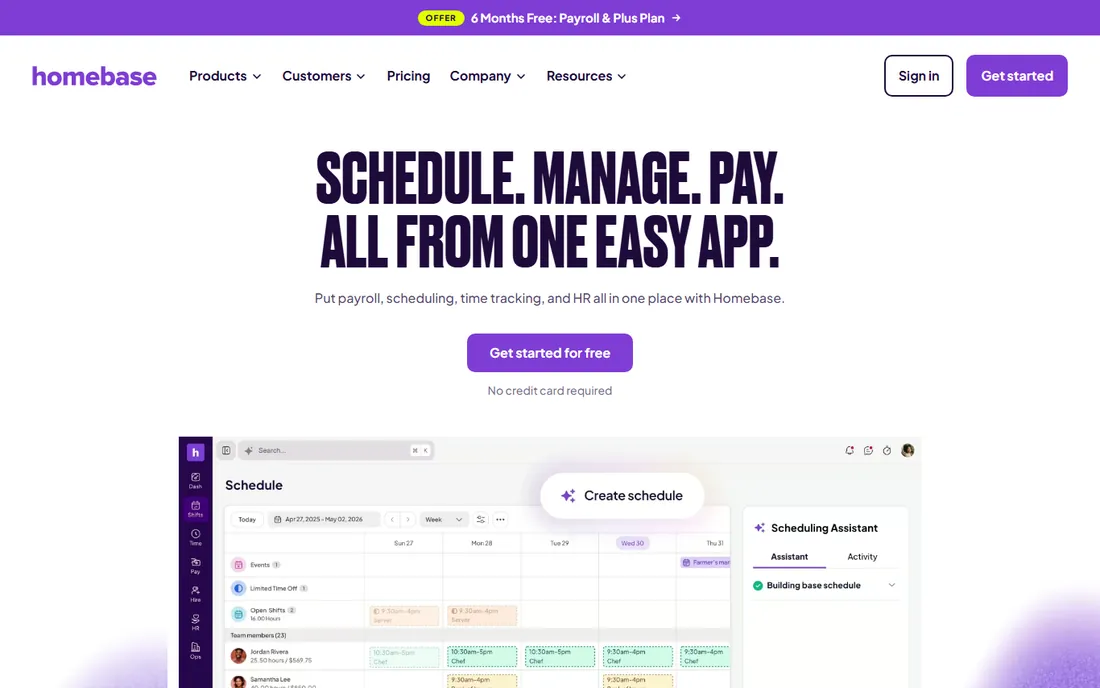
Homebase is built for the coffee shop, the salon, the boutique: businesses with one location and a handful of employees that need scheduling, time clocks, team messaging and hiring without enterprise software. The free plan genuinely covers scheduling basics, which makes it the default recommendation for businesses watching every dollar.
Growth reveals the limits. Multi-location management, advanced reporting and deeper integrations sit on paid tiers, and the free plan's caps nudge growing businesses upward. That is a fair trade: start free, pay when the business can afford it. For small single-location businesses, nothing else delivers this much for free.
What we like- Free plan covers scheduling for small teams
- Hiring and onboarding tools included
- Built for Main Street businesses
Watch out for- Free plan has limits that push upgrades
- Advanced features trail premium tools
- Best for single-location shops
Starting priceSee website
Free planFree trial
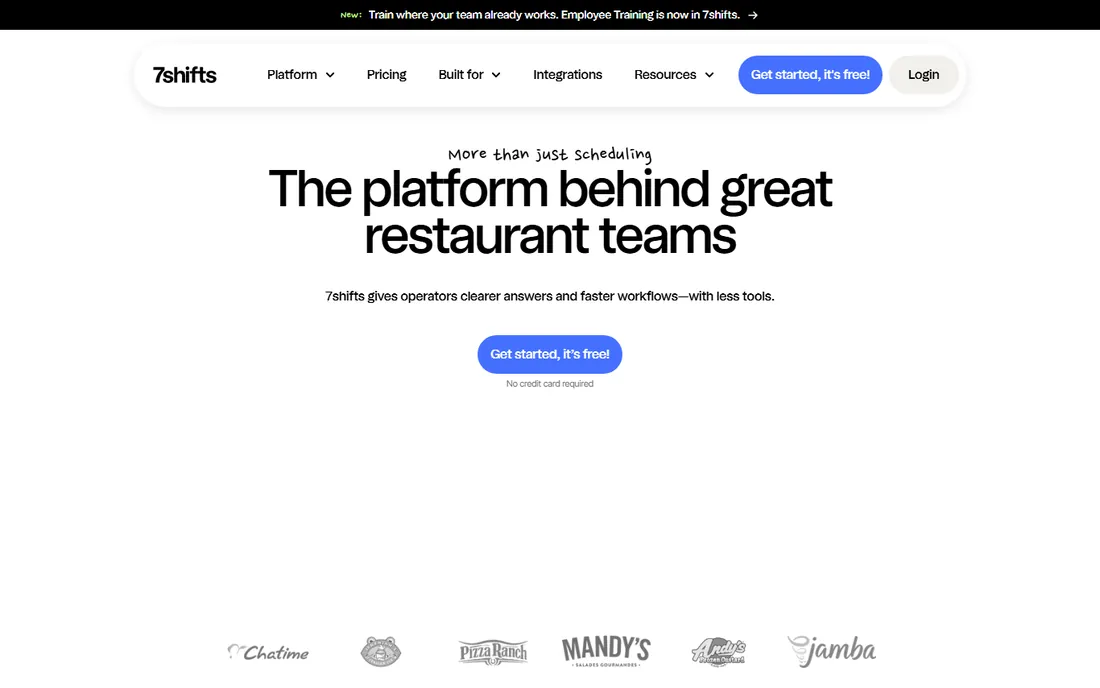
7shifts understands restaurants: station-based scheduling, tip management, sales-driven labor targets and the chaos of shift swaps during dinner rush. Managers schedule against forecasted sales to control labor costs, and staff manage availability, swaps and time-off from the app. The restaurant-specific design shows in every workflow.
Outside hospitality the fit drops fast; retailers and healthcare should look elsewhere. Feature depth varies by pricing tier, and POS integration quality depends on your provider. For restaurants, though, the specialization pays off: labor cost percentage is the metric that decides profitability, and 7shifts manages to it directly.
What we like- Purpose-built for restaurant workflows
- Labor cost controls tied to sales
- Team communication built in
Watch out for- Niche focus limits non-restaurant use
- Pricing tiers gate features
- POS integrations vary by provider
Starting priceSee website
Free planYes
Sling offers something rare: a genuinely free scheduling tool with team chat included. Small teams can build schedules, handle shift swaps, track hours and message each other without paying anything. Setup takes minutes and the interface stays simple.
Paid plans add labor cost controls, advanced reporting and more integrations, but the free tier's existence makes Sling the zero-risk trial. It will not satisfy complex compliance needs or large multi-location operations. For small teams that need scheduling plus communication today for free, Sling is hard to argue against.
What we like- Free version covers core scheduling
- Built-in team messaging
- Simple and quick to deploy
Watch out for- Advanced features need paid plans
- Reporting is limited
- Smaller ecosystem of integrations
Starting priceSee website
Free planYes
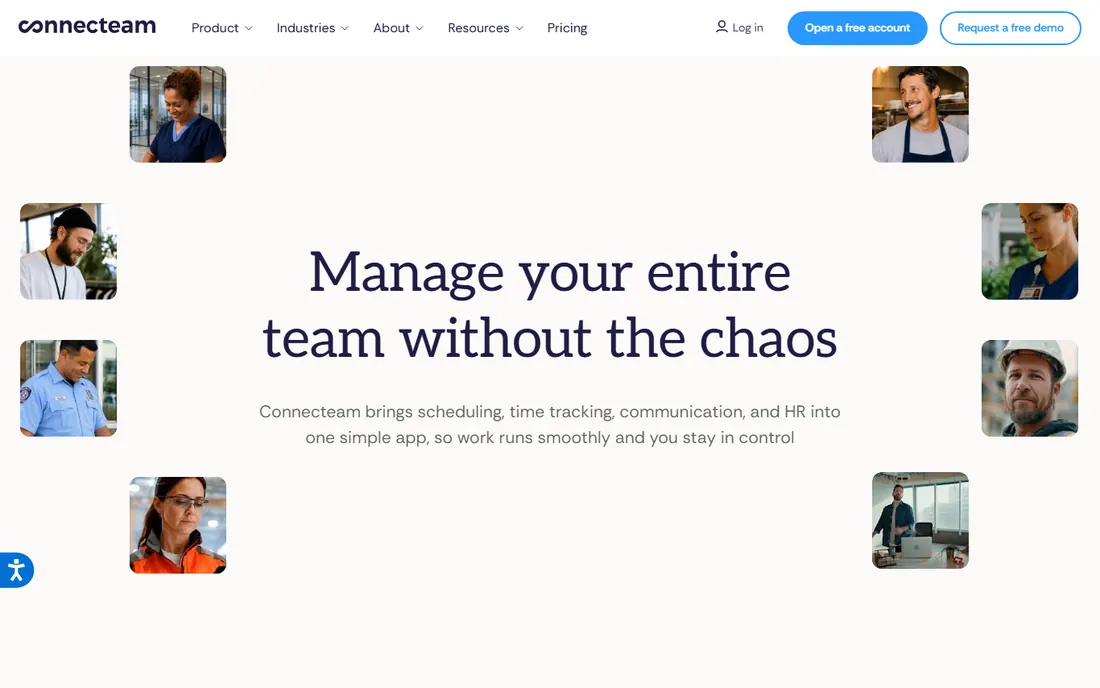
Connecteam is the everything app for deskless workers: scheduling, time clock, team chat, training courses, digital forms and checklists in one mobile app. Construction crews, cleaning companies and field services get an operations hub, not just a rota. The free plan covers small teams generously.
Pure scheduling sophistication lags the specialists; Deputy and 7shifts schedule better. But most deskless teams do not need pure scheduling sophistication; they need one app their field workers will actually open. If your team needs schedules plus training plus forms plus communication, Connecteam's bundle beats buying four tools.
What we like- Scheduling plus training, forms and chat in one app
- Free plan for small teams
- Great for non-desk workers
Watch out for- Scheduling depth trails specialists
- Interface packs a lot in
- Advanced workforce analytics are limited
Starting priceSee website
Free planNo
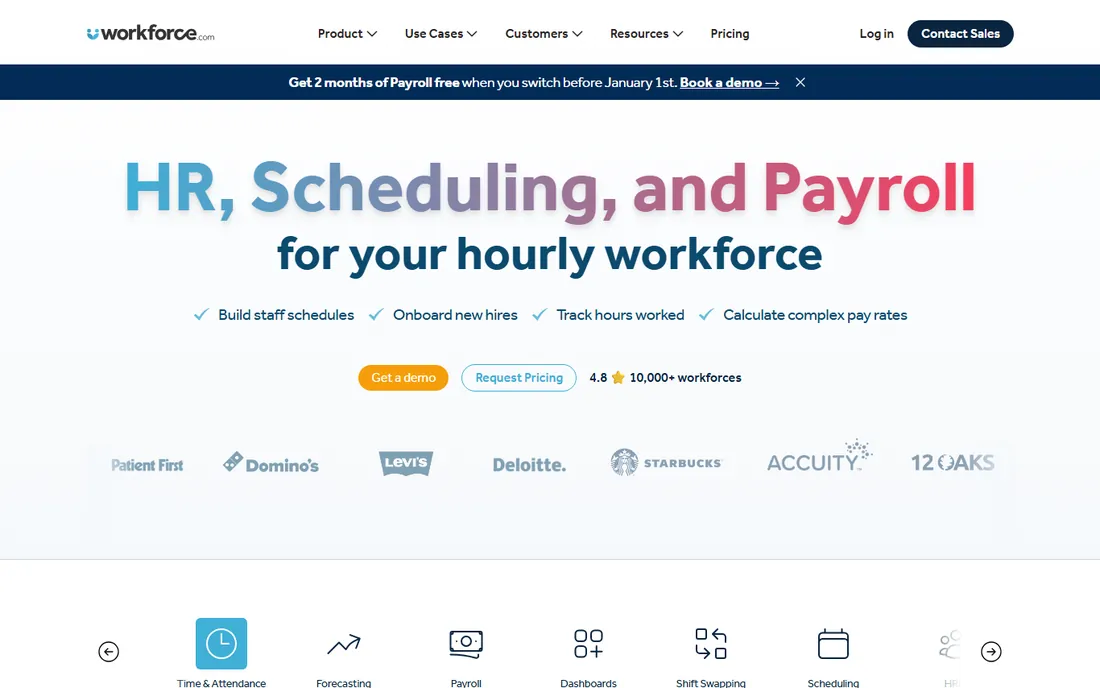
Workforce.com, formerly Tanda, is built for the hard cases: complex modern awards, multi-state compliance, enterprise multi-location operations. The compliance engine handles intricate pay rules that generic schedulers cannot, and the analytics give operations leaders real visibility into labor costs. Large hospitality, retail and healthcare organizations are the core customers.
This is enterprise software with enterprise pricing and implementation. Small businesses should not bother. But if your scheduling problem includes "our pay rules require a lawyer to explain," Workforce.com is one of the few tools engineered for exactly that complexity.
What we like- Deep compliance engine for complex awards and rules
- Strong for multi-location enterprises
- Good analytics
Watch out for- Enterprise pricing and sales process
- Implementation takes effort
- Overkill for simple scheduling
Starting priceSee website
Free planFree trial
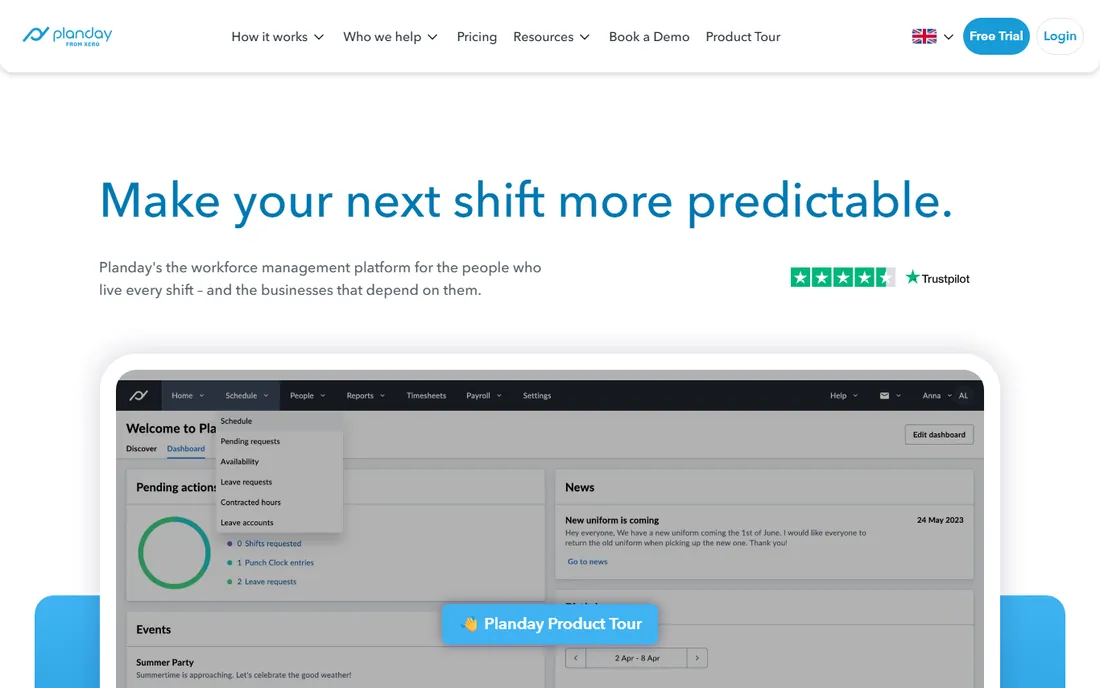
Planday dominates shift scheduling in parts of Europe for good reason: it handles European labor regulations, collective agreements and working-time rules natively. Hospitality groups and retail chains run multi-location scheduling with payroll integrations and employee self-service that staff actually use. The communication tools keep shift workers coordinated.
US buyers get a thinner experience: fewer integrations, smaller support presence, less market-specific development. Within its core European markets, though, Planday's regulatory fit and hospitality focus make it the default shortlist entry. American businesses should prefer the domestic options above.
What we like- Strong European labor law support
- Good for hospitality and retail chains
- Employee self-service is excellent
Watch out for- US presence is smaller
- Pricing is quote-based in places
- Niche outside its core markets
Starting priceSee website
Free planFree trial
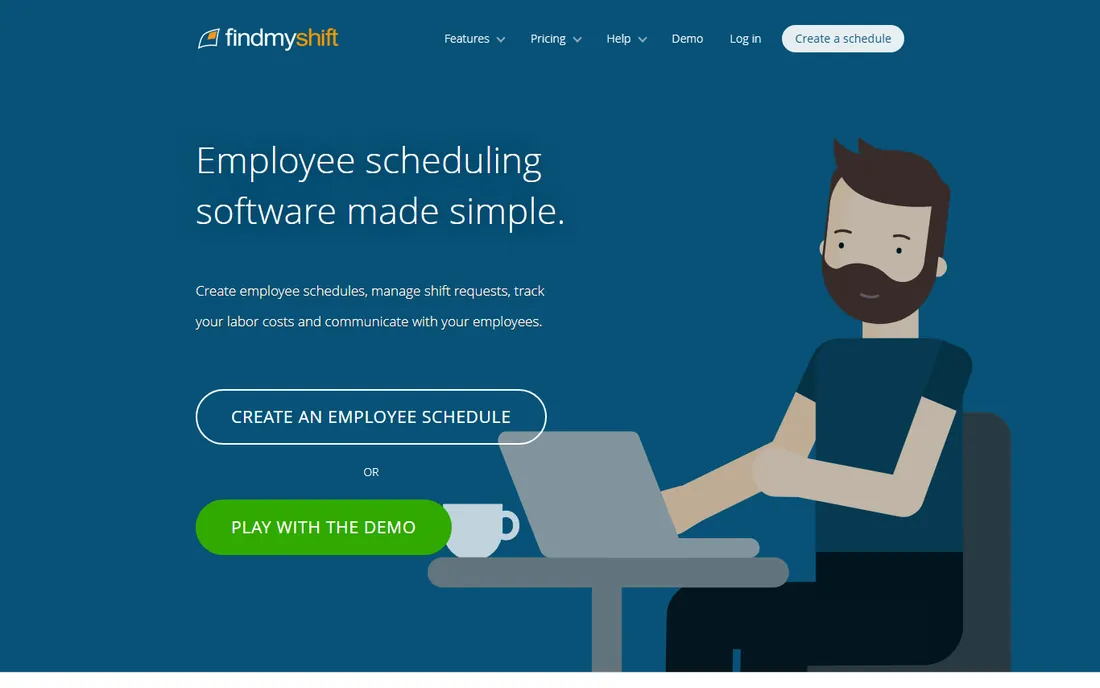
Findmyshift does one thing without fuss: build rotas, publish them, let staff check shifts and request time off. The flat pricing is refreshingly simple next to per-user meters, and small teams get organized fast. There is little to learn and little to break.
Ambition is the limit. Advanced compliance, deep integrations and sophisticated analytics are absent. The interface is functional rather than modern. For a small business that finds Deputy and When I Work more than it needs, Findmyshift's simplicity and honest pricing are virtues, not gaps.
What we like- Straightforward rota building
- Affordable flat pricing
- Easy for staff to use
Watch out for- Basic feature set
- Limited integrations
- Dated interface in places
Starting priceSee website
Free planNo
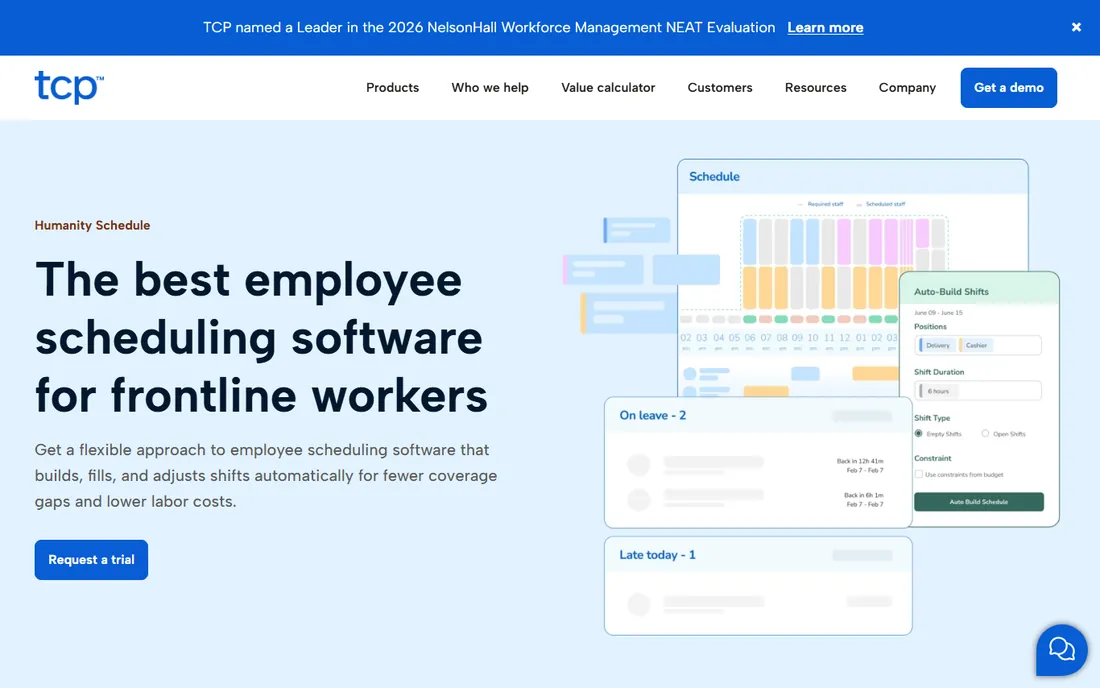
Humanity, now part of TCP Software, serves enterprises with complex scheduling needs: intricate rules, large hourly workforces, deep reporting and integrations with HR systems. The configuration depth handles scenarios that break simpler tools, and the compliance features suit regulated industries.
The TCP Software acquisition means buyers now navigate a suite rather than a standalone product, which complicates evaluation. Pricing and implementation are enterprise-grade. Small and mid-size businesses get better value from the simpler tools above. Large organizations with complex workforce management needs should evaluate Humanity within TCP's broader suite.
What we like- Enterprise-grade scheduling with deep configuration
- Strong compliance and reporting
- Part of TCP Software's workforce suite
Watch out for- Enterprise pricing and complexity
- Now sold through TCP Software which confuses buyers
- Overkill for small teams
How we chose
We focused on tools whose core job is scheduling hourly and shift workers, not general HR suites with a scheduling tab. We reviewed vendor sites, pricing pages and documentation, plus user reviews on G2 and Capterra about reliability, mobile apps and support. We verified each vendor's current status, noting that Humanity now sits inside TCP Software.
What to check before you commit
Trial with your actual schedule, not a demo. Build next week's real rota, including your problem employees, split shifts and compliance rules, and see where the tool fights you. Test the employee mobile app with two actual staff members, because their adoption decides everything.
Check the time clock and payroll integration carefully: does clock data flow to your payroll provider without manual exports, and how are overtime and breaks calculated. Verify compliance coverage for your specific state or country, since labor law support varies enormously. And price at your real headcount including turnover: per-user pricing on a 50-person roster with 200 percent annual turnover costs more than the headline suggests.
Frequently asked questions
What is employee scheduling software?
Software that creates work schedules, manages shift swaps and time-off requests, tracks hours worked, and often handles team communication and payroll integration. It replaces spreadsheet rotas and group-text scheduling for hourly and shift-based teams.
How much does scheduling software cost?
From free (Homebase, Sling, Connecteam free tiers) to roughly $2-6 per user per month for mid-market tools, to enterprise pricing for compliance-heavy platforms. Per-user pricing means modeling costs at your actual headcount including turnover.
Which scheduling app is best for restaurants?
7shifts is purpose-built for restaurants with sales-based labor controls. Deputy and When I Work also serve restaurants well. The deciding factor is usually POS integration and whether you schedule against sales forecasts.
Can scheduling software handle labor law compliance?
The better ones can: Deputy and Workforce.com build overtime, break and minor-work rules into scheduling. But software assists compliance; it does not replace legal advice. Verify coverage for your specific jurisdiction during the trial.
Do employees need smartphones to use these tools?
Essentially yes. All modern scheduling tools assume staff have the mobile app for shift notifications, swaps and clock-ins. Most also offer SMS fallback or web access for the rare exceptions.
What happened to Humanity?
Humanity was acquired by TCP Software and is now sold as part of TCP's workforce management suite at tcpsoftware.com. The product continues with the same enterprise scheduling focus.
Sources we checked (10)
- https://www.deputy.com/
- https://wheniwork.com/
- https://www.joinhomebase.com/
- https://www.7shifts.com/
- https://getsling.com/
- https://connecteam.com/
- https://www.workforce.com/
- https://www.planday.com/
- https://www.findmyshift.com/
- https://tcpsoftware.com/products/humanity/
Is your product missing or out of date?
We review this list regularly. Vendors can request a listing, send updated pricing or ask about featured placement.

Shihab Mia · Founder, Rankite
Shihab has spent more than a decade helping SaaS and e-commerce brands grow through search. He writes Rankite's software buying guides from pricing pages, documentation and public user reviews. More about Shihab.