How we make this list: we compare pricing pages, product documentation and public user reviews. Rankite is independent; if a vendor ever pays for a featured spot, that listing is clearly labeled Partner.
Key takeaways
- Trello, Asana, Monday.com, ClickUp and Notion offer free plans that run real event planning.
- Eventbrite is free for free events with ticketing and promotion.
- Evite and Punchbowl handle beautiful invitations and RSVPs free.
- RSVPify and Social Tables cover RSVP management and seating free or freemium.
- The best free stack combines a planner, invitations and RSVP tracking.
Quick comparison
Is your product missing or out of date?
We review this list regularly. Vendors can request a listing, send updated pricing or ask about featured placement.
The best free event planning software
Starting priceFree
Free planYes
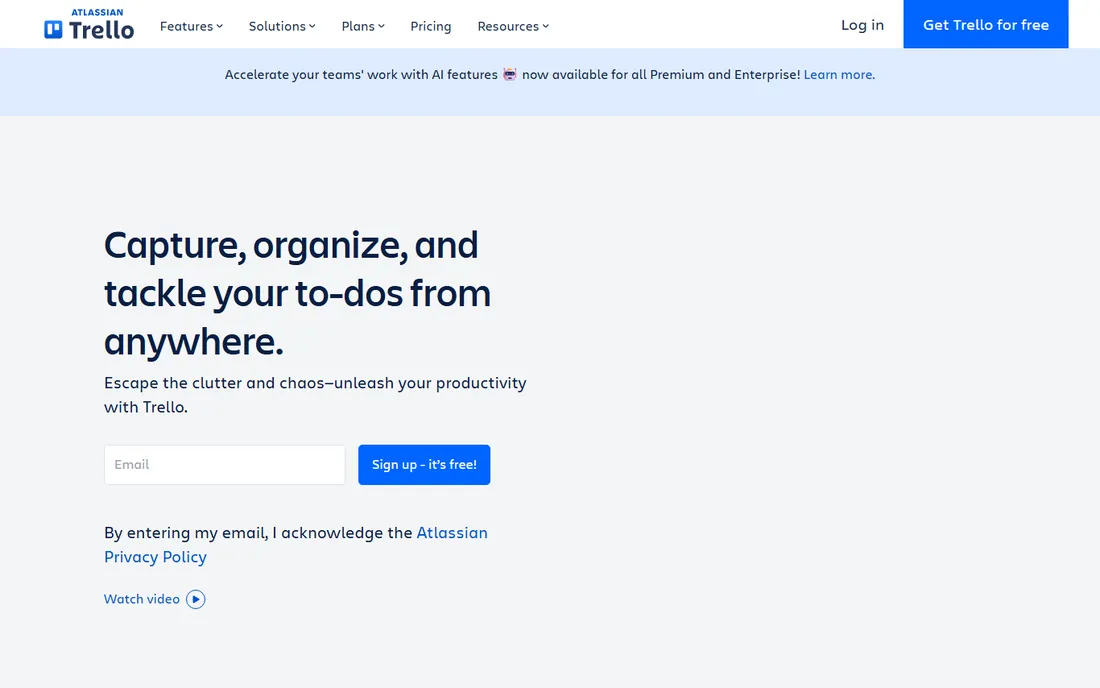
Trello's free kanban runs event planning beautifully: lists for venue, catering, guests and day-of, cards for every task, checklists inside. Event templates jumpstart planning. Volunteers and teams collaborate without training.
Complexity and reporting need paid tiers. But for the checklist heart of event planning, Trello's free plan is ideal.
Trello's event templates, from wedding planning to conference organization, give free users a head start: the boards come pre-structured. The calendar power-up visualizes deadlines. For volunteer teams, the zero-cost collaboration is ideal.
Trello's templates give head starts: the boards come structured. The collaboration is free. For the volunteer team, the zero cost is ideal.
Trello's Butler automation handles the routine event tasks: card moves trigger notifications and assignments. The voting power-up gathers attendee preferences. For volunteer teams, the free automation multiplies the organizing capacity.
Trello's calendar view pulls every card deadline into one timeline: the event schedule becomes visible at a glance. The checklist items inside cards track the small tasks that make or break events. For volunteer teams, the visual simplicity keeps everyone aligned without training.
What we like- Free kanban perfect for event checklists
- Templates for events
- Easy collaboration
Watch out for- Advanced features need paid
- Reporting is basic
- Large events get messy
Starting priceFree
Free planYes
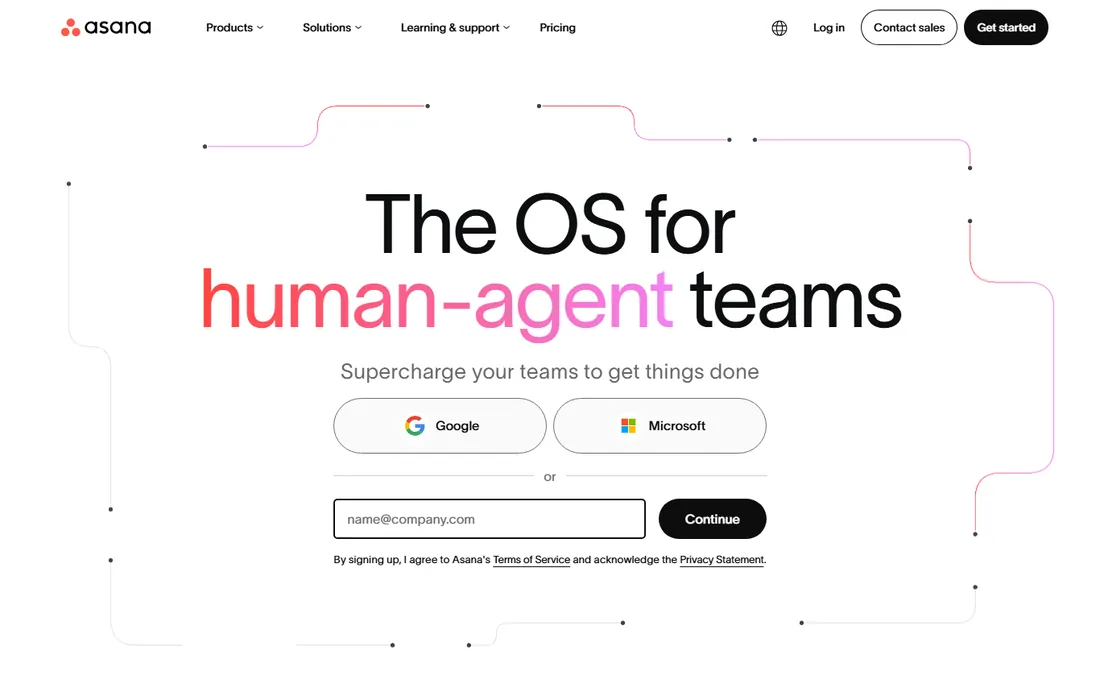
Asana's free plan covers event teams up to ten: tasks, timelines, calendars and boards organize the whole event. Dependencies keep the critical path visible. The structure suits committee planning.
The user cap and feature gates push growing teams to paid. But free Asana runs serious events well.
Asana's timeline view on the free plan helps visualize the event schedule: dependencies show the critical path. The mobile app keeps organizers updated on-site. For team-planned events, the structure helps.
Asana's timeline visualizes: the dependencies show. The mobile keeps updated. For the team-planned event, the structure helps.
Asana's forms collect event registrations: the intake flows into tasks automatically. The portfolio view tracks multiple events together. For team-planned events, the structure scales from one gathering to a full calendar.
What we like- Free for teams up to 10
- Timelines and calendars
- Good task management
Watch out for- 10-user free limit
- Advanced features cost
- Learning curve for some
Starting priceFree
Free planYes
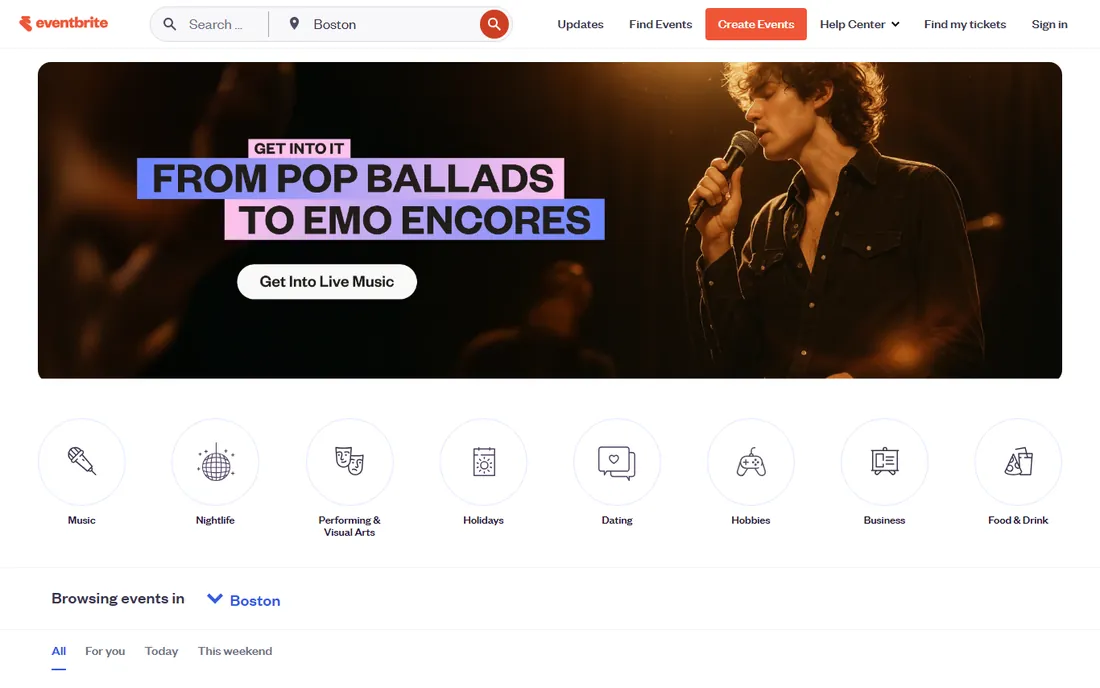
Eventbrite is free when your event is free: publish, promote, ticket and check in attendees without cost. The discovery marketplace fills seats. Paid events pay per ticket.
Fees apply to paid tickets, and customization is limited. But free events get professional ticketing free.
Eventbrite's discovery marketplace promotes free events to interested attendees: the marketing reach is free. The check-in app manages entry smoothly. For public free events, the platform is the standard.
Eventbrite's marketplace promotes: the reach is free. The check-in is smooth. For the public event, the standard works.
Eventbrite's organizer app manages entry from a phone: the check-in lines move fast. The payout processing handles ticket revenue cleanly. For public events, the end-to-end platform removes the logistics headache.
What we like- Free for free events
- Easy ticketing and promotion
- Huge audience reach
Watch out for- Paid events carry fees
- Customization is limited
- Data is Eventbrite's
Starting priceFree
Free planYes
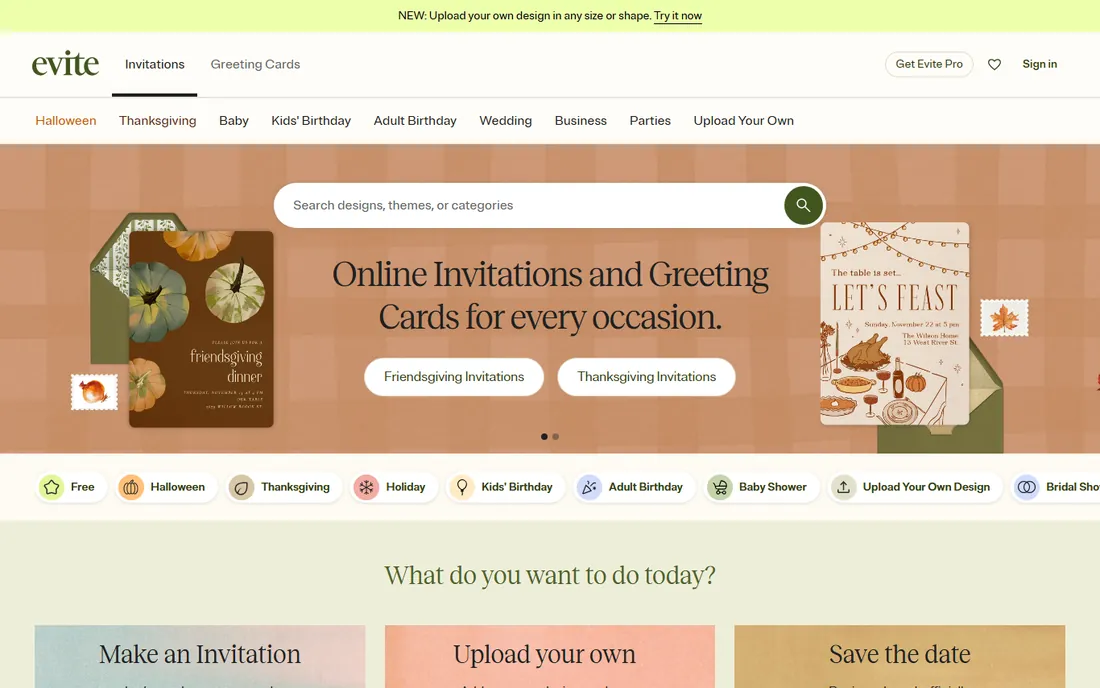
Evite makes invitations free and beautiful: thousands of designs, easy guest lists, RSVP tracking. Social events get polished invites in minutes.
Free designs carry ads; premium costs. But the free invitation experience is unmatched for personal events.
Evite's design selection covers every occasion: the invitations look professionally designed. The RSVP tracking is effortless. For personal events, the free experience is delightful.
Evite's designs delight: the invitations impress. The RSVPs track. For the personal event, the free experience charms.
Evite's donation collection adds fundraising to invitations: the charitable events benefit. The photo sharing keeps memories together. For personal celebrations, the thoughtful extras make hosting easier.
What we like- Free beautiful invitations
- Easy RSVP tracking
- Huge design selection
Watch out for- Ads on free tier
- Premium designs cost
- Less for corporate events
Starting priceFree
Free planYes
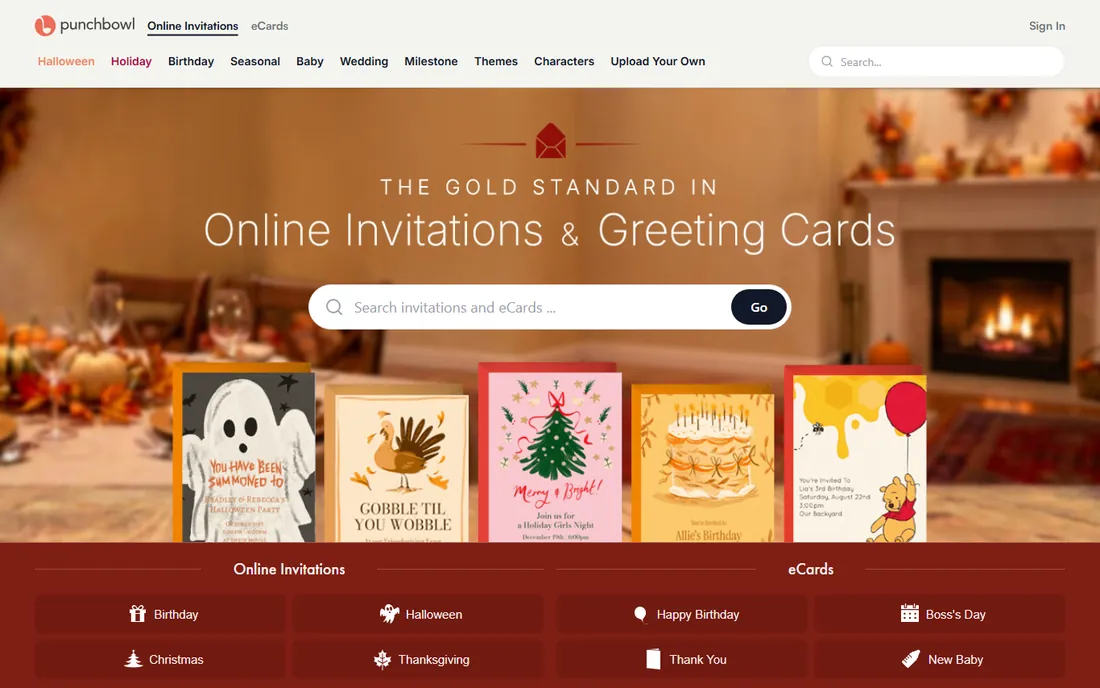
Punchbowl designs party invitations beautifully: birthdays, holidays, celebrations with RSVP management free. The aesthetic suits personal events.
Corporate and large events need more. But for parties, the free designs delight.
Punchbowl's character options for kids' parties delight: the themed invitations are fun. The potluck organization helps coordinate. For family celebrations, the charm works.
Punchbowl's themes entertain: the kids' parties shine. The potlucks organize. For the family celebration, the charm works.
Punchbowl's video invitations add personality: the greetings feel special. The gift registry integration helps guests. For family milestones, the charming details make the occasion feel special.
What we like- Lovely party invitations free
- Good RSVP tools
- Easy to use
Watch out for- Party-focused
- Premium features cost
- Corporate use is limited
Starting priceFree
Free planYes
RSVPify builds free RSVP sites: custom questions, meal choices, plus-one management, all tracked cleanly. Weddings and galas manage responses professionally.
Event size and features gate the free tier. But free RSVP management this polished is rare.
RSVPify's question customization handles dietary needs and plus-ones: the data collection is thorough. The guest list management is clean. For weddings, the free tier impresses.
RSVPify's questions collect: the data is thorough. The lists are clean. For the wedding, the free tier impresses.
RSVPify's seating charts organize the reception: the drag-and-drop plans the room. The meal preference tracking informs catering. For weddings, the free depth rivals paid planners.
What we like- Free RSVP websites
- Meal preferences and plus-ones
- Good for weddings
Watch out for- Free tier has limits
- Advanced features cost
- Branding on free
Starting priceFree
Free planYes
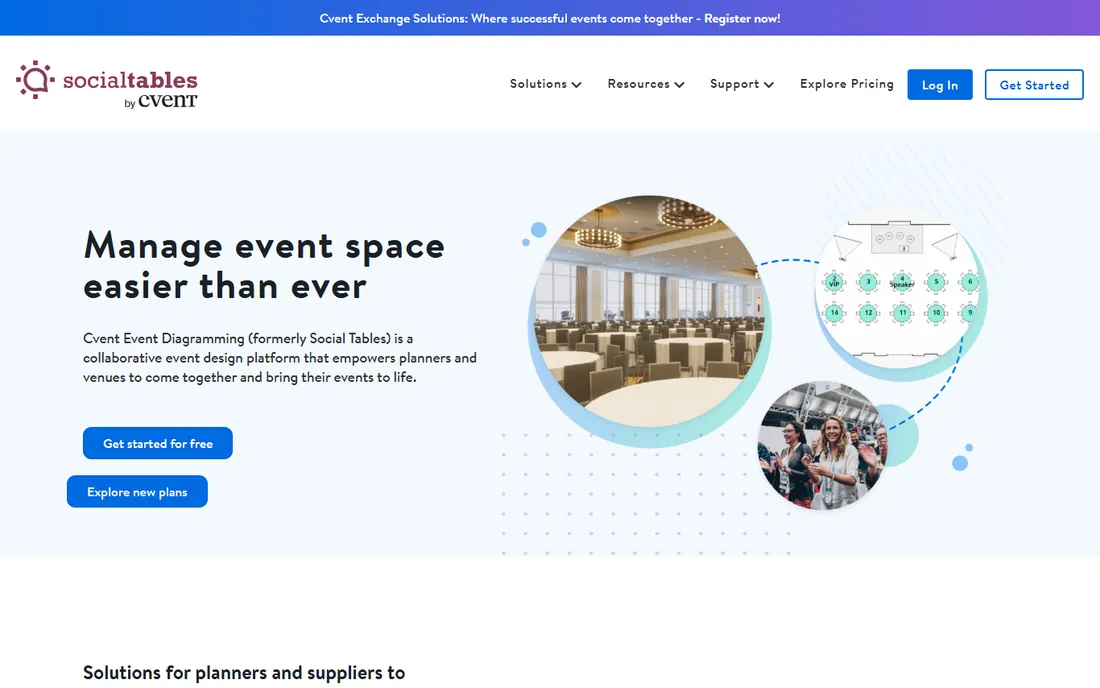
Social Tables diagrams events free: floor plans, seating charts and layouts visualized. The free tier covers real planning needs.
Advanced collaboration needs paid tiers. But free diagramming this capable is unique.
Social Tables' 3D diagrams help visualize the venue: the seating arrangements become clear. The collaboration lets teams plan together. For venue planning, the free visual tools help.
Social Tables' diagrams clarify: the seating is visual. The collaboration helps. For the venue plan, the free tools help.
Social Tables' check-in app manages guest arrival: the seating assignments stay accessible. The collaboration tools align the planning team. For venue events, the visual planning prevents day-of surprises.
What we like- Free event diagrams and seating
- Visual floor plans
- Good for venues
Watch out for- Full features need paid
- Cvent-owned
- Learning curve
Starting priceFree
Free planYes
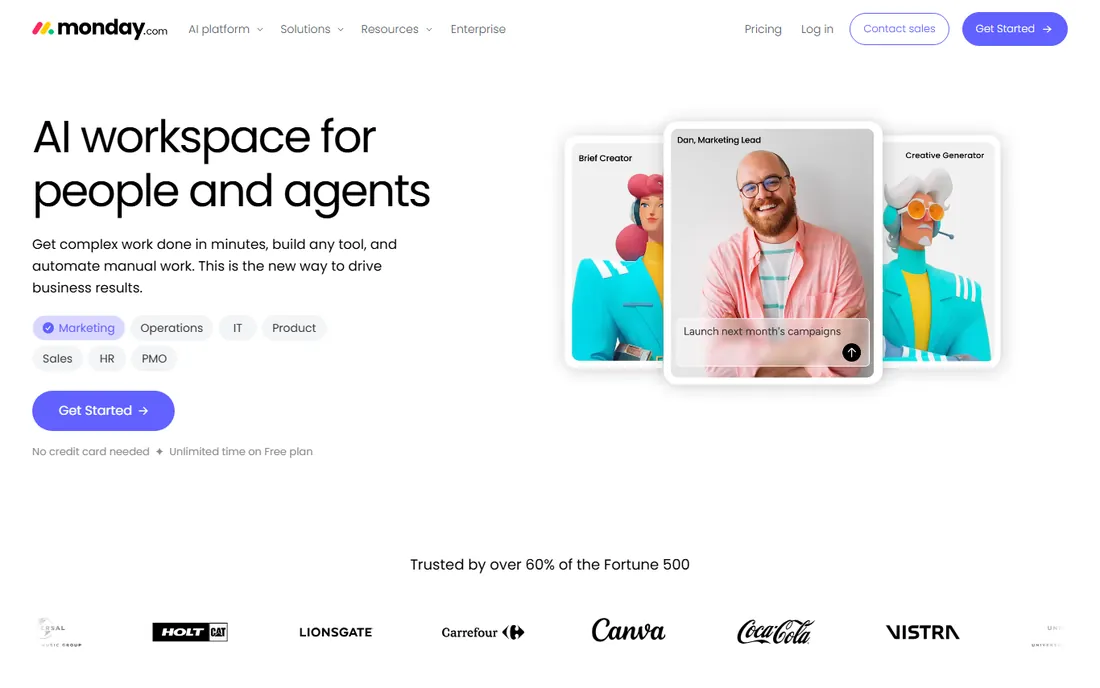
Monday.com's free plan runs visual event workflows: boards, timelines and automations organize teams. Templates accelerate setup.
Free limits push active teams upward. But the visual planning suits event thinkers.
Monday's automations on the free plan handle routine notifications: the workflow support is useful. The visual boards suit event thinkers. For organized planning, it works.
Monday's automations notify: the routines run. The boards suit thinkers. For the organized plan, it works.
Monday's event templates structure the planning: the boards come ready. The guest communications automate. For organized planners, the visual workflow keeps everything visible.
What we like- Free visual project management
- Good templates
- Easy automation
Watch out for- Free tier limits
- Advanced features cost
- Can feel heavy
Starting priceFree
Free planYes
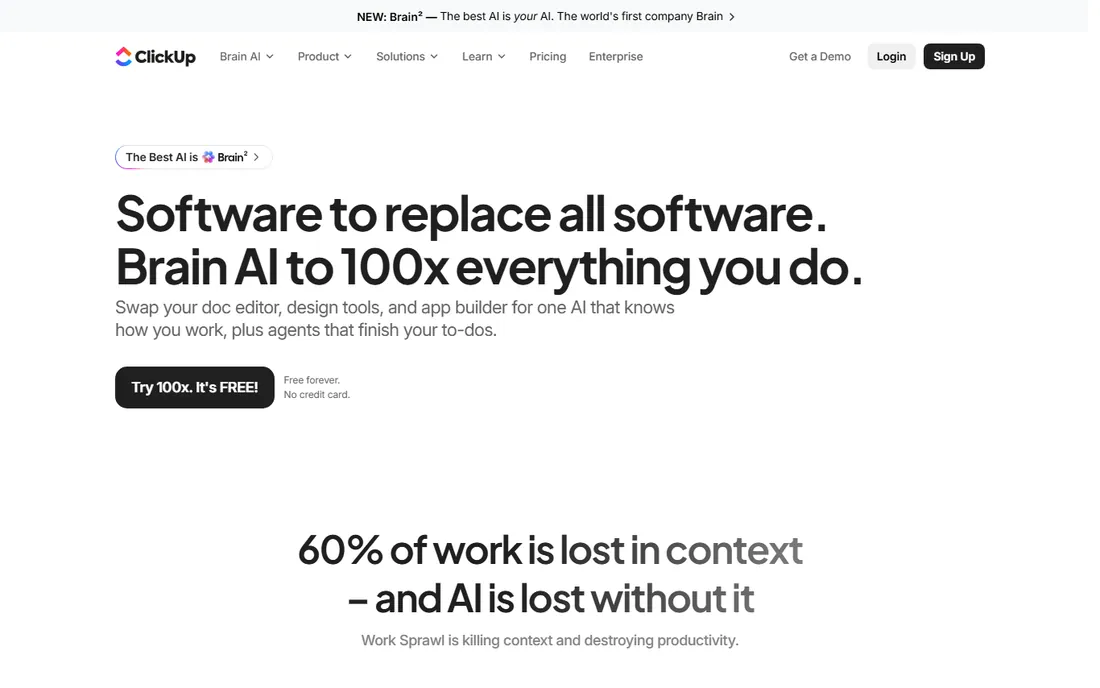
ClickUp's generous free plan combines tasks, docs, goals and timelines: the whole event in one workspace. Customization fits any planning style.
The flexibility brings complexity. But free ClickUp out-features many paid tools.
ClickUp's docs combine with tasks: the event wiki and checklist live together. The free plan's generosity covers real needs. For all-in-one free planning, it is unmatched.
ClickUp's generosity covers: the docs combine. The tasks organize. For the all-in-one free, it is unmatched.
ClickUp's calendar view unifies tasks and dates: the timeline stays clear. The free automations handle reminders. For all-in-one planning, the generous free tier covers ambitious events.
What we like- Generous free plan
- Docs, tasks and goals together
- Highly customizable
Watch out for- Complexity overwhelms
- Setup takes time
- Free limits exist
Starting priceFree
Free planYes
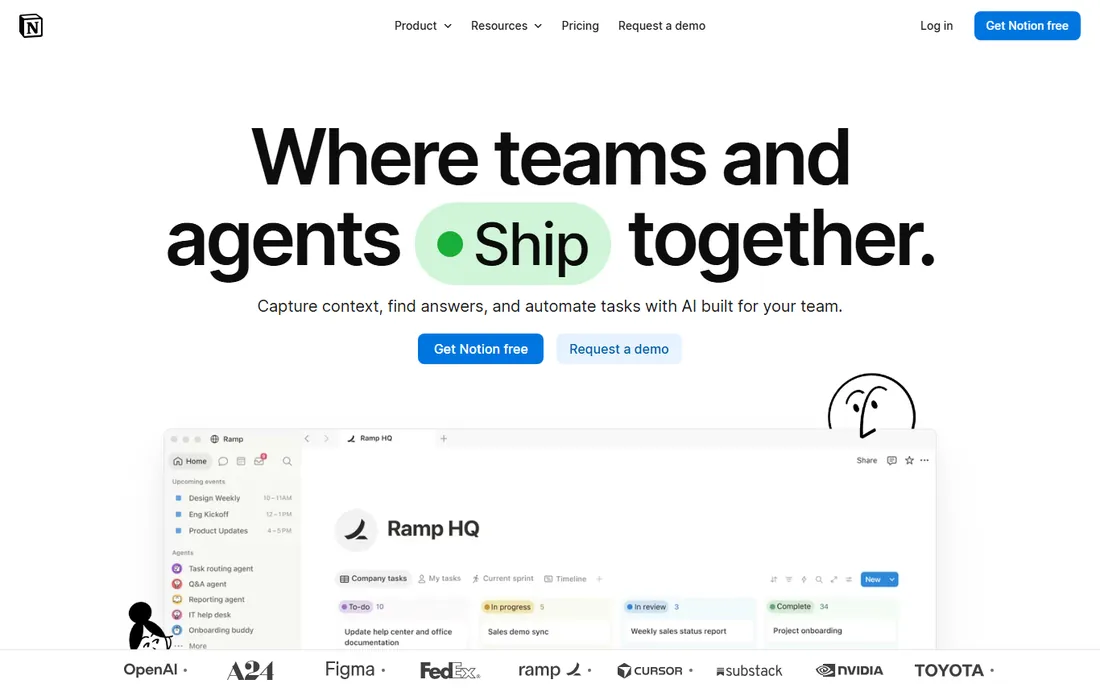
Notion's free plan builds event headquarters: run-of-show docs, vendor databases, guest lists and wikis linked together. Templates help start.
Someone must design the system. But the flexible free workspace suits organized planners.
What we like- Free flexible docs and databases
- Great for event wikis
- Templates abound
Watch out for- Setup needed
- Offline is weak
- Less structured than PM tools
How we chose
We selected tools with genuinely useful free plans for event planning: organization, invitations, RSVPs and ticketing. We tested free tier limits and verified each product's current status. We favored tools that run real events free, not trials.
The free event stack
Combine three free tools: Trello or Asana for planning, Evite or Punchbowl for invitations, RSVPify for RSVPs. Add Eventbrite for ticketing if needed. This free stack handles most events professionally.
Upgrade when limits bite: guest counts, team size or features. The paid tiers are reasonable; free gets you surprisingly far first.
Frequently asked questions
What is the best free event planning tool?
Trello for checklists, Asana for team projects, ClickUp for all-in-one. Pair with Evite for invitations and RSVPify for RSVPs.
Can I really plan an event for free?
Yes. The free tiers here handle planning, invitations, RSVPs and even ticketing for free events. Paid needs appear with scale and complexity.
How do free plans make money?
Paid tiers, transaction fees on paid tickets, premium designs, and ads. The free tiers are genuine; the upsells are optional.
What about large corporate events?
Free tools hit limits at corporate scale: guest counts, branding, integrations. Budget for paid tiers when events grow professional.
Do I need separate RSVP software?
For simple events, invitations with RSVP suffice. Weddings and galas with meal choices benefit from RSVPify's dedicated management.
How far in advance should I plan?
Large events need months; the tools help whenever you start. Digital invitations and RSVPs compress timelines versus paper.
Can free tools handle a large wedding?
Free plans work well for guest lists under 75 with simple needs and straightforward timelines. Above that, guest messaging limits and missing seating chart features become painful. Punchbowl and Evite both offer affordable paid tiers that support larger lists. For a 150-person wedding, budget for at least one paid plan rather than fighting free limits every week.
Sources we checked (10)
- https://trello.com/
- https://asana.com/
- https://www.eventbrite.com/
- https://www.evite.com/
- https://www.punchbowl.com/
- https://rsvpify.com/
- https://www.socialtables.com/
- https://monday.com/
- https://clickup.com/
- https://www.notion.so/
Is your product missing or out of date?
We review this list regularly. Vendors can request a listing, send updated pricing or ask about featured placement.

Shihab Mia · Founder, Rankite
Shihab has spent more than a decade helping SaaS and e-commerce brands grow through search. He writes Rankite's software buying guides from pricing pages, documentation and public user reviews. More about Shihab.
 Trello
 Asana
Asana Eventbrite
 Evite
Evite Punchbowl
 RSVPify
 Social Tables
 Monday.com
 ClickUp
 Notion