How we make this list: we compare pricing pages, product documentation and public user reviews. Rankite is independent; if a vendor ever pays for a featured spot, that listing is clearly labeled Partner.
Key takeaways
- Jotform and Cognito Forms give you the most generous free plans if you want to build real forms without paying.
- Typeform and Paperform win when the form itself has to feel like part of your brand, with conversational layouts and polished design.
- Google Forms remains the fastest free option for simple surveys and signups, especially inside Google Workspace.
- Wufoo, Formstack and Zoho Forms suit teams that need payment collection, compliance controls or deep workflow integrations.
- WPForms is the natural pick if your site runs on WordPress and you want forms without leaving the dashboard.
A form builder looks like a commodity until you pick the wrong one. Then you discover the template library is thin, conditional logic costs extra, or your 500th response lands behind a paywall you did not see coming. The nine tools below all build online forms, but they serve different buyers: solo creators, marketers, regulated teams and WordPress site owners.
Quick comparison
| Tool | Best for | Starting price | Free plan |
|---|
 Jotform Jotform | Most templates and generous free plan | See website | Yes |
 Typeform Typeform | Conversational, branded forms | See website | Yes |
 Google Forms Google Forms | Free simple forms in Google Workspace | Free | Yes |
 Wufoo Wufoo | Simple forms with a long track record | See website | Yes |
 Formstack Formstack | Regulated teams and workflow automation | See website | Free trial |
 Cognito Forms Cognito Forms | Free plan with real logic and calculations | See website | Yes |
 Paperform Paperform | Beautiful on-brand forms for SMBs | See website | Free trial |
 Zoho Forms Zoho Forms | Zoho ecosystem users | See website | Yes |
 WPForms WPForms | WordPress sites | See website | Yes |
Is your product missing or out of date?
We review this list regularly. Vendors can request a listing, send updated pricing or ask about featured placement.
Starting priceSee website
Free planYes
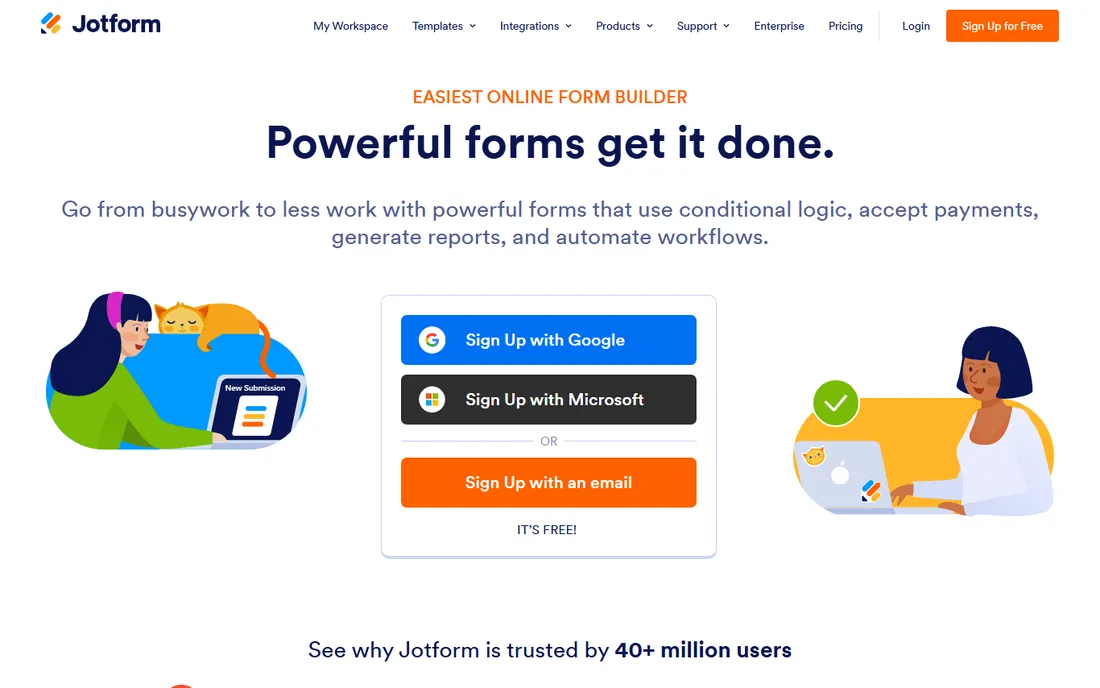
Jotform's moat is volume: thousands of templates, a drag-and-drop builder that covers everything from contact forms to HIPAA-friendly intake, and a free plan that lets small teams run production forms without paying. Integrations with payment processors, CRMs and cloud storage are broad.
The tradeoff is polish. The builder packs in so many widgets that first-time users can feel overwhelmed, and the most refined design controls sit on paid plans. If you want maximum capability per dollar, especially free, Jotform is hard to beat.
Start on the free plan and upgrade only when you hit submission limits or need compliance features. The template gallery is the real time-saver: clone a template close to your use case instead of building from blank. Teams collecting files, signatures or payments should test those widgets early, since behavior varies across plans.
What we like- Huge template library
- Free plan covers real use
- Strong integrations and payment collection
Watch out for- Interface can feel busy
- Advanced branding needs paid tiers
Starting priceSee website
Free planYes
Typeform made forms feel like conversations, and the format still converts: asking one question per screen keeps respondents moving. The design defaults are the best in the category, and brand kits, custom domains and logic jumps make it a marketer's favorite.
You pay for that polish. The free plan is genuinely limited, and response-based pricing means a viral survey gets expensive fast. Choose Typeform when completion rate and brand impression matter more than raw response count.
Typeform earns its price on lead capture and research where completion rates directly affect revenue. Keep forms short, because the conversational format punishes long surveys. If responses will exceed a few hundred a month, price the annual plan before you fall in love with the builder.
What we like- One-question-at-a-time flow boosts completion
- Beautiful default design
- Strong brand customization
Watch out for- Free plan is limited
- Can get expensive at high response volumes
Starting priceFree
Free planYes
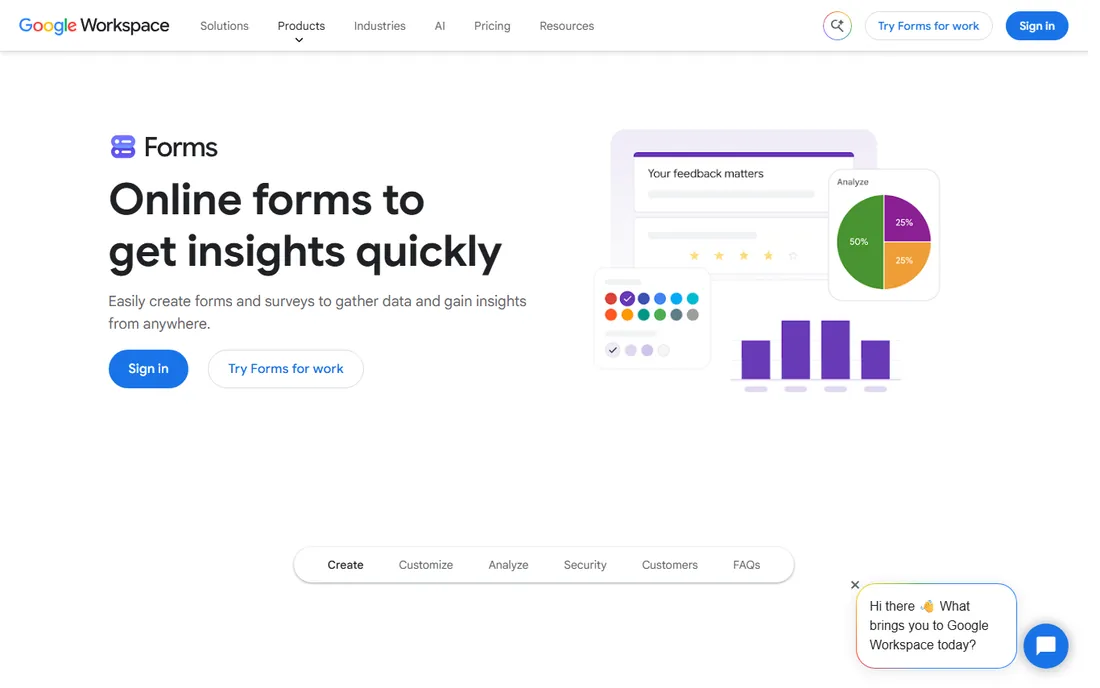
Google Forms is the right answer when the form is a means to an end: a signup sheet, a quick survey, an internal poll. It is free, unlimited in the ways that matter for simple use, and every response lands in a spreadsheet automatically.
It is not a marketing tool. Design customization is minimal, logic is basic, and there is no native payment handling. For anything customer-facing where brand matters, pair it with one of the paid builders above or accept the plain look.
Use Google Forms for internal and low-stakes collection, and turn on email notifications so responses do not sit unread. The quiz mode with auto-grading suits teachers and trainers. When you need branding, payments or real logic, rebuild in Jotform or Cognito Forms rather than fighting Forms' limits.
What we like- Completely free
- Responses flow into Google Sheets
- Zero learning curve
Watch out for- Basic design and logic
- No payment collection
- Limited branding
Starting priceSee website
Free planYes
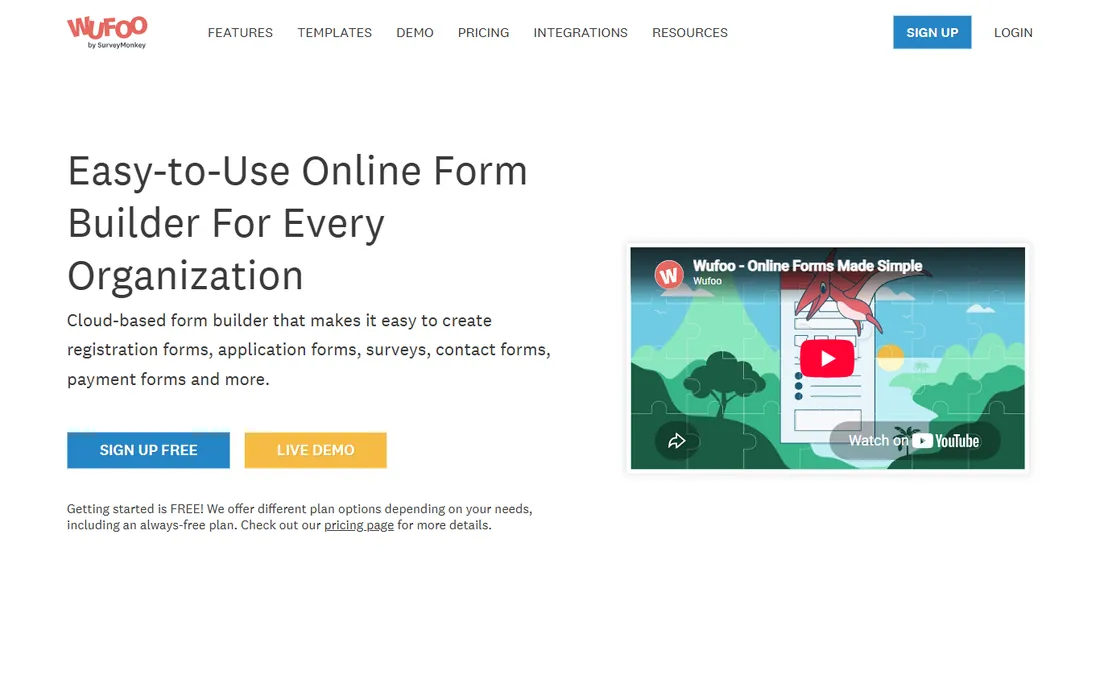
Wufoo has been building forms since before most competitors existed, and it shows in the reliability. The builder is straightforward, the free account lets you build up to five forms, and reporting covers the basics well.
The product has not kept pace visually. If you want modern design or deep automation, look at Jotform or Paperform. If you want a form tool that simply works and never surprises you, Wufoo still delivers.
Wufoo suits small businesses that want forms running for years without attention: set up once, embed, and forget. The five-form free limit means consolidating ruthlessly. If you outgrow it, Jotform imports Wufoo forms, which softens the migration considerably.
What we like- Dead simple to use
- Free account builds up to 5 forms
- Reliable and battle-tested
Watch out for- Dated interface
- Fewer modern integrations than newer rivals
Starting priceSee website
Free planFree trial
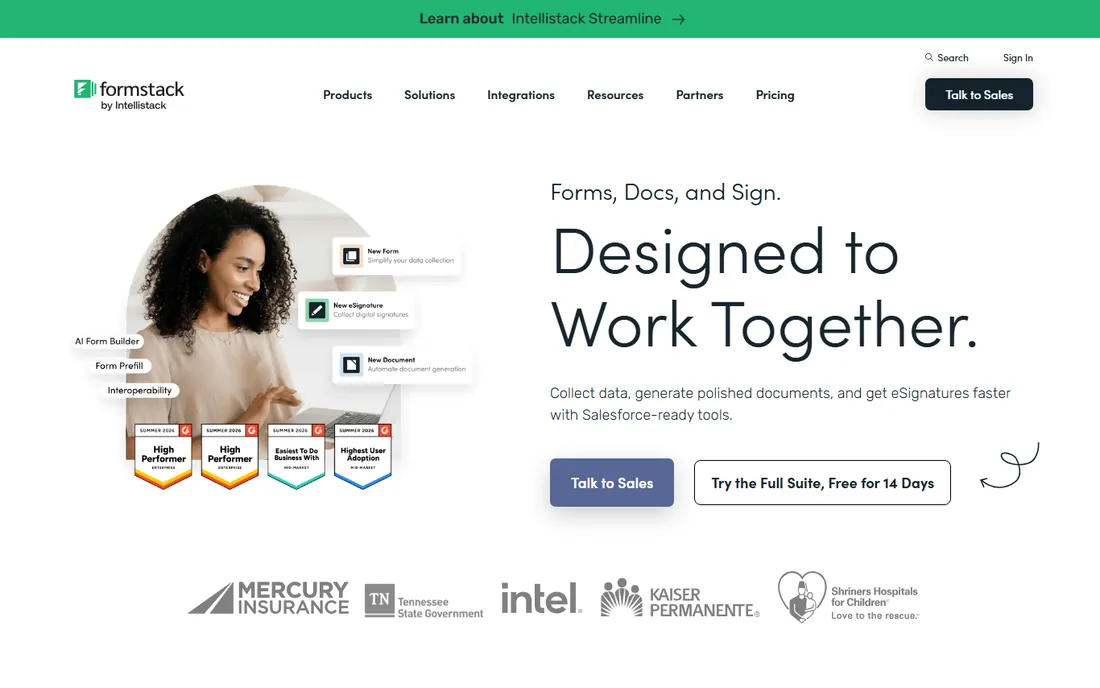
Formstack plays one level up from basic form builders: forms feed into documents, eSignatures and automated workflows, with the compliance controls that healthcare, education and finance teams need. The 14-day free trial lets you test the full platform.
Small teams will find it expensive relative to Jotform or Cognito Forms. The value appears when forms are the start of a regulated process rather than a standalone ask.
Formstack justifies its cost when a form triggers a real workflow: approvals, document generation, or eSignature. Map that workflow before the trial ends, because the value lives downstream of the form itself. Regulated teams should confirm BAA and data residency terms in writing during procurement.
What we like- Strong compliance story including HIPAA
- Documents and eSignature in one platform
- Workflow automation
Watch out for- Pricier than simple builders
- Free trial rather than a free plan
Starting priceSee website
Free planYes
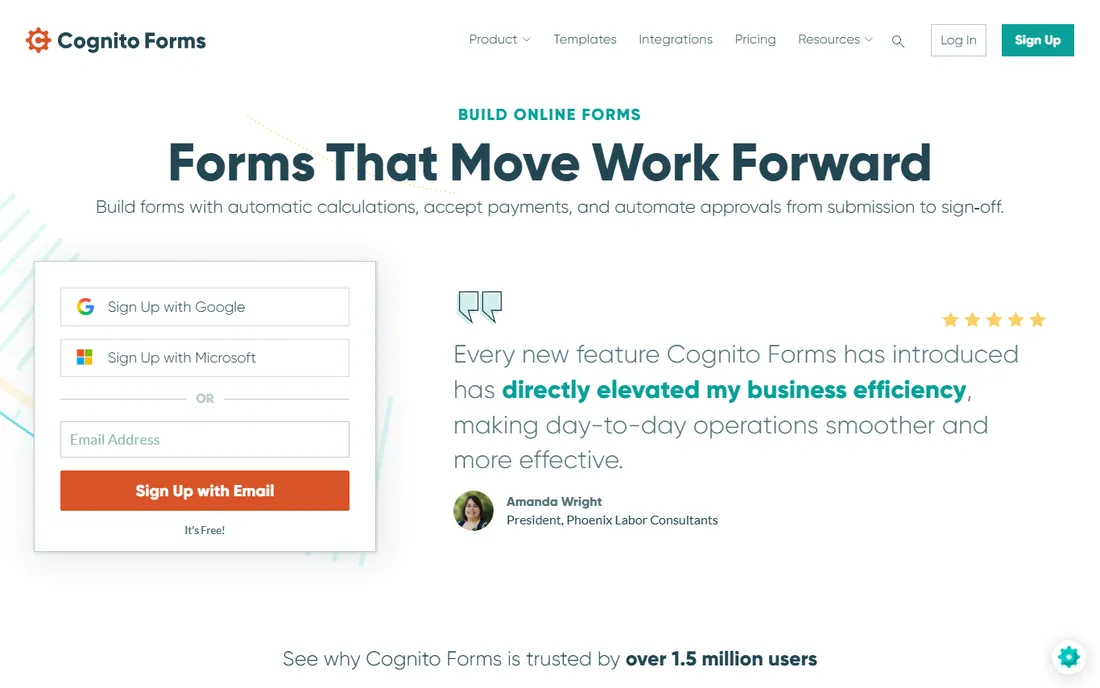
Cognito Forms is the quiet overachiever: a free plan that includes conditional logic, calculations and payment fields, which most competitors gate behind paid tiers. For order forms, calculators and application forms on a budget, it punches far above its price.
The template gallery is smaller and the aesthetic is functional rather than beautiful. If your form needs to compute, route and collect money for free, this is the pick.
Cognito Forms is the budget pick for order forms and calculators: build your pricing logic once and let it run. The free plan's entry limits are the main constraint, so estimate monthly submissions honestly. Nonprofits and schools get extra value from its discounted tiers.
What we like- Generous free plan
- Real conditional logic and calculations
- Good payment integration
Watch out for- Smaller template library
- Design flexibility trails Typeform
Starting priceSee website
Free planFree trial
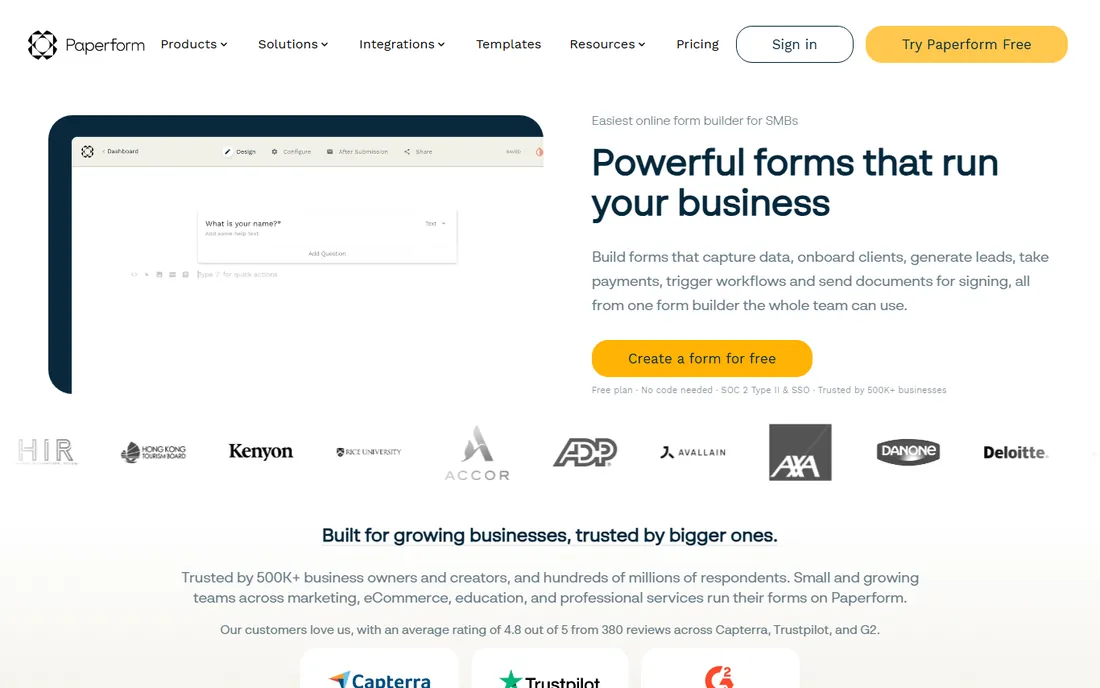
Paperform's editor feels like writing a document that happens to collect answers, and the results look like your brand, not a form template. Product pages, bookings and payments blend into one page, which suits creators and small businesses selling directly.
There is no free-forever tier, only a trial, so budget from day one. For brand-conscious small businesses that sell through forms, the design quality justifies it.
Paperform works best when the form is the landing page: product launches, bookings, and applications where design sells. Use its page-style layouts for storytelling, not just data collection. Since there is no free tier, run the trial against a real campaign to judge conversion lift before paying.
What we like- Gorgeous, document-style editor
- Strong branding control
- Good ecommerce features
Watch out for- No permanent free plan
- Pricing per form responses adds up
Starting priceSee website
Free planYes
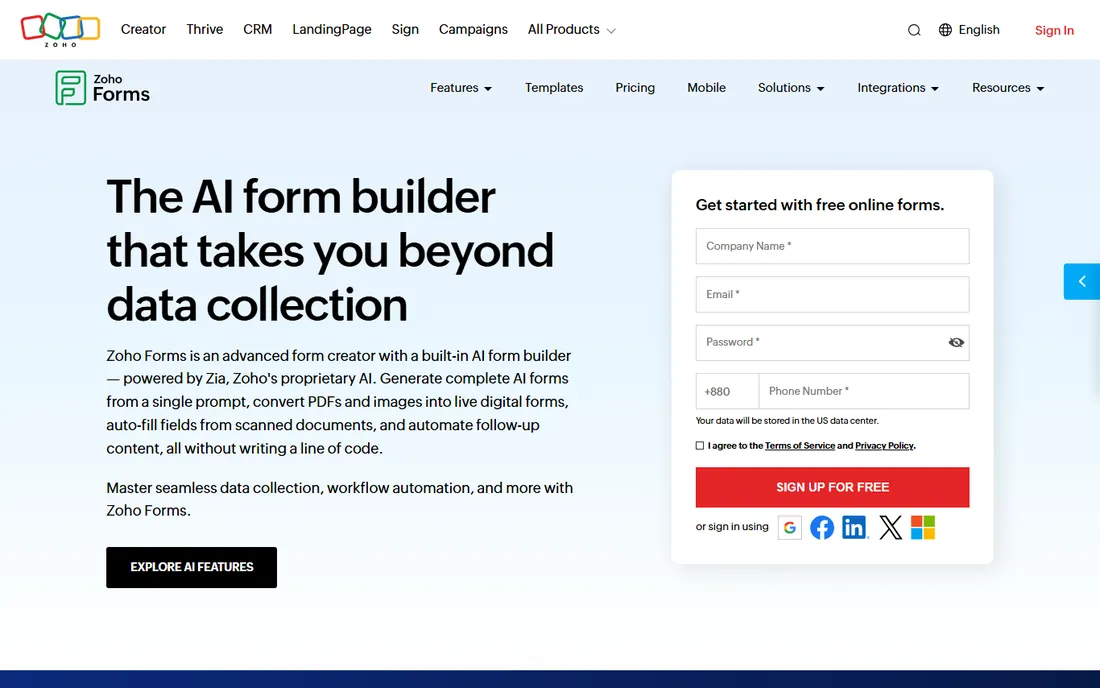
Zoho Forms makes the most sense inside the Zoho universe: submissions flow into Zoho CRM, Campaigns and Desk with no middleware. The free plan covers basic needs, and paid tiers are priced aggressively.
Outside Zoho, the integrations are thinner than Jotform's and the design is unremarkable. Zoho shops should start here; everyone else should compare on features alone.
Zoho Forms pays off when submissions trigger CRM workflows: lead assignment, follow-up tasks, and campaign enrollment happen automatically. Set up the CRM integration during the trial, because that is where the value compounds. Standalone users should compare Jotform's free plan first.
What we like- Free plan available
- Deep integration with Zoho CRM and apps
- Good value paid tiers
Watch out for- Best value requires the Zoho stack
- Standalone users get less
Starting priceSee website
Free planYes
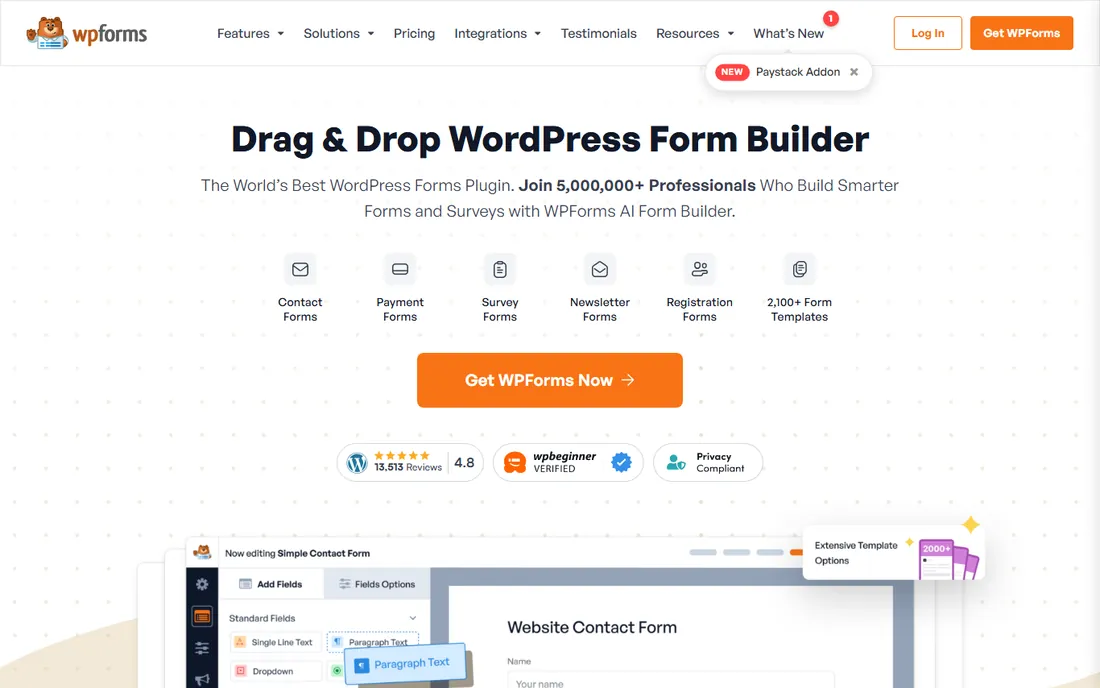
WPForms is the default form plugin for WordPress: install it, drag fields onto a form, and publish without touching code. The free Lite version handles contact forms, and premium add-ons cover payments, surveys, user registration and marketing integrations.
It only exists inside WordPress, so it is irrelevant if your site runs elsewhere. For WordPress owners who want forms managed in the same dashboard as everything else, there is no simpler choice.
WPForms shines for contact forms, newsletter signups, and simple payment forms managed inside wp-admin. Install only the add-ons you need, since the full bundle can slow smaller sites. Test submissions after every major WordPress update to catch conflicts early.
What we like- Native WordPress plugin
- Free Lite version
- Huge user base and add-on ecosystem
Watch out for- WordPress-only
- Advanced features need premium add-ons
The sticker price of a form builder rarely reflects what you will pay in year two. Submission limits are the first trap: a plan advertising unlimited forms may cap monthly responses at a few hundred, and overage billing kicks in silently. Before committing, model a successful month, not an average one, and read what happens at the limit.
The second trap is per-user and per-feature gating. Conditional logic, calculations, file uploads and white-labeling often sit on higher tiers, so the plan that looked cheap doubles once your real form is built. Build your hardest form during the trial and check which tier it actually requires.
The third trap is renewals and add-ons. Introductory discounts expire, payment processing adds its own fees, and HIPAA compliance usually costs extra. Add the payment processor's cut to the subscription when comparing, since a 3 percent fee dwarfs plan differences at volume.
Finally, count the integration tax. Native CRM and email connections save Zapier subscriptions and failure points. A slightly pricier builder with native integrations often costs less in total than a cheap builder plus middleware. Price the whole stack, not the form tool alone.
How we chose
We verified each vendor's current homepage and kept only tools with a real, maintained form builder. We weighted template depth, logic capabilities, free plan generosity, integrations and fit for distinct buyer types, from solo creators to regulated teams. Pricing is listed from vendor pages where published; several vendors gate exact pricing behind sales or trials, so those show "See website".
What to get right before you buy
Count your responses, not your forms. Most builders price on submissions, and a successful campaign can blow past a free plan's limit in a day. Check what happens at the limit: do extra responses get blocked, or billed?
Test the logic you actually need. Conditional branching, calculations and multi-page flows are where cheap builders break. Build your hardest form during the trial, not your simplest.
Check where the data goes. If submissions need to land in your CRM, email tool or spreadsheet automatically, verify the native integration exists. Zapier workarounds add cost and failure points.
Frequently asked questions
What is the best free form builder?
Google Forms is the most capable truly free option for simple forms. Jotform and Cognito Forms offer the most generous free plans among full-featured builders, including logic and payments.
Which form builder is best for WordPress?
WPForms, with its native plugin and free Lite version. Gravity Forms and Formidable are alternatives, but WPForms has the largest user base and simplest setup.
Can I collect payments through online forms?
Yes. Jotform, Cognito Forms, Paperform, Wufoo and WPForms all integrate with Stripe, PayPal and other processors. Check transaction fees on your plan before launching.
Do I need HIPAA compliance for patient intake forms?
If you collect protected health information, yes. Jotform and Formstack offer HIPAA-compliant plans with signed BAAs; standard plans from any vendor are not sufficient.
Typeform vs Jotform: which should I choose?
Choose Typeform when the form's look and completion rate matter most, such as lead capture and brand surveys. Choose Jotform when you need more templates, deeper logic and a stronger free plan.
How many responses can free plans handle?
It varies widely: Google Forms is effectively unlimited for simple use, while builders like Jotform and Cognito Forms cap monthly submissions on free tiers. Always check the current limit before a big campaign.
Sources we checked (9)
- https://www.jotform.com/
- https://www.typeform.com/
- https://workspace.google.com/products/forms/
- https://www.wufoo.com/
- https://formstack.com/
- https://www.cognitoforms.com/
- https://paperform.com/
- https://www.zoho.com/forms/
- https://wpforms.com/
Is your product missing or out of date?
We review this list regularly. Vendors can request a listing, send updated pricing or ask about featured placement.

Shihab Mia · Founder, Rankite
Shihab has spent more than a decade helping SaaS and e-commerce brands grow through search. He writes Rankite's software buying guides from pricing pages, documentation and public user reviews. More about Shihab.