How we make this list: we compare pricing pages, product documentation and public user reviews. Rankite is independent; if a vendor ever pays for a featured spot, that listing is clearly labeled Partner.
Key takeaways
- Canva and Adobe Express cover design; Descript and CapCut cover video; Jasper and Grammarly cover writing. Few teams need all eight.
- Free plans are genuinely useful: Canva, Adobe Express, Descript, CapCut and Grammarly all offer real free tiers.
- AI features are now table stakes, but brand control separates the tools worth paying for.
- Expect $10 to $25 per user per month for design and video tools; AI writing platforms run higher per seat.
Quick comparison
| Tool | Best for | Starting price | Free plan |
|---|
 Canva Canva | all-round visual design for teams | From $15/month | Yes |
 Adobe Express Adobe Express | on-brand content with Adobe assets | From $9.99/month | Yes |
 Descript Descript | text-based video and podcast editing | From $16/month (billed annually) | Yes |
 CapCut CapCut | social video editing with AI effects | From $19.99/month | Yes |
 Jasper Jasper | on-brand AI writing for marketing teams | From $59/seat/month (billed annually) | Free trial (7 days) |
 Grammarly Grammarly | writing quality across every app | From $12/member/month (billed annually) | Yes |
 Pictory Pictory | turning text and blogs into video | From $25/month | Free trial (14 days) |
 InVideo InVideo | AI video generation with stock media | See website | Free trial |
Is your product missing or out of date?
We review this list regularly. Vendors can request a listing, send updated pricing or ask about featured placement.
The best software for content creation
Starting priceFrom $15/month
Free planYes
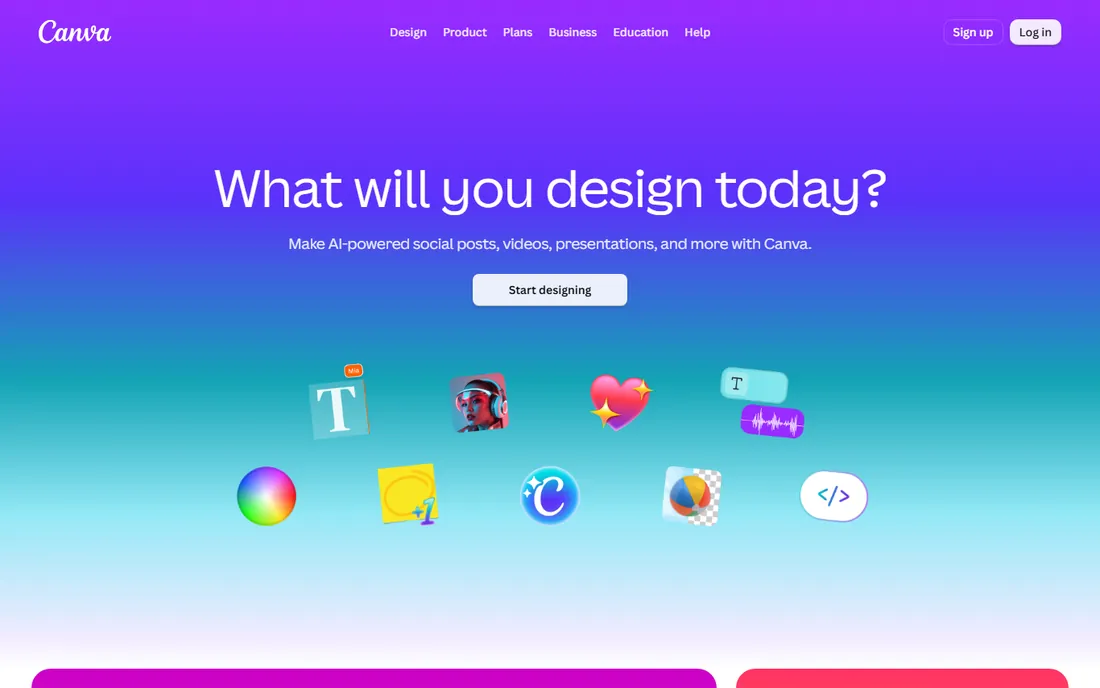
Canva is the default design tool for non-designers, and its dominance comes from removing friction. Millions of templates cover social posts, presentations, documents and video, the drag-and-drop editor needs no training, and the free plan handles most solo creator needs. Brand kits on paid plans keep colors, fonts and logos consistent across a team.
The ceiling is real for professionals. Complex photo manipulation, precise typography control and print production still belong in Adobe's pro apps. Canva is the right choice when speed and volume matter more than pixel-level control, which describes most marketing teams' daily work.
What we like- The largest template library in the category
- Genuinely useful free plan
- Brand kits and team collaboration work well
Watch out for- Advanced designers hit its ceiling fast
- Print and photo editing are basic
- Pro pricing adds up across large teams
#2
Adobe Express
Best for: on-brand content with Adobe assets
Visit adobe.com
Starting priceFrom $9.99/month
Free planYes
Adobe Express is Adobe's answer to Canva: quick social graphics, short videos and documents for people who will never open Photoshop. Its differentiators are Firefly's generative AI, positioned as commercially safe, and tight links to Creative Cloud libraries, so brand assets flow between pro designers and everyday creators.
For teams already paying for Creative Cloud, Express is the obvious companion. For everyone else, Canva's larger template library and more mature collaboration usually win. Choose Express when Adobe asset integration or Firefly's licensing story matters to your legal team.
What we like- Firefly generative AI built in with commercial-safety positioning
- Deep integration with Creative Cloud assets
- Strong template quality
Watch out for- Smaller template ecosystem than Canva
- Best value only if you already use Adobe
- Mobile app less mature than Canva's
Starting priceFrom $16/month (billed annually)
Free planYes
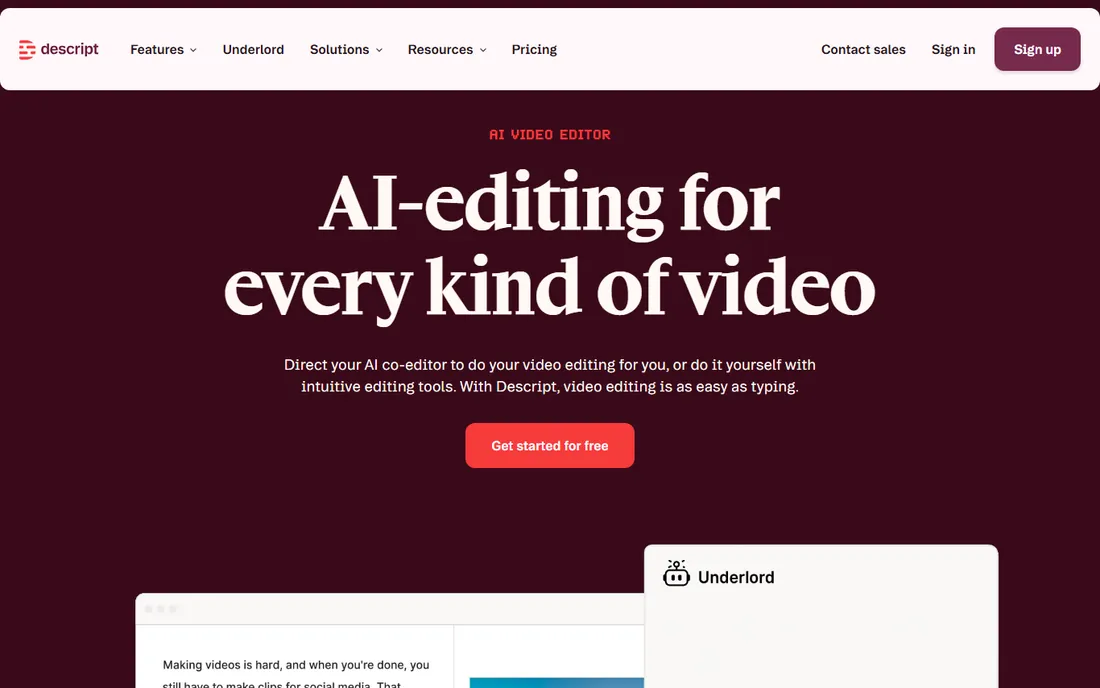
Descript rethought video editing around the transcript: delete a sentence and the footage goes with it. For talking-head videos, podcasts and course content, this is dramatically faster than timeline scrubbing. Studio Sound rescues poorly recorded audio, Overdub fixes flubbed words with voice cloning, and the AI co-editor assembles rough cuts from raw recordings.
Traditional editors sometimes bounce off the paradigm, and cinematic projects with heavy effects still need Premiere or DaVinci. But for content teams producing spoken-word video at volume, Descript is the highest-impact tool in this list. The free plan covers real projects, not just demos.
What we like- Editing video by editing text is genuinely faster
- Studio Sound fixes bad audio in one click
- Underlord AI automates rough cuts
Watch out for- The text-first model confuses timeline-trained editors
- Heavy AI use consumes credits
- Not a replacement for Premiere on complex projects
Starting priceFrom $19.99/month
Free planYes
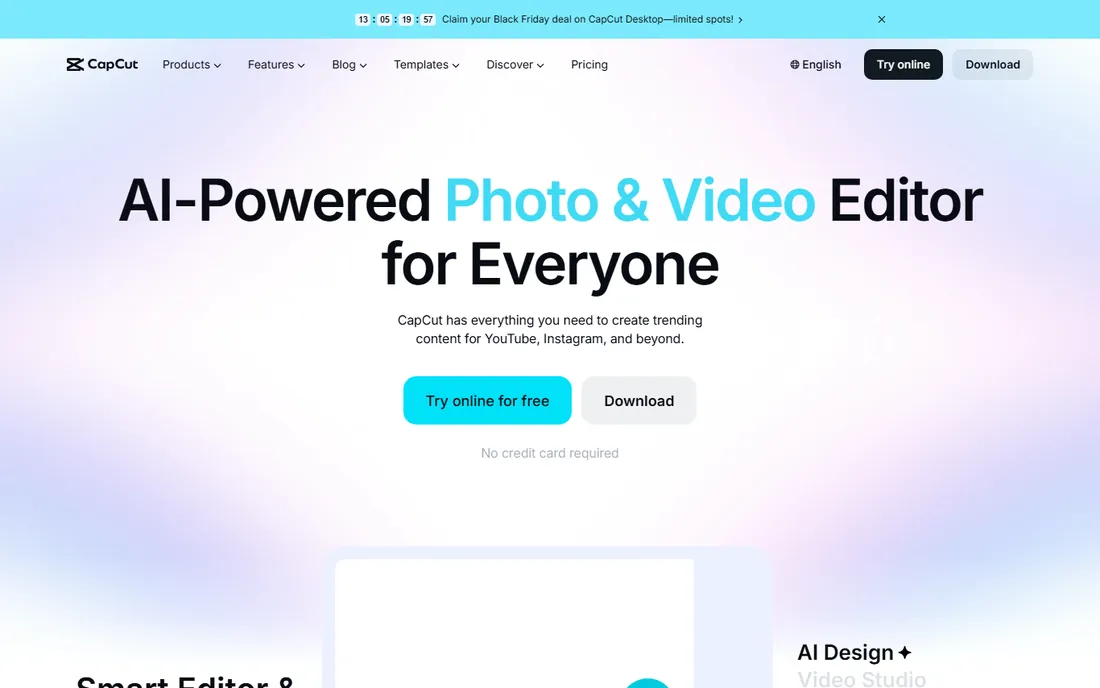
CapCut did to video what Canva did to design: made the basics free and excellent. Auto-captions, background removal, trending effects and templates for TikTok and Reels all work without paying. The desktop app is surprisingly capable, and projects sync across devices.
The Pro subscription at around $20 a month adds premium effects, stock assets and cloud storage. Organizations with strict data policies sometimes hesitate over its ByteDance ownership, which is worth a policy check. For creators and small teams making social video, the free tier alone beats most paid competitors.
What we like- The best free video editor available, full stop
- AI effects, captions and templates tuned for social
- Desktop, web and mobile stay in sync
Watch out for- Pro features sit behind the paywall amid free abundance
- Template-driven output can look generic
- Ownership by ByteDance worries some organizations
Starting priceFrom $59/seat/month (billed annually)
Free planFree trial (7 days)
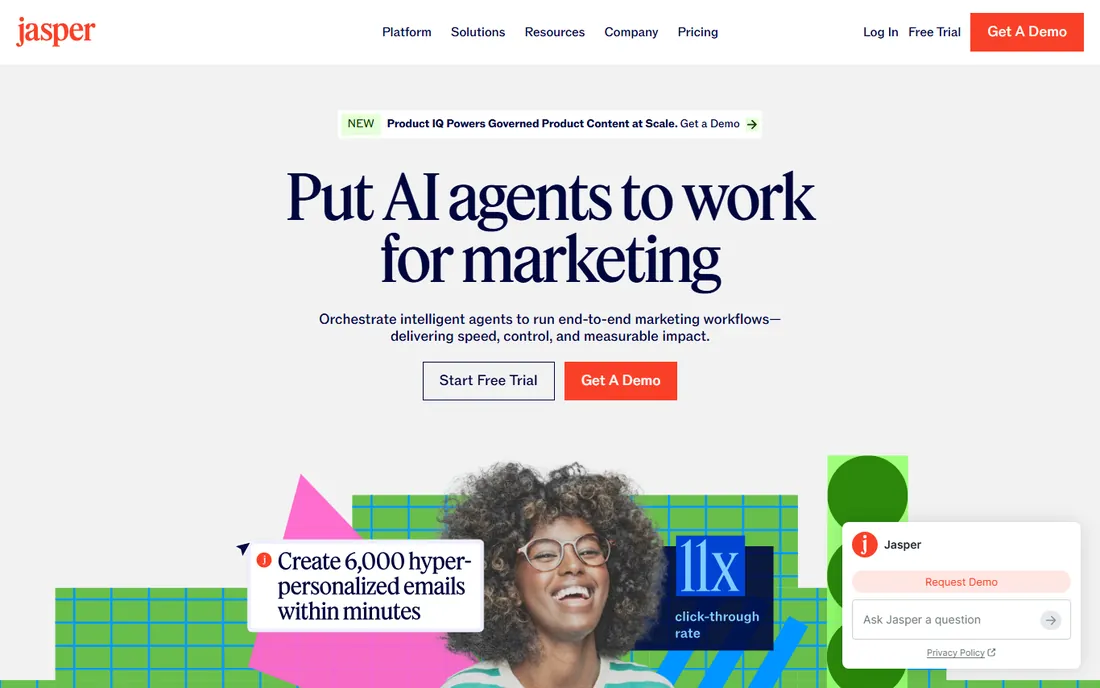
Jasper has grown from an AI writing assistant into a marketing content platform. The core value is brand context: train it on your voice, style guides and product knowledge, and every output across the team stays on-brand. Agents handle SEO content, campaigns and personalization as end-to-end workflows rather than one-off generations.
The price reflects the enterprise pivot: $59 per seat per month billed annually, with no free tier. Solo creators producing a few articles a month will not see the ROI. Jasper earns its keep for content teams publishing at volume where consistency across writers is the bottleneck.
What we like- Brand voice training keeps AI output consistent
- Marketing-specific agents and workflows
- Strong for scaling campaign content
Watch out for- Per-seat pricing gets expensive for teams
- No free plan, only a 7-day trial
- Overkill for solo writers with light needs
Starting priceFrom $12/member/month (billed annually)
Free planYes
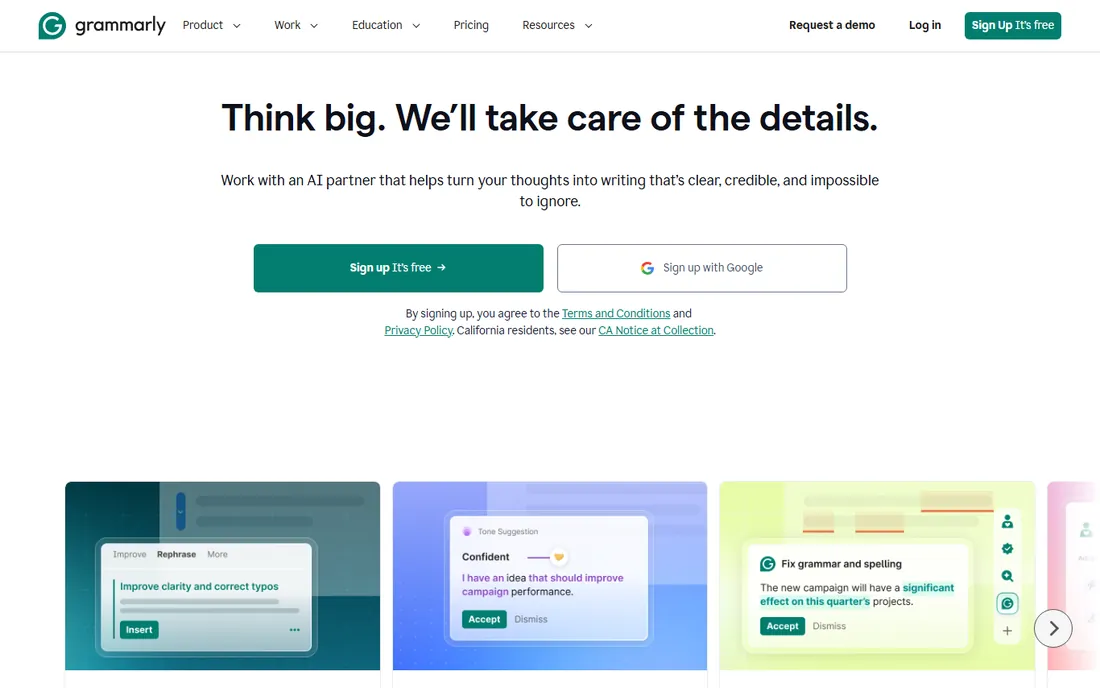
Grammarly's advantage is ubiquity: it lives in your browser, Word, Slack and phone keyboard, catching errors wherever writing happens. The free plan handles grammar and spelling well enough for most people. Pro adds sentence rewrites, tone adjustment, plagiarism detection and team style guides.
Note the 2026 development: Grammarly is now part of Superhuman, which may reshape its product direction over time. For now it remains the best safety net for written content, and the one tool on this list nearly every team should install free before deciding what else to buy.
What we like- Works everywhere you type, from email to docs
- The free tier catches real errors
- Tone and clarity suggestions go beyond grammar
Watch out for- Pro suggestions sometimes over-edit voice
- The per-member price adds up for teams
- AI writing features overlap with chatbots
Starting priceFrom $25/month
Free planFree trial (14 days)
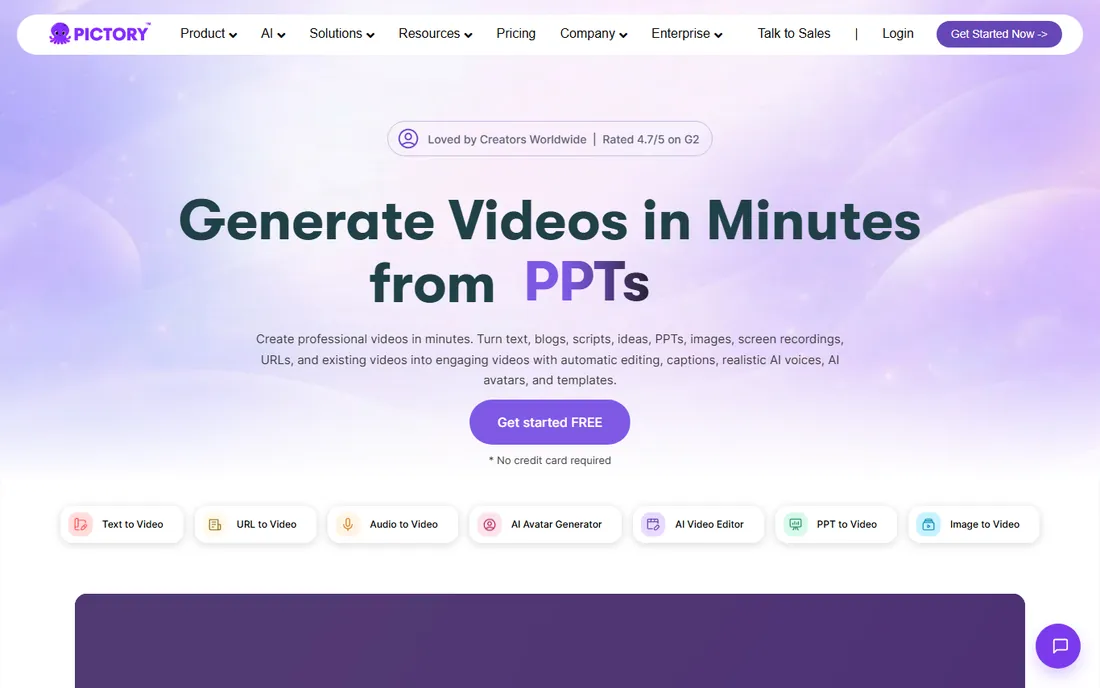
Pictory solves a specific problem: turning written content into watchable video without an editor. Paste a blog post or script and it assembles scenes with stock footage, captions and AI voiceover in minutes. For content marketers repurposing articles into YouTube or LinkedIn video, the time savings are real.
The catch is sameness. Uncustomized Pictory videos have a recognizable look, so budget time for branding and script-specific visuals. Pricing starts around $25 a month with a 14-day trial that needs no credit card. It is a repurposing engine, not a creative studio, and it is excellent at that job.
What we like- Script-to-video and blog-to-video are genuinely fast
- Automatic captions and AI voices included
- No editing skills required
Watch out for- Output can feel templated without customization
- Stock footage selection varies by topic
- Longer videos need higher tiers
Starting priceSee website
Free planFree trial
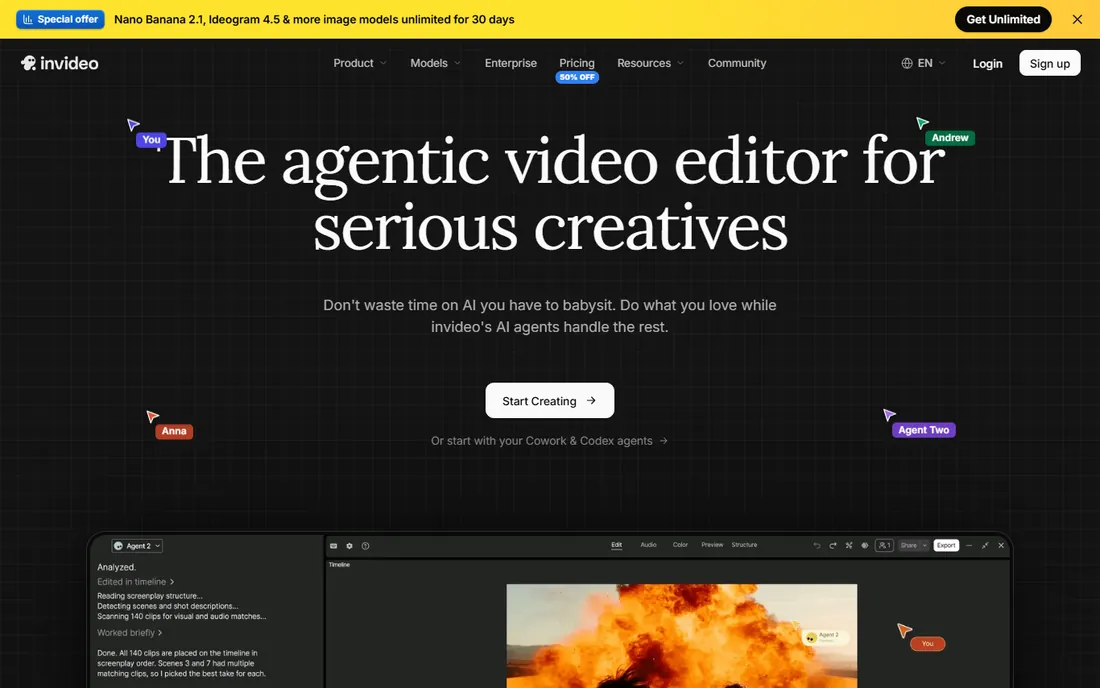
InVideo has rebuilt itself around AI agents that take a text prompt and produce a finished video with visuals, voiceover and music. The stock library is extensive, the timeline editor gives more control than Pictory, and team features like multiplayer editing suit agencies.
The credit-based pricing across Starter, Plus and Max tiers makes cost comparison harder than flat subscriptions, so check the current pricing page against your expected video volume. AI-generated video still needs human taste for anything customer-facing. InVideo fits teams that need video volume and are comfortable directing AI rather than editing timelines.
What we like- AI agents generate complete videos from prompts
- Large stock media library
- Multiplayer collaboration for teams
Watch out for- Pricing is credit-based and harder to compare
- AI output needs human review
- The platform changes fast, features move tiers
How to build your content stack
Start with the format, not the tool
List what you actually publish each month: social graphics, blog posts, videos, presentations. Most small teams need one design tool and one video tool, plus writing help. Buying the full eight is a large-team luxury; a typical stack is Canva plus CapCut plus Grammarly, all with usable free tiers.
Brand consistency is the real premium feature
Free AI generators produce generic content. The tools worth paying for are the ones that learn your brand: Canva's brand kits, Jasper's brand voice, Adobe's asset libraries. If your content looks like everyone else's, the software is not the problem, but brand-aware tools make the fix easier.
Match collaboration to team size
Solo creators can live in free tiers. Teams of three or more need shared brand assets, comments and permissions, which is where paid plans earn their keep. Price per seat against the hours spent fixing off-brand work from freelancers.
Pay for AI where it saves hours, not minutes
Descript's rough-cut automation and Pictory's blog-to-video save hours per piece. AI caption styling saves minutes. Audit which AI features map to your actual bottlenecks before paying for the AI tier of everything.
How we chose
We reviewed vendor pricing pages, product documentation and public feedback from G2, Capterra and creator communities to build this list. We compared tools on output quality, ease of use, collaboration features, pricing transparency and fit for small to mid-size teams rather than enterprise studios. We did not perform hands-on testing. Jasper's 2026 pivot toward marketing teams and Grammarly's move under Superhuman are reflected in how we positioned them.
Where free stops being enough
Every tool here offers a free taste, and that generosity hides the real decision point. Free tiers cover experimentation; they break down at volume, collaboration and brand control. The moment three people edit the same content, or you publish twenty videos a month, or a client asks why their competitor's content looks sharper, free stops being enough. The smart move is to run free until you hit a specific wall, then pay for exactly the tool that removes it. Teams that subscribe to everything on day one pay for capacity they never use.
Frequently asked questions
Canva or Adobe Express, which should I pick?
Pick Canva for the larger template library and better collaboration, especially if your team has no Adobe footprint. Pick Adobe Express if you already use Creative Cloud or need Firefly's commercially positioned AI generation. Both have free plans, so try each for a week.
Is CapCut enough for professional video work?
For social video, yes. For broadcast, film or heavy color work, no. CapCut covers the middle ground where most marketing video lives. Teams doing both use CapCut for social cutdowns and a pro editor for hero pieces.
Will AI writing tools replace my writers?
No. They replace the blank page, not the judgment. Jasper and Grammarly speed up drafting and cleanup, but strategy, taste and factual accuracy still need humans. Teams that publish AI output unreviewed learn this the expensive way.
Which of these tools are actually free?
Canva, Adobe Express, Descript, CapCut and Grammarly all have free tiers that cover real work. Pictory, InVideo and Jasper offer trials but require payment to continue. Start free everywhere, then pay where you hit limits.
How do teams keep AI content on-brand?
Use the brand features deliberately: set up brand kits in Canva, train brand voices in Jasper, build templates in CapCut and InVideo. Assign one person to own the brand assets. AI tools amplify whatever standards you set, good or bad.
Sources we checked (9)
- https://canva.com/
- https://www.adobe.com/express
- https://www.descript.com
- https://www.capcut.com/
- https://jasper.ai/
- https://www.grammarly.com/
- https://pictory.ai
- https://invideo.io
- https://dev.to/stimlau/jasper-pricing-explained-is-it-worth-49mo-in-2026-o3l
Is your product missing or out of date?
We review this list regularly. Vendors can request a listing, send updated pricing or ask about featured placement.

Shihab Mia · Founder, Rankite
Shihab has spent more than a decade helping SaaS and e-commerce brands grow through search. He writes Rankite's software buying guides from pricing pages, documentation and public user reviews. More about Shihab.