How we make this list: we compare pricing pages, product documentation and public user reviews. Rankite is independent; if a vendor ever pays for a featured spot, that listing is clearly labeled Partner.
Key takeaways
- Power BI is the value pick at $14 per user per month for teams already on Microsoft 365; Tableau leads on visual exploration but costs notably more per seat.
- If everyone arguing about whose numbers are right sounds familiar, Looker's governed semantic layer is the standout feature in this category.
- ThoughtSpot fits non-technical users who want to search data in plain English, while Zoho Analytics is the budget pick with a genuine free plan.
- Budget for viewers, not just report builders: most BI platforms charge per seat, and sharing is where costs surprise teams.
Quick comparison
| Tool | Best for | Starting price | Free plan |
|---|
 Power BI Power BI | Microsoft-centric teams watching the budget | $14 per user/month (billed annually) | Yes |
 Tableau Tableau | Visual exploration for skilled analysts | See website | Free trial |
 Looker Looker | Governed metrics on Google Cloud | See website | Free trial |
 Qlik Sense Qlik Sense | Associative exploration for power users | See website | Free trial |
 ThoughtSpot ThoughtSpot | Search-driven analytics for non-technical teams | See website | Free trial |
 Domo Domo | Fast-moving teams wanting BI plus data apps | See website | Free trial |
 Sisense Sisense | SaaS companies embedding customer-facing analytics | See website | Free trial |
 Zoho Analytics Zoho Analytics | Small businesses needing real BI on a small budget | $24/month (billed annually) | Yes |
Is your product missing or out of date?
We review this list regularly. Vendors can request a listing, send updated pricing or ask about featured placement.
The best software for business intelligence
Which business intelligence tool should a mid-size company buy when spreadsheets stop working but hiring a data team is not in the budget? That is the exact question this guide answers. We compared eight platforms on pricing, learning curve, data connectivity, and fit for small and mid-size US companies, so you can shortlist two or three instead of sitting through eight sales demos.
Starting price$14 per user/month (billed annually)
Free planYes
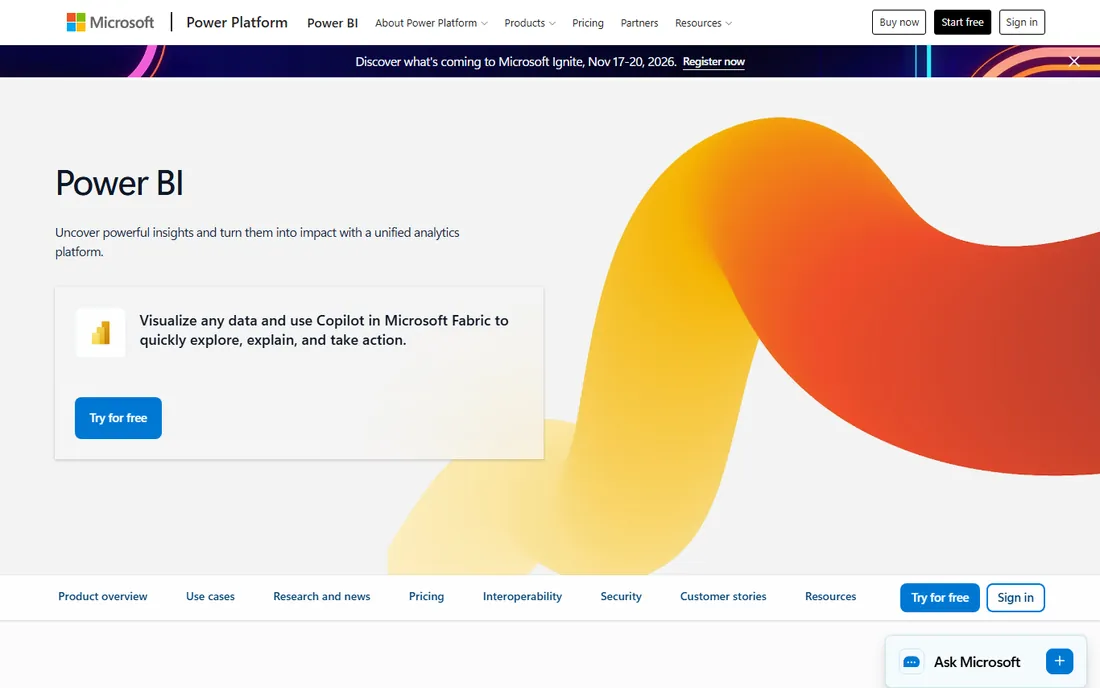
If your company already lives in Microsoft 365, Power BI is the path of least resistance. It connects naturally to Excel, SharePoint, Teams, and Azure data sources, and at $14 per user per month for Pro, it undercuts every other enterprise-grade option on this list. Power BI Desktop is free, so your analysts can build and evaluate reports before you spend anything.
What stands out beyond price is the modeling layer. Power Query handles data transformation and DAX handles calculations, which means serious analytical work happens inside the tool rather than in a separate ETL product. Row-level security and deployment pipelines are production-grade, so regulated industries can use it for real reporting, not just prototypes.
The honest catch is the licensing trap that surprises most teams. Sharing requires the recipient to be licensed, so you must count viewers, not just report builders, when you budget. A 50-person company where 30 people need view access pays for 30 seats. Microsoft's licensing lineup of Pro, Premium Per User, and Fabric capacity is also genuinely confusing, and Mac-first teams hit a wall because Desktop is Windows-only.
What we like- Lowest per-seat price among enterprise BI tools
- Deep integration with Excel, Teams, and Azure
- Power BI Desktop is free for building reports
Watch out for- Everyone who views a shared report needs a paid license too
- Desktop app is Windows-only
- Pro, Premium Per User, and Fabric capacity make licensing confusing
Starting priceSee website
Free planFree trial
Tableau earned its reputation one drag-and-drop chart at a time, and it still sets the standard for visual analysis. Analysts who think in pictures will feel at home faster here than in any other tool on this list. The drag-and-drop interface turns raw tables into interactive dashboards quickly, and the depth of visualization options rewards people who invest time in it.
The ecosystem is a real asset. Tableau's community is enormous, which means answers to almost any question already exist in forums, tutorials, and templates. Connectivity is broad too, covering cloud warehouses, spreadsheets, CRMs, and databases without much fuss. Since the Salesforce acquisition, integration with the Salesforce stack has kept improving.
The catch is cost and care. Creator licenses are priced for enterprises, and the total bill climbs fast once you add Explorers and Viewers across a company. Running Tableau well at scale takes administrative attention: permissions, extracts, refresh schedules, and server resources all need ownership. It is a superb analyst tool, but it is not a casual purchase.
What we like- Best-in-class visual data exploration
- Huge community with endless learning resources
- Connects to almost any data source
Watch out for- Creator seats are expensive
- Administration takes real effort at scale
- Advanced calculations have a learning curve
Starting priceSee website
Free planFree trial
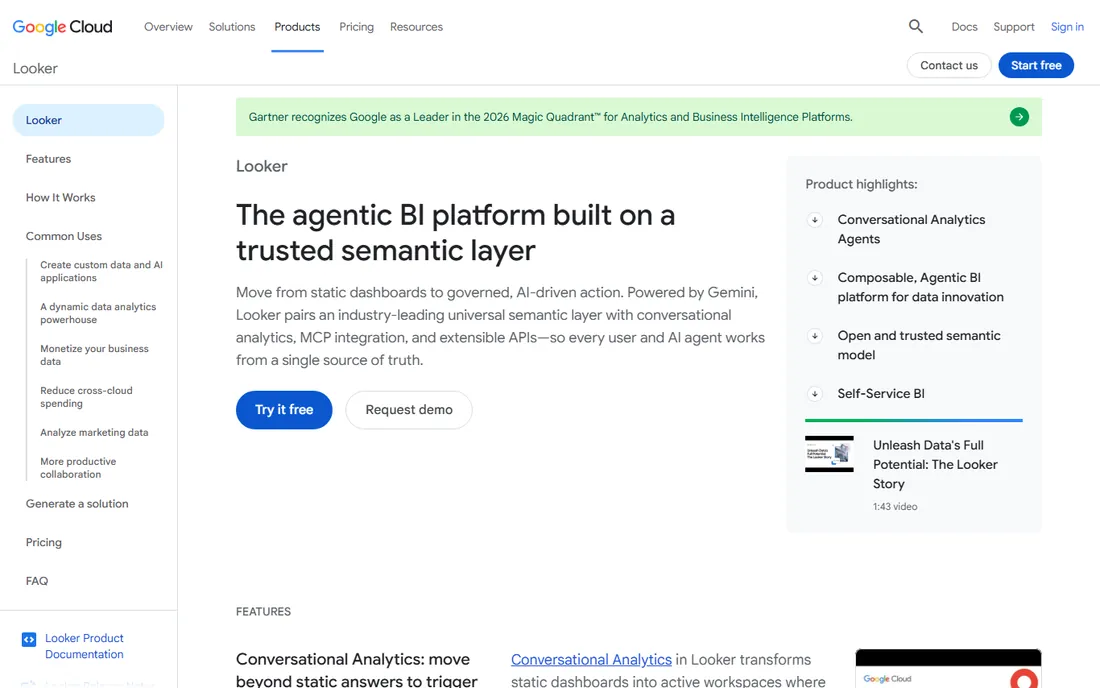
Looker solves a different problem than most tools here: metric chaos. When marketing's revenue number never matches finance's, the issue is rarely the chart. It is that two people defined revenue differently. Looker's LookML modeling layer defines each metric once, in code, so every dashboard in the company reports the same number.
That governed approach makes Looker a natural pick for companies standardized on Google Cloud, especially BigQuery shops. The integration is first-class, and the platform handles embedding well for teams that need analytics inside their own applications. Git-based version control for data models will feel familiar to engineering-led organizations.
The tradeoffs are real. Pricing is quote-only, which puts it out of impulse-buy range. Someone on your team needs to learn LookML, and that is a genuine skill investment. Business users also get less freedom to freelance with definitions, which is the point of governance, but it can frustrate analysts used to Tableau-style exploration.
What we like- LookML semantic layer keeps metric definitions consistent
- Native fit for BigQuery and Google Cloud
- Strong embedded analytics
Watch out for- No public pricing
- Needs someone who can write LookML
- Casual users get less ad-hoc freedom
#4
Qlik Sense
Best for: Associative exploration for power users
Visit qlik.com
Starting priceSee website
Free planFree trial
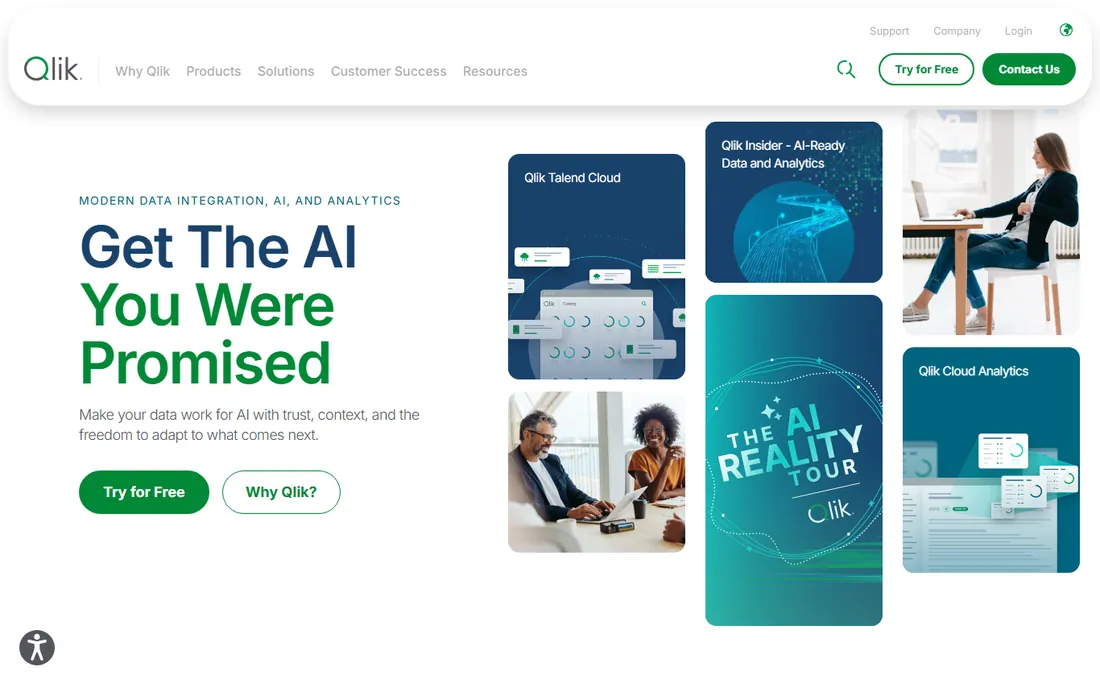
Qlik Sense lets people explore data the way they think, not the way a query builder demands. Its associative engine shows not just the data matching your selections but also what is excluded, which surfaces insights that traditional filtering hides. Clicking through dimensions feels fluid, and users often stumble onto patterns they were not looking for.
Data preparation is built in rather than bolted on, so analysts can load, clean, and model data without leaving the platform. Deployment flexibility is another plus: Qlik runs in the cloud, on your own servers, or hybrid, which matters for companies with strict data residency rules. The AI-assisted Insight Advisor suggests relevant charts automatically.
The honest catch is transparency. Pricing is not published, so you will be talking to sales before you know the cost. The interface, while functional, feels a generation behind the newest competitors. And because Qlik's market share trails the big two, hiring analysts who already know it is harder.
What we like- Associative engine reveals connections without writing queries
- Solid built-in data preparation
- Cloud, on-premises, and hybrid deployment
Watch out for- Pricing is not published
- Interface feels dated next to newer rivals
- Smaller talent pool than Power BI or Tableau
Starting priceSee website
Free planFree trial
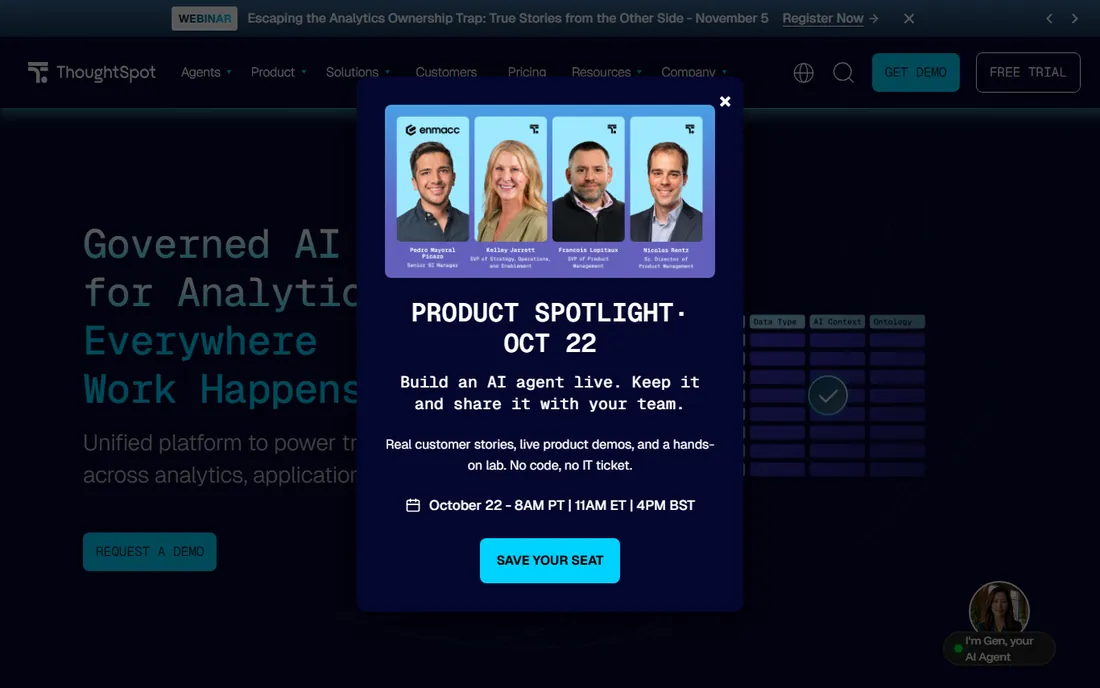
ThoughtSpot bets that business users would rather search than learn a BI tool. You type a question like "revenue by region last quarter" and get a chart back, then keep refining conversationally. For executives and department heads who will never open a data model, this removes the biggest barrier to self-service analytics.
The AI layer goes beyond search. Automated insights flag anomalies and trends without anyone asking, and the newer agentic features can assemble analysis from a prompt. Liveboards stay interactive for drilling down, and the platform embeds cleanly into SaaS products for customer-facing analytics.
The catch is that search-driven analytics depends on good data modeling underneath. If your data is messy or poorly structured, the answers will be too, and someone still has to do that modeling work. Pricing sits at the premium end, and teams that need pixel-perfect paginated reports for operations will find lighter tooling here than in Power BI or Tableau.
What we like- Natural-language search over live data
- AI-generated answers and automated insights
- Easy to embed in other products
Watch out for- Premium pricing
- Weaker for pixel-perfect operational reports
- Works best on well-modeled data
#6
Domo
Best for: Fast-moving teams wanting BI plus data apps
Visit domo.com
Starting priceSee website
Free planFree trial
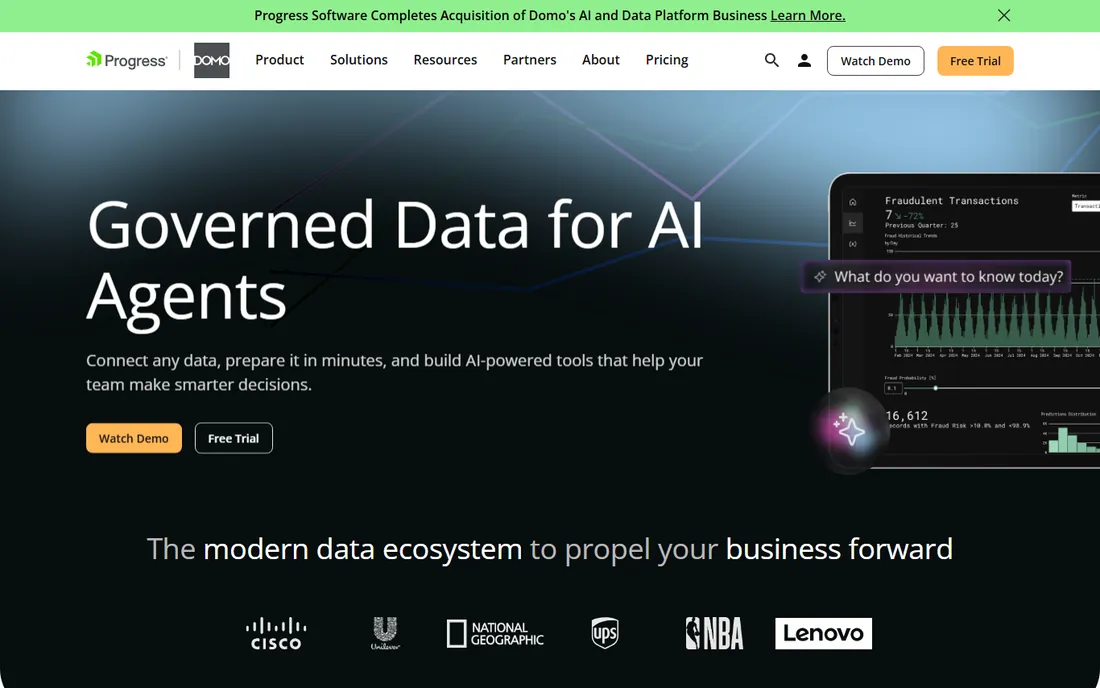
Domo wants to be the only data tool your company logs into. It combines connectors, data preparation, visualization, and app building in one cloud platform, so a team can go from raw source data to a working dashboard without stitching together three products. The 1,000-plus connector library covers cloud apps, databases, and spreadsheets.
The mobile experience deserves mention because many BI tools treat phones as an afterthought. Domo's mobile apps are genuinely usable, which matters for executives and field teams. The low-code app builder lets companies turn dashboards into workflow tools with alerts and automations, pushing Domo beyond reporting into operations.
The catch is the black box around pricing. With no published prices, budgeting requires a sales conversation, and costs can grow as data volume and users increase. Domo also spreads itself across a lot of surface area, so teams needing the deepest possible statistical analysis or pixel-perfect reporting may find specialists stronger in those niches.
What we like- 1,000+ connectors with ETL built in
- Strong mobile experience
- Low-code tools for building data apps on dashboards
Watch out for- No public pricing
- Costs can climb as usage grows
- Depth in any single area trails specialists
#7
Sisense
Best for: SaaS companies embedding customer-facing analytics
Visit sisense.com
Starting priceSee website
Free planFree trial
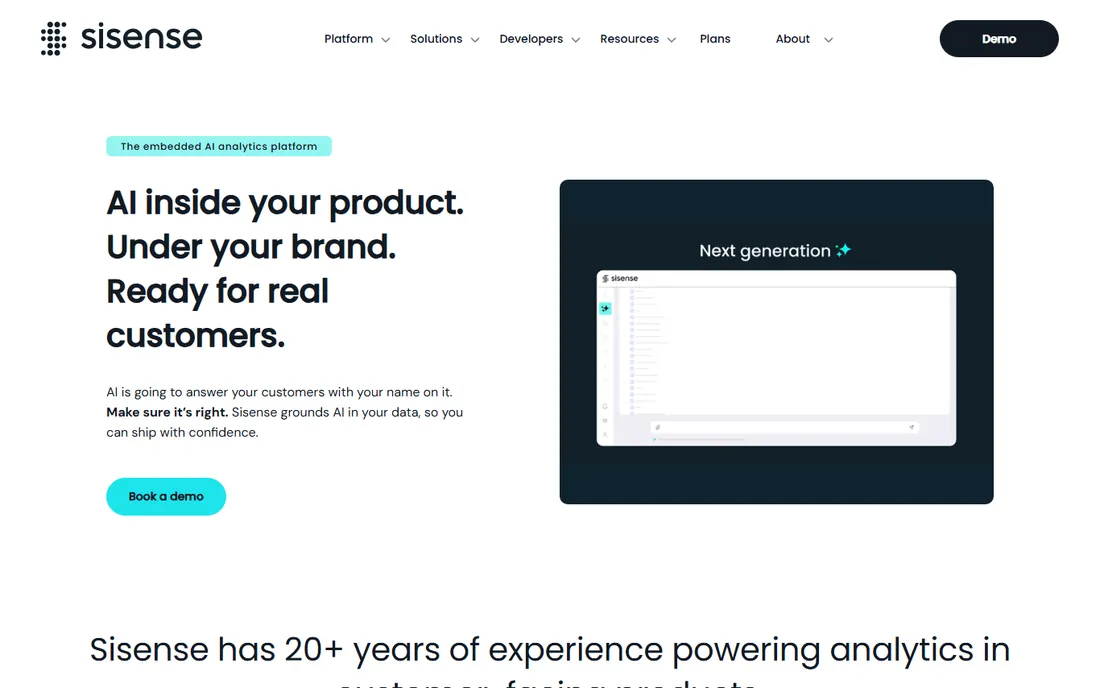
Sisense is the BI platform you pick when analytics must live inside your own product. Where most tools treat embedding as a feature, Sisense treats it as the core use case: APIs and SDKs first, with white-labeling so customers see your brand, not a third-party dashboard. Product teams at SaaS companies use it to ship analytics as part of what they sell.
Under the hood, the platform handles large, complex datasets competently, and the newer AI features add natural-language querying on governed data. Multi-tenant security is built for the SaaS model, with row-level controls enforced at the query layer. For internal BI it works fine, but its heart is clearly in embedded use.
The catch is that Sisense expects technical involvement. Implementation leans on developers more than drag-and-drop alternatives, and pricing is quote-only. The talent pool is also smaller: finding analysts with Sisense experience is harder than hiring for Power BI or Tableau, so factor training into the decision.
What we like- API-first design built for embedding
- Handles large datasets well
- White-labeling for customer-facing analytics
Watch out for- Quote-only pricing
- Implementation leans on developers
- Fewer analysts know it than the big two
#8
Zoho Analytics
Best for: Small businesses needing real BI on a small budget
Visit zoho.com
Starting price$24/month (billed annually)
Free planYes
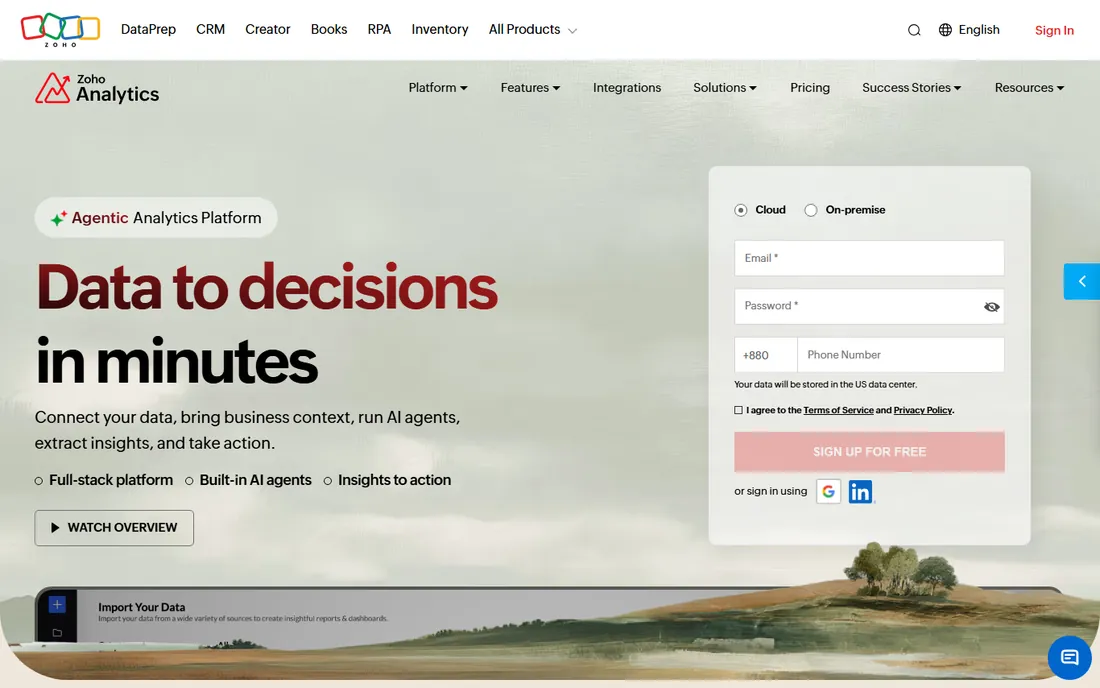
Zoho Analytics is proof that capable BI does not have to cost a fortune. The Basic plan starts at $24 per month billed annually, and there is a real free plan, not just a trial. For a small business that needs dashboards, scheduled reports, and data blending without enterprise pricing, it covers the essentials well.
The connector library is broader than the price suggests, with more than 500 integrations spanning CRMs, marketing tools, accounting software, and databases. Ask Zia, the built-in AI assistant, lets non-technical users ask questions in plain English and get charts back. If you already use Zoho CRM, Books, or other Zoho apps, the native integration is a bonus.
The honest catch is scale. Very large datasets and complex queries can strain performance compared with enterprise platforms. The analytical depth, while solid, does not match Power BI or Tableau for advanced modeling. And while it works standalone, the smoothest experience comes inside the Zoho ecosystem.
What we like- Starts at $24 per month with a genuine free plan
- 500+ connectors
- Ask Zia AI assistant answers plain-English questions
Watch out for- Performance strains on very large datasets
- Less depth than enterprise platforms
- Best value inside the Zoho ecosystem
Not every company needs one of the tools above. If your data lives in a single system and five people need a dashboard, Google's free Looker Studio or the reporting built into your CRM may be enough. A full BI platform earns its keep when you start blending three or more sources, need scheduled refreshes with proper permissions, or find two departments quoting different numbers in the same meeting. Buy the simpler thing first if that is where you are; you can migrate when the pain is real.
How to choose without buying twice
Start from your data, not the demo
Every vendor demo looks impressive with clean sample data. Yours is not clean. List where your data actually lives, then pick the tool with native connectors for those sources. A Microsoft shop leans Power BI, a BigQuery shop leans Looker, and a Zoho CRM shop leans Zoho Analytics. The best visualization engine in the world will not help if connecting your data takes a consulting project.
Budget for viewers, not builders
BI pricing is usually per seat, and the expensive mistake is counting only the people who build reports. Map out everyone who needs to view or receive a dashboard, including executives and clients, then price that headcount. Power BI's requirement that viewers hold licenses is the classic example, but most platforms work similarly.
Decide who owns the definitions
If your company argues about whose numbers are right, you need a governed semantic layer, which points to Looker or a well-managed Power BI dataset. If analysts mostly need freedom to explore and the metrics are simple, Tableau, Qlik Sense, or ThoughtSpot will make them happier. This single decision eliminates half the shortlist.
How we chose
We started with vendor pricing pages and product documentation, then cross-checked features and limitations against public reviews on G2, Capterra, and practitioner discussions on Reddit. We weighted fit for small and mid-size US companies: transparent pricing where available, reasonable learning curves, and integrations with the tools these teams already use. We mixed established leaders with strong alternatives so the list reflects real buying options, not just the biggest brands. We did not run hands-on trials for this roundup; our assessments reflect published specifications and reviewer consensus.
Frequently asked questions
What is business intelligence software?
Business intelligence software connects to your company's data sources, cleans and models the data, and turns it into dashboards, reports, and interactive visualizations. It replaces manual spreadsheet reporting with scheduled, shareable views of metrics like revenue, churn, and pipeline. Most platforms also add AI features that surface trends or answer plain-English questions.
How much does BI software cost?
It ranges widely. Power BI Pro starts at $14 per user per month and Zoho Analytics at $24 per month, while Tableau, Looker, Domo, and Sisense run higher with quote-based or premium per-seat pricing. Remember that most tools charge per viewer as well as per builder, so model your total headcount before comparing prices.
What is the easiest BI tool for non-technical users?
ThoughtSpot is the easiest for pure business users because they can type questions in plain English instead of learning a BI interface. Zoho Analytics with its Ask Zia assistant follows the same idea at a much lower price. Power BI and Tableau are more powerful but expect users to learn data concepts.
Can a small business use Power BI or Tableau?
Yes. Power BI is genuinely affordable for small businesses at $14 per user per month, and the free Desktop app lets you start building before paying. Tableau offers small-business options too, but its per-seat cost makes it a bigger commitment, so trial it with a small team first.
Should we choose Power BI or Tableau?
Choose Power BI if your company runs on Microsoft 365 and budget matters; the integration and $14 seats are hard to beat. Choose Tableau if your analysts prioritize visual exploration and you can afford the higher per-seat cost. Many companies standardize on Power BI for broad reporting and keep a few Tableau licenses for deep-dive analysts.
Sources we checked (11)
- https://powerbi.microsoft.com/
- https://powerbi.microsoft.com/ko-kr/blog/important-update-to-microsoft-power-bi-pricing/
- https://www.tableau.com/
- https://cloud.google.com/looker
- https://qlik.com/
- https://www.thoughtspot.com/
- https://domo.com/
- https://sisense.com/
- https://www.zoho.com/analytics/
- https://saasworthy.com/product/zoho-reports/pricing
- https://www.thesmbguide.com/zoho-analytics-reviews
Is your product missing or out of date?
We review this list regularly. Vendors can request a listing, send updated pricing or ask about featured placement.

Shihab Mia · Founder, Rankite
Shihab has spent more than a decade helping SaaS and e-commerce brands grow through search. He writes Rankite's software buying guides from pricing pages, documentation and public user reviews. More about Shihab.