How we make this list: we compare pricing pages, product documentation and public user reviews. Rankite is independent; if a vendor ever pays for a featured spot, that listing is clearly labeled Partner.
Key takeaways
- FreshBooks and QuickBooks lead for small-business invoicing with accounting built in.
- Zoho Invoice and Wave offer genuinely free invoicing with no catch on core features.
- Invoice Ninja is the open-source-friendly pick for unlimited invoices.
- Stripe, Chargebee and Zoho Billing handle recurring and subscription billing.
- Square Invoices suits businesses already taking payments through Square.
Quick comparison
| Tool | Best for | Starting price | Free plan |
|---|
 FreshBooks FreshBooks | Service-business invoicing | See website | Free trial |
 QuickBooks QuickBooks | Invoicing with full accounting | See website | Free trial |
 Xero Xero | Invoicing inside cloud accounting | See website | Free trial |
 Zoho Invoice Zoho Invoice | Free invoicing done well | Free | Yes |
 Wave Wave | Free accounting with invoicing | Free | Yes |
 Invoice Ninja Invoice Ninja | Open-source-style invoicing | Free | Yes |
 Stripe Stripe | Developer-friendly billing | See website | No |
 Chargebee Chargebee | Subscription billing at scale | See website | Free trial |
 Zoho Billing Zoho Billing | Recurring billing in Zoho world | See website | Free trial |
 Square Invoices Square Invoices | Square sellers wanting invoices | Free | Yes |
Is your product missing or out of date?
We review this list regularly. Vendors can request a listing, send updated pricing or ask about featured placement.
The best software for billing and invoicing
Starting priceSee website
Free planFree trial
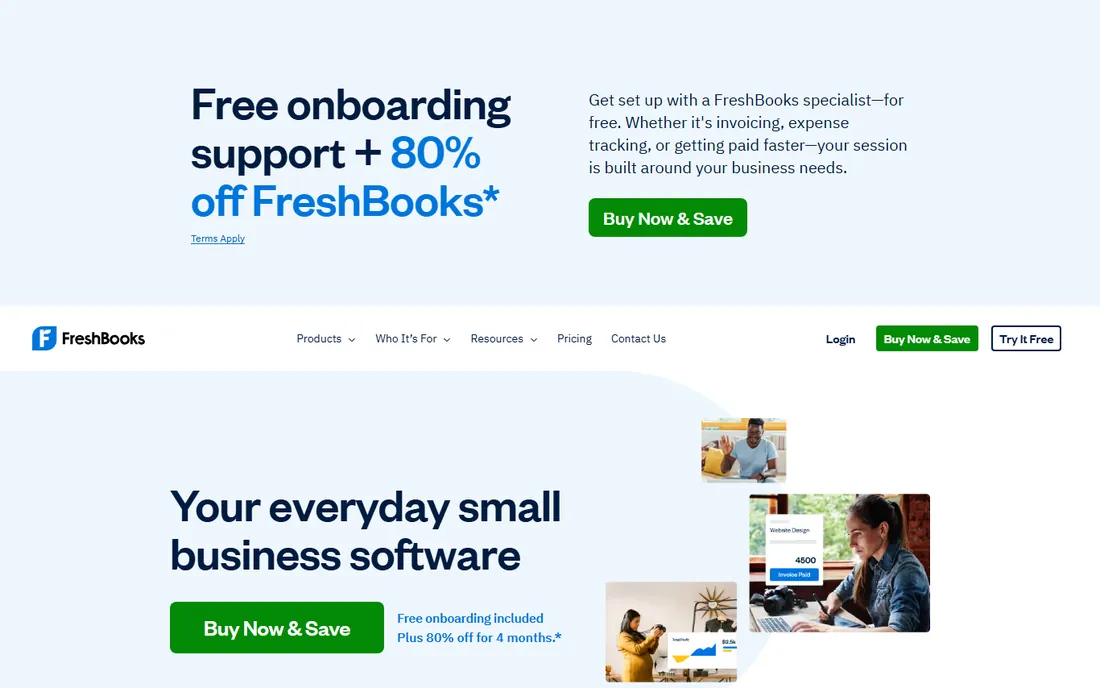
FreshBooks built its name on invoicing that service businesses love: beautiful invoices, easy time-to-bill, automated reminders and online payments, all in an interface that needs no accounting knowledge. Freelancers and agencies send polished invoices in minutes and get paid faster with payment links.
The accounting depth trails QuickBooks and Xero; growing businesses eventually need more. Pricing tiers limit billable clients on lower plans, which pushes upgrades. For service businesses whose core need is "invoice beautifully and get paid," FreshBooks remains the most pleasant tool in the category.
FreshBooks' double-entry accounting underneath the friendly surface means the books stay correct even though the interface hides the complexity: accountants can access the detail when needed. The mileage tracking and receipt capture handle the expense side of service businesses. Late fee automation and retainer billing suit agencies. It is the rare tool that non-accountants enjoy and accountants accept, which is why it survives in firms that outgrow pure invoicers.
What we like- The easiest professional invoicing experience
- Time tracking flows into invoices
- Good client portal
Watch out for- Full accounting is lighter than QuickBooks
- Pricing tiers gate features
- Per-client costs on some plans
Starting priceSee website
Free planFree trial
QuickBooks Online pairs invoicing with full accounting: send the invoice, track the payment, reconcile the bank, run payroll, all in one system your accountant already knows. The ecosystem of apps and accountants is unmatched. For small businesses that need accounting anyway, invoicing comes along naturally.
Intuit's price increases are a perennial complaint, and the interface accumulates clutter. Support experiences vary. But the completeness wins: businesses that would otherwise duct-tape invoicing to separate accounting get one system that handles both properly.
QuickBooks' invoicing automation, recurring invoices, batch invoicing and payment reminders, handles the volume that growing businesses generate. The QuickBooks Payments integration keeps processing in-ecosystem with next-day deposits. Progress invoicing suits contractors billing against estimates. Third-party app integrations, over 750 of them, extend invoicing into industry workflows. The ecosystem is the moat: whatever your business needs next probably integrates.
What we like- Invoicing inside complete small-business accounting
- Huge ecosystem
- Everyone knows it
Watch out for- Price increases annoy
- Interface can feel cluttered
- Support quality varies
Starting priceSee website
Free planFree trial

Xero's invoicing is clean and automated: recurring invoices, online payments, reminders and multi-currency work smoothly inside genuinely good cloud accounting. International businesses like the multi-currency depth. The interface stays pleasant where QuickBooks feels busy.
US payroll needs partners, pricing tiers limit some features, and the American ecosystem is smaller than QuickBooks'. For businesses prioritizing design and automation in their accounting, or operating across currencies, Xero is the refined alternative.
Xero's invoice branding and customization produce polished documents without designer help: custom templates, multiple currencies and automatic invoice numbering. The online invoice payments through Stripe and others accelerate cash flow measurably. Quote-to-invoice conversion keeps the sales trail clean. For businesses operating across borders, the multi-currency invoicing with automatic exchange gains is the standout.
What we like- Clean invoicing with strong automation
- Excellent bank reconciliation
- Good multi-currency
Watch out for- Payroll needs add-ons in some regions
- Pricing tiers limit users
- Smaller US ecosystem than QuickBooks
Starting priceFree
Free planYes
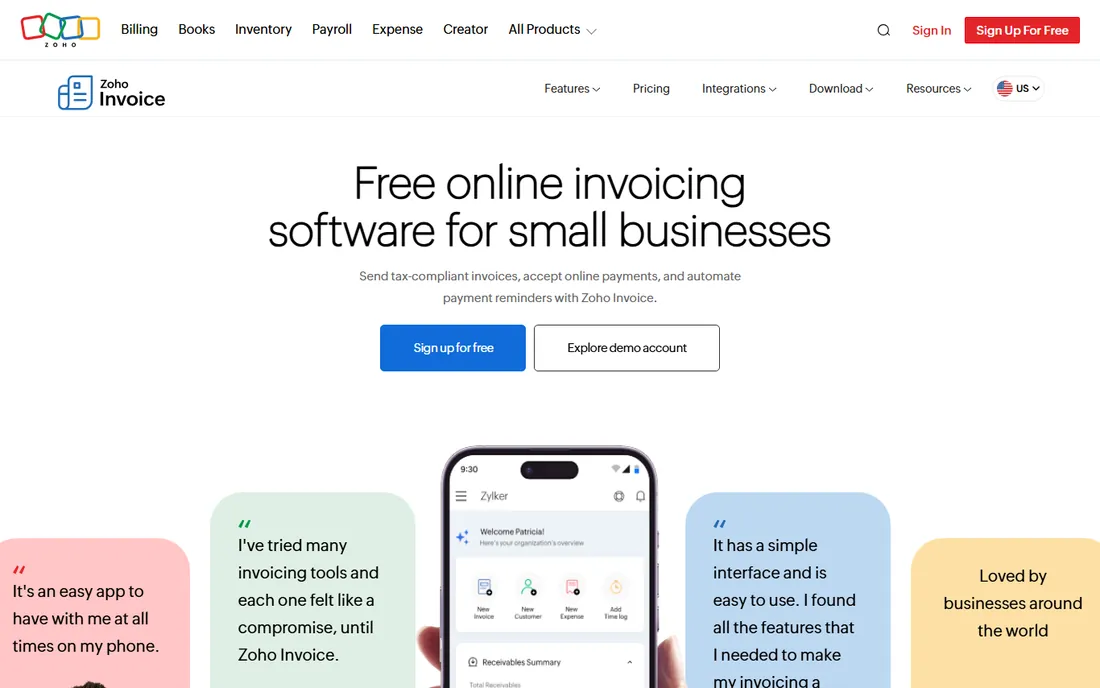
Zoho Invoice is remarkable: professional invoicing, unlimited invoices, automated reminders, online payments and client portals, completely free. No trial, no catch on the core product. Small businesses get invoicing that rivals paid tools without spending anything.
Businesses needing full accounting add Zoho Books, and the ecosystem rewards Zoho users. Advanced features stay basic. But as free invoicing, it is the best deal in the category: everything a small business needs to bill professionally, free forever.
Zoho Invoice's client portal lets customers view invoices, make payments and track history self-service, reducing the 'can you resend that invoice' emails. The time tracking module feeds billable hours directly into invoices. Multi-language and multi-currency support suits international freelancers. That all of this is free, with no invoice caps, makes the paid competitors' pricing look ambitious.
What we like- Completely free with no invoice limits
- Professional templates
- Good automation
Watch out for- Full accounting needs Zoho Books
- Zoho-centric ecosystem
- Advanced features are basic
Starting priceFree
Free planYes
Wave gives away the core: accounting, invoicing and receipt scanning free, making money on payment processing and payroll add-ons. Micro-businesses get a complete financial picture without subscriptions. The interface suits owners, not accountants.
Inventory and advanced features are absent, and the focus is North America. Growing businesses eventually graduate to QuickBooks or Xero. For freelancers and micro-businesses wanting free accounting with invoicing included, Wave's generosity is unmatched.
Wave's receipt scanning via the mobile app turns shoebox receipts into categorized expenses that flow into the same free accounting as the invoices. The payroll add-on, where available, keeps the smallest employers compliant. Invoice follow-ups automate the awkward chasing. For micro-businesses, the free accounting plus invoicing combination means professional finances from day one at zero software cost.
What we like- Free accounting plus invoicing plus receipts
- Genuinely free core
- Easy for non-accountants
Watch out for- No inventory depth
- US and Canada focused
- Paid add-ons for payroll and payments
Starting priceFree
Free planYes
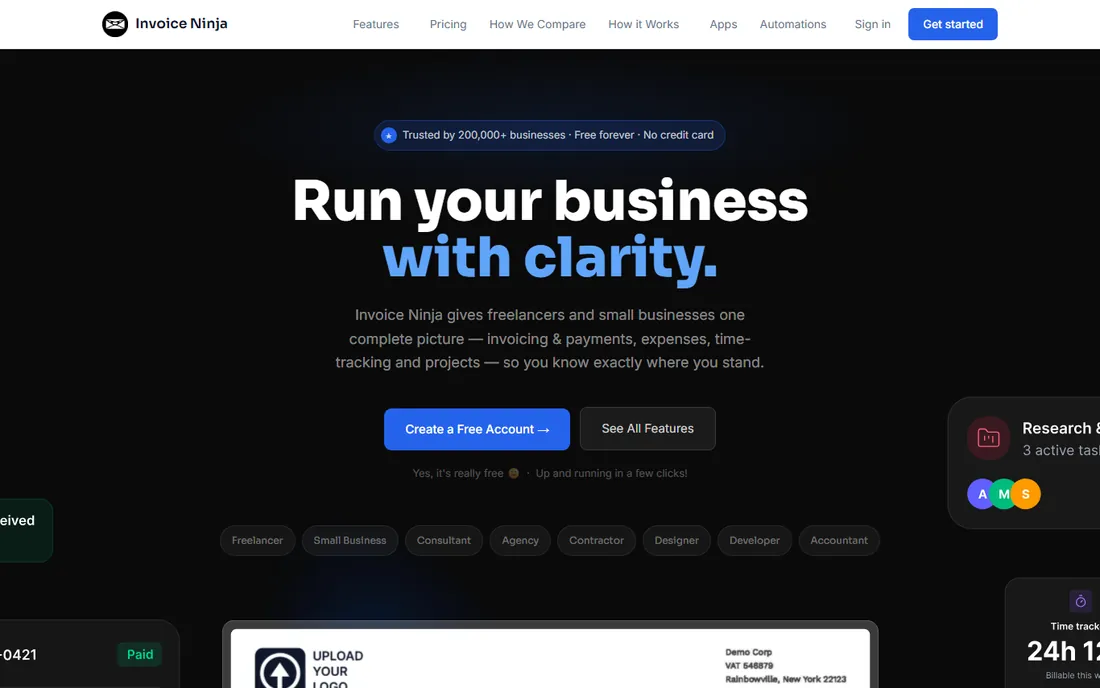
Invoice Ninja appeals to the technically inclined: unlimited invoices and clients on the free tier, plus an open-source self-hosted version for the control-minded. Quotes, projects, time tracking and expenses round out the freelancer toolkit. The value per dollar is excellent.
The design is functional rather than beautiful, and support leans on community and documentation. Paid plans add the white-label and advanced features. For freelancers who want unlimited free invoicing with self-hosting as an option, Invoice Ninja is the hacker's choice.
Invoice Ninja's client portal includes white-labeling on paid plans, so clients see your brand, not the software's. The Kanban project view ties billable tasks to invoices visually. Recurring invoices with auto-billing handle retainers. The self-hosted option, genuinely open source, appeals to the privacy-conscious and the tinkerers. Few free tools offer this much control over your own billing data.
What we like- Free tier with unlimited invoices
- Self-hosting option
- Quotes, projects and time tracking
Watch out for- Interface is utilitarian
- Support is community-leaning
- Advanced features need paid plans
Starting priceSee website
Free planNo
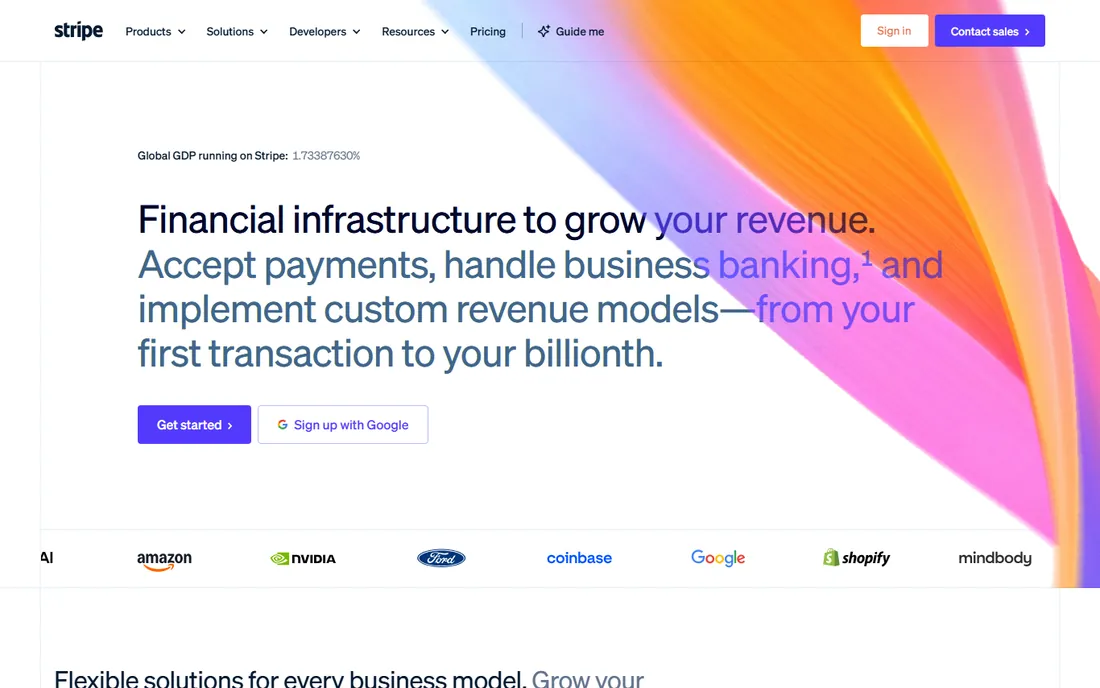
Stripe's invoicing and billing products sit atop the best payment infrastructure in the business: send one-off invoices or run complex subscriptions, with global payment methods handled. Developers get APIs for everything. SaaS companies and platforms build entire billing operations on Stripe.
It is infrastructure, not accounting: you still need books. Every transaction carries processing fees. Non-technical users find the dashboard less friendly than FreshBooks. For businesses whose billing needs developers anyway, Stripe is the foundation everything else integrates with.
Stripe Invoicing's hosted invoice pages convert well on mobile, which matters as clients increasingly pay from phones. The automatic tax calculation handles the complexity of global sales tax. Subscription schedules manage complex billing scenarios declaratively. For developers, the API-first design means invoicing embeds into products rather than living in a separate tool. It is billing infrastructure, and the best kind disappears.
What we like- Invoicing plus the best payment infrastructure
- Subscription billing built in
- Excellent APIs
Watch out for- Developer-oriented
- No accounting
- Fees on every transaction
Starting priceSee website
Free planFree trial
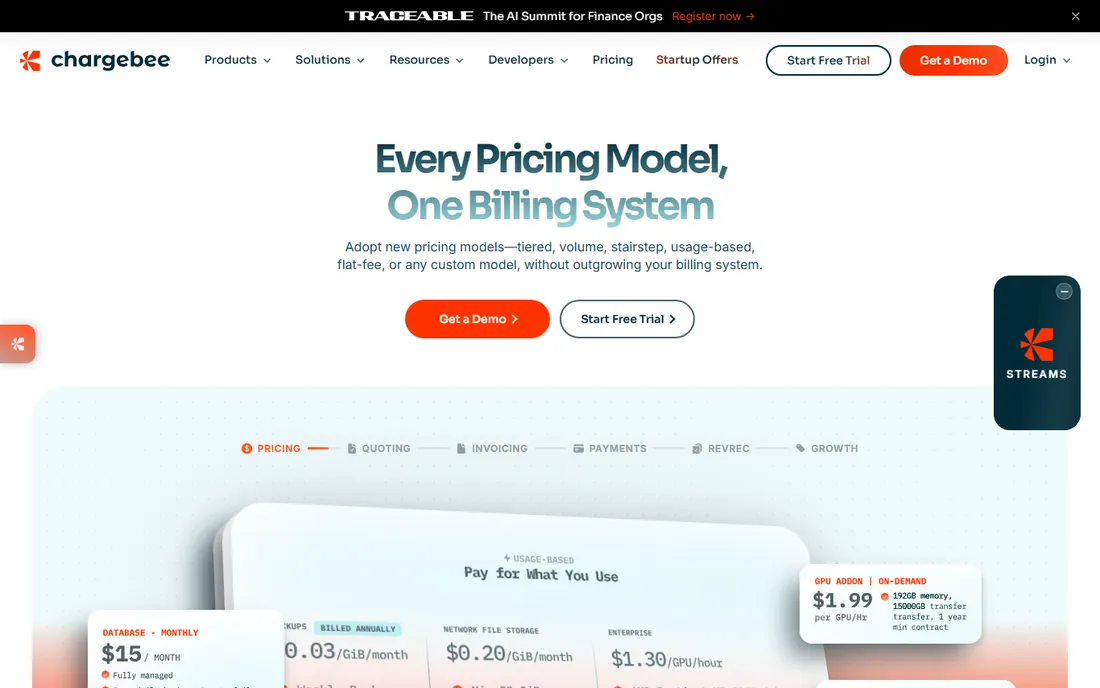
Chargebee handles subscription complexity: trials, upgrades, proration, dunning, revenue recognition and global tax, the machinery SaaS billing requires. The revenue recovery features alone justify it for subscription businesses losing money to failed payments. Analytics show MRR movements clearly.
Pricing scales with billing volume, simple invoicing does not need this depth, and implementation deserves planning. For SaaS and subscription businesses past the Stripe-billing basics, Chargebee's specialization pays for itself in recovered revenue and saved engineering time.
Chargebee's dunning management, with smart retry logic and customer notifications, recovers revenue that passive billing loses: failed payments are the silent killer of subscription businesses. The revenue recognition module keeps SaaS accounting compliant. Multi-entity billing handles global expansion. For subscription businesses past product-market fit, the recovered revenue typically dwarfs the subscription cost.
What we like- Deep subscription billing logic
- Dunning and revenue recovery
- Good analytics
Watch out for- Pricing scales with revenue
- Overkill for simple invoicing
- Implementation needs thought
#9
Zoho Billing
Best for: Recurring billing in Zoho world
Visit zoho.com
Starting priceSee website
Free planFree trial
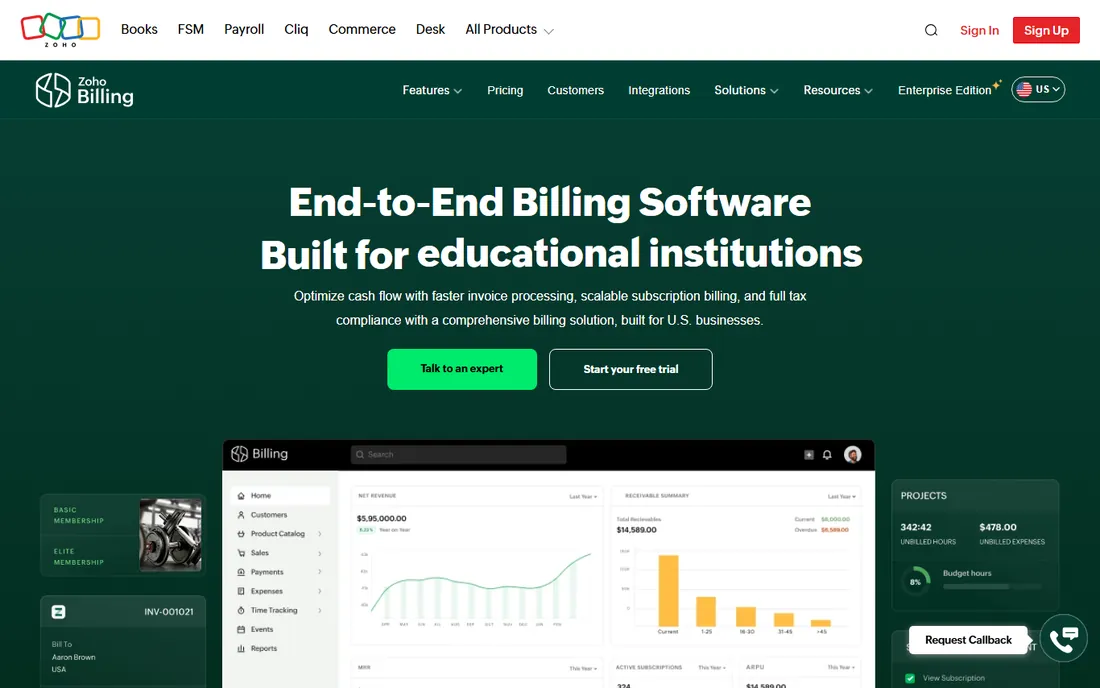
Zoho Billing brings subscription management to the Zoho ecosystem: recurring billing, trials, dunning and customer portals integrated with Zoho CRM, Books and the rest. The pricing undercuts the specialists significantly. Businesses already on Zoho get billing that fits naturally.
Outside Zoho the appeal fades; standalone buyers usually prefer Chargebee or Stripe Billing. Advanced subscription features trail the category leaders. For Zoho-centric businesses with recurring revenue, though, the integrated value is compelling.
Zoho Billing's subscription management includes trials, freemium conversions and usage-based billing, covering the SaaS pricing models that matter. The integration with Zoho CRM ties billing to the sales pipeline. Dunning and proration work properly. For Zoho-centric businesses, the native fit beats bolting on a specialist, and the pricing undercuts the standalone billing vendors significantly.
What we like- Subscription billing integrated with Zoho suite
- Good value pricing
- Solid dunning and trials
Watch out for- Best inside Zoho ecosystem
- Less known than Chargebee
- Advanced features trail leaders
Starting priceFree
Free planYes
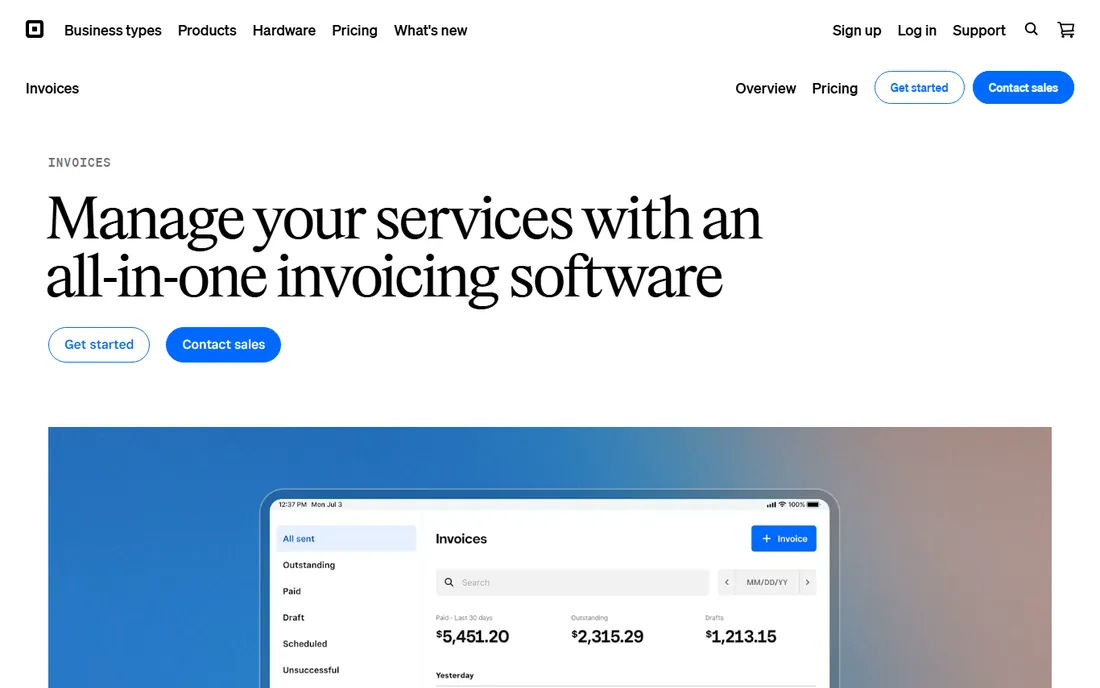
Square Invoices gives Square sellers free invoicing that flows into the same system as their point-of-sale and online payments. Estimates convert to invoices, customers pay online, and everything reconciles in Square. Service businesses already on Square add invoicing with zero new systems.
Processing runs through Square with its fees, accounting stays basic, and complex recurring billing needs more. But for the millions of businesses on Square, free integrated invoicing that just works is exactly right.
What we like- Free invoicing integrated with Square payments
- Easy for existing Square sellers
- Simple estimates to invoices
Watch out for- Tied to Square processing
- Basic accounting
- Less suited to complex billing
How we chose
We selected tools where billing and invoicing are core, spanning simple invoicing, full accounting and subscription billing. We reviewed fee structures, free plans and user reviews, and verified each vendor's current status. We favored tools with real small-business adoption.
Getting paid faster
The best invoice is the one paid quickly. Send invoices immediately, not at month end. Enable online payments: invoices with payment links get paid dramatically faster than those without. Set clear payment terms on every invoice and automate reminders; chasing payments manually is the most expensive accounts receivable department.
For recurring revenue, dunning management matters more than invoice design: failed cards cause most subscription churn, and automated retry sequences recover revenue silently. Whatever tool you choose, configure the payment and reminder automation fully; the software only helps if you use it.
Frequently asked questions
What is the best invoicing software for small business?
FreshBooks for service businesses, QuickBooks for accounting depth, Zoho Invoice or Wave for free. Match the tool to whether you need accounting too or just invoices.
Is there really free invoicing software?
Yes. Zoho Invoice, Wave and Invoice Ninja offer genuinely free invoicing with unlimited invoices. They monetize through paid add-ons, not the core invoicing.
How much does invoicing software cost?
From free to roughly $15-40 monthly for small-business tools, to revenue-scaled pricing for subscription platforms. Payment processing fees (around 3 percent) apply on top everywhere.
What is the difference between invoicing and billing software?
Invoicing sends bills for completed work; billing software often implies recurring or subscription billing with automation. Many tools do both; specialists like Chargebee focus on subscriptions.
Should invoicing be separate from accounting?
For simple businesses, separate free invoicing works fine. Once you need bank reconciliation, payroll and reporting, unified accounting with invoicing saves duplicated effort.
How do I handle late payments?
Automate reminders, set clear terms upfront, enable online payments, and consider late fees for chronic offenders. The software handles the mechanics; the policy is yours to set.
Sources we checked (10)
- https://www.freshbooks.com/
- https://quickbooks.intuit.com/
- https://www.xero.com/us/
- https://www.zoho.com/us/invoice/
- https://www.waveapps.com/
- https://invoiceninja.com/
- https://stripe.com/
- https://www.chargebee.com/
- https://www.zoho.com/us/billing/
- https://squareup.com/us/en/invoices
Is your product missing or out of date?
We review this list regularly. Vendors can request a listing, send updated pricing or ask about featured placement.

Shihab Mia · Founder, Rankite
Shihab has spent more than a decade helping SaaS and e-commerce brands grow through search. He writes Rankite's software buying guides from pricing pages, documentation and public user reviews. More about Shihab.