How we make this list: we compare pricing pages, product documentation and public user reviews. Ratings come from G2, Capterra or Trustpilot, with the date we checked them.
Granicus is the top pick for a government agency that wants a public sector platform built around citizen communication, records, and service delivery. It suits cities, counties, and state agencies that need archiving, compliance, and engagement in one procurement. CivicPlus Social Media Archiving, formerly ArchiveSocial, is the best alternative when compliant archiving and FOIA response are the main buying reason.
- Archiving comes first for government buyers, because social media is a public record in all 50 states.
- Most government focused tools are quote only, so budget for a sales process and a procurement cycle.
- Hootsuite is the only mainstream tool in this list with a FedRAMP authorized government tier.
- Approval workflows matter more than scheduling speed, because one unapproved post can create a legal and public trust problem.
- Small agencies can start with Buffer or SocialPilot for publishing, but they still need a separate archiving tool for records compliance.
A tool fits a government agency when it handles public records, approvals, accessibility, and citizen service as core functions. The hard part is proving what was posted, what was edited or deleted, and who approved it. A general marketing tool can schedule posts well and still fail a records request. A government fit tool keeps a searchable record, supports multi-level approval, and helps staff meet Section 508 and WCAG duties. Procurement fit matters too, so ask vendors for a VPAT and a written retention policy before a trial.
Public records archiving works when a tool captures posts, comments, replies, edits, and deletions in near real time, with metadata that proves authenticity. Screenshots are not enough, because they miss edits and metadata. A proper archive stores each record in a searchable database for the retention period set by state law, and lets staff search by keyword, date, and account. When a FOIA request arrives, staff should be able to find the records, export them in context, and show the full thread. Hootsuite and Sprout Social offer search and export, but many agencies pair them with a dedicated archiving tool.
Government social media tools cost far more than the headline monthly price once seats, accounts, archiving, and add-ons are counted. Published prices in this guide range from 5 dollars per channel per month for Buffer Essentials to 399 dollars per user per month for Hootsuite Advanced, both on annual billing. Granicus, CivicPlus, and ArchiveSocial are quote only. Sprout Social starts at 79 dollars per seat per month on annual billing, Agorapulse starts at 79 dollars per user per month on annual billing, and SocialPilot starts at 30 dollars per month on monthly billing. A worked example helps. A mid-size city with 4 staff seats could pay 1,596 dollars per month for Hootsuite Advanced at 399 dollars times 4 seats, plus a separate quote only archiving subscription. The same city on SocialPilot Premium would pay 100 dollars per month, but it would still need to buy archiving separately.
What accessibility and approval controls should an agency require?
An agency should require alt text prompts, caption support, plain language checks, role based access, and multi-level approval before any post goes live. Section 508 and WCAG 2.1 AA duties apply to public facing content, so a tool should make accessible publishing easy. Look for required alt text fields and video caption workflows. Approval controls should match how government works, with a draft, a review, and a final approval, plus an audit trail for each step. Hootsuite Advanced and Enterprise, Sprout Social Professional and above, and Agorapulse Custom offer the strongest approval paths in this list. Buffer Team and SocialPilot Standard offer simpler approvals that suit a small team. Ask whether scheduled posts can be paused in an emergency, and whether the audit log can be exported.
A small city should choose first based on its largest risk, which is usually records compliance, not publishing volume. If the city has no archive today, start with CivicPlus Social Media Archiving and add Buffer Team or SocialPilot Standard. That pair covers the legal duty first and keeps daily publishing simple. If the city already archives through another system, Hootsuite Advanced or Sprout Social Professional is a stronger first buy. If the city wants one vendor for its website, mass notification, agenda, and social archiving, CivicPlus is worth a quote. Do not choose on price alone. Run a short pilot with real accounts and a real records search before signing.
| Tool | Best for | Starting price | Free plan |
| Granicus | Full government communications and citizen engagement platform | Quote, third-party reported from 500 dollars per month | No |
| ArchiveSocial | Dedicated social media archiving for public records compliance | Quote, third-party reported from 249 dollars per month | No, free trial available |
| CivicPlus | Local government platform with archiving, websites, and mass notification | Quote | No |
| Hootsuite | Large agencies needing FedRAMP authorized management and listening | 99 dollars per user per month, billed annually | No, 14-day free trial |
| Sprout Social | Government teams needing approvals, inbox, and NASPO purchasing | 79 dollars per seat per month, billed annually | No, 30-day free trial |
| Agorapulse | Teams needing shared inbox, assignments, and simple approvals | 79 dollars per user per month, billed annually | No, 30-day free trial |
| SocialPilot | Small teams needing low cost publishing with approvals | 30 dollars per month, billed monthly | No, 14-day free trial |
| Buffer | Small agencies needing low cost publishing by channel | 5 dollars per channel per month, billed annually | Yes, up to 3 channels |
We picked tools that serve government buyers in 2026, with weight given to archiving, FOIA support, approvals, accessibility, security, and citizen engagement. Government focused tools lead the list. Prices were checked on 11 November 2026. Where a vendor publishes a price, we state the vendor figure. Where a vendor does not publish a price, we state quote and give the third-party reported figure with that label. No hands-on trial is claimed. Vendor sites were opened on 11 November 2026, except archivesocial.com, which returned an access error, while the CivicPlus page loaded and confirms ArchiveSocial is now CivicPlus Social Media Archiving.
Last verified: 11 November 2026.
Quick comparison
| Tool | Best for | Starting price | Free plan |
|---|
 Granicus | Cities, counties, and state agencies that want one government platform for communications, meetings, websites, and records | Quote, third-party reported from 500 dollars per month | No free plan |
 ArchiveSocial | Agencies that need defensible social media archiving for FOIA and state public records laws | Quote, third-party reported from 249 dollars per month | No free plan, free trial available |
 CivicPlus | Local governments that want websites, mass notification, agenda management, and social archiving from one vendor | Quote | No free plan |
 Hootsuite | Large government agencies needing FedRAMP authorized social management, listening, and multi-level approvals | 99 dollars per user per month for Standard, billed annually | No free plan, 14-day free trial |
 Sprout Social | Government teams needing a shared inbox, approvals, reporting, and a NASPO purchasing route | 79 dollars per seat per month for Essentials, billed annually | No free plan, 30-day free trial |
 Agorapulse | Small to mid-size government teams needing a shared inbox, assignments, and team reporting | 79 dollars per user per month for Standard, billed annually | No free plan, 30-day free trial, free plan ended 6 July 2026 |
 SocialPilot | Small government teams and departments needing low cost publishing with manager approval | 30 dollars per month for Essentials, billed monthly, or 25.50 dollars per month billed annually | No free plan, 14-day free trial |
 Buffer | Very small agencies and single departments needing simple, low cost publishing by channel | 5 dollars per channel per month for Essentials, billed annually, or 6 dollars billed monthly | Yes, free plan up to 3 channels |
Is your product missing or out of date?
We review this list regularly. Vendors can request a listing, send updated pricing or ask about featured placement.
#1
Granicus
Best for: Cities, counties, and state agencies that want one government platform for communications, meetings, websites, and records
Visit granicus.com
Starting priceQuote, third-party reported from 500 dollars per month
Free planNo free plan
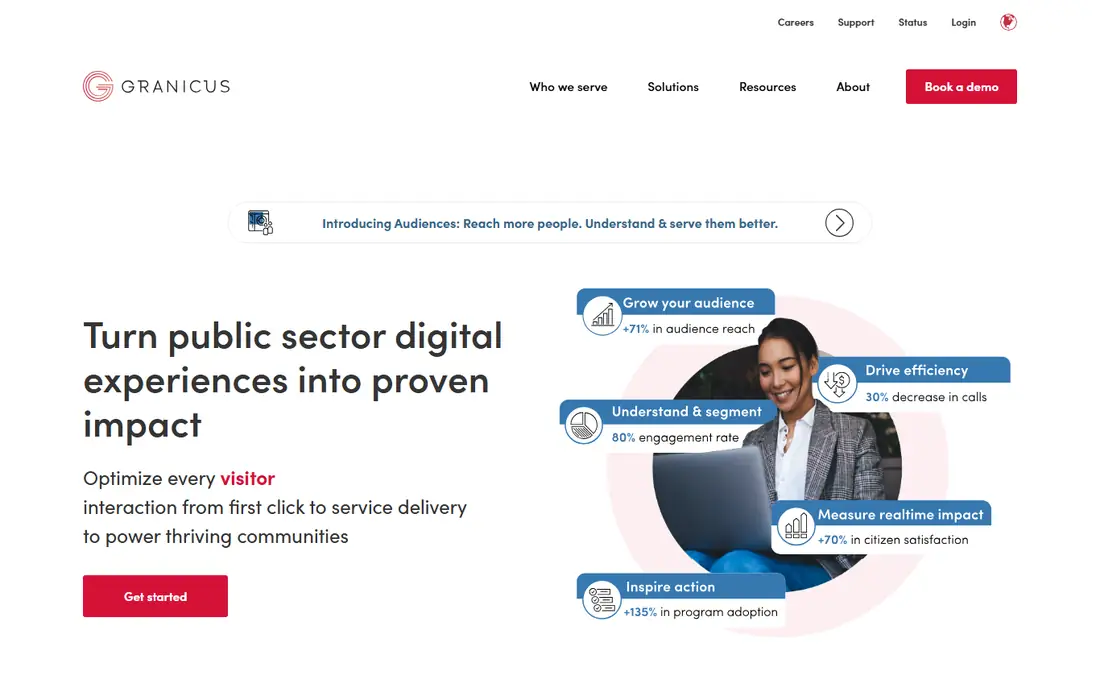
Granicus is the most government specific option in this list. Its Citizen Experience Platform brings together communications, meeting management, website management, digital services, and records. The vendor site, opened on 11 November 2026, lists more than 7,000 public sector customers. Social media is one channel inside that wider work, so buyers should judge Granicus on the full contract and confirm which modules the quoted price actually covers before signing.
What we like- Built only for government, broad platform covers communications, meetings, websites, and records
Watch out for- Quote only pricing makes budgeting hard, and platform breadth can mean a long implementation
#2
ArchiveSocial
Best for: Agencies that need defensible social media archiving for FOIA and state public records laws
Visit civicplus.com
Starting priceQuote, third-party reported from 249 dollars per month
Free planNo free plan, free trial available
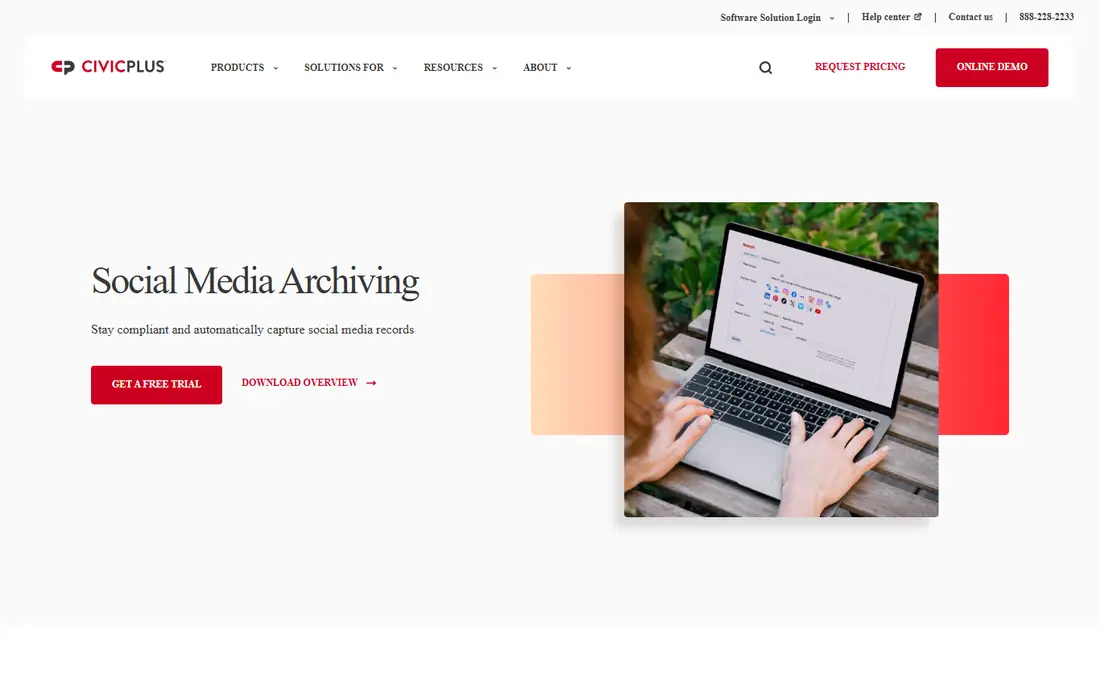
ArchiveSocial, now CivicPlus Social Media Archiving, is the specialist in this list. The CivicPlus page, opened on 11 November 2026, states that social media is a public record in all 50 states. The tool captures content in context and near real time, including edits and deletions that a manual export would miss. The vendor does not publish a price. Third-party sources report 249 dollars per month for Economy, 399 dollars for Standard, and 699 dollars for Premium, with other sources reporting 199 dollars, so treat those figures as reported, not vendor confirmed.
What we like- Captures posts, comments, edits, and deletions in near real time, with a searchable archive
Watch out for- Archiving only, so agencies still need a separate publishing tool, and pricing scales by account count
#3CivicPlus
Best for: Local governments that want websites, mass notification, agenda management, and social archiving from one vendor3.8/5 on
G2 (7 reviews, checked Oct 2026)
Visit civicplus.com
Starting priceQuote
Free planNo free plan
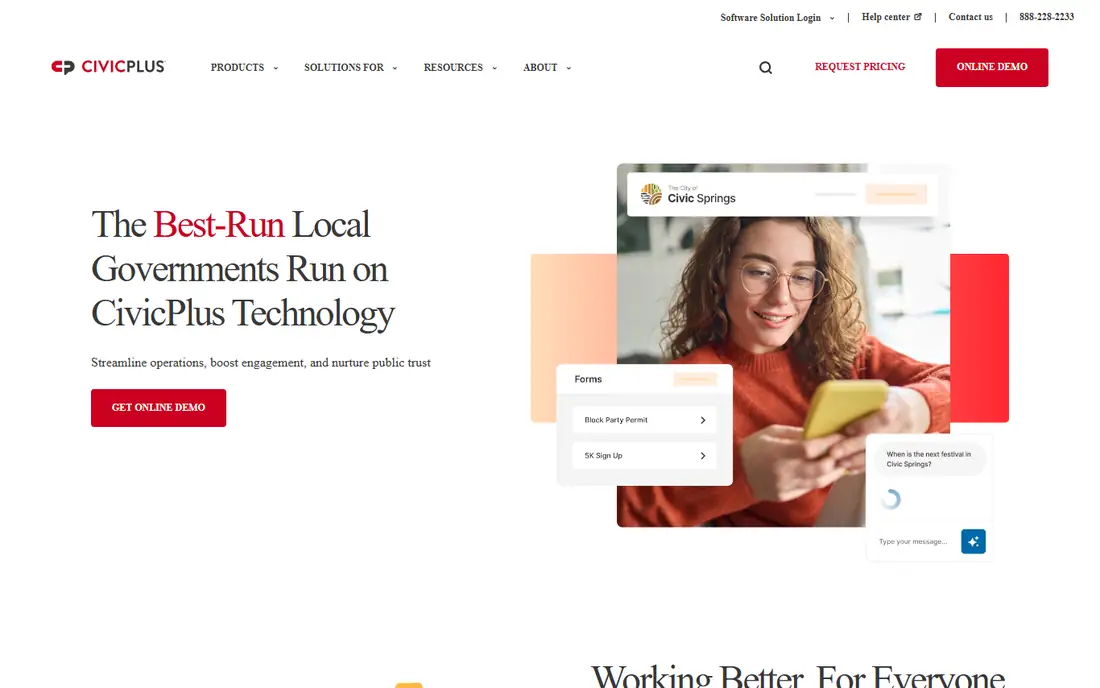
CivicPlus is best judged as a platform, not as a single social tool. The vendor site, opened on 11 November 2026, presents the Civic Impact Platform for municipal websites, agenda management, NextRequest, SeeClickFix 311 CRM, Social Media Archiving, and mass notification. That scope suits a city that wants to reduce vendor count. NextRequest supports resident self-service and automated routing for records requests. The main drawback is pricing opacity, so ask for itemised pricing.
What we like- Wide local government platform, includes Social Media Archiving, NextRequest for FOIA, and SeeClickFix 311 CRM
Watch out for- Quote only pricing with no published tiers, and a platform purchase can be slow and complex
#4Hootsuite
Best for: Large government agencies needing FedRAMP authorized social management, listening, and multi-level approvals4.3/5 on
G2 (7,433 reviews, checked Oct 2026)
Visit hootsuite.com
Starting price99 dollars per user per month for Standard, billed annually
Free planNo free plan, 14-day free trial
Hootsuite is the strongest mainstream choice for government in this list. The vendor government page describes Hootsuite as the number one FedRAMP authorized tool for social media management, with more than 2,000 government agencies using Hootsuite Listening. The pricing page, opened on 11 November 2026, lists Standard at 99 dollars, Professional at 199 dollars, and Advanced at 399 dollars per user per month, billed annually, with Enterprise as a custom quote. For a government buyer, the right plan is usually Advanced or Enterprise, not Standard, because approvals and governance are the point. Budget for archiving separately.
What we like- FedRAMP authorized, with a government industry page, multi-level approvals on Advanced, and strong listening
Watch out for- Per user pricing rises fast with team size, and Enterprise government features are quote only
#5Sprout Social
Best for: Government teams needing a shared inbox, approvals, reporting, and a NASPO purchasing route4.4/5 on
G2 (6,880 reviews, checked Oct 2026)
Visit sproutsocial.com
Starting price79 dollars per seat per month for Essentials, billed annually
Free planNo free plan, 30-day free trial
Sprout Social is a strong fit for a government team that works from a shared inbox and needs clear approvals. The vendor pricing page, opened on 11 November 2026, shows a range of 79 dollars to 399 dollars, and November 2026 checks confirm Essentials at 79 dollars, Standard at 199 dollars, Professional at 299 dollars, and Advanced at 399 dollars per seat per month on annual billing. Professional is the first plan with message approval workflows and bulk scheduling, which makes it the realistic minimum for most agencies. Sprout also has a NASPO agreement for government entities in participating states. Its inbox export to CSV helps records work, but it is not a continuous archive.
What we like- NASPO agreement for government purchasing, approvals start on Professional, and Smart Inbox export helps records work
Watch out for- Per seat pricing rises fast, and Premium Analytics and Listening are quote only add-ons
#6Agorapulse
Best for: Small to mid-size government teams needing a shared inbox, assignments, and team reporting4.5/5 on
G2 (975 reviews, checked Oct 2026)
Visit agorapulse.com
Starting price79 dollars per user per month for Standard, billed annually
Free planNo free plan, 30-day free trial, free plan ended 6 July 2026
Agorapulse suits a government team that wants a tidy inbox and clear ownership of citizen messages. The vendor pricing page, opened on 11 November 2026, lists Standard at 79 dollars, Professional at 119 dollars, and Advanced at 149 dollars per user per month on annual billing, with Custom as a quote. Each paid plan includes 10 social profiles. Professional adds assignments and team reports, while Advanced adds bulk scheduling and ROI reports. Multi-step approvals, single sign-on, and custom roles are Custom only, so a larger agency will need a sales quote.
What we like- Clear per user pricing, unified inbox with assignments, simple approvals on Professional, and AI alt text generator
Watch out for- Multi-step approvals need the quote only Custom plan, and each extra team member costs the full plan price
#7SocialPilot
Best for: Small government teams and departments needing low cost publishing with manager approval4.5/5 on
G2 (846 reviews, checked Oct 2026)
Visit socialpilot.co
Starting price30 dollars per month for Essentials, billed monthly, or 25.50 dollars per month billed annually
Free planNo free plan, 14-day free trial
SocialPilot is the value pick in this list. The vendor pricing page, opened on 11 November 2026, lists Essentials at 30 dollars per month, Standard at 50 dollars, Premium at 100 dollars, and Ultimate at 200 dollars, with annual billing at 25.50, 42.50, 85, and 170 dollars. Essentials covers 7 accounts and 1 user, Standard covers 15 accounts and 3 users, and Premium covers 25 accounts and 6 users. Standard is the realistic starting point, because it adds the inbox, analytics, and manager approval. Some third-party guides report Essentials at 20 dollars per month, or 17 dollars billed annually, with 5 accounts, while the vendor page shows 30 dollars and 7 accounts. Use the vendor figure.
What we like- Low bundled price covers several users, approvals on Standard, and extra accounts cost 4 dollars per month each
Watch out for- No dedicated public records archive, and white label reports need Premium
#8Buffer
Best for: Very small agencies and single departments needing simple, low cost publishing by channel4.3/5 on
G2 (1,041 reviews, checked Oct 2026)
Visit buffer.com
Starting price5 dollars per channel per month for Essentials, billed annually, or 6 dollars billed monthly
Free planYes, free plan up to 3 channels
Buffer is the simplest way for a very small agency to publish on a regular schedule. The vendor pricing page, opened on 11 November 2026, lists a free plan for up to 3 channels, Essentials at 5 dollars per channel per month billed annually or 6 dollars monthly, and Team at 10 dollars or 12 dollars monthly. Team allows unlimited team members and adds approval workflows. A department with 4 channels on Team would pay 40 dollars per month on annual billing, but the cost rises with each channel. Use Buffer for publishing only, and keep the archive in a separate tool.
What we like- Free plan for up to 3 channels, per channel pricing suits a small account set, and Team adds approval workflows
Watch out for- Essentials allows only 1 user, so a second person forces a move to Team, and there is no public records archive
Frequently asked questions
Do government agencies need a separate social media archiving tool?
Yes, most agencies need a separate archiving tool, because publishing tools do not keep a complete public record. An archive captures posts, comments, edits, and deletions in near real time, with metadata and search. A publishing tool can export some posts, but it often misses deleted content and lacks a defensible retention record. CivicPlus Social Media Archiving was built for this duty.
Is social media a public record for a government agency?
Yes, in the United States, government social media is treated as a public record in all 50 states, according to CivicPlus. That means posts, comments, replies, and related messages can be subject to FOIA and state public records laws. Agencies must retain those records for the period set by state law and be able to produce them on request. Screenshots are not reliable, because they miss metadata, edits, and deletions.
Which social media tool is best for a small city government?
A small city should start with CivicPlus Social Media Archiving for records compliance, plus Buffer Team or SocialPilot Standard for publishing. That pair keeps the legal duty covered and the daily workflow simple and low cost. If the city already has an archive, Hootsuite Advanced or Sprout Social Professional is a stronger next step for approvals, listening, and reporting. Choose by risk first, and test a real records search before signing.
Does Hootsuite meet government security requirements?
Hootsuite describes itself as the number one FedRAMP authorized tool for social media management, used by more than 2,000 government agencies for listening. Enterprise adds single sign-on, custom compliance solutions, and advanced listening. That makes Hootsuite a strong choice for a large agency with a formal security review. Smaller agencies should still confirm the exact FedRAMP scope and contract terms for their own purchase.
How should an agency handle accessibility on social media?
An agency should treat every post as a public communication subject to Section 508 and WCAG duties. Add alt text to images, caption videos, use plain language, avoid images of text, and check links and headings. Choose a tool that prompts for alt text, supports captions, and keeps an approval step for accessibility review. Train every publisher, and keep a checklist in the approval workflow.
Sources we checked (15)
- https://www.granicus.com/
- https://www.civicplus.com/social-media-archiving/
- https://www.civicplus.com/
- https://www.hootsuite.com/plans
- https://www.hootsuite.com/lp/industry-government
- https://sproutsocial.com/pricing/
- https://sproutsocial.com/insights/social-media-archiving/
- https://www.agorapulse.com/pricing/
- https://www.socialpilot.co/plans
- https://buffer.com/pricing
- https://www.softwr.com/software/archivesocial
- https://www.softwr.com/compare/archivesocial-vs-granicus
- https://www.capterra.com/p/147628/ArchiveSocial/pricing/
- https://napoleoncat.com/blog/sprout-social-pricing/
- https://postiv.ai/blog/hootsuite-pricing
Is your product missing or out of date?
We review this list regularly. Vendors can request a listing, send updated pricing or ask about featured placement.

Shihab Mia · Founder, Rankite
Shihab has 5+ years in B2B and SaaS SEO. He writes Rankite's software buying guides from pricing pages, documentation and public user reviews. More about Shihab.