How we make this list: we compare pricing pages, product documentation and public user reviews. Rankite is independent; if a vendor ever pays for a featured spot, that listing is clearly labeled Partner.
Key takeaways
- Buffer and Later are the budget-friendly picks with free tiers that cover small nonprofits.
- Hootsuite offers nonprofit pricing and the deepest platform for larger organizations.
- SocialPilot and Zoho Social deliver multi-account management at prices small nonprofits can afford.
- Loomly suits nonprofits that need approval workflows for volunteer-created content.
- Agorapulse and Sprout Social are the step-up options when social becomes a serious channel.
Quick comparison
| Tool | Best for | Starting price | Free plan |
|---|
 Buffer Buffer | simple affordable scheduling | See website | Yes |
 Hootsuite Hootsuite | nonprofit programs at scale | See website | Free trial |
 Later Later | visual planning for Instagram-first orgs | See website | Yes |
 SocialPilot SocialPilot | affordable multi-account management | See website | Free trial |
 Zoho Social Zoho Social | budget all-rounder | See website | Yes |
 Loomly Loomly | approval workflows for teams | See website | Free trial |
 Agorapulse Agorapulse | inbox plus publishing | See website | Free trial |
 Sprout Social Sprout Social | serious social programs | See website | Free trial |
Is your product missing or out of date?
We review this list regularly. Vendors can request a listing, send updated pricing or ask about featured placement.
Starting priceSee website
Free planYes
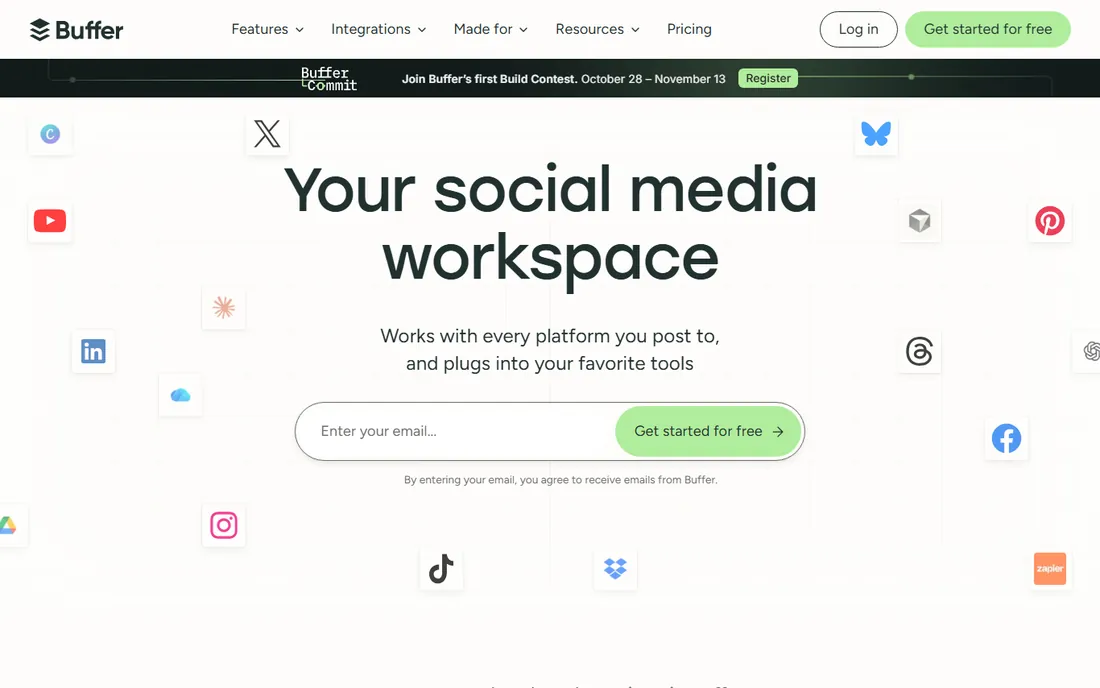
Buffer is the nonprofit default for a reason: the free plan covers the essentials, the interface needs no training, and paid plans stay cheap. Schedule posts across the major networks, check basic analytics, and get on with the mission.
Organizations that outgrow it want deeper analytics or social listening. But for small nonprofits with one person handling social, Buffer is the right starting point.
Buffer's nonprofit discount is the first thing to confirm: apply for the discount before the trial ends so your evaluation reflects the real price. The free tier alone may cover small organizations indefinitely.
Track which posts drive donations during the trial: Buffer's analytics are simple but sufficient for connecting content to fundraising outcomes.
What we like- Generous free plan
- Simplest interface in the category
- Affordable paid tiers
Watch out for- Analytics are basic
- Fewer advanced features than Hootsuite
Starting priceSee website
Free planFree trial
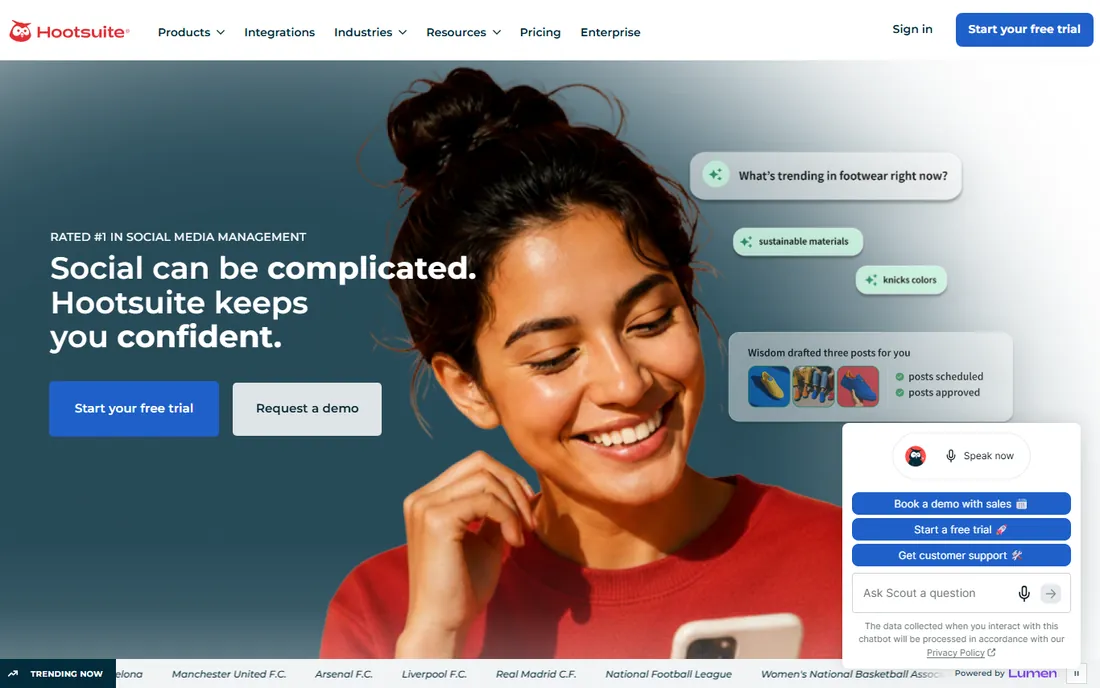
Hootsuite has courted nonprofits for years with discounted pricing and a platform that scales from one user to a whole communications team. Streams monitor mentions and hashtags during campaigns, and the dashboard handles publishing, engagement and reporting.
Ask about nonprofit pricing before evaluating; it changes the value equation substantially. Large nonprofits running serious social programs get the most from it.
Hootsuite's nonprofit program requires application and approval: start that process early since it takes time. The dashboard breadth only matters if your team will actually use more than scheduling.
Test the team workflow with your actual approvers: Hootsuite's approval chains only help if busy executives actually use them.
What we like- Nonprofit discount programs
- Deepest feature set
- Streams and monitoring for campaigns
Watch out for- Pricing climbs quickly
- Interface can overwhelm small teams
Starting priceSee website
Free planYes
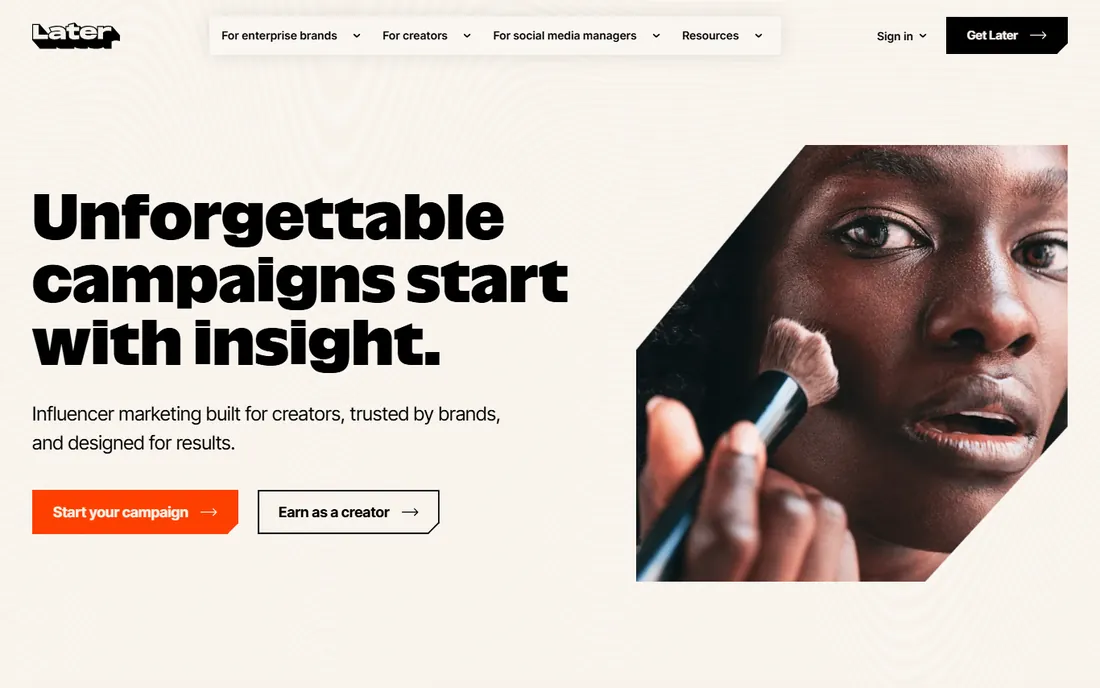
Later suits nonprofits that live on visual platforms: drag posts onto a visual calendar, preview the grid, and manage the link in bio. The free plan handles a modest posting schedule.
Advocacy orgs heavy on X or LinkedIn will find it thinner there. For Instagram and TikTok-first missions, the visual workflow fits.
Later's visual planning suits nonprofits whose storytelling is image-driven: trial it with a real campaign month, from content calendar to scheduled posts. The visual workflow either matches your process or it does not.
Preview how scheduled posts render on each network: Later's visual calendar catches formatting issues before they go live.
What we like- Visual calendar ideal for Instagram and TikTok
- Free plan covers basics
- Link-in-bio tool included
Watch out for- Weaker on X and LinkedIn workflows
- Analytics trail Sprout
Starting priceSee website
Free planFree trial
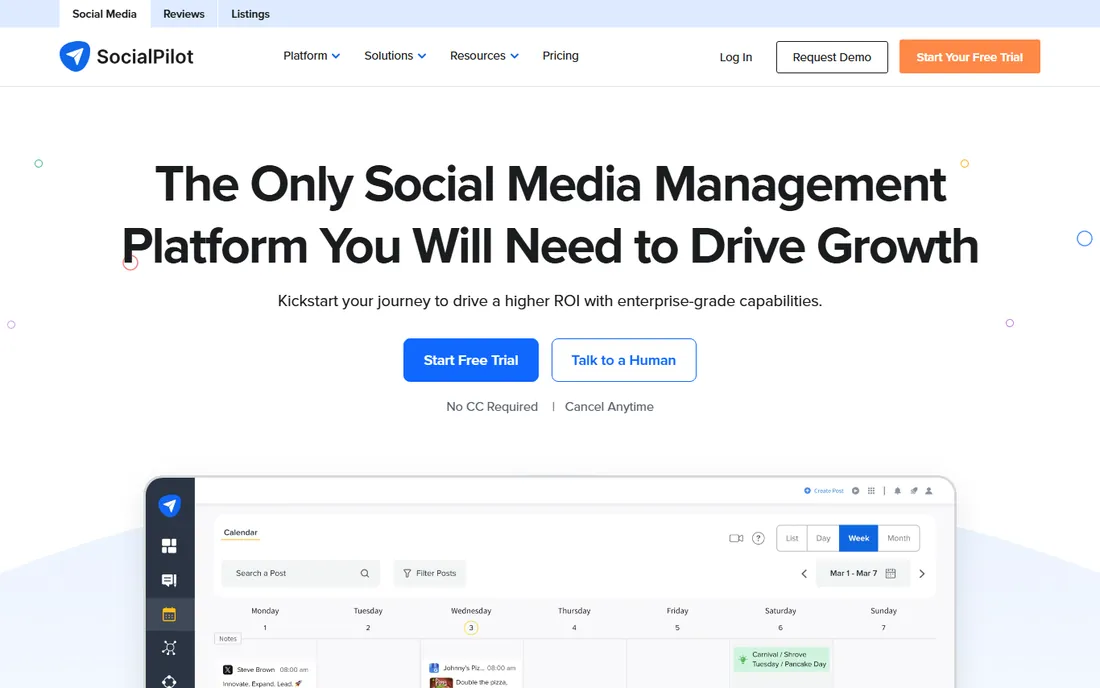
SocialPilot is the value pick for managing many accounts: chapters, programs or client organizations each get their profiles managed from one cheap subscription. Bulk scheduling handles content calendars efficiently.
The interface will not delight anyone, but the price-to-capability ratio is excellent. Nonprofits managing several program accounts on one budget should shortlist it.
SocialPilot's value pricing is the headline for multi-account management: connect all your profiles during the trial and confirm the scheduling workflow holds up at your real volume. The cost advantage is clearest for teams managing many accounts.
Verify the networks you actually use are supported well: SocialPilot covers the majors, but check any niche platforms your audience prefers.
What we like- Very affordable for multiple accounts
- White-label client views for agencies
- Bulk scheduling
Watch out for- Interface less polished
- Analytics are adequate not deep
Starting priceSee website
Free planYes
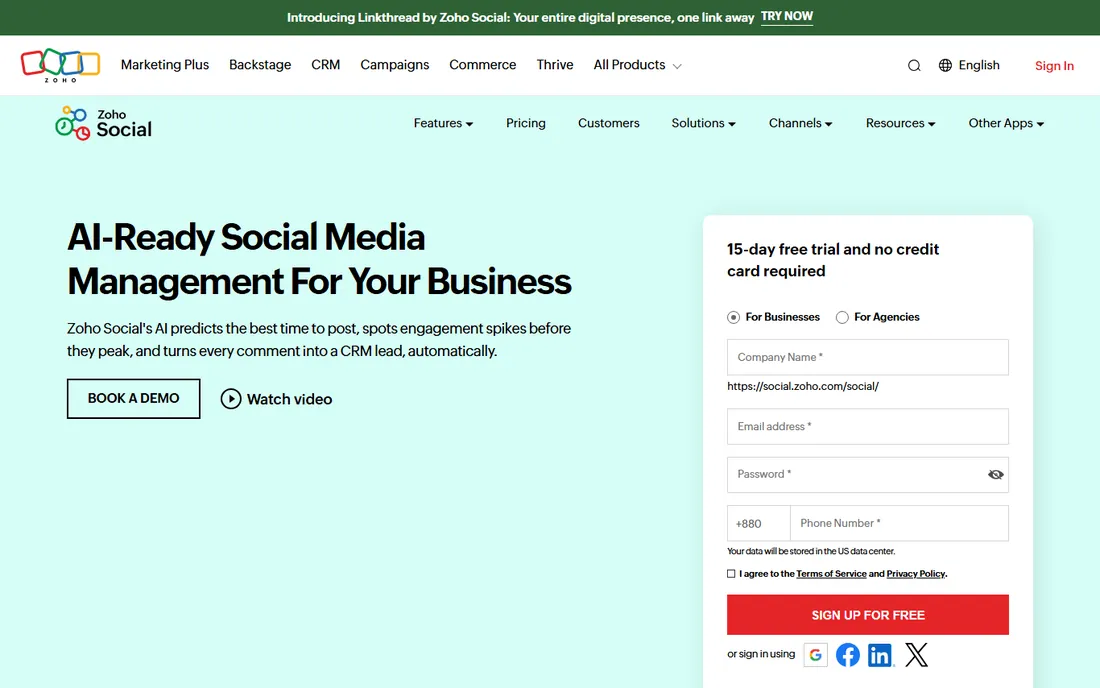
Zoho Social is the quiet value option: scheduling, monitoring and analytics at prices that undercut the big names, with a free tier to start. Organizations already using Zoho CRM or other Zoho tools get natural integration.
It lacks the ecosystem and polish of Hootsuite. For budget-first buyers, especially Zoho shops, it deserves a look.
Zoho Social's integration with the Zoho suite is the deciding factor: nonprofits already on Zoho get scheduling nearly free. Standalone buyers should compare on scheduling merits alone.
Confirm the Zoho CRM integration passes useful data: Zoho Social's value for nonprofits is connecting engagement to donor records.
What we like- Free plan available
- Integrates with the Zoho ecosystem
- Affordable paid tiers
Watch out for- Smaller third-party integration library
- Brand recognition lower
Starting priceSee website
Free planFree trial
Loomly solves the nonprofit volunteer problem: volunteers draft posts, staff approve them, and nothing off-brand goes out. The workflow structure, with post ideas and optimization suggestions, guides less experienced contributors.
Per-user pricing means large volunteer teams cost more. For nonprofits where content comes from many hands, the approval flow is worth it.
Loomly's content collaboration features suit teams where several people draft posts: trial the approval workflow with your actual review process. The post ideas and optimization tips help teams with limited social media experience.
Test the content inspiration features with your cause: Loomly's post ideas need adapting, but they help small teams facing blank calendars.
What we like- Approval workflows for volunteer content
- Post ideas and optimization tips
- Clean calendar interface
Watch out for- Pricing per user adds up
- Fewer networks than Hootsuite
Starting priceSee website
Free planFree trial
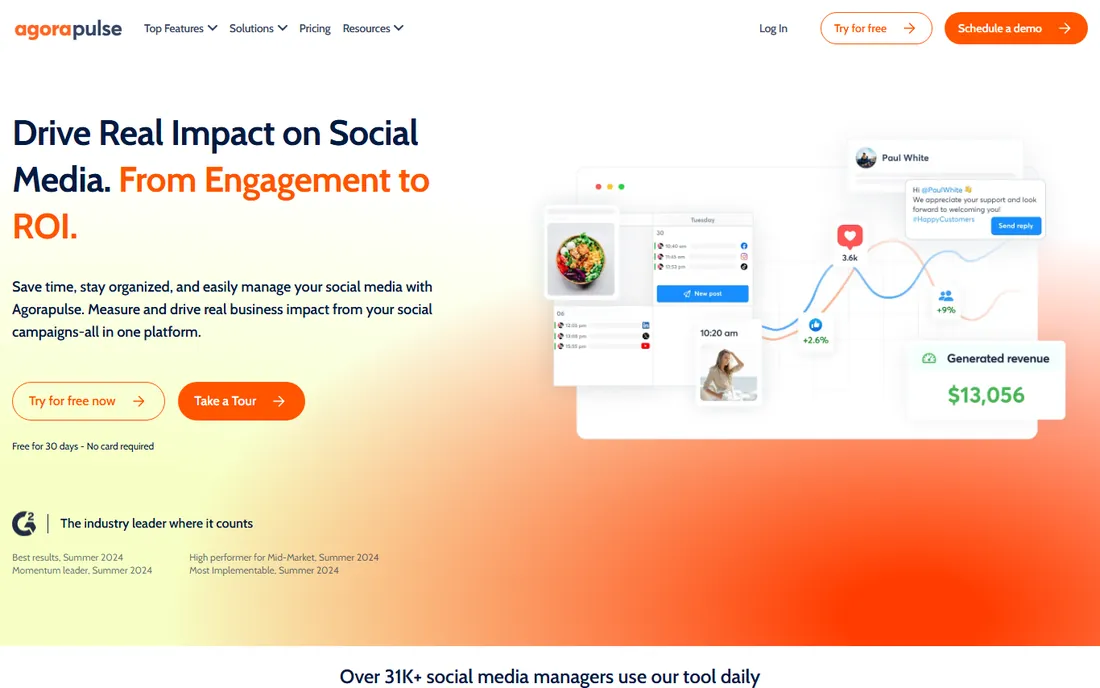
Agorapulse combines publishing with a unified social inbox: comments, messages and mentions from every network in one queue. Nonprofits building community, answering questions and stewarding donors get real value from the engagement side.
If you only broadcast announcements, it is more than you need. For organizations where social is a two-way channel, the inbox justifies the price.
Agorapulse's unified inbox is the feature to stress-test: run your real comment and message volume through it during the trial. Nonprofits that depend on community engagement feel the value in response times.
Check the competitor benchmarking against peer organizations: Agorapulse's reports help boards understand relative performance.
What we like- Unified inbox for all engagement
- Solid publishing and reporting
- Good for community management
Watch out for- Pricing higher than budget tools
- Overkill for broadcast-only use
Starting priceSee website
Free planFree trial
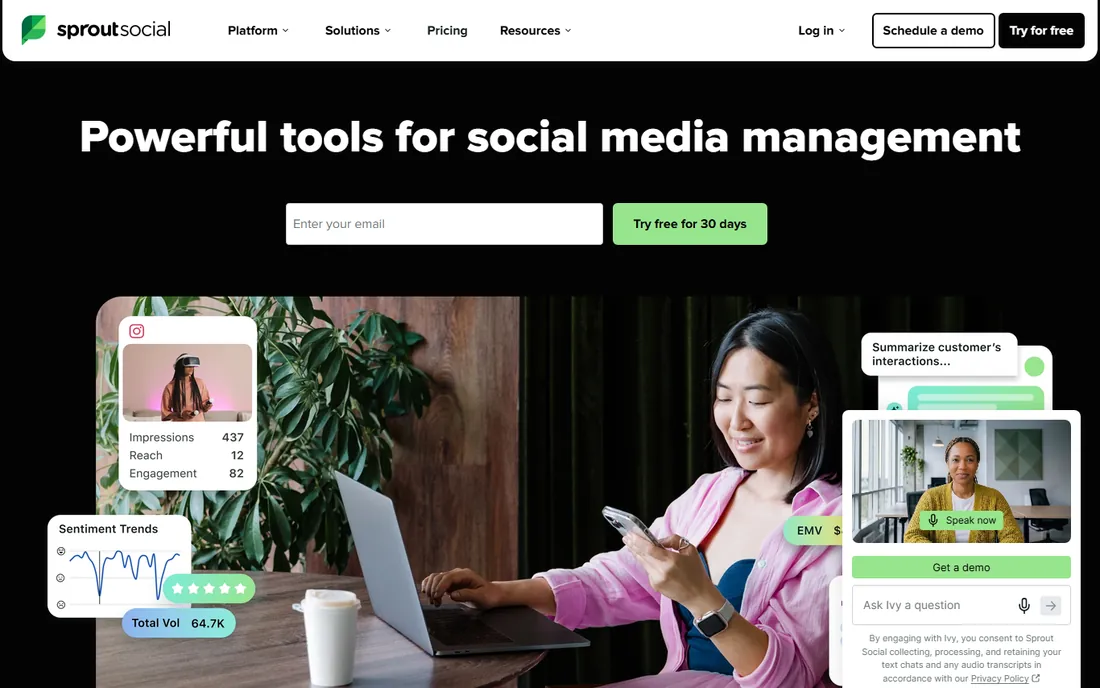
Sprout Social is the professional's platform: deep analytics, social listening, and reporting that impresses boards and funders. Team workflows with approvals and tasking suit staffed communications departments.
The price reflects the positioning. Large nonprofits and foundations where social drives real outcomes can justify it; small orgs should start with Buffer or Later.
Sprout Social's reporting depth is the evaluation focus: generate one real board report during the trial and see whether the metrics tell your impact story. The price is justified by reporting, not scheduling.
Model the cost at your follower growth targets: Sprout Social's per-user pricing rewards small, focused teams over sprawling ones.
What we like- Best-in-class analytics and reporting
- Social listening
- Polished team workflows
Watch out for- Premium pricing
- More than small nonprofits need
Stretching the budget
Always ask about nonprofit pricing: Hootsuite, Sprout Social and others discount substantially for registered nonprofits, sometimes 50% or more. The listed price is rarely the nonprofit price.
Start free where you can: Buffer, Later and Zoho Social all have free tiers that cover real usage. Upgrade when the posting volume or team size demands it, not before. And consolidate: one tool for all networks beats three free tools that fragment the workflow.
What to check before you buy
Volunteer workflows decide the pick: who creates content, who approves it, and how many hands touch each post? Loomly's approvals or Hootsuite's teams handle this; Buffer's simplicity suits solo operators.
Check the networks you actually use: every tool covers the big ones, but TikTok, Threads and LinkedIn support varies. Confirm reporting meets your board's needs: funders respond to reach, engagement and donation attribution. And verify the nonprofit discount in writing before budgeting.
One more check: confirm the approval workflow matches how your organization actually communicates. Nonprofits often need board or executive sign-off on sensitive posts, and the tool should route those approvals without creating bottlenecks. Also verify the analytics exports work for grant reports, since funders increasingly ask for social media metrics alongside traditional outcomes.
Also confirm the link tracking works with your donation platform: attributing gifts to specific posts is what turns social media from overhead into fundraising.
How we chose
We selected social media management tools with pricing and workflows suited to nonprofit realities: tight budgets, small teams, volunteers and mission-driven goals. All eight are live products in 2026. Vendor URLs were corroborated through sibling research files during a browser service outage. No vendor pricing pages were individually verified, so all prices list see website; ask each vendor about nonprofit discounts.
Frequently asked questions
What is the best free social media management tool for nonprofits?
Buffer's free plan is the simplest starting point; Later's free plan suits visual platforms; Zoho Social also offers a free tier. All three cover real nonprofit usage.
Do social media tools offer nonprofit discounts?
Yes. Hootsuite, Sprout Social and others offer substantial nonprofit discounts. Always ask; the discount is rarely automatic.
How should a nonprofit manage social media with volunteers?
Use approval workflows: volunteers draft, staff approve. Loomly is built for this; Hootsuite and Sprout handle it at larger scale.
Which tool is best for Instagram-focused nonprofits?
Later, for its visual calendar and grid preview. Buffer also handles Instagram well at lower cost.
Can nonprofits schedule posts for free?
Yes. Buffer, Later and Zoho Social all offer free scheduling tiers sufficient for modest posting volumes.
What metrics should nonprofits track on social?
Reach and engagement for awareness, link clicks and conversions for donations, follower growth for community building. Report what ties to the mission, not vanity metrics.
Still deciding? Most of these tools offer free tiers or nonprofit discounts, so trial your top two with a real month of content before committing.
Sources we checked (8)
- https://buffer.com
- https://hootsuite.com
- https://later.com
- https://www.socialpilot.co
- https://www.zoho.com/social
- https://www.loomly.com
- https://agorapulse.com/
- https://sproutsocial.com
Is your product missing or out of date?
We review this list regularly. Vendors can request a listing, send updated pricing or ask about featured placement.

Shihab Mia · Founder, Rankite
Shihab has spent more than a decade helping SaaS and e-commerce brands grow through search. He writes Rankite's software buying guides from pricing pages, documentation and public user reviews. More about Shihab.