How we make this list: we compare pricing pages, product documentation and public user reviews. Rankite is independent; if a vendor ever pays for a featured spot, that listing is clearly labeled Partner.
Key takeaways
- The shortlist for most US small businesses: QuickBooks Online ($38/month Simple Start), Xero ($20/month Early) and FreshBooks ($23/month Lite), all with published prices and free trials.
- Spending nothing is possible: Wave is free for accounting, invoicing and receipts, and Zoho Books has a genuinely free plan for small businesses under its revenue cap.
- Solopreneurs who also sell hourly time should look at FreshBooks, where time tracking is built into the invoicing flow rather than bolted on.
- Sage ($38/month Simple Start) and FreeAgent are honest picks for UK-based businesses, but US buyers should treat Sage US availability carefully and check that the tax features cover US requirements.
- Patriot Software ($20/month Accounting Basic) undercuts the big names on price, while Kashoo ($30/month) suits owners who want a simpler bookkeeping ledger without payroll upsells.
Quick comparison
| Tool | Best for | Starting price | Free plan |
|---|
 QuickBooks Online QuickBooks Online | US small businesses that want the accounting standard accountants already know | $38/month (Simple Start) | No (free trial) |
 Xero Xero | Growing businesses that want unlimited users without per-seat fees | $20/month (Early) | No (free trial) |
 FreshBooks FreshBooks | Freelancers and service businesses that bill by the hour | $23/month (Lite) | No (free trial) |
 Wave Wave | Very small US and Canadian businesses that want free accounting | Free | Yes |
 Zoho Books Zoho Books | Small businesses already using Zoho products or wanting a free plan with room to grow | Free plan available / $20/month (Standard) | Yes |
 Kashoo Kashoo | Owners who want simple double-entry bookkeeping without upsell pressure | $30/month | No (free trial) |
 Sage Sage | UK-based businesses that want an established accounting brand | See website (custom quote; UK-focused) | No |
 Patriot Software Patriot Software | Budget-conscious US businesses that want accounting plus payroll from one vendor | $20/month (Accounting Basic) | No (free trial) |
 FreeAgent FreeAgent | UK freelancers and micro businesses that want accounting written for them | See website | No (free trial) |
Is your product missing or out of date?
We review this list regularly. Vendors can request a listing, send updated pricing or ask about featured placement.
The best small business accounting software
Most businesses start accounting in a spreadsheet, and most businesses keep that spreadsheet about six months past its usefulness. It breaks at tax time: income is scattered across payment apps, receipts live in a shoebox or a phone gallery, and nobody can say whether the business made money last quarter. The choice then is usually between DIY software and paying a bookkeeper $200 to $400 a month. These nine tools are the DIY side of that choice, with real starting prices, so you can see what the software costs before the accountant fees.
#1
QuickBooks Online
Best for: US small businesses that want the accounting standard accountants already know
Visit quickbooks.intuit.com
Starting price$38/month (Simple Start)
Free planNo (free trial)
QuickBooks Online is the default answer for a practical reason: your accountant already uses it. That matters at tax time more than any feature list, because an accountant who knows the export format, the chart of accounts setup and the bank reconciliation flow saves you billable hours. Simple Start at $38 per month covers invoicing, expense tracking, receipt capture, bank feeds and tax-time reporting. The plan ladder is steep though: Essentials at $75 adds bill pay and time tracking, Plus at $115 adds inventory and project profitability.
The honest math: many small businesses land on Plus within a year once they need to track inventory or run job costing. Payroll is a separate add-on, and Simple Start allows only one billable user plus your accountant. If you want the product your bookkeeper will not have to learn, this is it. If price per user matters more, Xero undercuts it.
What we like- The widest accountant adoption in the US, so finding help is easy
- Bank feeds with auto-categorization, invoicing, receipt capture and tax-time reports included
- Payroll add-on and 750-plus app integrations for growing businesses
Watch out for- Price rises fast with each plan step up
- The feature gates (bill pay, inventory, project tracking) push many businesses off Simple Start within a year
- Support gets mixed reviews from reviewers
#2
Xero
Best for: Growing businesses that want unlimited users without per-seat fees
Visit xero.com
Starting price$20/month (Early)
Free planNo (free trial)
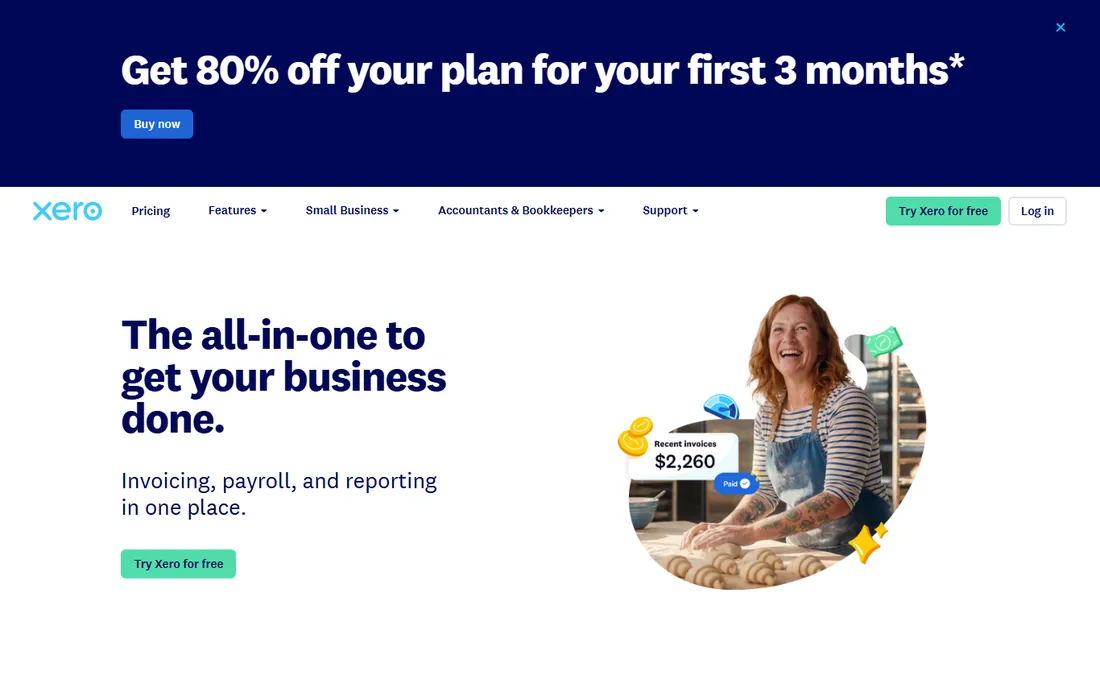
Xero's pitch to US buyers is one number: zero dollars per extra user. QuickBooks charges for each billable seat; Xero lets the whole team, the bookkeeper and the accountant log in on any plan. Early at $20 per month includes bank reconciliation, invoicing and quotes (20 per month cap), Hubdoc receipt capture and sales tax tracking. Growing at $47 removes the invoice caps and adds multi-currency and project tracking.
Bank reconciliation is where Xero earns its reputation: the software learns from your confirmations and suggests matches with unusual accuracy, so the monthly close takes less time each month. US payroll runs through a Gusto integration rather than natively, which adds a second subscription if you need it. For businesses with several people touching the books, the unlimited-users pricing is usually cheaper than QuickBooks by the second user.
What we like- Unlimited users on every plan, so the bookkeeper, accountant and partners all get in free
- Strong bank reconciliation with machine-suggested matches
- 1,000-plus integrations in the Xero app store
Watch out for- The Early plan caps invoices and quotes at 20 per month, which growing businesses outgrow quickly
- Payroll in the US runs through Gusto, not natively
- US support hours are thinner than QuickBooks
#3
FreshBooks
Best for: Freelancers and service businesses that bill by the hour
Visit freshbooks.com
Starting price$23/month (Lite)
Free planNo (free trial)
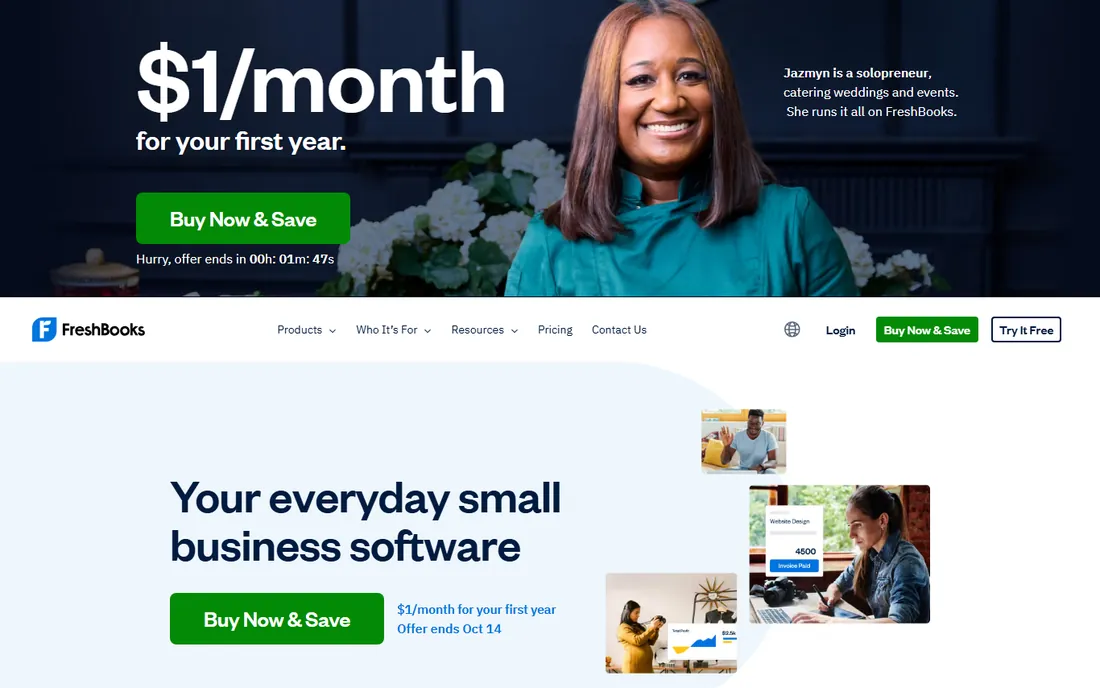
FreshBooks starts from the invoice, not the ledger, and that ordering fits service businesses. The Lite plan at $23 per month includes invoicing for 5 billable clients, expense tracking, time tracking and estimates. A freelancer logs hours on a project, converts the time entry into an invoice, and the client pays online. Late payment reminders and recurring billing run automatically.
The limit that bites is the client cap: Plus at $40 allows 50 clients, and Premium at $60 is unlimited. For a consultant or agency with 15 active clients, Plus is the realistic plan. FreshBooks is not the pick for businesses that need inventory, multi-currency depth or complex payroll; the accounting side is simpler than QuickBooks or Xero by design. For hourly billing workflows, that simplicity is the selling point.
What we like- Time tracking built into the invoicing workflow, so hours become invoices in one flow
- Genuinely easy to learn for non-accountants
- Late payment reminders, retainer billing and client portals included
Watch out for- Lite caps you at 5 billable clients
- Accounting depth is shallower than QuickBooks or Xero (no inventory, limited reporting)
- Jumping plans as client count grows gets expensive
#4
Wave
Best for: Very small US and Canadian businesses that want free accounting
Visit waveapps.com
Starting priceFree
Free planYes
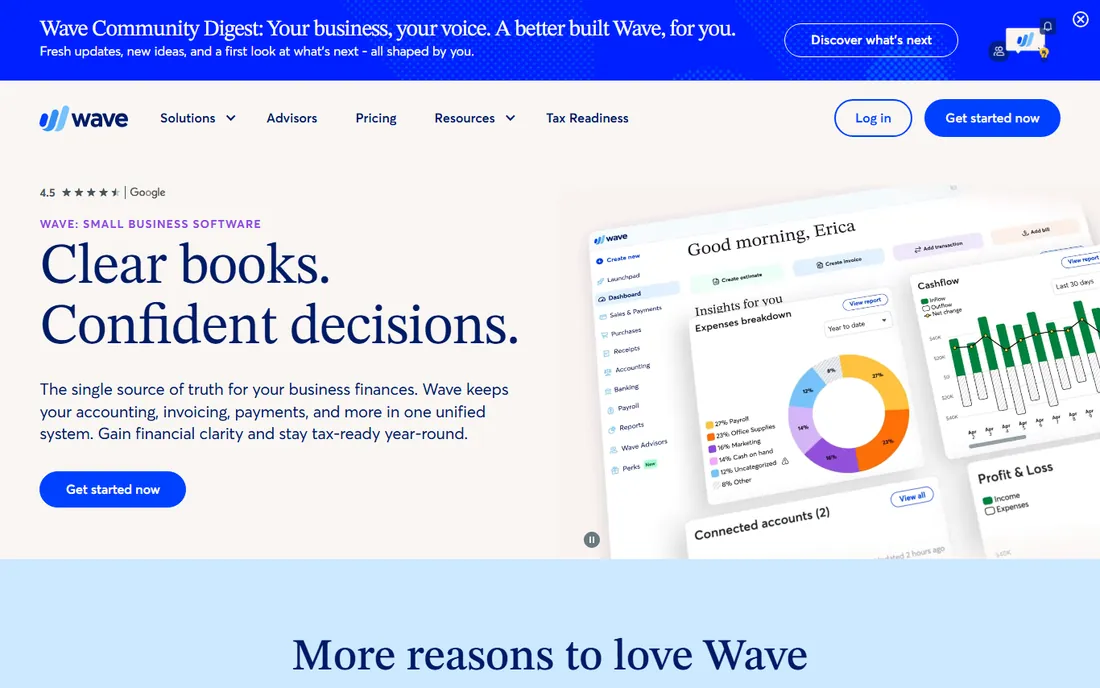
Wave is the answer when the budget is zero. The free plan includes real double-entry accounting, unlimited invoices, estimates, receipt scanning and bank connections. There is no trial window and no card required to start. The business model is the add-ons: payment processing fees when clients pay invoices online, and paid payroll in supported US states and Canada.
For a freelancer or a two-person shop, the free tier covers everything the first year of a business usually needs. The gaps to know: customer support is email-only on free, some advanced reports are missing, and multi-currency support is basic. Reviews consistently rate it as the best free option rather than the best option. If revenue is real and growing, the paid tools above earn their price; if the business is new or part-time, start here and pay nothing.
What we like- Accounting, invoicing and receipt scanning are free with no trial period
- Unlimited invoices and bank connections at no cost
- Payroll add-on available in supported states for businesses that grow into it
Watch out for- No free lunch forever: payment processing and payroll are paid add-ons
- Support is limited on the free plan
- Available in the US and Canada, which limits international businesses
#5
Zoho Books
Best for: Small businesses already using Zoho products or wanting a free plan with room to grow
Visit zoho.com
Starting priceFree plan available / $20/month (Standard)
Free planYes
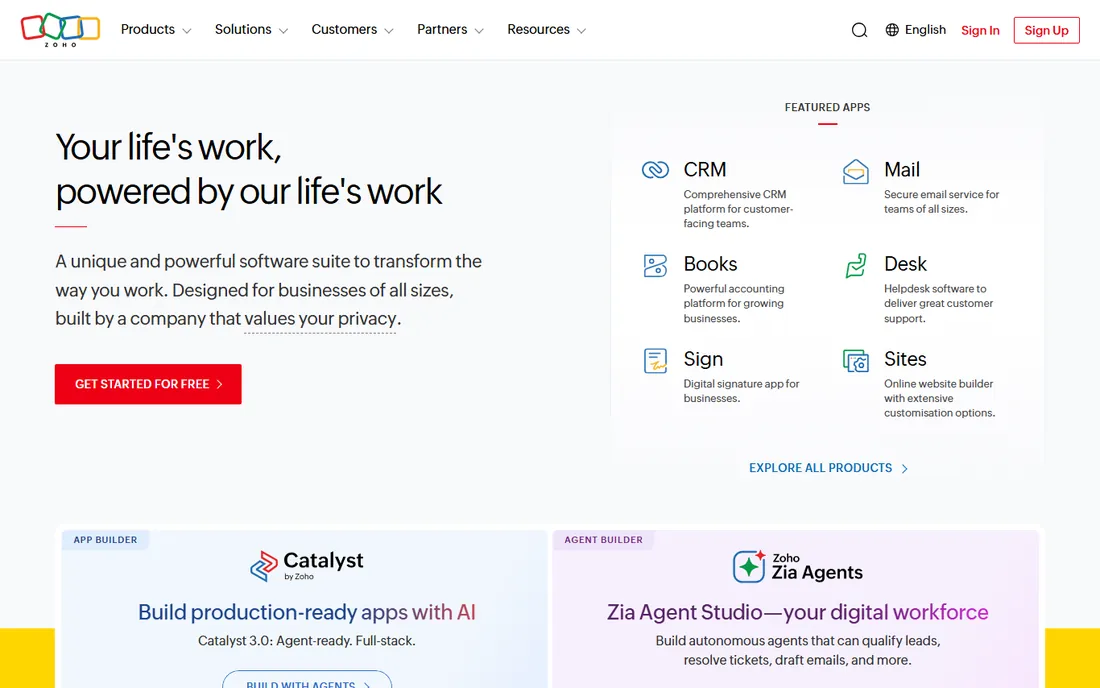
Zoho Books gives away the most generous free tier in this set: businesses under $50,000 in annual revenue get invoicing, expenses, bank reconciliation and reporting for one user and one accountant, free. The paid Standard plan at $20 per month allows 10 users and 5,000 invoices, which undercuts QuickBooks on per-user math for teams.
The strategic question is whether you use the rest of Zoho. Books talks natively to Zoho CRM, Inventory, Projects and Subscriptions, so a business already on Zoho gets a connected system for the price of the accounting plan. Outside the ecosystem it is still a competent tool, but the differentiator narrows. US payroll is not native; it runs through integrations. For small teams that want real accounting software without the QuickBooks price tag, the free plan is the lowest-risk way to start.
What we like- A free plan for businesses under $50,000 annual revenue with 1,000 invoices per year
- Strong value on paid plans (Standard at $20 includes 10 users and 5,000 invoices)
- Tight integration with Zoho CRM, Inventory and the rest of the suite
Watch out for- The free plan's revenue cap means growing businesses move off it
- The ecosystem lock-in is real: best value comes with other Zoho products
- US payroll needs a third-party integration
#6
Kashoo
Best for: Owners who want simple double-entry bookkeeping without upsell pressure
Visit kashoo.com
Starting price$30/month
Free planNo (free trial)
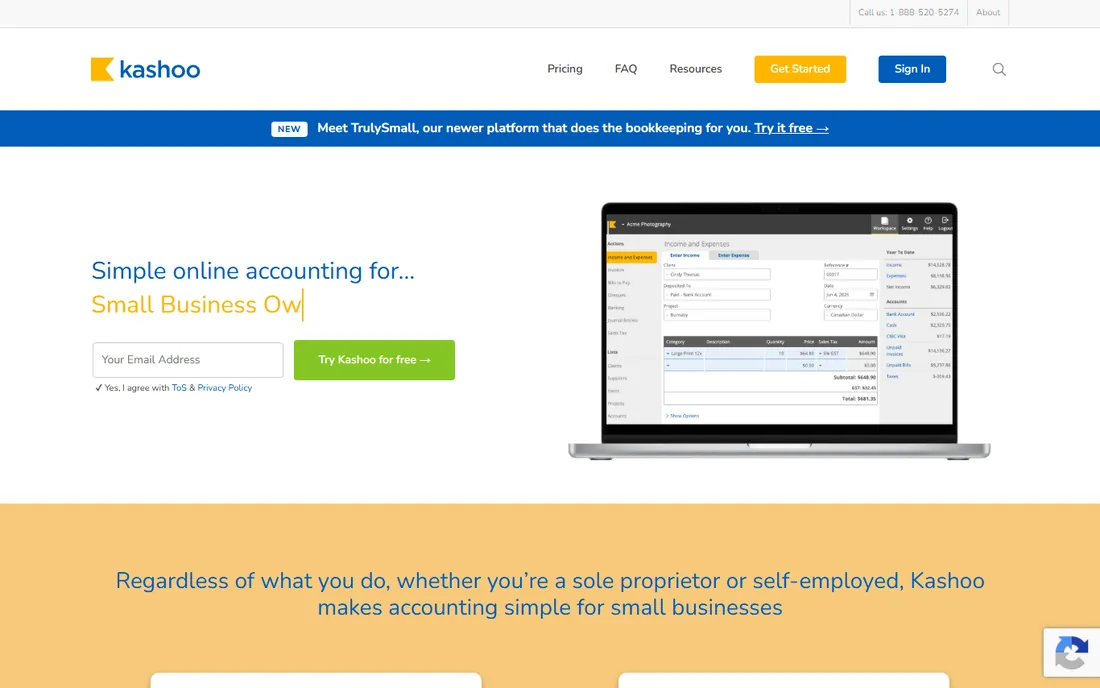
Kashoo deliberately does less than QuickBooks, and for many owners that is the appeal. The single plan at $30 per month includes invoicing, expenses, bank feeds, multi-currency and tax-time reports. The interface stays close to plain bookkeeping language, and reviewers consistently say new users get productive in an afternoon rather than a week.
The trade-off is breadth. There is no inventory module, the integration list is short compared with Xero's app store, and US payroll is not native. It also sits in a branding gray zone: Kashoo was acquired by Trulioo-adjacent entities and repositioned over the years, so buyers should confirm the current product on the site before committing. If your needs are invoicing, expenses, reconciliation and clean year-end books, and you will never touch inventory, the simplicity is worth the narrower feature set.
What we like- Simple interface aimed at non-accountants, with a learning curve reviewers call the gentlest of the paid tools
- True double-entry accounting under the hood
- Multi-currency support included
Watch out for- Smaller integration ecosystem than the big names
- Fewer advanced features (no inventory, limited payroll)
- Fewer accountants know it, so tax-time help takes more searching
#7
Sage
Best for: UK-based businesses that want an established accounting brand
Visit sage.com
Starting priceSee website (custom quote; UK-focused)
Free planNo
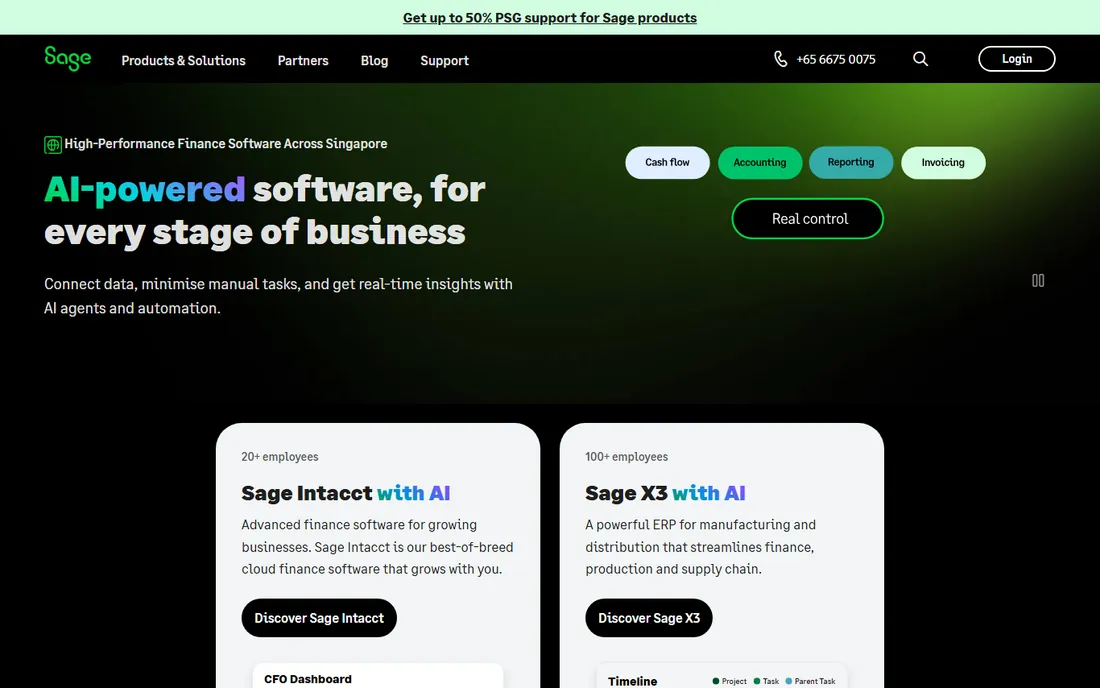
Sage is honest about being a UK-first product, and buyers should take that at face value. In the UK it is a default alongside Xero, with VAT handling, Making Tax Digital compliance and a large accountant network built in. The US business sells different products: Sage 50 for desktop-style small business accounting and Sage Intacct for larger companies, each with its own pricing.
This matters because the marketing site blends them. A US small business owner clicking through will find quote-based pricing rather than a published plan, and the feature list may describe the UK product. If you are UK-based, Sage belongs on the shortlist with Xero and FreeAgent. If you are US-based, treat it as a vendor to evaluate through a sales call, not a self-serve signup, and confirm which US product and price you are actually being quoted.
What we like- Long-established brand with deep UK tax and VAT compliance
- Strong accountant network in the UK
- Product line scales from sole traders to mid-market ERP
Watch out for- UK-focused: US buyers get a different product line (Sage 50, Sage Intacct) with different pricing
- No published starting price on the main site, so buyers enter a sales conversation
- Feature set varies heavily by country
#8
Patriot Software
Best for: Budget-conscious US businesses that want accounting plus payroll from one vendor
Visit patriotsoftware.com
Starting price$20/month (Accounting Basic)
Free planNo (free trial)
Patriot Software competes on price and plainness. Accounting Basic at $20 per month covers the core ledger, bank feeds, invoicing and reporting; Premium at $30 adds recurring invoices, payment reminders and more. The company is better known for payroll, and businesses that buy both get one vendor, one login and US-based support that reviewers consistently praise.
The interface will not win design awards, and the integration list is short next to the app stores of QuickBooks and Xero. For a business that needs clean books, invoicing and payroll without paying for an ecosystem it will never use, the math is simple: $20 to $30 per month for accounting, with payroll from $37 plus per-worker fees if needed. Month-to-month billing with no contracts, which fits businesses that do not want to be locked in.
What we like- The lowest published starting price in this set
- Accounting and payroll from one US-based vendor with one support number
- Premium accounting at $30 adds invoicing extras most competitors gate higher
Watch out for- Basic plan is accounting-only simplicity: no invoicing depth of FreshBooks
- Smaller integration list
- The interface looks dated next to Xero and FreshBooks
#9
FreeAgent
Best for: UK freelancers and micro businesses that want accounting written for them
Visit freeagent.com
Starting priceSee website
Free planNo (free trial)
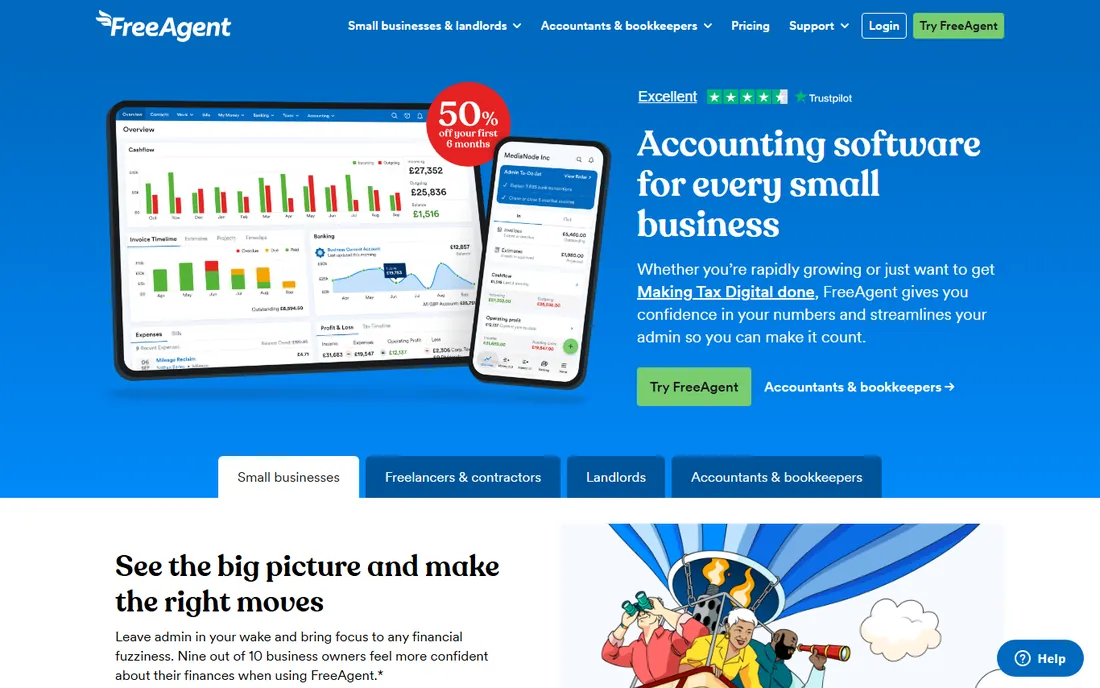
FreeAgent is the clearest UK-only pick on this list. It was designed for UK freelancers: Self Assessment tax timelines, VAT returns, dividend handling for limited companies and Making Tax Digital support. A large share of its users pay nothing at all because NatWest, Mettle and Royal Bank of Scotland include it free with business accounts.
US buyers should stop here: the product does not support US tax, banking or payroll. UK freelancers and micro businesses, though, get a tool that speaks their tax language instead of translating American accounting concepts. The pricing page keeps plans behind a signup flow rather than publishing them, which is the main annoyance. Check your bank first; you may already have it free.
What we like- Built specifically for UK freelancers and small businesses, with Self Assessment and VAT handled natively
- Free for years for NatWest, Mettle and Royal Bank of Scotland business account holders
- Interface written in plain non-accountant language
Watch out for- UK-only product: US buyers cannot use it
- No published price on the pricing page, plans sit behind a signup flow
- Owned by NatWest Group, so the roadmap follows the bank's strategy
Frequently asked questions
What is the cheapest accounting software for a small business?
Wave is free for accounting, invoicing and receipt scanning, with no trial limit. Zoho Books has a free plan for businesses under $50,000 in annual revenue. Among paid tools, Patriot Software starts at $20 per month and Xero at $20 per month. Free is real here, but check what the free tier excludes before tax season, because payment processing and payroll are where the free tools charge.
Do I need accounting software if I have a bookkeeper?
Usually yes, because the software is where the bookkeeper works. Most bookkeepers ask you to set up QuickBooks Online, Xero or Wave so they can log in, reconcile and close the books remotely. Paying a bookkeeper without software means paying them to maintain a spreadsheet, which costs more in billable hours than the $20 to $38 per month the software costs.
Which accounting software is easiest for non-accountants?
FreshBooks and Kashoo get the most praise from non-accountant owners in public reviews, because both were designed around invoicing and plain language rather than ledger concepts. Wave's free plan is also easy to start. QuickBooks Online is the most capable but has the steepest learning curve of the group; most owners need a few weeks or a bookkeeper's help to set it up properly.
Can accounting software handle payroll too?
Some can. QuickBooks Online and Patriot Software sell payroll as add-ons from the same vendor. Xero runs US payroll through Gusto, and Zoho Books through third-party integrations. Wave offers payroll in supported US states. If you have employees, price the payroll add-on before choosing the accounting tool, because the combined monthly cost is what you will actually pay.
Should I pick cash or accrual accounting in the software?
Every tool on this list supports both methods, and you choose during setup. Cash basis records income when money arrives and expenses when money leaves, which matches how most small businesses think. Accrual records income when invoiced and expenses when incurred, which the IRS requires above certain revenue thresholds. If you are unsure, ask your accountant before the first transaction; switching methods later means restating the books.
What small-business accounting software must do
Strip the marketing and every tool on this list has to do five things. First, bank feeds: connect your business checking account and credit cards, import transactions automatically, and suggest categories. Manual entry is how books go stale; if a product cannot connect to your bank, reject it.
Second, invoicing with online payment. Invoices should go out by email, clients should pay by card or bank transfer from the invoice, and the payment should reconcile itself. Third, receipt capture: photograph a receipt on your phone and have it land on the right expense. Fourth, tax-time exports: profit and loss, balance sheet and general ledger exports your accountant can open without conversion gymnastics. Fifth, accountant access: a free accountant login so your tax preparer gets in without using your seat.
Beyond the five, match extras to the business. Inventory tracking matters for product sellers (QuickBooks Plus, Zoho Inventory pairing). Multi-currency matters for anyone billing abroad (Xero, Kashoo). Time tracking matters for hourly billing (FreshBooks). Payroll matters the moment you hire (QuickBooks, Patriot, Wave in supported states). Buy the extras you will use in the next twelve months, not the ones that sound impressive on the pricing page.
Cash vs. accrual: pick before you buy
Every accounting tool on this list asks you to choose a method during setup, and most owners click through without understanding the choice. Cash basis accounting records income when the money hits your account and expenses when the money leaves. It matches how a small business owner thinks about money, it is simpler, and it is what most businesses under the revenue threshold use.
Accrual accounting records income when you send the invoice and expenses when you incur them, regardless of when cash moves. It shows a truer picture of the business, and the IRS requires it once revenue passes certain thresholds (generally $30 million for most businesses under current rules, lower in specific industries). Investors and lenders also prefer accrual books.
The practical advice: start with cash unless your accountant says otherwise, and make the choice before entering the first transaction. Switching methods later means restating prior periods, which is billable work. The software supports both; the decision is yours, and it is worth one conversation with your accountant during setup week.
How we chose
We started with the categories buyers search: accounting software, small business accounting software, best accounting software and bookkeeping software. For each candidate we opened the vendor's own pricing page, checked the stated price against public reviews on G2 and Capterra and practitioner discussion on Reddit, and compared features, integration lists and business-size fit. Where a price could not be verified on the vendor's page we wrote "See website" rather than guessing. UK-focused products are labeled as such instead of being scored against US tax requirements they were never built for.
Sources we checked (11)
- https://quickbooks.intuit.com/pricing/
- https://www.xero.com/us/pricing/
- https://www.freshbooks.com/pricing
- https://www.waveapps.com/pricing
- https://www.zoho.com/books/pricing/
- https://www.kashoo.com/pricing
- https://www.sage.com/en-us/pricing/
- https://www.patriotsoftware.com/pricing/accounting/
- https://www.freeagent.com/pricing/
- https://www.g2.com/categories/accounting
- https://www.capterra.com/accounting-software/
Is your product missing or out of date?
We review this list regularly. Vendors can request a listing, send updated pricing or ask about featured placement.

Shihab Mia · Founder, Rankite
Shihab has spent more than a decade helping SaaS and e-commerce brands grow through search. He writes Rankite's software buying guides from pricing pages, documentation and public user reviews. More about Shihab.