How we make this list: we compare pricing pages, product documentation and public user reviews. Ratings come from G2, Capterra or Trustpilot, with the date we checked them.
What Is the Best Software for Recording and Replaying User Sessions?
The best session replay software for most teams is LogRocket, because it combines session replay with performance monitoring and error tracking in one platform, starting with a free plan of 1,000 sessions a month. If you want unlimited free replay and your site is a web product, Microsoft Clarity is the best free pick, because it records unlimited sessions at no cost. For mobile apps specifically, UXCam is the best dedicated choice, while PostHog is the best option for product teams that want replay, analytics, and feature flags in one open source platform.
Key takeaways
- LogRocket is the best all round session replay tool, pairing replay with error tracking and performance data, with a free tier of 1,000 sessions a month.
- Microsoft Clarity is the best free session replay tool, with unlimited sessions and heatmaps at no cost, and no paid tier to outgrow.
- FullStory is the best enterprise pick for product teams that need deep behavioural analysis, but pricing is quote only and reported around $20,000 a year.
- PostHog is the best open source option, with 5,000 free recordings a month and pay as you go pricing at $0.005 per recording after that.
- Session replay records real user behaviour, so mask sensitive fields, respect consent rules, and check data retention before you turn it on.
How Much Does Session Replay Software Cost in 2026?
Session replay pricing is unusually generous at the free end. Microsoft Clarity is free with unlimited sessions. PostHog gives 5,000 recordings a month free, then charges $0.005 per recording. LogRocket gives 1,000 sessions a month free, with paid Team plans reported at $69 a month in newer sources and $99 a month in older ones, so confirm the current figure on the vendor site. Hotjar, now part of Contentsquare, gives 200,000 sessions a month free, with Growth from $39 a month. Mouseflow gives 500 sessions a month free, with paid plans reported from $31 a month by one price tracker and $39 a month on the vendor blog, so treat the starting figure as uncertain. Lucky Orange starts at $39 a month.
FullStory and UXCam are quote only for paid plans. FullStory is reported around $20,000 a year by third party sources, which puts it in a different budget class from the rest of this guide. The pattern is clear: small teams can run session replay for free, and the paid tiers buy more sessions, longer retention, and enterprise controls.
What Should Session Replay Software Actually Record?
Good session replay software records the session as the user experienced it: mouse movement, clicks, scrolls, taps, and page changes, played back as a video like reconstruction. It should also capture the context around the session, such as the device, browser, and operating system, and the technical events that explain what went wrong, such as JavaScript errors, failed network requests, and slow page loads.
Mobile replay is a separate skill. A tool that only records web sessions will not help an iOS or Android app, so check that the SDK covers your platform and that it records gestures, screen transitions, and crashes rather than just screen recordings. UXCam and LogRocket are the strongest here, because both were built with mobile apps in mind. If your product is a web app only, any tool in this guide will do the recording job.
Start with the platform you need to record. If your product is a website, Clarity is free and unlimited, and Hotjar adds surveys and feedback on top of replay. If your product is a mobile app, UXCam or LogRocket is the right shortlist, because they record gestures and crashes properly. If you already run product analytics, pick the tool that replaces a second vendor: PostHog gives you analytics, replay, and feature flags in one place.
Next, check the privacy controls before you install anything. Session replay can capture passwords, payment details, and personal data by accident, so the tool must mask sensitive fields by default and let you exclude pages or inputs. Check where the data is stored, how long it is kept, and whether the vendor signs a data processing agreement, because replay data is personal data under GDPR and other privacy laws.
Worked Cost Example: A Team Recording 10,000 Sessions a Month
Here is the cost of recording 10,000 sessions a month for one year, using prices from November 2026. Microsoft Clarity costs $0, because sessions are unlimited and free. PostHog costs $300 a year: the first 5,000 recordings a month are free, and the remaining 5,000 cost $0.005 each. Hotjar costs $0 on the free tier, or $468 a year on Growth from $39 a month. LogRocket costs $828 a year at the newer reported Team price of $69 a month, or $1,188 at the older $99 figure, so confirm the current price. Lucky Orange from $39 a month costs $468 a year. FullStory, reported around $20,000 a year, is an order of magnitude more expensive than the rest.
Quick comparison
| Tool | Best for | Starting price | Free plan |
|---|
 LogRocket | Session replay combined with error tracking and performance monitoring | Team from $69 per month in newer sources, $99 per month in older sources, checked 15 Nov 2026 | Free, 1,000 sessions per month |
 FullStory | Enterprise product teams that need deep behavioural analysis | Quote, around $20,000 per year third party reported, checked 15 Nov 2026 | Free trial, no permanent free tier |
 Hotjar (Contentsquare) | Replay, heatmaps, and user feedback in one tool for websites | Growth from $39 per month, checked 15 Nov 2026 | Free, 200,000 sessions per month |
 Microsoft Clarity | Free unlimited session replay for websites | Free, no paid tier, checked 15 Nov 2026 | Free, unlimited sessions |
 Mouseflow | Session replay and heatmaps for small websites | From $31 per month third party reported, $39 per month on the vendor blog, checked 15 Nov 2026 | Free, 500 sessions per month |
 PostHog | Open source product analytics with session replay and feature flags in one platform | Free, then $0.005 per recording after 5,000 free recordings a month, checked 15 Nov 2026 | Free, 5,000 recordings per month |
 Lucky Orange | Affordable session replay with live chat for small ecommerce sites | From $39 per month, checked 15 Nov 2026 | Free trial, no permanent free tier |
 UXCam | Session replay built for iOS and Android apps | Quote for paid plans, checked 15 Nov 2026 | Free trial, no permanent free tier |
Is your product missing or out of date?
We review this list regularly. Vendors can request a listing, send updated pricing or ask about featured placement.
| Tool | Best for | Starting price | Free plan |
| LogRocket | Session replay with error and performance data | Team from $69 per month, reported | 1,000 sessions per month |
| FullStory | Enterprise behavioural analysis | Quote, around $20,000 per year reported | Free trial |
| Hotjar (Contentsquare) | Replay, heatmaps, and surveys in one tool | Growth from $39 per month | 200,000 sessions per month |
| Microsoft Clarity | Free unlimited session replay | Free | Unlimited sessions |
| Mouseflow | Replay and heatmaps for small websites | From $31 per month, reported | 500 sessions per month |
| PostHog | Open source replay, analytics, and feature flags | Free, then $0.005 per recording | 5,000 recordings per month |
| Lucky Orange | Affordable replay with live chat | From $39 per month | Free trial |
| UXCam | Session replay for mobile apps | Quote | Free trial |
#1LogRocket
Best for: Session replay combined with error tracking and performance monitoring4.6/5 on
G2 (2,403 reviews, checked Oct 2026)
Visit logrocket.com
Starting priceTeam from $69 per month in newer sources, $99 per month in older sources, checked 15 Nov 2026
Free planFree, 1,000 sessions per month
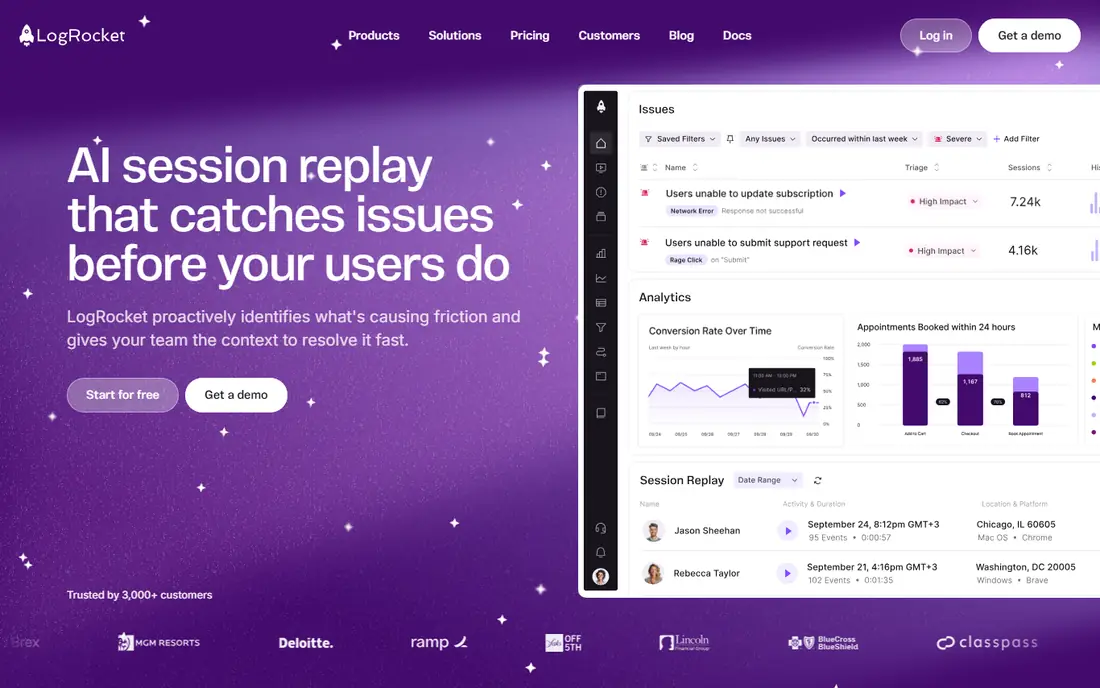
LogRocket is the session replay tool that answers the question of why a user failed, not just what they did. The replay is linked to the console errors, failed network requests, and performance timings from the same session, so when a user hits a bug you can watch the exact session and see the error that caused it. That combination of replay and debugging data is the reason product and engineering teams pick LogRocket over a replay only tool.
What we like- Replay is tied to the exact console errors, network requests, and performance events in the session, works on web and mobile, strong issue identification tooling
Watch out for- The Team price is reported at $69 a month in newer sources and $99 a month in older ones, so the current figure needs confirming, and session limits on lower plans can run out fast on high traffic sites
#2FullStory
Best for: Enterprise product teams that need deep behavioural analysis4.5/5 on
G2 (1,052 reviews, checked Oct 2026)
Visit fullstory.com
Starting priceQuote, around $20,000 per year third party reported, checked 15 Nov 2026
Free planFree trial, no permanent free tier
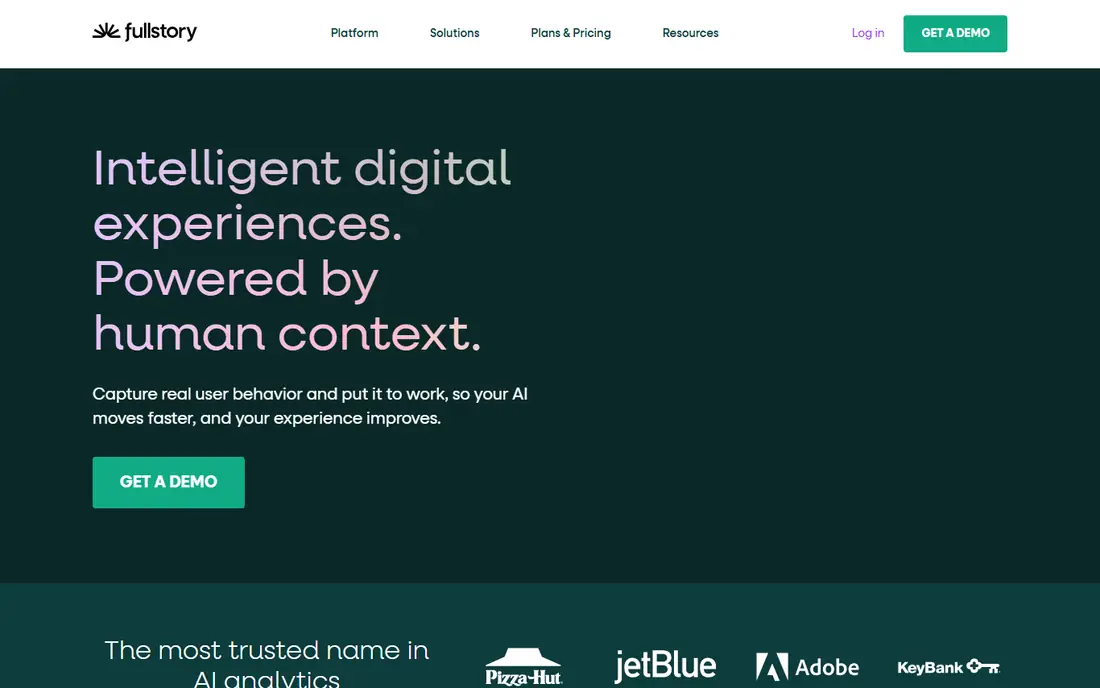
FullStory is the enterprise end of session replay. Its patented data capture records every click, scroll, keystroke, and page change, and the analysis tools let product teams search across millions of sessions for patterns, such as every user who rage clicked on the checkout button, or every session that ended with a specific error. Integrations push that insight into product analytics, support, and experimentation tools. The honest catch is cost and process.
What we like- Patented data capture records every click, scroll, and interaction, powerful search and analysis across millions of sessions, strong integrations with product and support tools
Watch out for- Pricing is quote only and reported around $20,000 a year, which is far above the rest of this guide, and the sales process is built for enterprise buyers
#3
Hotjar (Contentsquare)
Best for: Replay, heatmaps, and user feedback in one tool for websites
Visit hotjar.com
Starting priceGrowth from $39 per month, checked 15 Nov 2026
Free planFree, 200,000 sessions per month
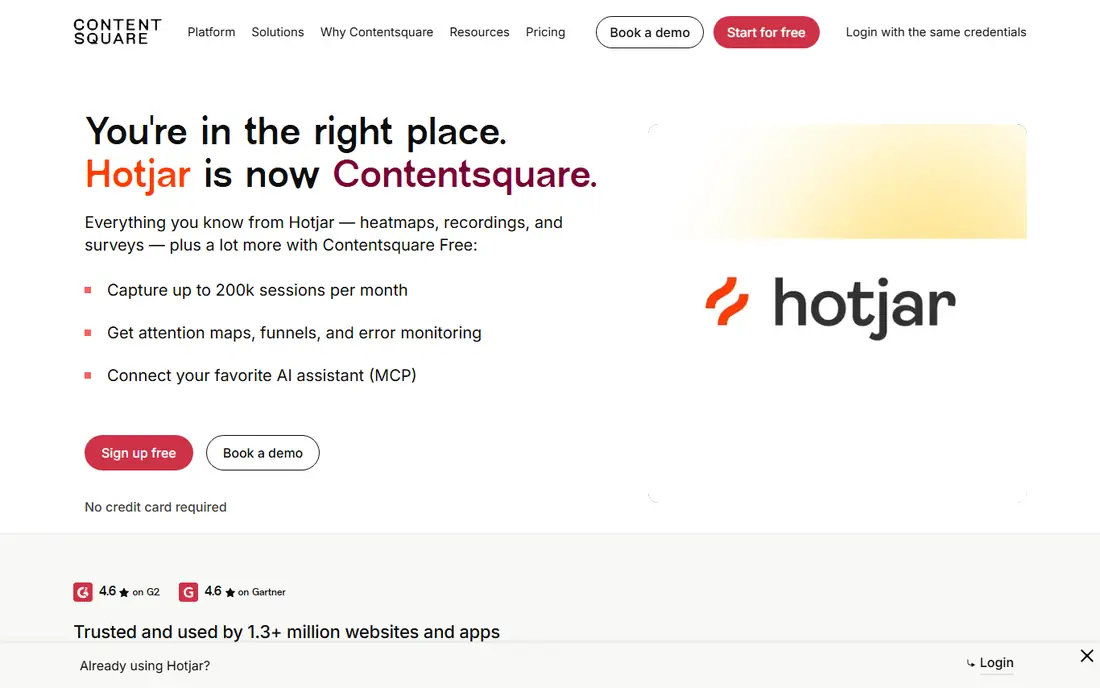
Hotjar, now part of Contentsquare, is the session replay tool most small websites start with, because the free tier is remarkably generous: 200,000 sessions a month, with heatmaps and surveys included. That means a small or mid size site can run replay indefinitely without paying. The Growth plan from $39 a month adds more features, longer retention, and higher limits. The combination of replay, heatmaps, and surveys is the point: you can watch a user struggle, see where others clicked on the same page, and then ask them what went wrong, all in one tool.
What we like- The most generous free tier in this guide at 200,000 sessions a month, heatmaps, surveys, and feedback widgets in the same product, simple setup with no code change for basic recording
Watch out for- The free tier has limited features and retention, and the Contentsquare rebrand means pricing and plan names have changed, so confirm the current plan before you buy
Starting priceFree, no paid tier, checked 15 Nov 2026
Free planFree, unlimited sessions
Microsoft Clarity is the only tool in this guide that is free with no catch: unlimited sessions, unlimited heatmaps, and no paid tier. It records sessions, builds heatmaps, and flags smart insights such as rage clicks, dead clicks, and quick backs, and it integrates with Google Analytics so you can jump from a traffic segment straight into the sessions behind it. The honest limits are scope and depth.
What we like- Completely free with unlimited sessions and heatmaps, no paid tier to outgrow, integrates with Google Analytics, smart insights flag rage clicks and dead clicks
Watch out for- No mobile app SDK for native iOS or Android recording, fewer analysis features than FullStory or LogRocket, and the data lives in Microsoft cloud services
#5Mouseflow
Best for: Session replay and heatmaps for small websites4.6/5 on
G2 (691 reviews, checked Oct 2026)
Visit mouseflow.com
Starting priceFrom $31 per month third party reported, $39 per month on the vendor blog, checked 15 Nov 2026
Free planFree, 500 sessions per month
Mouseflow is the straightforward session replay tool for small websites. It records sessions, builds heatmaps, tracks funnels, and analyses forms, so you can see where users drop out of a checkout or abandon a sign up form. GDPR compliance with EU hosting is a real advantage for European sites, and the setup is simple enough that a small team can have it running in an afternoon.
What we like- Records sessions, heatmaps, funnels, and form analytics in one tool, GDPR compliant with EU hosting, simple setup and clear pricing
Watch out for- The starting price is reported at $31 a month by one price tracker and $39 a month on the vendor blog, so the current figure needs confirming, and the free tier covers only 500 sessions a month
#6PostHog
Best for: Open source product analytics with session replay and feature flags in one platform4.5/5 on
G2 (1,053 reviews, checked Oct 2026)
Visit posthog.com
Starting priceFree, then $0.005 per recording after 5,000 free recordings a month, checked 15 Nov 2026
Free planFree, 5,000 recordings per month
PostHog is the open source product analytics platform that includes session replay as one module alongside product analytics, feature flags, experiments, and surveys. That breadth is the point: instead of buying four tools, a product team runs one platform and the replay sits next to the analytics that explain what the user was doing. Pricing is transparent and usage based: 5,000 recordings a month are free, then each recording costs $0.005, so a team recording 10,000 sessions a month pays $25 a month. The honest catch is complexity.
What we like- Open source with self hosting available, replay, product analytics, feature flags, and experiments in one platform, transparent usage based pricing
Watch out for- The platform is broad, so a team that only wants replay pays in complexity, and self hosting adds operational work if you choose that route
#7Lucky Orange
Best for: Affordable session replay with live chat for small ecommerce sites4.6/5 on
G2 (389 reviews, checked Oct 2026)
Visit luckyorange.com
Starting priceFrom $39 per month, checked 15 Nov 2026
Free planFree trial, no permanent free tier
Lucky Orange is the affordable all rounder for small ecommerce sites. It combines session replay, dynamic heatmaps, and live chat in one package from $39 a month, and visitor profiles pull every session from a single person into one view, so you can follow a returning customer across visits. Setup is simple, with direct integrations for Shopify and WordPress, and the price stays flat rather than scaling with every session.
What we like- Replay, heatmaps, and live chat in one affordable package, visitor profiles that show every session from a single person, simple setup for Shopify and WordPress
Watch out for- No permanent free tier, only a trial, and the analysis depth is below LogRocket and FullStory for large product teams
#8UXCam
Best for: Session replay built for iOS and Android apps4.6/5 on
G2 (211 reviews, checked Oct 2026)
Visit uxcam.com
Starting priceQuote for paid plans, checked 15 Nov 2026
Free planFree trial, no permanent free tier
UXCam is the session replay tool built for mobile apps first. It records gestures, screen transitions, and crashes on iOS and Android, with heatmaps and funnel analysis designed for app screens rather than web pages. The lightweight SDK is built not to slow the app down, which matters when users notice performance. That mobile focus is the reason app teams choose UXCam over a web tool with a mobile SDK bolted on. The honest catch is pricing transparency: paid plans are quote only, so a small app team needs a sales conversation to get a number.
What we like- Built specifically for mobile apps, records gestures, screen transitions, and crashes, heatmaps and funnel analysis for app screens, lightweight SDK
Watch out for- Pricing is quote only for paid plans, and the web recording is weaker than the mobile recording, so a web first product should look elsewhere
Frequently asked questions
Is session replay software legal?
Session replay is legal when you use it properly, but the data it captures is personal data under laws such as GDPR. You need a lawful basis, usually consent, and you must tell users in your privacy policy that sessions are recorded.
What is the difference between session replay and heatmaps?
Session replay records individual user sessions that you can watch back as a video like reconstruction, showing exactly what one person did. Heatmaps aggregate many sessions into a visual map of where users clicked, scrolled, and moved the mouse. Replay tells you why one user failed. Heatmaps tell you where most users struggle.
Can session replay record mobile apps?
Yes, but only with a tool that has a native mobile SDK. UXCam and LogRocket are the strongest in this guide for iOS and Android, because they record gestures, screen transitions, and crashes. Microsoft Clarity and Hotjar are web tools and do not record native app sessions.
How long are session recordings kept?
Retention depends on the tool and the plan. Free plans usually keep recordings for 30 days or less, while paid plans extend retention to 90 days or more. FullStory and LogRocket offer longer retention on enterprise plans. Check the retention period before you buy, because a session that has expired cannot be recovered, and a short retention window can hide problems that take weeks to surface.
Does session replay slow down my website?
A well built session replay script adds very little load, because it records changes rather than streaming video. Most vendors, including Clarity, Hotjar, and LogRocket, use lightweight scripts that run asynchronously. Test the impact on your own site with a performance tool before and after installation, and exclude pages where performance is critical, such as checkout, if you see a measurable slowdown.
Sources we checked (11)
- https://www.logrocket.com
- https://www.logrocket.com
- https://www.fullstory.com
- https://www.hotjar.com
- https://www.clarity.microsoft.com
- https://www.mouseflow.com
- https://www.posthog.com
- https://www.luckyorange.com
- https://www.uxcam.com
- https://www.fullstory.com
- https://www.logrocket.com
Is your product missing or out of date?
We review this list regularly. Vendors can request a listing, send updated pricing or ask about featured placement.

Shihab Mia · Founder, Rankite
Shihab has 5+ years in B2B and SaaS SEO. He writes Rankite's software buying guides from pricing pages, documentation and public user reviews. More about Shihab.