How we make this list: we compare pricing pages, product documentation and public user reviews. Ratings come from G2, Capterra or Trustpilot, with the date we checked them.
Key takeaways
- Burp Suite Professional remains the standard for hands on manual testing, while OWASP ZAP is the best free starting point for automated scanning.
- Automated scanners find common flaws fast, but they miss logic flaws and multi step issues that manual testing catches, so mature teams use both.
- StackHawk, Bright Security and Beagle Security suit teams that want scanning inside CI pipelines without a large enterprise platform.
- Invicti and Acunetix suit enterprises that need proof based scanning and lower false positives across many web targets.
- Price by target, user or scan volume before you choose, because the same tool can be cheap for one team and expensive for another.
Quick comparison
| Tool | Best for | Starting price | Free plan |
|---|
 Burp Suite Professional Burp Suite Professional | Manual penetration testing | $499 per user per year | Free trial |
 OWASP ZAP OWASP ZAP | Free automated scanning | Free | Yes |
 Invicti Invicti | Enterprise proof based scanning | See website | No |
 Acunetix Acunetix | Deep automated web scanning | See website | Free trial |
 StackHawk StackHawk | Developer first CI scanning | $10 per user per month | Free trial |
 Bright Security Bright Security | Developer led DAST in pipelines | See website | Free trial |
 Beagle Security Beagle Security | Managed web and API testing | $99 per month | Free trial |
 Nikto Nikto | Quick open source checks | Free | Yes |
Is your product missing or out of date?
We review this list regularly. Vendors can request a listing, send updated pricing or ask about featured placement.
Starting price$499 per user per year
Free planFree trial
Burp Suite Professional is the tool most professional web testers reach for first. It lets testers intercept traffic, modify requests, repeat attacks with variations, and scan for flaws in a workflow built for hands on work. For complex applications with login flows, multi step forms and business logic, that manual control finds issues that automated scans miss.
The cost and skill needs are real. At $499 per user per year, a team of testers needs a budget line, and a junior team will need training to use Burp well. Burp fits best for penetration testing teams, security consultants and AppSec teams that do manual assessments alongside automated scanning.
What we like- Industry standard proxy for manual web testing
- Powerful scanner, intruder and repeater tools
- Large extension ecosystem through the BApp Store
Watch out for- Per user price adds up for large teams
- Manual testing needs skilled testers
- Community edition lacks the full scanner
#2OWASP ZAP
Best for: Free automated scanning4.7/5 on
G2 (14 reviews, checked Oct 2026)
Visit zaproxy.org
Starting priceFree
Free planYes
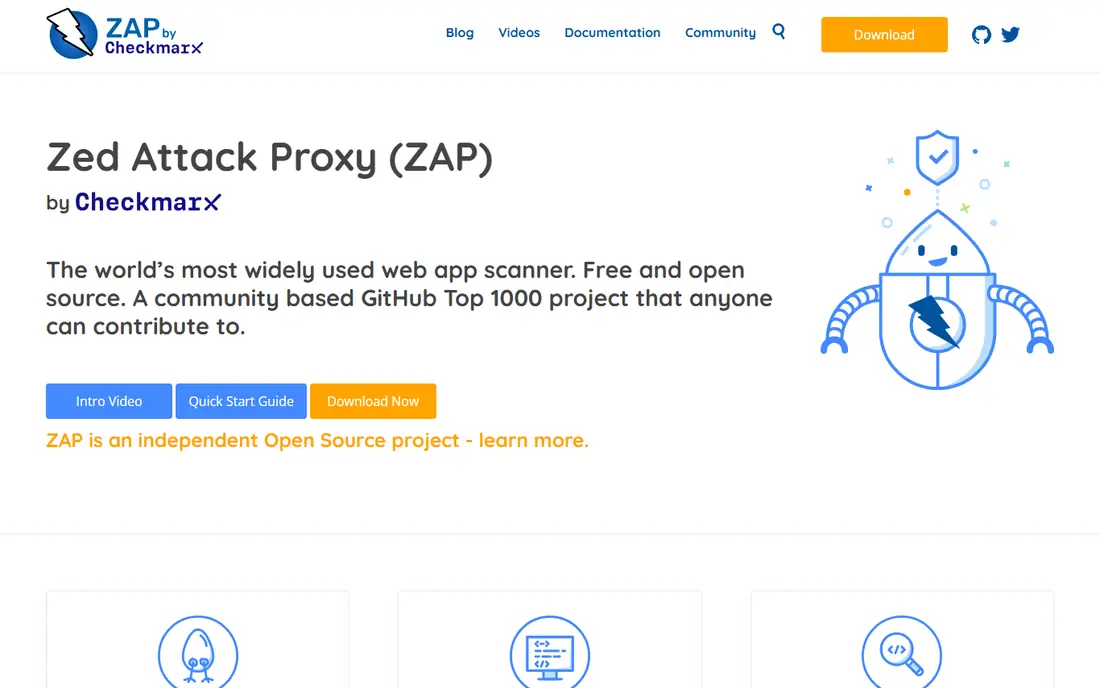
OWASP ZAP, now maintained as ZAP by Checkmarx, is the best free web application security testing tool for most teams. It spiders applications, runs passive scans on traffic, and runs active scans that probe for common flaws such as injection and cross site scripting. Because it is free, teams can run it on every build without worrying about per scan license cost.
ZAP is not a managed service. Your team must install, configure and tune it, and you must review results to separate real flaws from noise. For developers and DevSecOps teams that want baseline scanning in CI, ZAP is an excellent start, and many mature teams run ZAP for automation plus Burp for manual testing.
What we like- Free and open source with no license cost
- Active and passive scanning plus API testing
- Runs headless in Docker for CI pipelines
Watch out for- No vendor support contract by default
- Manual testing depth trails Burp Suite
- Teams must tune scans and handle false positives themselves
#3Invicti
Best for: Enterprise proof based scanning4.5/5 on
G2 (72 reviews, checked Oct 2026)
Visit invicti.com
Starting priceSee website
Free planNo
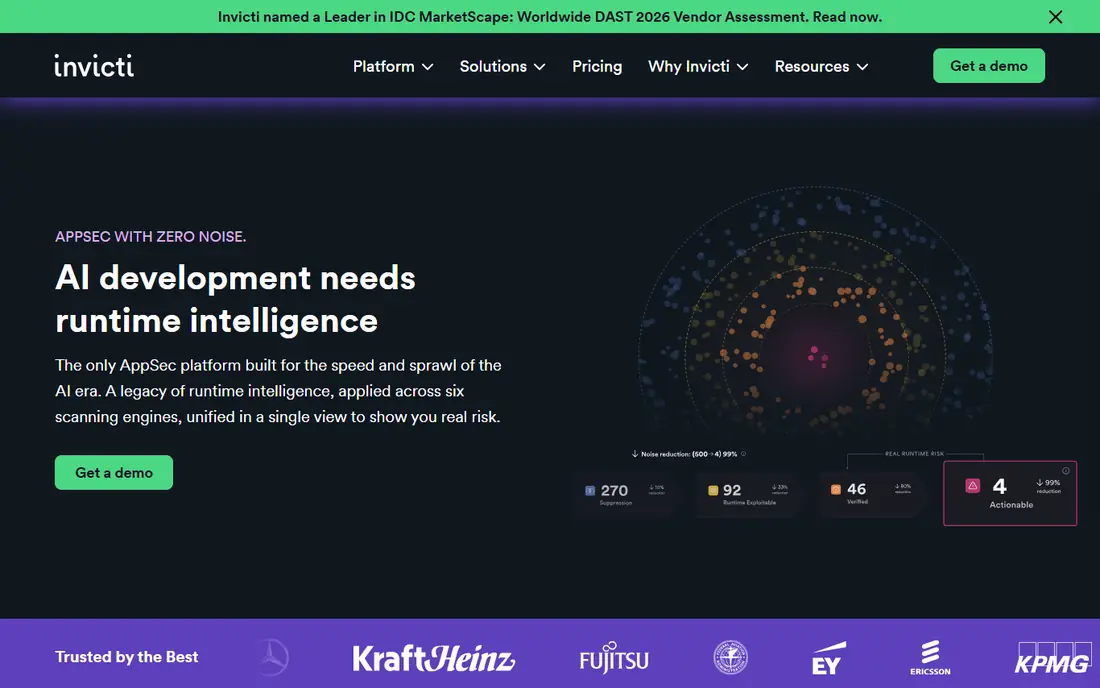
Invicti suits enterprises that scan many web applications and APIs and need results that developers trust. Its proof based approach tries to confirm exploitable flaws before reporting them, which reduces time wasted on false positives. That trust matters when security teams send findings to large development orgs each week.
The trade off is price and complexity. Invicti is quote based, and pricing often depends on target count, so small teams should compare it with StackHawk or Beagle before committing. It fits best for AppSec teams with a large web estate, compliance reporting needs and a workflow for triaging findings at scale.
What we like- Proof based scanning that confirms many flaws with evidence
- Web and API scanning in one platform
- Enterprise reporting and workflow integrations
Watch out for- Pricing is quote based and enterprise oriented
- Setup for large estates takes time
- Smaller teams may find it more than needed
#4Acunetix
Best for: Deep automated web scanning4.1/5 on
G2 (105 reviews, checked Oct 2026)
Visit acunetix.com
Starting priceSee website
Free planFree trial
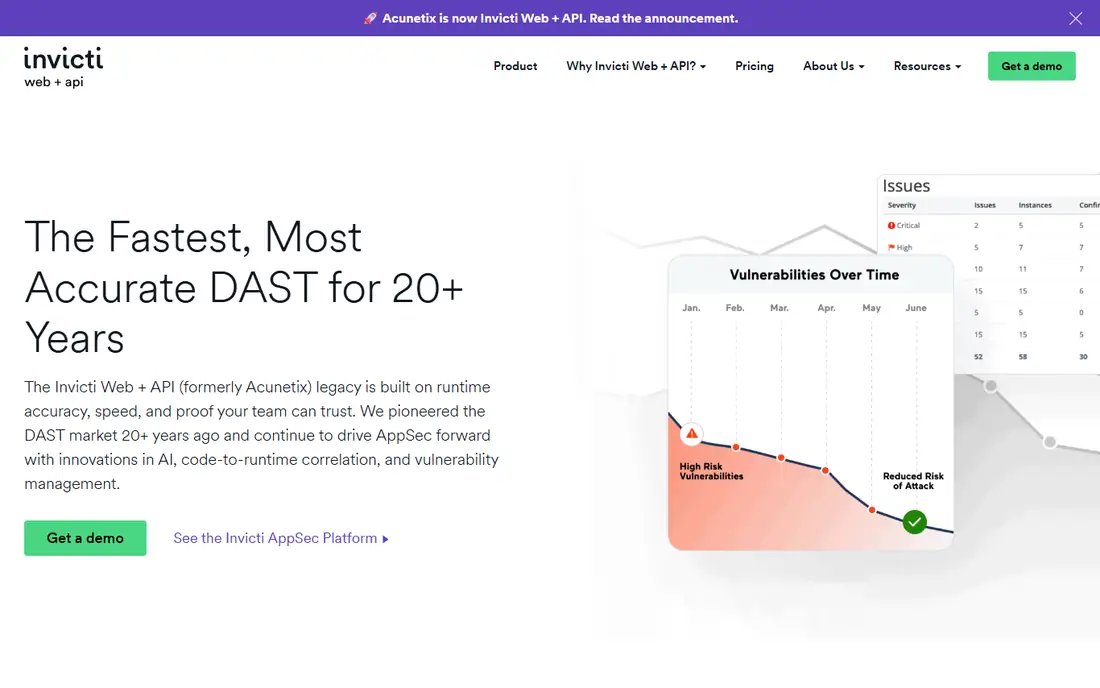
Acunetix, also part of Invicti, remains a strong standalone automated scanner for web applications. It covers a wide range of flaws, handles modern web technologies, and produces reports that developers can act on without deep security training. For teams that want automated depth without building a manual testing practice, Acunetix is a solid choice.
As with Invicti, pricing requires a quote in many cases, so total cost depends on targets and features. Complex authenticated applications need careful scan configuration, including login handling and crawl settings, or coverage will be incomplete. Trial Acunetix on your hardest application, not only on a simple test site, before you buy.
What we like- Deep automated scanning for web applications and APIs
- Large vulnerability database with regular updates
- Detailed reports for remediation
Watch out for- Pricing is quote based for many plans
- Scan tuning needed for complex authenticated apps
- Enterprise features add cost
#5StackHawk
Best for: Developer first CI scanning4.6/5 on
G2 (68 reviews, checked Oct 2026)
Visit stackhawk.com
Starting price$10 per user per month
Free planFree trial
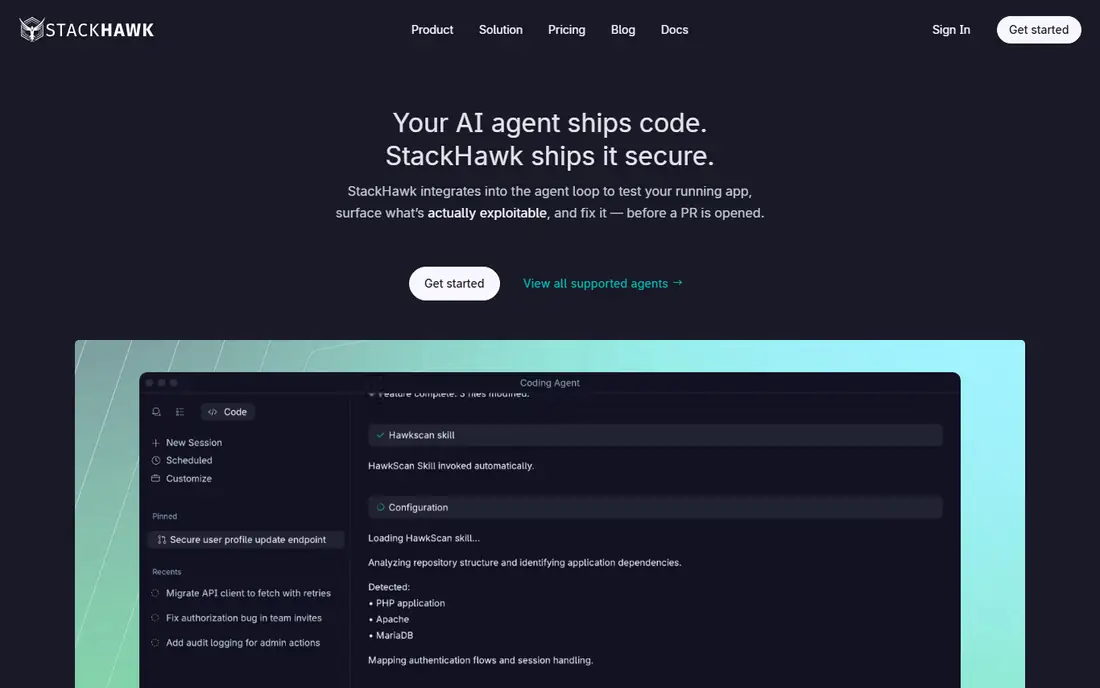
StackHawk is designed for teams that want security scanning to feel like part of development, not a separate audit step. It integrates with CI pipelines, scans running applications, and gives developers findings in a format they can fix during normal work. The Wingman entry tier at $10 per user per month makes it accessible for small teams.
StackHawk does not replace manual penetration testing or enterprise DAST for very large estates. It is best as the shift left scanner for development teams, paired with periodic manual testing for high risk applications. If your goal is to catch common flaws on every pull request, StackHawk fits well.
What we like- Built for developers with CI pipeline integration
- Uses ZAP based scanning with developer friendly workflows
- Low entry price for small teams
Watch out for- Depth trails enterprise DAST platforms for large estates
- Some advanced features sit on higher tiers
- Manual testing still needs another tool
#6Bright Security
Best for: Developer led DAST in pipelines4.7/5 on
G2 (29 reviews, checked Oct 2026)
Visit brightsec.com
Starting priceSee website
Free planFree trial
Bright Security focuses on developer led dynamic testing, which means it tests running applications rather than only reviewing code. That approach catches runtime issues, authentication problems and API flaws that static tools can miss. Pipeline integration helps teams run scans on each release without a separate security gate that slows delivery.
The main caution is pricing and setup. Many plans are quote based, so small teams should request a clear price for their target count and scan frequency. Also, dynamic scanning only covers what it can reach, so authenticated areas and complex flows need proper configuration during setup.
What we like- Dynamic scanning designed for CI and developer workflows
- API and web application coverage
- Integrates with common pipeline and ticketing tools
Watch out for- Pricing is quote based for many plans
- Setup needs API or application access configured correctly
- Enterprise reporting depth varies by tier
Starting price$99 per month
Free planFree trial
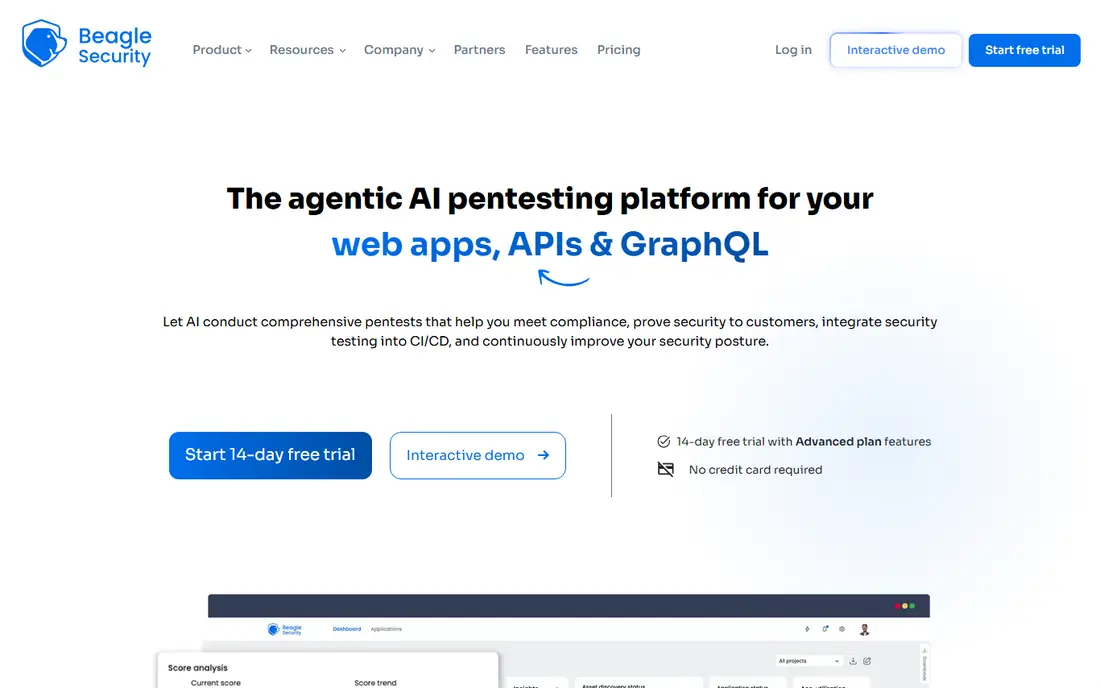
Beagle Security suits teams that want testing results and reports without building a full AppSec team. It scans web applications and APIs, produces compliance oriented reports, and offers a clear entry price that small and mid size teams can budget for. For companies that need regular penetration test style reports for customers or audits, that managed model helps.
The limit is control. Beagle is not a manual testing proxy like Burp, so teams that need hands on exploitation and custom logic testing will still need Burp or a penetration testing partner. Use Beagle for regular automated testing and reporting, and add manual testing for high risk applications.
What we like- Managed DAST platform with web and API testing
- Compliance ready reports
- Clear entry pricing from $99 per month
Watch out for- Managed approach gives less manual control than Burp
- Advanced plans rise in price
- Smaller ecosystem than larger enterprise platforms
Starting priceFree
Free planYes
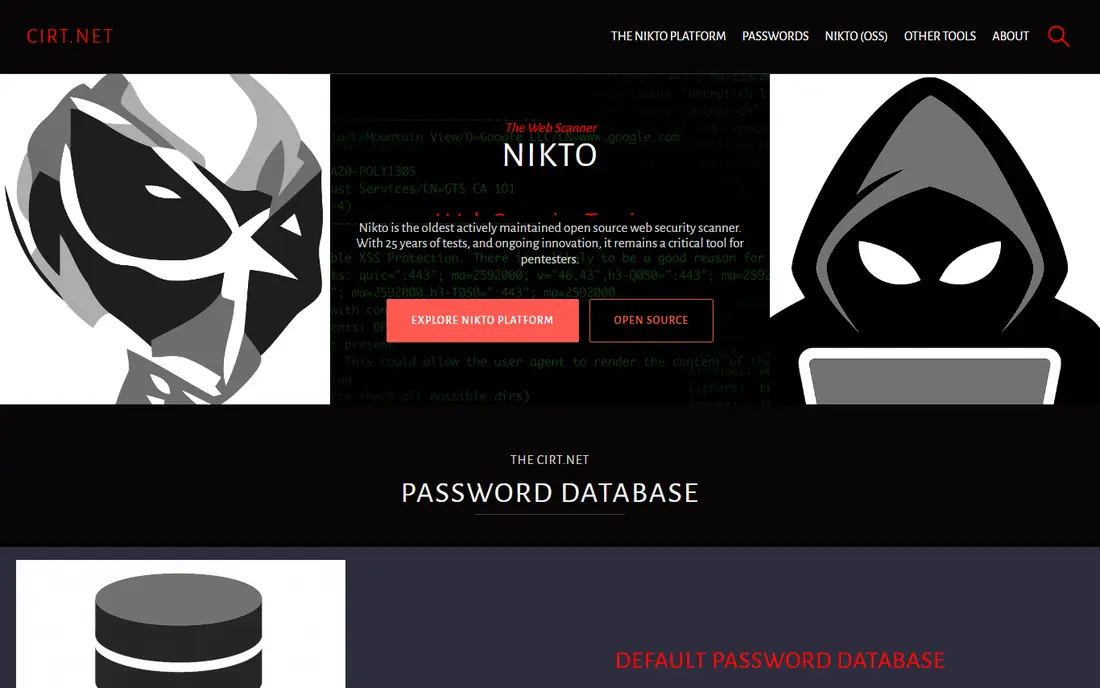
Nikto is an older open source scanner, but it still has a place for quick checks. It probes a web server for outdated versions, dangerous files, misconfigurations and known vulnerabilities, and it runs quickly from the command line. For a fast first pass on a new server or a legacy application, Nikto gives useful signal at no cost.
Nikto does not replace a modern DAST tool. It lacks the crawling, authentication handling and modern web coverage of ZAP, Burp or commercial scanners, and its findings need human review. Use Nikto as a quick check alongside a main scanner, not as your only web application security test.
What we like- Free and open source
- Fast checks for outdated software, misconfigurations and known issues
- Easy to run from the command line
Watch out for- Limited depth compared with modern DAST tools
- No full manual testing workflow
- Results need review to avoid noise
Building a web testing routine that works
Start with a baseline scan on every application, then add manual testing for high risk apps such as payment, account and admin flows. Automated tools catch common flaws at scale, while manual testing catches logic flaws, broken access controls and multi step attacks. A routine that uses only one method will miss a whole class of issues.
Scan in CI, test manually on release
Put ZAP or StackHawk in CI for every build, so common flaws are caught before release. Schedule manual testing with Burp for major releases and for applications that handle sensitive data or money. Keep findings in the same ticketing system as development work, so security issues compete fairly with feature work instead of sitting in a separate report.
Measure coverage, not only findings
Count how many authenticated areas, API endpoints and user roles your scans actually reach. A scan that reports zero findings but only crawled the login page is not a clean result, it is an incomplete scan. Review crawl coverage, authentication success and API discovery after each major application change.
How we chose
We compared web application security tools using vendor pricing pages, documentation, and public reviews on G2, Capterra and Reddit, plus scanning depth, CI integration, manual testing support and team size fit. We favored tools that test running web applications today, that support authenticated scanning, and that publish pricing or a clear quote path. Tools were left out when they were only static code scanners with no web testing, when they were discontinued, or when web testing features could not be confirmed. This guide covers testing tools, not legal advice on penetration testing, so only test applications you own or have written permission to test.
Frequently asked questions
What is the best security testing tool for web applications?
Burp Suite Professional is best for manual testing, OWASP ZAP is best for free automated scanning, and Invicti or Acunetix are best for enterprise automated scanning. Most mature teams use ZAP or StackHawk for CI scanning plus Burp for manual testing, because no single tool covers both jobs equally well.
Is OWASP ZAP still free?
Yes, ZAP is free and open source. You can run it on unlimited machines without a license fee, including in CI pipelines. Support comes from the community and documentation rather than a paid vendor contract, unless you buy support through a vendor offering.
How much does Burp Suite Professional cost?
Burp Suite Professional costs $499 per user per year at the time of writing. A free Community edition is available, but it lacks the full automated scanner and some professional features. Enterprise pricing for larger teams is available by quote from PortSwigger.
Do automated scanners find all web vulnerabilities?
No, automated scanners find common flaws well, but they miss business logic flaws, complex access control issues and multi step attacks that require human judgment. That is why penetration testing and manual review remain important for high risk applications, even when automated scanning runs on every build.
Should developers run security scans in CI?
Yes, running a DAST tool such as ZAP or StackHawk in CI catches common flaws early, when fixes are cheaper and faster. Start with non blocking scans that report findings, then move to blocking gates for high severity issues once the team trusts the scan results and false positive rate.
What is the difference between DAST and SAST for web apps?
DAST tests a running application by sending requests and observing responses, which is what most tools in this list do. SAST reviews source code without running the application. DAST finds runtime and configuration issues, while SAST finds code level flaws earlier. Many teams use both, plus manual testing, for full coverage.
Sources we checked (9)
- https://www.portswigger.net
- https://www.zaproxy.org
- https://www.invicti.com
- https://www.acunetix.com
- https://www.stackhawk.com
- https://www.brightsec.com
- https://www.beaglesecurity.com
- https://www.cirt.net
- https://qodex.ai/blog/best-api-security-testing-tools
Is your product missing or out of date?
We review this list regularly. Vendors can request a listing, send updated pricing or ask about featured placement.

Shihab Mia · Founder, Rankite
Shihab has 5+ years in B2B and SaaS SEO. He writes Rankite's software buying guides from pricing pages, documentation and public user reviews. More about Shihab.