How we make this list: we compare pricing pages, product documentation and public user reviews. Rankite is independent; if a vendor ever pays for a featured spot, that listing is clearly labeled Partner.
Key takeaways
- SDR# is the default first install for RTL-SDR and Airspy owners on Windows; SDR Console is the most polished free option for serious listening.
- GQRX and SDR++ cover Linux and Mac users; SDRangel adds transmit and dozens of digital decoders.
- GNU Radio is the toolkit for building your own signal processing; SDRTrunk is the specialist for trunked public-safety radio.
- Every tool on this list is free. The real decision is which one supports your hardware and your operating system.
Quick comparison
| Tool | Best for | Starting price | Free plan |
|---|
 SDR# SDR# | Windows beginners with RTL-SDR or Airspy hardware | Free | Yes |
 SDR Console SDR Console | Serious shortwave, satellite and weak-signal listening on Windows | Free for amateur use (commercial license required) | Yes |
 GQRX GQRX | Linux and Mac users who want open-source listening | Free | Yes (open source, GPL) |
 SDRangel SDRangel | Digital mode decoding and transmit experiments | Free | Yes (open source) |
 HDSDR HDSDR | Lightweight listening on older or modest Windows PCs | Free | Yes (freeware) |
| SDR++ | A fast, modern cross-platform all-rounder | Free | Yes |
 GNU Radio GNU Radio | Engineers and students building custom signal processing | Free | Yes (free and open source) |
 SDRTrunk SDRTrunk | Monitoring trunked public-safety and DMR radio systems | Free | Yes (open source, GPL) |
 OpenWebRX OpenWebRX | Putting your receiver on the web for yourself or the public | Free | Yes (open source) |
Is your product missing or out of date?
We review this list regularly. Vendors can request a listing, send updated pricing or ask about featured placement.
The best sdr radio software
Your new RTL-SDR dongle arrives, you plug it in, and now the antenna hears everything: aircraft, weather satellites, ham radio, pagers, the local repeater. The hardware cost thirty dollars. The software that turns those raw signals into voices and data costs nothing, and choosing the right program is the difference between an evening of discovery and an evening of driver errors. These nine programs are the ones the SDR community actually uses, and all of them are free.
#1
SDR#
Best for: Windows beginners with RTL-SDR or Airspy hardware
Visit airspy.com
Starting priceFree
Free planYes
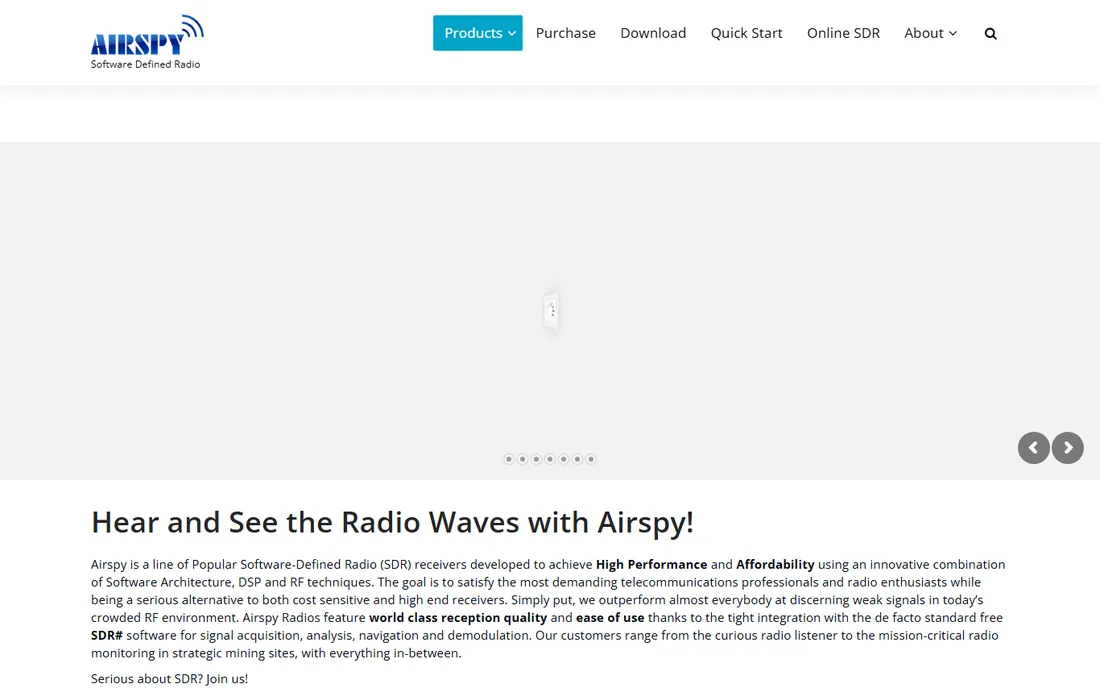
SDR# (pronounced SDR Sharp) is where almost everyone starts: free, Windows-native, and documented in hundreds of tutorials. Plug in an RTL-SDR or Airspy, and you are listening to FM, airband, ham radio and more within minutes. The plugin system adds digital decoders, scanners and satellite tracking.
It is Windows-only and closed-source, which bothers the Linux crowd. But for the beginner who just wants the thing to work, SDR#'s documentation depth and hardware support make it the safest first install.
What we like- The de facto standard: most tutorials, plugins and hardware guides assume SDR#
- Clean interface with excellent demodulators
- Tight integration with Airspy hardware
Watch out for- Windows only
- Closed source
- The plugin ecosystem is powerful but scattered across the community
#2
SDR Console
Best for: Serious shortwave, satellite and weak-signal listening on Windows
Visit sdr-radio.com
Starting priceFree for amateur use (commercial license required)
Free planYes
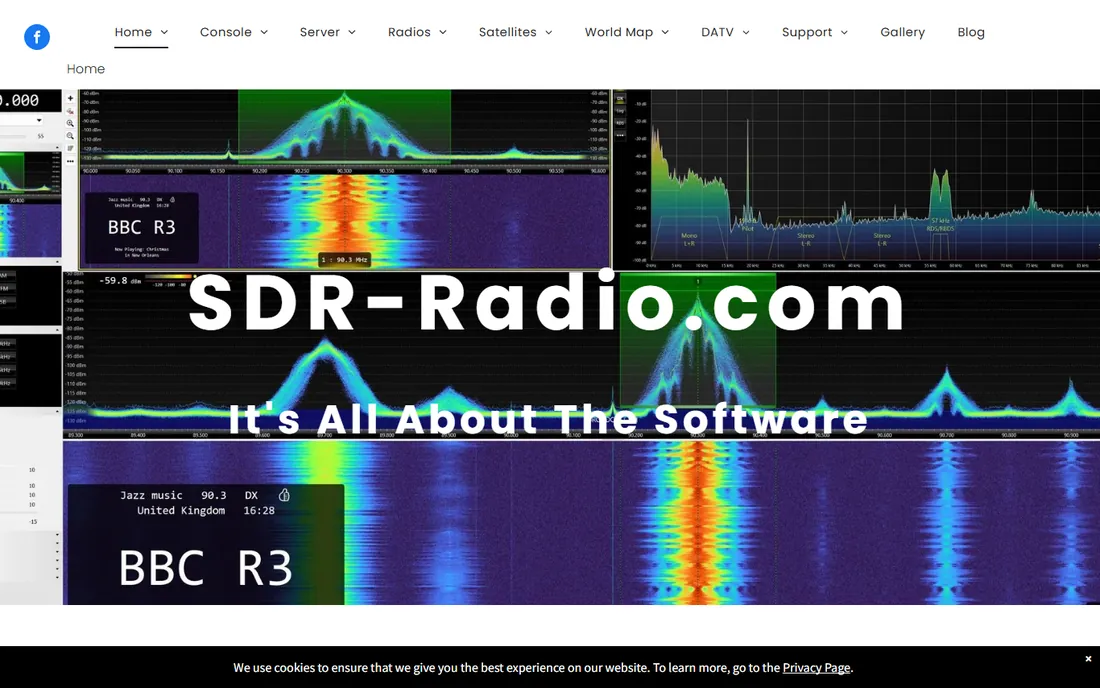
SDR Console by Simon Brown is the enthusiast's choice for serious listening: outstanding weak-signal performance, satellite tracking, multiple receivers running simultaneously, and now AI-assisted noise reduction for pulling voices out of static. It supports radios from most major manufacturers, and development is visibly active.
The learning curve is real, and it is Windows-only. But for the shortwave listener, satellite chaser or contester who wants the best free receiver performance available, this is the top of the list.
What we like- The most polished free SDR program: superb receiver performance and noise reduction
- Supports a huge range of hardware from SDRplay to Airspy to Hermes Lite
- Actively developed with new DSP features
Watch out for- Windows only (Mac users need virtualization)
- The depth of options overwhelms beginners
- Commercial use requires a paid license
#3
GQRX
Best for: Linux and Mac users who want open-source listening
Visit gqrx.dk
Starting priceFree
Free planYes (open source, GPL)
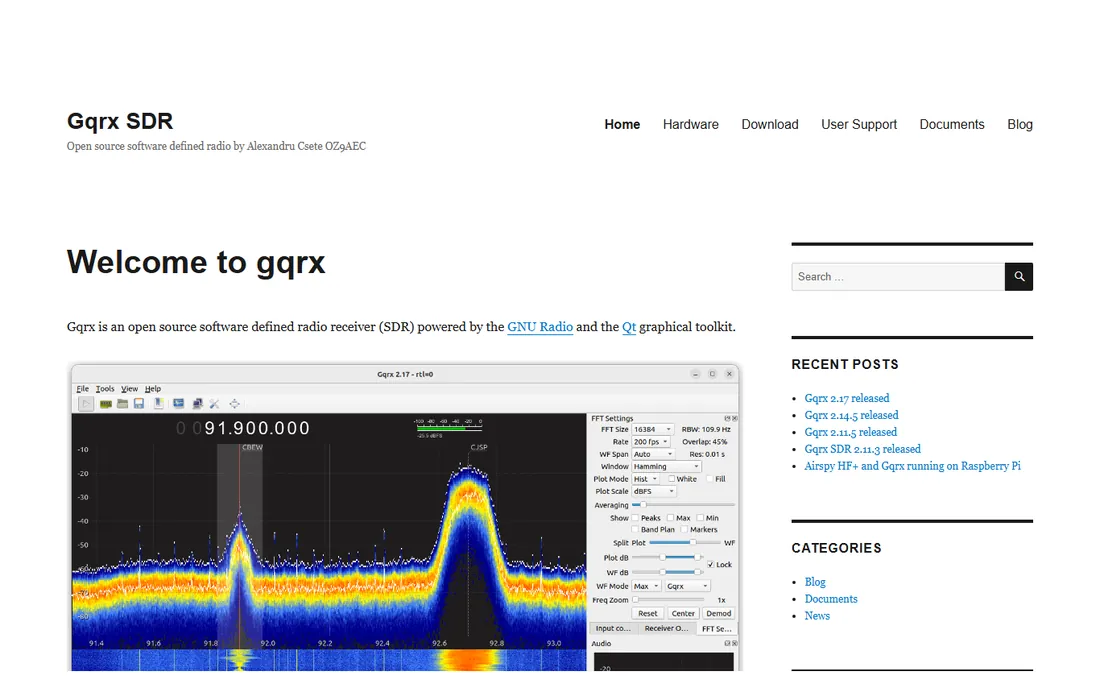
GQRX is the open-source answer for non-Windows users: a straightforward receiver with AM, SSB, CW and FM demodulators, waterfall display, recording and remote control, running natively on Linux and Mac. It is licensed under the GPL, so anyone can inspect and modify it.
It will not match SDR Console's feature depth, and it is receive-only. But for the Linux ham or the Mac user with an RTL-SDR who wants honest open-source software that just works, GQRX is the standard recommendation.
What we like- Native on Linux and macOS with a clean, simple interface
- Built on GNU Radio and Qt
- Supports Airspy, RTL-SDR, HackRF, USRP and more
Watch out for- Fewer features than the Windows heavyweights
- Development pace is steady rather than fast
- No transmit support
Starting priceFree
Free planYes (open source)
SDRangel is the Swiss army knife: dozens of built-in digital modems, satellite and star trackers, signal analyzers, antenna tools, and actual transmit capability on hardware like HackRF and PlutoSDR. It runs on Windows, Linux, Mac and even Android, with a plugin architecture for developers.
Beginners will find it intimidating, and the docs do not always keep up. But for the experimenter decoding weather satellites one day and LoRa the next, no other free program packs this much.
What we like- The widest decoder library here: ADS-B, AIS, DMR, D-Star, LoRa, FT8, weather satellites and dozens more
- True TX and RX on supported hardware
- Cross-platform including Android
Watch out for- Complex interface with a steep learning curve
- Documentation lags the feature set
- Overkill if you only want to listen to FM
#5
HDSDR
Best for: Lightweight listening on older or modest Windows PCs
Visit hdsdr.de
Starting priceFree
Free planYes (freeware)
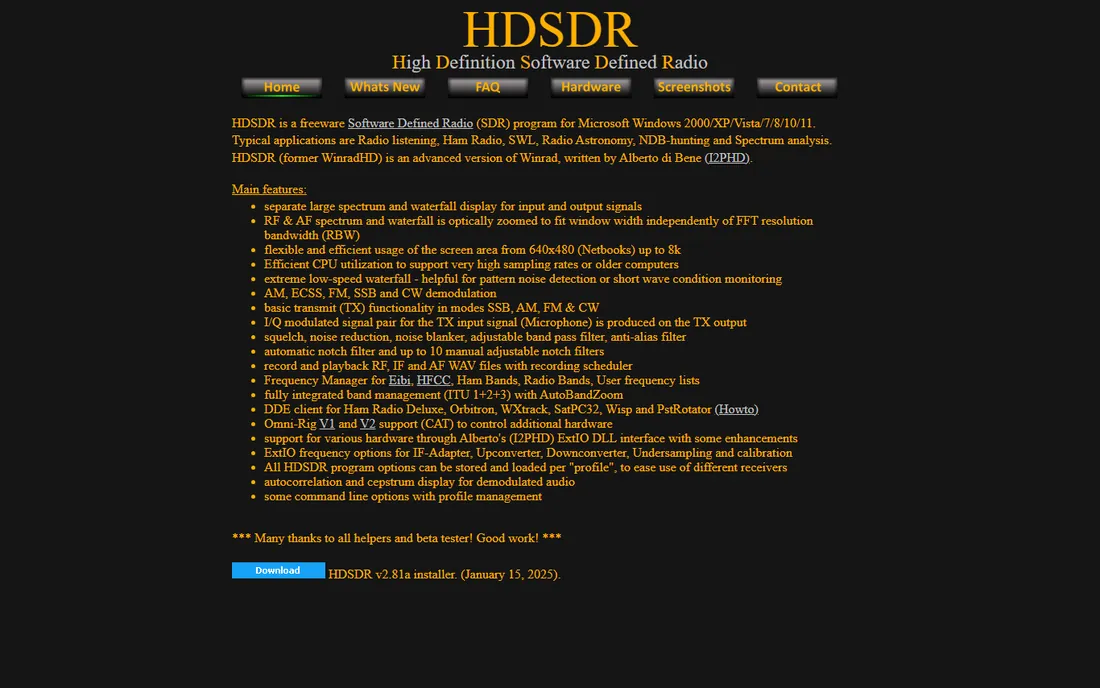
HDSDR is the lightweight veteran: freeware that sips CPU while handling demanding sample rates, with dual spectrum and waterfall displays and a long list of demodulators. It runs on everything from netbooks upward, and the ExtIO interface supports a wide range of receivers.
It looks its age and lacks the modern conveniences of SDR# or SDR Console. But for a dedicated listening PC, a netbook in the shack, or anyone who values efficiency over looks, HDSDR remains perfectly capable.
What we like- Extremely efficient: runs well on old hardware and very high sample rates
- Separate spectrum and waterfall displays
- Basic transmit support and extensive hardware compatibility via ExtIO
Watch out for- Windows only
- The interface looks dated
- Development is slow and steady rather than innovative
#6
SDR++
Best for: A fast, modern cross-platform all-rounder
Visit sdrpp.org
Starting priceFree
Free planYes
SDR++ is the modern minimalist: a fast, cross-platform receiver that does the core job (tune, demodulate, record) with unusual polish and speed. If SDR# feels Windows-bound and GQRX feels sparse, SDR++ splits the difference with a contemporary interface on every desktop OS.
The ecosystem is smaller: fewer plugins, fewer tutorials, fewer decoders. But for straightforward listening across platforms, its speed and simplicity make it an easy recommendation.
What we like- Bloat-free and fast on Windows, Linux and Mac
- Clean modern interface
- Modular design with a growing feature set
Watch out for- Younger project with a smaller community than SDR#
- Fewer plugins and decoders
- Documentation is thinner
#7
GNU Radio
Best for: Engineers and students building custom signal processing
Visit gnuradio.org
Starting priceFree
Free planYes (free and open source)
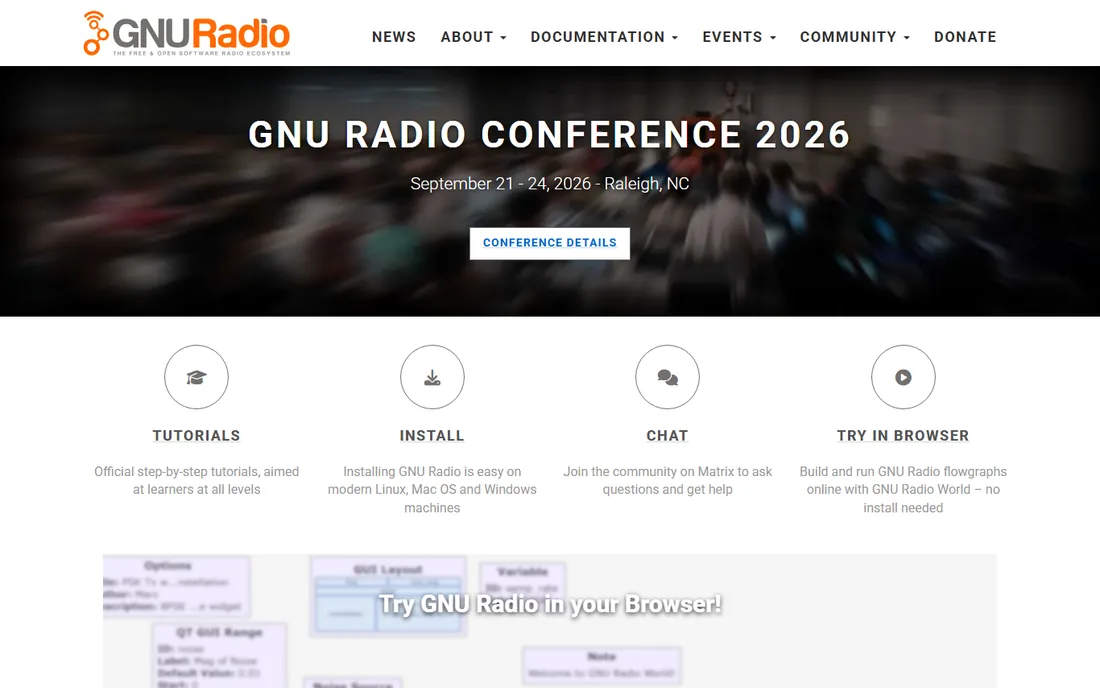
GNU Radio is not a radio program but the toolkit behind many of them: a framework of signal-processing blocks you wire together into flowgraphs to build anything from a simple FM receiver to a custom protocol decoder. It powers GQRX and countless research projects, and the community is enormous.
Casual listeners should start elsewhere. But for the student, engineer or researcher who wants to understand and build real signal processing, GNU Radio is the essential free platform, and the skills transfer everywhere in wireless.
What we like- The foundation of open-source SDR: hundreds of DSP blocks to build any receiver, transmitter or experiment
- Huge community and tutorial library
- GNU Radio 4 in active development
Watch out for- A toolkit, not a ready-made receiver: expect to build flowgraphs
- The learning curve is steep for non-engineers
#8
SDRTrunk
Best for: Monitoring trunked public-safety and DMR radio systems
Visit github.com
Starting priceFree
Free planYes (open source, GPL)
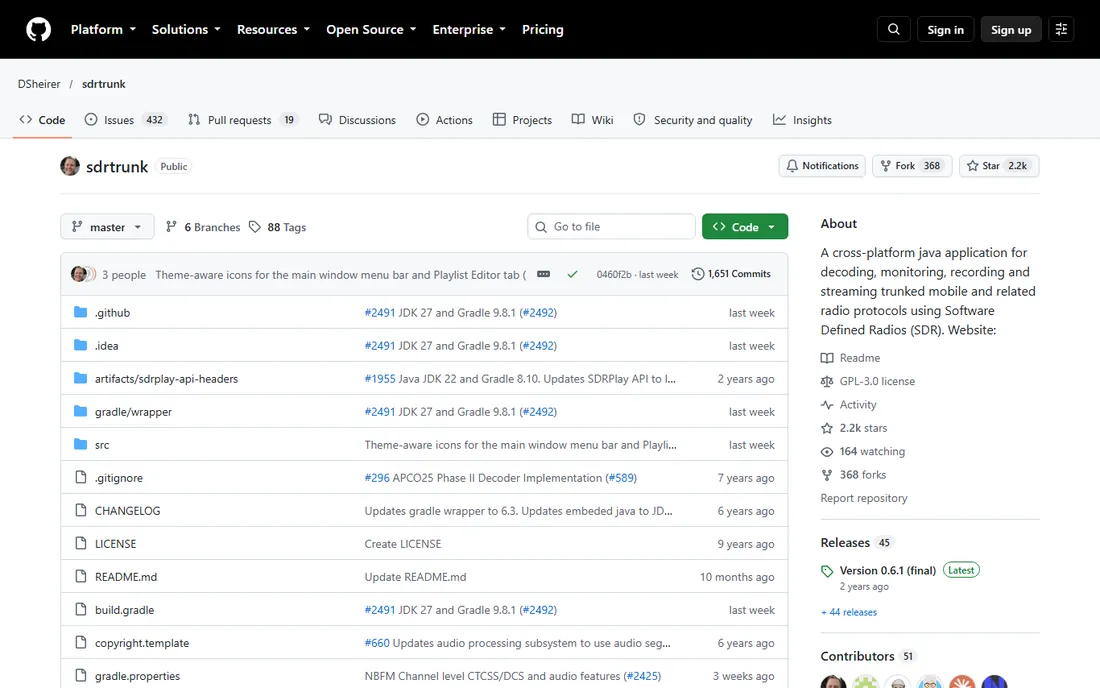
SDRTrunk does one job superbly: it follows trunked radio conversations across frequencies, decoding P25 and DMR systems used by public safety and businesses, then records and streams the audio. It is a cross-platform Java application, open source under the GPL, with regular releases.
It is not a general-purpose receiver, and trunking concepts take study. But for the scanner enthusiast who wants to monitor modern digital trunked systems with an SDR, nothing free does it better.
What we like- Purpose-built for trunked systems: P25, DMR and related protocols decoded, recorded and streamed
- Cross-platform Java application
- Active development with regular releases
Watch out for- Specialized: not a general listening program
- Needs a decent CPU and 8GB RAM
- Setup for trunked systems takes study
#9
OpenWebRX
Best for: Putting your receiver on the web for yourself or the public
Visit openwebrx.de
Starting priceFree
Free planYes (open source)
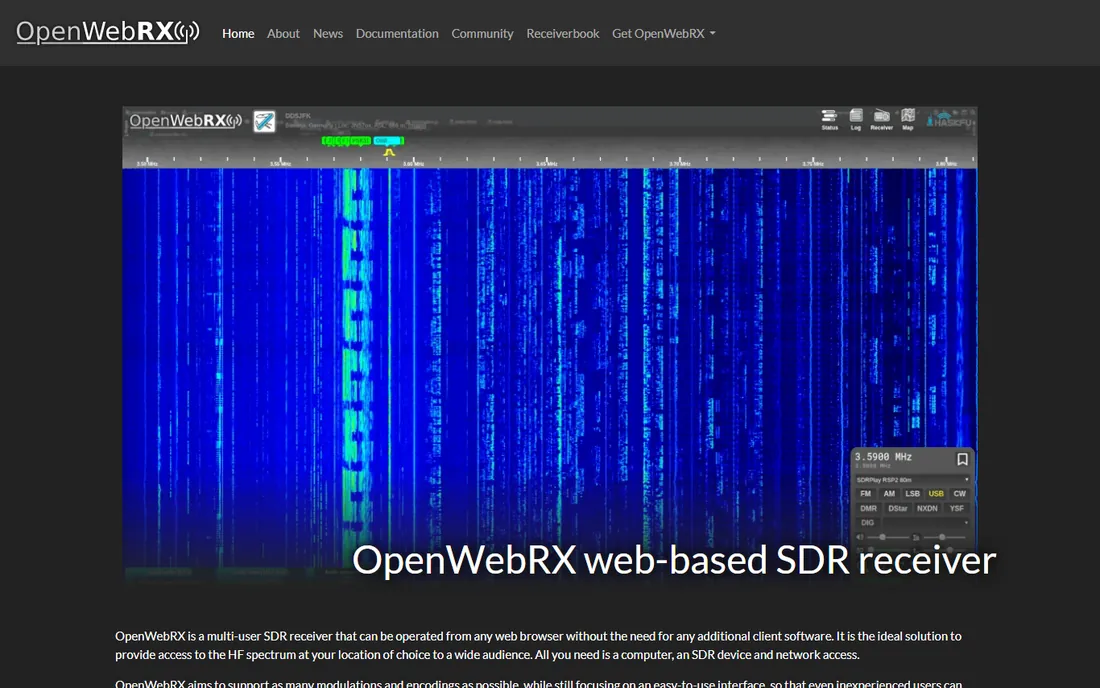
OpenWebRX turns your SDR into a website: install it on a computer with an antenna, and anyone with a browser can tune around the spectrum, no software to install. Clubs share their station receivers this way, and individuals listen to their home setup from anywhere.
It takes server-style setup rather than a simple install. But for remote access, public sharing, or just listening from your phone without carrying the dongle, OpenWebRX is the elegant free solution.
What we like- Multi-user web interface: anyone with a browser can tune your receiver
- Ideal for remote listening and club or emergency-group sharing
- No client software needed
Watch out for- A server project, not a desktop program: requires setup on a computer with network access
- The interface is simpler than desktop receivers
What the hardware decision changes
The software choice follows the hardware. RTL-SDR dongles work with everything here and are the reason most people start with SDR#. Airspy owners get the tightest integration from SDR# and SDR Console. HackRF and PlutoSDR owners who want to transmit should look at SDRangel. SDRplay users get excellent support in SDR Console. USRP owners live in the GNU Radio ecosystem.
Operating system matters just as much: Windows users choose between SDR#, SDR Console, HDSDR and SDR++; Linux and Mac users choose between GQRX, SDR++, SDRangel and GNU Radio. Check the supported-hardware list before falling in love with a program, and budget for the antenna: a thirty-dollar dongle with a good antenna hears more than a three-hundred-dollar receiver with a bad one.
How we chose
We listed the SDR programs the amateur radio and SDR communities actually recommend, then verified each project's site is live and the software is current. One candidate, CubicSDR, was dropped: its old domain now serves unrelated spam content, so we replaced it with SDR++, which the community has adopted as the modern lightweight alternative. Every tool here is free; where commercial licenses exist (SDR Console), we say so.
Frequently asked questions
What is the best SDR software for beginners?
SDR# on Windows: free, exhaustively documented, and compatible with the cheap RTL-SDR dongles most beginners buy. Mac and Linux beginners should start with GQRX or SDR++. All three get you listening within minutes of plugging in the hardware.
Is SDR software really free?
Yes, essentially. Every program on this list is free for amateur use, and most are open source. SDR Console requires a commercial license only for commercial use. The hardware (dongle and antenna) is the only cost, starting around thirty dollars for an RTL-SDR kit.
What hardware do I need for SDR?
An RTL-SDR dongle (around $30) plus an antenna covers most listening: FM, airband, ham radio, ADS-B aircraft, weather satellites. Airspy, SDRplay and HackRF offer better performance and wider frequency ranges. The antenna matters more than the dongle for what you can hear.
Can SDR software transmit?
Some of it. SDRangel supports transmit on capable hardware like HackRF and PlutoSDR, and HDSDR has basic TX functions. Transmitting legally requires an amateur radio license in most countries, and the license-free programs (SDR#, GQRX, SDR++) are receive-only by design.
Which SDR software works on Mac?
GQRX runs natively on macOS, as do SDR++ and SDRangel. GNU Radio installs on Mac as well. SDR#, SDR Console and HDSDR are Windows-only, though some users run them in virtual machines. SDRTrunk's Java application supports Mac with 12.x or later.
What happened to CubicSDR?
CubicSDR was a popular cross-platform SDR program, but the project went quiet and its former domain now hosts unrelated content. SDR++ has become the community's preferred modern lightweight alternative, which is why it appears here instead.
Sources we checked (9)
- https://airspy.com
- https://www.sdr-radio.com/
- https://gqrx.dk/
- https://sdrangel.org/
- https://hdsdr.de/
- https://www.sdrpp.org
- https://gnuradio.org/
- https://github.com/DSheirer/sdrtrunk
- https://www.openwebrx.de
Is your product missing or out of date?
We review this list regularly. Vendors can request a listing, send updated pricing or ask about featured placement.

Shihab Mia · Founder, Rankite
Shihab has spent more than a decade helping SaaS and e-commerce brands grow through search. He writes Rankite's software buying guides from pricing pages, documentation and public user reviews. More about Shihab.