How we make this list: we compare pricing pages, product documentation and public user reviews. Rankite is independent; if a vendor ever pays for a featured spot, that listing is clearly labeled Partner.
Key takeaways
- KiCad is the free schematic tool that professionals actually use: open source, no limits, no account.
- EasyEDA runs entirely in the browser and connects directly to low-cost PCB fabrication, ideal for beginners.
- CircuitMaker gives you Altium-grade schematic and PCB tools free, with no non-commercial clause.
- Fritzing is open source but its pre-built downloads ask a minimum 8 euro contribution; the source code is free.
- Tinkercad Circuits and LTspice add free simulation, so you can test a circuit before building it.
Quick comparison
| Tool | Best for | Starting price | Free plan |
|---|
 KiCad KiCad | Anyone who wants professional PCB design without paying | Free | Yes |
 EasyEDA EasyEDA | Beginners who want to design in the browser and order PCBs cheaply | Free | Yes |
 CircuitMaker CircuitMaker | Free Altium-grade tools with commercial use allowed | Free | Yes |
 DesignSpark PCB DesignSpark PCB | Free professional PCB design with no board limits | Free | Yes (free tier) |
 LibrePCB LibrePCB | Hobbyists who want a clean, modern open-source EDA | Free | Yes |
 Fritzing Fritzing | Documenting Arduino and breadboard projects beautifully | 8 euros (pre-built download; source code free) | Yes (open source) |
 Tinkercad Circuits Tinkercad Circuits | Absolute beginners learning electronics with simulation | Free | Yes |
 LTspice LTspice | Free analog circuit simulation with schematic capture | Free | Yes |
Is your product missing or out of date?
We review this list regularly. Vendors can request a listing, send updated pricing or ask about featured placement.
The best free schematic drawing software
Drawing a schematic used to mean buying expensive EDA software or fighting with a general drawing program. Not anymore. The free schematic tools of 2026 range from hobbyist sketchpads to professional suites that design real shipping products. All eight here are free in a meaningful sense, and the differences come down to workflow: browser or desktop, simulation or layout, beginner or pro.
#1
KiCad
Best for: Anyone who wants professional PCB design without paying
Visit kicad.org
Starting priceFree
Free planYes
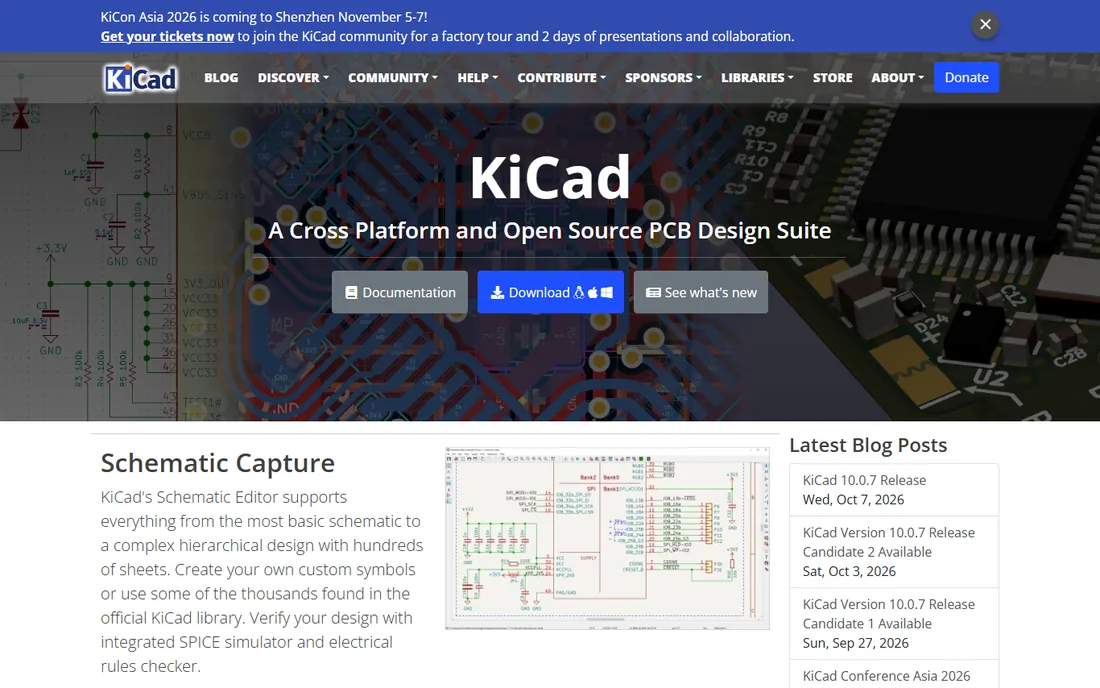
KiCad is the free schematic and PCB suite that ended the conversation about whether free EDA can be professional. Schematic capture, PCB layout with push-and-shove routing, SPICE simulation, a 3D board viewer and Gerber output come free and open source, with no board size limits, no layer limits and no commercial restrictions. CERN's involvement and years of development show in the quality.
Beginners face a learning curve: library management and the workflow take study. But the tutorials and community are enormous, and skills transfer directly to paid tools. Version 9 continues the steady improvement seen across recent releases. If you are serious about electronics, start here; you may never need anything else. Download from kicad.org.
What we like- Free and open source with no limits on board size, layers or commercial use
- Professional schematic, PCB, SPICE and 3D viewer
- Huge community and libraries
Watch out for- Learning curve is real
- Interface less polished than paid tools
#2
EasyEDA
Best for: Beginners who want to design in the browser and order PCBs cheaply
Visit easyeda.com
Starting priceFree
Free planYes
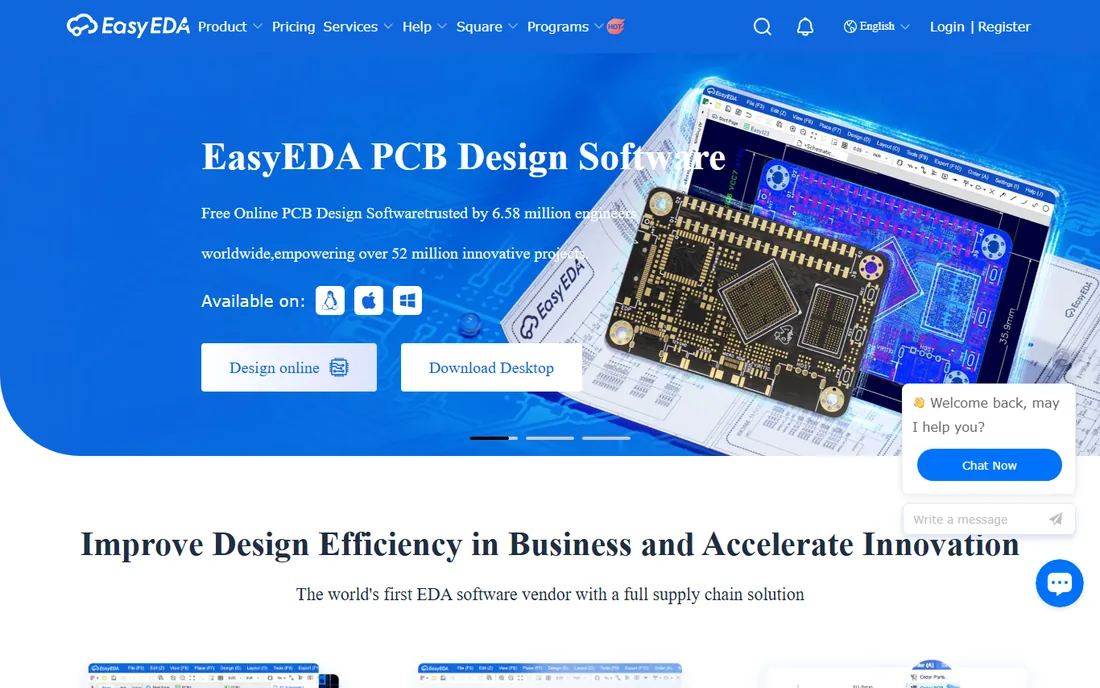
EasyEDA is the fastest path from idea to physical PCB. The schematic editor runs entirely in your browser, the parts library is huge and searchable, and converting a schematic to a PCB layout takes a click. Because it is tied to JLCPCB, ordering manufactured boards is built into the workflow, often for a few dollars.
It is free for the standard version with a paid Pro tier for advanced features. You need an internet connection and an account, and very complex designs will feel the browser's limits. For students, hobbyists and anyone making their first boards, EasyEDA removes every excuse.
What we like- Runs in the browser with nothing to install
- Free with generous limits
- One-click ordering of cheap PCBs from JLCPCB
Watch out for- Requires an account and internet
- Advanced features trail KiCad
Starting priceFree
Free planYes
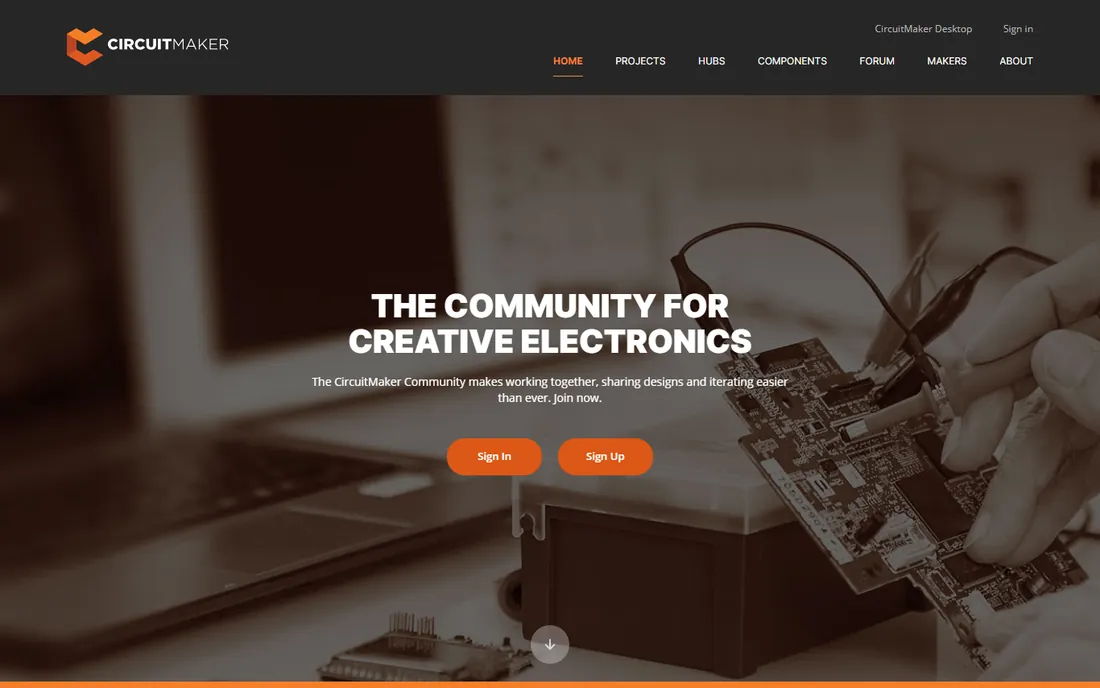
CircuitMaker is Altium's gift to makers: a free PCB design tool built on Altium Designer technology, with professional schematic capture, push-and-shove routing, native 3D board viewing and a massive community component library backed by Octopart. Remarkably, there is no non-commercial clause: you can earn money from designs made in the free tool.
The catch is platform: it runs on Windows, with Mac users needing virtualization. Projects are community-oriented through Altium 365, with a limited number of private projects. For Windows users who want pro-grade tools free, it is the strongest alternative to KiCad.
What we like- Built on Altium Designer technology
- 16 signal plus 16 plane layers
- No non-commercial clause, so you can sell what you design
Watch out for- Windows only
- Community and cloud features require an Altium account
Starting priceFree
Free planYes (free tier)
DesignSpark PCB from RS Components has been free since 2010 and remains one of the most capable free PCB tools: unlimited schematic sheets, unlimited layers, autorouting, 3D visualization and SPICE simulation links. It is free for commercial use, which sets it apart from many restricted free tools.
Note the model has evolved: the core remains free with registration, while additional features are available through paid subscription plans. It is Windows software, with Linux users relying on Wine. For engineers who want a traditional desktop EDA free, DesignSpark PCB is a proven choice.
What we like- Fully featured with unlimited schematic sheets and layers
- Free for commercial use
- Backed by distributor RS with a huge parts library
Watch out for- Windows focused
- Extra features now sit in paid subscription tiers
#5
LibrePCB
Best for: Hobbyists who want a clean, modern open-source EDA
Visit librepcb.org
Starting priceFree
Free planYes
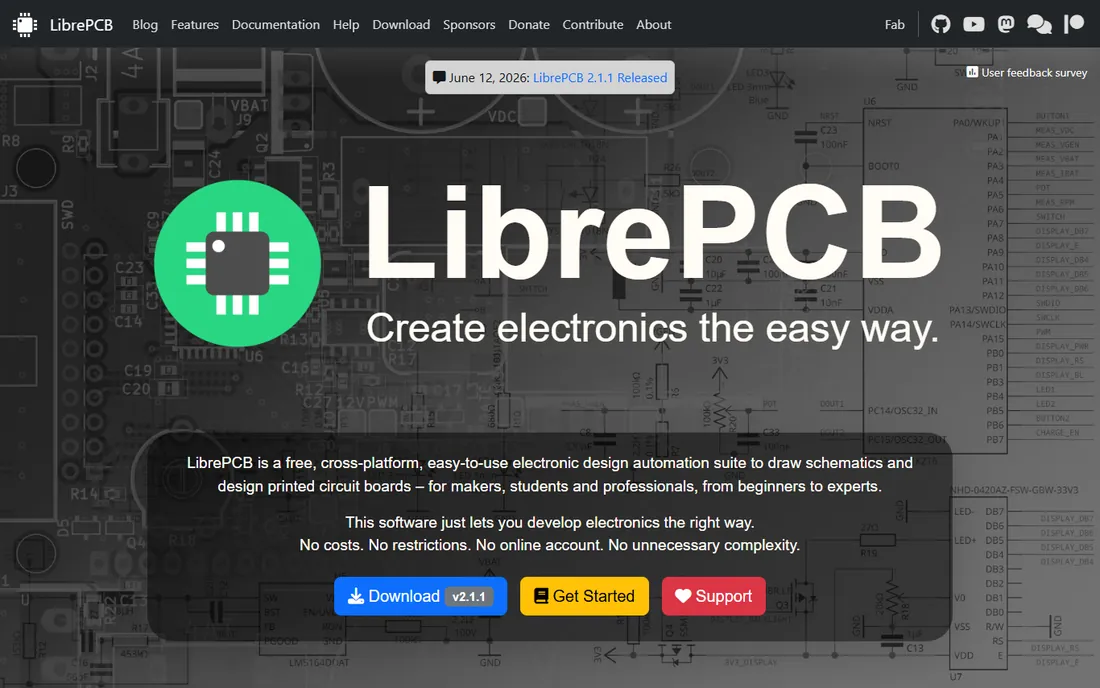
LibrePCB is the newer open-source EDA built around a simple idea: libraries should just work. Its library management is more intuitive than KiCad's, the interface is clean and modern, and schematic capture plus board layout cover the full workflow. It is free and open source with no tiers or restrictions.
The ecosystem is smaller: fewer ready-made parts, fewer tutorials, less forum wisdom than KiCad. But for hobbyists who bounced off KiCad's complexity, LibrePCB's gentler learning curve is the appeal. It is the friendly face of free EDA.
What we like- Free and open source with an intuitive library concept
- Clean modern interface
- No account or restrictions
Watch out for- Smaller community and fewer libraries than KiCad
- 3D and simulation features are basic
#6
Fritzing
Best for: Documenting Arduino and breadboard projects beautifully
Visit fritzing.org
Starting price8 euros (pre-built download; source code free)
Free planYes (open source)
Fritzing occupies its own niche: it documents electronics the way beginners build them. The breadboard view lets you recreate your physical prototype on screen, then switch to schematic and PCB views for documentation and fabrication. For Arduino tutorials, classroom handouts and project blogs, its visuals are unmatched.
The funding model is unusual: the software is open source under the GPL, but downloading the official pre-built installers requires a minimum 8 euro contribution to support development. You can compile it free from source or install distro packages. For pure schematic drawing it is simpler than KiCad, and that simplicity is exactly why educators love it.
What we like- Unique breadboard view matches your physical prototype
- Great for tutorials and documentation
- Open source under the GPL
Watch out for- Official binaries ask a minimum 8 euro contribution
- Not a full professional PCB tool
#7
Tinkercad Circuits
Best for: Absolute beginners learning electronics with simulation
Visit tinkercad.com
Starting priceFree
Free planYes
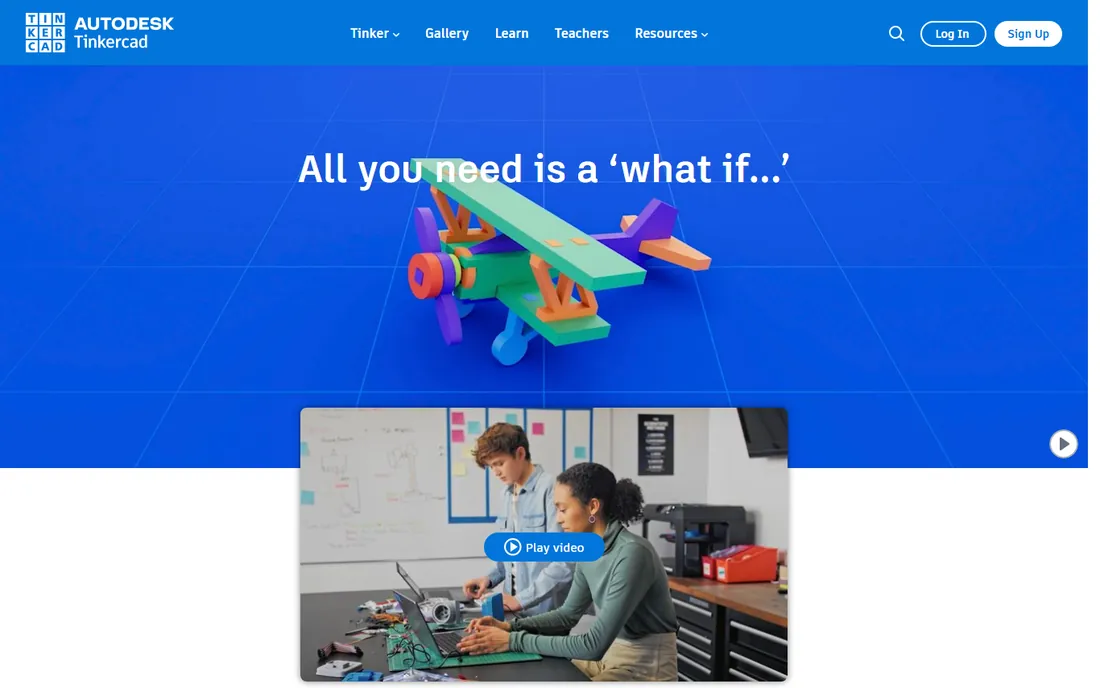
Tinkercad Circuits is where beginners should start. In the browser, you drag components onto a virtual breadboard, wire them up, and watch the circuit simulate live, including Arduino code running on a virtual board. It is free with an Autodesk account and designed for classrooms.
It is not a PCB design tool: there is no board layout or manufacturing output. Its job is learning, and it does that job better than anything here. Start a student on Tinkercad, graduate them to EasyEDA or KiCad when they are ready to make real boards, and they will thank you.
What we like- Completely free with an Autodesk account
- Drag-and-drop circuits with live simulation
- Arduino code simulation included
Watch out for- Toy-like for real PCB work
- No Gerber output or professional features
#8
LTspice
Best for: Free analog circuit simulation with schematic capture
Visit analog.com
Starting priceFree
Free planYes
LTspice is the free simulator engineers actually use. Its schematic capture exists to serve simulation: draw your analog or power circuit, run SPICE analysis, and see exactly how it behaves before you build. Analog Devices provides it free with no limits, and the model library covers thousands of real components.
The schematic editor is functional rather than beautiful, and there is no PCB layout; pair it with KiCad or EasyEDA for the full flow. For understanding and verifying circuits, especially analog and power electronics, LTspice is indispensable, free, and trusted across the industry.
What we like- Completely free from Analog Devices with no restrictions
- Excellent SPICE simulation
- Huge model library for real components
Watch out for- Schematic editor is utilitarian
- Focused on simulation, not PCB layout
How we chose
We selected free schematic tools covering professional PCB design, browser-based design, education and simulation. We verified each tool's current status and pricing model from vendor sites and official documentation: KiCad, EasyEDA, CircuitMaker, LibrePCB, Tinkercad and LTspice are free; DesignSpark PCB retains a free tier with paid subscriptions for extras; Fritzing's official binaries require a minimum 8 euro contribution while the source remains free. All eight were checked for active maintenance in 2026. No hands-on testing was involved.
Learning electronics? Start with Tinkercad Circuits for the concepts, add LTspice when you want to understand analog behavior. Building Arduino projects? Fritzing documents them beautifully and EasyEDA turns them into real PCBs.
Designing real products? KiCad is the default free choice, with CircuitMaker the Windows alternative and DesignSpark PCB the traditionalist's pick. LibrePCB suits hobbyists who want open source without KiCad's learning curve. And whatever you choose, learn to read a datasheet: the schematic is only as good as the components in it.
One more consideration: libraries. A schematic tool lives or dies by its component libraries, and this is where the free tools differ most. KiCad ships with extensive libraries and the community contributes more daily. EasyEDA's cloud library is searchable and tied to real purchasable parts, which shortens the path from schematic to assembled board. CircuitMaker leans on Octopart data for the same reason. Before committing to a tool, search its library for the five parts you use most. If they are there with correct footprints, your first board will go smoothly. If not, budget an evening to build them, because every EDA tool eventually asks you to make a custom footprint.
Frequently asked questions
What is the best free schematic capture software?
KiCad for professional PCB design, EasyEDA for browser-based simplicity, CircuitMaker for Altium-grade tools on Windows. All three are free, actively maintained, and handle real projects.
Is KiCad really free for commercial use?
Yes. KiCad is open source with no restrictions on commercial use, no board size limits and no layer limits. Companies ship real products designed in KiCad.
Can I simulate circuits for free?
Yes. Tinkercad Circuits simulates beginner circuits in the browser, LTspice offers professional-grade SPICE simulation free, and KiCad includes ngspice integration.
Why does Fritzing cost 8 euros if it is open source?
The GPL allows charging for binaries. Fritzing's source code is free; the 8 euro minimum contribution applies to the official pre-built downloads and funds development. You can also compile it yourself or use distro packages free.
Which free tool is easiest for beginners?
Tinkercad Circuits for learning concepts, EasyEDA for making your first real PCB. Both run in the browser with no install, and both are free.
Sources we checked (5)
- https://en.wikipedia.org/wiki/Fritzing
- https://www.electronicsforu.com/technology-trends/fritzing-a-practical-eda-tool-for-rapid-pcb-prototyping
- https://www.altium.com/circuitmaker
- https://en.wikipedia.org/wiki/DesignSpark_PCB
- https://www.edn.com/online-easyeda-for-electronic-design-and-simulation/
Is your product missing or out of date?
We review this list regularly. Vendors can request a listing, send updated pricing or ask about featured placement.

Shihab Mia · Founder, Rankite
Shihab has spent more than a decade helping SaaS and e-commerce brands grow through search. He writes Rankite's software buying guides from pricing pages, documentation and public user reviews. More about Shihab.