How we make this list: we compare pricing pages, product documentation and public user reviews. Ratings come from G2, Capterra or Trustpilot, with the date we checked them.
Key takeaways
- The best SAST tools in 2026 split by team type: Semgrep for custom rules and fast CI scans, SonarQube for quality gates plus security, Snyk Code for developer experience, and Checkmarx or Veracode for enterprise compliance.
- SonarQube Community Build is the most generous free option, a full-featured self-hosted edition with no contributor limits, while Semgrep open-source engine and community rules are free beside it.
- Enterprise SAST is a different price tier entirely: Checkmarx starts around 40,000 dollars a year and Veracode around 15,000 dollars a year for SAST only, versus 25 to 35 dollars per developer per month for developer-first tools.
- AI-powered triage saves developer time: Snyk Code and Semgrep with Assistant reduce false positive noise without manual triage, which matters more than raw finding count.
Quick comparison
| Tool | Best for | Starting price | Free plan |
|---|
 Semgrep Semgrep | Custom rules and fast CI | $35 per contributor per month | Yes |
 SonarQube SonarQube | Quality gates plus security | $30 per month | Yes |
 Snyk Code Snyk Code | Developer experience | $25 per developer per month | Yes |
 Checkmarx Checkmarx | Enterprise compliance | See website | No |
 Veracode Veracode | Audit-ready programs | See website | No |
 Codacy Codacy | Affordable all-in-one | $15 per user per month | Yes |
 DeepSource DeepSource | Low false positives | $30 per user per month | No |
 Qodana Qodana | JetBrains teams | See website | Yes |
Is your product missing or out of date?
We review this list regularly. Vendors can request a listing, send updated pricing or ask about featured placement.
#1Semgrep
Best for: Custom rules and fast CI4.6/5 on
G2 (56 reviews, checked Oct 2026)
Visit semgrep.dev
Starting price$35 per contributor per month
Free planYes
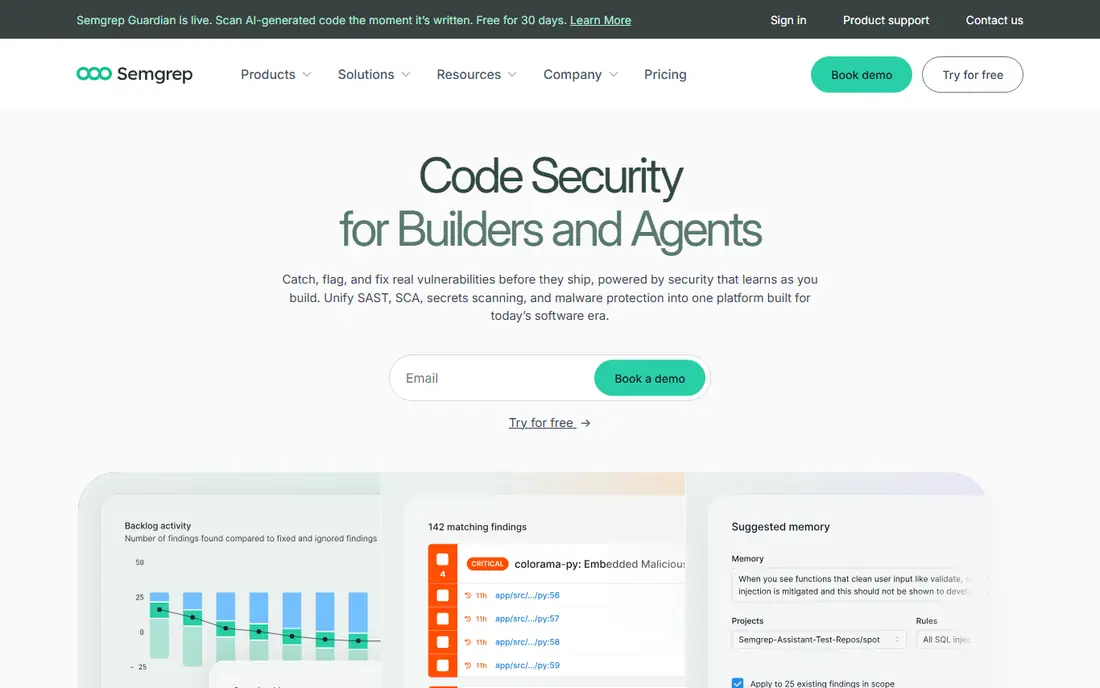
Semgrep suits developer-friendly AppSec with custom rule flexibility. Its rule-based scanning with taint tracking on Pro and AI triage covers 30 plus languages, with fast CI scans in seconds and native pull request integration, so findings land where developers already work.
The open-source engine, CLI, and community rules are free, while Teams costs 30 to 35 dollars per contributor per month depending on source. For custom security rules and fast CI scans, Semgrep leads.
What we like- Open-source engine and community rules free
- Custom rule writing with 30 plus languages
- Fast CI scans in seconds
- AI triage on Pro
Watch out for- Pro engine is proprietary beside the open engine
- Teams pricing cited at 30 to 35 dollars per contributor per month
- Taint tracking needs Pro
Starting price$30 per month
Free planYes
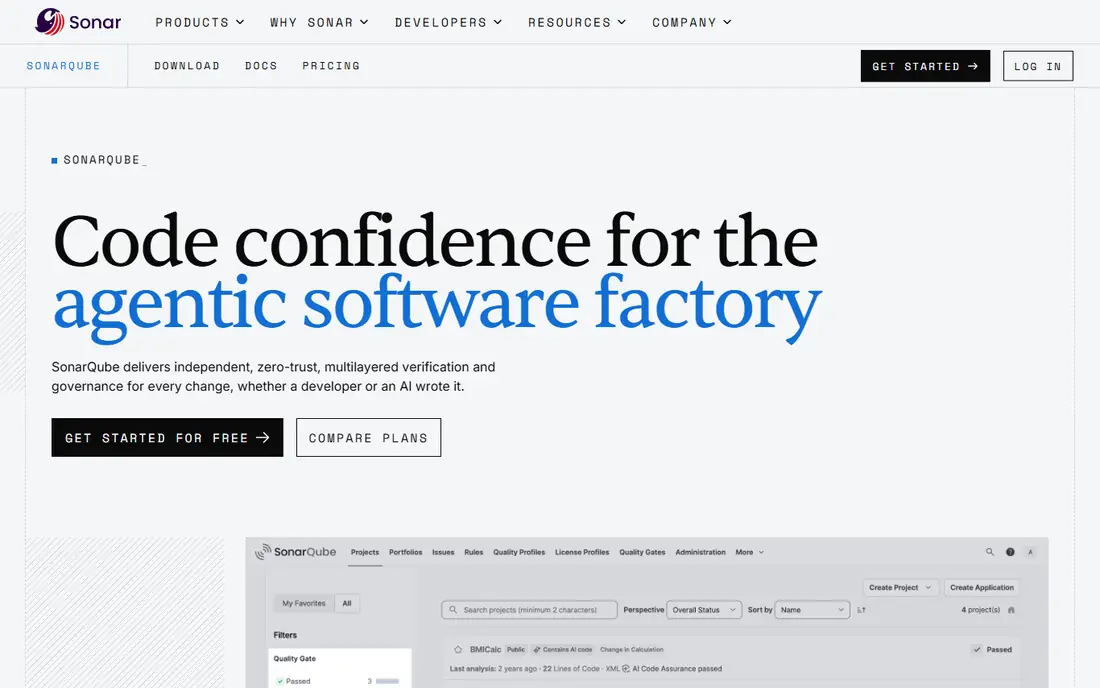
SonarQube is the industry standard for combining code quality analysis with security scanning across more than 35 languages. Its quality gates give teams a clear, enforceable definition of done at the pull request level, which both developers and auditors can read.
The Community Build is a full-featured, self-hosted free edition with no contributor limits, making it the most generous option in this category by a wide margin. Paid cloud plans start around 30 dollars a month for Developer, with Team from 34 dollars a month for 100,000 lines of code. For quality gates plus security in one platform, SonarQube leads.
What we like- Community Build self-hosted free with no contributor limits
- Quality gates give an enforceable definition of done
- 35 plus languages
Watch out for- Self-hosted setup takes real admin effort
- Scans can be slower than newer engines
- Interface feels dated beside newer rivals
Starting price$25 per developer per month
Free planYes
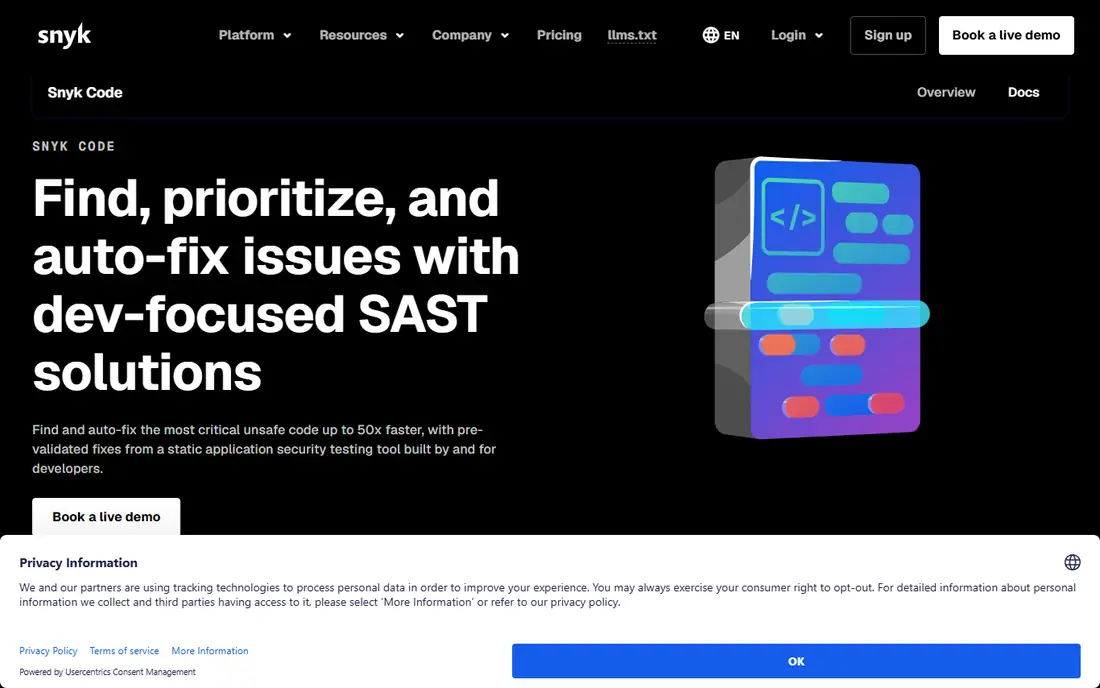
Snyk Code suits developer-first security inside the Snyk ecosystem. Its AI-powered dataflow scanning covers 19 plus languages with low false positives and very fast scans, with IDE scanning that flags issues as developers write code rather than after a pipeline run.
The free tier covers 1 user with limited scans, while Team starts at 25 dollars per developer per month. For developer experience and IDE scanning, Snyk Code is the best pick.
What we like- AI-powered dataflow scanning with low false positives
- IDE scanning and fast scans
- Free tier for 1 user with limited scans
Watch out for- Team pricing from 25 dollars per developer per month
- Enterprise is quote-only
- Snyk Code needs Team, Ignite, or Enterprise, not Open Source alone
#4Checkmarx
Best for: Enterprise compliance4.2/5 on
G2 (49 reviews, checked Oct 2026)
Visit checkmarx.com
Starting priceSee website
Free planNo
Checkmarx suits enterprise AppSec programs with compliance needs. Its dataflow plus taint plus AI analysis covers 25 plus languages, with policy controls, application-security workflows, and reporting that auditors accept.
Pricing is quote based, with guides citing around 40,000 dollars a year minimum and mid-size teams paying 60,000 to 100,000 dollars a year. For enterprise compliance with deep taint analysis, Checkmarx leads.
What we like- Deep dataflow and taint analysis across 25 plus languages
- One vendor for SAST, SCA, IaC, API, and supply chain
- Strong compliance reporting
Watch out for- No free tier
- Pricing around 40,000 dollars a year minimum in guides
- Scans run slow to medium beside newer engines
Starting priceSee website
Free planNo
Veracode suits attestation and audit-ready security programs. Its binary plus dataflow plus AI analysis covers 25 plus languages, with a policy engine that gates releases and reporting that supports compliance programs.
Pricing is quote-only, with SAST-only figures around 15,000 dollars a year in guides and mid-size teams paying 50,000 to 80,000 dollars a year. For audit-ready programs, Veracode is the best pick.
What we like- Binary plus dataflow plus AI analysis
- Policy engine for attestation
- Compliance reporting for FedRAMP, PCI, and HIPAA
Watch out for- No free tier
- Pricing quote-only with SAST-only figures around 15,000 dollars a year
- Application profiles need customer success management
#6Codacy
Best for: Affordable all-in-one4.6/5 on
G2 (31 reviews, checked Oct 2026)
Visit codacy.com
Starting price$15 per user per month
Free planYes
Codacy suits affordable all-in-one quality and security for small teams. Its multi-engine rule-based analysis covers 49 languages, the widest in this list, with fast scans and native pull request integration.
The free Developer tier covers limited use, while Pro costs 15 dollars per user per month in most guides, with Team cited at 18 dollars yearly or 21 dollars monthly in others. For affordable all-in-one analysis, Codacy leads.
What we like- Multi-engine rule-based analysis across 49 languages
- Free Developer tier
- Fast scans with native pull request integration
Watch out for- Low to medium false positive rate
- Team pricing cited at 15 to 21 dollars per user per month
- Less taint depth than Checkmarx
Starting price$30 per user per month
Free planNo
DeepSource suits automated code review with verified autofixes. Its rule-based plus AI autofix analysis covers 16 languages with low false positives, and its verified autofixes save review time by proposing fixes developers can accept rather than just flagging problems.
There is no free plan beyond a 14 day trial, and Business pricing runs 30 dollars per user per month in most guides. For low false positives with autofixes, DeepSource is the best pick.
What we like- Rule-based plus AI autofix with low false positives
- Verified autofixes that save review time
- Fast scans with native integration
Watch out for- No free plan beyond a 14 day trial
- Business pricing cited at 30 dollars per user per month
- 16 languages, fewer than rivals
Starting priceSee website
Free planYes
Qodana suits teams standardized on JetBrains IDEs. Its IntelliJ inspections plus dataflow analysis bring IDE-quality checks into CI, with a free Community edition and cloud plus self-hosted deployment.
Pricing is not readable at source in guides, with figures around 4.40 dollars per active contributor per month cited for some tiers. For JetBrains teams, Qodana rounds out the list.
What we like- IntelliJ inspections plus dataflow analysis
- Community edition free
- Strong for teams standardized on JetBrains IDEs
Watch out for- Pricing not readable at source in guides
- 17 languages, fewer than rivals
- Smaller ecosystem than SonarQube or Semgrep
How we chose
We ranked tools by detection depth, false positive rate, scan speed, language coverage, and value at entry level pricing. We favored tools that surface findings in pull requests and IDEs, since adoption decides whether security improves, and we gave extra weight to false positive rate, because noisy scanners get ignored while quiet ones get fixed.
We also weighed pricing models honestly. Developer-first tools publish per-contributor rates, while enterprise tools are quote-only, so comparing a 25 dollar per developer tool with a 40,000 dollar a year platform needs team-size math, not headline comparison. Price conflicts across sources were handled by using the most commonly cited figure and writing "See website" where pricing is quote only.
Buying guide
This is business to business buying: a SAST tool gates releases, so pilot before committing. Start with your stack: JavaScript-heavy teams suit Snyk Code, quality-first teams suit SonarQube, custom-rule teams suit Semgrep, and JetBrains teams suit Qodana.
Next, gate on new findings only. Blocking every legacy issue on day one stalls delivery, while blocking new issues in pull requests improves security steadily without blocking releases. Check whether the tool gates a pull request natively, since that is the enforcement point that matters.
Finally, measure false positives on your own code, not on benchmarks. A tool with a low false positive rate on one stack can be noisy on another, so trial each shortlisted tool on your largest repository and count how many findings developers actually fix. Trial on your own code always beats vendor demos every time. Enterprise pricing is usually "See website" for Checkmarx and Veracode, so request quotes with your real contributor counts and application counts.
Frequently asked questions
What is the best SAST tool overall?
Semgrep leads for custom rules and fast CI scans, SonarQube for quality gates plus security, and Snyk Code for developer experience. Enterprise compliance teams should shortlist Checkmarx and Veracode, while small teams on a budget should start free with SonarQube Community or Semgrep open source.
Is there a free SAST tool?
Yes. SonarQube Community Build is free and self-hosted with no contributor limits, Semgrep open-source engine and community rules are free, and Codacy offers a free Developer tier. Snyk Code free tier covers 1 user with limited scans.
How much do SAST tools cost?
Developer-first tools run 15 to 35 dollars per user per month, while enterprise tools run about 15,000 dollars a year for Veracode SAST only and about 40,000 dollars a year minimum for Checkmarx. Team size and application count decide the enterprise total, and the question for enterprise buyers is whether 50,000 to 200,000 dollars a year delivers proportionally more value than tools at one-tenth the price.
What is the difference between SAST and DAST?
SAST scans source code without running it, while DAST tests a running application. Most teams need both, plus dependency and container scanning, for full coverage.
How do I reduce false positives?
Use AI-powered triage such as Snyk Code or Semgrep with Assistant, tune rules for your stack, and gate on new findings only. A quiet scanner developers trust beats a noisy scanner they ignore, and triage time saved is the real return on AI features, since manual review of hundreds of false alarms costs more than any subscription.
Sources we checked (0)
Is your product missing or out of date?
We review this list regularly. Vendors can request a listing, send updated pricing or ask about featured placement.

Shihab Mia · Founder, Rankite
Shihab has 5+ years in B2B and SaaS SEO. He writes Rankite's software buying guides from pricing pages, documentation and public user reviews. More about Shihab.