How we make this list: we compare pricing pages, product documentation and public user reviews. Ratings come from G2, Capterra or Trustpilot, with the date we checked them.
Key takeaways
- Syft and Trivy give most teams a free, standards based starting point for SBOM generation and scanning.
- A generator alone is not a program: you also need storage, change tracking, and alerts when a new flaw affects a shipped component.
- Commercial platforms earn their price mainly through policy checks, license review, and reports for customers and regulators.
- CycloneDX and SPDX support matters more than a long feature list, because buyers and auditors will ask for one of those formats by name.
- Start with the tool that fits your build system, then add management only when the volume of SBOM files becomes hard to track by hand.
Quick comparison
| Tool | Best for | Starting price | Free plan |
|---|
 Syft Syft | Free SBOM generation in CI | $0 | Yes |
 Trivy Trivy | Fast combined scanning and SBOM output | $0 | Yes |
 OWASP Dependency-Track OWASP Dependency-Track | Ongoing monitoring of SBOM files | $0 | Yes |
 Snyk Snyk | Developer friendly fixes and scanning | $25 per developer/month | Yes |
 FOSSA FOSSA | License compliance with SBOM output | See website | Yes |
 Anchore Enterprise Anchore Enterprise | Policy enforcement at scale | See website | Free trial |
 JFrog Xray JFrog Xray | Teams already using JFrog Artifactory | See website | Free trial |
 Cybeats Cybeats | SBOM lifecycle management | See website | Free trial |
Is your product missing or out of date?
We review this list regularly. Vendors can request a listing, send updated pricing or ask about featured placement.
Starting price$0
Free planYes
Syft, from Anchore, has become the default generator for many engineering teams because it runs as a single command and produces both SPDX and CycloneDX output. Point it at a container image, a directory, or a package archive and it returns a structured list of packages, versions, and licenses. That simplicity makes it easy to add to a build pipeline without changing how developers work. It also pairs naturally with Grype, Anchore's scanner, which can read a Syft SBOM and report known flaws in the listed components.
The honest limit is scope. Syft creates a snapshot, it does not watch that snapshot for new problems, store it with a clear history, or tell a product owner which customer received which version. Teams usually add a management tool, a repository, or a scheduled rescan to cover that gap. If your main need is a correct SBOM file at build time, and you already have a place to store and review it, Syft is hard to beat on value. If you need ongoing monitoring, plan for a second tool from the start.
What we like- Wide format support
- Fast command line use
- Broad ecosystem support
Watch out for- No central dashboard on its own
- No built-in alerting over time
Starting price$0
Free planYes
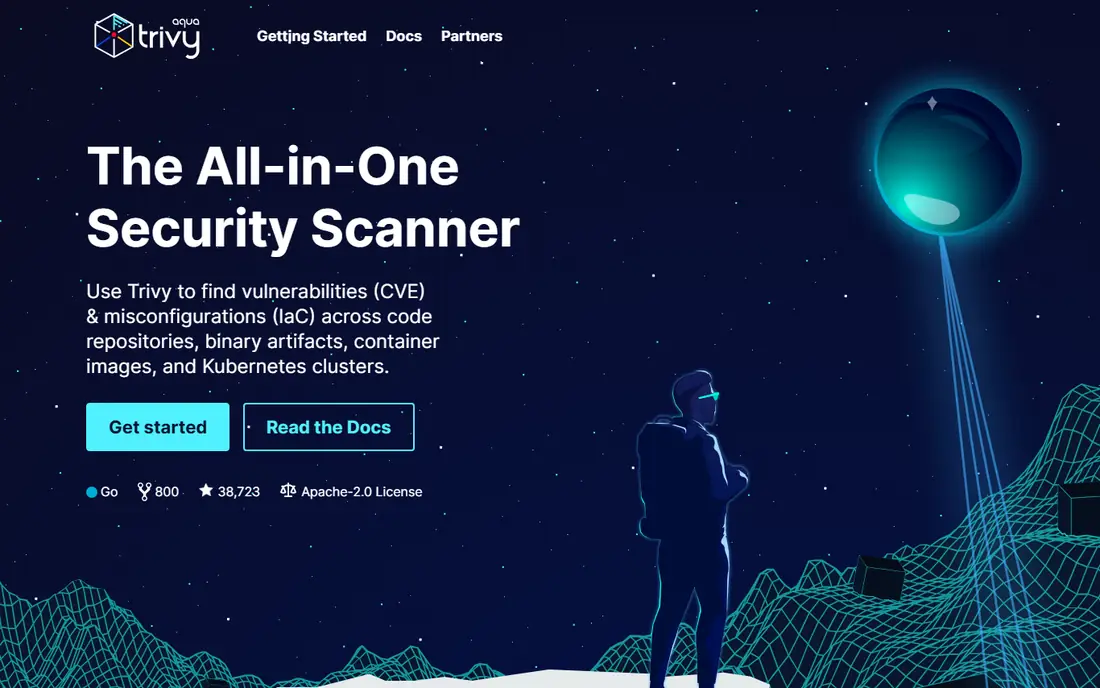
Trivy, from Aqua Security, appeals to teams that want one binary to cover several checks at once. It can generate an SBOM, scan container images and file systems for known flaws, look for exposed secrets, and check infrastructure files for risky settings. That breadth means a small team can add meaningful supply chain checks in an afternoon, with no license purchase and no vendor call. Its SBOM output supports SPDX and CycloneDX, so the file it creates can feed other tools downstream.
The trade-off is the same as with Syft: Trivy is a scanner and generator, not a system of record. Large teams often find that scan results pile up in pipeline logs and become hard to compare across releases. It also reports a large number of findings on older images, so someone needs to decide which flaws matter and which can wait. Used as the generation and scanning layer, with a separate store for SBOM files, Trivy is a strong and low cost choice.
What we like- One tool for SBOM, flaws, secrets, and misconfigurations
- Very fast setup
- Active open source community
Watch out for- No central management on its own
- Output needs care when used for formal customer reports
Starting price$0
Free planYes
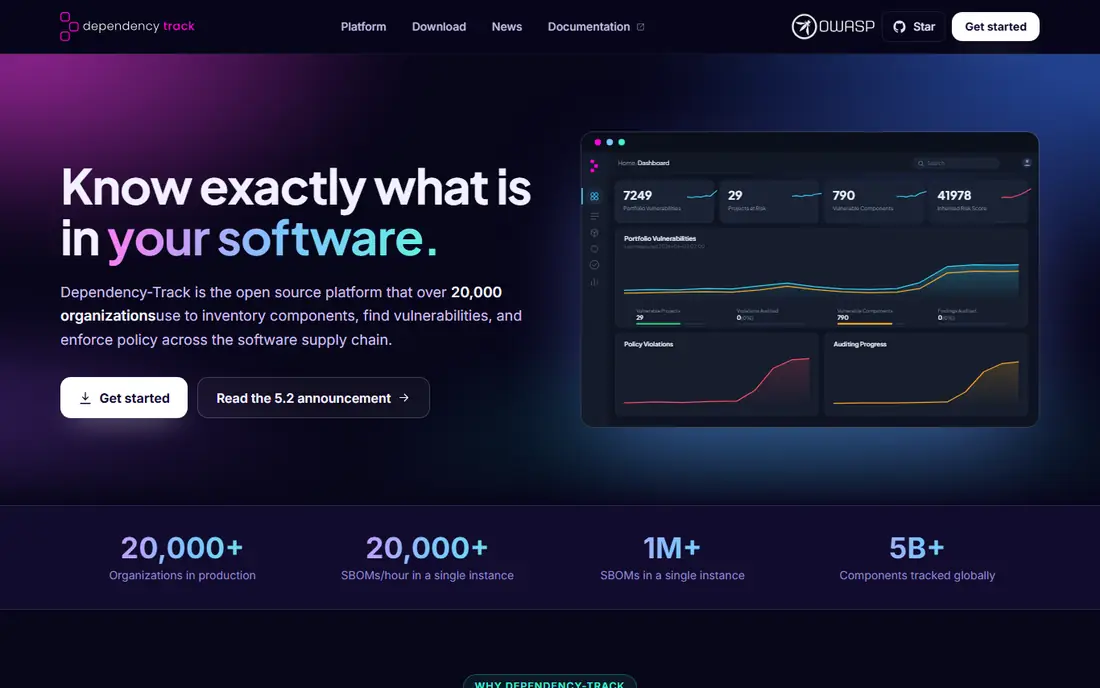
Dependency-Track fills the gap left by generators. You upload CycloneDX SBOM files, or push them automatically from a pipeline, and it tracks each project over time, flags new flaws as feeds update, and shows license and policy issues in one place. For teams that ship many services, that portfolio view is the point: instead of opening dozens of separate scan logs, a security lead can see which projects carry the most serious issues and which ones have gone stale. It is an OWASP project, so the software itself is free, and many regulated teams use it as their internal record.
Self-hosting is the real cost. You run the database, keep the flaw feeds current, manage access, and tune notifications so the team does not learn to ignore them. Smaller teams sometimes find that upkeep heavier than expected, especially if no one owns the instance. If you have someone to run it, Dependency-Track gives you a capable management layer without a commercial license. If you do not, a hosted platform may save more time than it costs.
What we like- Central portfolio view
- Continuous flaw alerts
- Supports CycloneDX
Watch out for- Self-hosting takes effort
- Interface feels dated to some users
#4
Snyk
Best for: Developer friendly fixes and scanning
Visit snyk.io
Starting price$25 per developer/month
Free planYes
Snyk is best known as a developer security platform, and its SBOM capability sits inside that wider offer. Teams already using Snyk for open source, container, or code scanning can generate SBOM files from the same projects they already monitor, which avoids a second inventory step. The fix guidance is a genuine strength: instead of a bare list of flaws, developers often get a suggested upgrade path, including base image changes for containers. That helps a team move from finding problems to closing them.
Pricing needs a careful read. The free tier covers limited testing, and the Team plan starts at the price shown above, but SBOM export and some reporting features have historically required a higher tier, so confirm the exact plan before you commit. Per-developer pricing also means the bill tracks team growth, which is fair but not flat. Snyk fits teams that want security advice inside developer workflows and are willing to pay for that convenience.
What we like- Clear fix advice for developers
- Broad language and container coverage
- Free tier for small use
Watch out for- Full SBOM export sits on higher plans
- Per-developer pricing grows with headcount
Starting priceSee website
Free planYes
FOSSA starts from a different question than most scanners: can you legally ship this code, under these licenses, to this customer. It scans dependencies, identifies licenses, flags obligations such as attribution or source disclosure, and lets teams set policies that block risky licenses before release. SBOM generation comes alongside that compliance work, which makes it a natural pick for companies that face customer questionnaires about both security and licensing. Legal and product teams often find its reports easier to forward than a raw scanner log.
That focus is also its limit. FOSSA is not primarily a flaw triage tool, so teams that need deep vulnerability prioritization usually pair it with a scanner. Its free tier covers a small number of projects, and larger plans are priced by project or usage, so get a quote based on your real project count. Choose FOSSA when license risk is the main reason you need an SBOM program, and when legal sign-off is part of every release.
What we like- Strong license detection and policy controls
- Useful for legal review
- SBOM generation alongside compliance
Watch out for- Less focused on runtime flaw triage
- Pricing is not fully public for larger use
Starting priceSee website
Free planFree trial
Anchore Enterprise takes the open source Syft and Grype pair and adds the controls large organizations ask for: policy enforcement that can stop a non-compliant image from reaching production, centralized reporting, role based access, and vendor support. That matters when a single team cannot review every release by hand and when auditors want evidence that policy was applied, not just described. It also fits regulated environments where a failed gate must leave a clear record.
The cost is both money and setup time. Pricing is quote based and aimed at enterprise budgets, and the platform needs planning around registries, pipelines, and policy rules. Small teams will usually get more value from the free tools plus Dependency-Track. Large teams with strict release gates, many images, and a need for support contracts are the audience Anchore Enterprise is built for.
What we like- Policy gates in the pipeline
- Builds on Syft and Grype
- Enterprise support and controls
Watch out for- Quote-based pricing
- Heavier setup than the open source tools alone
#7
JFrog Xray
Best for: Teams already using JFrog Artifactory
Visit jfrog.com
Starting priceSee website
Free planFree trial
JFrog Xray scans binaries and packages stored in Artifactory, which changes the workflow in a useful way. Instead of scanning only at build time, Xray can watch stored artifacts and raise an alert when a new flaw affects something already in the repository. It can also block downloads of binaries that break policy, so a risky component does not quietly spread to other teams. For organizations already standardized on JFrog, that native fit removes a lot of integration work.
Outside JFrog, the case is weaker. Xray is sold as part of the JFrog platform, so comparing its price alone against a standalone SBOM tool takes care, and teams using a different artifact store will get less benefit. If Artifactory is already your source of truth for binaries, Xray is a logical addition. If it is not, a standalone generator and management tool will usually be simpler.
What we like- Scans artifacts where they are stored
- Blocks risky binaries
- Fits JFrog workflows
Watch out for- Best value only inside the JFrog platform
- Pricing is bundled and harder to compare alone
Starting priceSee website
Free planFree trial
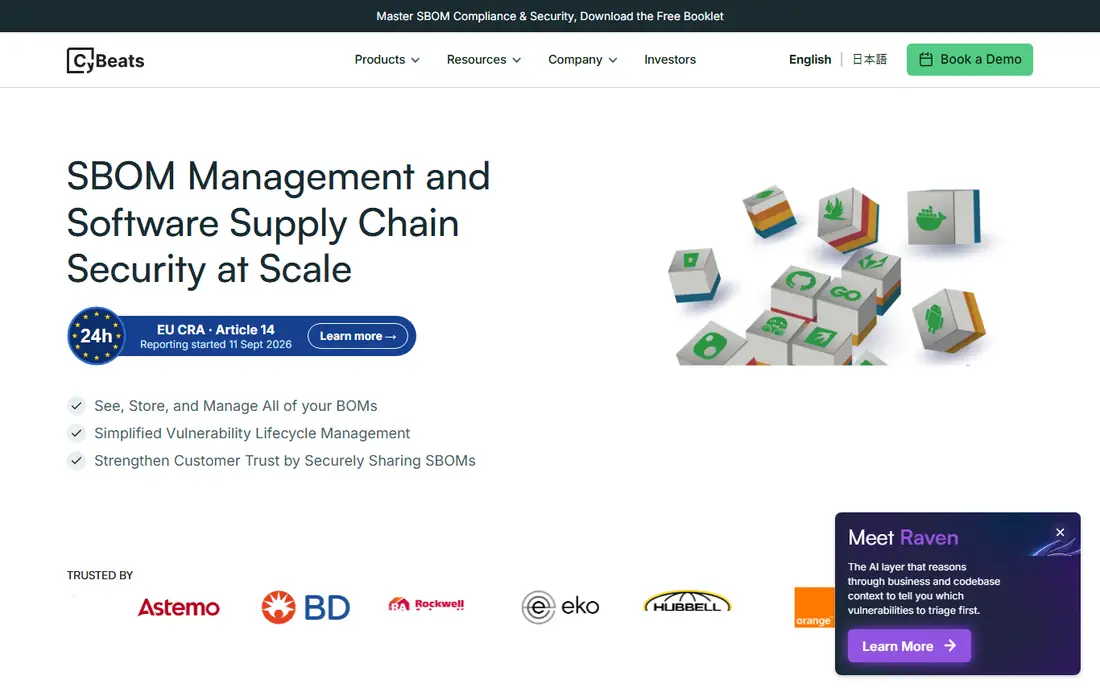
Cybeats focuses on managing SBOM files across their whole life, from creation through updates, sharing, and response to new flaws. That includes collecting SBOM files from suppliers, tracking which product versions they belong to, and producing reports that can be shared with customers or regulators. For device makers, software vendors, and suppliers facing formal SBOM requests, that workflow is the hard part, and a dedicated management platform can save weeks of manual file handling.
Pricing is quote based, and the platform is aimed at organizations with a real SBOM program rather than a single project. A team that only needs one SBOM file for one release will not need this depth. A vendor that must maintain SBOM files for dozens of products, respond to flaw disclosures, and prove which customers received which version will find the structure worth paying for.
What we like- Central SBOM store with lifecycle tracking
- Useful for vendor and product SBOM programs
- Reporting for customers
Watch out for- Quote-based pricing
- May be more than a small team needs
How we chose
We compared tools on format support, generation quality, ongoing monitoring, policy and license features, pricing transparency, and fit for different team sizes. Prices and plan details were checked against vendor pricing pages and public product pages in October 2026, and any price we could not confirm is shown as See website. We did not claim hands-on testing. The method used pricing pages, documentation, and public reviews on G2, Capterra, and Reddit, with attention to how each tool fits into a real build and release workflow.
What to check before you buy
Start by naming the format your buyers will ask for. CycloneDX is common for ongoing monitoring tools, while SPDX is common for license and compliance work, and many teams need both. Check that your chosen generator produces the format you need without manual conversion, and that the file includes transitive dependencies, not just direct ones. A shallow SBOM looks complete and still misses the components that cause most disclosures.
Next, decide who owns the SBOM after it is created. A file in a pipeline log is not a program. You need a store, a named owner, a refresh schedule, and a plan for reissuing an SBOM when a component changes or a flaw is disclosed. Ask vendors how they handle version history, supplier SBOM files, and customer sharing, and run a small pilot on one real service before you roll the tool out widely. That pilot will reveal gaps in format, coverage, and reporting faster than any sales demo.
Finally, price the whole program, not just the license. Open source tools look free until you count hosting, feed maintenance, and staff time. Commercial tools look expensive until you count the manual work they replace. Add up seats or projects, hosting, support, and the time your team will spend triaging findings, then compare that total across two or three shortlisted tools on the same project.
Frequently asked questions
What is an SBOM?
An SBOM, or software bill of materials, is a structured list of the components in a piece of software, including libraries, versions, and licenses. It helps teams find affected software quickly when a flaw is disclosed, and it gives customers and regulators a clear inventory to review. Most SBOM files use the SPDX or CycloneDX format.
Do I need a paid SBOM tool?
Not always. Syft, Trivy, and Dependency-Track cover generation, scanning, and monitoring for many teams at no license cost. Paid tools become worth it when you need policy gates, license review, customer reporting, or vendor support at scale, or when you lack staff time to run the open source tools yourself.
Which SBOM format should I choose?
Choose the format your customers, regulators, or internal tools require. CycloneDX works well with Dependency-Track and ongoing monitoring, while SPDX is widely used for license work and formal exchange. Many generators produce both, so you can often publish one format for monitoring and the other for customer delivery.
How often should an SBOM be updated?
Update an SBOM with every release, and recheck it when a new flaw affects a listed component. A stale SBOM can mislead both your team and your customers, because it may show a patched version or hide a component added after the last scan. Automating generation in the build pipeline keeps the file current without manual effort.
Can one tool generate and manage SBOM files?
Some platforms do both, but many teams use two tools: a generator such as Syft or Trivy, plus a management tool such as Dependency-Track or Cybeats. That split is normal. The key test is whether the SBOM file moves cleanly from the generator to the management tool without losing detail.
Sources we checked (8)
- https://snyk.io/pricing
- https://fossa.com/pricing
- https://anchore.com/pricing
- https://jfrog.com/pricing
- https://cybeats.com
- https://dependencytrack.org
- https://trivy.dev
- https://github.com/anchore/syft
Is your product missing or out of date?
We review this list regularly. Vendors can request a listing, send updated pricing or ask about featured placement.

Shihab Mia · Founder, Rankite
Shihab has 5+ years in B2B and SaaS SEO. He writes Rankite's software buying guides from pricing pages, documentation and public user reviews. More about Shihab.